

The Long Dark for macOS
Description
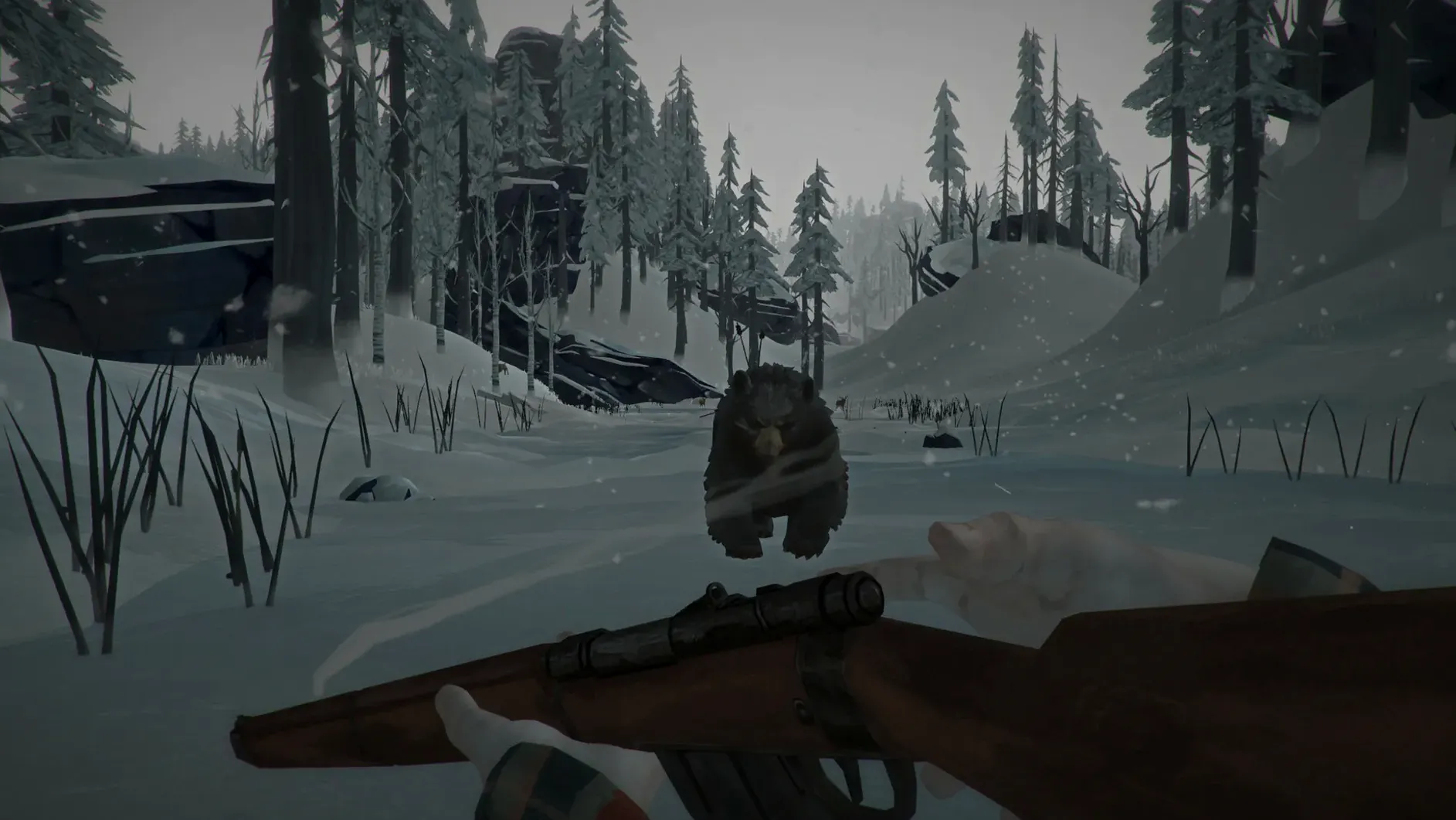
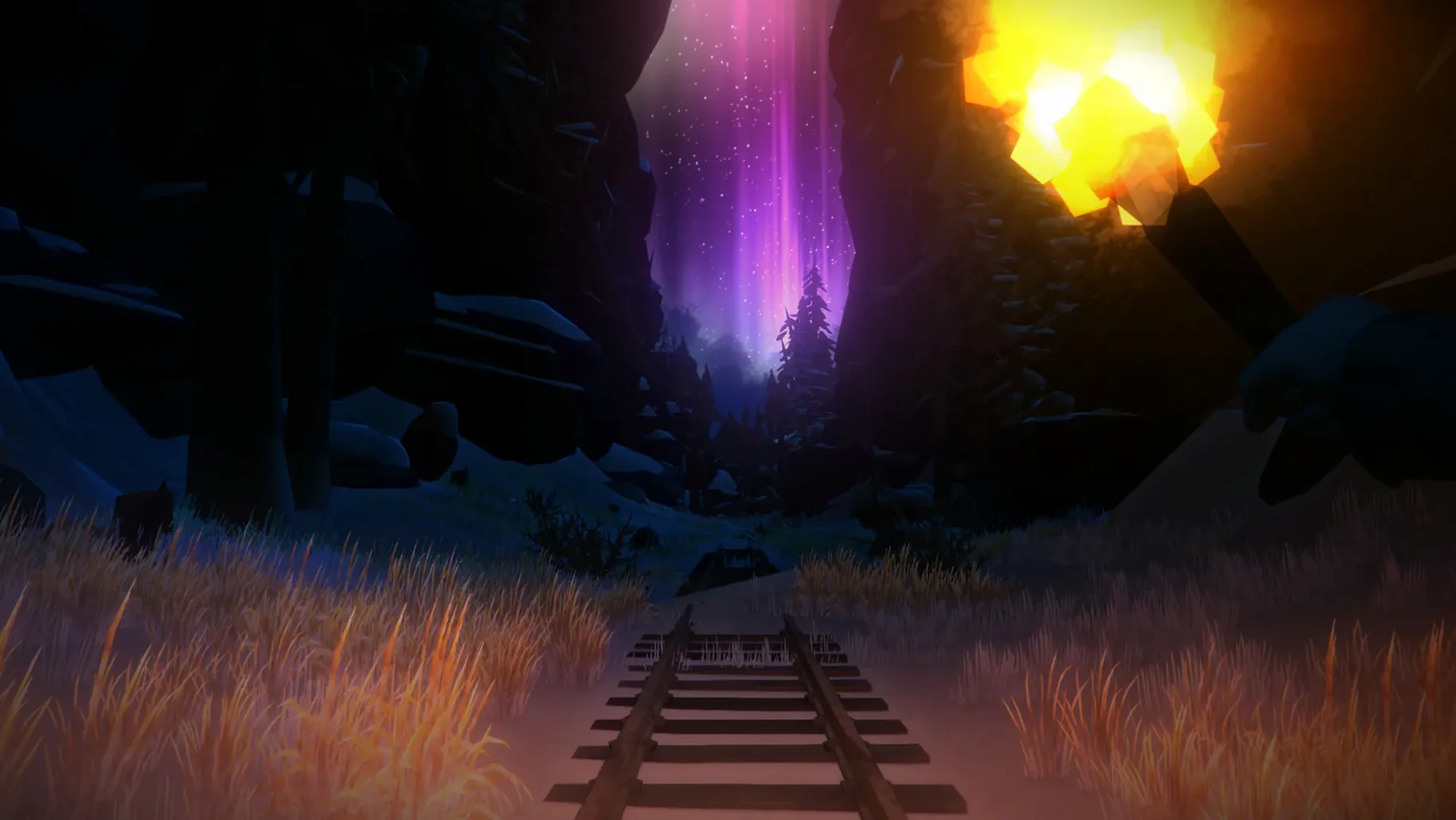
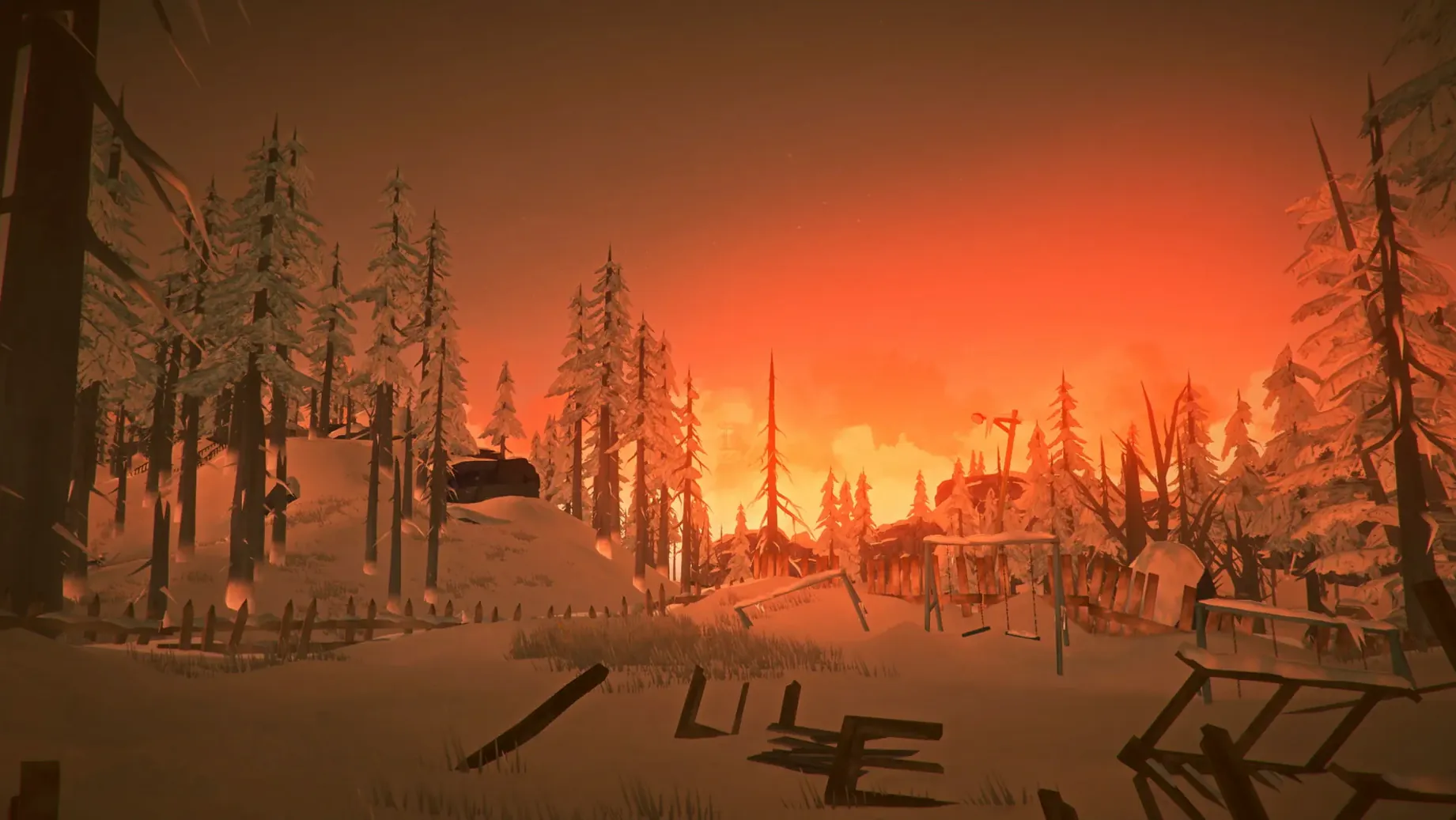
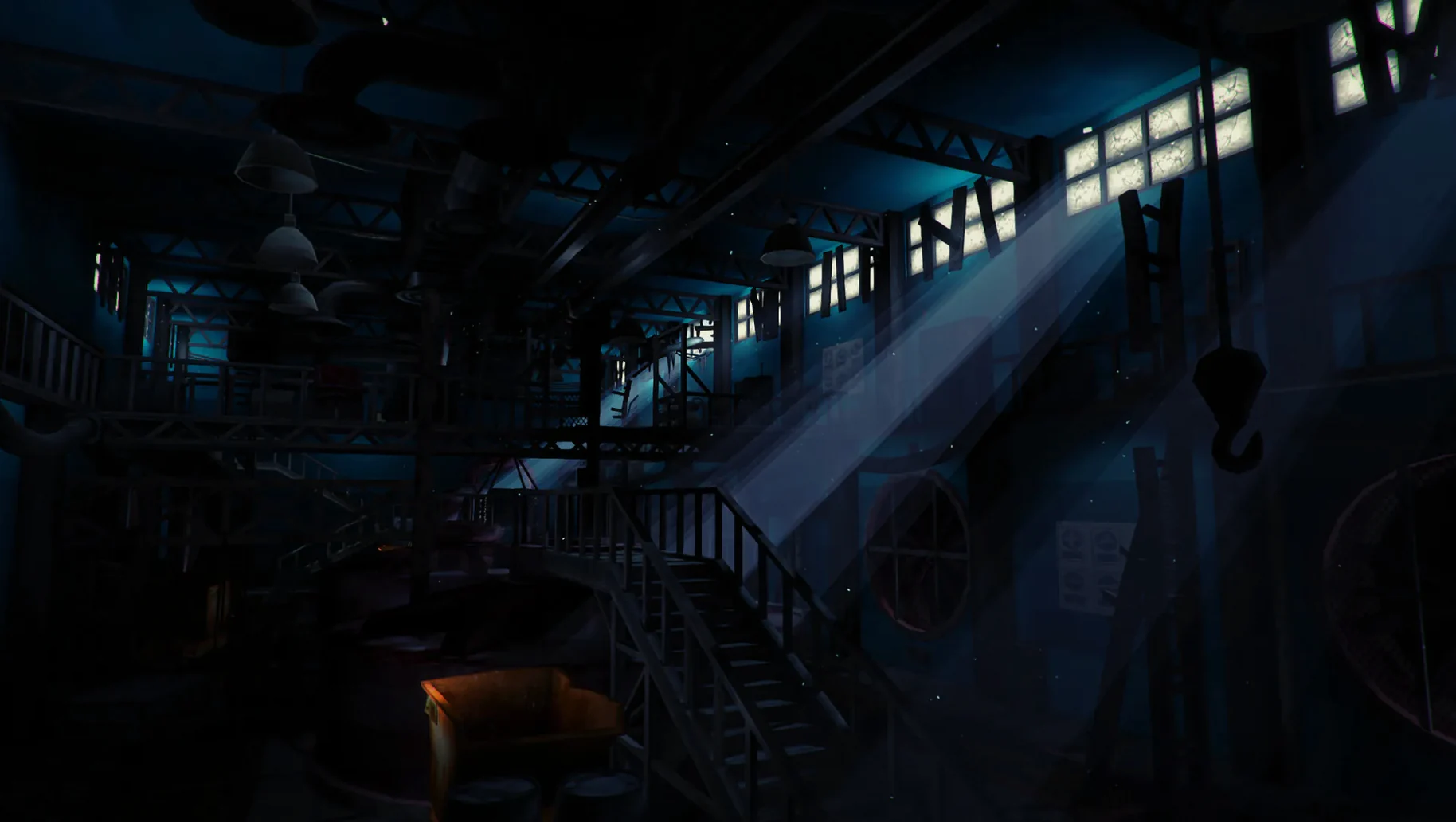
There is no map, no mission marker, and the wind can kill you. The Long Dark is an exploration-survival game for a solo player.
Survival sandbox — You scavenge for food, water, and shelter in a vast, silent landscape. The cold is your constant enemy. Wildlife can help or hunt you.
WINTERMUTE story mode — A scripted narrative following bush pilot Will Mackenzie and Dr. Astrid Greenwood after a geomagnetic disaster. It teaches the basics, but the sandbox is where the game digs its claws in.
Pacing — Long stretches of quiet walking through snow, punctuated by sudden panic when a blizzard hits or a wolf appears. There is no co-op, no base-building with friends. It is you, the weather, and a dwindling pack of matches.
Who it suits — Players who enjoy patience, planning, and a genuine sense of isolation. If you need a quest log or constant action, this will frustrate you.
Who it doesn't — If you find inventory management tedious or hate games that can end because you made one bad decision two hours ago, steer clear.
First days survival tips
Your first few runs will end badly. That is the point. Use them to learn the map around Mystery Lake. It is the most forgiving region and the best classroom.
Carry only what you need. A full pack slows you down, and exhaustion makes you wolf bait. Stick to two litres of water, 1,500 calories, a hatchet, a knife, matches, bandages, and a bedroll. Leave the rest at base.
Learn the stick trick. Drop a stick on the ground and note which way the pointed end faces. That is north. It works in every region and costs nothing. Once you know north, you can navigate by landmarks instead of wandering in circles during a whiteout.
Wolves hear you butchering. After you down a deer, build a fire next to the carcass before you start harvesting. The flame keeps wolves at a distance while you work. Without it, you are an easy meal crouched over fresh meat.
Cat tails are your emergency ration. The stalks grow near water and never spoil. Harvest every one you see in the first few days. A stack of twenty cat tails weighs little and buys you an extra day when a storm traps you indoors.
Widen your view to spot wolves sooner
The defaults work, but a few tweaks make the game play more smoothly on Mac.
- Field of view. Crank it to 90 or higher. The default setting feels claustrophobic and makes it harder to spot wolves at the edge of your vision.
- Auto-walk key. Bind it to something you can reach without looking. You will spend hours walking in straight lines. Your left hand will thank you.
- Hold-to-sprint. Switch from toggle to hold in the accessibility options. A toggle sprint has killed more survivors than blizzards. When a bear charges, you want sprint to stop the moment you release the key so you can aim.
- HUD position. If you play on a MacBook with a notch, shift the HUD inward slightly in the display settings. The default placement can clip behind the camera housing.
If you hear only static or white noise at launch, close the game and run /Applications/tld.app/Contents/MacOS/tld -force-glcore in Terminal. That forces OpenGL and usually clears the audio bug on Apple Silicon machines.
Requirements
- Runs on both Apple Silicon (ARM) and Intel (x86) Macs.
- Interface languages: Russian, English, German, Spanish, Italian, Traditional Chinese, Simplified Chinese, Korean, Dutch, Norwegian, Polish, Portuguese, Turkish, Finnish, French, Swedish, Japanese.
- Voice language: English only.
Comments 0
Sign in or create an account to leave a comment.
No comments yet…
If you’ve installed it, say how it went. Mention your Mac and macOS version — it helps the next person more than you’d think.
More in Games
All in Games-
 The Sims 4
1.127.41.1030
Apple Silicon
The Sims 4
1.127.41.1030
Apple Silicon
-
 The Elder Scrolls III: Morrowind
1.6.18.20
Apple Silicon
The Elder Scrolls III: Morrowind
1.6.18.20
Apple Silicon
-
 Thief: Master Thief Edition
1.1
Thief: Master Thief Edition
1.1
-
 The Binding of Isaac Rebirth+
1.9.7.15 Beta
Apple Silicon
The Binding of Isaac Rebirth+
1.9.7.15 Beta
Apple Silicon
-
 This War of Mine: Final Cut
6.0.8
This War of Mine: Final Cut
6.0.8
-
 Timberborn
1.1.2.4.52e959e.gm
Apple Silicon
Timberborn
1.1.2.4.52e959e.gm
Apple Silicon
-
 Terraria
1.4.5.8
Apple Silicon
Terraria
1.4.5.8
Apple Silicon
-
 Tomb Raider: GOTY
1.2
Tomb Raider: GOTY
1.2