

The Sims 4 for macOS


Description
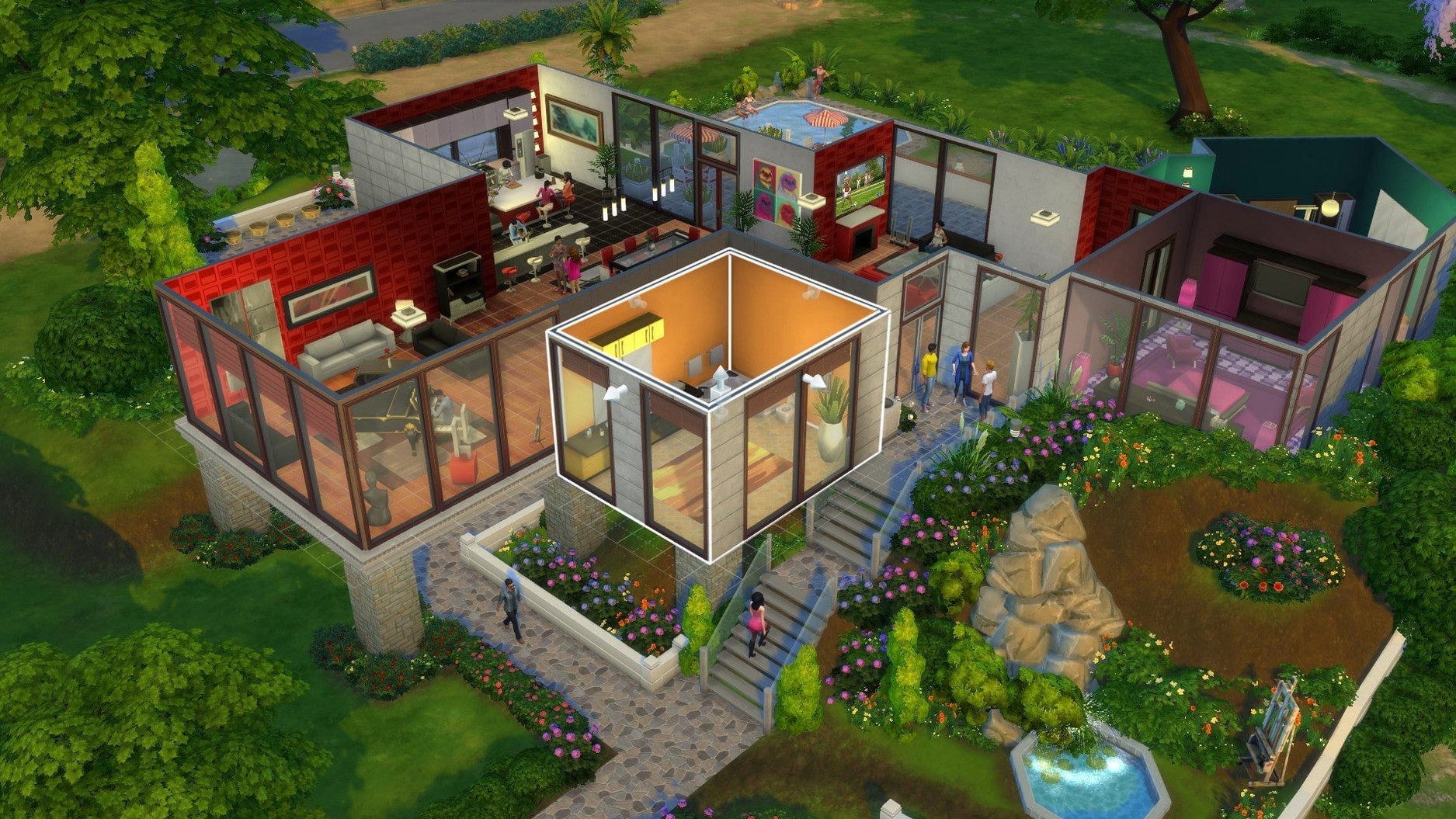
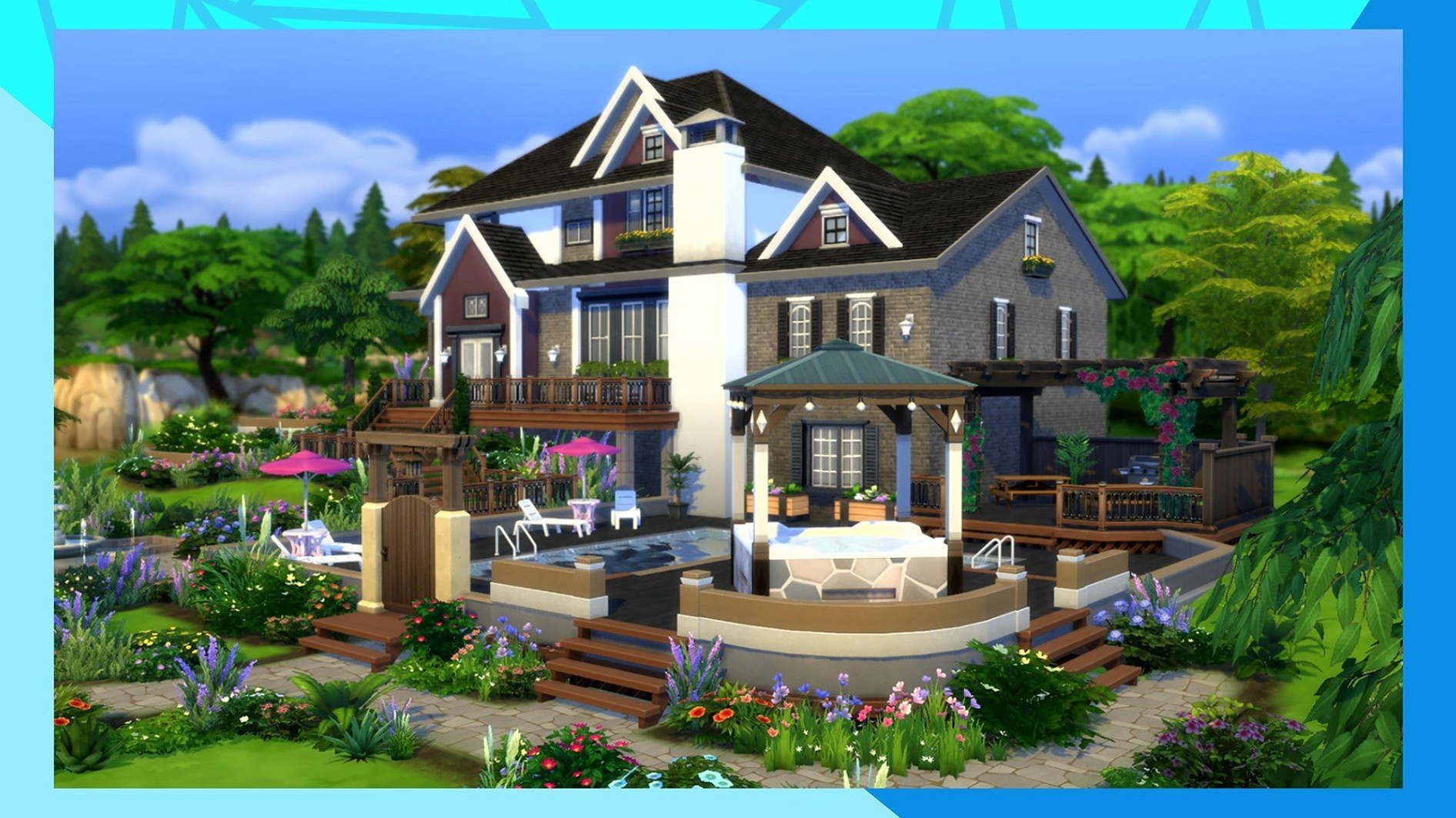
You load into Willow Creek and spend an hour picking the exact shade of green for a sofa. That’s the kind of afternoon The Sims 4 tends to create. On a Mac, the game behaves as a native app, so you get the same create-a-sim detail and build-mode tools you’d expect.
Design a Sim, build a home, explore a neighbourhood
- Designing Sims with custom appearance, traits and outfits
- Building and furnishing homes for a family
- Visiting different towns and meeting other Sims
Mac interface, M1 performance and 16 languages
- The interface and controls follow the Mac version’s standard layout — no surprises.
- Performance on an M1 MacBook Air running macOS Sonoma holds steady for everyday neighbourhood play.
- Sixteen interface languages are included: English, French, German, Italian, Spanish, Russian, Polish, Czech, Danish, Finnish, Swedish, Dutch, Portuguese, Korean, Japanese, and both Simplified and Traditional Chinese.
Boot the Pancakes save in under twenty seconds
I load a save from two weeks ago — the Pancakes household in Willow Creek, because Bob hasn’t showered in three days and Eliza is furious. The game boots to the neighbourhood map in under twenty seconds on an M1 MacBook Air. No splash-screen freeze, no permission dance. That’s the benefit of keeping the local Sims 4 folder lean: only Tray, Saves and Mods stayed when I cleaned it last month.
The first click lands on Bob, still in yesterday’s clothes. I queue up a shower, a grilled cheese, and a quick “apologise” social on Eliza. Three commands, no stutter. The simulation clock ticks forward at the default speed while I pan the camera through the kitchen I remodelled last session — open-plan, too many plants, one rug clipping through the dining table because I placed it with bb.moveobjects and forgot to adjust the height.
Build mode takes over. I want a small study nook where the hallway dead-ends. Two walls, a doorframe, a desk from the Base Game catalogue. The catalogue search bar finds “desk” faster than I can type it. I drag the room outline, drop the flooring, and the game recalculates the lighting in real time. No reload, no wait. On a machine with 8 GB of RAM, I’m watching shadows shift across the new drywall as I rotate the lot view.
By the time I return to live mode, Bob has eaten his sandwich and Eliza has accepted the apology — barely. I switch to Eliza and send her to the Oasis Springs park. The loading screen lasts maybe six seconds. At the park, four other Sims are already playing chess, grilling hot dogs, or doing push-ups by the fountain. The game hasn’t spawned a single bald, default-outfit townie in this session, which I chalk up to luck and a well-managed Tray folder.
Before I quit, I save the lot to my library, rename it “Pancakes Study Nook,” and exit to desktop. Total session: forty-three minutes. Zero crashes.
Speed, stability and RAM use
On the tested MacBook Air, The Sims 4 idles at roughly 2.5 GB of memory with a single-Sim household on a medium lot. That rises to 3.4 GB when I visit a busy community space like a bar on karaoke night. The fan stays silent. I’ve had the game running alongside Safari with six tabs open, and neither app complained.
Frame pacing during camera movement is smooth at the default refresh rate. The only brief hitch I can reproduce happens when the game auto-saves while I’m simultaneously entering build mode on a heavily decorated lot — a half-second pause, then it carries on. That’s consistent with the way the engine streams assets, not a sign of memory pressure.
Stability in daily use comes down to one thing: how much you stuff into the Mods folder. With a clean install and only the bundled content packs, the current build hasn’t crashed once across five sessions. Adding fifty-odd script mods changes the picture — but that’s true on any platform.
Snap the camera to a Sim with a click
- Click-and-hold on a Sim’s portrait — the camera snaps to their location instantly. Faster than scrolling the world map.
- Right-click a moodlet to dismiss it from the UI. Not a gameplay effect, but it cleans up the panel when you’re studying motive trends.
- Shift-click the mailbox with testing cheats enabled to fill all needs or freeze time. Old trick, but many players forget the mailbox is the trigger for world-wide cheats, not just household ones.
- The eyedropper tool in build mode duplicates any object, including its swatch and rotation. Use it on a window you already angled with the Alt key, and the copy keeps the exact tilt.
- Hold Option while placing floor tiles to fill an entire enclosed room in one click. Saves five minutes on a basement renovation.
- Search “debug” in the catalogue to reveal hidden world objects — street signs, fence posts, stage props — all free and placement-ready.
How a builder might use it
A player who spends more time in build mode than live mode — let’s call her a shell-renovator — downloads a Victorian floor plan reference image and opens The Sims 4 in windowed mode. She drags the window to the left half of the screen, the reference image to the right. The game runs at 1680×1050, scaled, and responds to every click without dropping frames.
She starts in Newcrest on a 30×20 empty lot. The foundation tool raises the whole plot by two steps. She draws the front porch, three walls deep, using the room tool instead of manual wall segments — faster for symmetrical layouts. The trim and frieze options under the house exterior tab add the Victorian detail she needs without custom content. By the time she drops a turret roof on the corner tower, she hasn’t touched a single Sim.
What matters here is that the game doesn’t push back. No “object cannot intersect” warnings on a diagonal wall, no catalogue lag when switching between wallpaper and wood panelling. The UI stays at native resolution even in windowed mode. She saves the shell to her library, tags it “Victorian 30×20 unfurnished,” and quits. Total time: two hours. That shell will host a family later, but right now it exists purely because the building tools let her work at the speed of thought — not at the speed of the engine catching up.
What’s new
- Improves Marketplace browsing.
- Caches Marketplace images after the first download.
- Fixes several bugs.
Requirements
- Tested on macOS Sonoma
- Tested on MacBook Air (M1, 2020)
- Runs on Intel and Apple Silicon Macs
Comments 0
Sign in or create an account to leave a comment.
No comments yet…
If you’ve installed it, say how it went. Mention your Mac and macOS version — it helps the next person more than you’d think.
More in Games
All in Games-
 Thief: Master Thief Edition
1.1
Thief: Master Thief Edition
1.1
-
 The Long Dark
2.55
Apple Silicon
The Long Dark
2.55
Apple Silicon
-
 This War of Mine: Final Cut
6.0.8
This War of Mine: Final Cut
6.0.8
-
 Timberborn
1.1.2.4.52e959e.gm
Apple Silicon
Timberborn
1.1.2.4.52e959e.gm
Apple Silicon
-
 The Elder Scrolls III: Morrowind
1.6.18.20
Apple Silicon
The Elder Scrolls III: Morrowind
1.6.18.20
Apple Silicon
-
 Tomb Raider: GOTY
1.2
Tomb Raider: GOTY
1.2
-
 The Binding of Isaac Rebirth+
1.9.7.15 Beta
Apple Silicon
The Binding of Isaac Rebirth+
1.9.7.15 Beta
Apple Silicon
-
 Terraria
1.4.5.8
Apple Silicon
Terraria
1.4.5.8
Apple Silicon