
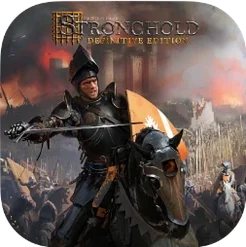
Stronghold Definitive Edition for macOS
Description
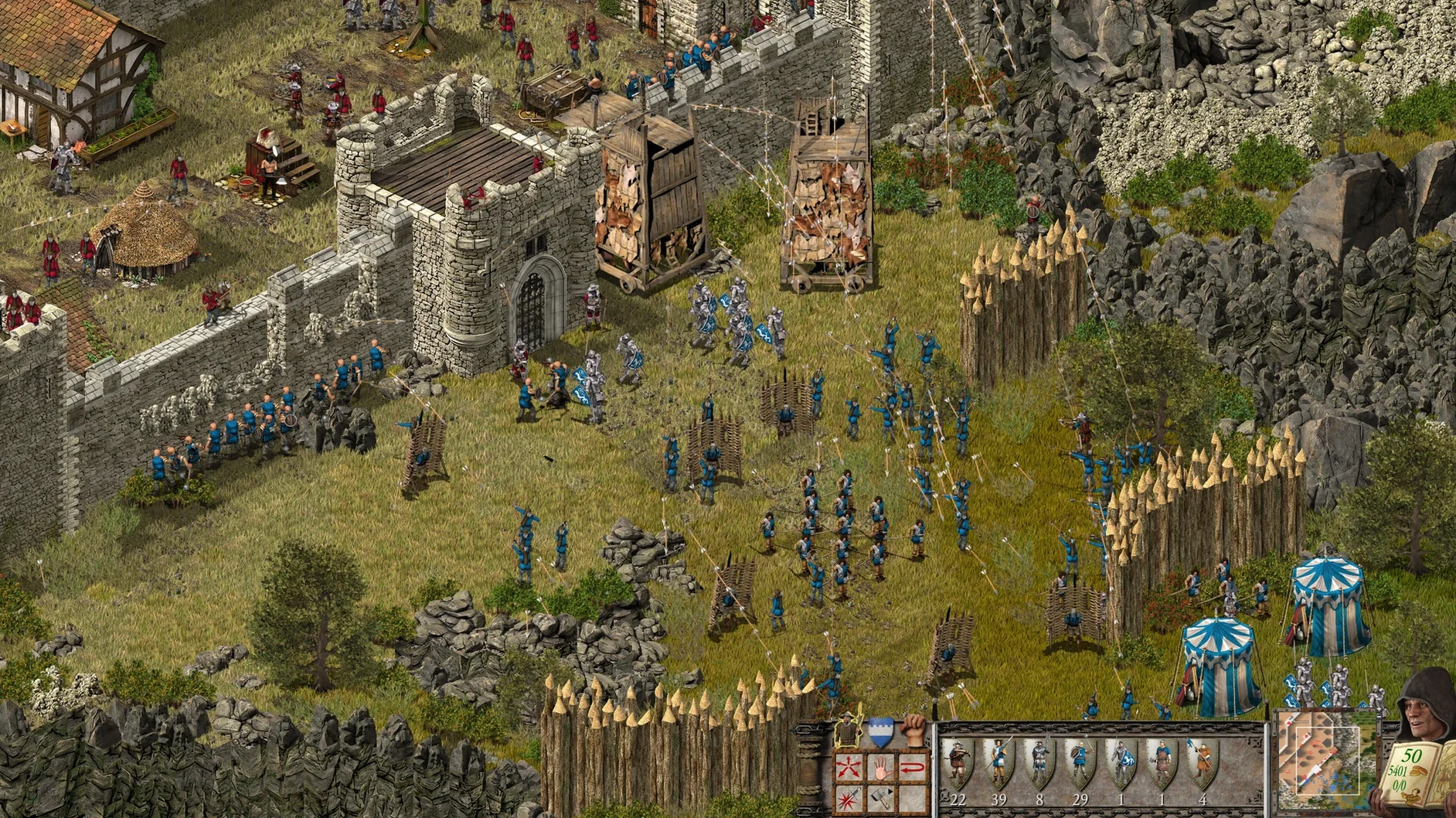
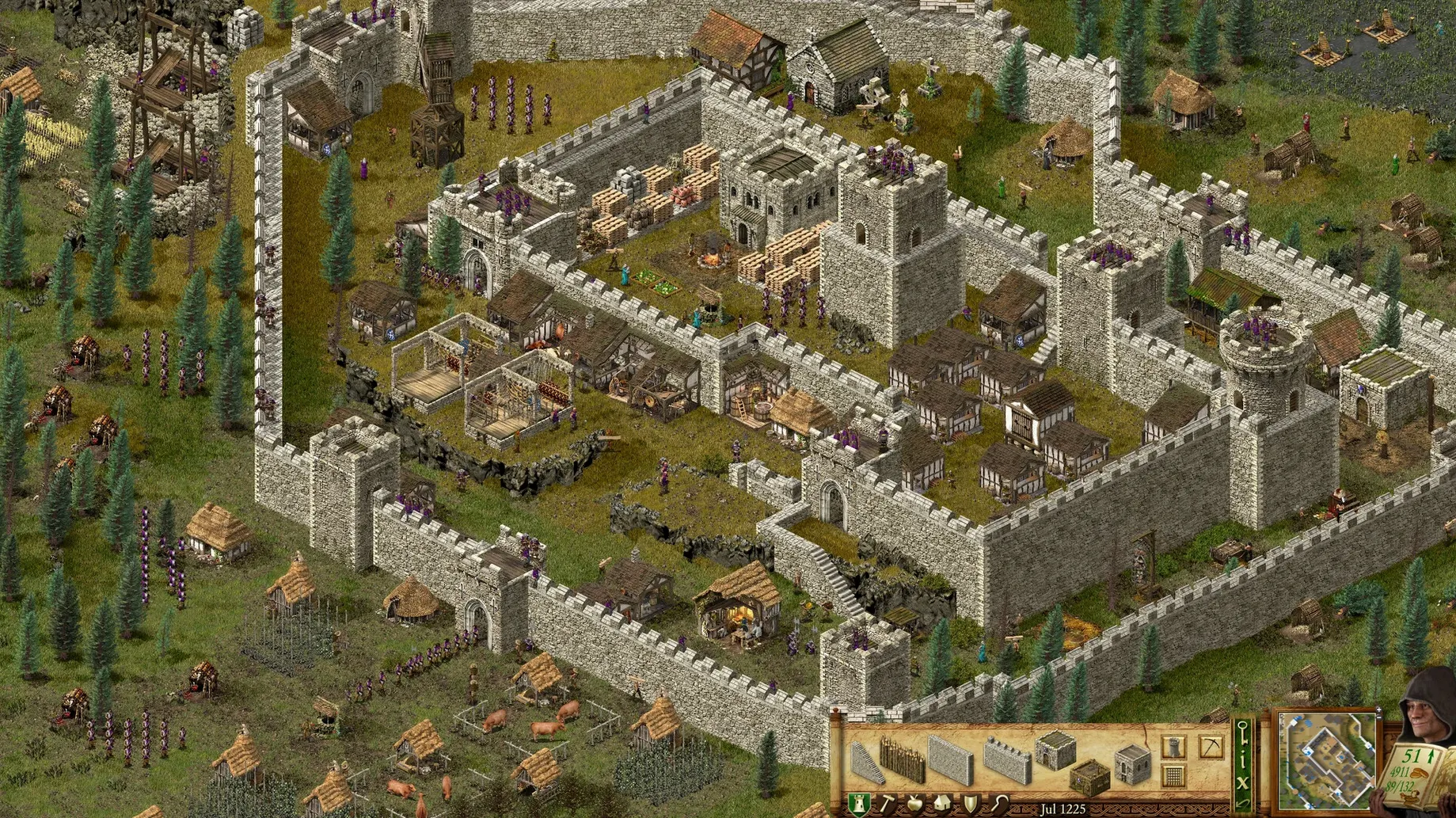
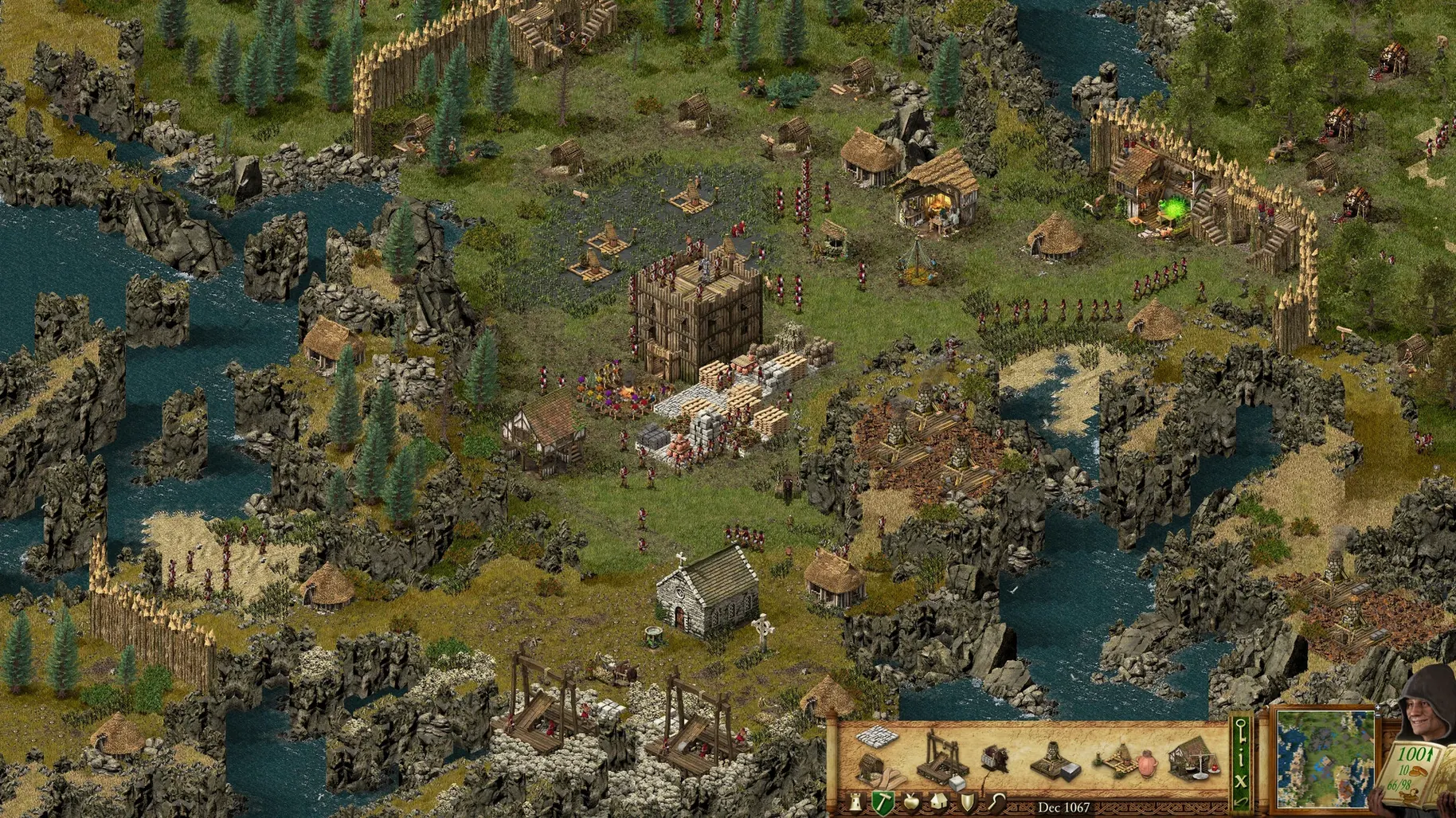
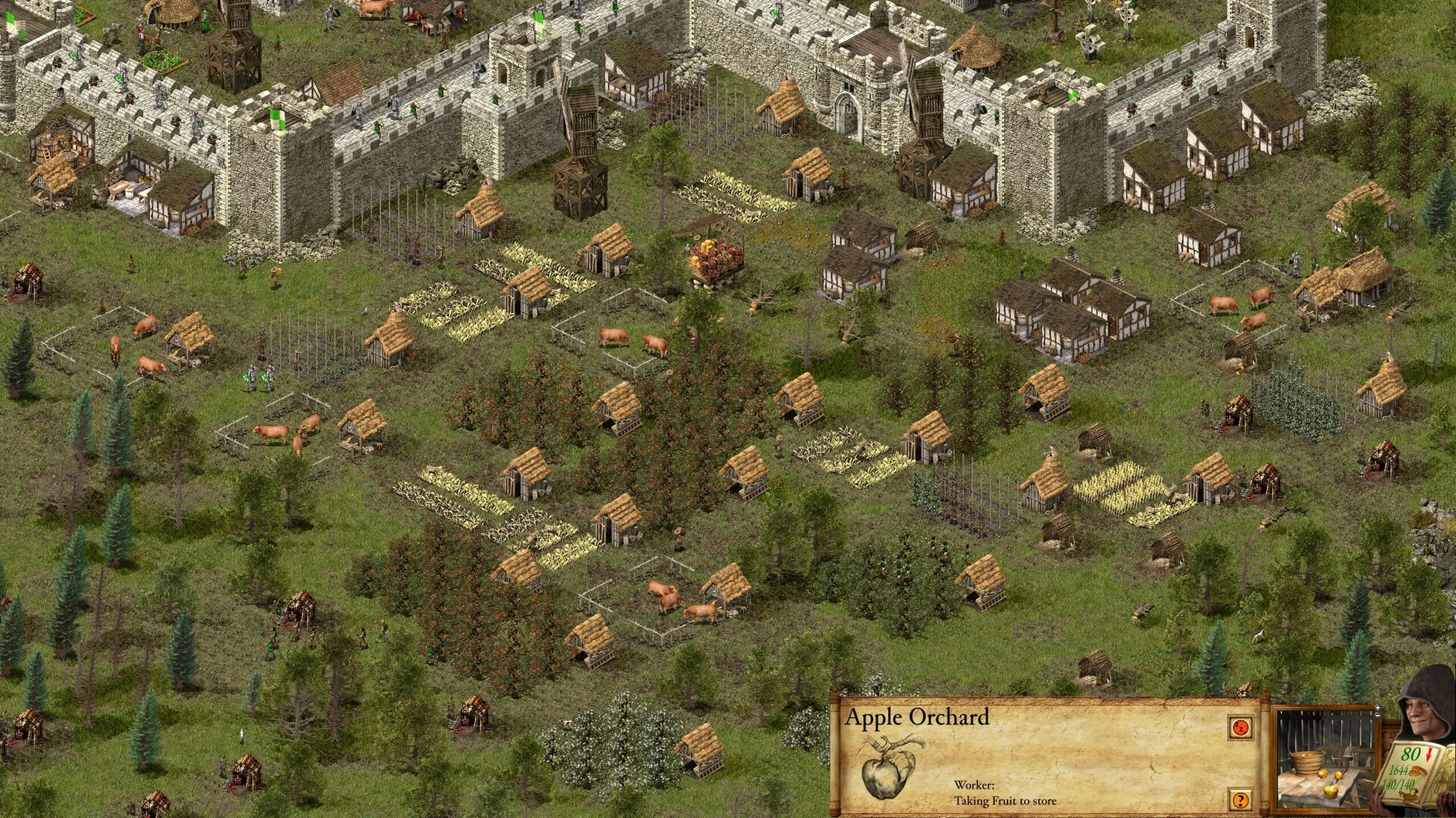
If you remember waiting for an Adobe suite to render on a lab Mac while a student frantically built stone walls in the original Stronghold, this definitive edition is exactly that game but tidied up. It landed on 7 November 2023 with remastered graphics, a fresh 14-mission single-player story and a 10-scenario Castle Trail.
What kind of strategy is it?
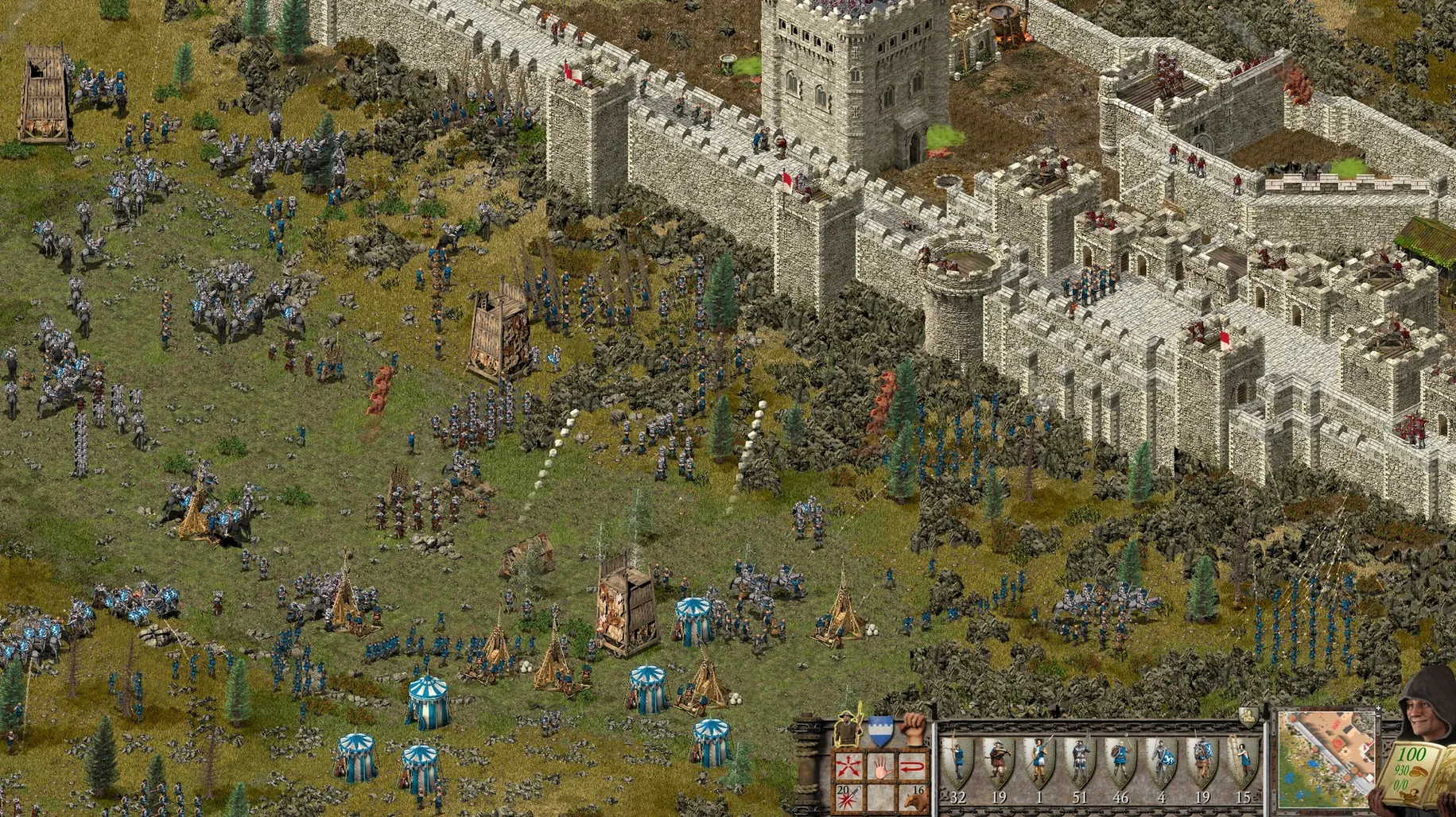
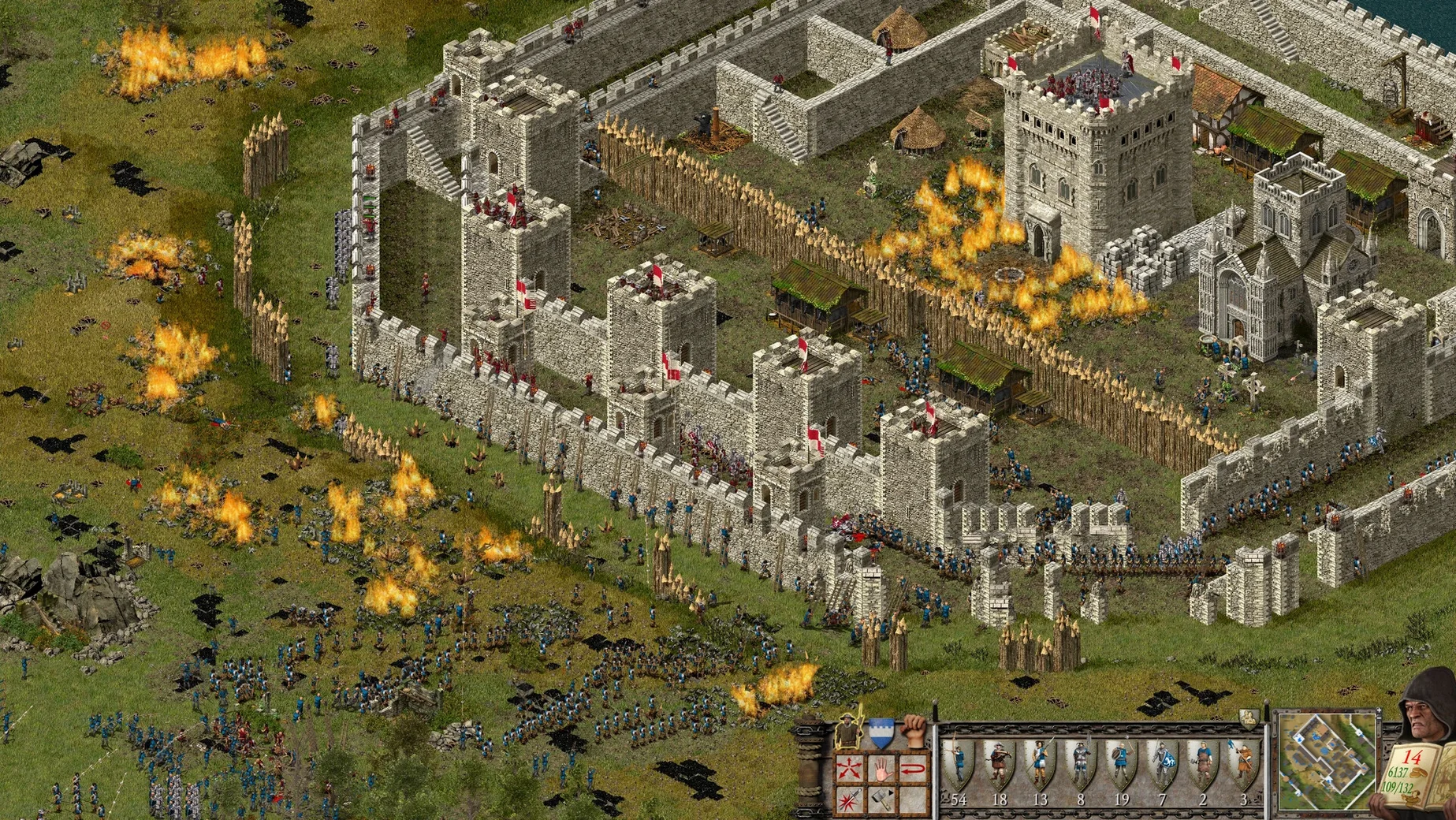
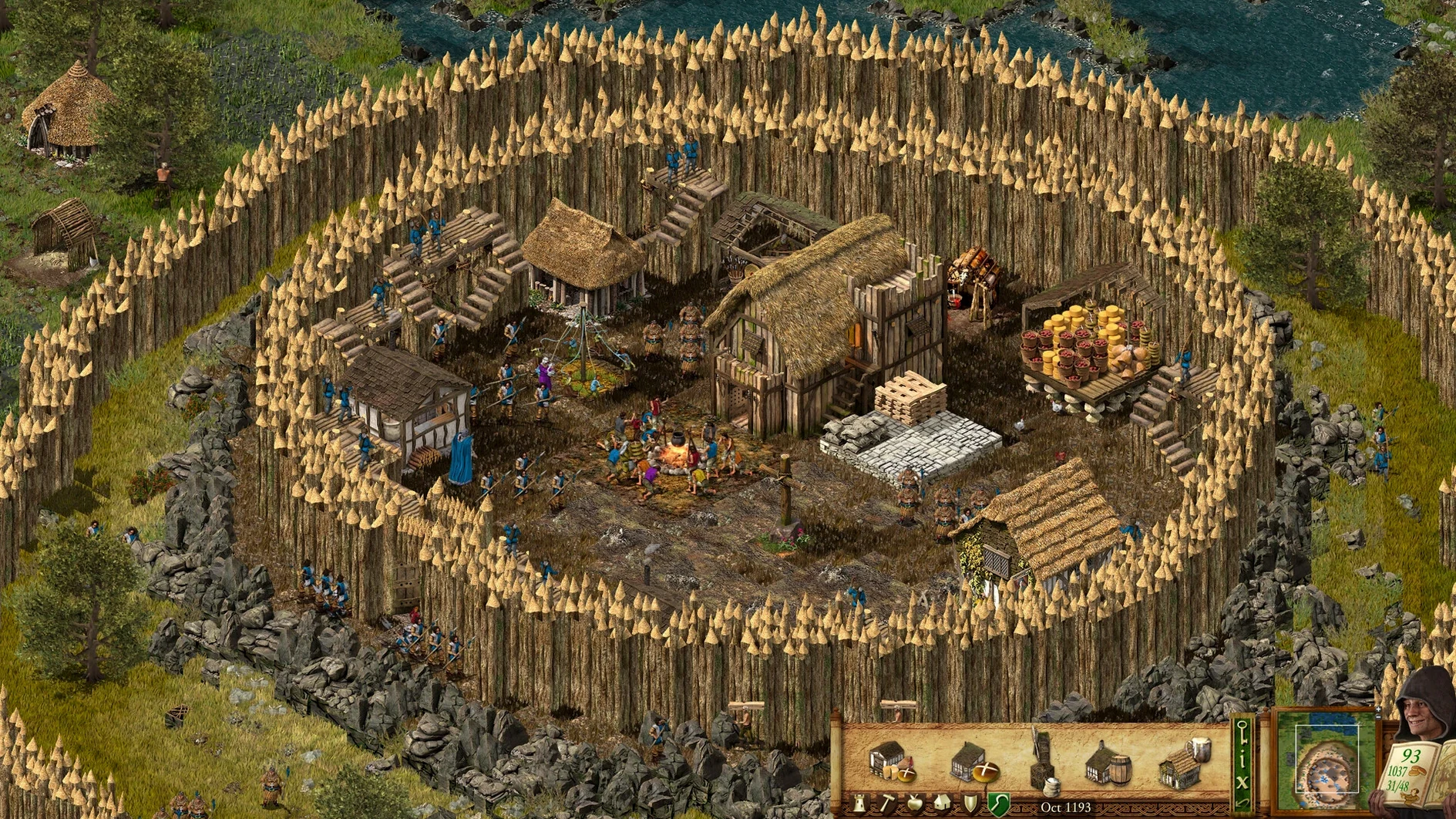
Pure castle sim meets real-time warfare. You lay out keeps, granaries and armouries on a grid, then defend them against siege engines. It is slower than a modern click-fest; every wall placement matters.
Tinkering with production chains and lighting pitch ditches on fire
Someone who likes tinkering with production chains and watching archers light pitch ditches. The two classic campaigns across 26 missions are still satisfying, and the new voice recordings give the old barks a fresh coat of paint.
Simple bread-and-wood loops instead of a screen-filling tech tree
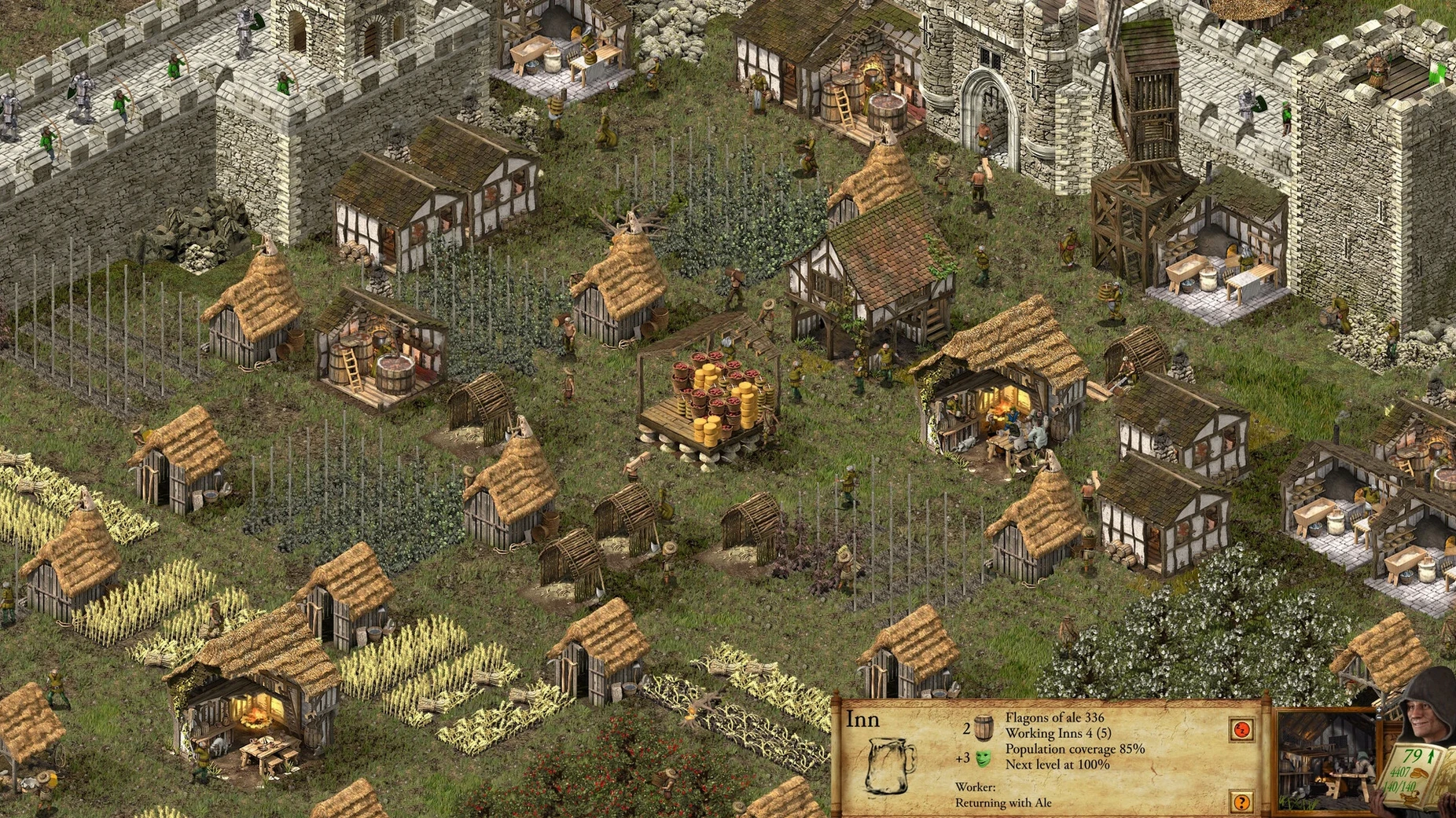
Players who want fast unit micro or a tech tree that fills the screen. The economy runs on simple loops—wood, stone, bread—and the pace is deliberate. If you need 200 APM to feel engaged, this is not your game.
A 2001 restoration with a remastered soundtrack
It feels like a careful restoration, not a rebuild. The soundtrack got a remaster and the interface is sharper, but the bones are the 2001 original. That is mostly a compliment.
ARM Wineskin build that keeps its files to itself
This is a Wineskin-wrapped ARM build, so it behaves like any self-contained app. You can leave it in your Applications folder and it will not scatter files across the system.
Voice chat apps like Discord work alongside it with no fiddling — just launch the game, then hop into a call. Steam multiplayer uses the in-game lobby, so you are not juggling external invites.
Mission Control handles it properly. Swipe between the game and a browser showing a castle layout guide without the game minimising to a bouncing Dock icon. That is unusual for a wrapped title.
Spotlight will not index your save files because they sit inside the app bundle. If you want to back them up, right-click the app, choose Show Package Contents, and dig through drive_c/Program Files. Tedious, but at least they stay portable.
Bump the game speed from 40 to 60 before your first mission
Two things before you start the first mission:
- Game speed. The default is 40. Bump it to 60 in the options menu unless you enjoy watching a fletcher walk across the map at a shuffle. The game keeps its deliberate feel but stops feeling sluggish.
- Edge scrolling. It is on by default and fights with macOS trackpad gestures. Disable it and scroll with the arrow keys or middle-click drag instead. Your cursor will stop vanishing into a neighbouring space.
After a mission or two, check the auto-save interval. The default is generous, but if you are the sort who likes to reload after a botched pig farm placement, drop it to two minutes.
What’s new
Adds a 14-mission single-player story campaign and a 10-scenario Castle Trail. Remasters the soundtrack and includes new voice recordings. Updates the graphics across the board.
Requirements
- macOS version: check the developer's site for the current minimum
- Architecture: Apple Silicon (ARM)
Comments 0
Sign in or create an account to leave a comment.
No comments yet…
If you’ve installed it, say how it went. Mention your Mac and macOS version — it helps the next person more than you’d think.
More in Games
All in Games-
 Stronghold Crusader HD
1.41
Apple Silicon
Stronghold Crusader HD
1.41
Apple Silicon
-
 Stray
1.6
Apple Silicon
Stray
1.6
Apple Silicon
-
 STORROR Parkour Pro
0.39.0
Apple Silicon
STORROR Parkour Pro
0.39.0
Apple Silicon
-
 Stoneshard
0.9.4.24
Apple Silicon
Stoneshard
0.9.4.24
Apple Silicon
-
 Stellaris
4.5.1
Stellaris
4.5.1
-
 Supermarket Simulator
1.7.0 Native
Apple Silicon
Supermarket Simulator
1.7.0 Native
Apple Silicon
-
 Stardew Valley
1.6.15.24357.8705766150
Apple Silicon
Stardew Valley
1.6.15.24357.8705766150
Apple Silicon
-
 Sons Of The Forest
53951 Build 17079992
Apple Silicon
Sons Of The Forest
53951 Build 17079992
Apple Silicon