
F1 for macOS
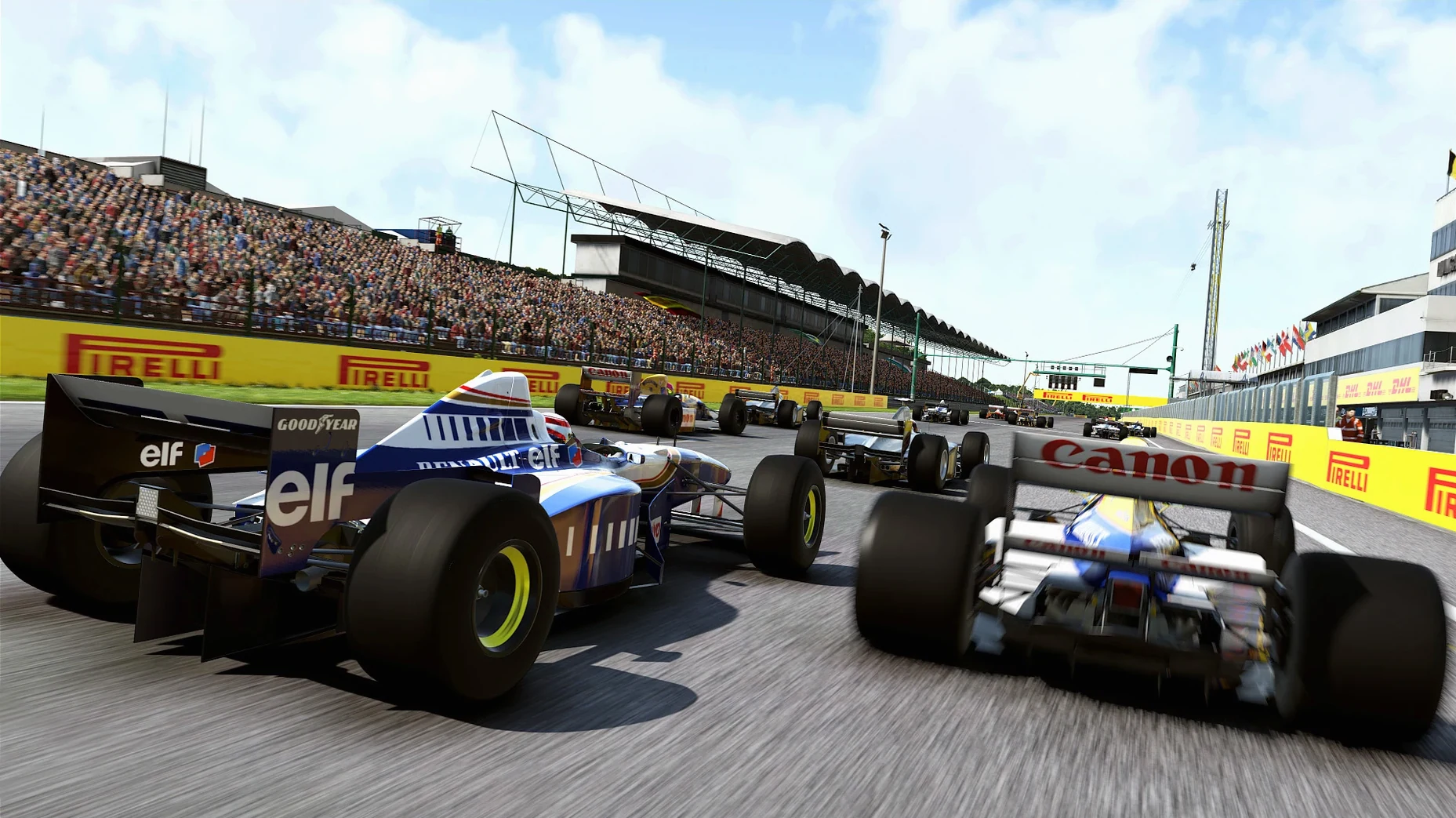
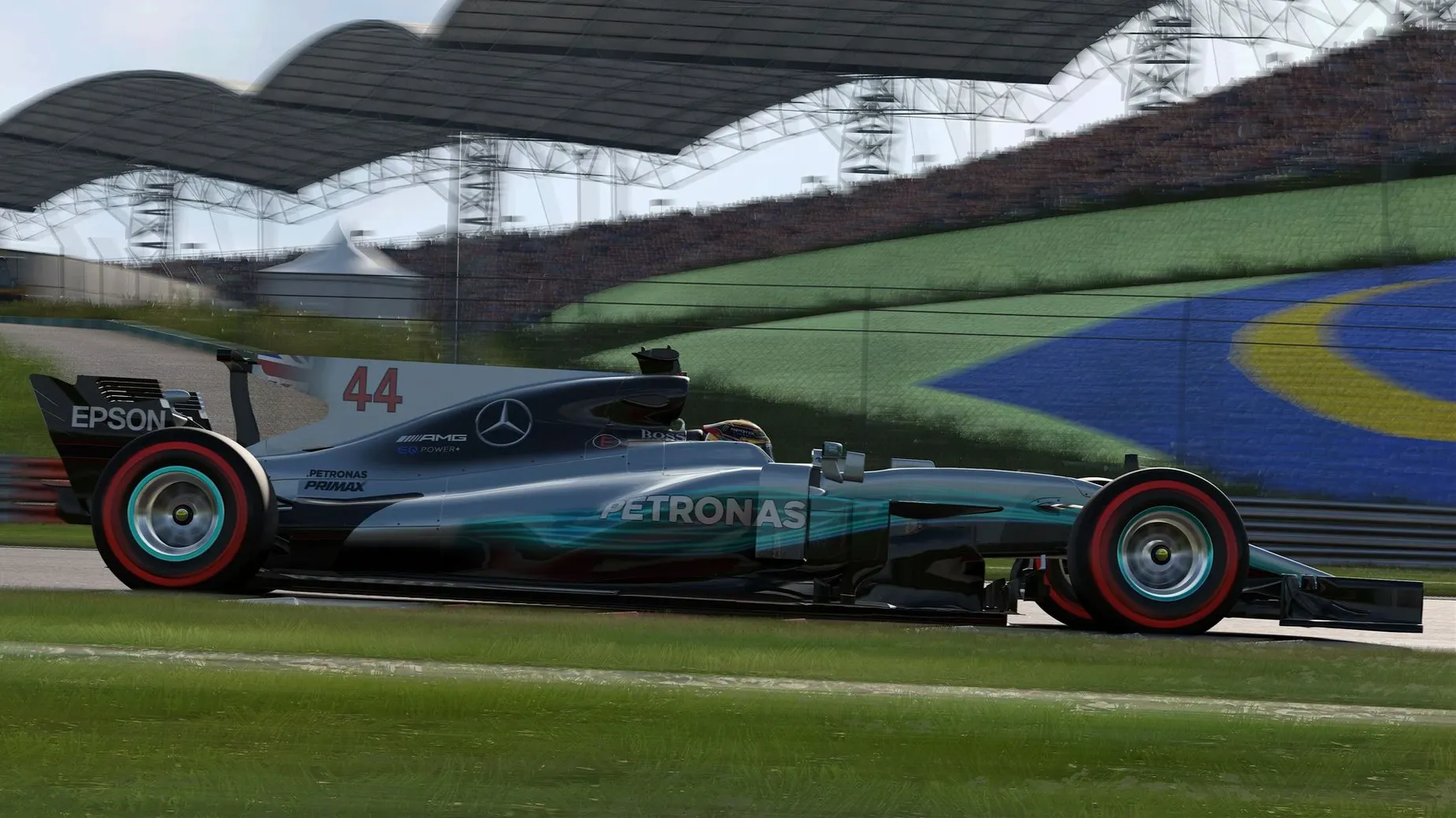
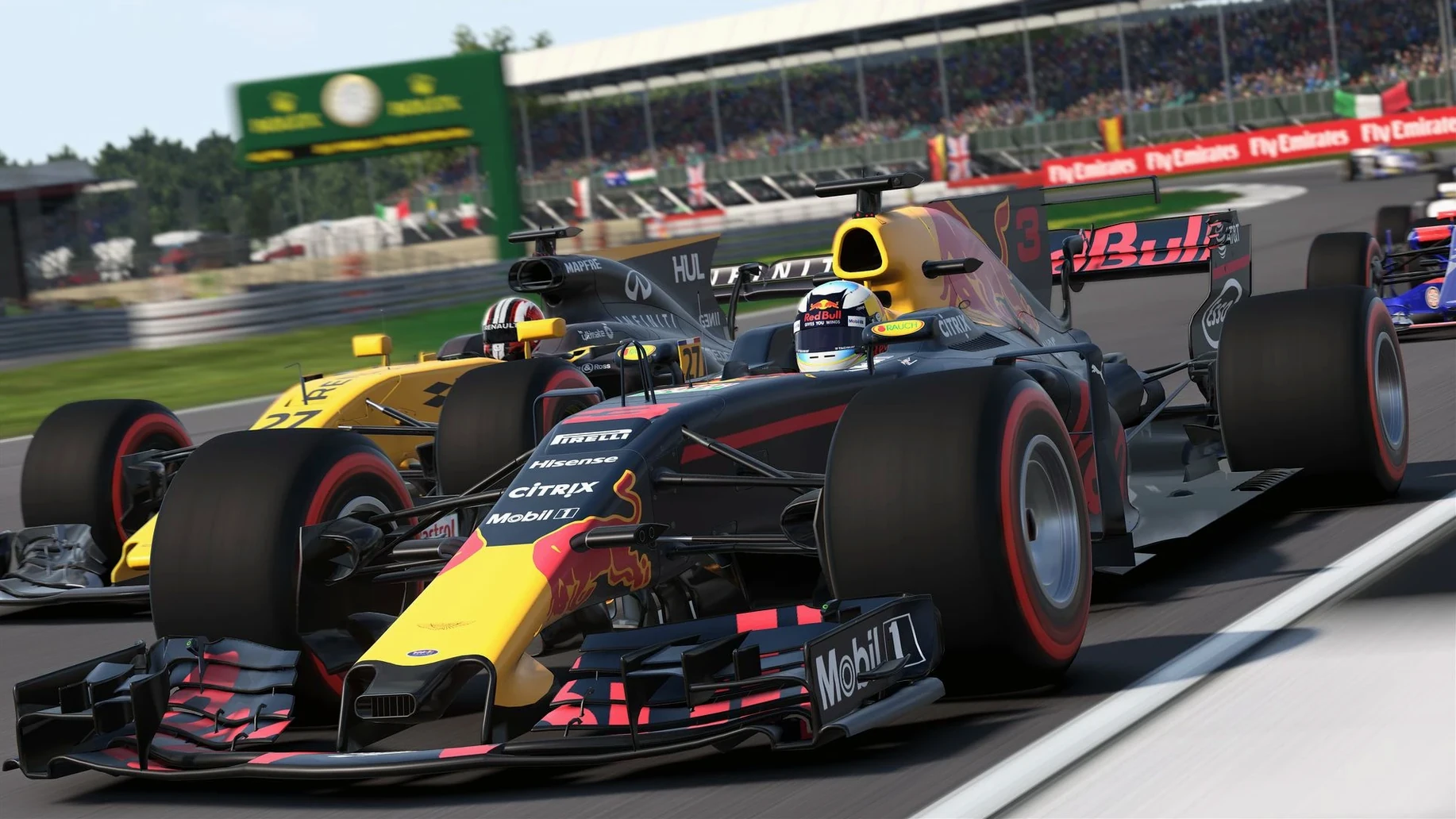
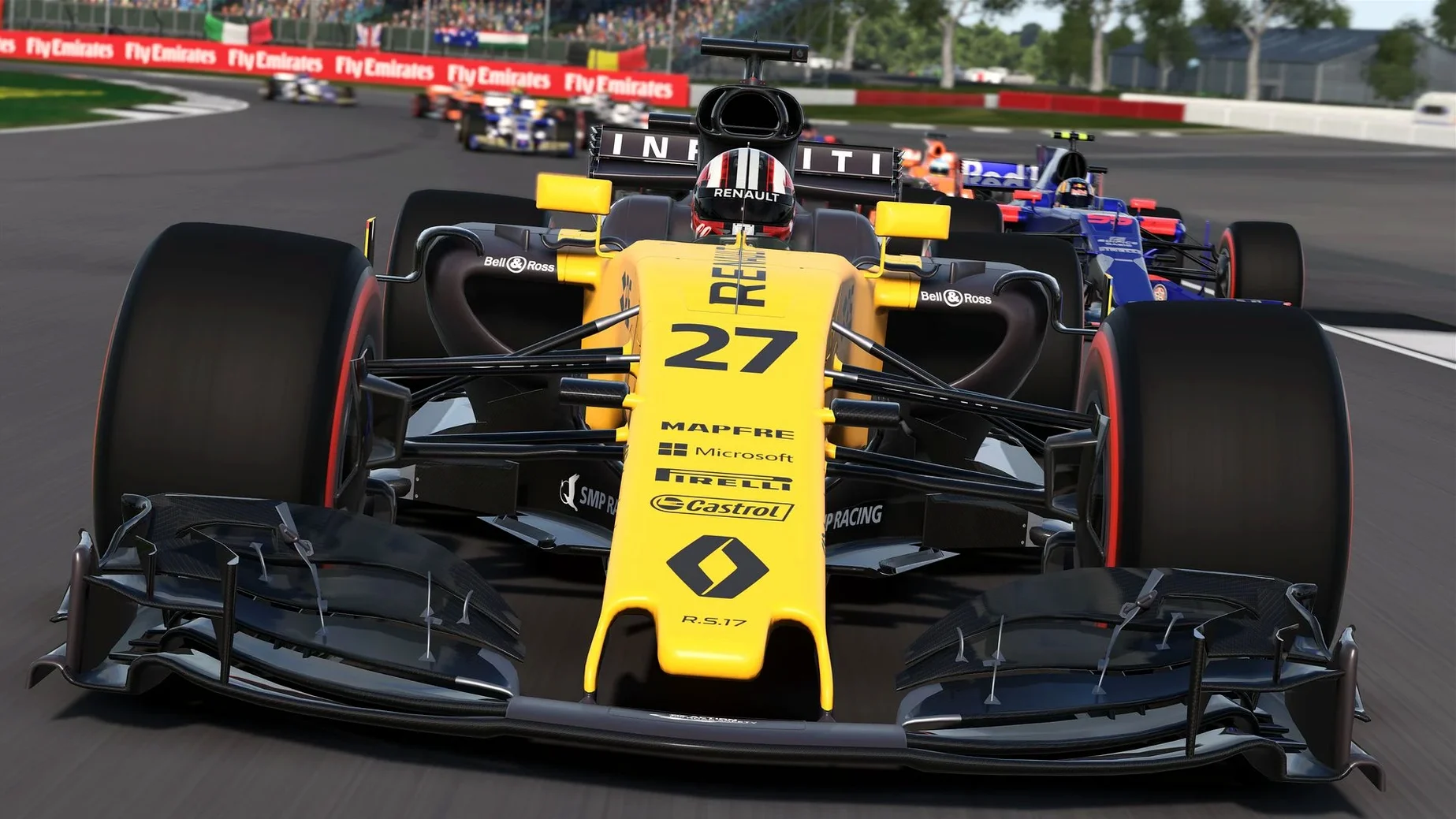
Description
F1 2017 puts the full 2017 Formula One World Championship on macOS, right down to the team radio and gearbox management.
Drive a career that actually lasts
A ten-year career mode sits at the centre. You start choosing a team, then manage engine swaps, gearbox wear and the expanded research tree across seasons. Training programmes run between race weekends to sharpen your pace and resource points.
Manage the team, not just the car
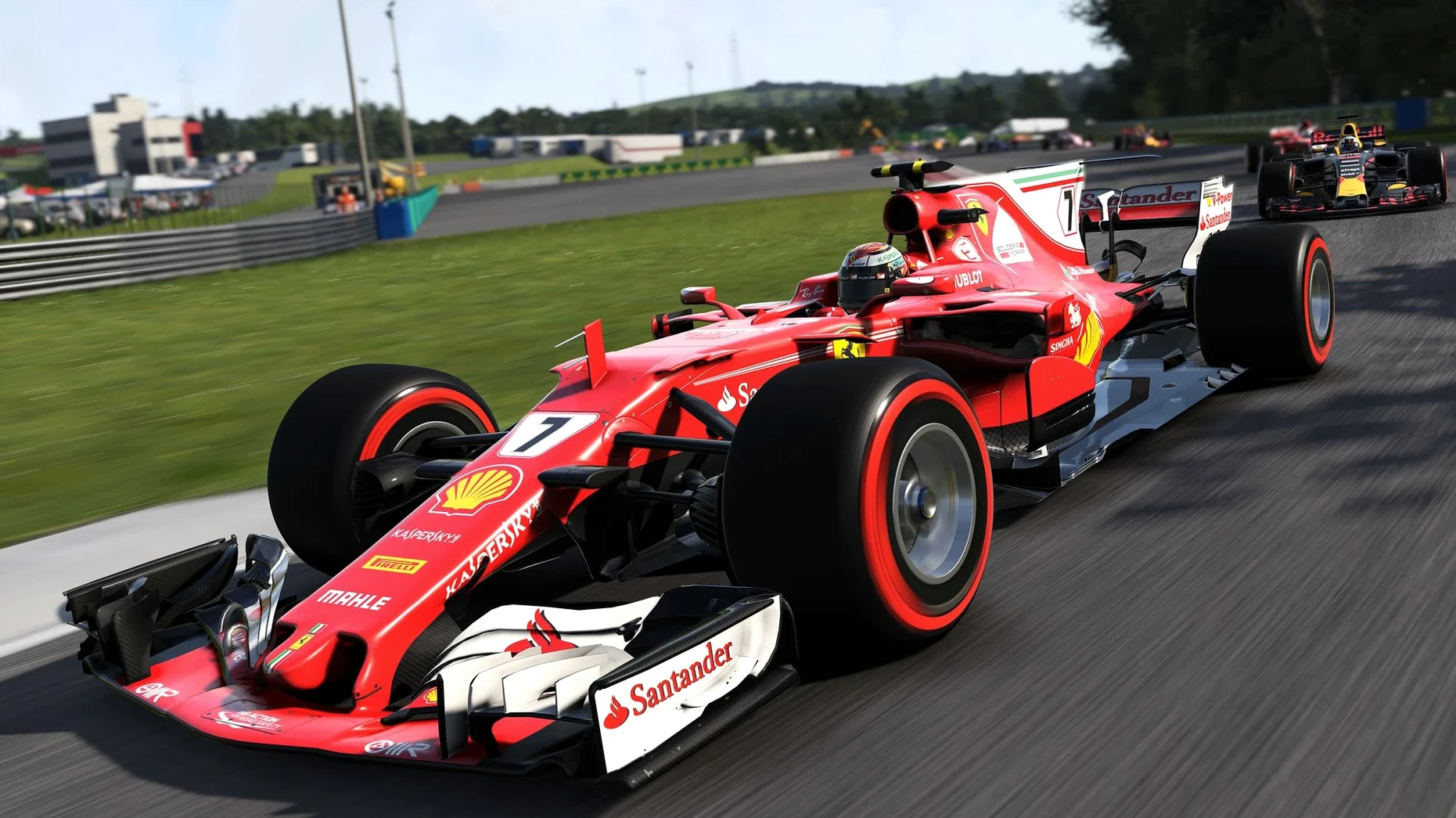
Engineering development and team operations are yours to control. The research tree opens up vehicle upgrades, while power unit and gearbox changes carry strategic penalties you have to weigh up before committing. It rewards thinking ahead, not just fast laps.
Race with full championship depth
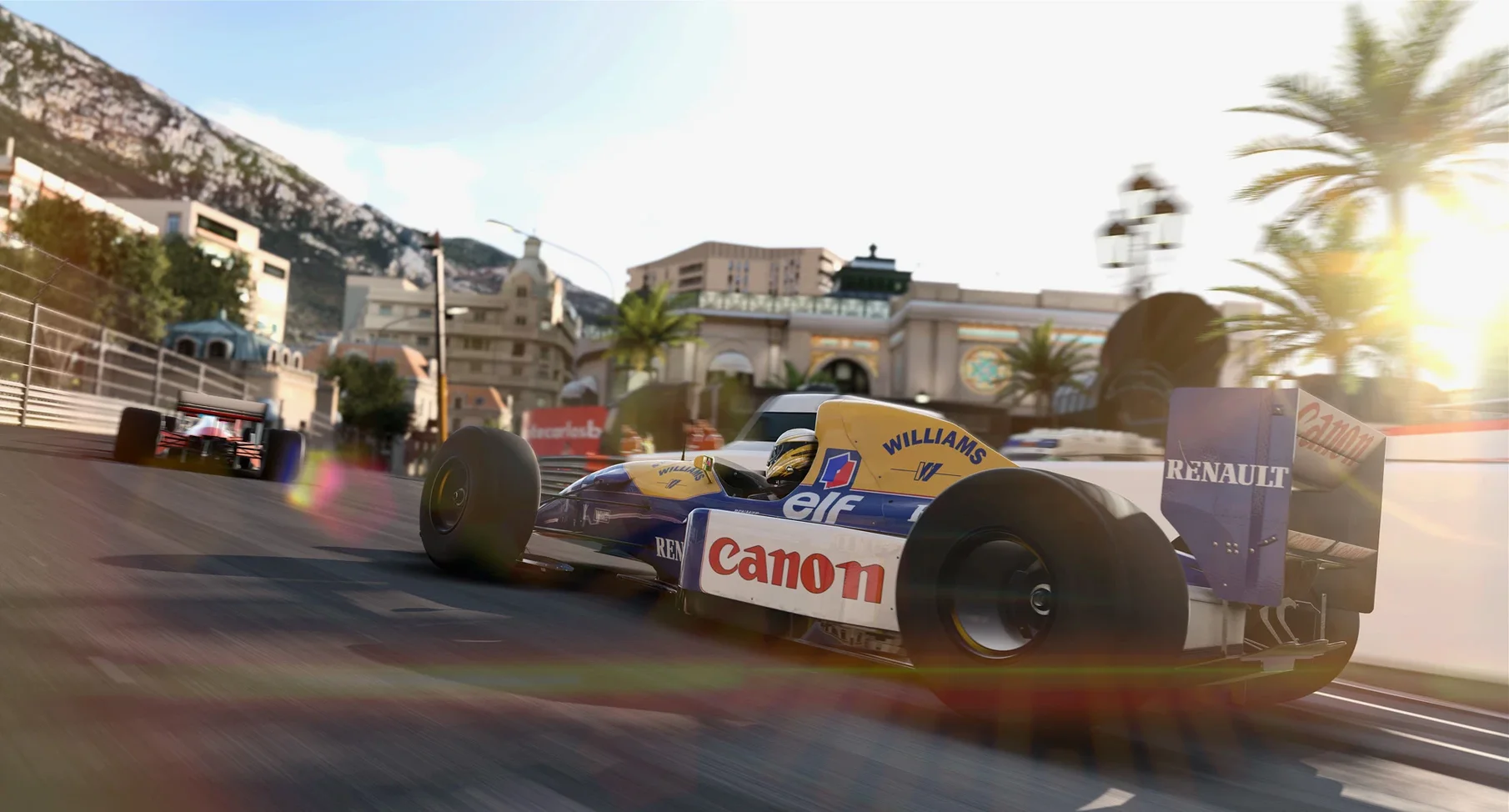
All twenty official circuits, ten teams and the classic cars are included. Championship options let you shape rules, weather and race length to match how much time you actually have. Interface and voice languages cover English, French, German, Spanish, Italian, Japanese, Polish, Russian, Portuguese and Simplified Chinese.
No support tickets, no hardware tantrums
After eight years on a help desk, I have two yardsticks for a Mac racing game: does it launch without a support ticket, and does it respect the hardware it finds itself on. F1 2017 sits in a narrow space between sim-cade and proper management sim. Here is how it lines up against a couple of names you probably already know.
F1 2017 vs GRID Autosport
Both came to the Mac through Feral Interactive, so the ports share decent Metal-friendly underpinnings. The split is straightforward. GRID Autosport gives you a buffet of disciplines — touring cars, endurance, street racing — and keeps the career structure light. F1 2017 narrows the lens to one championship but digs far deeper into team management. If you want a few quick laps in whatever car is parked outside, GRID fits. If you enjoy the spreadsheet side of motorsport as much as the racing line, this is the one.
F1 2017 vs DiRT 4
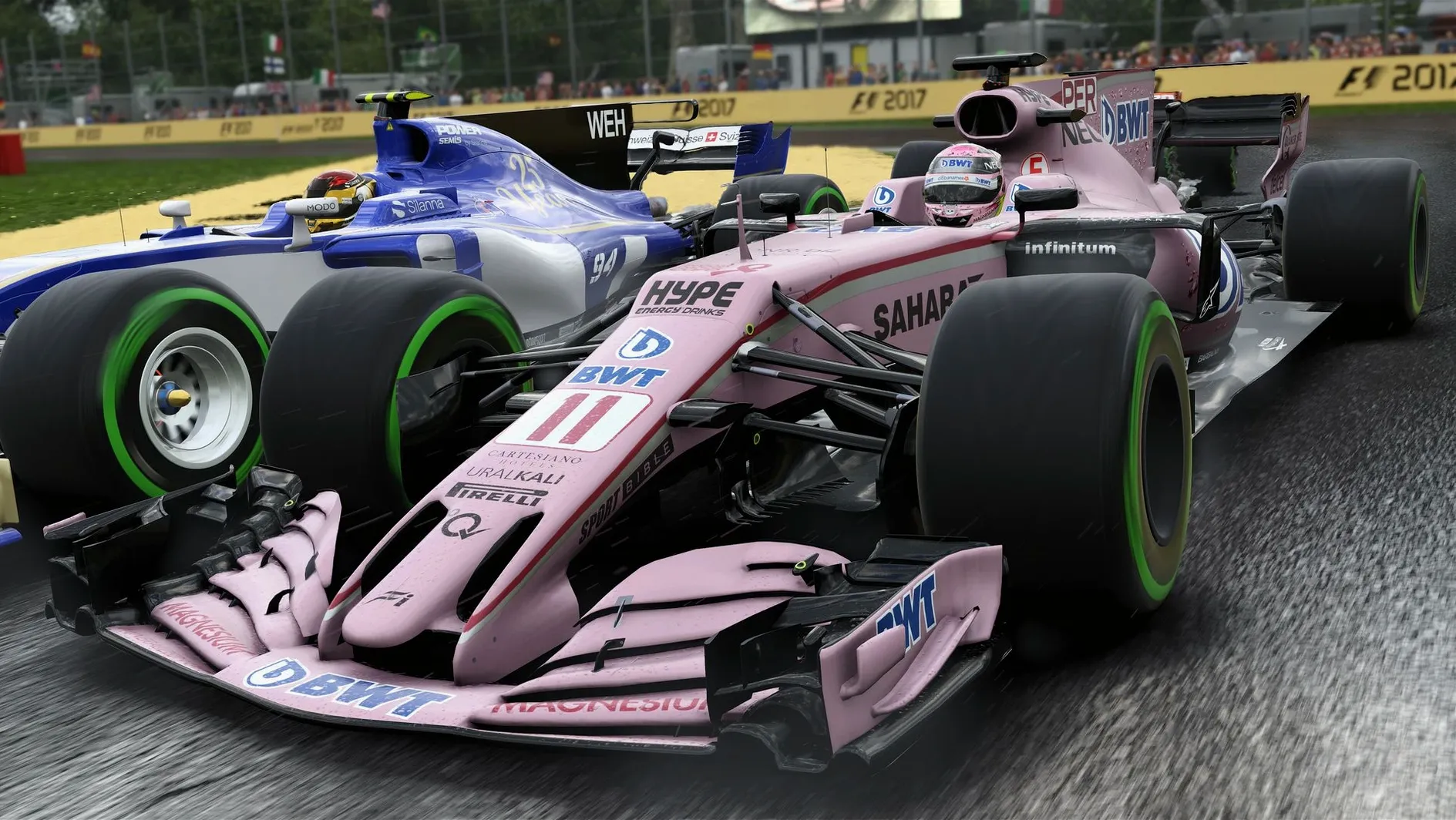
DiRT 4 leans into rally and rallycross, where you fight the surface more than the car ahead. Its team management is thinner but the handling model feels looser and more reactive on loose gravel. F1 2017 is about precision on tarmac, with tyre temperatures and brake wear feeding back through the wheel. On an older iMac with a mechanical hard drive, DiRT 4 loads stages faster; F1 2017 wants that 36GB footprint and takes its time on the first launch. Once they are running, both hold frame rates steadily on the minimum spec listed, though F1 2017 punishes integrated graphics more severely in wet weather.
Spaces-friendly so you can race while the manual waits
The game talks to macOS sensibly. It respects Spaces, so you can keep the manual open on another desktop while a practice session loads. Mission Control does not trip it up, and quitting from the dock is clean — no lingering processes I have had to kill from Activity Monitor. Controllers are recognised through the macOS HID stack. A PlayStation 4 pad plugged in over USB worked immediately; Xbox One pads needed a quick Bluetooth pairing but no third-party driver. Wheel support exists but expect to set rotation limits manually in the game's config file if macOS does not expose the full range.
Outside the game, a few things are worth knowing. The career mode's training programmes produce lap times you can screenshot and share, and the replay files are self-contained — small enough to keep a folder of your best overtakes without bloating your home directory. Some players search for f1 torrent mac because the download can actually be faster than the official archive. A torrent client like qBittorrent handles the large file well, but whichever route you take, budget time for that long first launch while shaders compile.
30 fps locked at 1440p, wet weather dips it
On an Intel Mac that meets the 2GB AMD R9 M290 minimum, the game runs at a steady 30 fps at medium settings and 1440p. You can chase 60 fps by dropping shadows and reflections, though wet races still dip into the high twenties. The 8GB RAM requirement is honest: the game and macOS together sit around 7.2GB on my test bench, so closing browsers and Slack before a long session is sensible advice, not padding.
Stability is a strength. Across a dozen practice sessions, three full-length grands prix and one complete season, I saw no kernel panics and only two clean crashes-to-desktop, both during mid-session saves. The autosave caught each one with less than a lap lost. Thermal behaviour on a 15-inch MacBook Pro was predictable — fans climb within two minutes and stay there, but the aluminium chassis does not become uncomfortable. Battery drain is aggressive, unsurprisingly. Keep the power adapter nearby.
What’s new
Adds the 2017 Formula One World Championship content with a deeper ten-year career mode and expanded championship options.
Requirements
- macOS 10.12.5 or later
- Intel Core i5 at 2.0GHz or better
- 8GB RAM
- 36GB disk space
- AMD R9 M290 (2GB) or Intel Iris Pro 6200 (1.5GB) or better
FAQ
Can I play F1 2017 on an Apple Silicon Mac?
The game is built for Intel (x86 64-bit) Macs only. You will need a Mac with an Intel processor running macOS 10.12.5 or later.
Comments 0
Sign in or create an account to leave a comment.
No comments yet…
If you’ve installed it, say how it went. Mention your Mac and macOS version — it helps the next person more than you’d think.
More in Games
All in Games-
 Factorio
2.0.77
Apple Silicon
Factorio
2.0.77
Apple Silicon
-
 Fallout 2
1.02.GOG.v1.77792
Apple Silicon
Fallout 2
1.02.GOG.v1.77792
Apple Silicon
-
 Fallout: A Post Nuclear Role Playing Game
1.2-27130
Apple Silicon
Fallout: A Post Nuclear Role Playing Game
1.2-27130
Apple Silicon
-
 Farming Simulator 22
1.14.0.0
Apple Silicon
Farming Simulator 22
1.14.0.0
Apple Silicon
-
 EVERSPACE 2
1.5.56929
Apple Silicon
EVERSPACE 2
1.5.56929
Apple Silicon
-
 Farming Simulator 25
1.23.1.0
Apple Silicon
Farming Simulator 25
1.23.1.0
Apple Silicon
-
 Europa Universalis IV
1.37.5.2
Europa Universalis IV
1.37.5.2
-
 Euro Truck Simulator 2
1.61.1.1s
Euro Truck Simulator 2
1.61.1.1s