DOOM for macOS
Description
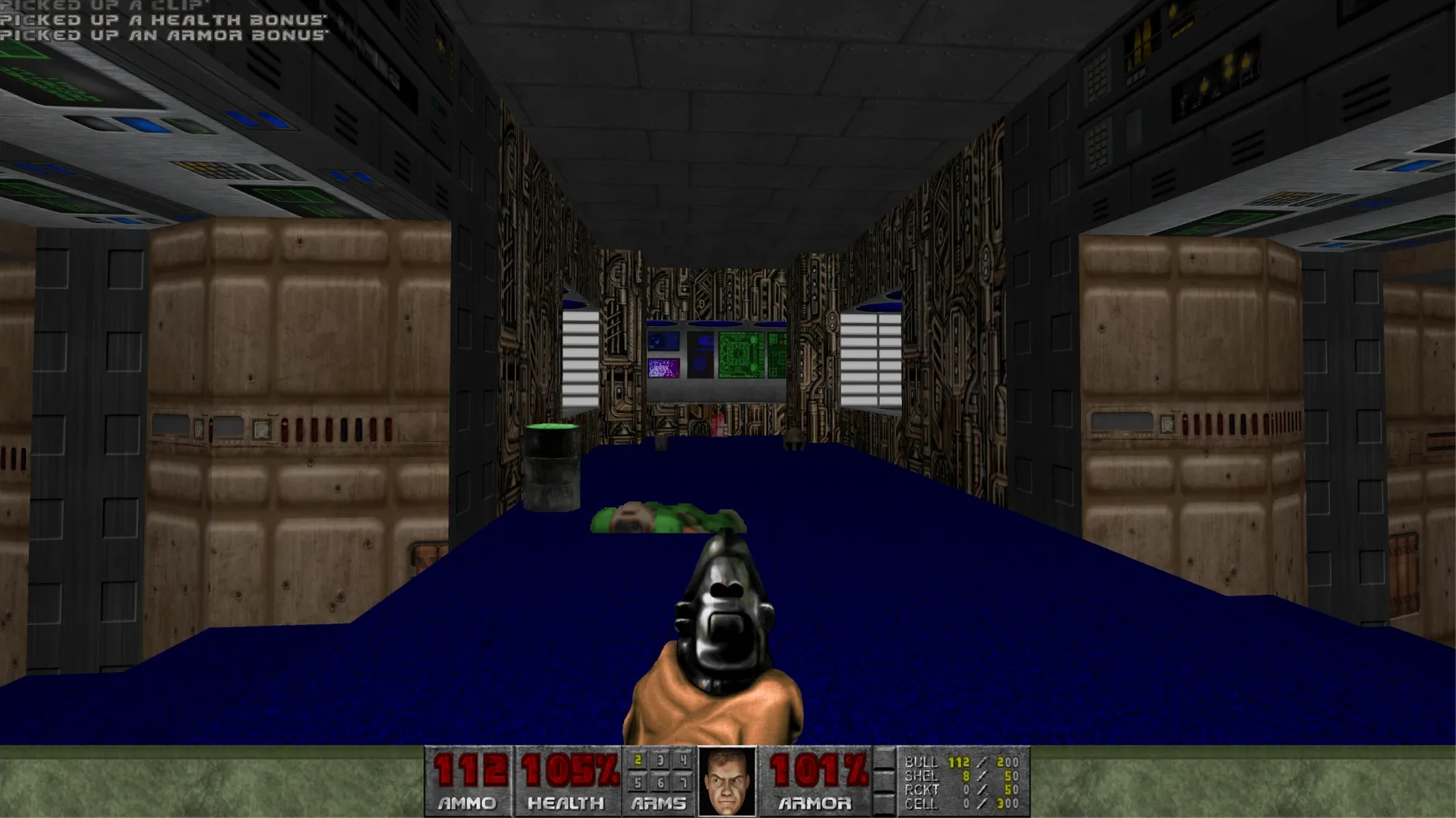
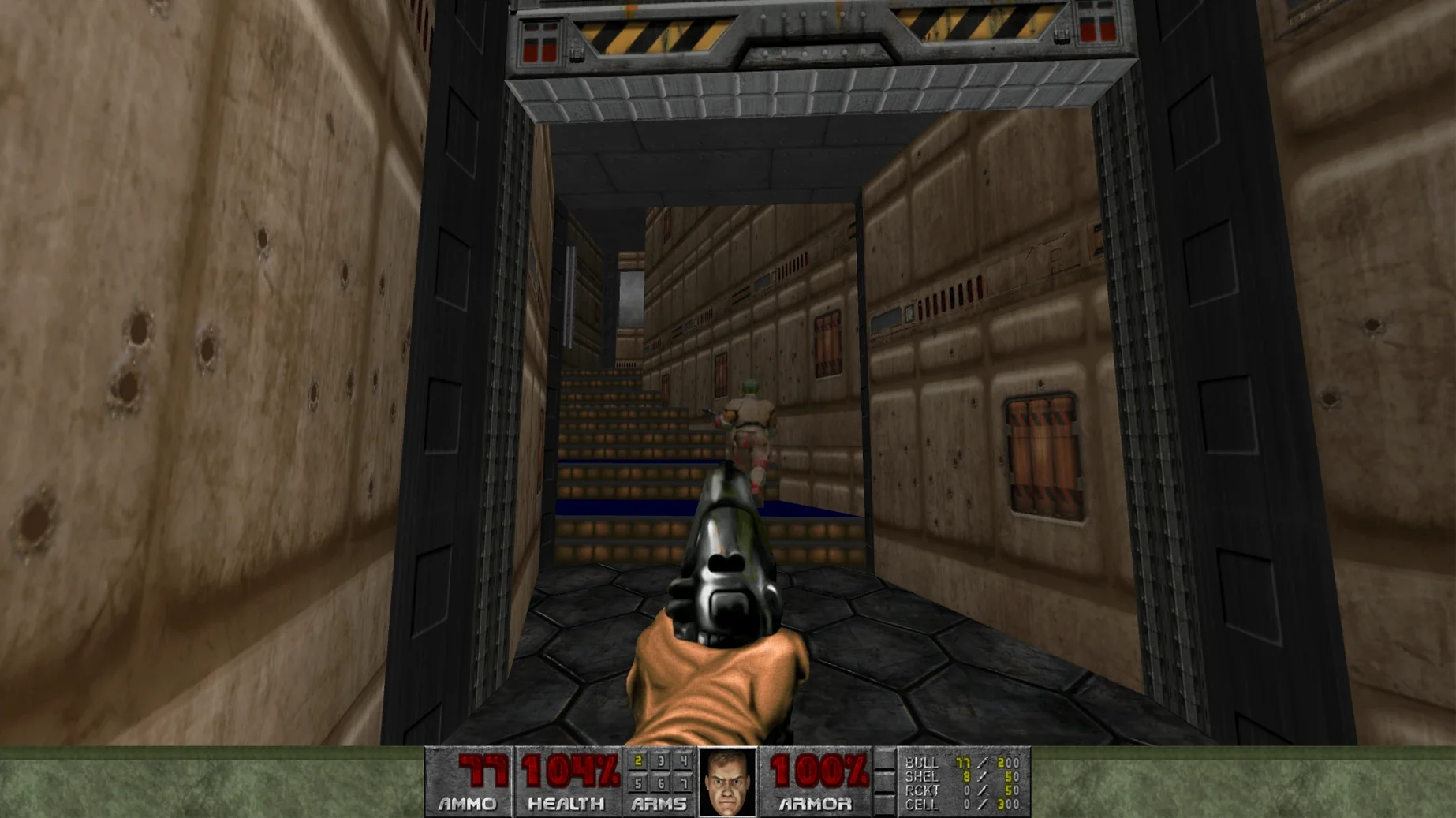
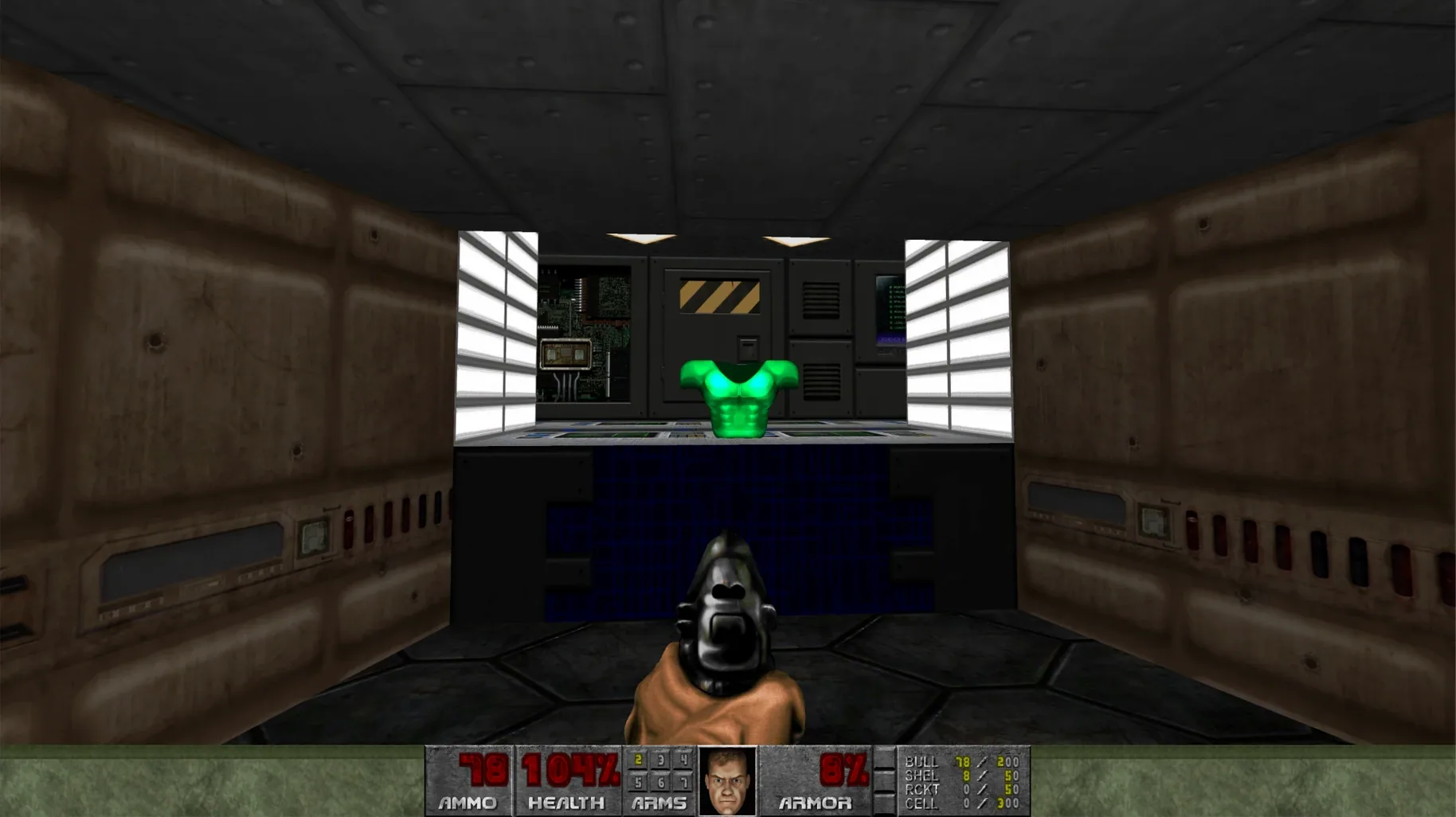
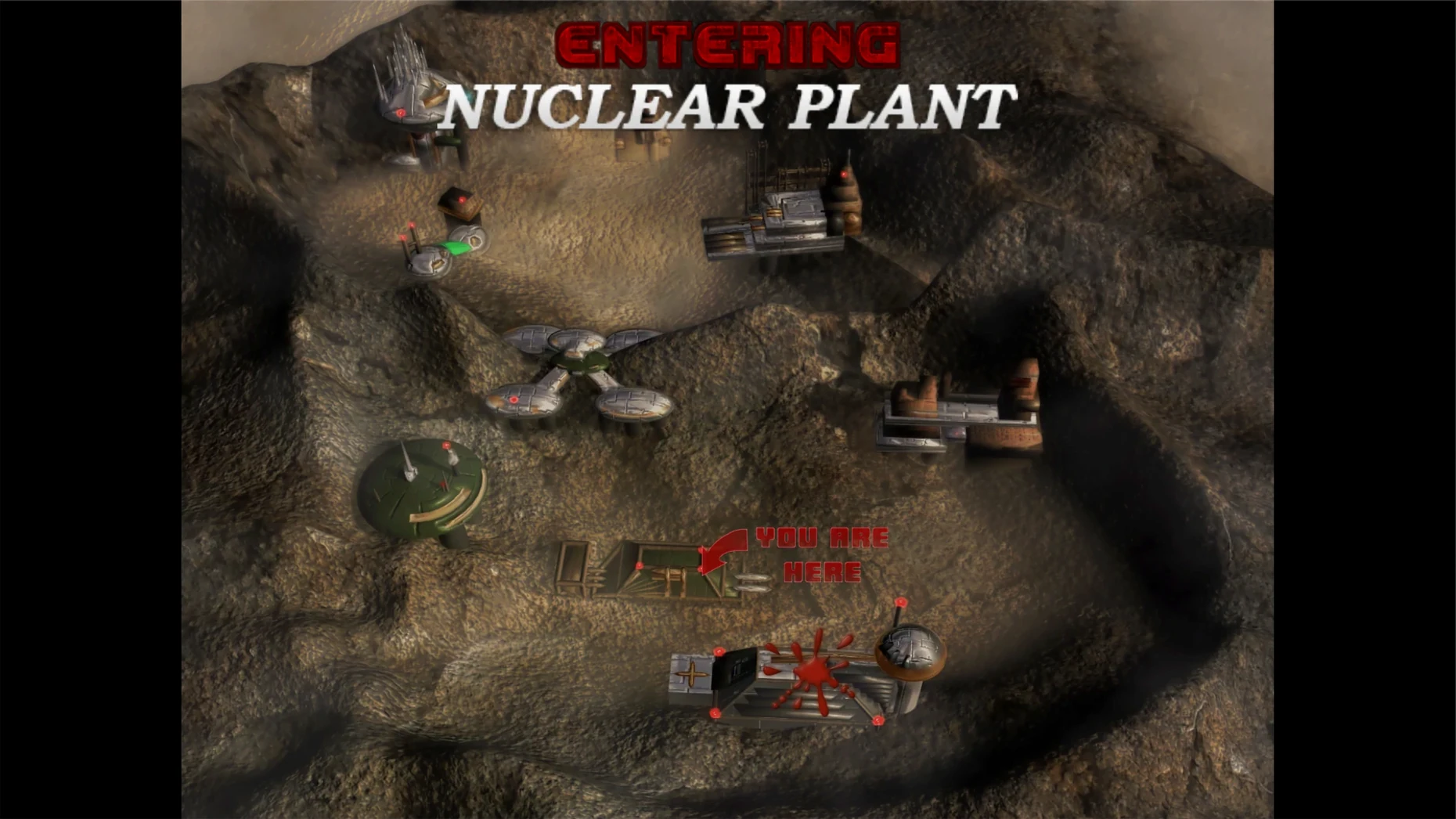
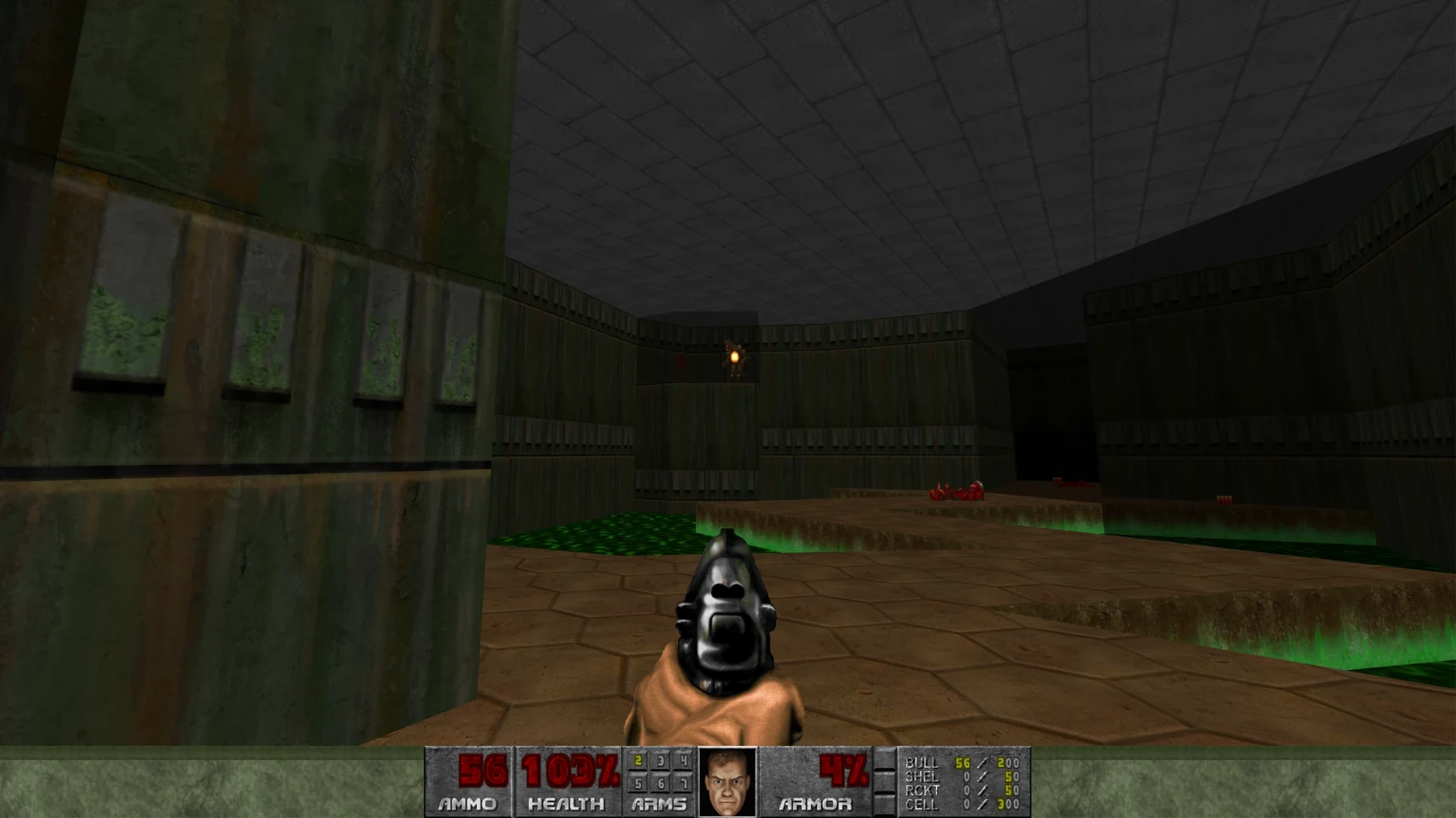
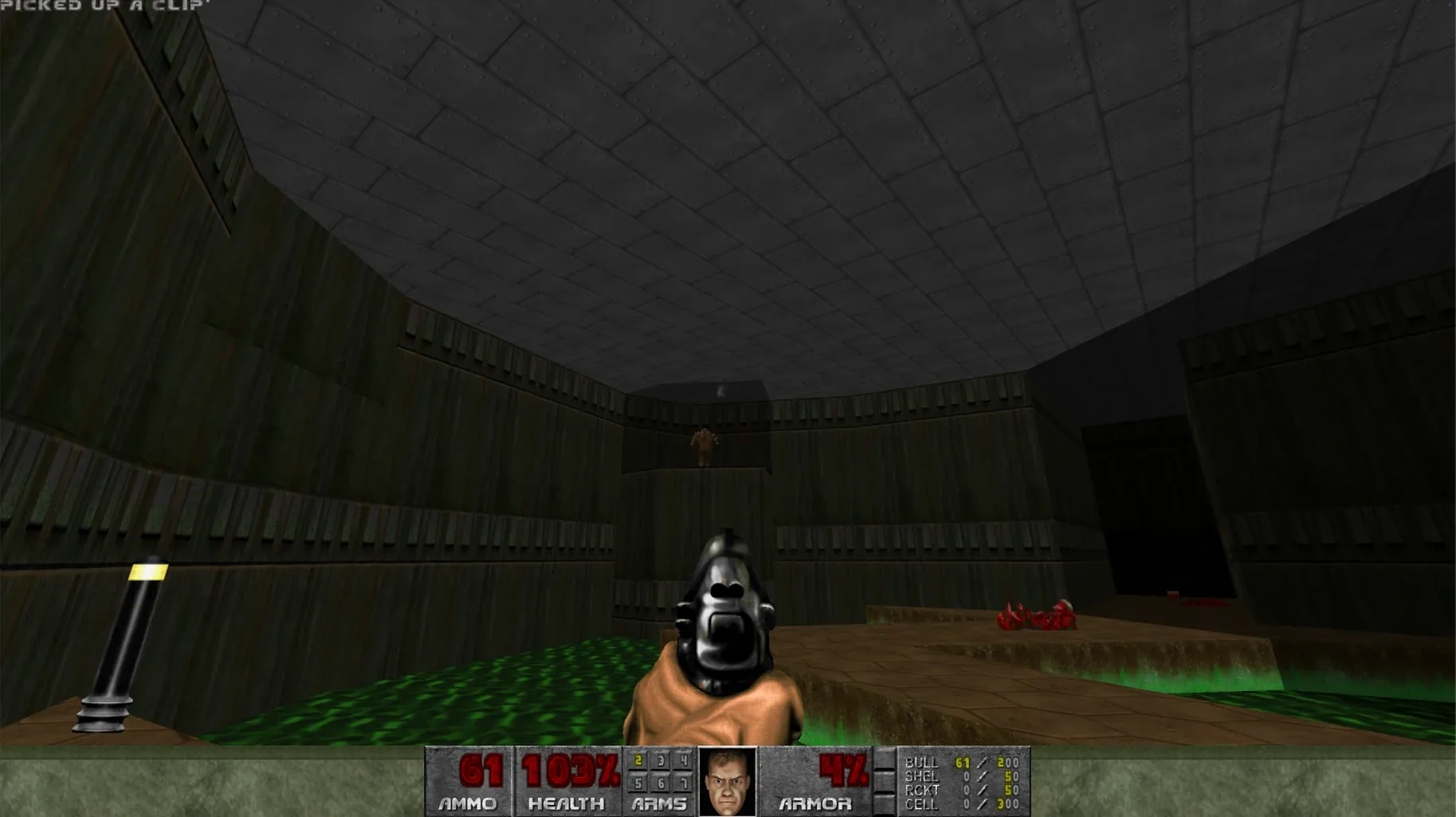
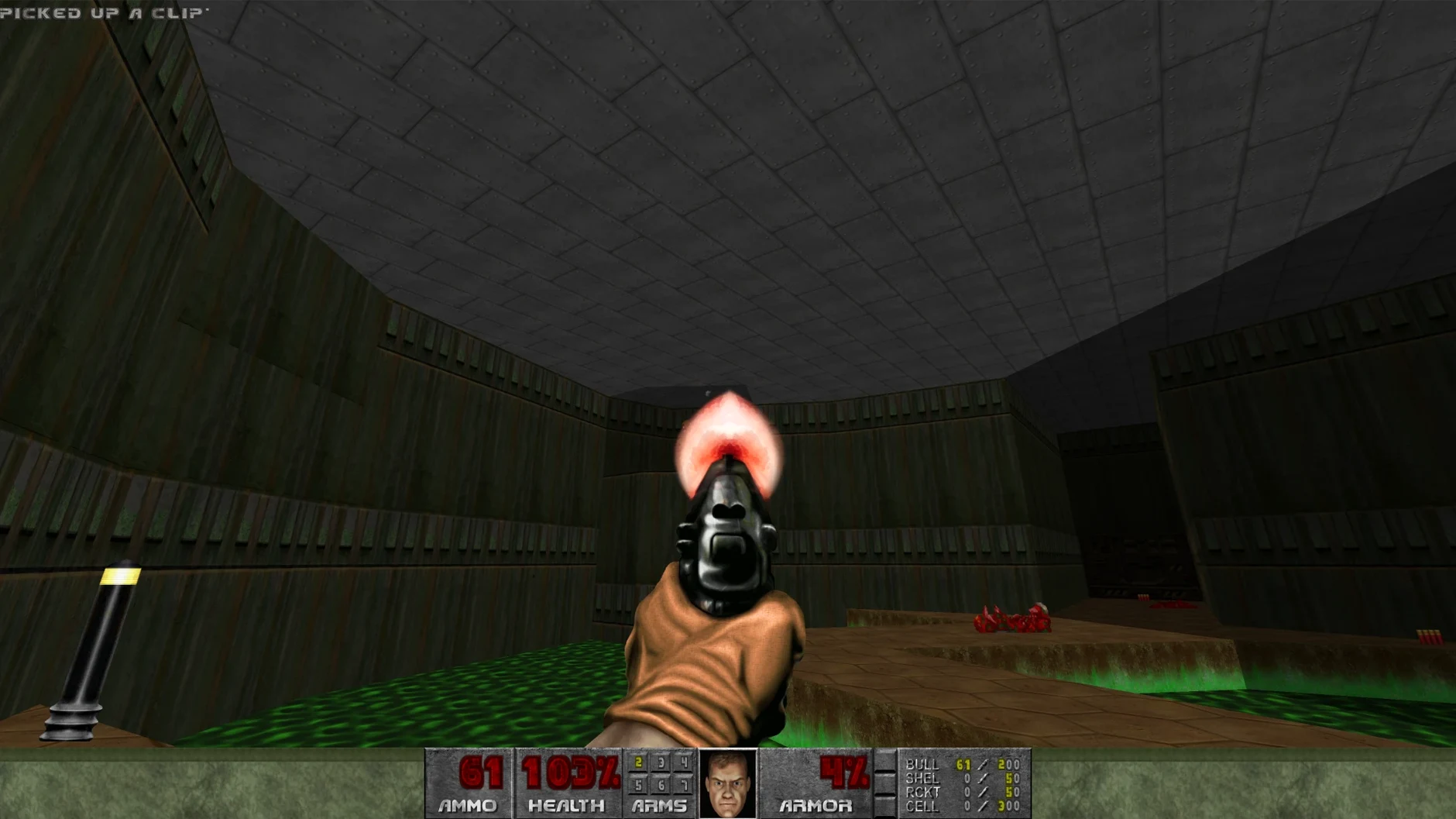
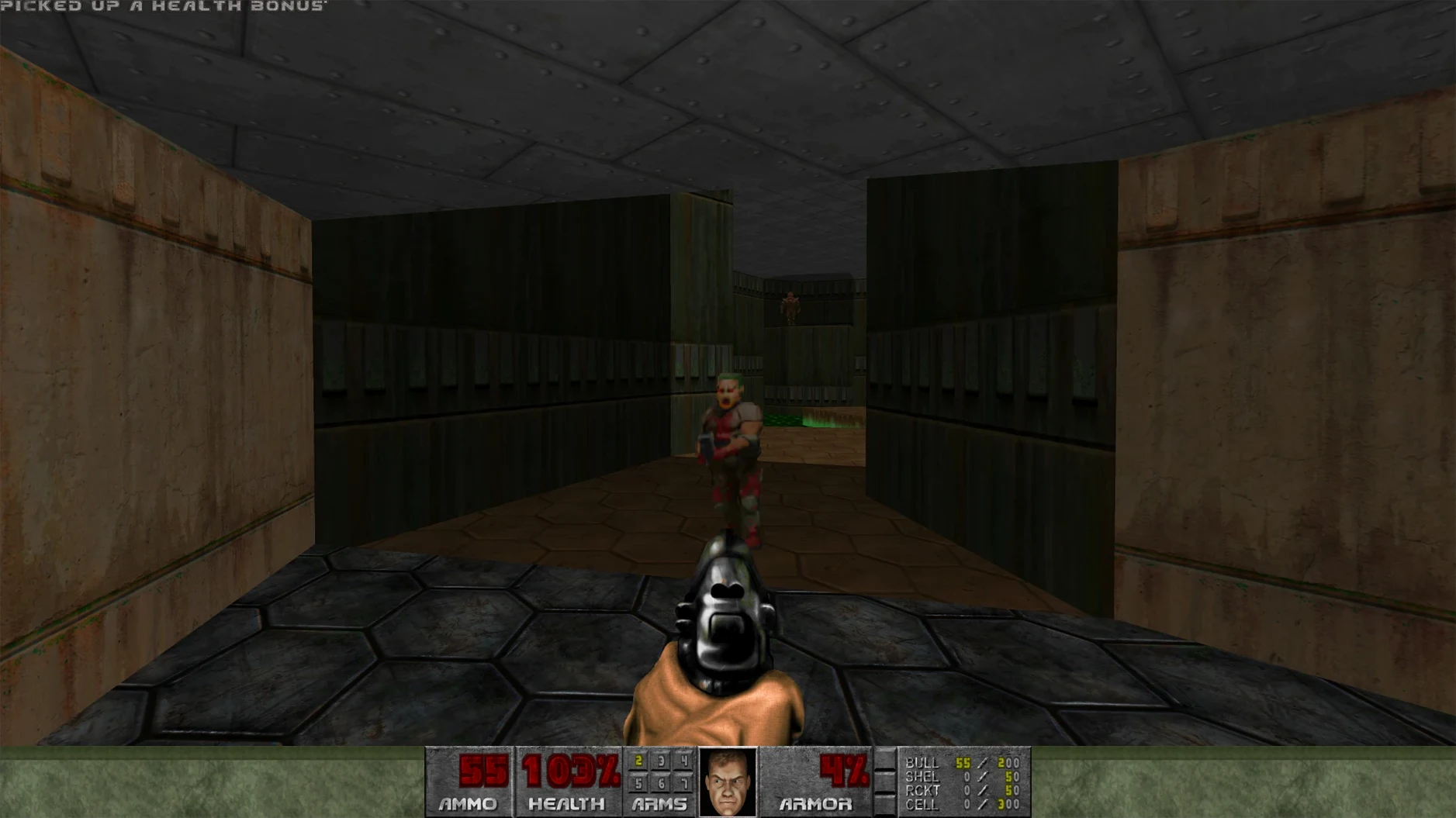
1.9 Ultimate. That is the build number for this ARM-native port of a game first released in 1995. You control an unnamed space marine through a series of demon-filled levels.
Pick from 11 languages and play through scored levels
- Pick your language on first launch – eleven are included, from Russian to Japanese. You can change it later in settings.
- Work through the levels with a varied weapon arsenal. The music accompaniment is part of the package.
- If you want to load mods, they read in alphabetical order. Place them inside the app bundle at
DOOM.app/Contents/Resources/KS Games/DOOM/Mods.
This is the game that defined the first-person shooter. It runs on modern Apple Silicon hardware without emulation. Worth it if you want the original id Software experience on a Mac that will actually boot it.
Retro muscle memory meets a clean ARM-native mod base
Retro shooter fans who remember the shareware disk on a 486 will feel right at home. The muscle memory comes back fast. But the audience is wider than nostalgia hunters.
Mod users get a clean, ARM-native base to build on. The alphabetical loading system inside the app bundle means you can prepend digits to file names and control load order precisely. That matters when you have a dozen WADs you want to stack in a specific sequence.
Speedrunners and challenge players who value frame pacing over graphical fluff will appreciate that this build runs without translation layers. No Rosetta, no wrapper. Just the game loop doing what it was written to do.
Alphabetical load order can break enemies and textures
Dropping a dozen mods into the Mods folder without thinking about load order is the most common. If one WAD overwrites assets from another, the last one alphabetically wins. That can break enemy behaviour or scramble textures. Prefix the files you want loaded first with 00_, 01_, and so on.
Launching the game and getting a blank error dialogue. This happens on a fresh Mac if Gatekeeper steps in. The disk image includes a Fix file for exactly that. Run it once, then launch the game normally.
Keeping saved games in random locations. The app bundle has a Saves folder inside Contents/Resources/KS Games/DOOM/Saves. If you ever move the app to another drive, drag that folder out first or you lose your progress.
A quick deathmatch setup
Network multiplayer still works, and setting up a LAN game is straightforward.
- Make sure both Macs are on the same local network.
- On the host machine, launch the game and start a multiplayer session from the main menu.
- Note the IP shown on screen – the second machine will need it.
- On the second Mac, choose Join Game and enter that IP.
- Pick your weapons and go. The netcode expects low latency, so a wired connection helps.
This is not a polished modern online lobby. Host controls the settings, and players need to know the IP. But for a quick frag session between two desks in the same room, it works exactly as it did in the 90s.
Requirements
- Apple Silicon Mac
FAQ
How do I install mods?
Right-click the game app and choose Show Package Contents. Drop your mod files into the Mods folder inside the Resources path. They load in alphabetical order.
Can I change the interface language after installing?
Yes. The language can be set on first launch or later in the game settings. Options include English, Spanish, French, and several Asian languages.
Comments 0
Sign in or create an account to leave a comment.
No comments yet…
If you’ve installed it, say how it went. Mention your Mac and macOS version — it helps the next person more than you’d think.