Dead Cells for macOS
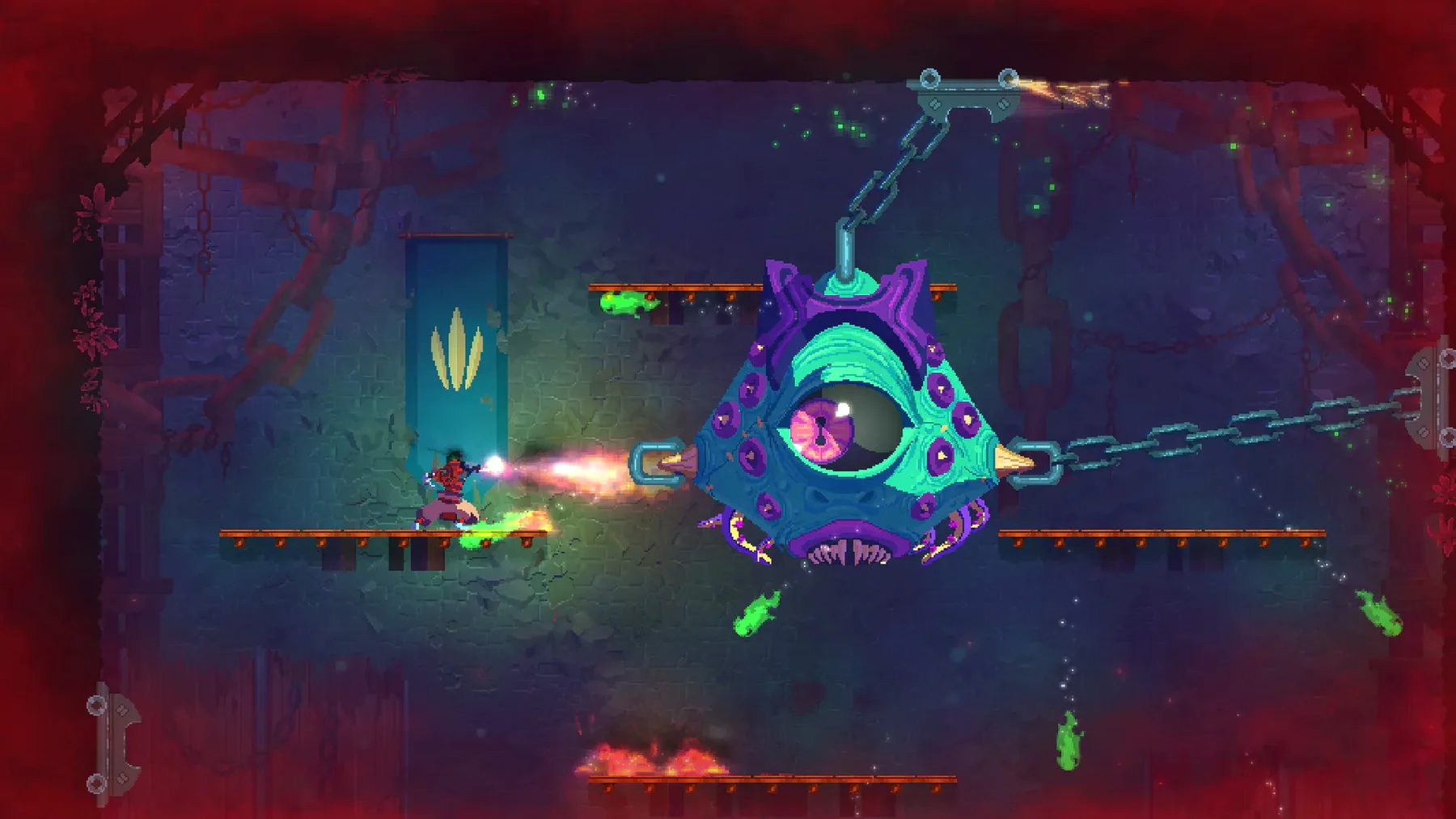
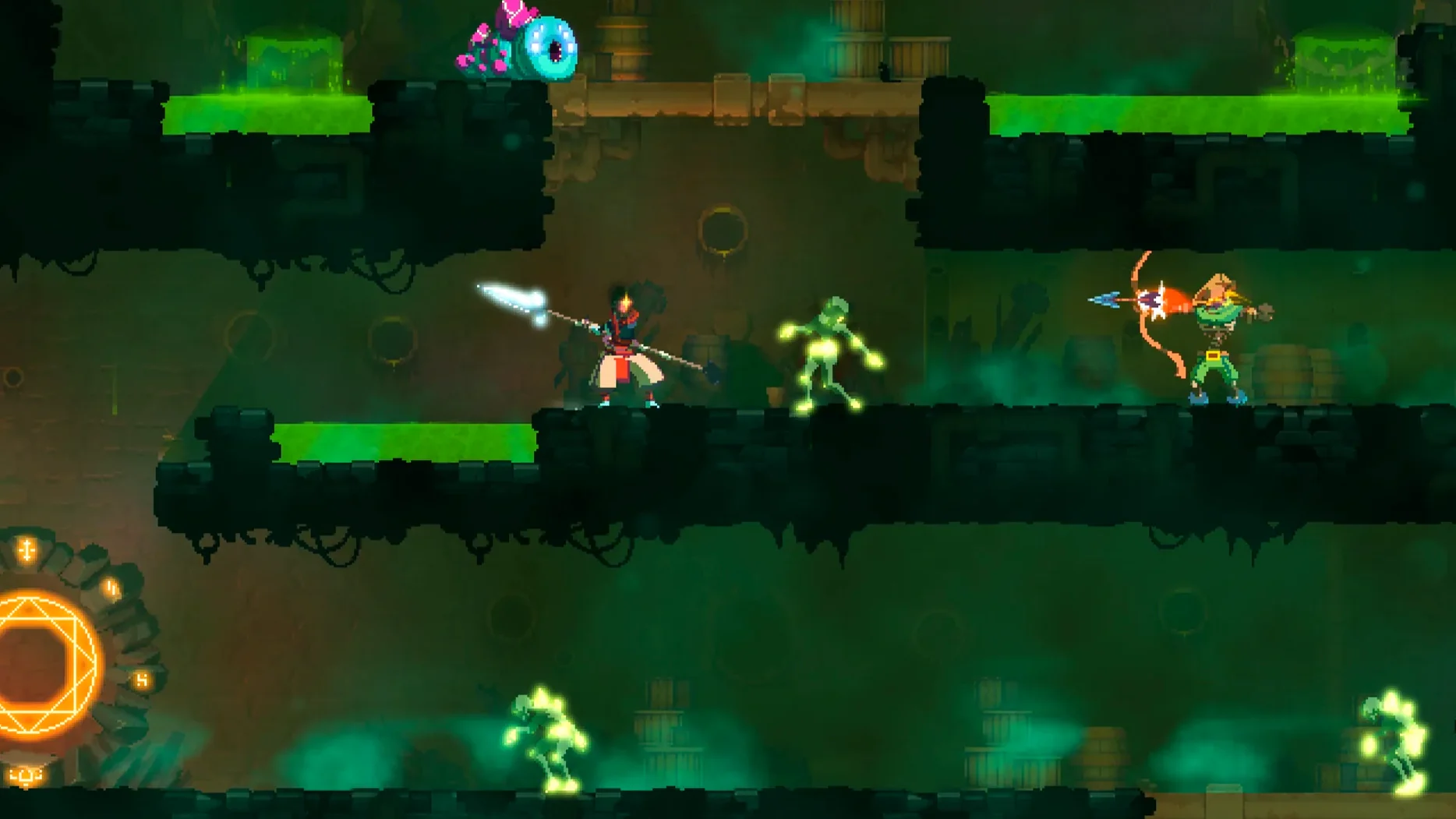
Description
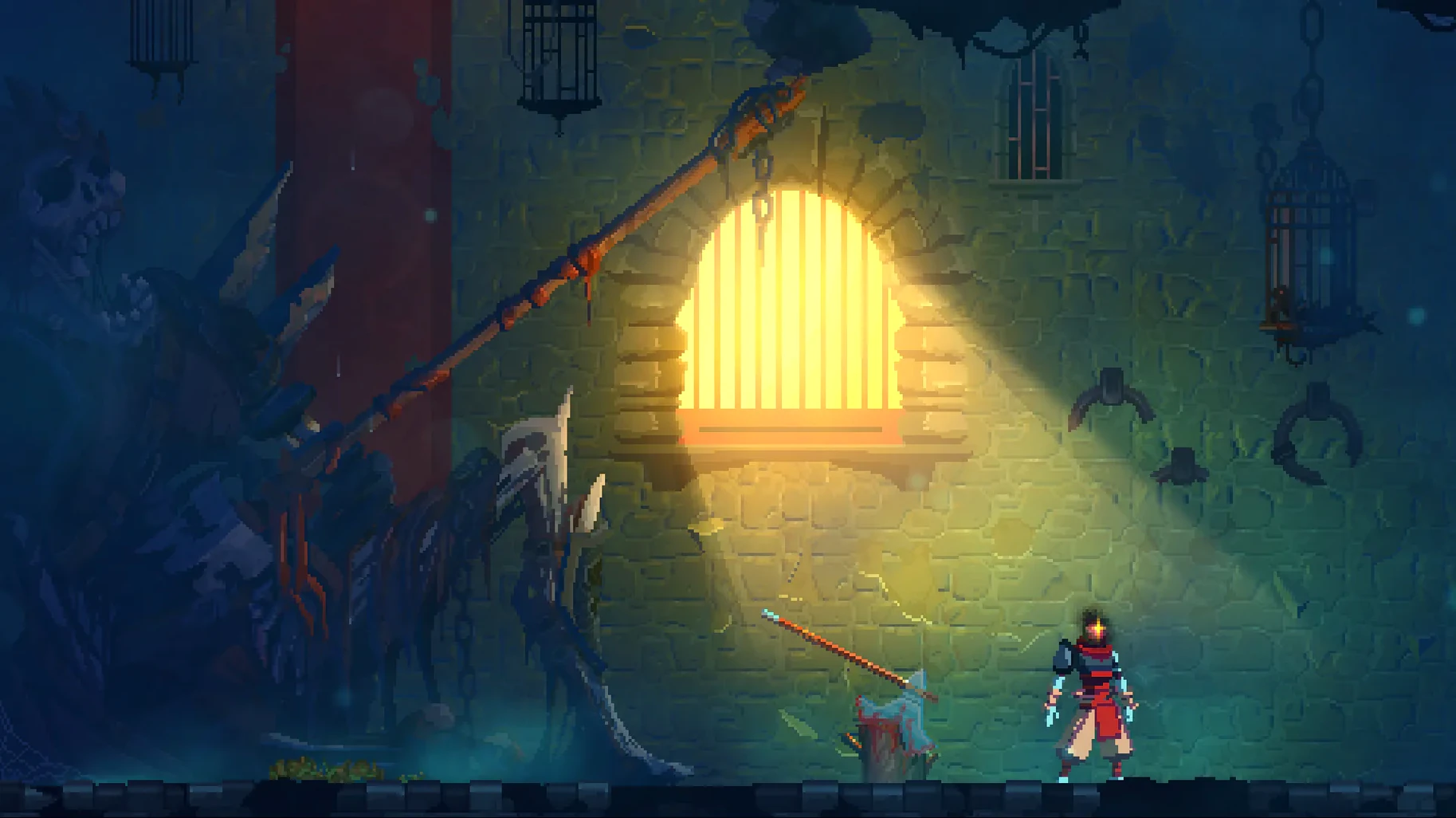
Every run starts with nothing except the weapons you pick up along the way. Dead Cells strips out checkpoints, so a death near the final boss sends you right back to the start. Progress sticks only in the form of permanent runes and weapon unlocks you earn across attempts.
| Detail | Info |
|---|---|
| Developer | Motion Twin (worker cooperative, Bordeaux) |
| Genre | Rogue-lite, action-platformer, metroidvania |
| Interface languages | 11, including English, French, Japanese, Korean, Russian, Simplified Chinese |
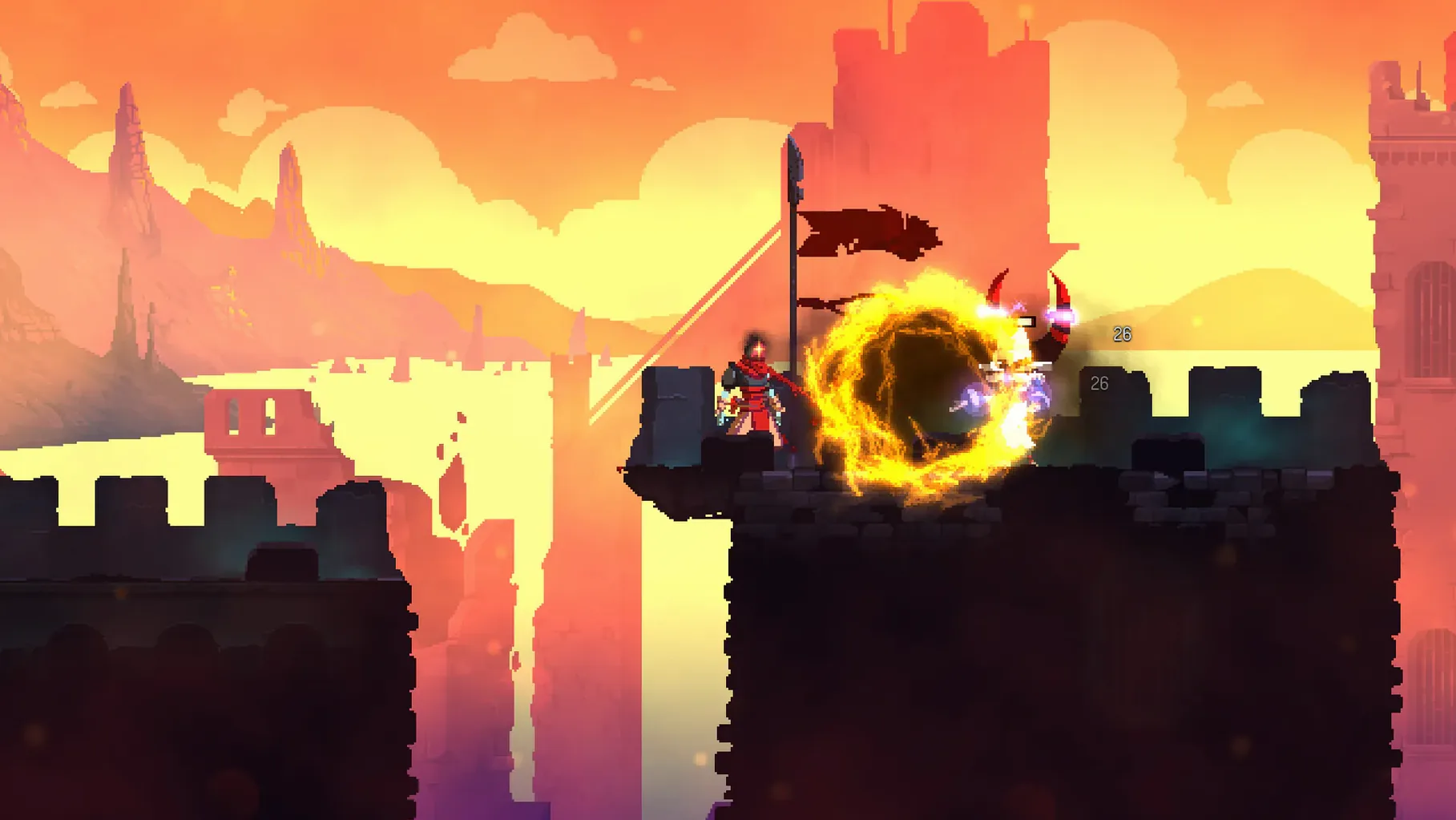
The combat pulls from Souls-likes. You read attack tells, dodge at the right moment, and punish openings. Enemy placement mixes with procedurally rearranged levels, so memorising a layout won't carry you. The build was tested on macOS Sonoma on a MacBook Air M1 (2020) and runs on Intel Macs. If you want a side-scroller that respects your time with short sessions but demands your full attention, this fits. If you want a story or an easy mode, it won't.
Unlock the Health Flask before attrition breaks you
Spend your first few runs unlocking the Health Flask. It sits at the start of every level and refills between biomes. Without it, attrition wears you down long before the first boss. The Collector appears after your first death — talk to him, hand over cells, and get the flask first. Everything else can wait.
Next, grab the Random Melee Weapon and Random Ranged Weapon upgrades. They cost little and guarantee you start each run with something better than the rusty sword. The rusty sword teaches you timing, but after twenty runs you'll want a change.
Ignore timed doors until you know the layouts. The rewards are modest and the stress of racing the clock makes you sloppy. Sloppy gets you killed. Slow down, clear every enemy in a biome, and collect every cell you can carry. Speed comes later, on its own.
How Dead Cells fits with your Mac setup
The game runs in a window or fullscreen and plays nicely with Mission Control. Swipe to another desktop, answer a message, swipe back — the game pauses where you left it. No always-online checks, no launcher, no background services. Just the deadcells file in the game folder. Double-click and you're in.
Controller support is solid. Plug in a DualShock 4, Xbox controller, or most Bluetooth gamepads and the button prompts switch automatically. The d-pad works for movement — no stick-only nonsense. Keyboard controls are rebindable too, but a gamepad feels right for this one.
There's no iCloud sync for save data, so if you play across two Macs you'll want to copy the save folder manually. It lives inside the game directory, not buried in Library, which makes backing it up trivial.
Ground slams and held inputs the tutorial skips
- Slamming the ground — press down and jump mid-air. It stuns enemies below and breaks fragile floors. The game never tells you this outright.
- Holding a button instead of tapping it changes several weapon behaviours. The Infantry Bow fires faster if you hold and release rather than mashing. Electric Whip auto-targets while held.
- Enemy teleporting — if you try to cheese an enemy from a ledge, they'll teleport to you after a few seconds. The game sees what you're doing.
- Secret wall runes — some walls have faint glowing symbols. Hit them, roll through them, or ground-slam near them. Not all secrets need the Ram Rune.
- Recycling — you can sell unwanted weapons at shops you find in levels. Pick up a duplicate or something that doesn't match your build and turn it into gold for later.
The soundtrack shifts with the biome and the action. There's no voice acting, just music that tightens during elite fights and breathes in the passages between. Headphones recommended — audio cues for enemy attacks arrive before the visual tells.
If you've grabbed a dead cells mac download and wondered whether it holds up without online features, it does. Leaderboards and daily challenges need a connection, but the core loop — run, die, unlock, repeat — works entirely offline.
Requirements
- macOS (Intel architecture)
- Tested on macOS Sonoma with MacBook Air M1 (2020)
FAQ
Is Dead Cells a metroidvania?
It has metroidvania elements like ability-gated exploration, but the core loop is rogue-lite. Levels are procedurally generated, not a fixed map.
Does progress carry over between runs?
Yes, partially. Permanent weapon unlocks, runes and some character upgrades persist, but you lose cells and equipment when you die.
Comments 0
Sign in or create an account to leave a comment.
No comments yet…
If you’ve installed it, say how it went. Mention your Mac and macOS version — it helps the next person more than you’d think.