
Dying Light for macOS
Description
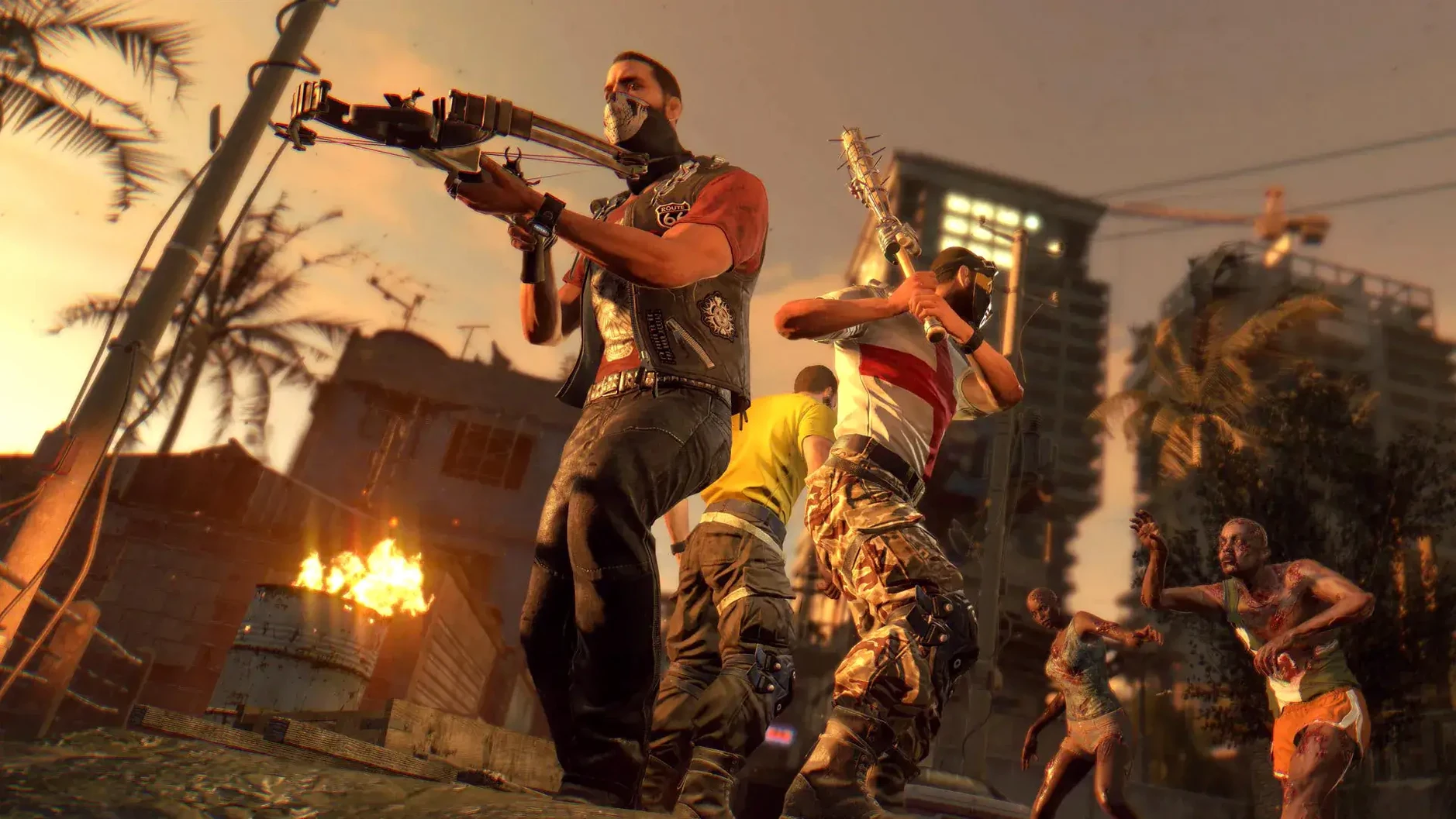
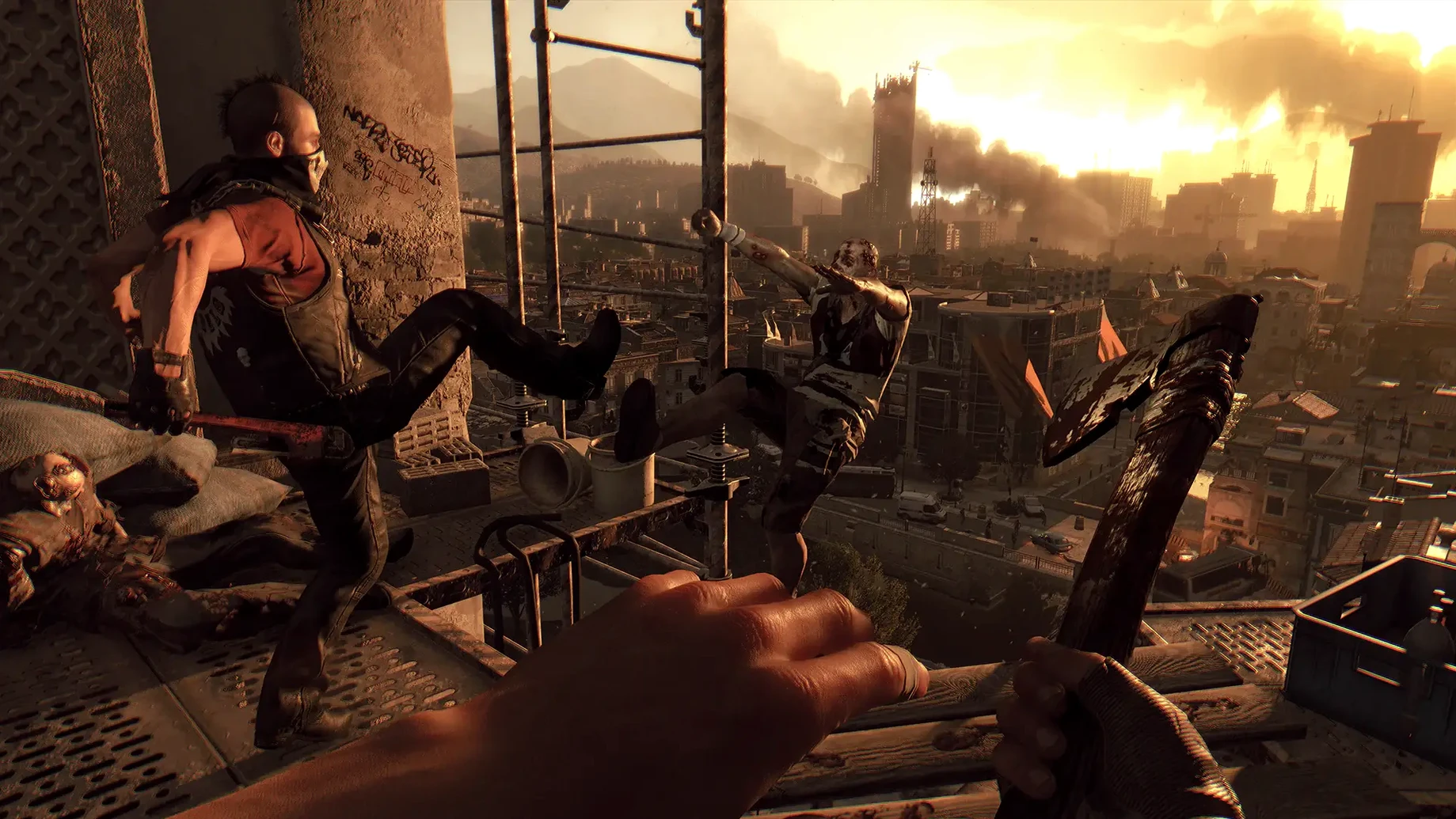
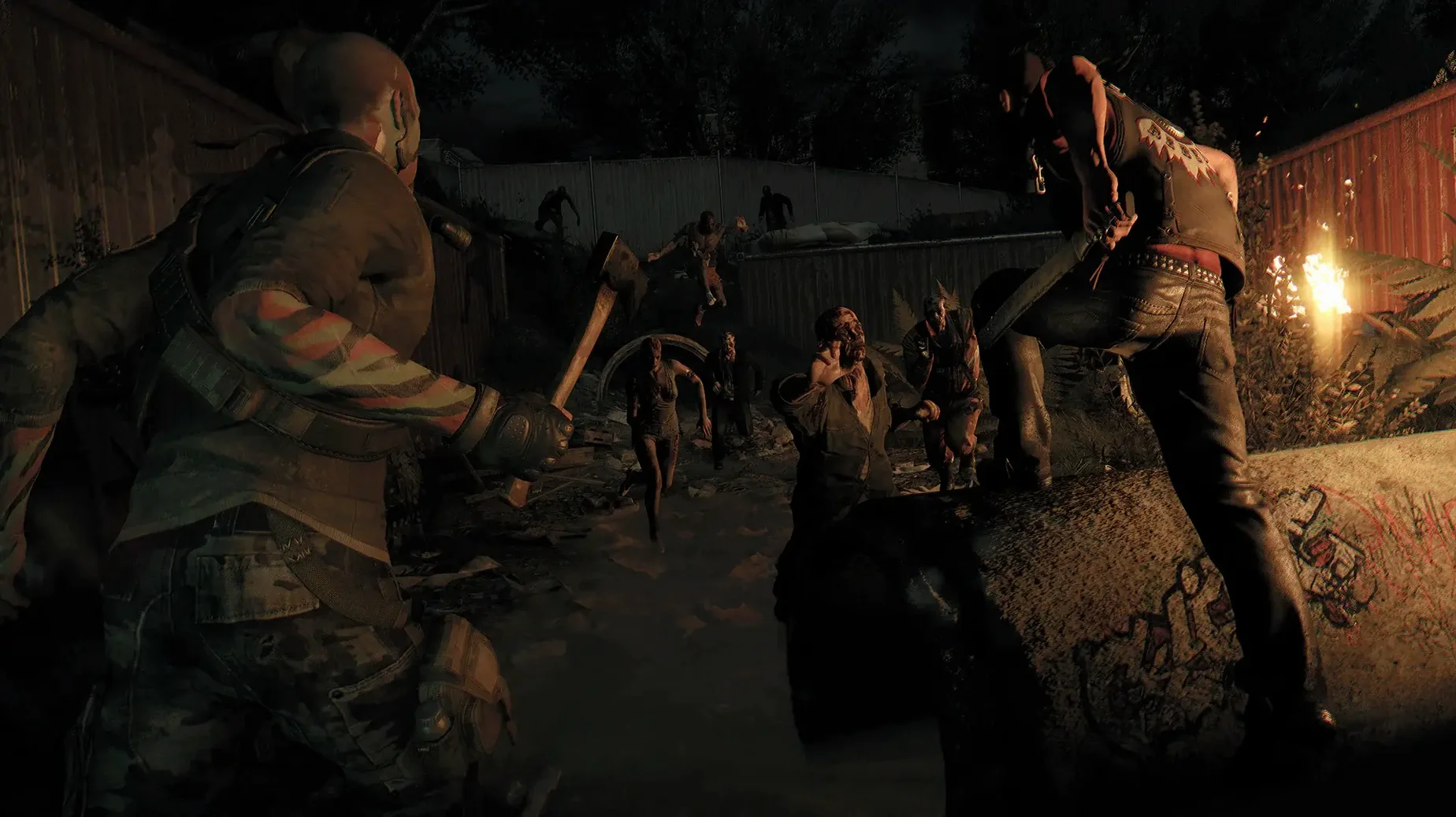
If you’re stuck in a zombie apocalypse, standing still gets you killed. Dying Light drops you into a quarantined city where movement is your only real weapon. You’re not just shooting waves of undead — you’re running, climbing and leaping across rooftops, scavenging for supplies while daylight lasts. Once the sun sets, the infected get faster and far more dangerous.
- Climb ledges, jump between buildings and slide under obstacles using fluid parkour mechanics.
- Scavenge for materials and craft makeshift weapons — a spiked baseball bat beats bare hands.
- Fight human enemies and decaying infected during the relative safety of daylight.
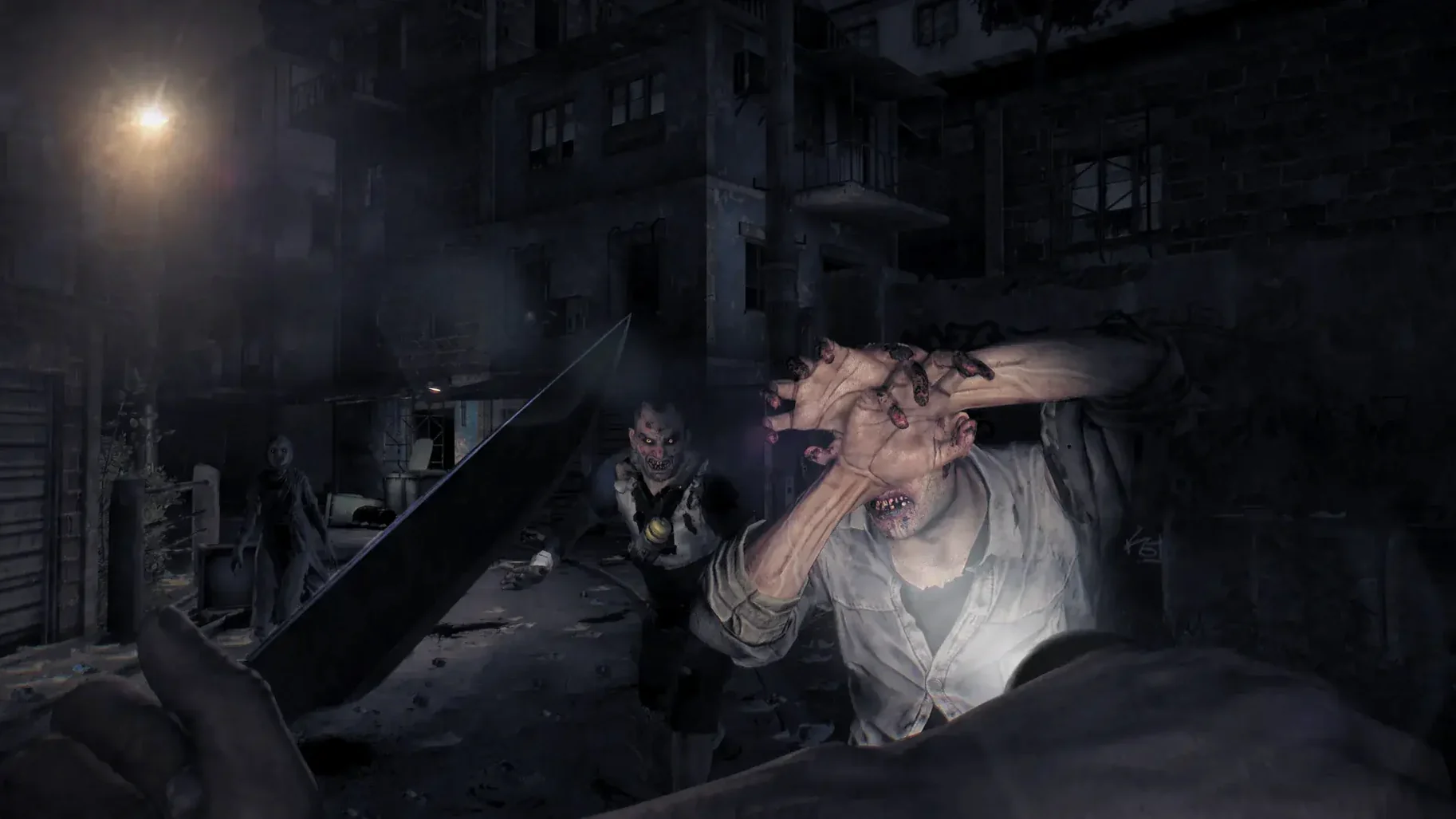
- Survive the night cycle where Volatiles hunt you down and stealth becomes essential.
- Make tough calls during story missions that change how events play out.
- Explore the open-world slums and old town districts at your own pace.
It’s a first-person game built on constant tension. Every supply run can go sideways fast, and the parkour means you’re always looking for the next handhold. The Mac version runs natively on Apple Silicon and Intel hardware. The world feels ragged and dangerous. Worth it if you like your action with a side of genuine dread.
A supply run, step by step
Say you need medical supplies for a safe-zone contact. Start at dawn, when the streets are merely dangerous. Climb the nearest tower and tag your objective with binoculars — you'll see supply crates marked on the rooftops three blocks east.
The direct route goes through a Volatile nest. Not worth it. Instead, follow the crane arms south, drop onto a bus roof and ledge-shimmy past a sleeping horde. Noise discipline matters here. Crouch-walk into the pharmacy, grab the gauze and antiseptic, then check the back room for a police baton. That baton plus some nails and a battery equals an electrified weapon for the trip home.
Sunset catches you two blocks from the safe zone. Your minimap pulses red. Switch to the UV flashlight, stick to alleyways and climb whenever you hear that wet, clicking breathing sound behind you. A Volatile spotted you. Sprint to the nearest chain-link fence, vault it and drop through a skylight into the sewers. They won't follow you underground. Follow the pipe tunnels north and climb out through a manhole inside the safe zone perimeter. Job done.
Needs a mouse and a block of time
This isn't a game you launch for ten minutes. It works best as a dedicated session, ideally with an external mouse — trackpad parkour is doable but twitchy in combat. The Mac version respects Mission Control properly, so you can swipe to a desktop with a community map open in Safari without the game minimising itself.
If you're using an M1 or M2 MacBook Air, the fans won't spin up during daytime exploration. Night chases with volumetric fog and multiple light sources will push it harder. Keep your Mac's Low Power mode off for this one. The game plays nicely with AirPods — the spatial audio cues for Volatile footsteps are genuinely useful, not just atmospheric. Discord overlay doesn't interfere either, which matters if you're coordinating co-op raids.
For those hunting down dying light on mac or specifically dying light mac m1 compatibility, this build handles it. The parkour-first structure also scratches a different itch than what a Dying Light 2 torrent delivers — the original game's tighter focus on movement over systems feels leaner on macOS.
Requirements
- Works on Apple Silicon and Intel Macs
FAQ
Does Dying Light run on an M1 Mac?
Yes. The macOS build supports Apple Silicon natively, so it runs directly on M1 and newer chips without Rosetta.
Comments 0
Sign in or create an account to leave a comment.
No comments yet…
If you’ve installed it, say how it went. Mention your Mac and macOS version — it helps the next person more than you’d think.