DiRT Rally for macOS
Description
Version 1.1.2 tidies up a few lingering bugs. Nothing flashy — just the sort of housekeeping that keeps the game from tripping over itself on newer builds of macOS. If you already have an earlier release running well, the update won't change how the car feels.
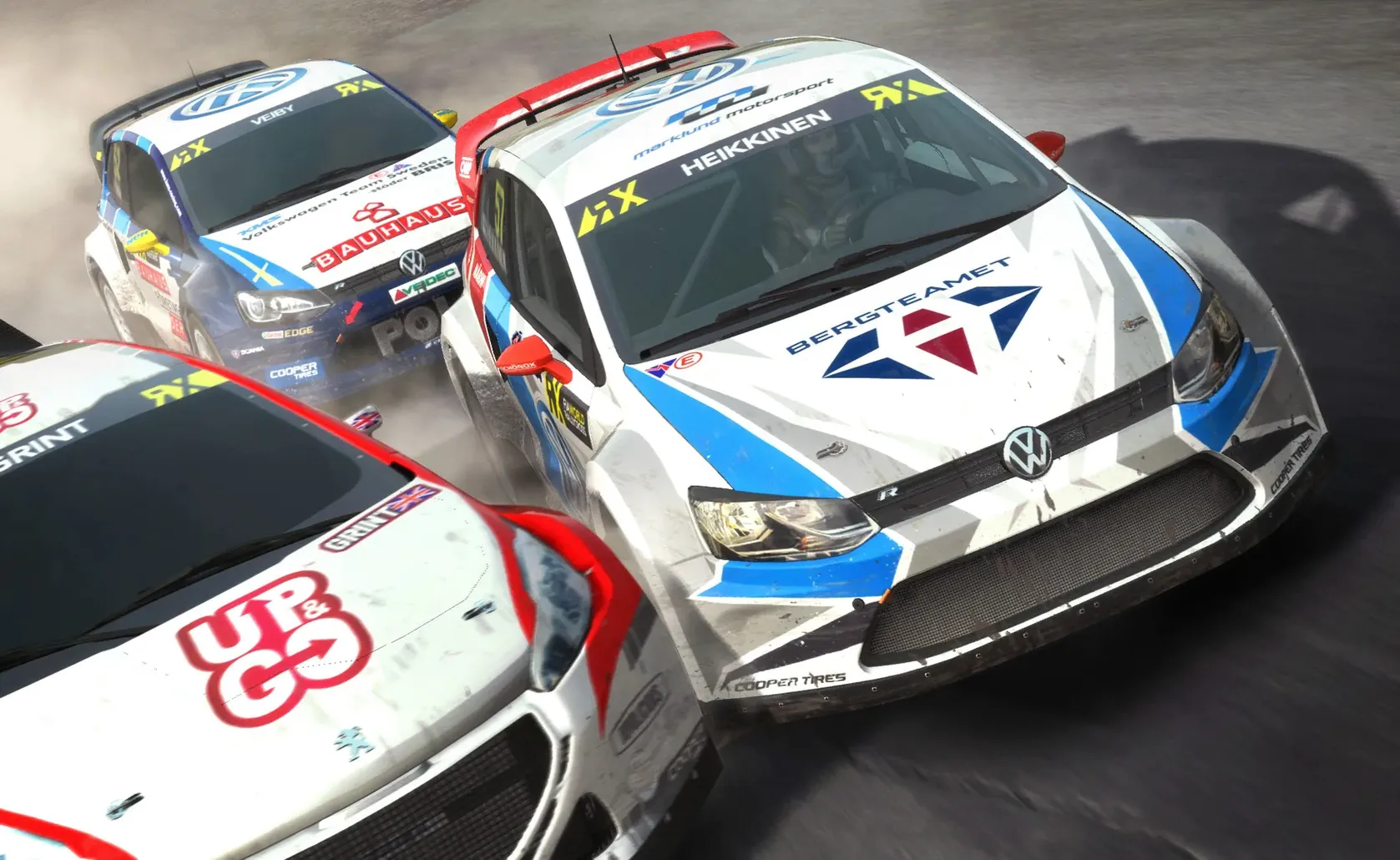
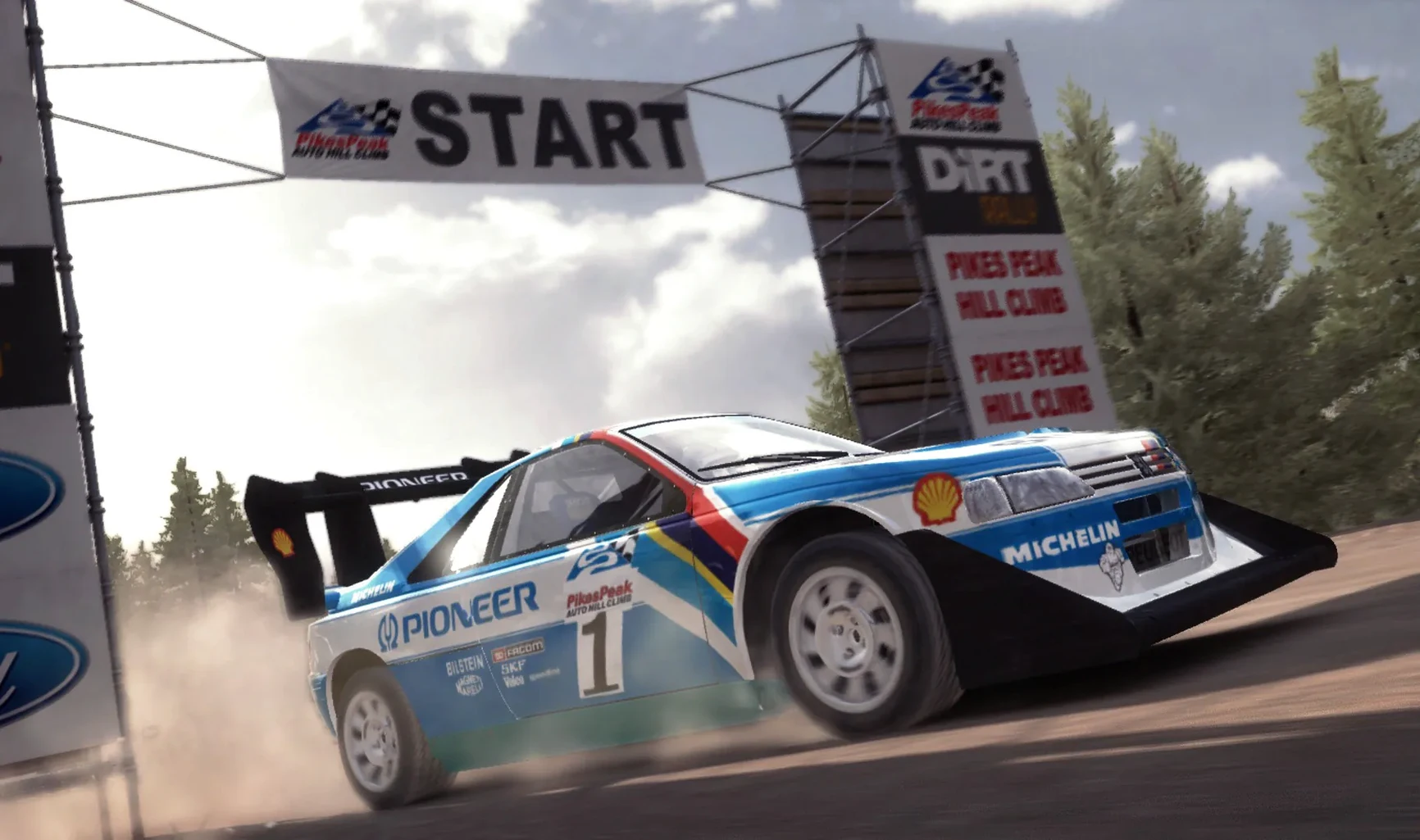
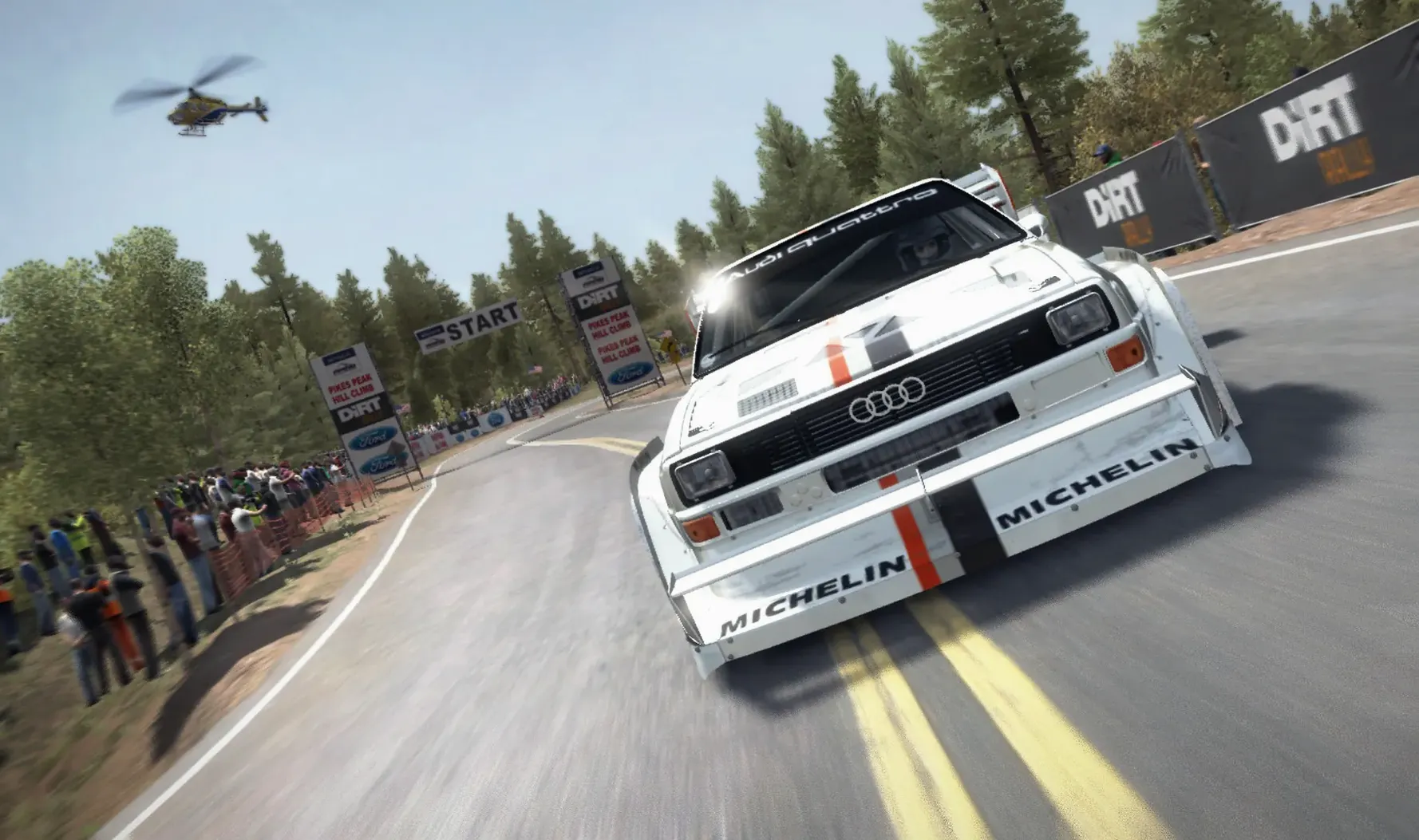
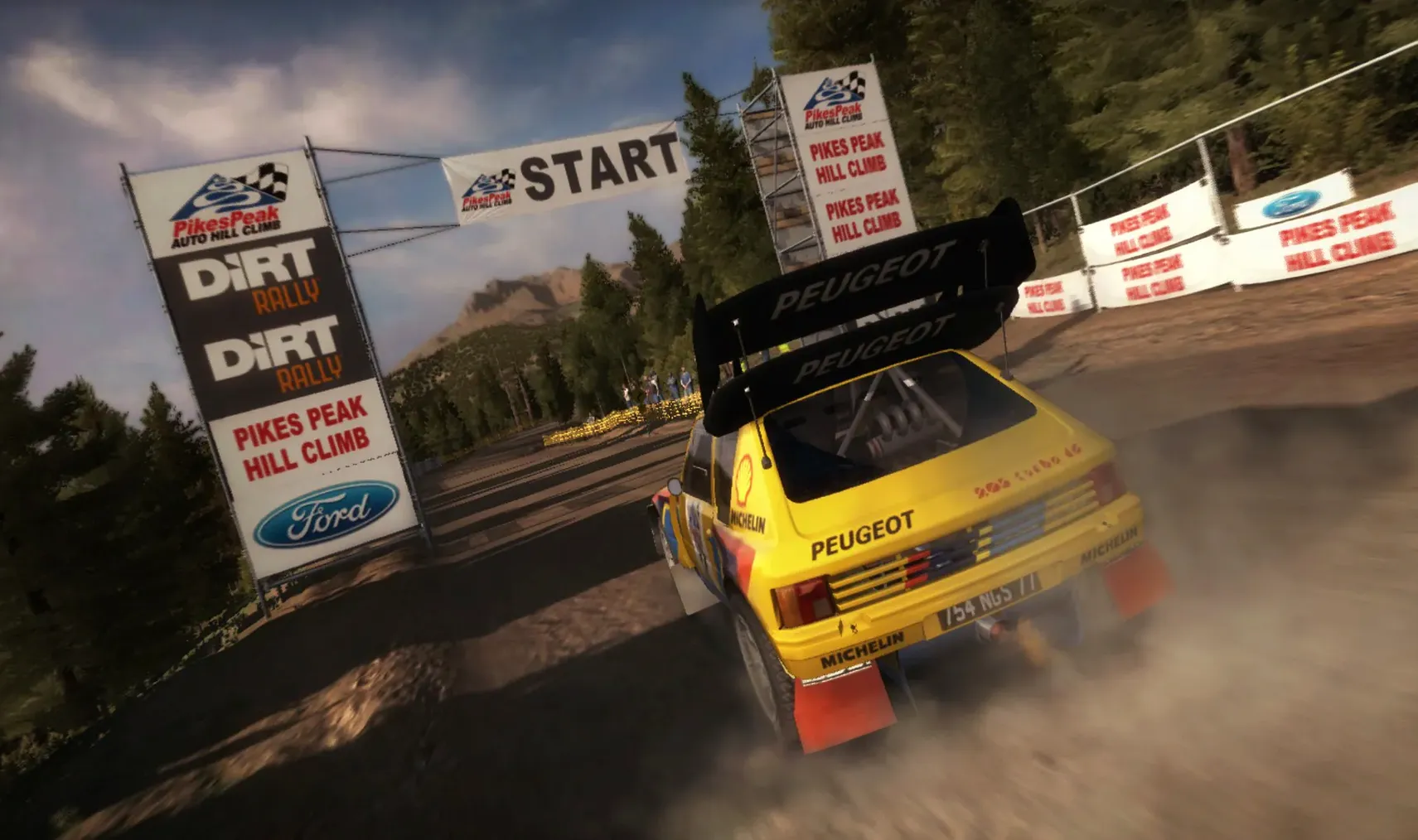
What you get is an off-road game that refuses to hold your hand. Six rally locations, more than 70 stages, and cars that behave like uncooperative machinery until you learn to listen to the pace notes. The surface changes under you — gravel bites, tarmac drifts if you're clumsy, and a wet Finnish forest will punish every half-hearted throttle input. This suits players who want to master a craft, not collect a podium finish every time they press start.
You can run a full championship, manage a team, or set up custom events with any car and any track. Daily, weekly, and monthly online competitions are there if you want a benchmark, and player leagues give you a reason to keep practising. Single-player works offline. Multiplayer is there, though the macOS player base is thin these days.
This is not the game for someone who wants to switch off after work. It is for the player who enjoys the process of getting a corner right, who doesn't mind restarting a stage because they clipped a rock, and who finds satisfaction in a clean run rather than a first-place finish. Worth it if you treat failure as feedback.
Turn off the wipers before your first stage
Out of the box, a few defaults work against you. Spend two minutes here before your first stage.
Turn off automatic windscreen wipers. They kick in late on muddy sections and obscure exactly when you need to see the rut ahead. Map them to a button instead. While you're at the controls, move the handbrake to something you can reach without thinking — the default puts it in a spot that requires a stretch mid-corner, which is the last time you want to be searching for a key.
Drop the co-driver calls to "earlier" in the audio options. The standard timing delivers pace notes fractionally after you already need to be braking, especially on the faster Finland and Germany stages. An extra half-second of warning changes how you commit to blind crests.
If you're on a Mac that sits near the minimum spec, knock shadows down to medium and keep shader detail at low. You lose a little atmosphere but gain the frame consistency that matters when you're sideways at 100 mph and a tree is closing in.
Multiplayer works, but only at certain hours
Does multiplayer still work? Yes, but the macOS lobby is quiet. You'll find races during European evenings and when a DiRT Rally Mac torrent community organises a league night. Otherwise, treat the online competitions — the daily, weekly, and monthly challenges — as your leaderboard fix. No waiting for a lobby; just a stage, a car, and a time to beat.
Can my Mac actually run this? The game wants a dedicated graphics card. An Intel HD 4000 scrapes by at low settings and reduced resolution, but you'll feel the drops on weather-heavy stages. An M4 Mac mini handled it in testing, but remember this is an Intel build running through Rosetta — not native. If you have 8 GB of RAM and at least a 1 GB GPU, you're in the game. With integrated graphics, expect to compromise.
Does it need an internet connection? Not for the bulk of it. The single-player championship, custom events, and time trials all work offline. Online competitions and multiplayer need a connection, obviously, but nothing phones home to check activation.
Requirements
- macOS 10.13 or later
- Intel processor, 1.8 GHz Core i3 minimum
- 8 GB RAM
- 48 GB available storage
- 1 GB Nvidia 650M, 2 GB AMD Radeon M290, or Intel HD 4000 graphics or better
FAQ
Can I play DiRT Rally without an internet connection?
Yes, the single-player career, custom events, and championship modes all work offline.
Does the macOS version include all the rally stages from the original release?
Yes, it includes all six rallies and more than 70 stages.
Comments 0
Sign in or create an account to leave a comment.
No comments yet…
If you’ve installed it, say how it went. Mention your Mac and macOS version — it helps the next person more than you’d think.