

Cuphead for macOS
Description
Inkwell Hell's debt notice sits in your hand, and every boss has a signature attack pattern you'll learn the hard way. Parry the pink projectiles, stock up on super meter, and don't blink — this is a game that punishes hesitation.
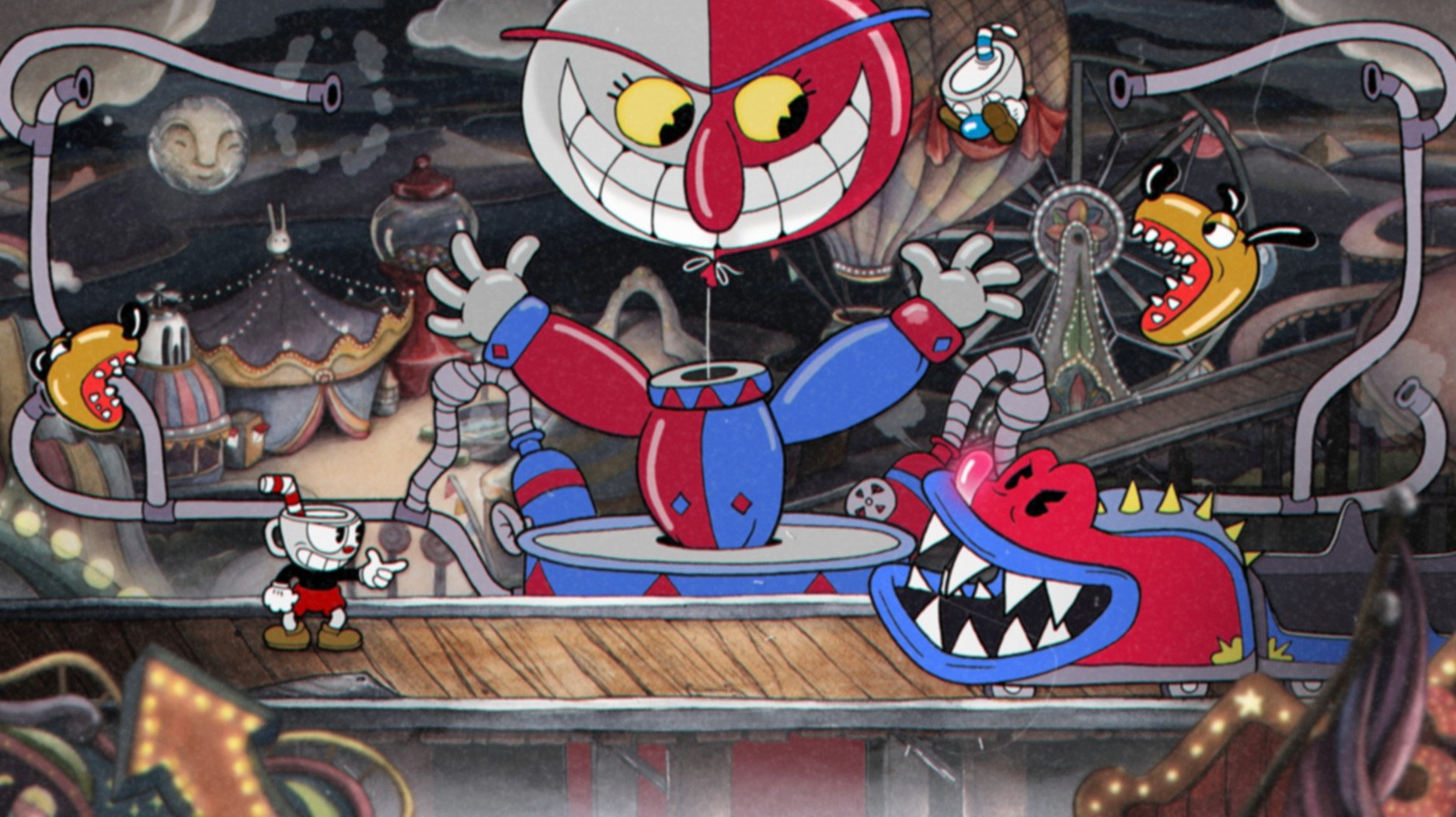
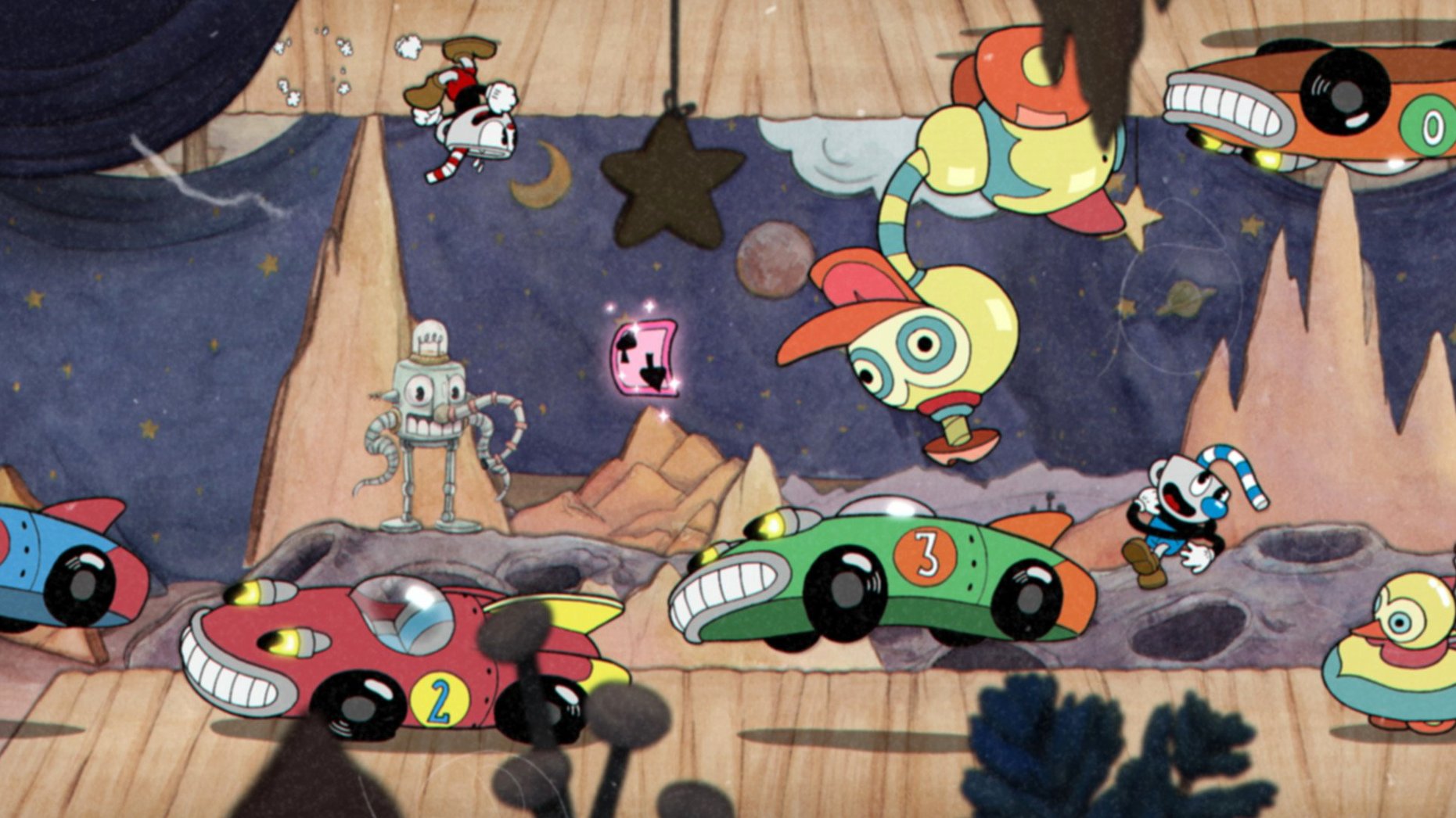
A Fleischer cartoon you can play with a friend
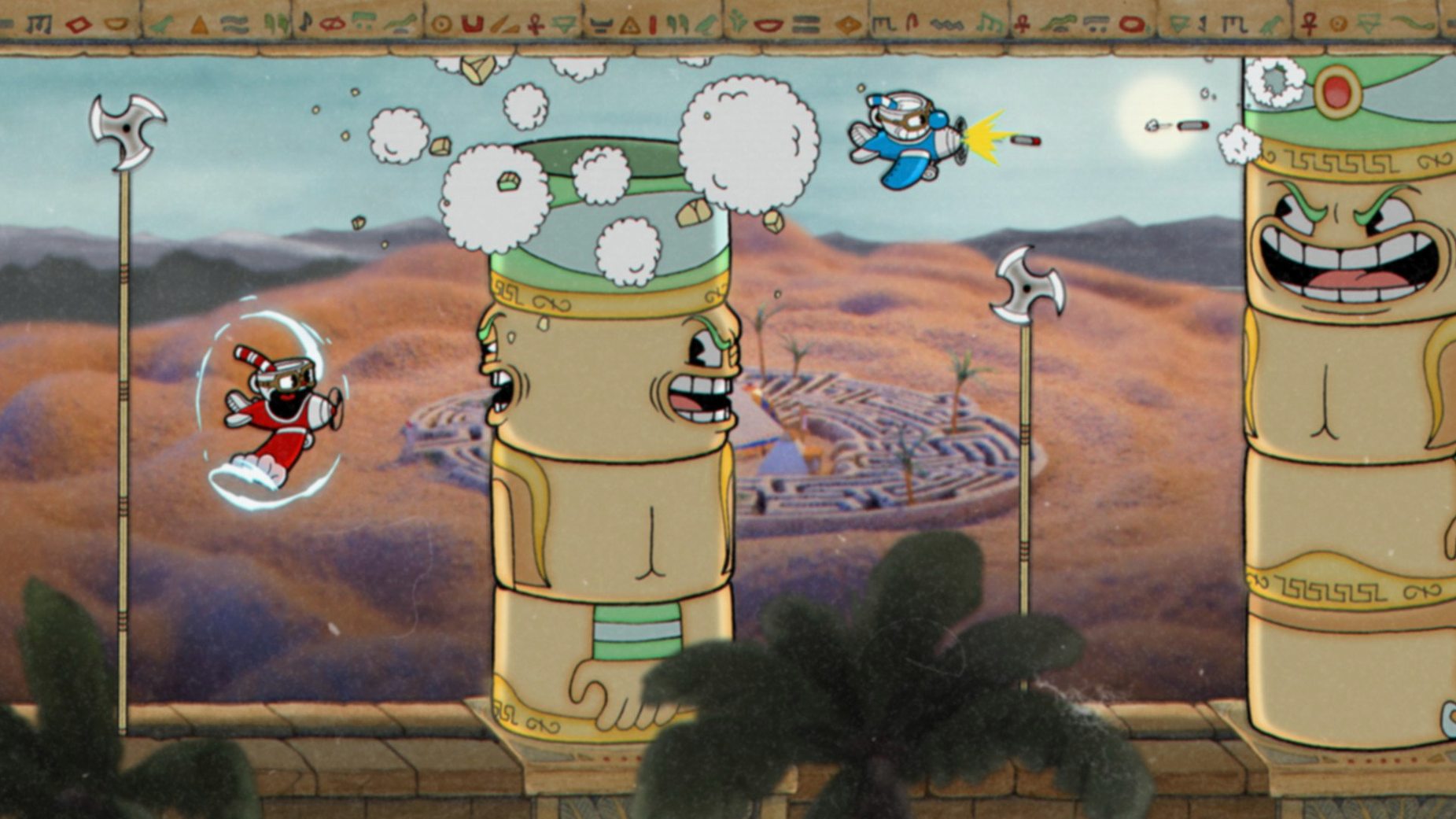
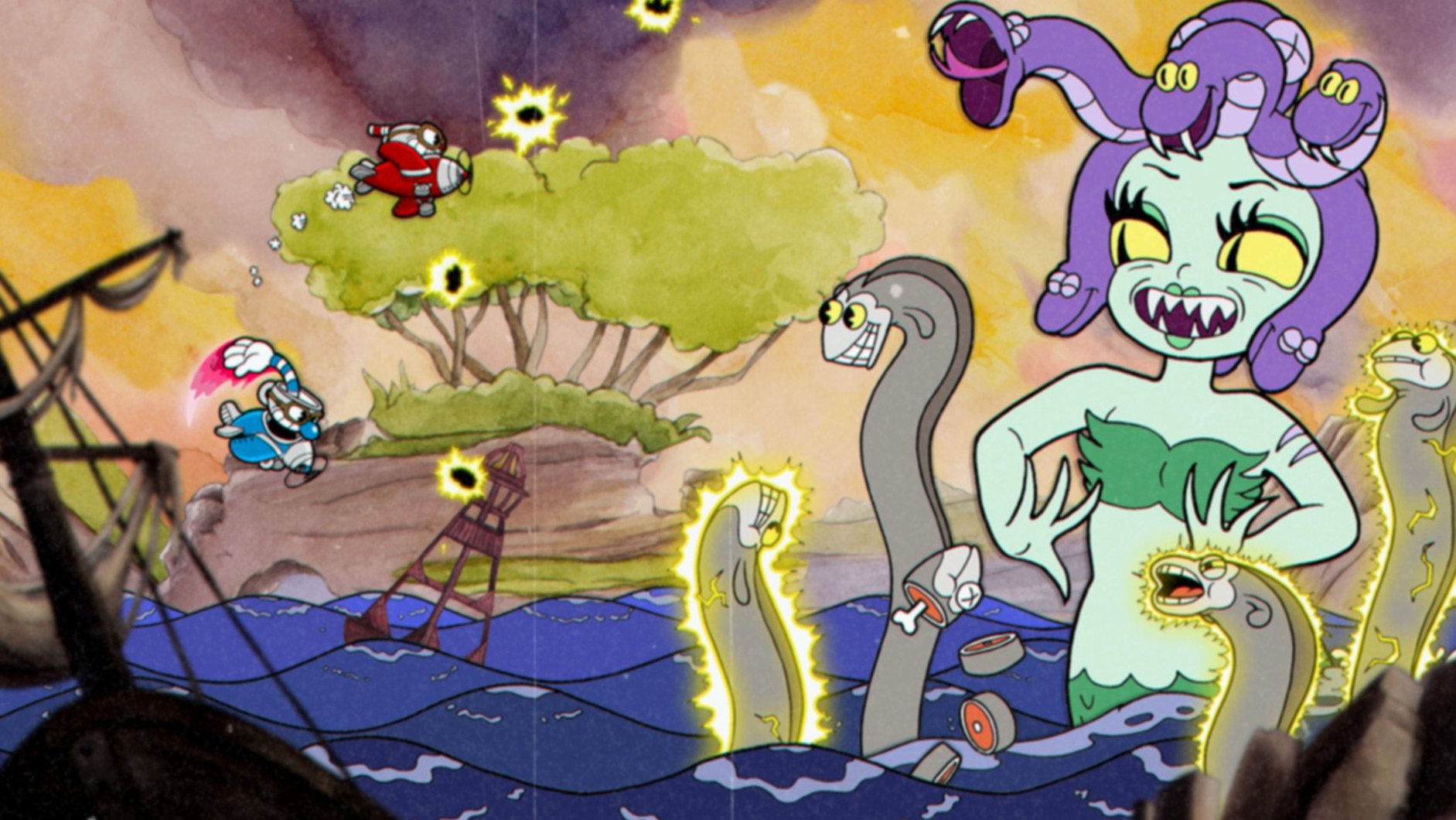
- Hand-drawn, cel-animated bosses that look ripped from a 1930s Fleischer short
- Two-player local co-op where the second player jumps in as Mugman
- Original big-band jazz recordings that react to the on-screen chaos
- A proper challenge — every knockout feels earned because the game gives you nothing for free
A boss rush first, with no native Apple Silicon build
- This is a run-and-gun boss rush at heart — the platforming levels are a side dish, not the main course
- 64-bit Intel Macs only; Apple Silicon Macs run it through Rosetta, but there is no native ARM build
- The Delicious Last Course expansion is a separate purchase that adds a new island and a third playable character
Runs at 60 fps on a fanless M1 Air through Rosetta
Does it work on Apple Silicon? The build is 64-bit Intel, so M1 and M2 Macs run it through Rosetta 2. Performance holds up — 60 fps at 1080p on a fanless MacBook Air is normal. The game isn't demanding, just precise.
Is the DLC included in this version? The 1.3.3 DLC Fix build bundles The Delicious Last Course. You get the extra island, the new weapons and charms, and Ms. Chalice as a playable third character right from the first launch — nothing to unlock or patch separately.
Can I use a controller? Yes. The game recognises PlayStation, Xbox and most third-party pads without fiddling. Keyboard works too, but parrying with a shoulder button feels more natural. If your pad doesn't register, plug it in before launching — hot-plugging mid-game is hit and miss.
Does it need an internet connection? No. The build is DRM-free. No launcher, no login, no phoning home. Play it on a train, in a cabin, or anywhere the Wi‑Fi is useless.
A boss-fight workflow, start to finish
Take Cagney Carnation on Isle One. You walk in with the Peashooter and three HP. Here's a method that turns a fist-clenching mess into a repeatable clear.
- Loadout. Equip the Spread shot and Smoke Bomb charm. Spread punishes Cagney's wide hitbox when you're close. Smoke Bomb lets you dash through the seed barrage without taking damage — that's the move that usually ends runs.
- Phase one. Stay near the centre of the screen. Cagney fires a spread of seeds; dash through the pink one to parry and build super. When he leans forward, jump and fire downward into his face. The bouncing acorns on the ground are a distraction — small hops clear them.
- Phase two. Cagney pulls up roots and the platforms shrink. Move to the leftmost or rightmost platform immediately. The flying seed pods home in, but they're slow. Ignore them and focus on the pollen darts — spot the gap, move once, keep firing.
- Super use. Save your first super for the final stretch. Pop it when Cagney's face turns red and he starts the rapid-spin attack. The invincibility frames will carry you through the worst of it, and the extra damage closes the fight before the platform situation gets silly.
- Co‑op note. If Mugman goes down, parry his ghost before it floats off screen — you'll revive him with one of your own HP. It's often worth it in phase two, because two spread shots melt the final third faster than one.
Stuttering on Retina — drop to 1600×900
The game stutters on a Retina display. By default it may run at a scaled resolution that your Intel Mac struggles with. Open the in-game video settings and drop to 1600×900 or lower. The art style is 720p-native anyway — you won't lose the hand-drawn look, but you'll gain a locked framerate.
Controller buttons are scrambled. This sometimes happens with Switch Pro controllers on macOS. Quit the game, open System Settings → Bluetooth, forget the controller, then reconnect while Cuphead is already running on the title screen. If that fails, enable Steam Input in your Steam settings even for a non-Steam copy — macOS sees it as a generic gamepad and remaps correctly.
Black screen on launch. Usually a permissions hiccup on Catalina and later. Grant the game Accessibility access in System Settings → Privacy & Security → Accessibility. Drag the app into the list if it isn't there, tick the box, relaunch.
DLC content doesn't appear. The DLC island unlocks after you finish at least one mausoleum in the base game. If you've done that and the new island on the map still shows a lock, verify the install path has no leftover preference files from an older build — delete ~/Library/Application Support/com.studiomdhr.Cuphead and restart.
1.2 GB of RAM and quiet fans on a 4K iMac
Cuphead is lightweight by any standard. On a 2017 iMac with a 4K display, it sits around 1.2 GB of RAM and barely touches the GPU outside of screen transitions. Fan noise stays low — the watercolour backgrounds and 2D sprites push fewer pixels than a 3D engine ever would.
Load times on an internal SSD are under five seconds from title screen to map. An external USB‑A hard drive adds a few seconds, but nothing that breaks the rhythm between retries — and there will be retries. The instant restart after a death is the real quality-of-life feature here. No loading bar, no countdown, just straight back into the fight.
Stability is binary: it either runs perfectly or not at all on unsupported hardware. In dozens of hours across the base game and the DLC, crashes are rare. The few that happen tend to cluster around resolution switches on external monitors — if you're docking and undocking a MacBook, set the resolution before you plug in the display and leave it alone.
The frame-pacing is the thing that matters most in a game built around split-second parries. On the recommended settings, it never drops a frame mid-boss — and when you mistime a parry, you'll know it was you, not the machine.
What’s new
Fixes a DLC-related issue from the previous build.
Requirements
- macOS Catalina or later
- 64-bit Intel processor
Comments 0
Sign in or create an account to leave a comment.
No comments yet…
If you’ve installed it, say how it went. Mention your Mac and macOS version — it helps the next person more than you’d think.
More in Games
All in Games-
 Cult of the Lamb
1.5.26.366
Apple Silicon
Cult of the Lamb
1.5.26.366
Apple Silicon
-
 Cyberpunk 2077: Ultimate
2.31a
Apple Silicon
Cyberpunk 2077: Ultimate
2.31a
Apple Silicon
-
 Crusader Kings III
1.20.0.4 Native
Apple Silicon
Crusader Kings III
1.20.0.4 Native
Apple Silicon
-
 Cronos: The New Dawn
356600
Apple Silicon
Cronos: The New Dawn
356600
Apple Silicon
-
 Crimson Desert
2.02.00
Apple Silicon
Crimson Desert
2.02.00
Apple Silicon
-
 Counter-Strike
10210 Rev 1
Apple Silicon
Counter-Strike
10210 Rev 1
Apple Silicon
-
 DAVE THE DIVER
1.0.6.756
Apple Silicon
DAVE THE DIVER
1.0.6.756
Apple Silicon
-
 Counter-Strike: Source
Build Rev 1
Apple Silicon
Counter-Strike: Source
Build Rev 1
Apple Silicon