
Celeste for macOS
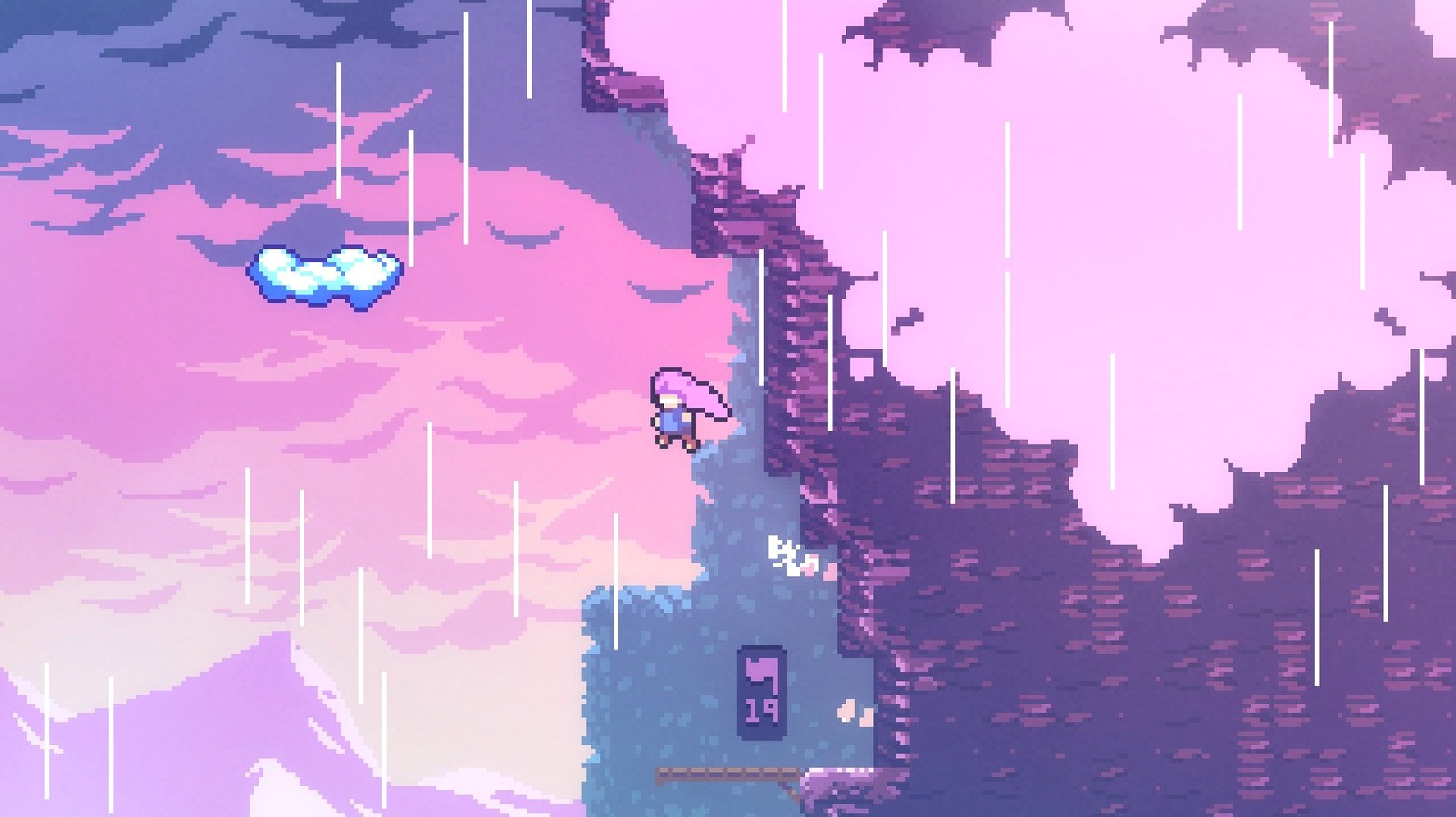
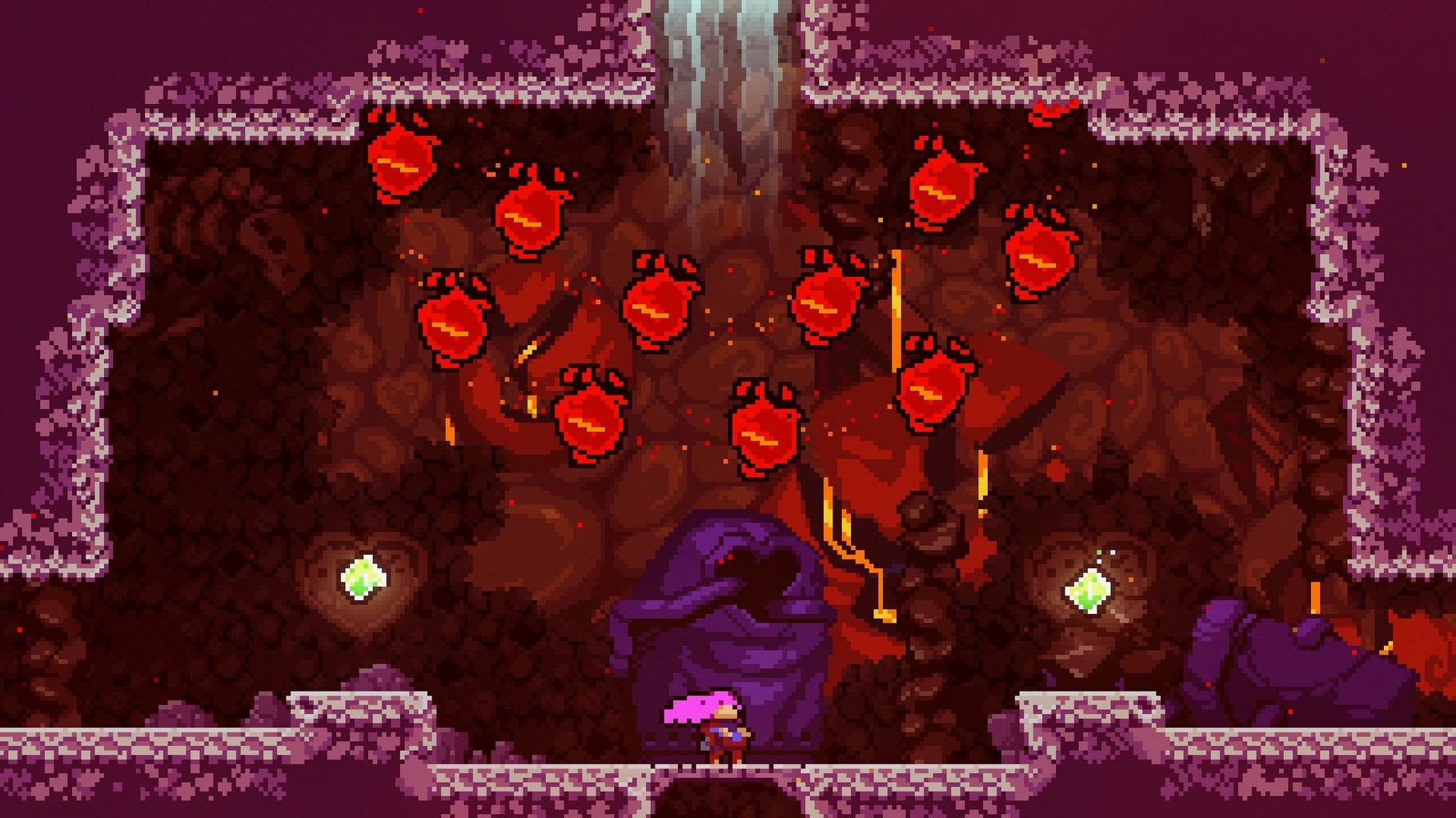
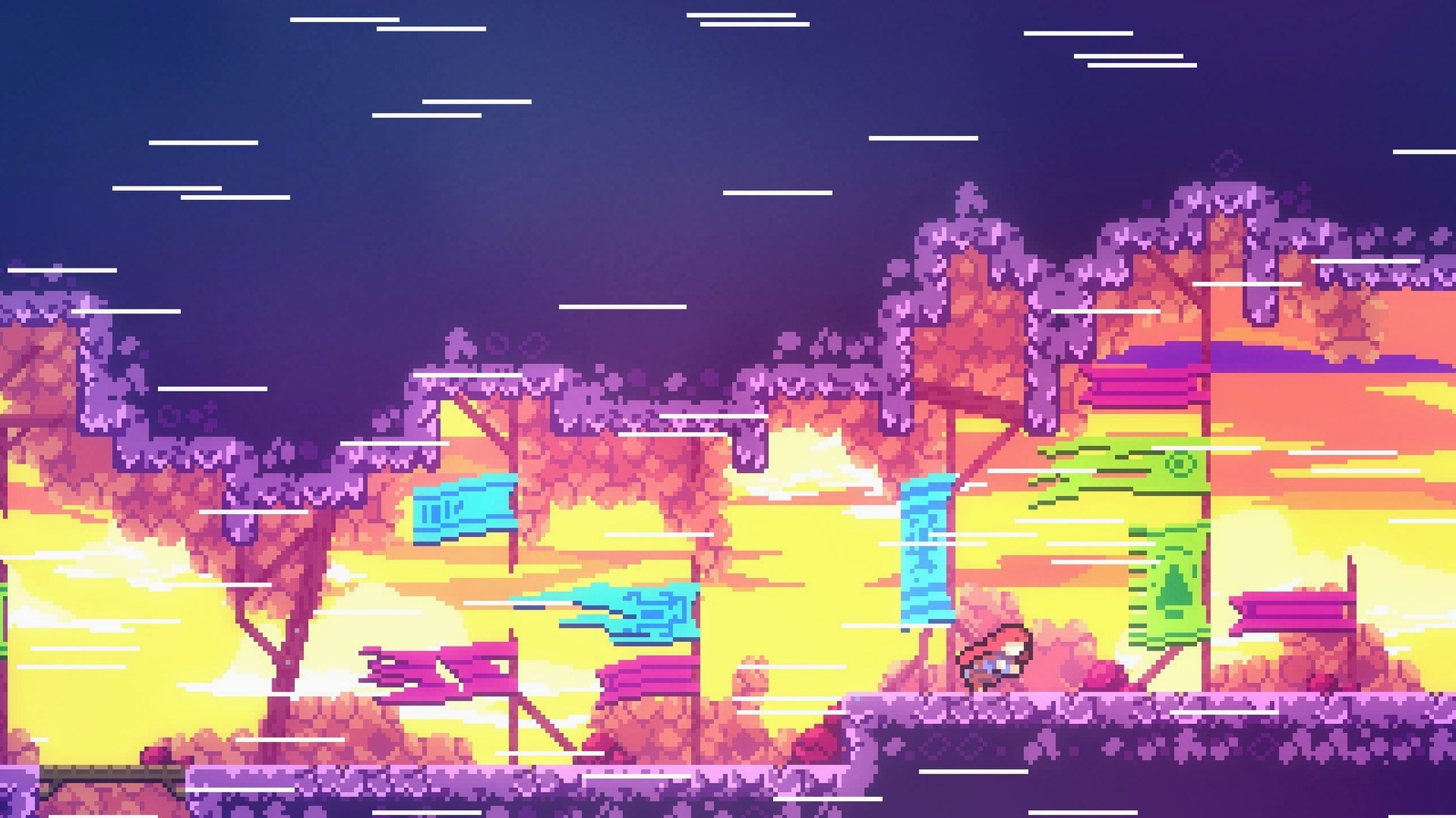
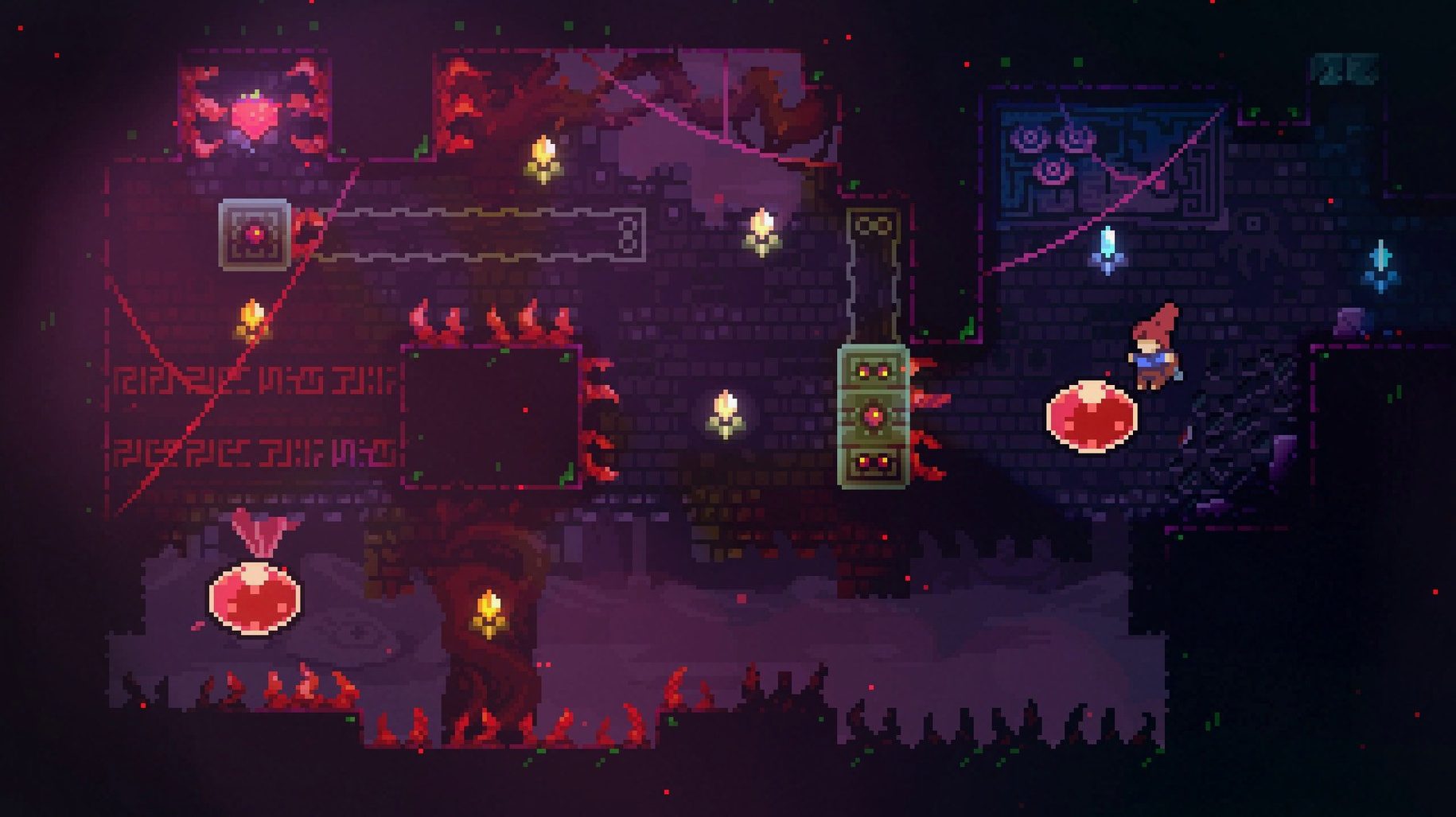
Description
The mountain splits itself into over 700 hand-built screens, and Madeline has to clear every one of them. A dash, a jump, a wall-cling — the move set is small, but the demands change every few metres.
A trick, then a spike-filled remix
You steer Madeline through rooms that rarely give you time to breathe. One screen teaches a trick; the next remixes it with spikes or crumbling platforms. Death is instant, and the respawn is almost as quick. You retry, you adjust, you get through. Bonus chapters and hidden areas cut away from the main path, often with nastier layouts.
Missed jumps land squarely on your own timing
The controls are what keep people here. Madeline responds without lag, and the game never blames the hardware. When you miss a jump, you know it was your timing. The story is there — Madeline is fighting her own doubts as much as the mountain — but it never interrupts the flow. It just gives the climb a reason to stick.
Shaving frames off a dash, then hunting every strawberry
Speedrunners and completionists both find a home here, though for different reasons. The former dig into the tight physics to shave frames off a dash. The latter uncover every strawberry and cassette tape, then realise the B-sides and C-sides exist — and those remix the original screens into something far less forgiving.
It also suits people with patchy schedules. A single screen rarely takes more than a room’s worth of attempts, so ten minutes gets you a genuine chunk of progress. You won’t lose your bearings if you step away for a week. The mountain waits, the controls come back fast, and the chapter select lets you pick up wherever you left off.
Mac users on older Intel machines get a fair deal too. The game isn’t demanding, and the 1.4.0.0 build runs as a straightforward x86 app. If you’ve grabbed a celeste for mac download, you won’t be staring at a spinning beach ball on a machine that’s a few years past its prime.
Intel Mac framerate no longer a wall-jump gamble
By version 1.4.0.0, most of the rough edges people hit at launch were long gone. The framerate pacing on Intel Macs settled into something stable, so the precise wall-jumps later chapters demand no longer felt like a gamble on older hardware. A celeste free download mac search would have pointed you to builds that already included the farewell chapter and the assist-mode options.
Assist mode itself matured by this point. You can slow the game speed, grant yourself extra dashes, or become invincible — and the game doesn’t badge you for it. In practice, this means someone stuck on a single screen for an evening can drop the speed to 70%, learn the rhythm, and switch it back off. The feature turned what could have been a stopping point into a teaching tool.
Keyboard handling also improved. Early builds could misread certain layouts, which is why the advice to use a US layout at startup still floats around. By 1.4.0.0 that quirk was mostly ironed out, though it remains a sensible first step if you’ve found a celeste mac download and your keys feel off.
A clean run through Chapter 2
Old Site is where the game starts layering its ideas. Here’s a workflow for clearing it without collecting every optional pickup — just a solid, death-light run.
- Warm up the dash timing. The first few screens throw dream blocks at you. Dash through one and Madeline launches out the other side. Stand still for a beat before dashing so you don’t overshoot the next platform. The rhythm is tap-pause-tap.
- Learn the screen, not the stage. Each room in Old Site is a self-contained puzzle. Walk into it once to see where the hazards sit. On the second attempt, plan a route. By the third, you’re executing. Don’t try to sight-read the whole chapter in one go.
- Use the moving platforms as breathers. Several screens have blocks that slide along tracks. Ride them. Madeline clings to walls automatically, so you can hang on the side of a moving block and survey the next section without losing ground.
- Keep the dash for corrections. It’s tempting to dash the moment a gap appears. Don’t. Jump normally and save the dash for when you’ve misjudged a landing or need to change direction mid-air. One saved dash turns a death into a recovery.
- Badeline chase — stay low. The chapter’s climax has your reflection chasing you. The platforms break upward, but hugging the bottom row gives you more room to react. Dash horizontally, not diagonally, and you’ll slip through the gaps before Badeline closes in.
If you downloaded a Celeste torrent and ended up with an older build, you might miss the assist-mode sliders that let you practise the chase at half speed. The 1.4.0.0 version has them; grab that build if the timing isn’t clicking. Better to see the rest of the mountain than to quit in a crumbling ruin.
Requirements
- macOS (Intel only)
FAQ
Does Celeste include the Farewell chapter on Mac?
Yes, version 1.4.0.0 includes the bonus Farewell chapter along with other hidden areas added after the original launch.
Comments 0
Sign in or create an account to leave a comment.
No comments yet…
If you’ve installed it, say how it went. Mention your Mac and macOS version — it helps the next person more than you’d think.