Command & Conquer: Generals for macOS
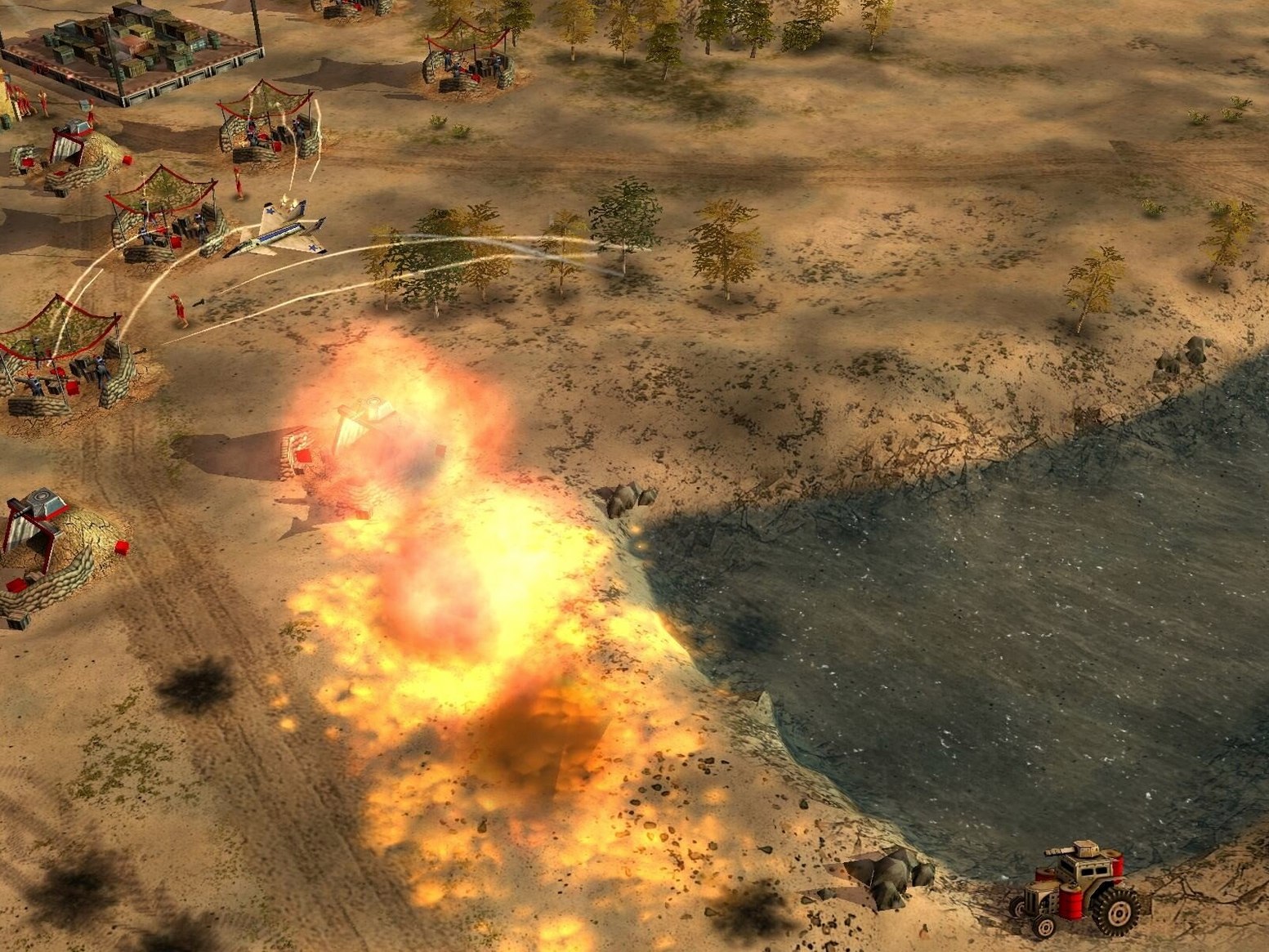
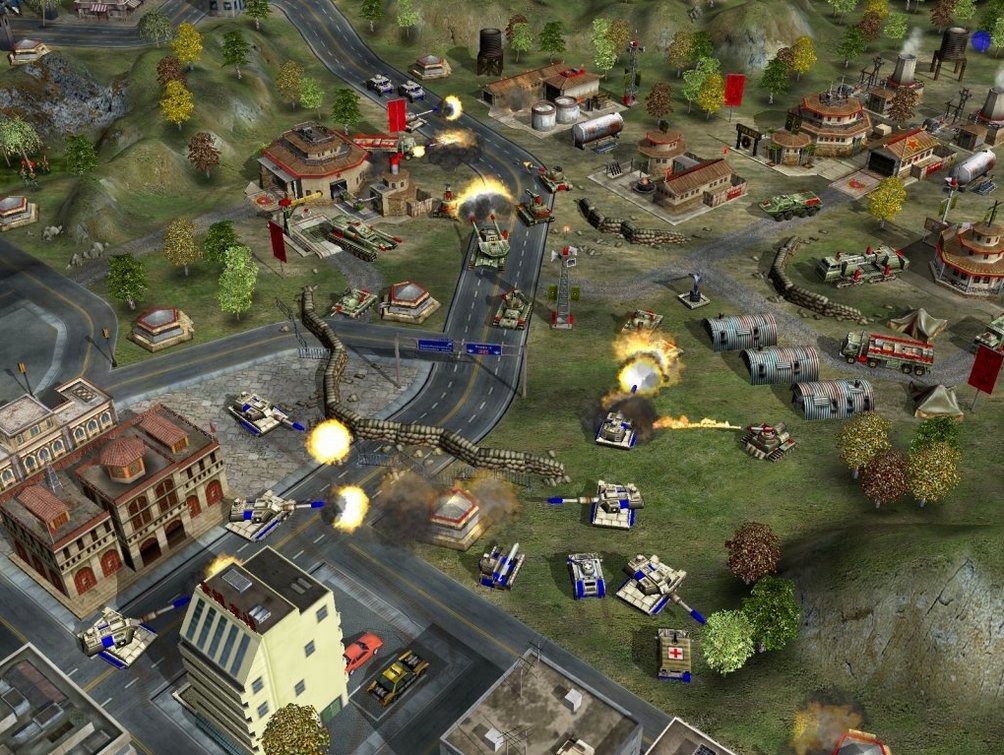
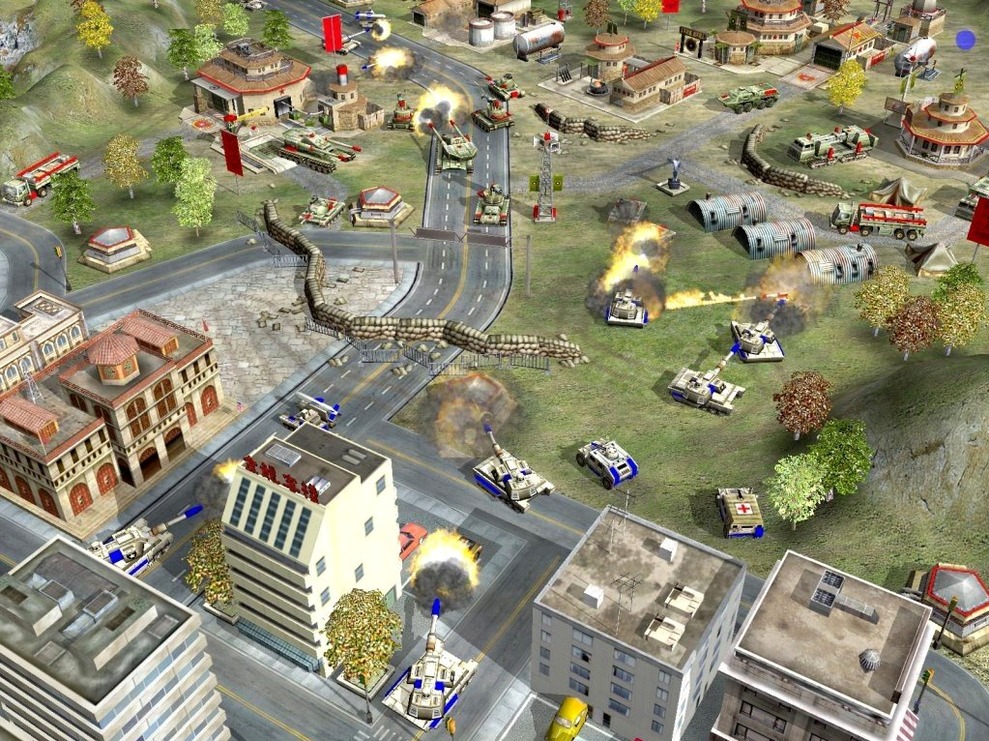
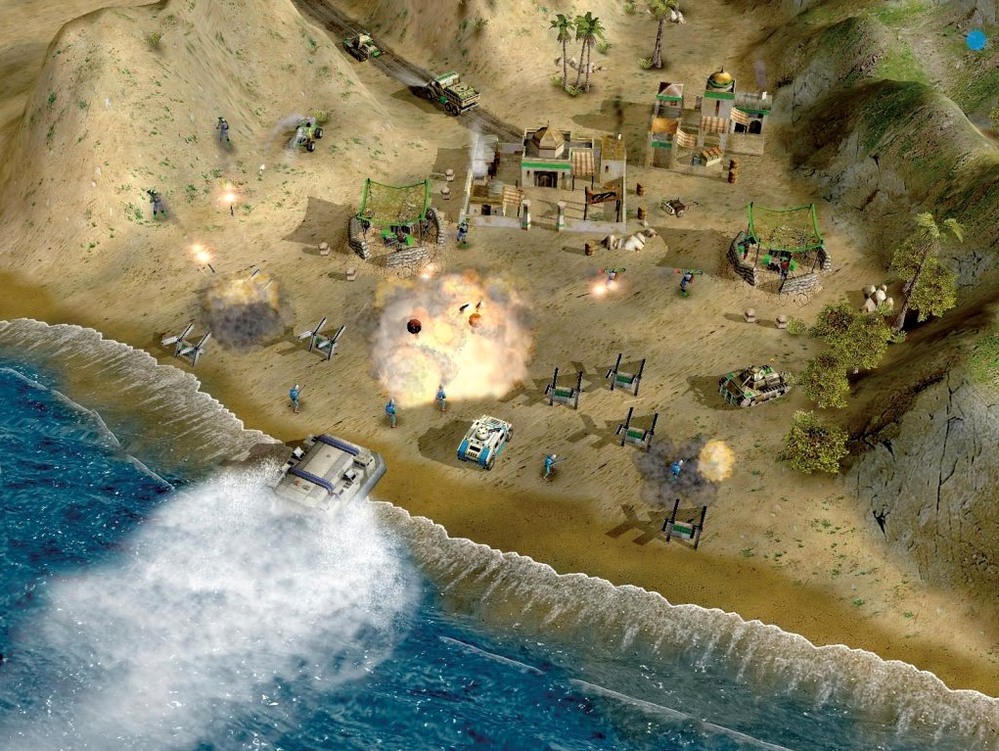
Description
Three factions, one goal: capture everything. This standalone expansion drops the generic Super Strike ability and hands each side a distinct general with their own tactics. You still build a base, gather resources, train units and construct buildings—but the combat loop now tilts on who you pick to lead.
Rosetta 2 performance on M1 Macs
- The game runs via Wineskin, version 1.04.
- Tested on macOS Monterey with a MacBook Air (M1, 2020). Expect steady performance on Intel Macs; Apple Silicon works through Rosetta 2.
- Interface is English only. No native macOS port exists—this is the Windows build wrapped for Mac.
- Controls rely on a keyboard and mouse. A trackpad works, but a proper mouse makes unit selection faster.
Gameplay feel
Missions push you to capture enemy bases rather than just destroy them. That changes the tempo—you hold back on artillery to keep the command centre intact. The three unique generals open different build orders, so replaying a skirmish doesn't feel like a repeat. It's a 2003 game, so textures show their age, but unit response stays snappy on modern hardware.
a skirmisher's first evening
A player who grew up on Red Alert 2 installs this, skips the tutorial, and picks General Granger. Five minutes in, the USA airfield is up but nothing flies. The reason is simple: the economy is lean and every aircraft needs a rank-up from the strategy centre to unlock. Once that clicks, the map fills with stealth Comanches and the match shifts from base defence to hunting supply trucks. It's the moment the faction stops feeling like a reskin. This version strips out the original Super Strike and replaces it with a general who brings a passive ability—Granger's aircraft start as veterans. That one change reorders the entire build sequence and makes evening skirmishes against the AI land differently each time you swap leaders.
Scroll speed and audio set for old hardware
Before starting a campaign mission, open the options menu and change three things. The defaults aren't awful, but they were set for CRT monitors and speakers that no longer exist.
- Scroll speed. Drag it down to about 30%. The default whips the camera across the map with a light nudge, which gets tiring on a MacBook trackpad.
- Music volume. Drop it to 50%. The orchestral score is solid, but it drowns out unit acknowledgements—and you need to hear when a dozer is idle.
- Right-click scroll. Enable it. Left-click drag works, but right-click scroll frees up your left hand for hotkeys without switching grip.
For Intel Macs, the Wineskin wrapper adds a small config app. Open it once (right-click the game icon, choose Show Package Contents, then launch Wineskin) and tick "Use Mac Driver" under Screen Options. On an M1 Air, that setting stops a rare stutter when the screen fills with particle effects from a GLA toxin truck.
No section text to rewrite
game won't launch after mounting the dmg
Dragging the app to Applications is step one. If it bounces once and quits, you likely missed step two: the first run needs Rosetta 2. Open Finder, right-click the game, choose Get Info, and tick "Open using Rosetta." Launch it once, let it create the wrapper files, then untick Rosetta if you prefer—on an M1 it runs fine either way after the initial setup. Some users hunting for a command and conquer generals mac download skip this and assume the wrapper is broken. It isn't.
mouse cursor lags in full screen
Wineskin sometimes traps the macOS cursor acceleration. Switch to windowed mode (Alt+Enter), move the window slightly, then switch back. The cursor snaps to normal speed. If that fails, open the Wineskin settings and set "Override screen resolution" to match your display's native resolution—the wrapper defaults to 1024×768, which forces macOS to scale on Retina screens and introduces input lag.
save files go missing
The wrapper stores saves inside its own bundle, not in Documents. If you drag a fresh copy of the app from a command and conquer generals download torrent without moving the old wrapper, your campaign progress vanishes. Before replacing the app, right-click the old one, Show Package Contents, and copy the drive_c/Program Files folder. Paste it into the new wrapper after installation. Same trick works for skirmish replays you want to keep.
audio crackles on M1
A handful of M1 Airs exhibit audio popping during mission briefings. In the Wineskin config, go to Audio and set "Driver" to "CoreAudio" and "Bits Per Sample" to 16. The default 24-bit setting confuses older DirectSound calls. This is one of those quirks you won't see mentioned on a standard command and conquer general torrent page, but it's a two-click fix.
Skirmish players who grab a generals download torrent can check the general selection screen for Granger, Tsing, and Juhziz—if the portraits are blank, the expansion's faction abilities didn't install. This bundled release includes them so the row fills in properly.
What’s new
- Adds new missions and events as a standalone expansion.
- Adds new units and buildings for all three factions.
- Replaces Super Strike with unique generals.
Requirements
- Intel Mac (Apple Silicon supported via Rosetta 2).
- Tested on macOS Monterey.
- Keyboard and mouse recommended.
FAQ
Does this run on Apple Silicon Macs?
Yes. It has been tested on a MacBook Air with an M1 chip running macOS Monterey, using Rosetta 2.
Is this the full game or just an add-on?
It is a standalone expansion. You do not need the original Command & Conquer: Generals to play.
What makes the expansion different from the base game?
It replaces the Super Strike ability with unique generals for each faction, and adds new units, buildings and missions.
Comments 0
Sign in or create an account to leave a comment.
No comments yet…
If you’ve installed it, say how it went. Mention your Mac and macOS version — it helps the next person more than you’d think.