
Black Mesa for macOS
Description
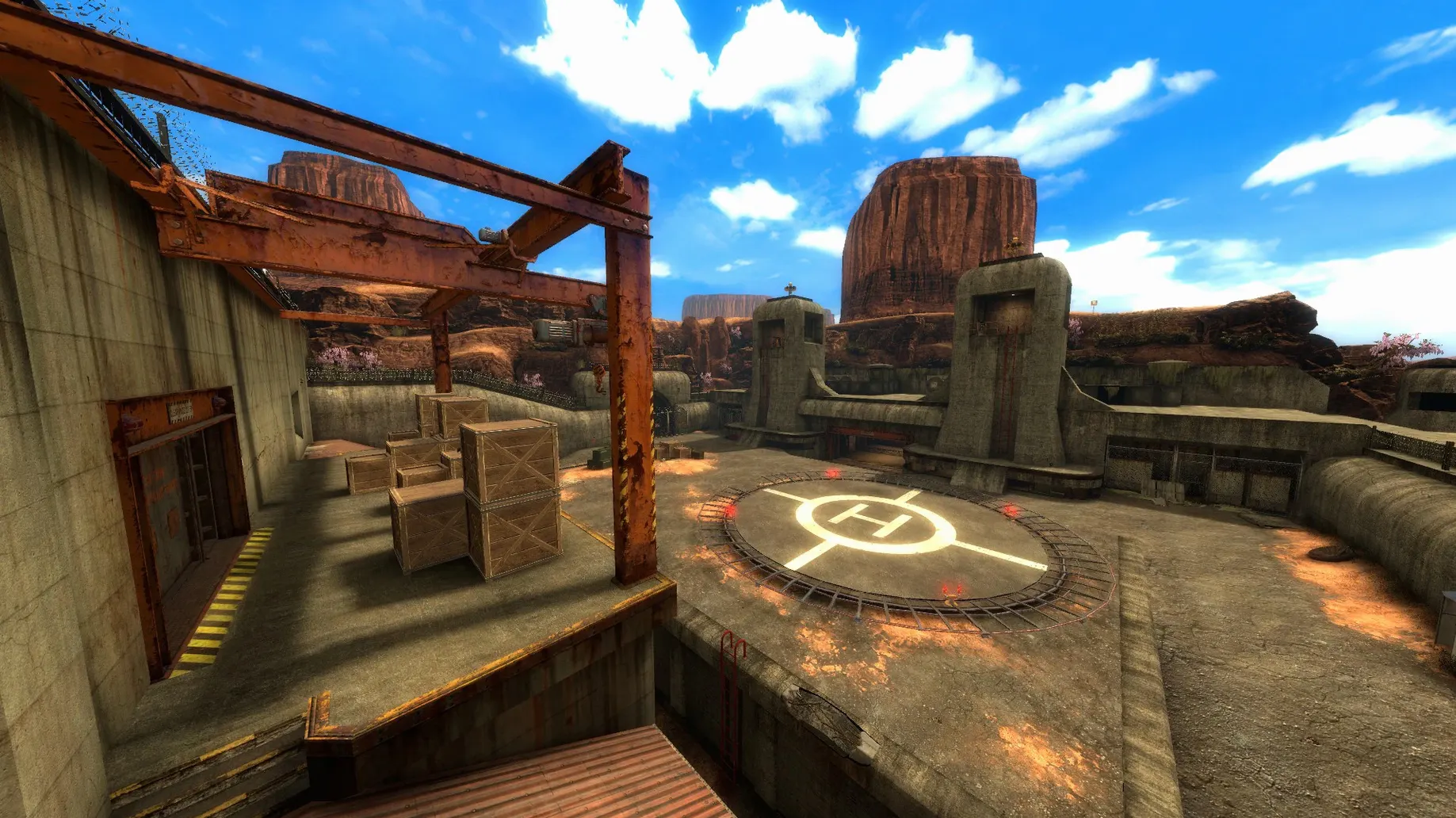
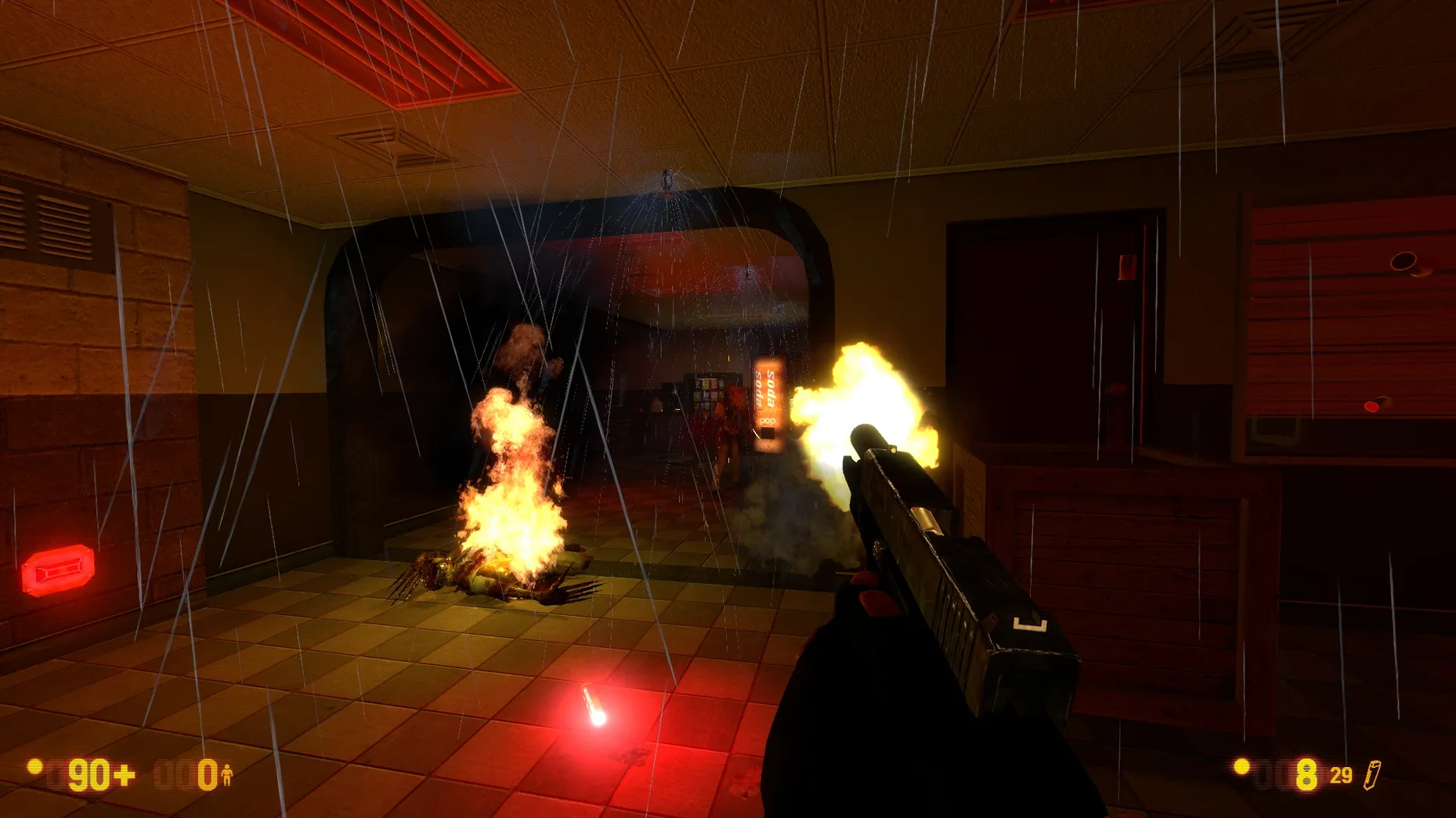
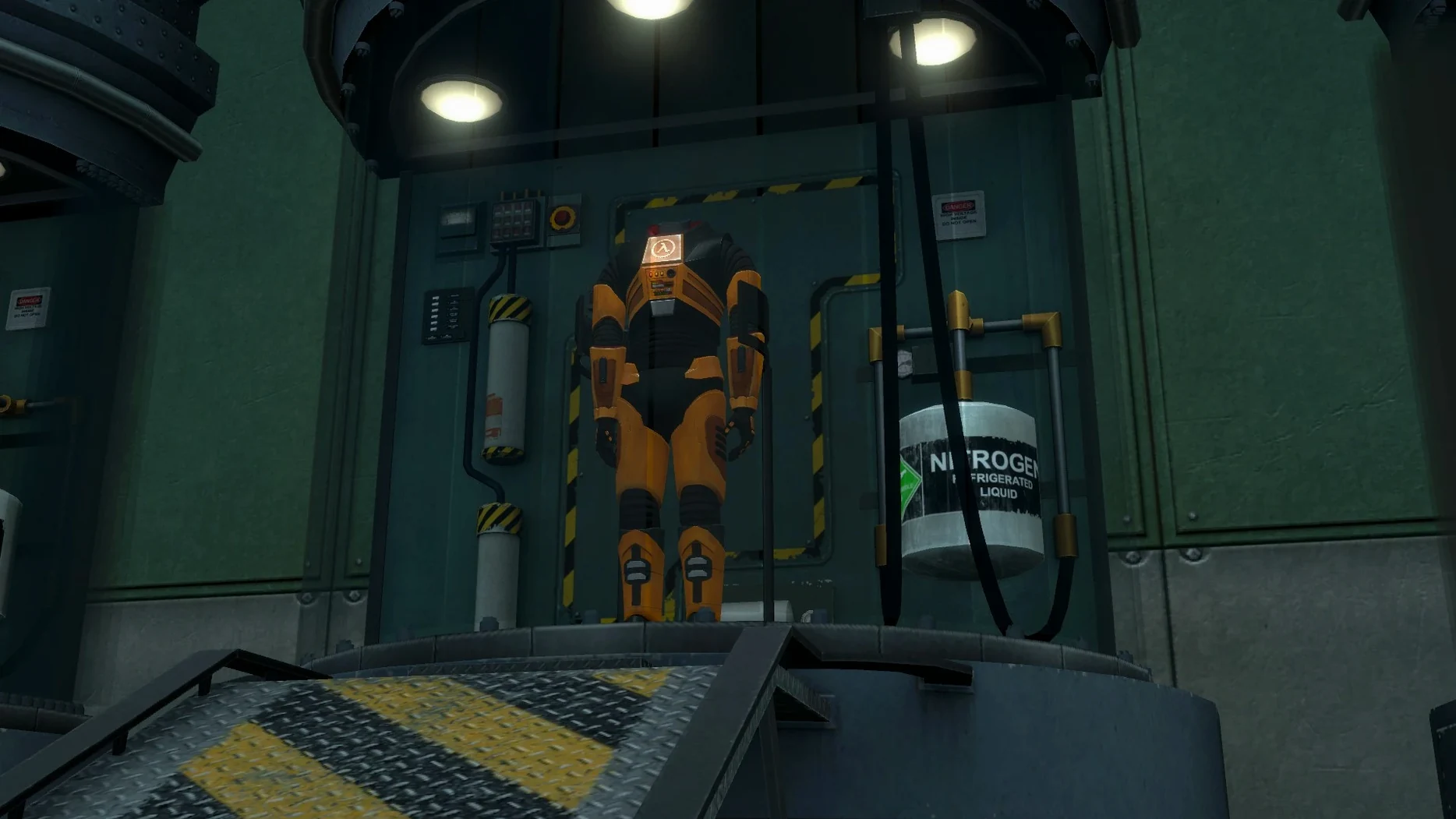
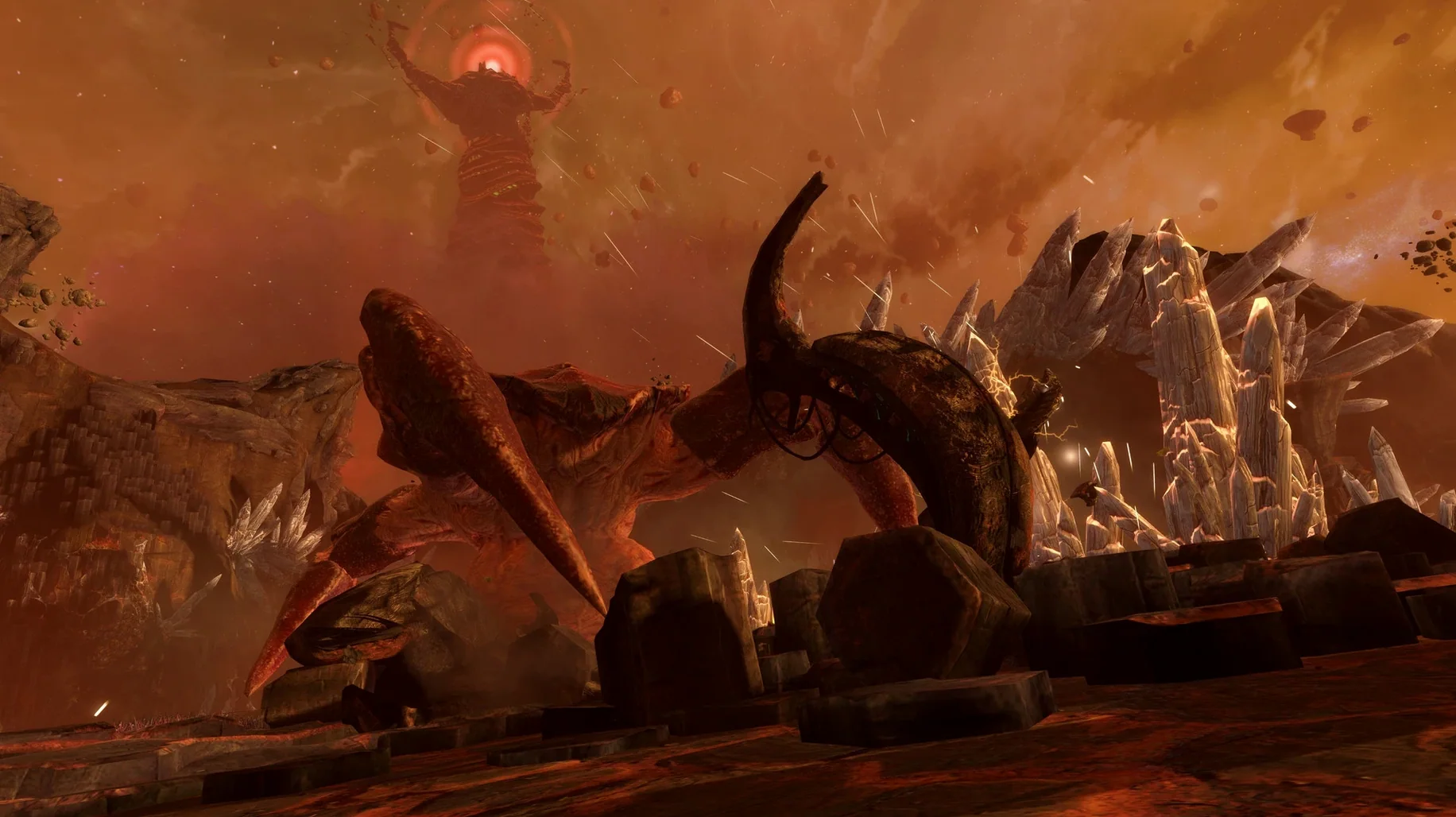
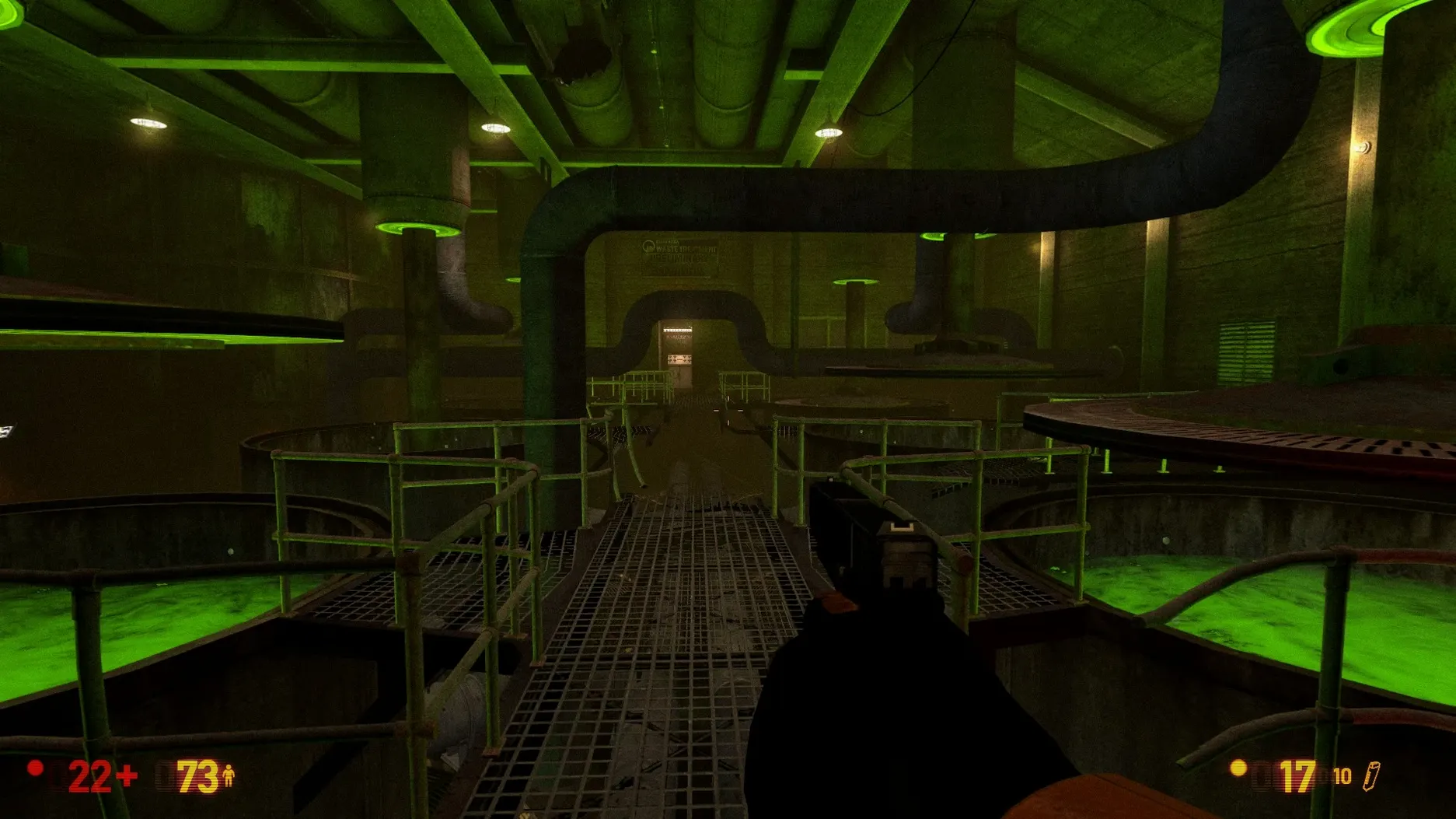
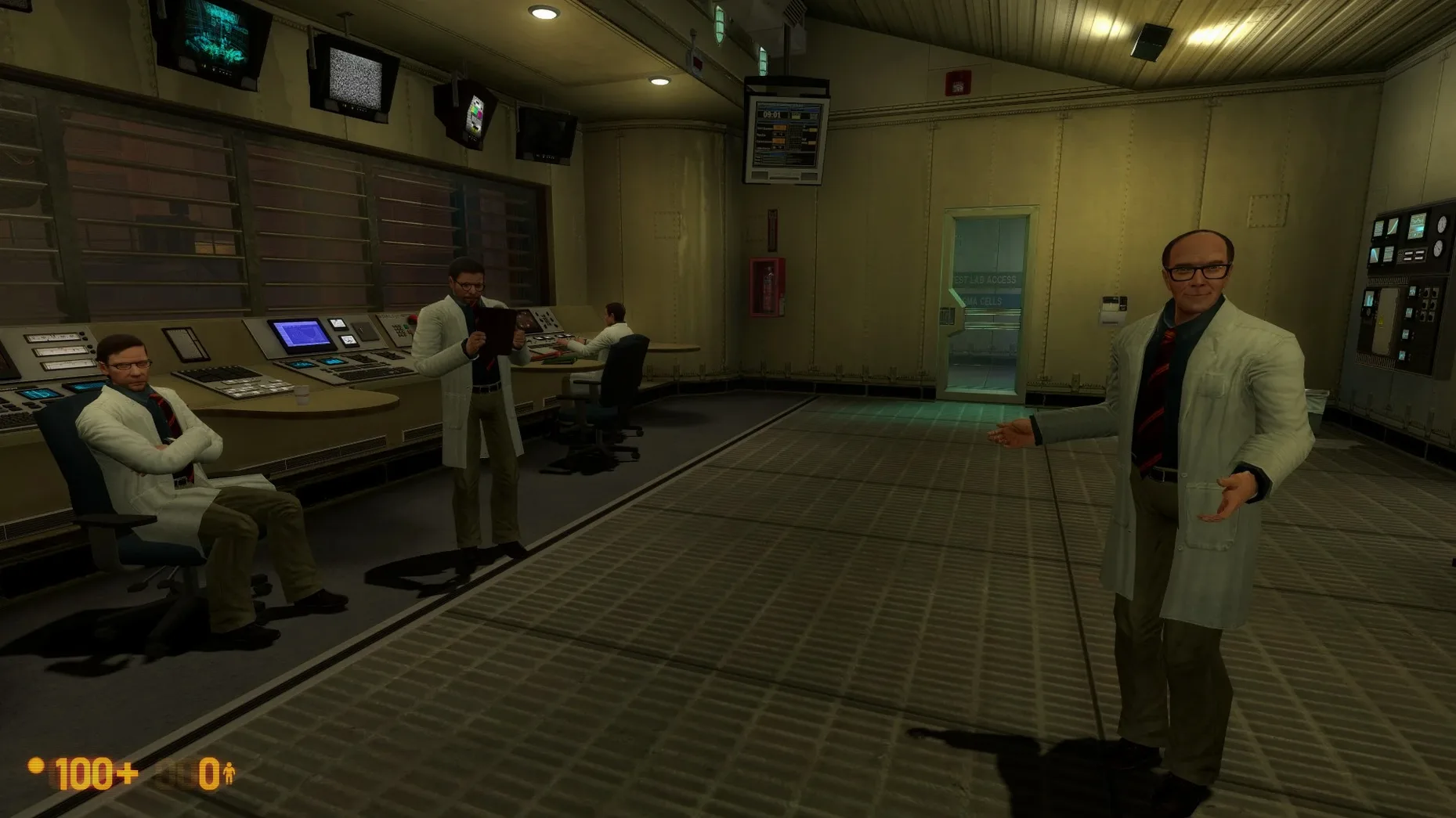
The original Half-Life won't launch on a modern Mac without a fight. Black Mesa fixes that. It's a complete fan-made remake, rebuilt to run on current hardware, including Apple Silicon. You still play as Gordon Freeman, a theoretical physicist who causes a resonance cascade and spends the next several hours shooting his way out of the Black Mesa research facility. First come the aliens, then the military cleanup crews sent to silence everyone who saw them.
| Detail | Info |
|---|---|
| Developer | Crowbar Collective |
| Version | 1.5.3.7336708 |
| Architecture | Apple Silicon |
| Languages | English, Russian |
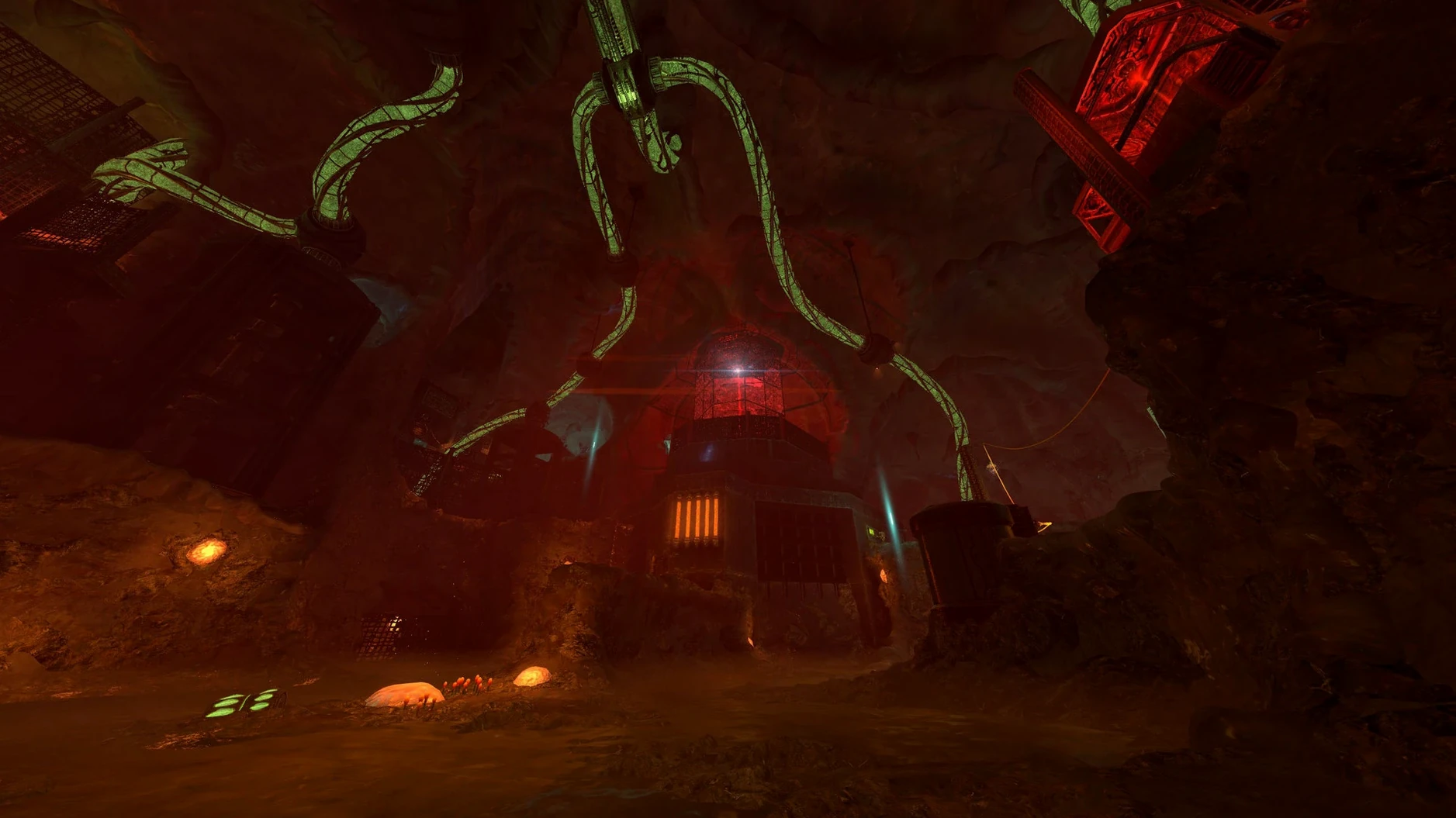
Minute to minute, you move through corridors, air ducts and blasted-out labs, picking up weapons and solving simple environmental puzzles. The campaign has 19 chapters, including a completely reworked Xen section near the end—far more detailed than the original's. Between fights you'll overhear panicked chatter from scientists and barked orders from soldiers. Multiplayer is here too, with the classic Half-Life deathmatch spread across 10 maps. Achievements pop up as you go, tracking headcrab kills and other milestones. The interface text and voice lines come in both English and Russian.
Getting through "Surface Tension" without running dry on ammo
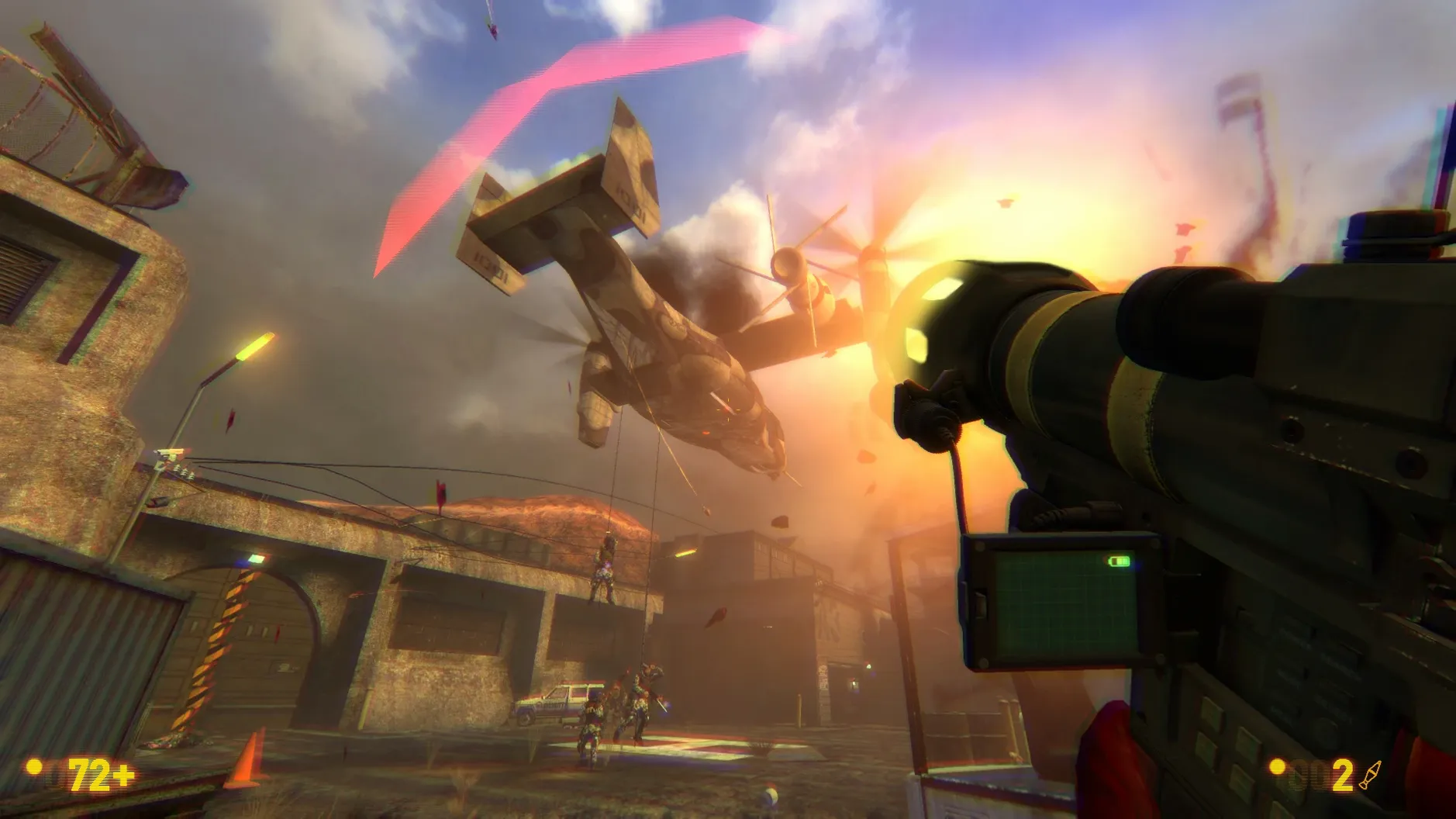
By the time you reach the cliffside chapters, the HECU marines stop playing fair. They flank, they throw grenades, and they burn through your reserves faster than any headcrab. Here's a sequence that works on Hard difficulty.
- Enter the dam area with the shotgun loaded. Use the side tunnel, not the main gate. Two soldiers patrol the ledge above—wait for the one on the left to turn away, then double-tap the right one with the .357 before he can radio.
- Grab his assault rifle. Don't fire it yet. Drop into the water and swim under the dam structure. You'll surface behind a supply crate with crossbow bolts and a battery. The Apache helicopter won't track you if you stay tight to the concrete pillars.
- The next courtyard has a mounted gun emplacement. Ignore it. Use the satchel charges from the ammo bunker two rooms back—toss one behind the sandbags, detonate, then clean up the stunned marines with pistol headshots. That saves at least two magazines for the warehouse fight ahead.
- In the warehouse, the trapdoor above the forklift leads to a vent shaft. It's easy to miss. Climb it, shimmy along, and you'll drop behind the heavy weapons trooper who otherwise shreds you the moment you step through the main door.
Sticking to this route kept me above 40% on all ammo types through to the helipad. The only thing it can't fix is the platforming section with the dangling containers—that bit still feels like a physics argument you lose half the time.
The old-school rulebook Black Mesa tears up from the first crowbar swing
Does this actually run on an M-series Mac?
Yes. The build is compiled for Apple Silicon architecture and was tested on a Mac mini 2024 M4 running macOS Tahoe. Intel Macs aren't supported, and Rosetta isn't needed here—the game runs natively. If you grab a black mesa mac torrent, check that it's the Apple Silicon build rather than an old Intel-only wrapper so it launches cleanly. That's the version you want.
Is the full campaign included?
All 19 chapters are present, including the expanded Xen levels that the original Half-Life never got. The Definitive Edition tag means you get the final version of the remake Crowbar Collective spent 15 years polishing—not the early access build that was missing the ending for years.
What if the app won't open after I drag it to Applications?
Mount the disk image you downloaded, find the file called Fix, and run it. That sorts out the Wine wrapper permissions that Gatekeeper occasionally throws a fit about. After that, launch from Launchpad as normal. Saves live inside the app bundle at Black Mesa.app/Contents/SharedSupport/prefix/drive_c/KS Games/Black Mesa/bms/save—worth knowing if you ever need to back them up manually.
What’s new
Version 1.5: Combines graphical and gameplay improvements from 15 years of development into one release.
Requirements
- Apple Silicon Mac
Comments 0
Sign in or create an account to leave a comment.
No comments yet…
If you’ve installed it, say how it went. Mention your Mac and macOS version — it helps the next person more than you’d think.