Civilization V for macOS

Description
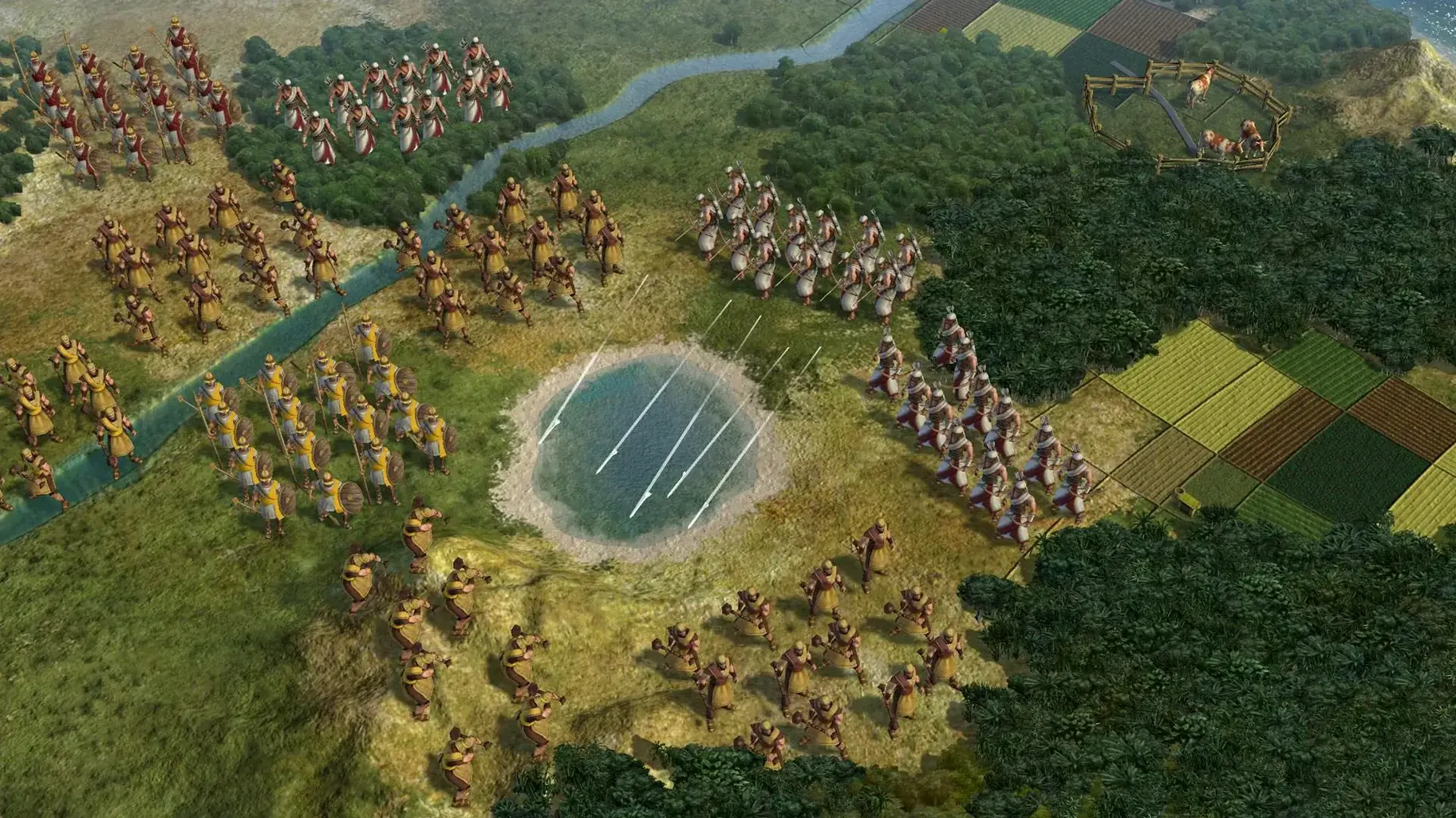
Citadel. A great person improvement that claims every adjacent hex and gives a defensive bonus to any unit parked on it. Dropping one near a covetous neighbour redraws your border and gives you a free shot as they throw themselves at it. That's the game in miniature: one tile, one decision, ripples for the next hundred turns.
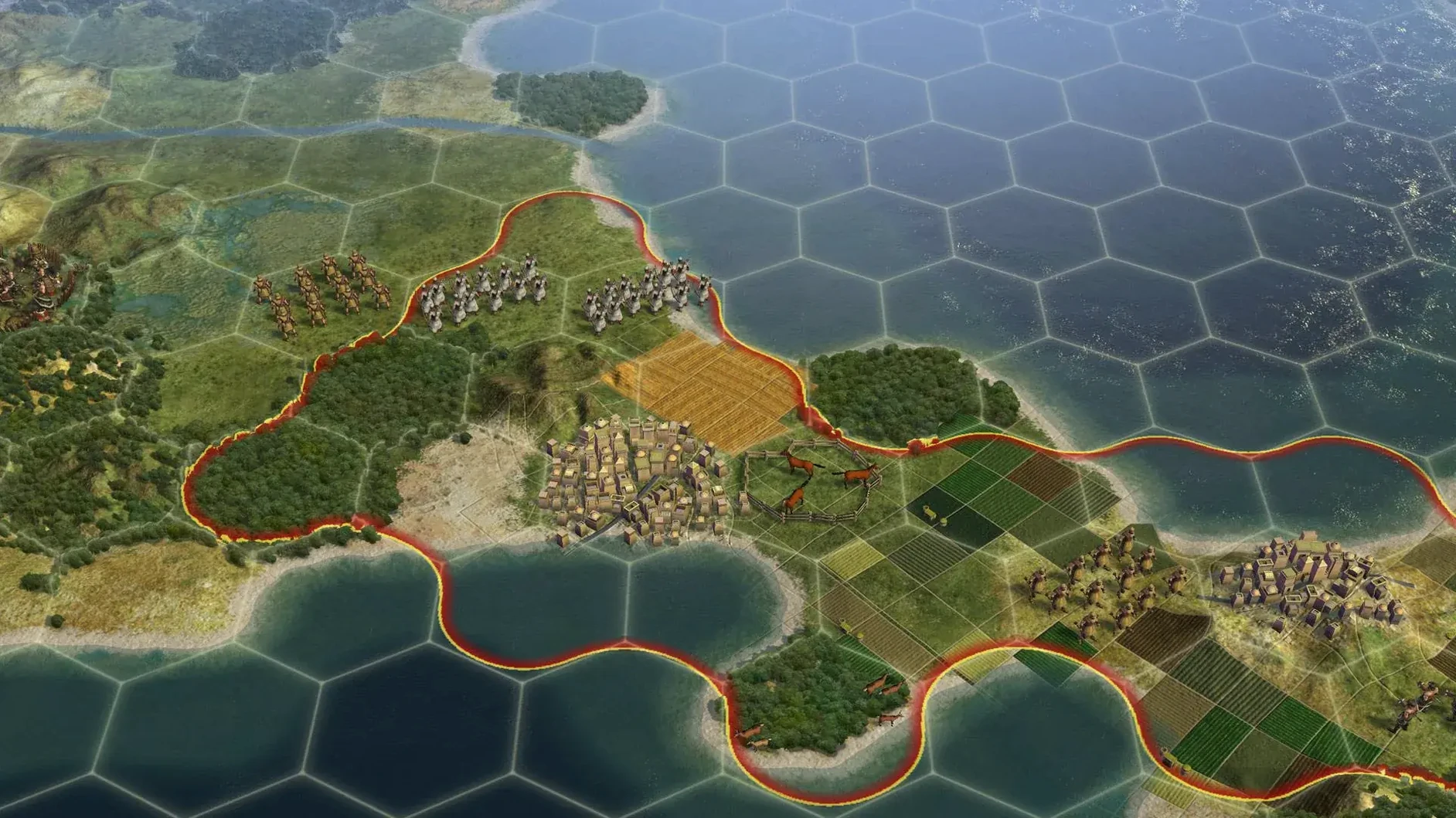
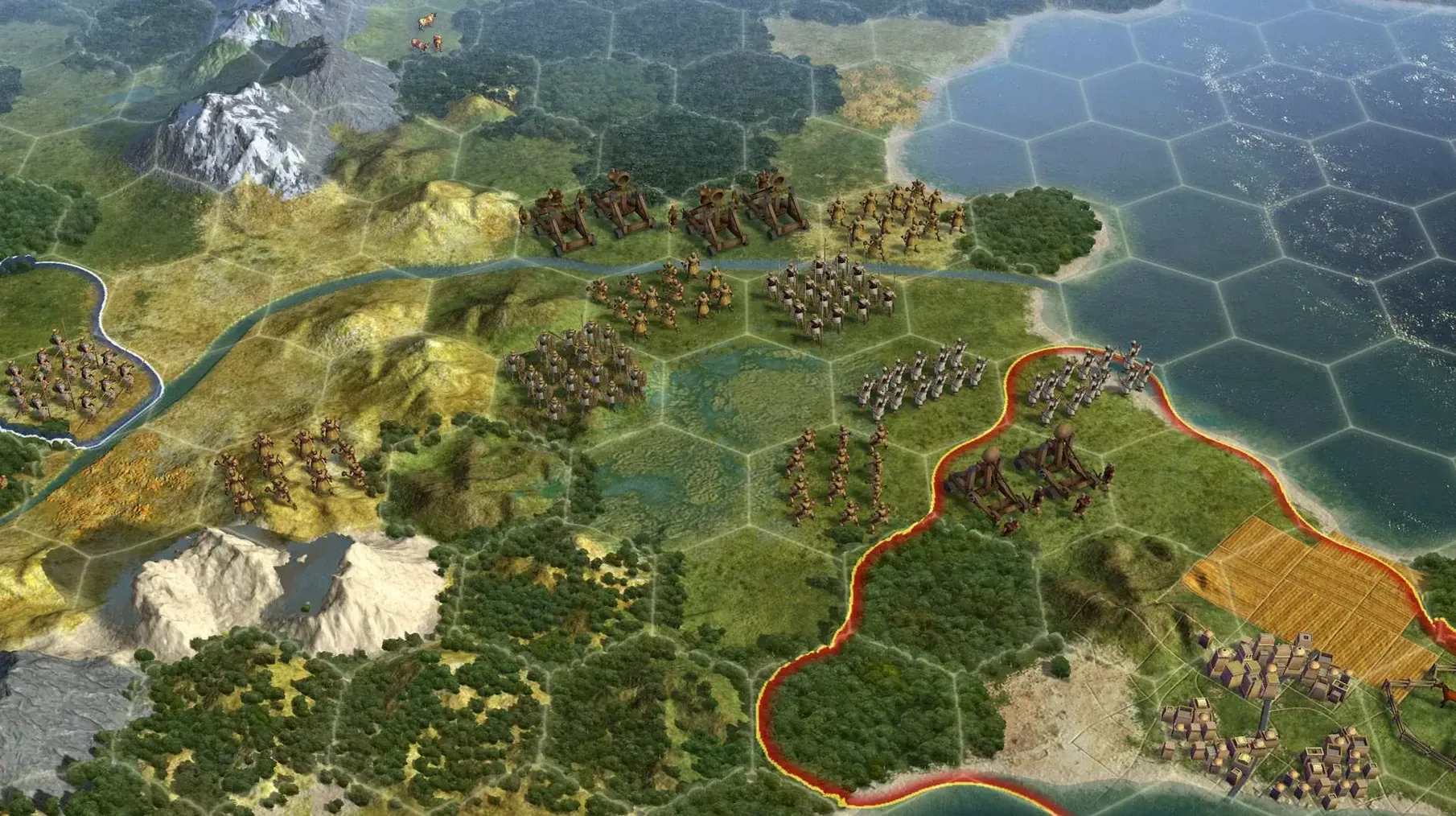
Most of your time is spent staring at a map of hexes. Each city works the land up to three hexes out, so placement matters. You're balancing food, production, and gold per tile. Every few turns, a city's culture budget ticks over and your borders expand, snapping up a new resource or blocking a rival's settler. It's a slow, territorial chess match played with farms and mines.
War adds a tougher set of choices. Taking a city dumps a menu on you: annex it and deal with the unhappiness, make it a puppet you can't directly control, raze it to the ground, or liberate it. You can't burn an original capital or a holy city, so you're stuck with those. Liberating a dead civilisation brings them back as a loyal ally, with all their old tech. Puppet cities just chug along, building their own thing and not adding to your culture costs, which is often the least irritating option.
The Mac version handles single-player and multiplayer, taking you from ancient times to the near future. The current build adds Russian to the existing English, German, and French interface. It runs on Intel Macs and has been tested on Apple Silicon machines.
First days: settings to change straight away
The default map zoom and hex grid are fine, but the auto-end-turn option will drive you spare. Switch it off in Game Options. Otherwise the game skips past units that still have moves left because you didn't notice them behind a forest. Check the single-player score list too — hiding it stops you obsessing over whether Genghis has twice your army.
Move the advisor pop-ups to "Minimal" unless you enjoy being told to build a granary every three turns. The build queue is on by default; leave it on. Nothing worse than a city sitting idle because you were busy fighting a war on the other side of the continent.
If you're on a Retina display, the text scaling in Interface Options needs a bump. The default size assumes a 2010 screen. Set it to 1.2x or 1.5x and your eyes will thank you after hour four.
Diplomacy on a knife-edge
You're Elizabeth, snug on an island with three cities and a decent navy. Montezuma has the continent next door and all the uranium. His troops are massing on your coastline, but his treasury is thin and he's at war with two city-states.
You don't attack. Instead you gift one of those city-states enough gold to buy a defensive unit, then denounce Montezuma at the World Congress. His neighbours smell blood and join the dogpile. You stay out of the actual fighting, trading iron and horses to his enemies while your spies rig elections in his allied city-states. By the time he sues for peace, his empire is split in three and you haven't fired a shot. That's a Civ V win that never flashes on screen.
Swiping between your game and the wiki without pausing
Civ V behaves well with Spaces. Keep it in its own desktop and swipe across to a browser for the wiki. The game doesn't grab the cursor when alt-tabbed, so you can check trade route maps without pausing. Some players keep a simple text editor open on a second desktop to log city production queues, which sounds obsessive and is.
Mission Control's hot corners are your friend. Set bottom-right to show the desktop and you can drag screenshots straight out of the Civ V screenshot folder without quitting. The game doesn't lock you out of anything — it runs in a window if you tell it to, and fullscreen mode plays nice with the menu bar auto-hide.
For multiplayer, Discord's overlay doesn't always hook in, but voice chat runs fine in the background. The game's own chat is functional if you like typing to strangers who just declared war on you.
Workflow: a science victory with Korea
- Turns 1–50. Settle your capital on a hill next to a river. Build order: scout, monument, worker. Research path: Pottery into Writing. Your first policy goes into Tradition. Korea's ability gives a research boost for every specialist and great person tile improvement, so you're already thinking tall, not wide.
- Turns 50–100. Found your second city near mountains if possible — observatories need them. Build libraries in both cities, then the National College in your capital. Ignore wonders for now. You need population, not tourism.
- Turns 100–180. Education unlocks universities. Fill the specialist slots immediately. Your science per turn should jump by a third. Keep a ranged unit in each city and a couple of composite bowmen on the borders. You look weak, which invites attack. Don't look weak.
- Turns 180–250. Scientific Theory gets you public schools. Rationalism policy tree, every point you can spare. Your capital should be a specialist-stuffed monster by now. Buy research agreements with anyone not actively trying to kill you. If you get the Porcelain Tower, those agreements are worth even more.
- Turns 250–320. Plastics. Research labs everywhere. At this point you're producing more science than the rest of the world combined. Spies defend your lead, stealing nothing because nobody has anything you need. The Apollo Program starts the endgame clock.
- Turns 320–350. Build spaceship parts in your three best production cities. Use great engineers to rush them if you've been hoarding faith. Launch. While the ship is in transit, bribe everyone to fight everyone else so they leave you alone.
This route works on Prince difficulty and above. Below Prince the AI is too passive and the game turns into a sandbox.
What’s new
Adds Russian language. The build is labelled as the Russian version, multilingual without Russian.
Requirements
- macOS Sonoma
- Intel 64-bit processor
- Tested on MacBook Air (M1, 2020)
FAQ
Can I control a puppet city directly?
No. Puppet cities manage their own production and cannot be directed by the player, though they contribute gold and science to your empire without increasing culture costs.
What happens if I liberate a destroyed civilization?
Liberating a civilization's last city returns them to the game as a grateful ally, with the same level of technological development they had before being conquered.
Comments 0
Sign in or create an account to leave a comment.
No comments yet…
If you’ve installed it, say how it went. Mention your Mac and macOS version — it helps the next person more than you’d think.