
Call of Duty: Black Ops III for macOS

Description
This runs on Intel Macs with macOS 10.13 High Sierra or later. You need a machine that meets the hefty spec: 8 GB RAM, 125 GB free disk space, an Intel Core i5 (4-core, 2.3 GHz) and an ATI M290X with 2 GB VRAM. NVIDIA and Intel GPUs are not officially supported.
Play the campaign
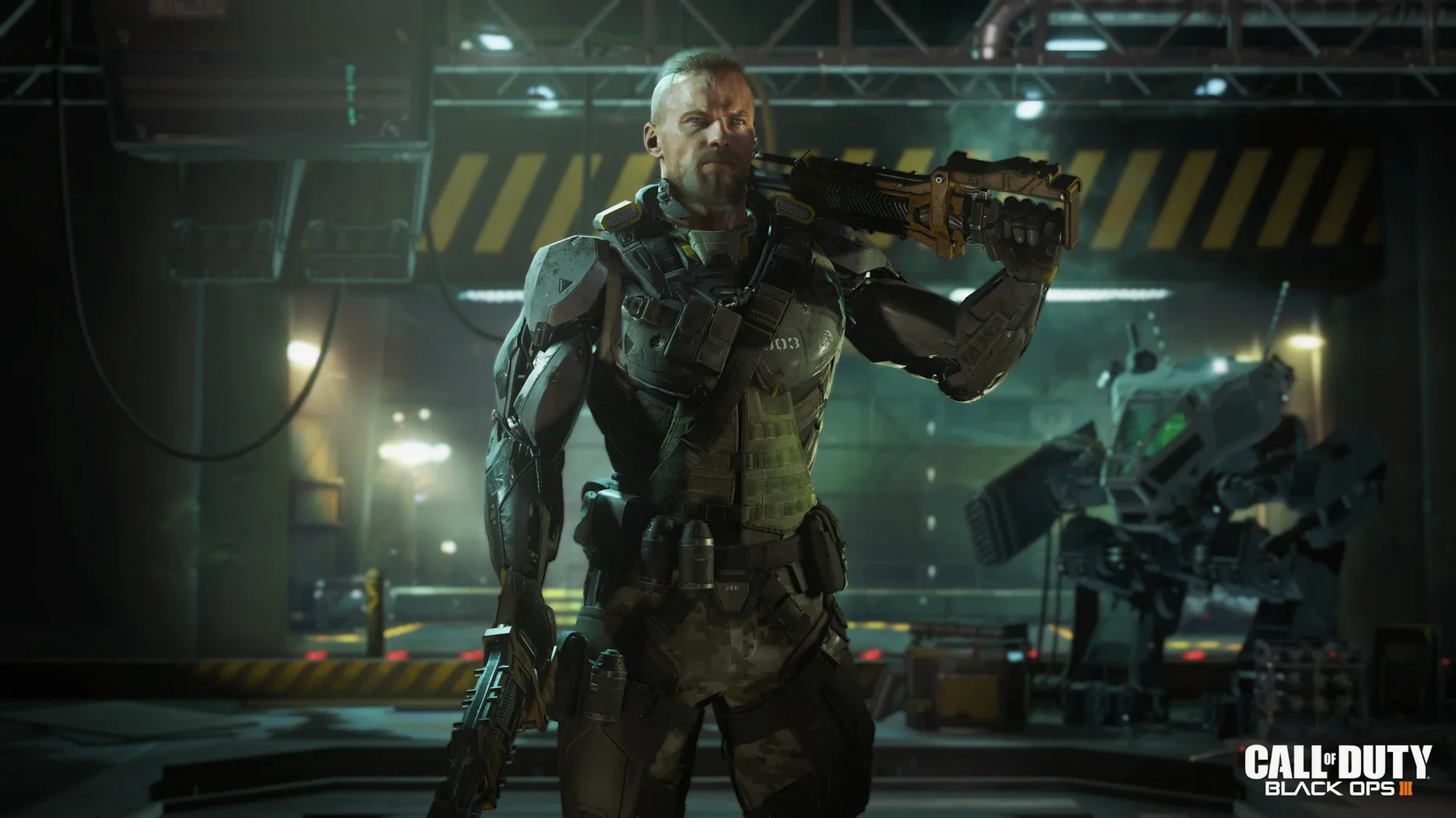
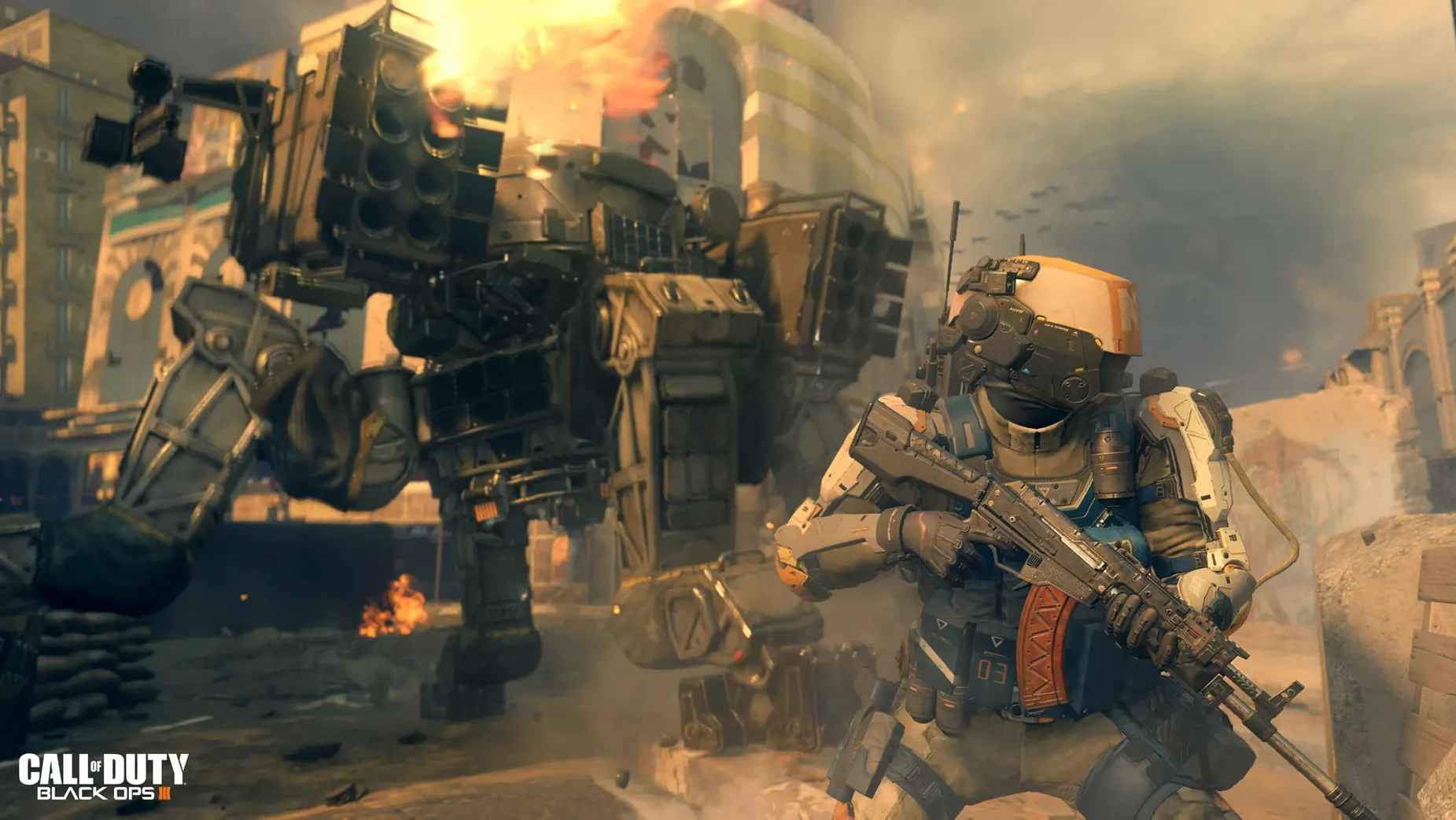
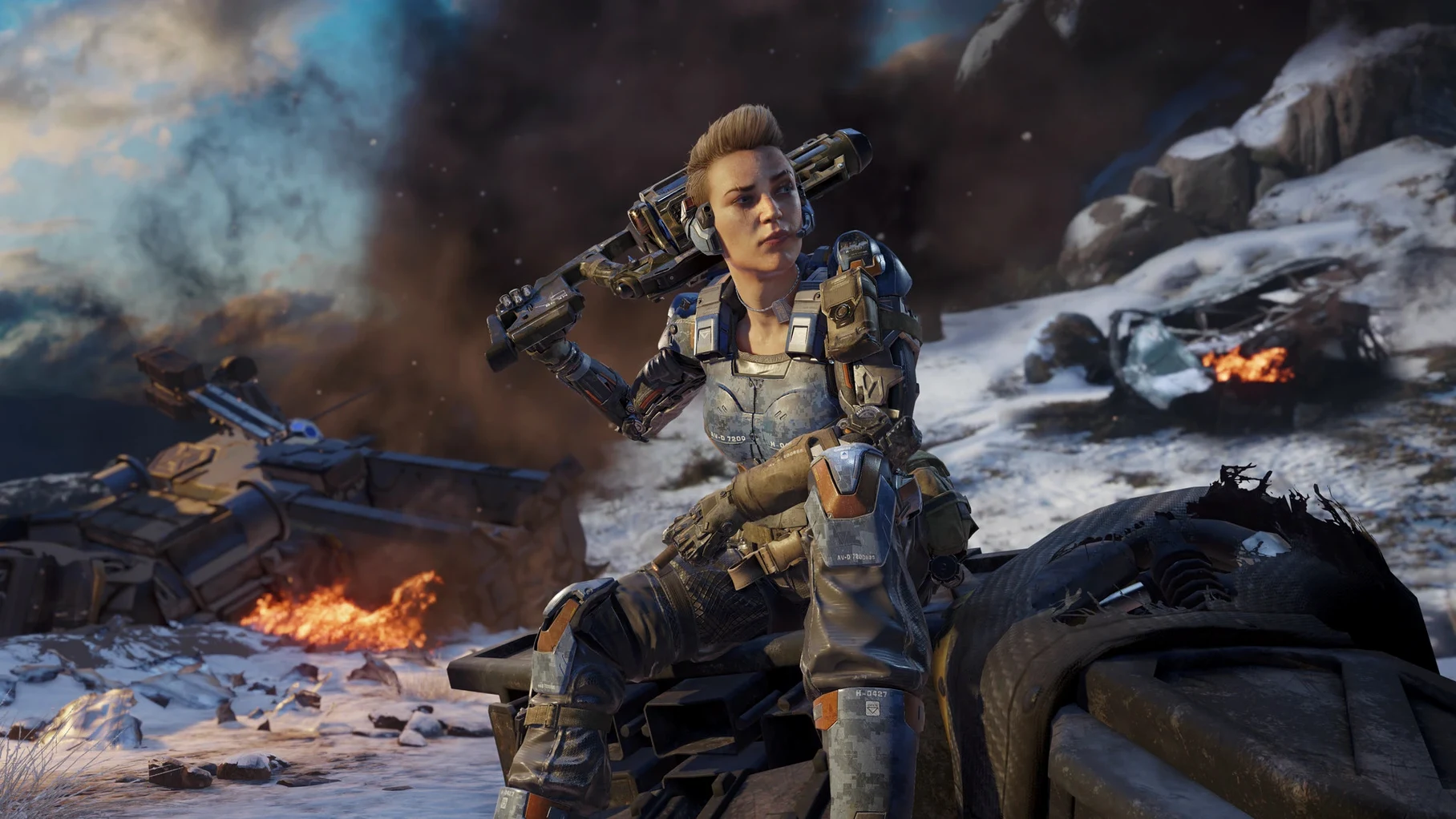
The story pushes into a future of drone warfare where direct human involvement in combat is rare. You play as an enhanced super-soldier with physical abilities far beyond a standard grunt.
Jump into multiplayer
Standard competitive modes are included. The Mac version connects through Steam, so you play alongside the existing player base.
Survive the Zombies maps
The Zombies Chronicles Edition bundles eight remastered Zombies maps with the base game. If you go for the Deluxe Edition, you also get the Season Pass content.
One download, one launcher, no extra patcher
The current build, labelled 99.0.0.0 fix, ties the Mac version to the same Steam distribution channel Windows players use. In practice, that means you download one large package and the launcher handles verification. No separate patcher to chase. The fix itself addressed launch-time hangs that some Intel Macs hit after a Steam client update, so the game now gets past the title screen without a force-quit dance.
Performance and resource appetite
On a MacBook Air M1 running through Rosetta, the game loads slowly — count a minute or more from Launchpad click to menu. Once in a mission, frame rates on medium settings stay playable rather than silky. The fan spins up early and stays loud. 125 GB of disk space is not an overestimate; the base install alone fills that. If you keep all voice packs and the multiplayer assets, clear extra room.
Stability is solid once you are in. Crashes are rare during campaign sessions, though alt-tabbing to the desktop can sometimes stall the renderer for a few seconds. Memory pressure sits high — close browsers and chat apps before launching if you only have 8 GB RAM.
Stays outside Finder dialogs but plays nice with Spaces
This is a Steam game, so it lives apart from most macOS conventions. It does not appear in the standard Open File dialogs, and you will not drag media into it. That said, a few things work in your favour:
- The app launches from Launchpad once dragged to Applications, so you can keep it in the Dock like any other Mac program.
- Voice language packs sit inside the app bundle at
~/CoDBlkOps3.app/Contents/Assets/zone/snd/. Deleting the ones you never use reclaims gigabytes without breaking the game. - If you only want the campaign, stripping out
zm_andmp_files from the zone folders trims the footprint further — useful on a tight SSD. - Russian speakers can switch the interface by running
change_language.commandin Terminal, tucked inside the app package. No third-party tool needed.
The multiplayer side connects to the same servers as Windows, so grouping with friends on PC is straightforward. Voice chat goes through Steam, not the macOS mic permissions panel, which avoids a common setup headache. Just plug in a headset before you launch.
What’s new
Adds official Mac support through Steam. Introduces three Mac editions on the store page.
Requirements
- macOS 10.13 High Sierra or later
- Intel Core i5 (4 cores, 2.3 GHz)
- 8 GB RAM
- 125 GB free disk space
- ATI M290X with 2 GB VRAM
- NVIDIA and Intel GPUs not officially supported
Comments 0
Sign in or create an account to leave a comment.
No comments yet…
If you’ve installed it, say how it went. Mention your Mac and macOS version — it helps the next person more than you’d think.