Total War: ROME REMASTERED for macOS
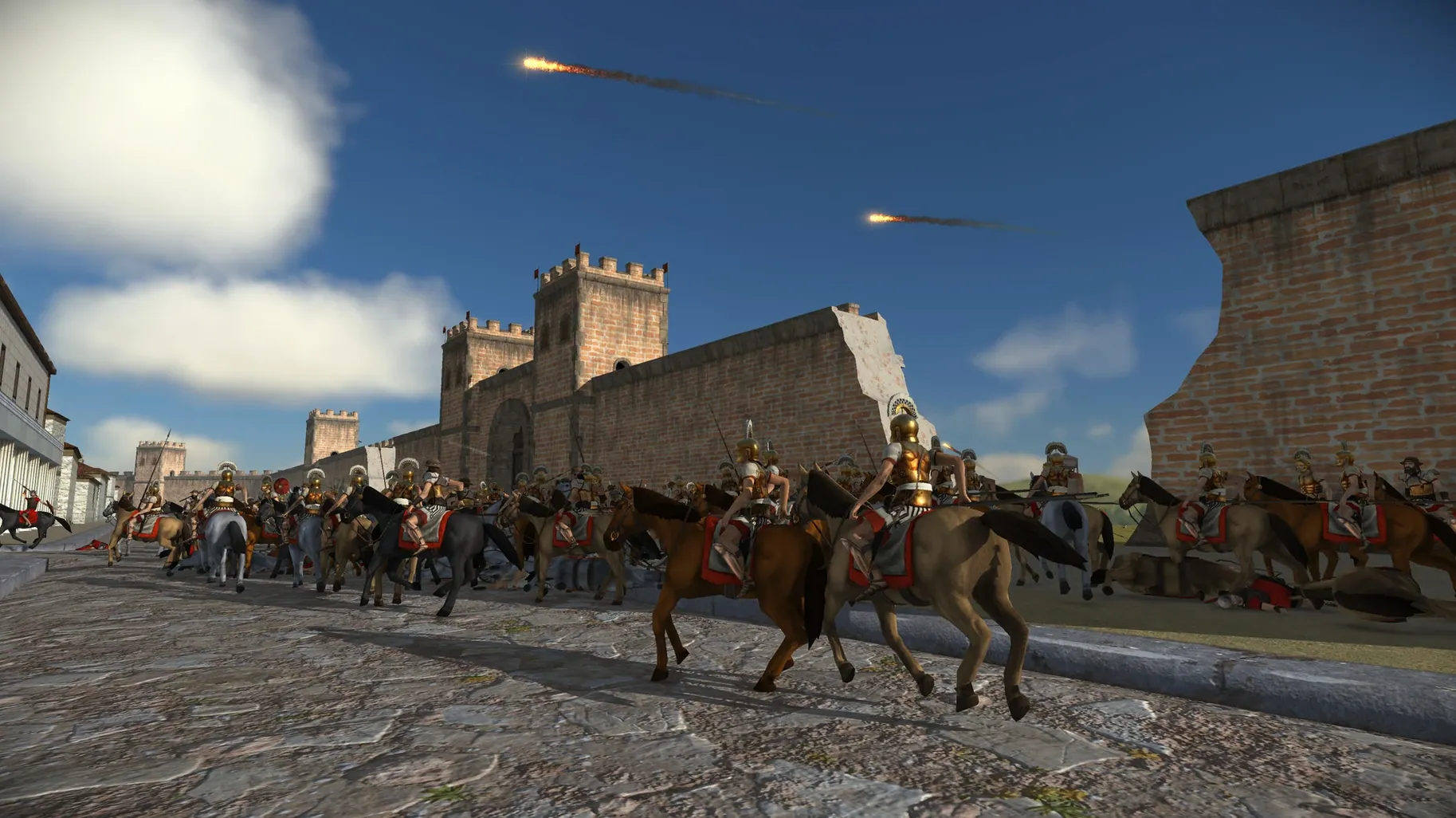
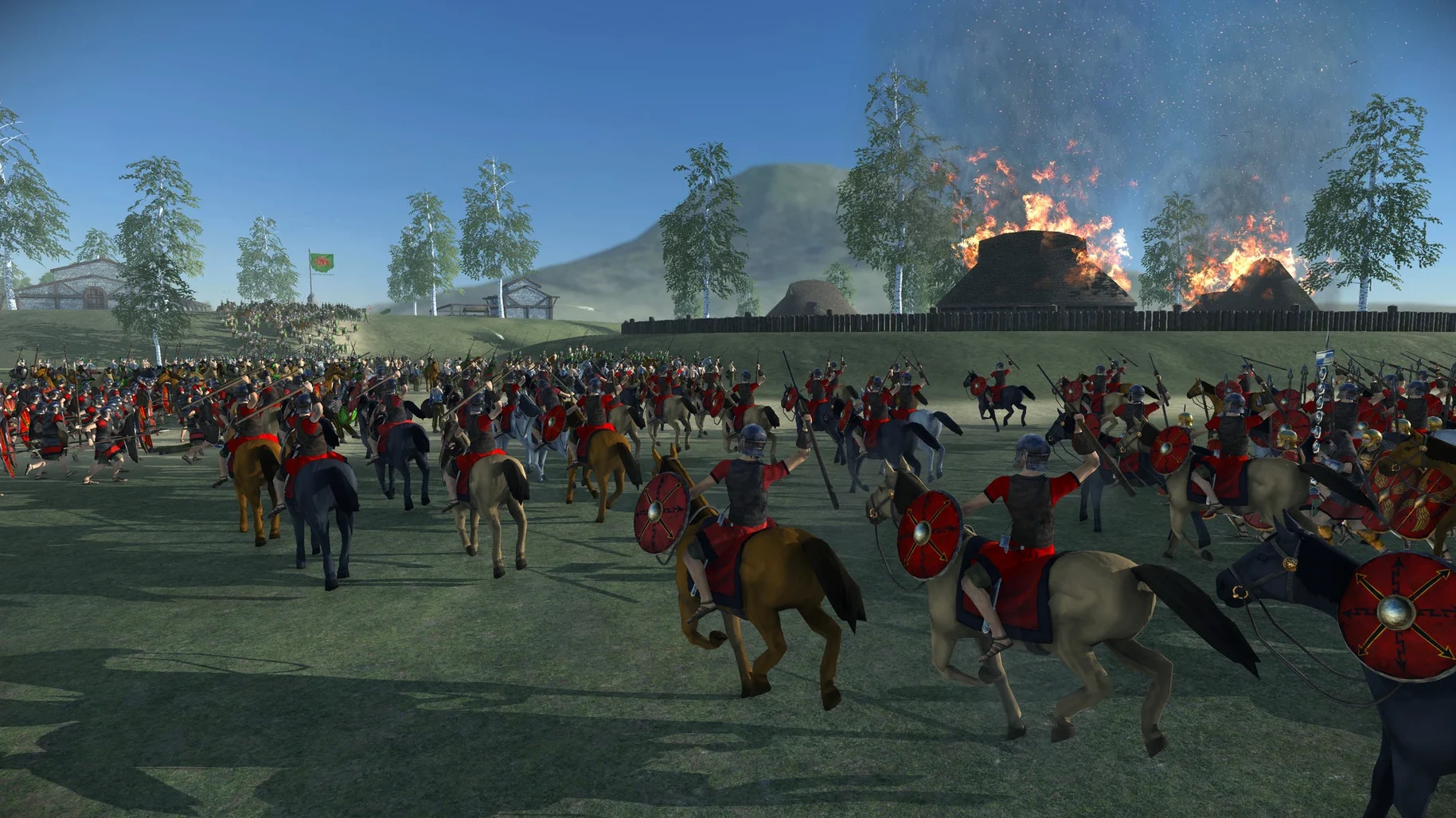
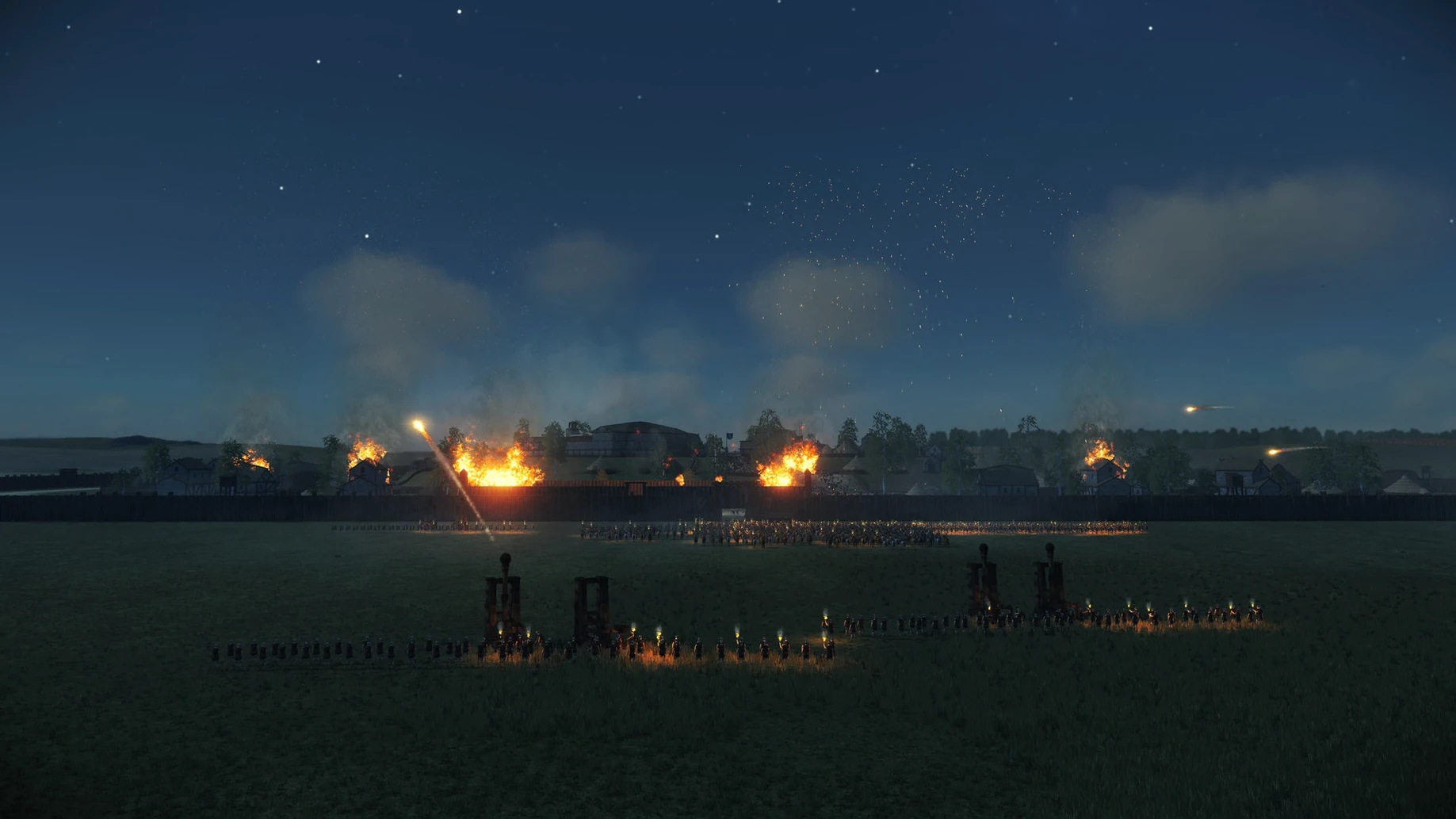
Description
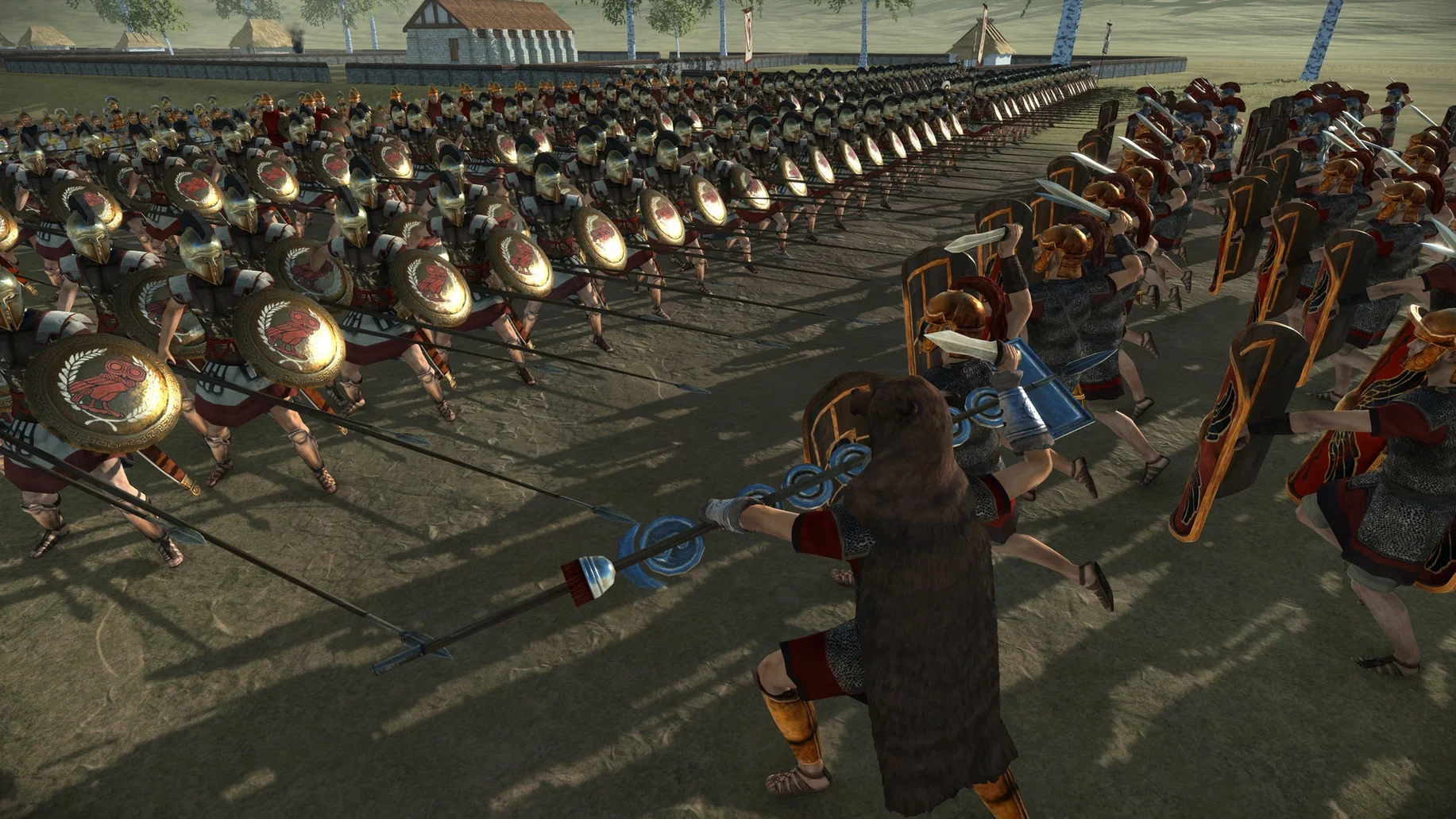
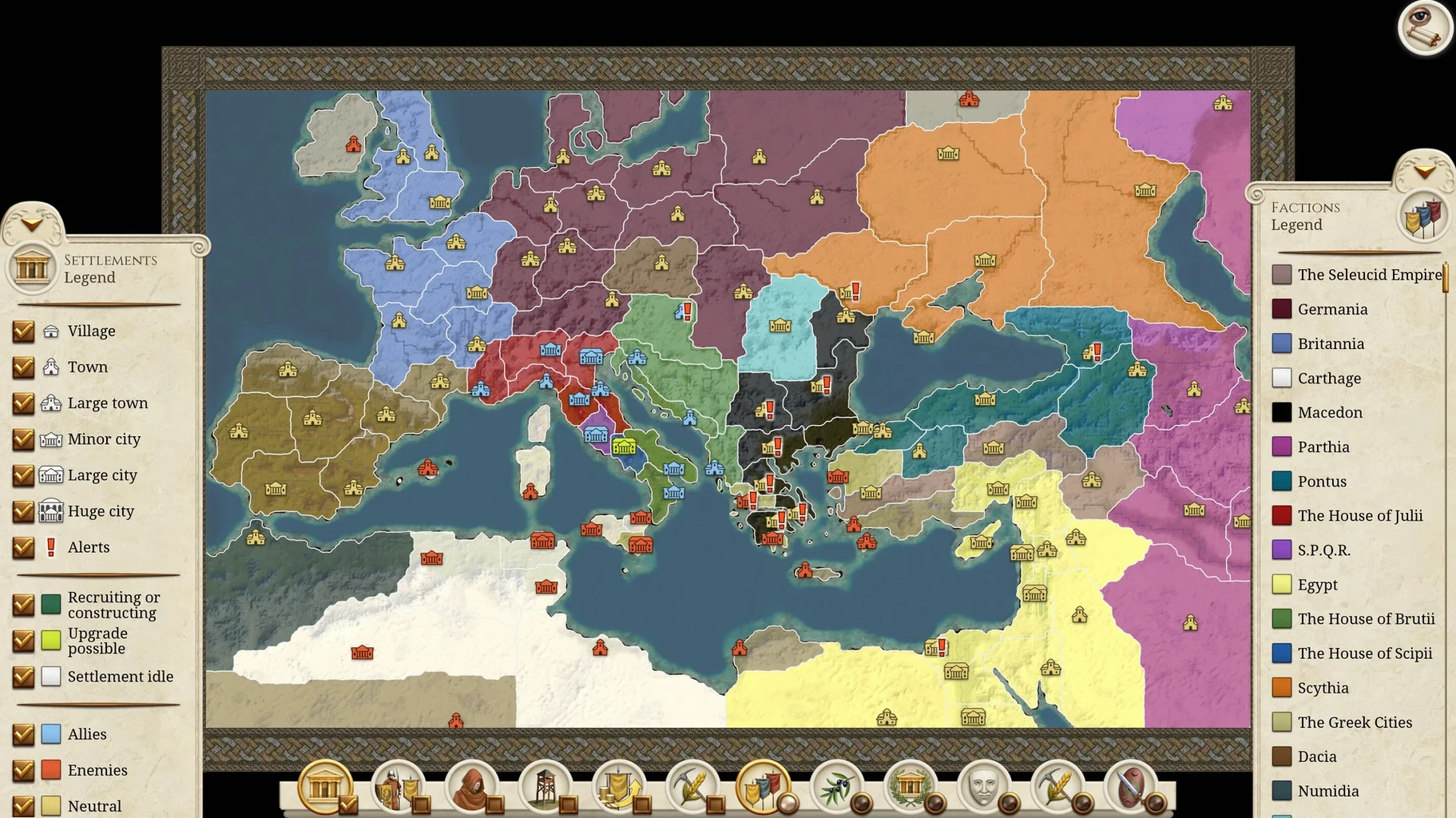
You load a save from 218 BC. The tactical map now shows a crisp attack-range arc for your archers, and a small icon flags exactly which unit on the wall is wavering. You issue the order, then zoom out across the updated campaign map to check the weather system rolling in over Cisalpine Gaul. That's the remaster at work.
| Detail | What you get |
|---|---|
| Version | 2.0.5 |
| Playable factions | 38 (16 added in the remaster) |
| Display | 4K and ultra-widescreen support |
| Languages | English, French, German, Spanish, Italian, Russian, Simplified Chinese |
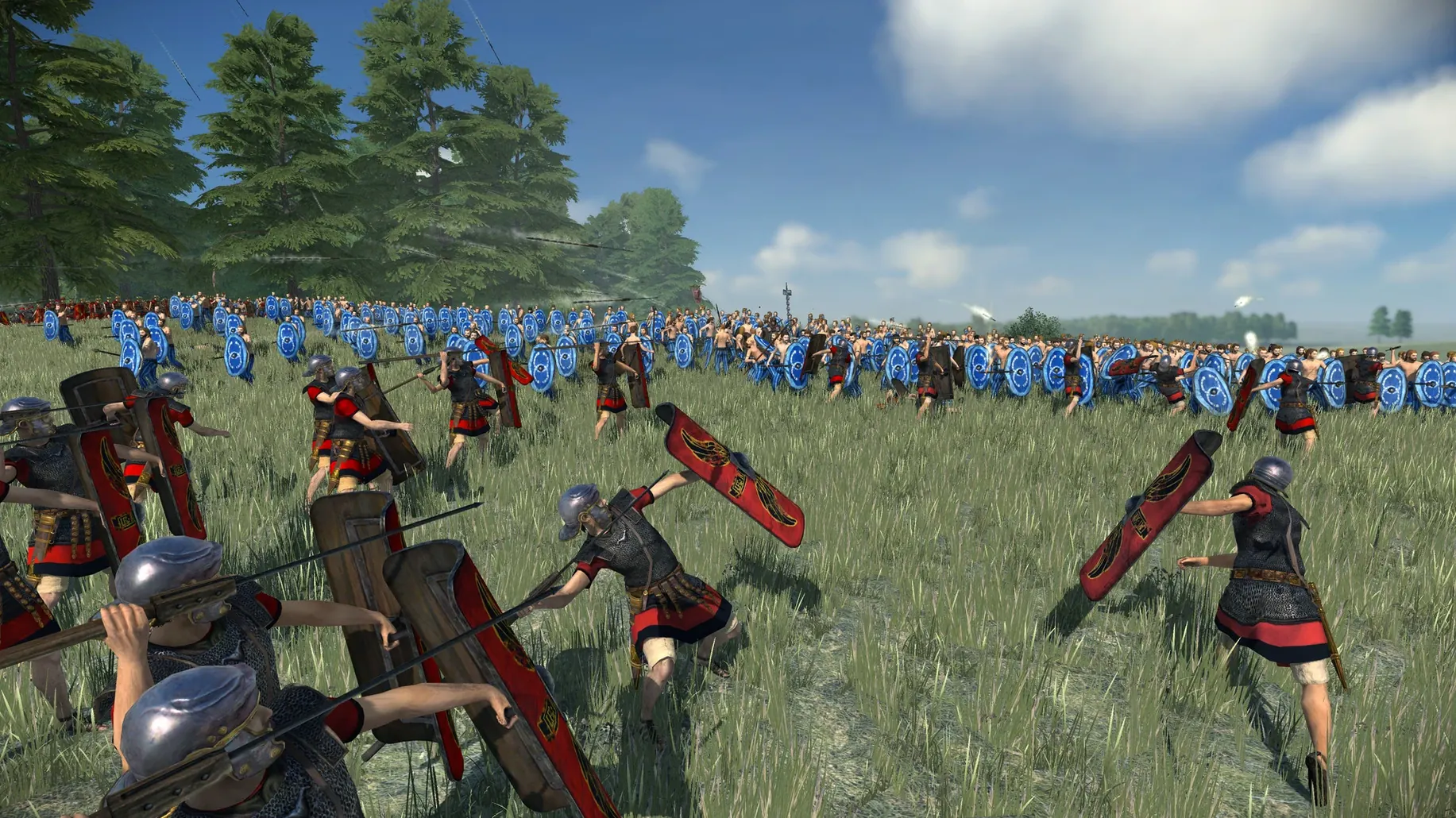
The 2.0.5 fix arrives as a housekeeping patch. It tidies up the UI and UX while squashing the high-frequency crashes that could interrupt a long session. Minor gameplay improvements are bundled in, but the bedrock stays the same. You still get the overhauled unit models, high-resolution buildings, and the much wider zoom range on a campaign map that now supports rotation. The layer icons for diplomacy and security are unchanged. For Mac strategists who just want a stable late-game, this patch keeps the focus where it should be: on the map, not the crash reporter.
Camera stutter with heat maps? Turn off shadows
Two things trip people up most with this remaster on macOS. The first is the camera stutter some Macs show when heat maps overlay the campaign view. Turn off shadows in the advanced graphics tab — that alone often fixes the frame drops without making the map look flat. The second is a black screen on launch. Nine times out of ten, the Mac is trying to run the app from the disk image instead of the Applications folder. Drag it over properly and eject the DMG.
If unit speech and cheering feel out of sync after a big battle, you're on an older build. The 2.0.5 fix trimmed that delay. The audio scaling change in the same patch also helps on machines with integrated graphics — fewer soldiers now push fewer ambient voices, which keeps the sound mix cleaner on an M1 Air.
Leave AI turns running while you swipe desktops
The game plays nicely with Mission Control. Swipe to a different desktop and leave a long AI turn ticking over while you check something else. Fullscreen mode respects the notch on newer MacBook Pros, letterboxing the display cleanly.
Steam Workshop mod support is baked in, so you can pull community-made unit packs or campaign overhauls straight from the workshop without leaving the client. Cross-platform multiplayer means your save doesn't care whether your opponent is on Windows or Linux — the lobby sorts it out. Voiceover fans should know the full English, German, French and Russian tracks switch automatically with the system language, but Spanish and Italian fall back to partial coverage with subtitles.
Old Rome hands get attack arcs and readable maps
Old hands who still remember the original Rome: Total War get the biggest lift. You already know the unit roster and the map, so the remaster's interface upgrades — attack range arcs, unit status icons, the tactical map readability — cut straight to the decisions that matter. Newcomers who bounce off modern Total War titles often find the remaster's cleaner, less cluttered layer system easier to parse.
Multiplayer groups benefit from the 38 factions and cross-platform play. A Mac host can invite a Windows player into a campaign without either side thinking about compatibility. Modders already maintaining workshop content for total war rome remastered mac torrent distributions will find the 2.0.5 build stable enough for long test sessions.
What’s new
- Adds UI and UX improvements across several panels.
- Adds minor gameplay tweaks.
- Fixes high-frequency crashes in campaign and battle modes.
- Fixes assorted minor issues.
Requirements
- macOS (Apple Silicon and Intel, 64-bit)
Comments 0
Sign in or create an account to leave a comment.
No comments yet…
If you’ve installed it, say how it went. Mention your Mac and macOS version — it helps the next person more than you’d think.