

Two Point Museum for macOS
Description
Keeping a museum running means more than just putting fossils on plinths. You have to keep exhibits safe from thieves, make sure guests can find a loo, and somehow turn a profit from a gift shop full of dinosaur mugs. Two Point Museum puts all that chaos on your desk with a deadpan sense of humour.
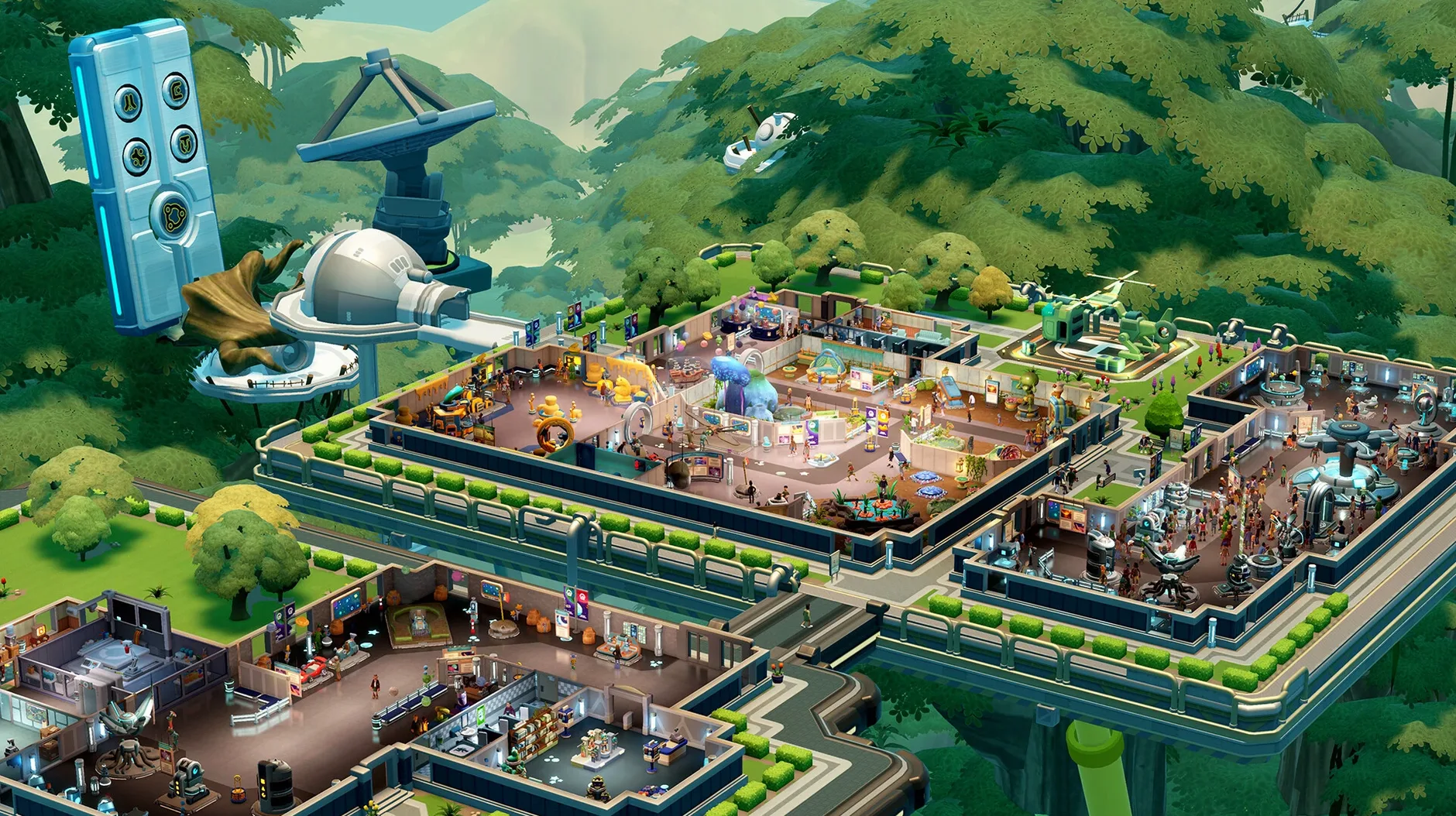
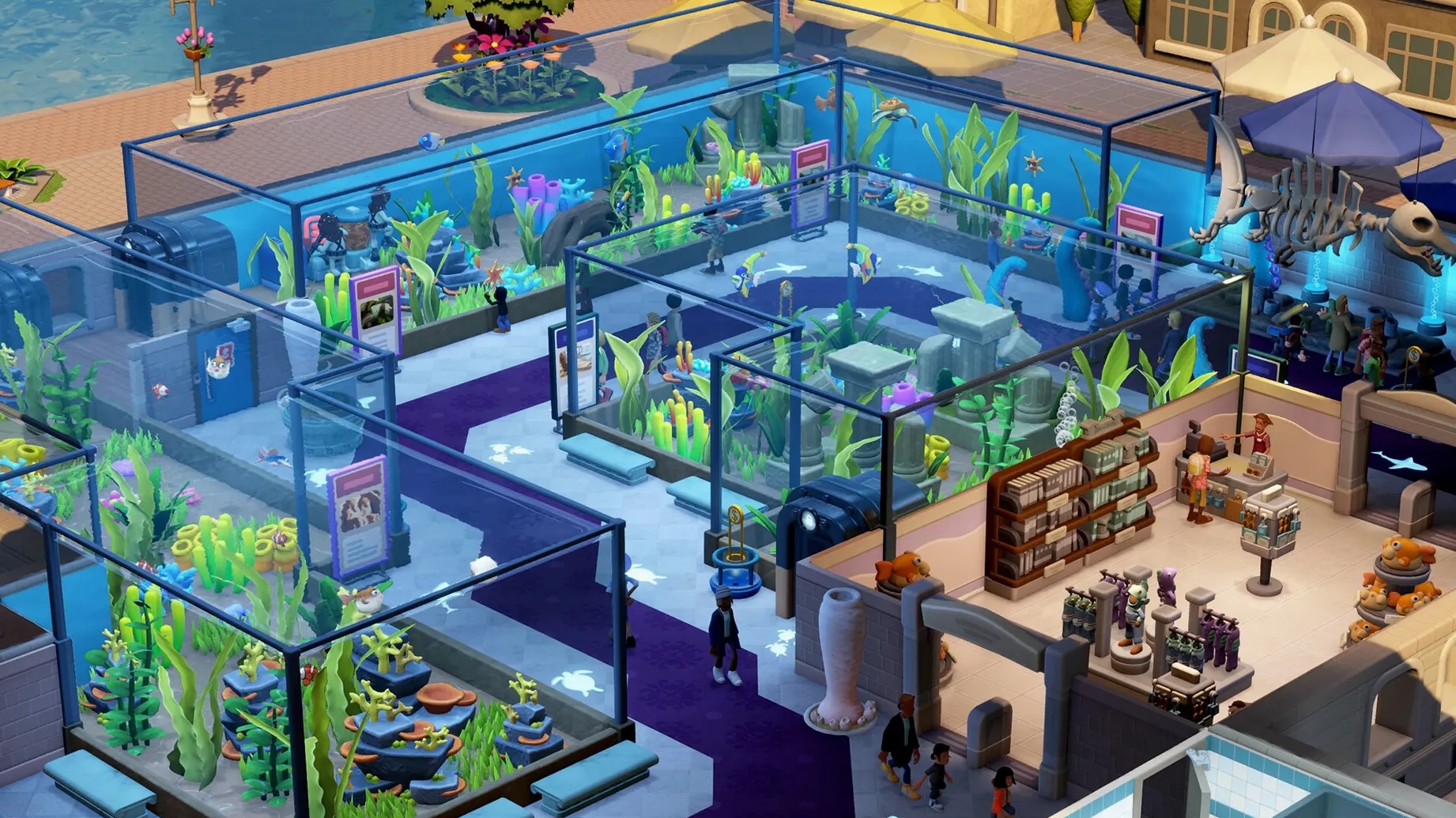
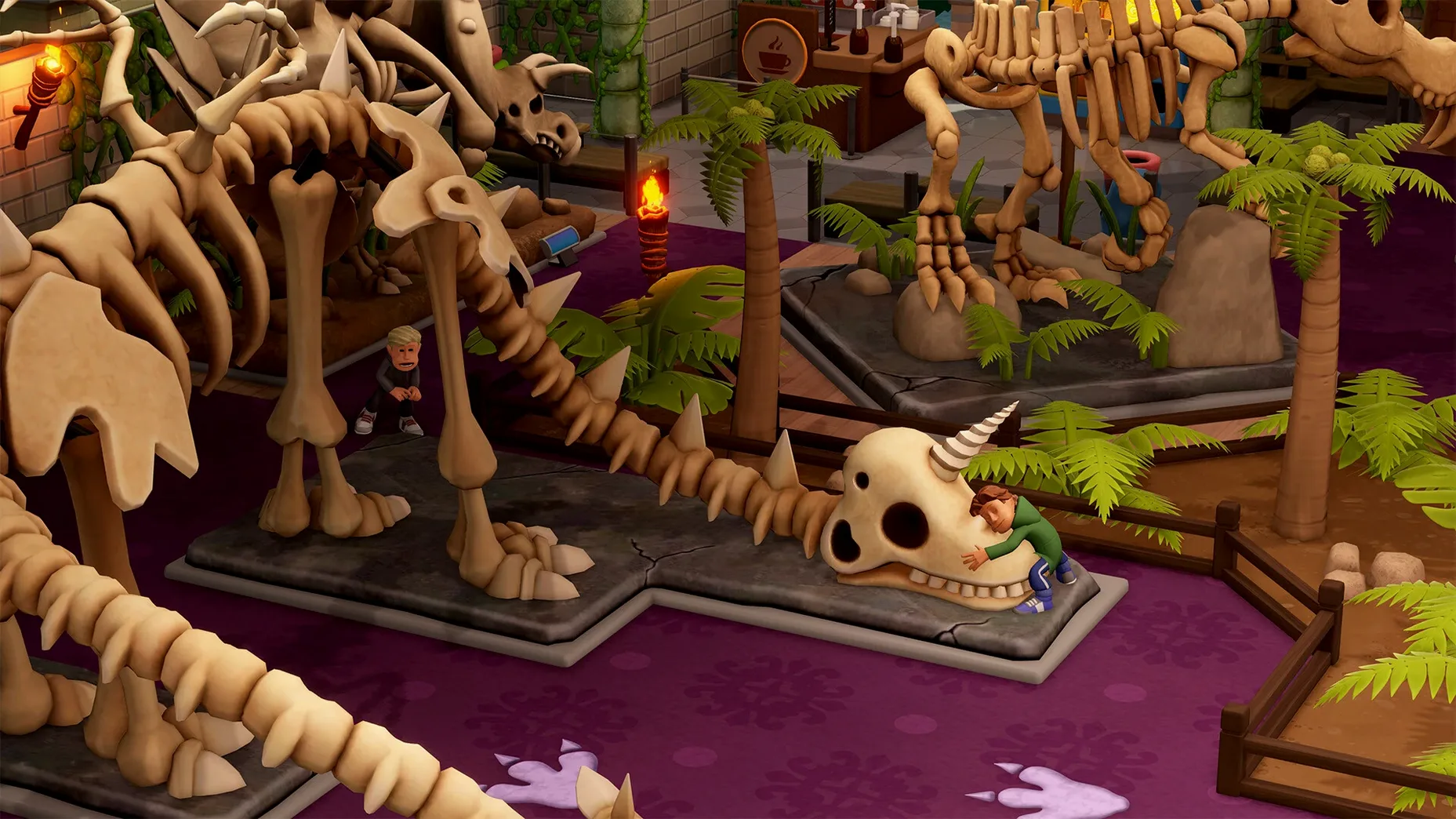
- Five themed locations: prehistoric, aquarium, supernatural history, science and space museums.
- Six main exhibit types with over 30 subcategories to discover.
- Sandbox mode for building large custom museums without the campaign constraints.
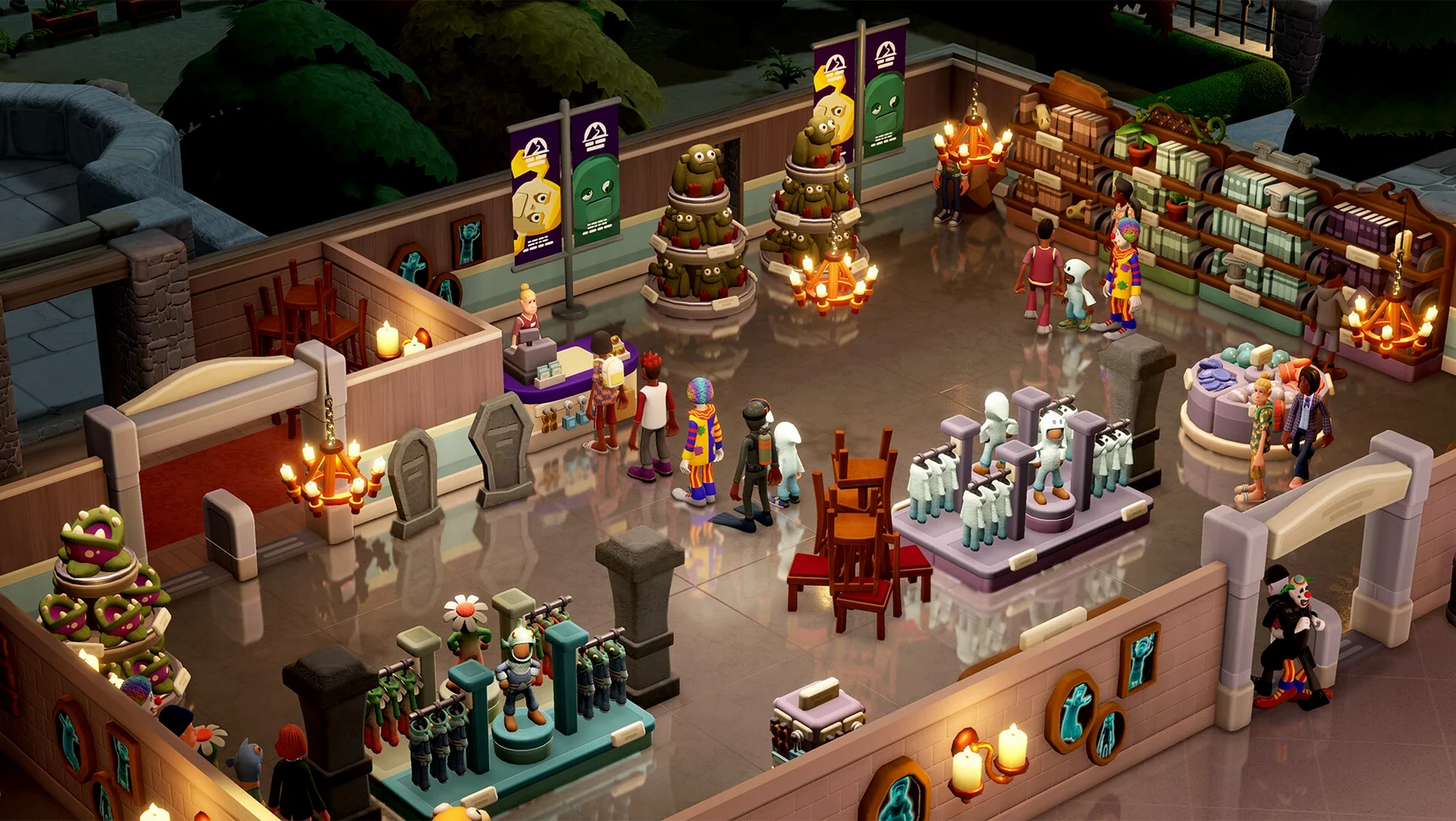
- Guest management covering cleanliness, drinks, toilets and shop income.
- Security systems to stop thieves making off with your prize bones.
- Expeditions across five maps to find more than 100 unique points of interest.
The Mac build runs natively on Apple Silicon and Intel. On a 2024 M4 Mac mini with macOS Tahoe, performance stayed smooth through busy opening hours. Mouse and keyboard controls feel natural for laying out exhibits and chasing down pickpockets. If you liked the chaos of Two Point Hospital, this trades bedpans for bones and somehow makes spreadsheet panic charming.
A typical hour in the director's chair
You start with a half-built aquarium and three fish tanks that look a bit sorry for themselves. The expedition map pings — your research team just returned from the Squidport Depths with a fossilised tentacle and a cursed diving helmet. Both need a home before the guests arrive. You drag the tentacle into the main hall and slap down a donation box next to it.
While the curator waddles over to polish the display, the tannoy announces that someone has stolen a bone fragment from the prehistoric wing. You zoom across, drop a security camera near the exit and hire a guard with a face like a disappointed bulldog. By the time he starts his patrol, a child has been sick outside the gift shop. That's the janitor's problem — except you forgot to assign one to that zone. You do it now, then check the finances: you're £3,000 in the red and the science museum expansion is still just a concrete shell. The tour guide is telling a group of pensioners that the ghost exhibit is "mostly harmless". They seem unconvinced.
Twenty minutes vanish. You've added a café, moved the toilets twice, and sent a botanist to the Tropical Wastes for a carnivorous plant that might bring in a few more school groups. The museum rating ticks up by half a star. It feels like progress.
A medium museum loads in under ten seconds on M4
The game loads a medium-sized museum in under ten seconds on the M4 Mac mini. Once you pass 150 guests and three active zones, the fan becomes audible but never distracting. Frame drops are rare — you might see a stutter when the tannoy fires and four maintenance alerts trigger at once, but it recovers fast. Memory usage sits around 6-8 GB on larger maps. If you run a browser and a music app in the background, you will notice the swap file waking up, so closing other apps helps on 8 GB machines.
Autosave does its work quietly every few minutes. No crashes across a dozen hours of play, which is better than I expected for a March release. The Intel build feels a touch slower on older machines — nothing game-breaking, but busy museums with reflective water in the aquarium wing will test integrated graphics. Stick to medium shadow settings if you are on a 2019 MacBook Pro.
Three mistakes every new curator makes
Ignoring staff zones. You hire a brilliant janitor and wonder why the supernatural wing still looks like a crypt. The answer: he is stuck scrubbing floors three buildings away. Set work zones early. One janitor per museum wing, one guard near high-value exhibits, and the assistant in the gift shop does not need to patrol the dinosaur hall.
Treating expeditions as optional. New players often sit back and tweak the layout while the exhibit list stays static. Guests get bored. You need a constant trickle of new finds. Send at least one team out at all times — even a failed expedition brings back a story and a laugh.
Skimping on the donation economy. Plonking one donation box at the entrance and calling it a day is a fast route to bankruptcy. Place boxes directly next to star exhibits, in the tour group path, and anywhere guests queue. A well-placed box near the cursed diving helmet will fund your next expansion while you worry about something else.
Requirements
- macOS Tahoe or later (tested on Mac mini 2024 M4).
- Runs on Apple Silicon and Intel Macs.
FAQ
Does Two Point Museum run on Mac?
Yes, it runs natively on both Apple Silicon and Intel Macs, and does not require activation.
Comments 0
Sign in or create an account to leave a comment.
No comments yet…
If you’ve installed it, say how it went. Mention your Mac and macOS version — it helps the next person more than you’d think.
More in Games
All in Games-
 Tropico
t6 1290
Tropico
t6 1290
-
 Transport Fever 2
35924.0
Transport Fever 2
35924.0
-
 Total War: THREE KINGDOMS
1.7.1
Apple Silicon
Total War: THREE KINGDOMS
1.7.1
Apple Silicon
-
 Valheim
1.0.16
Apple Silicon
Valheim
1.0.16
Apple Silicon
-
 Total War: ROME REMASTERED
2.0.5
Apple Silicon
Total War: ROME REMASTERED
2.0.5
Apple Silicon
-
 Total War: ROME II - Emperor Edition
2.4.1
Apple Silicon
Total War: ROME II - Emperor Edition
2.4.1
Apple Silicon
-
 Total War: PHARAOH DYNASTIES
2.0.2
Apple Silicon
Total War: PHARAOH DYNASTIES
2.0.2
Apple Silicon
-
 Total War: ATTILA
1.6.1
Apple Silicon
Total War: ATTILA
1.6.1
Apple Silicon