
The Planet Crafter for macOS
Description
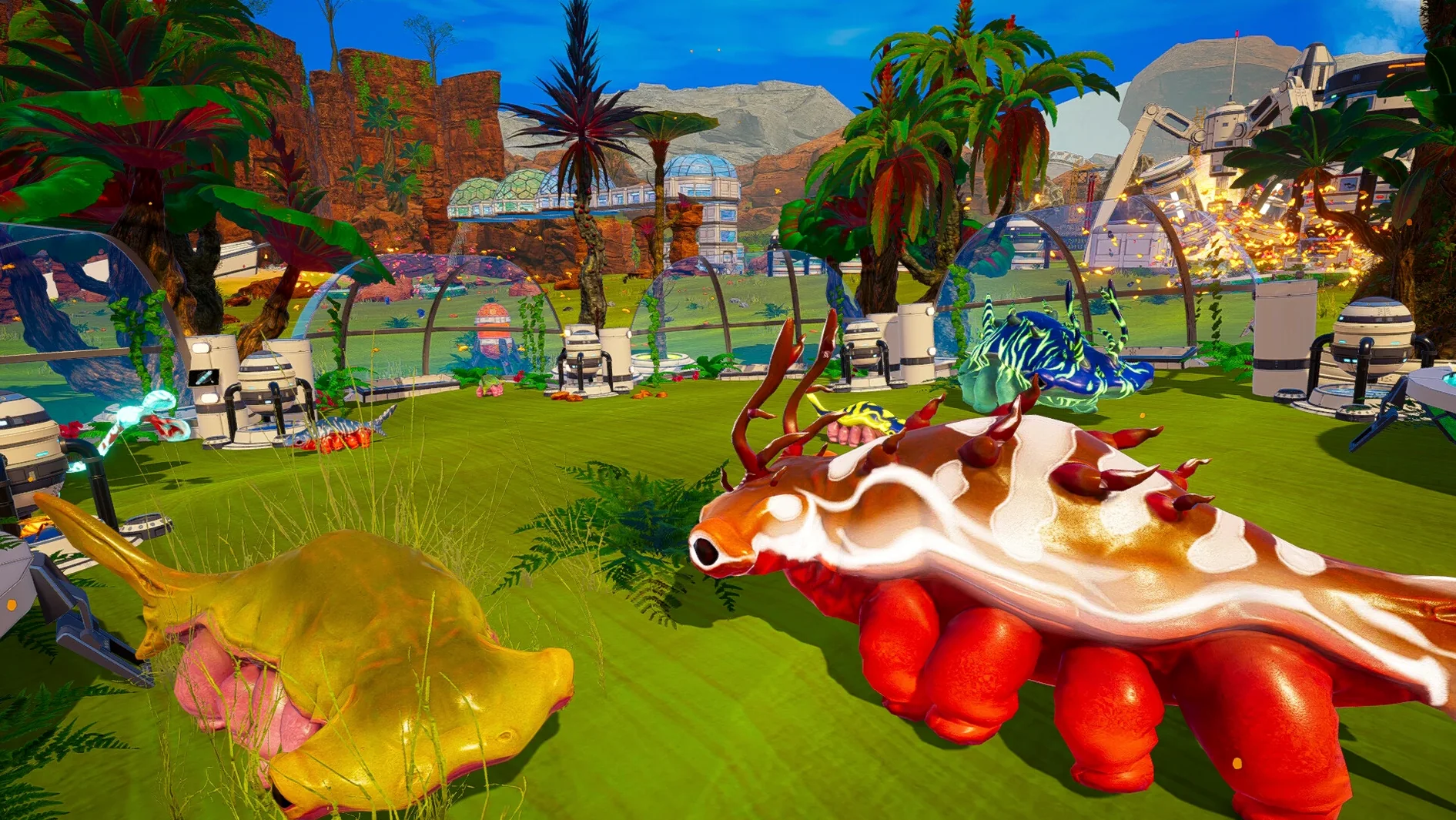
Four vitals sit in the corner of your screen from the first second: oxygen, thirst, temperature and health. Ignore any of them for more than a minute and you are already dying. The Planet Crafter drops you onto a lifeless rock with a mining tool and a clear goal — make this place breathe.
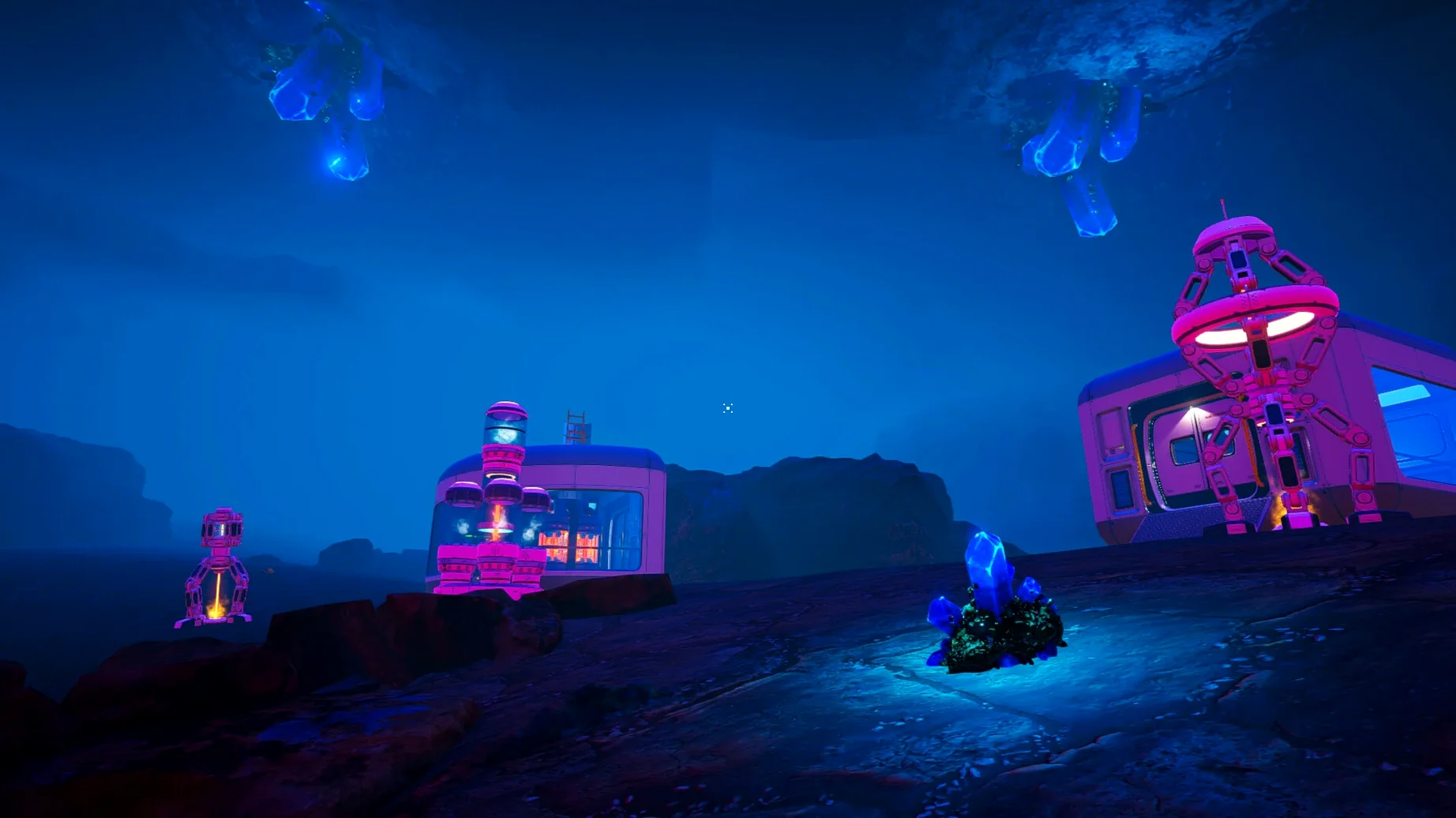
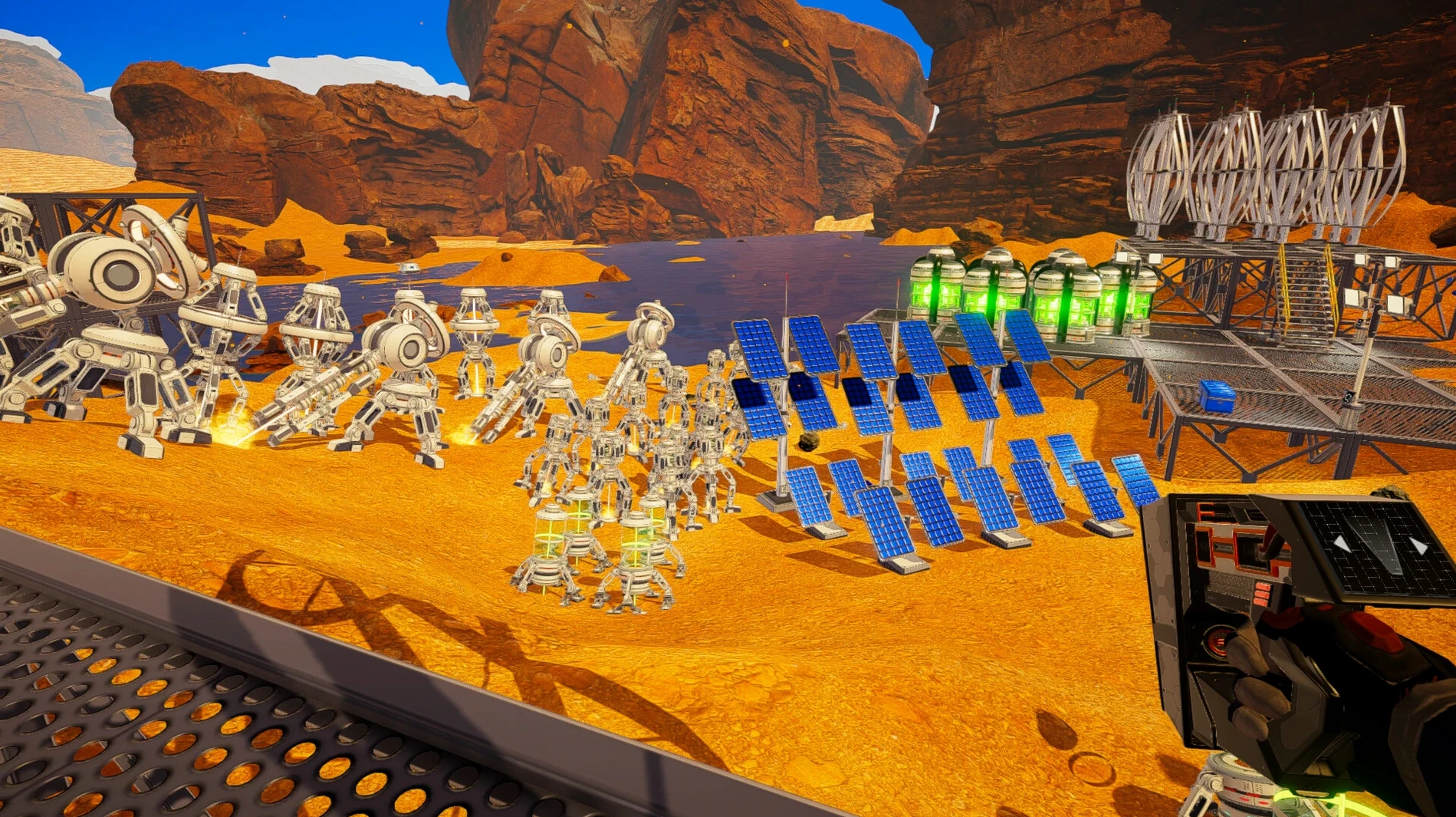
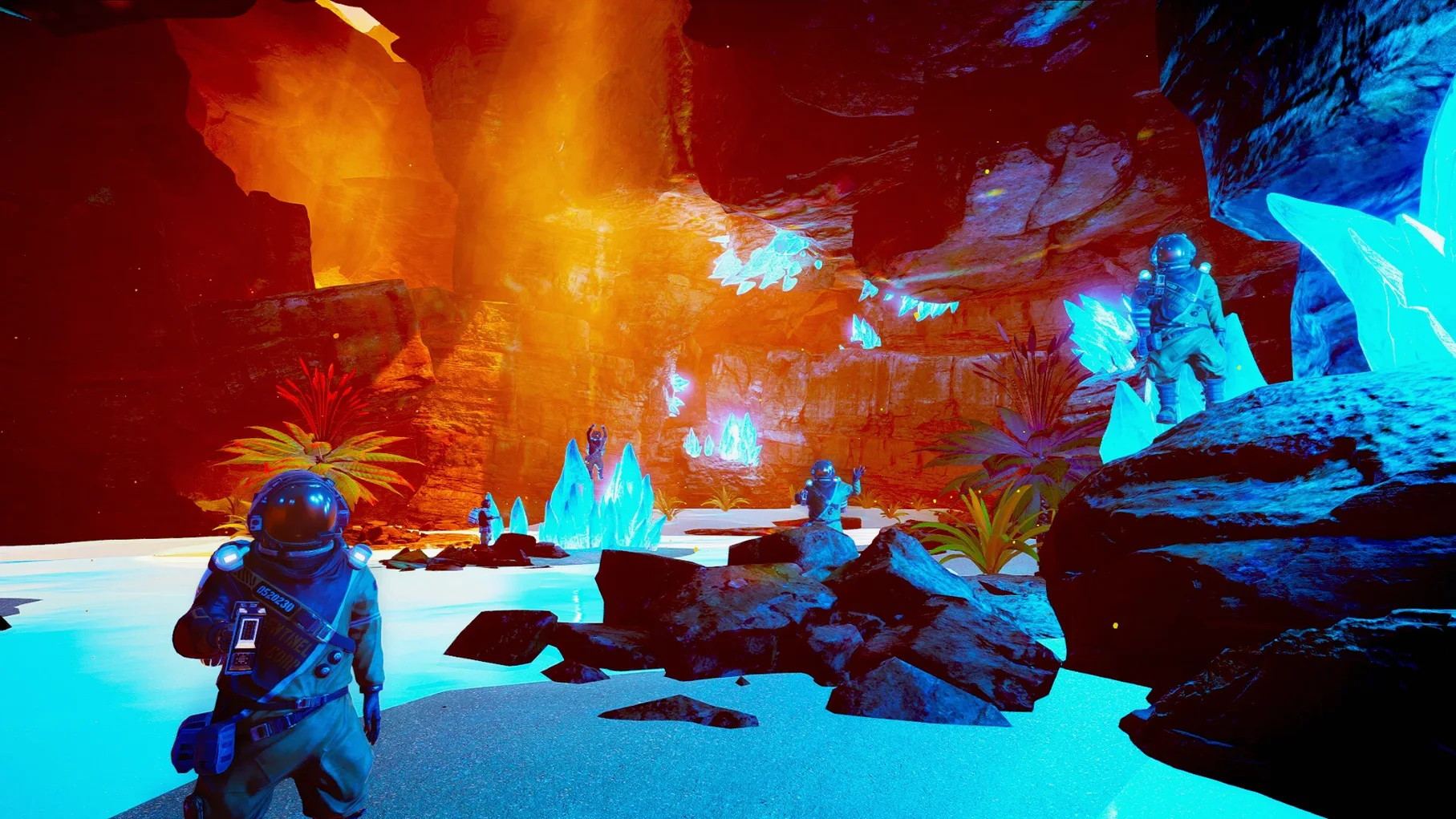
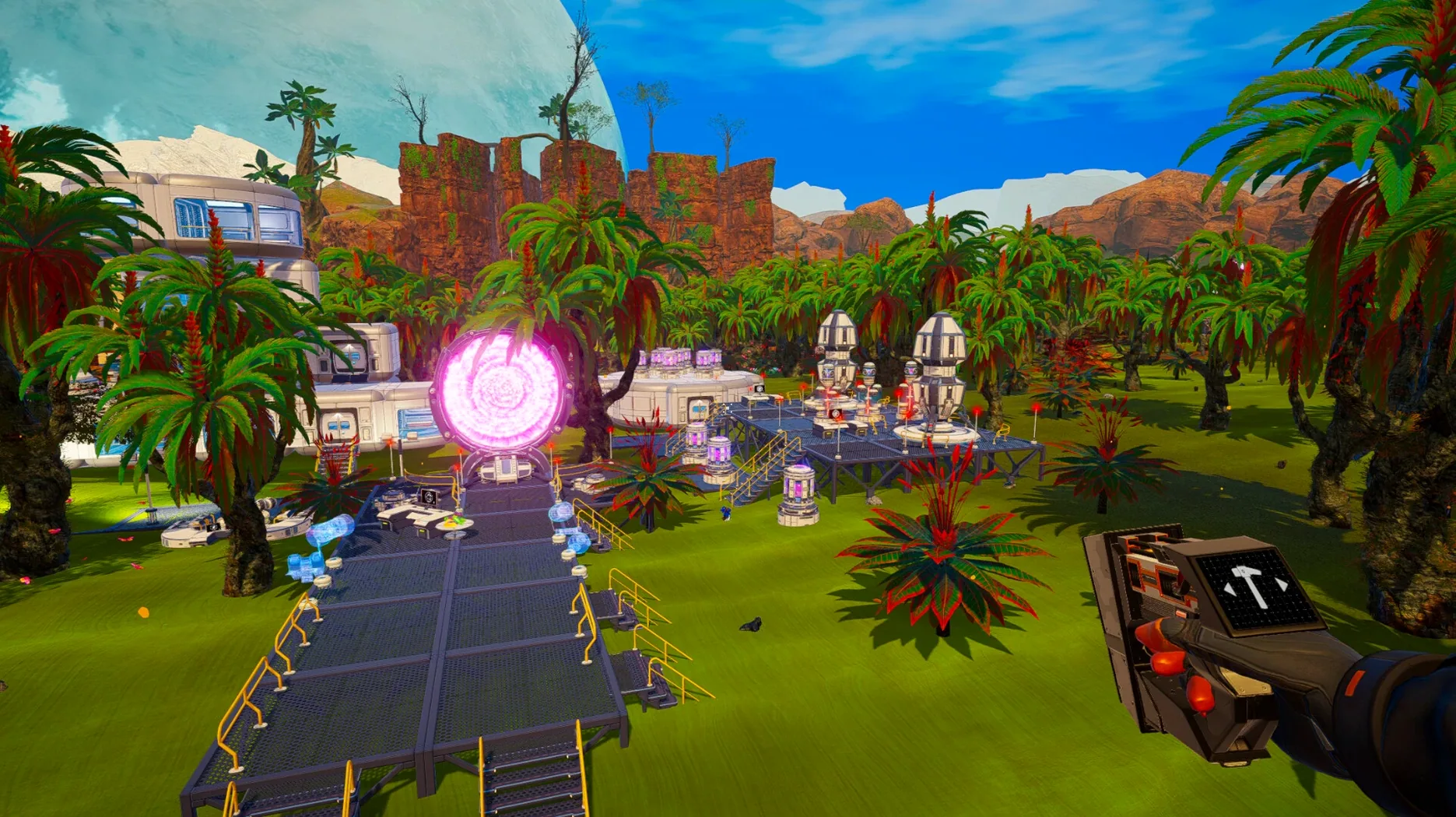
You spend the early hours punching minerals out of the ground, scavenging procedurally generated shipwrecks and racing back to your landing pod before your oxygen hits zero. Every cobalt and ice block feeds a small base that grows into a network of habitat modules, wind turbines and recycling stations. The loop is simple: gather, craft, expand, repeat.
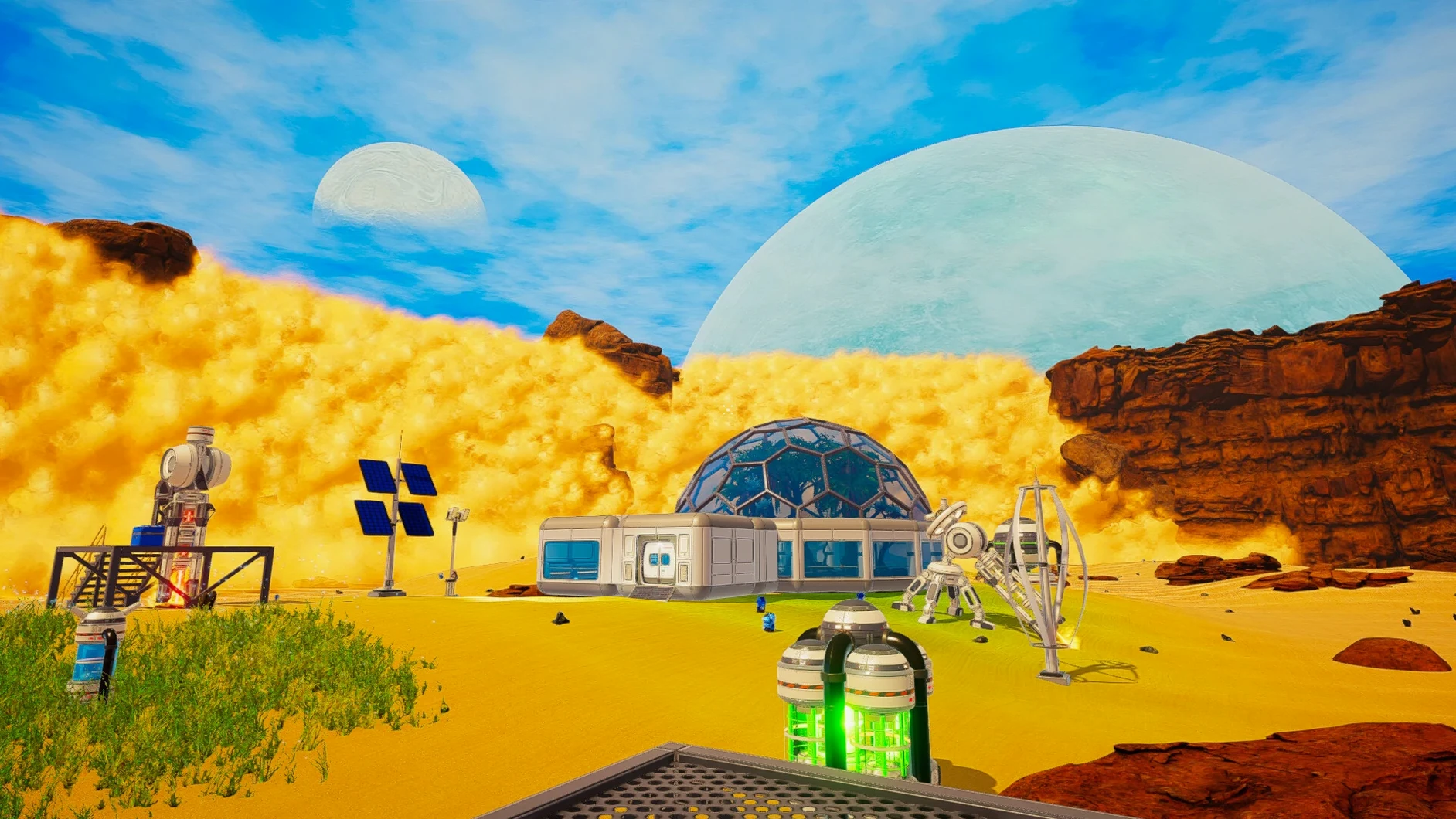
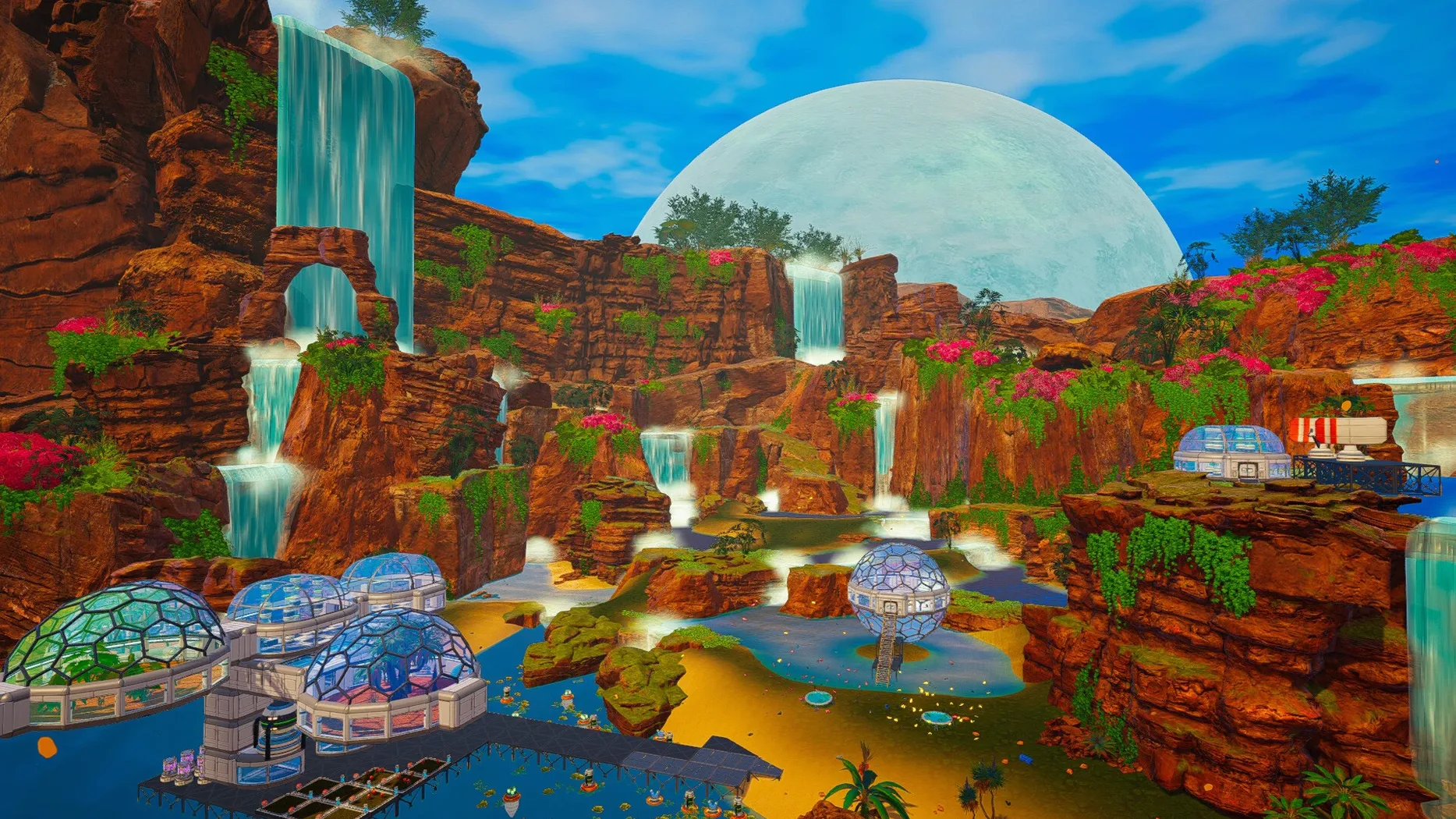
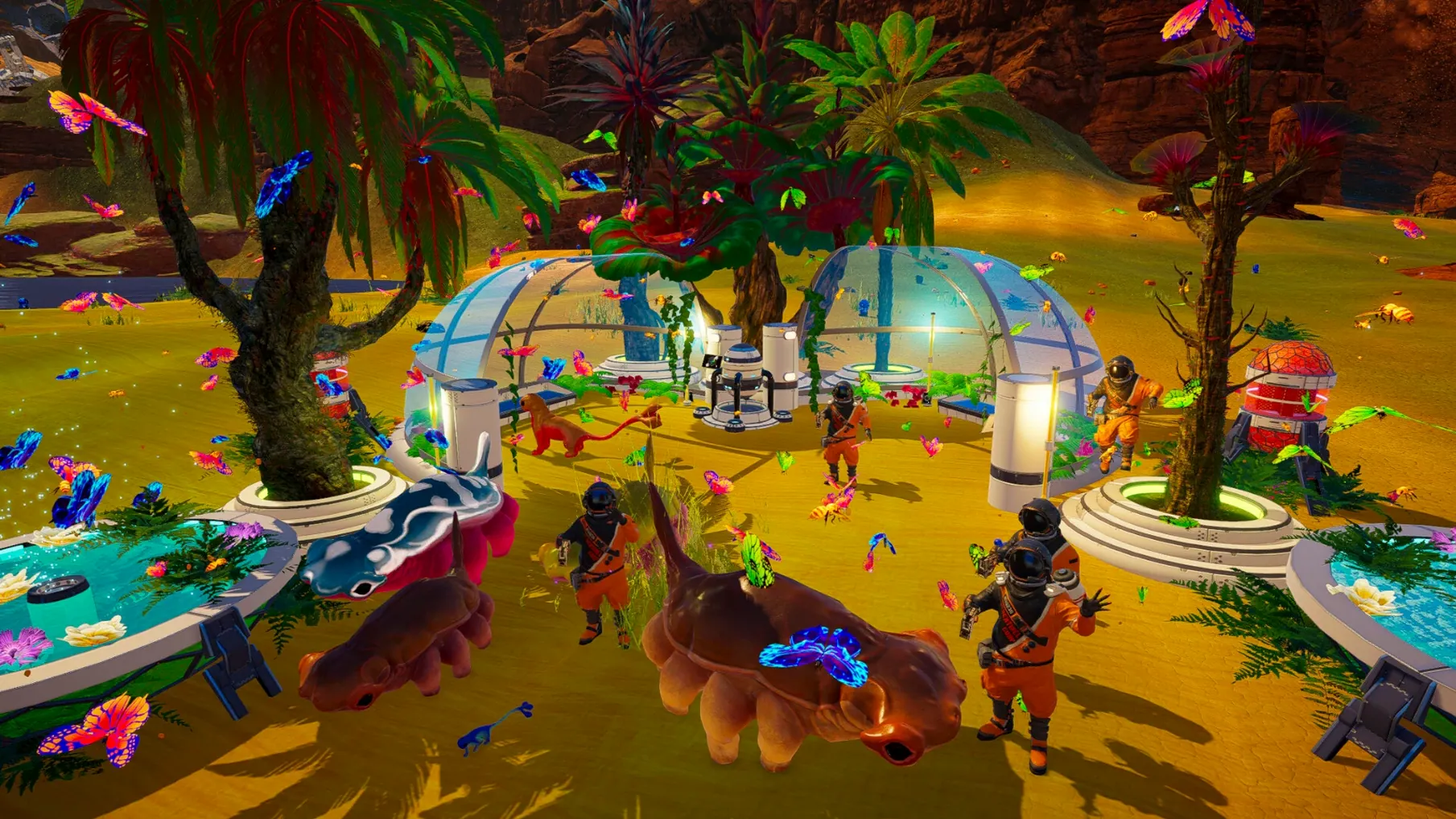
Then the planet starts to change. Your machines pump out heat and oxygen. The sky shifts from rust to pale blue. Rain falls. A patch of moss appears where there was only dust. You are not just building a base — you are watching your own terraforming stats tick upward until the environment itself becomes an ally. Later you unlock insect drones, vegetation spreaders and a creative mode if the survival pressure gets too much.
Save files live inside the app bundle itself, under The Planet Crafter.app/Contents/SharedSupport/prefix/drive_c/users/Sikarugir/AppData/LocalLow/MijuGames/Planet Crafter. That is a Wineskin path, so back it up manually if you ever reinstall.
Smooth frames until the grass arrives
On an Apple Silicon Mac the game settles into a steady rhythm. Frame rates stay smooth through the early terraforming stages, even with a dozen machines chugging away and three habitats linked together. The real test comes later when grass, trees and insect swarms cover the landscape — and it holds up. Wineskin adds a thin translation layer, but you stop noticing it after the first launch.
Memory use is modest for what is happening under the hood. The app bundle sits around 4.5 GB on disk, and RAM pressure stays low enough that you can leave a browser and notes open in the background without swapping. Fans on an M4 Mac mini barely spin up during a two-hour session.
Stability is where the Wineskin build earns its keep. Crashes are rare. The only hiccup I have seen is a black screen on first launch, and the included Fix file wipes that out in seconds. Save files live inside the bundle, so the game never touches your Documents folder. That is tidy, but it also means a reinstall wipes your progress unless you back up the prefix path manually.
The game loads a new world in under fifteen seconds. Returning to a late-game save with full terraforming takes a little longer — closer to twenty-five — but once you are in, biome transitions and weather shifts happen without stutter.
Run a Discord stream while you terraform
The Planet Crafter works fine alongside Discord for voice chat, which matters if you are running a multiplayer session with up to ten people. Screen sharing through the app itself is not a thing, but a quick Discord stream lets a friend spot that iridium meteor you missed.
macOS handoffs are uneventful. The game does not tangle with Mission Control or Spaces — you can swipe to a browser mid-session and come back without resolution glitches. Fullscreen mode plays nicely with a second monitor, though I would keep the game on the primary display. The Wineskin wrapper does not register as a standard macOS app for things like Shortcuts or Focus filters, so do not expect to script a "stop mining and sleep" routine.
If you have already decided to download the planet crafter for mac, the build does not need Steam running or any launcher. That means zero background processes and no pop-up overlays while the planet's atmosphere ticks past breathable. You double-click the app, it opens, you play.
Requirements
- Apple Silicon Mac (tested on Mac mini 2024 M4)
FAQ
What do you actually do minute to minute?
You mine resources, manage oxygen and thirst levels, craft equipment, and build habitat modules — all while pushing the planet's terraforming index toward habitability.
What happens if the game throws an error on launch?
Run the Fix file included on the disk image. It resolves the startup issue that some players hit on first launch.
Where are the save files kept?
They live inside the app bundle at The Planet Crafter.app/Contents/SharedSupport/prefix/drive_c/users/Sikarugir/AppData/LocalLow/MijuGames/Planet Crafter.
Comments 0
Sign in or create an account to leave a comment.
No comments yet…
If you’ve installed it, say how it went. Mention your Mac and macOS version — it helps the next person more than you’d think.
More in Games
All in Games-
 The Long Dark
2.55
Apple Silicon
The Long Dark
2.55
Apple Silicon
-
 The Sims 4
1.127.41.1030
Apple Silicon
The Sims 4
1.127.41.1030
Apple Silicon
-
 The Lightkeeper
Build 21228210
Apple Silicon
The Lightkeeper
Build 21228210
Apple Silicon
-
 Thief: Master Thief Edition
1.1
Thief: Master Thief Edition
1.1
-
 The Elder Scrolls III: Morrowind
1.6.18.20
Apple Silicon
The Elder Scrolls III: Morrowind
1.6.18.20
Apple Silicon
-
 This War of Mine: Final Cut
6.0.8
This War of Mine: Final Cut
6.0.8
-
 Timberborn
1.1.2.4.52e959e.gm
Apple Silicon
Timberborn
1.1.2.4.52e959e.gm
Apple Silicon
-
 The Binding of Isaac Rebirth+
1.9.7.15 Beta
Apple Silicon
The Binding of Isaac Rebirth+
1.9.7.15 Beta
Apple Silicon