
The Invincible for macOS
Description
The Invincible runs on Macs with Apple Silicon. It is not built for Intel Macs. Check your model before you download.
A missing crew on Regis III, and your choices steer the search
- A first-person story set on the planet Regis III
- An adaptation of Stanisław Lem's hard sci-fi novel
- A search for missing crew members that you control
- Branching player choices that steer the outcome
- Interface support for ten languages
Walking a retro-futurist planet as Yasna, making choices instead of fighting
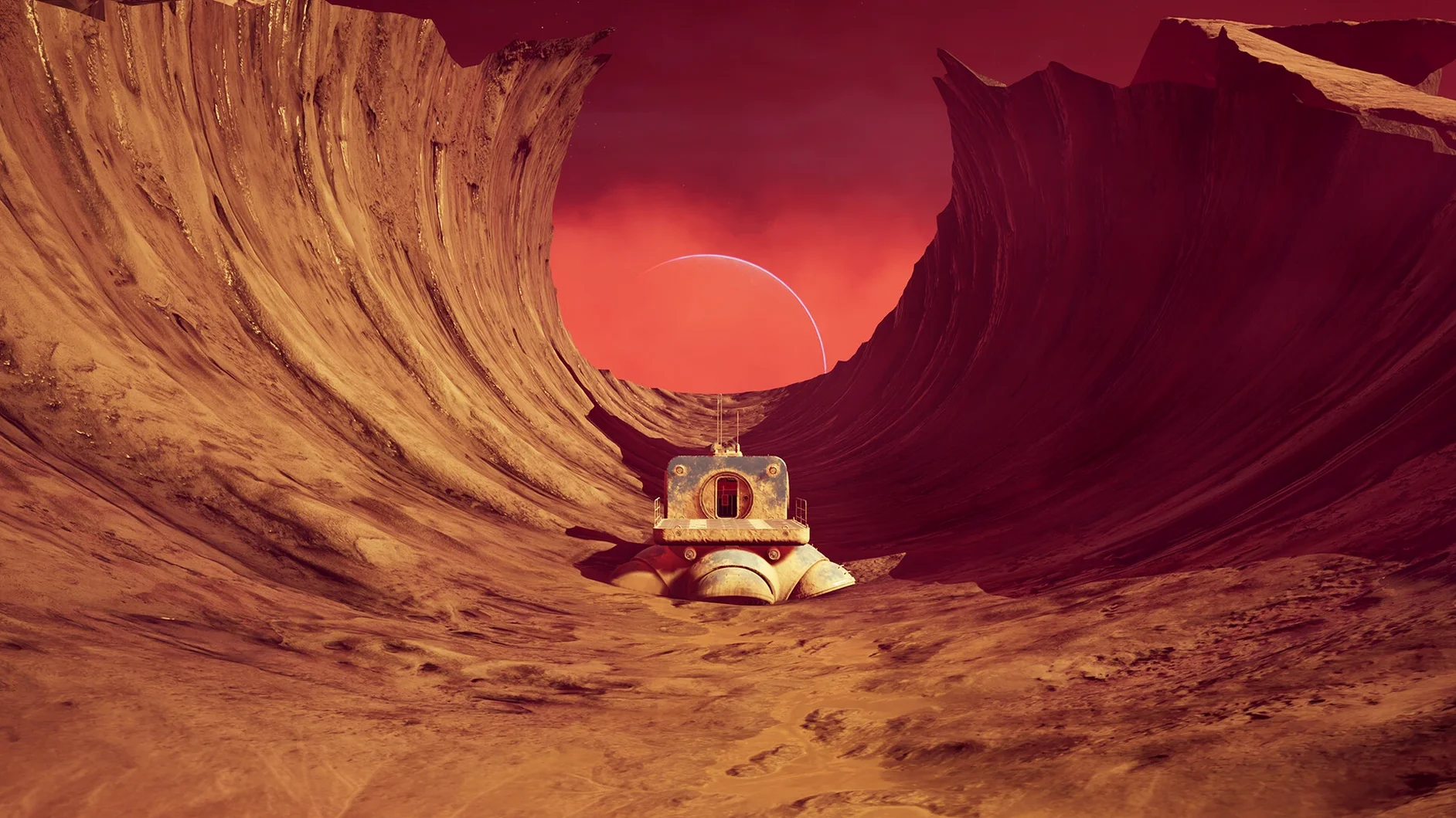
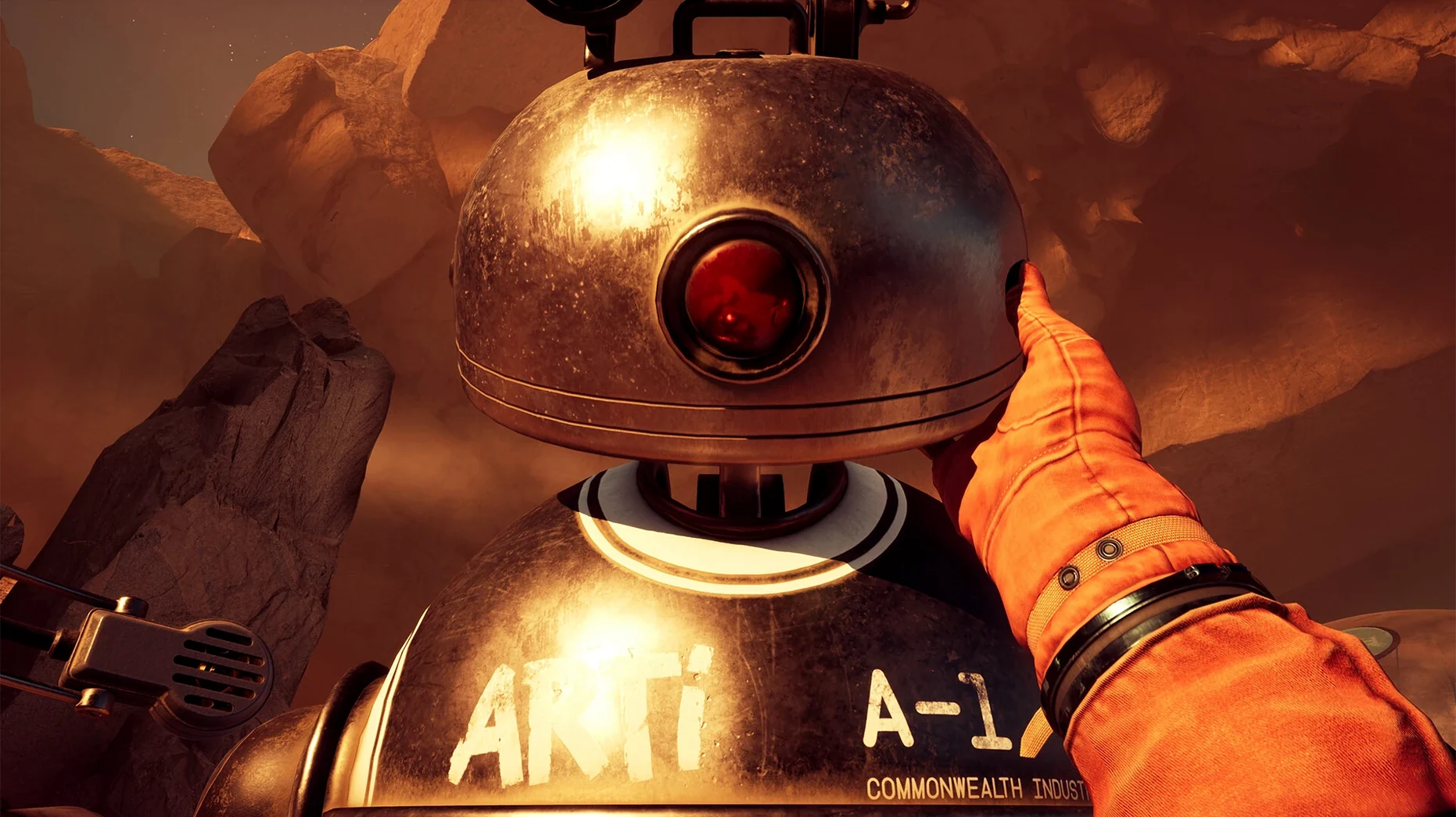
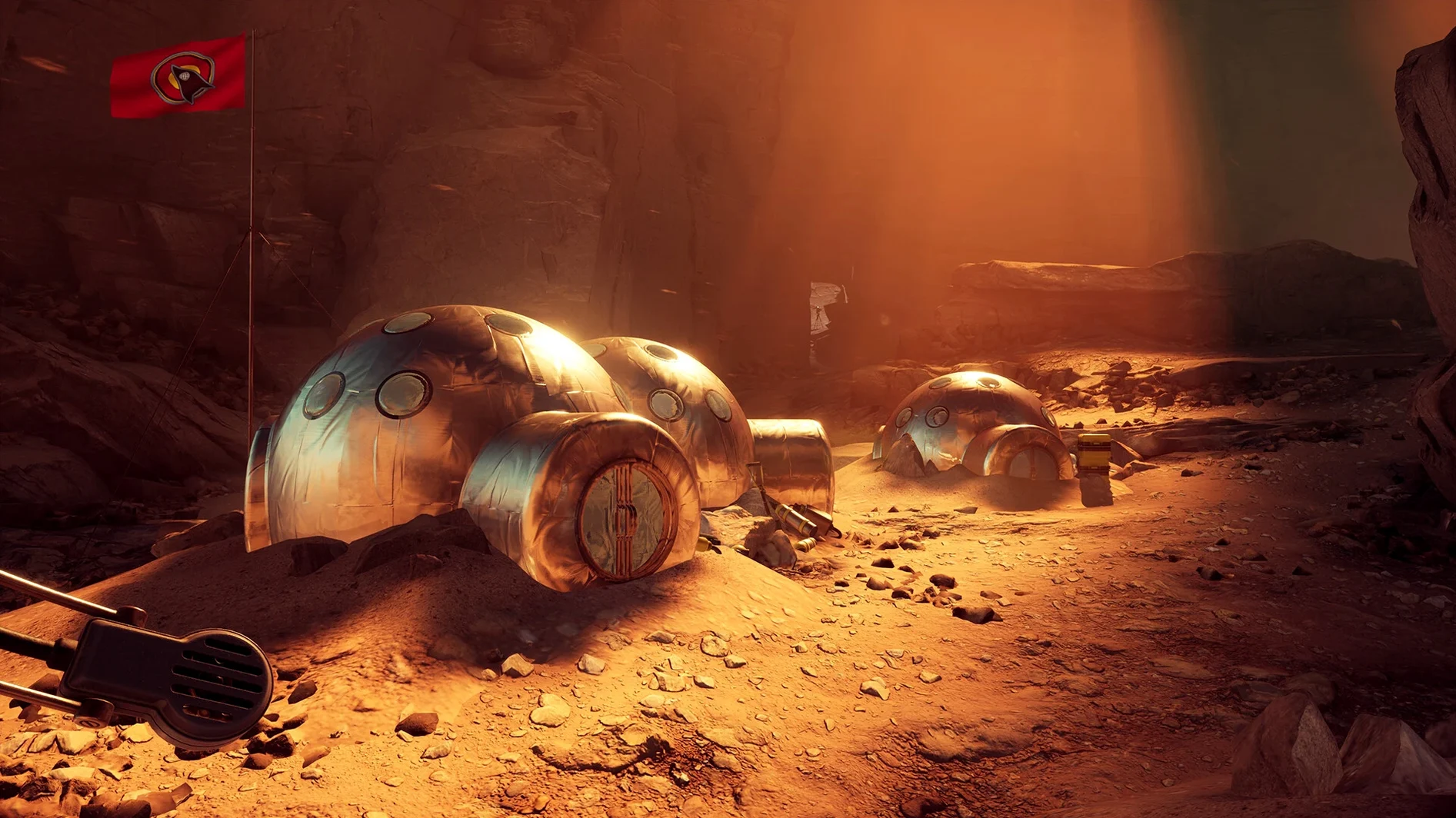
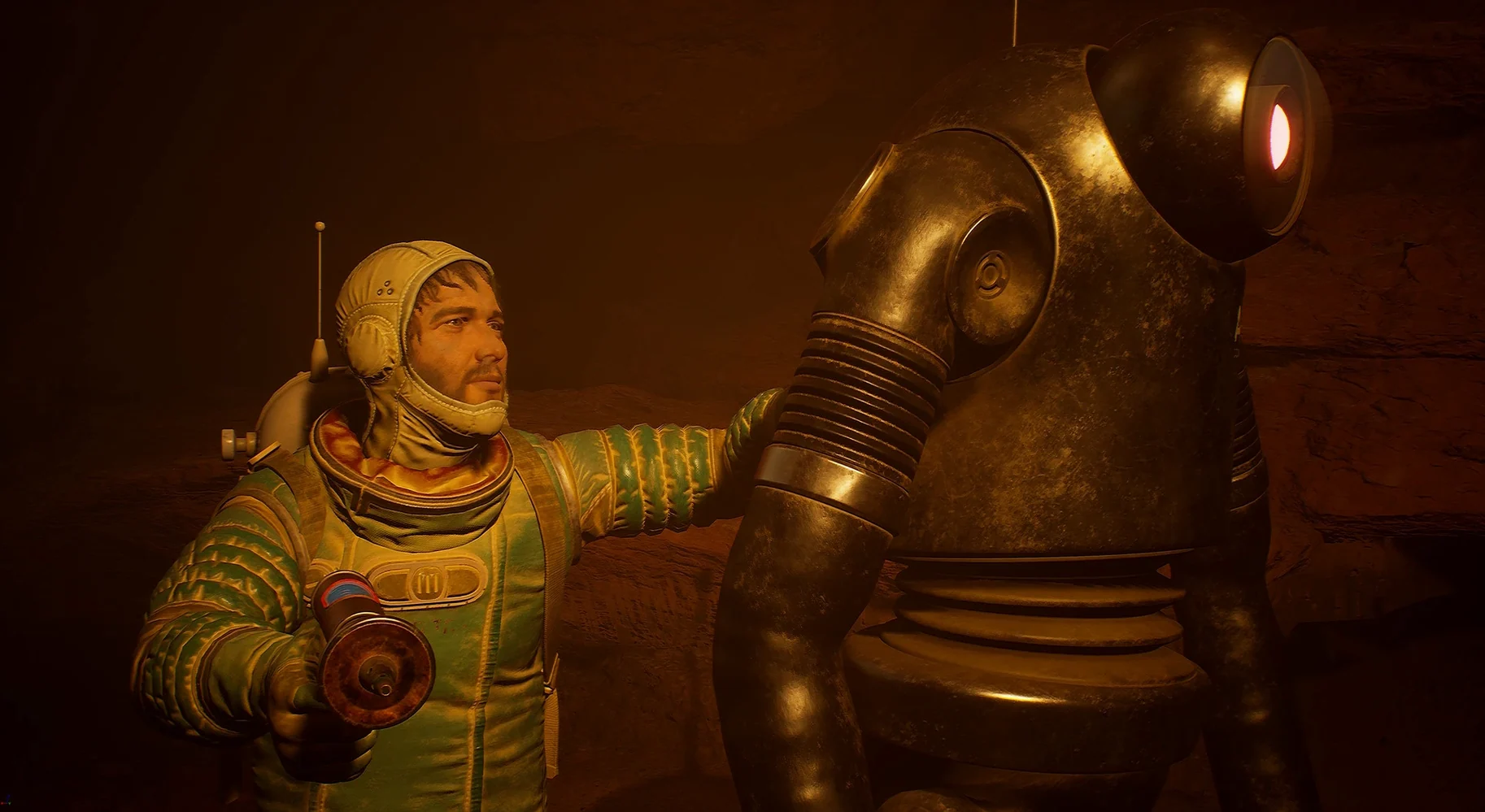
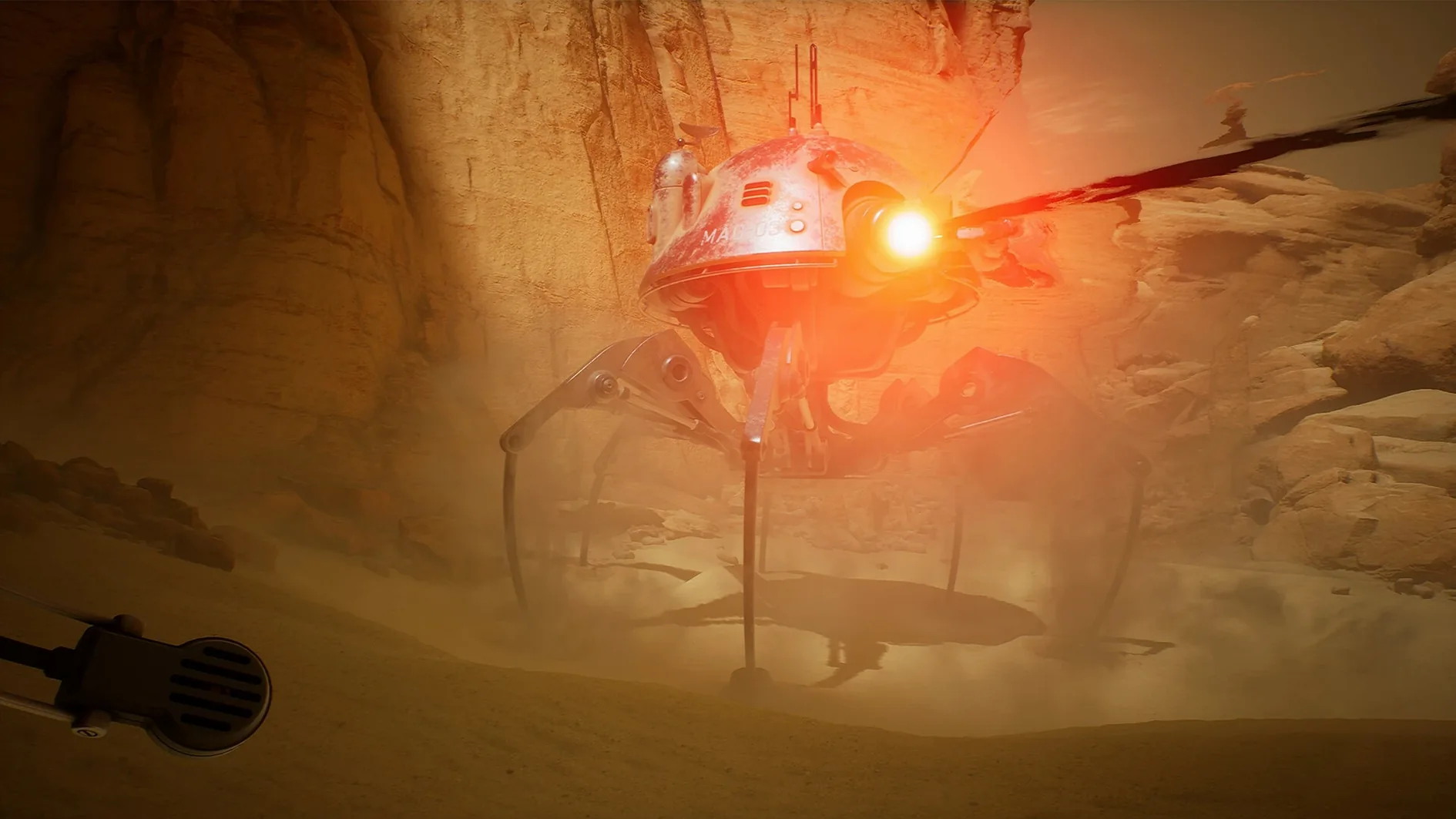
You land on Regis III as Yasna, an astrobiologist looking for her lost crew. There is no combat. You walk, read, talk, and make decisions that pull the plot in different directions. The art style is retro-futurist — all chunky hardware, orange dust, and a sky that feels too close. The game sticks close to Lem's preoccupations: what we don't understand, and what we do to each other when we're scared. It is a slow, talky thing. If you want gunfights, this is not your game.
Dial back motion blur and film grain before your first save
Out of the box, the game leans heavily on motion blur and film grain. Some players like the retro sci-fi look this gives. Others find it muddy. Open the Graphics menu before you start a new save.
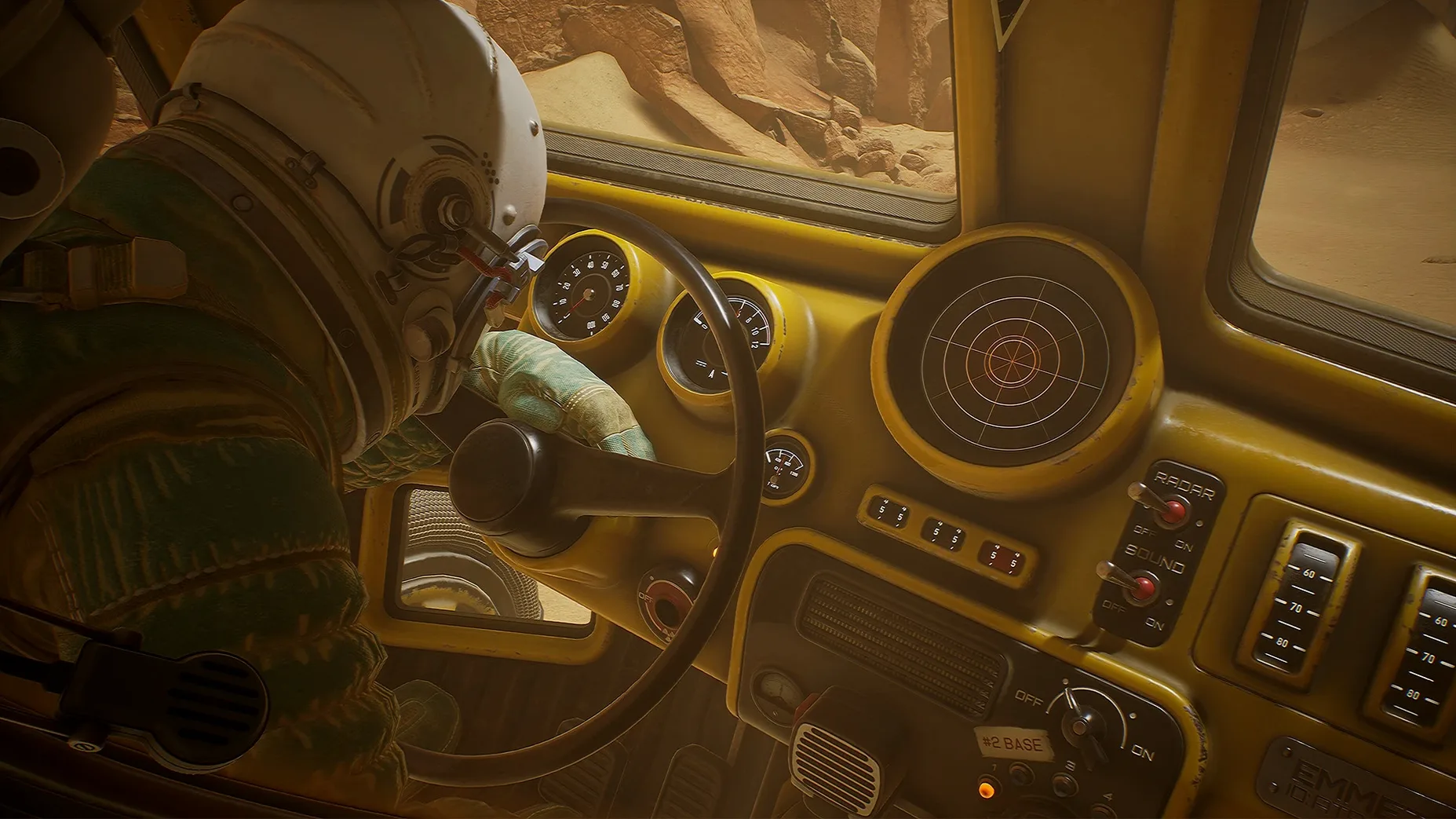
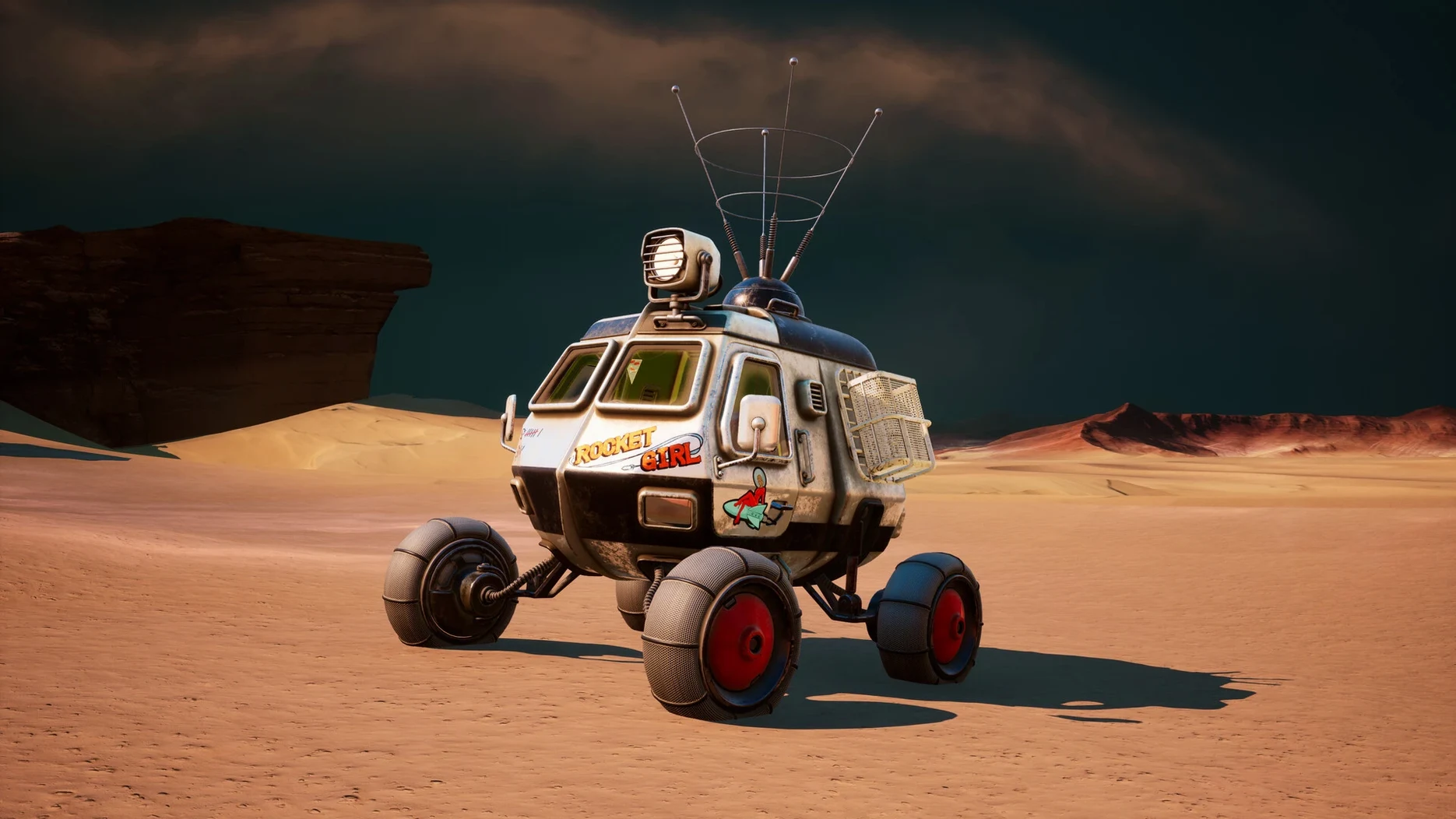
Turn down motion blur to around 30% if the Regis III landscape starts to smear when you pan the camera. Film grain can be switched off entirely. The difference is stark — rock formations and distant structures become readable at a glance. While you are in the menu, check that the field of view slider sits somewhere comfortable. The default is narrow and can make the rover interior feel cramped.
One more thing: subtitles are off by default. Switch them on in the Audio menu. Yasna's radio chatter with the Astrogator is where most of the story lives, and the mix sometimes buries her voice under wind and rover hum.
Rangefinder marks mid-range objects more reliably now
Version 45.002 landed with a handful of fixes that quietly improve the flow. The rangefinder — your main tool for scanning rock formations and wreckage — now marks objects more reliably at mid-range. Earlier builds sometimes ignored targets that were plainly visible. That matters when you are trying to map a canyon quickly and the tool decides a boulder ten metres out is not worth tagging.
Several dialogue triggers that could stall on Regis III's second landing site now fire correctly. If you previously had to reload a checkpoint because Yasna would not radio in, that is less likely here. The motion sensor's audio cue is also sharper. It pings earlier when something moves on the edge of its sweep, which gives you an extra second or so to stop the rover and look around.
Performance on Apple Silicon Macs stays steady. The Wineskin wrapper is pre-configured — you should not need to touch it unless you want to tweak something exotic.
Check the thin compass line on the rover map before driving off
The rover map screen has a compass marker that is easy to overlook. It is a thin line at the bottom edge, not a prominent icon. Glance at it before you drive off and you will waste less time doubling back through dust storms. The map also zooms with a scroll gesture, which the tutorial never mentions.
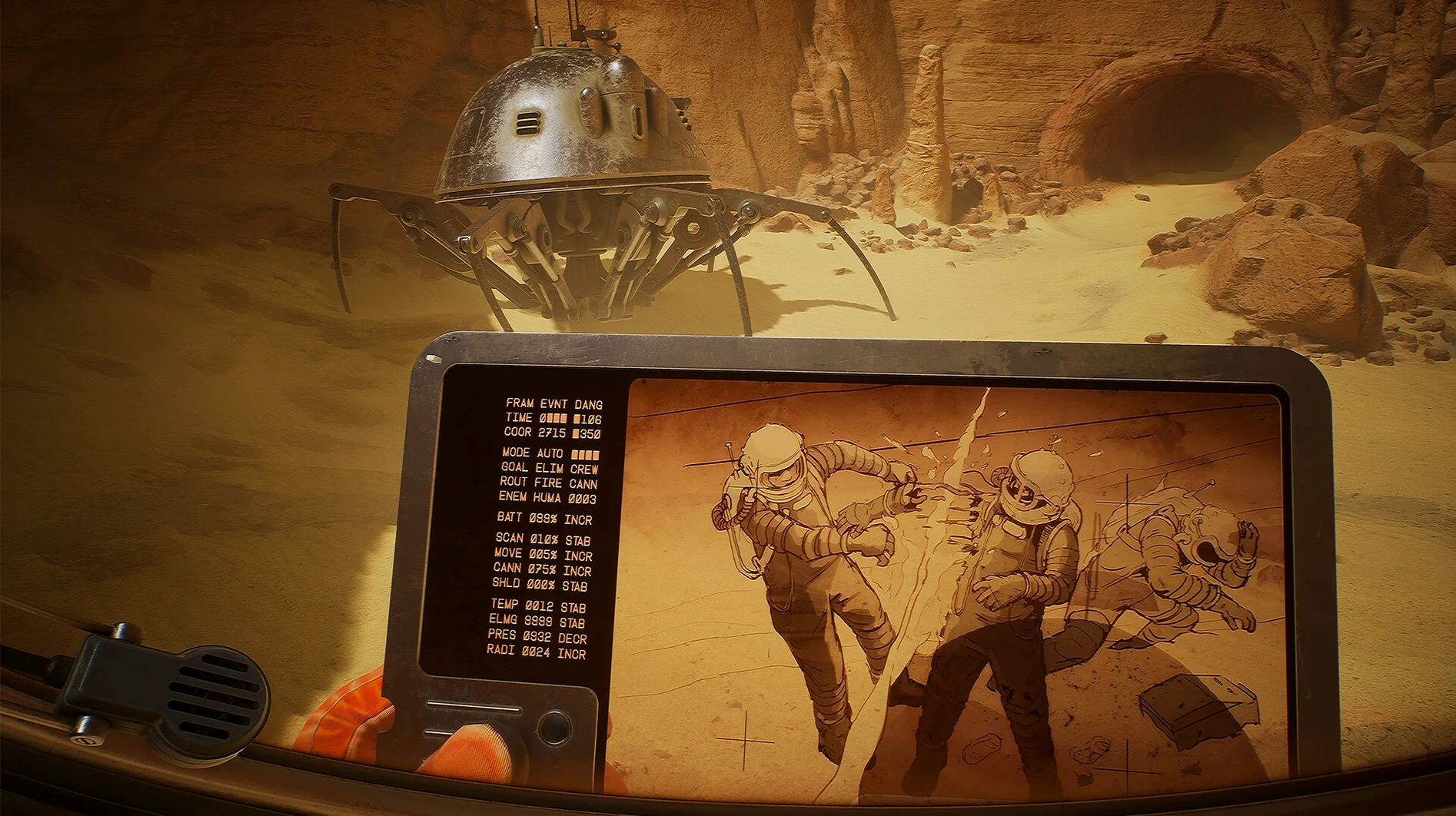
Your journal updates with more than just plot summaries. Tap J and flick back a few pages — Yasna's sketches sometimes mark routes, cave entrances or equipment caches that are not on the main map overlay. The game never points this out after the first hour. Players who ignore the journal tend to miss side conversations that affect which of the eleven endings they drift toward.
If you hold the rangefinder button rather than tapping it, the device stays raised. You can then walk slowly while scanning. It is the only way to catalogue a moving target without stopping dead every few metres. The manual does not explain this, but it is how the game expects you to map the larger valleys.
When you first download the invincible for mac, the disk image includes a Fix script. Most people will not need it. If the game throws an error on first launch, run the script once and the wrapper sorts itself out. After that, you can ignore it.
Requirements
- macOS: not specified by developer, but runs on Apple Silicon
- Architecture: Apple Silicon only
- Interface languages: Russian, English, German, Spanish, Simplified Chinese, Polish, Portuguese, Ukrainian, French, Japanese
FAQ
Is The Invincible a direct copy of the book?
No. It tells a parallel story set in the same universe, focusing on a different crew's experience on Regis III.
Comments 0
Sign in or create an account to leave a comment.
No comments yet…
If you’ve installed it, say how it went. Mention your Mac and macOS version — it helps the next person more than you’d think.
More in Games
All in Games-
 The Elder Scrolls III: Morrowind
1.6.18.20
Apple Silicon
-
 The Lightkeeper
Build 21228210
Apple Silicon
-
 The Binding of Isaac Rebirth+
1.9.7.15 Beta
Apple Silicon
-
 The Long Dark
2.55
Apple Silicon
-
 The Planet Crafter
1.618
Apple Silicon
-
 The Sims 4
1.127.41.1030
Apple Silicon
-
 Thief: Master Thief Edition
1.1
-
 Terraria
1.4.5.8
Apple Silicon