
Resident Evil Village for macOS



Description
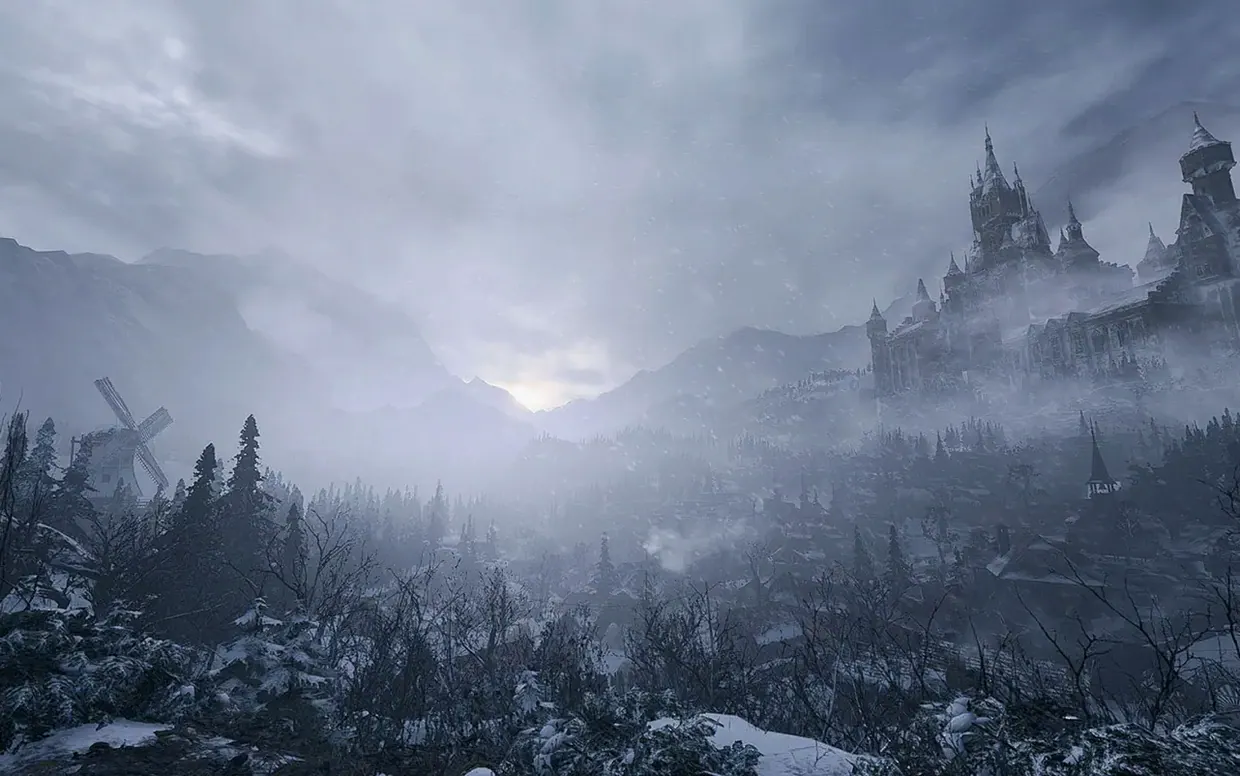
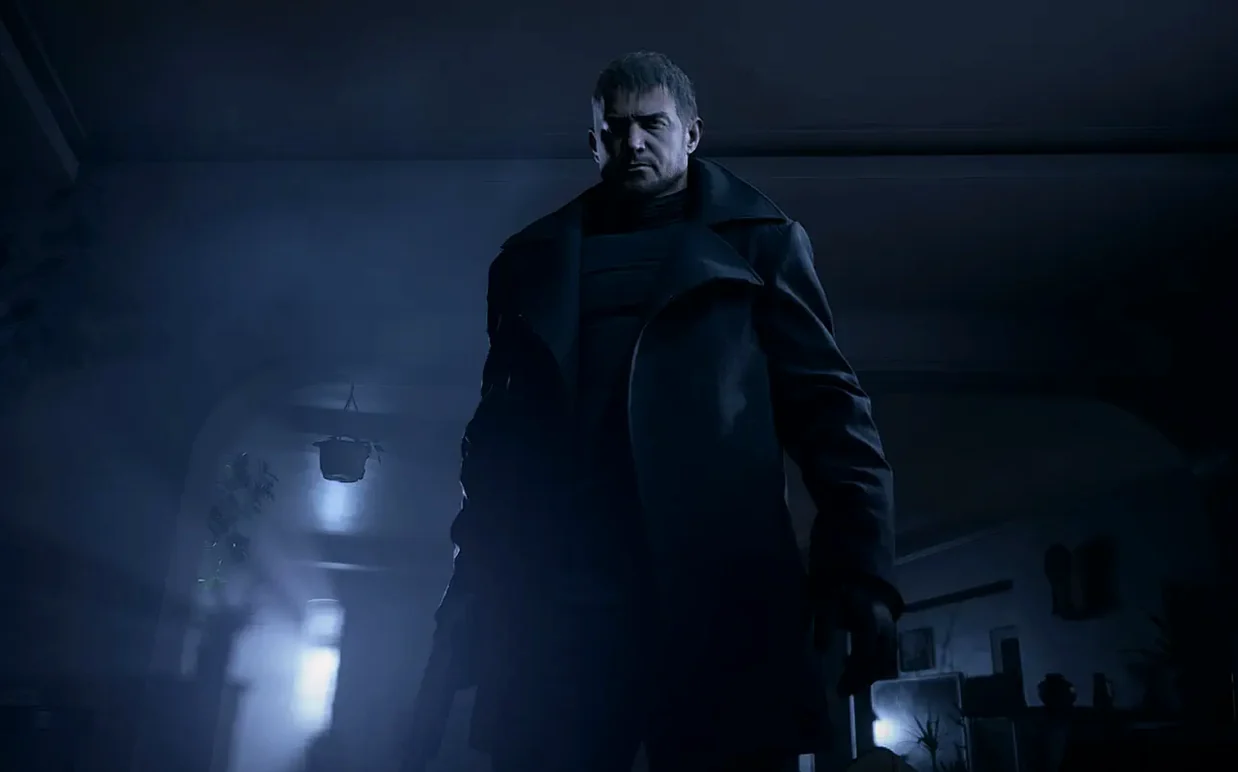
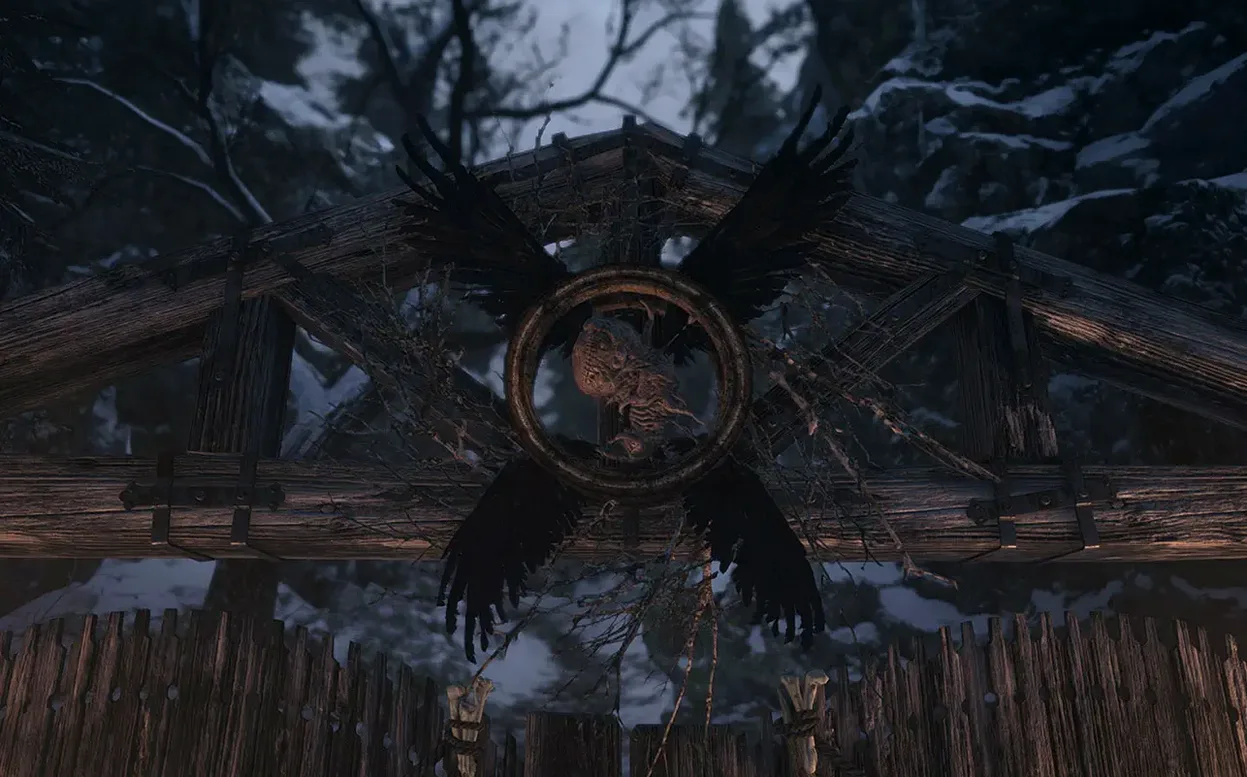
You need to find your daughter. A remote, snowbound village holds answers, but every building feels like a trap. This is the minute-to-minute loop Resident Evil Village throws at you on a Mac.
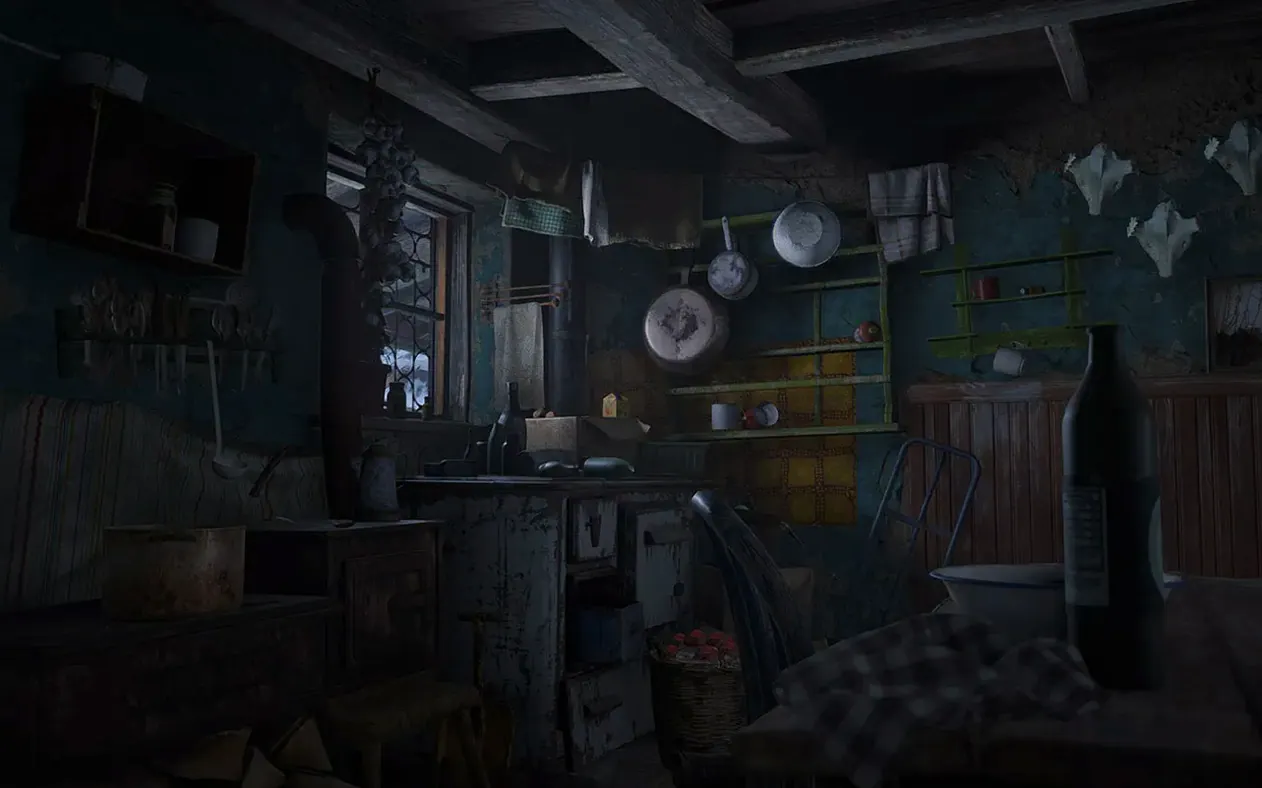
- Enter an area. A crumbling castle hall or a dark cottage. You listen for creaks and wet shuffles.
- Scavenge. Drawers, cabinets, under tables — you grab herbs, ammo and Lei. You decide what’s worth the inventory slot.
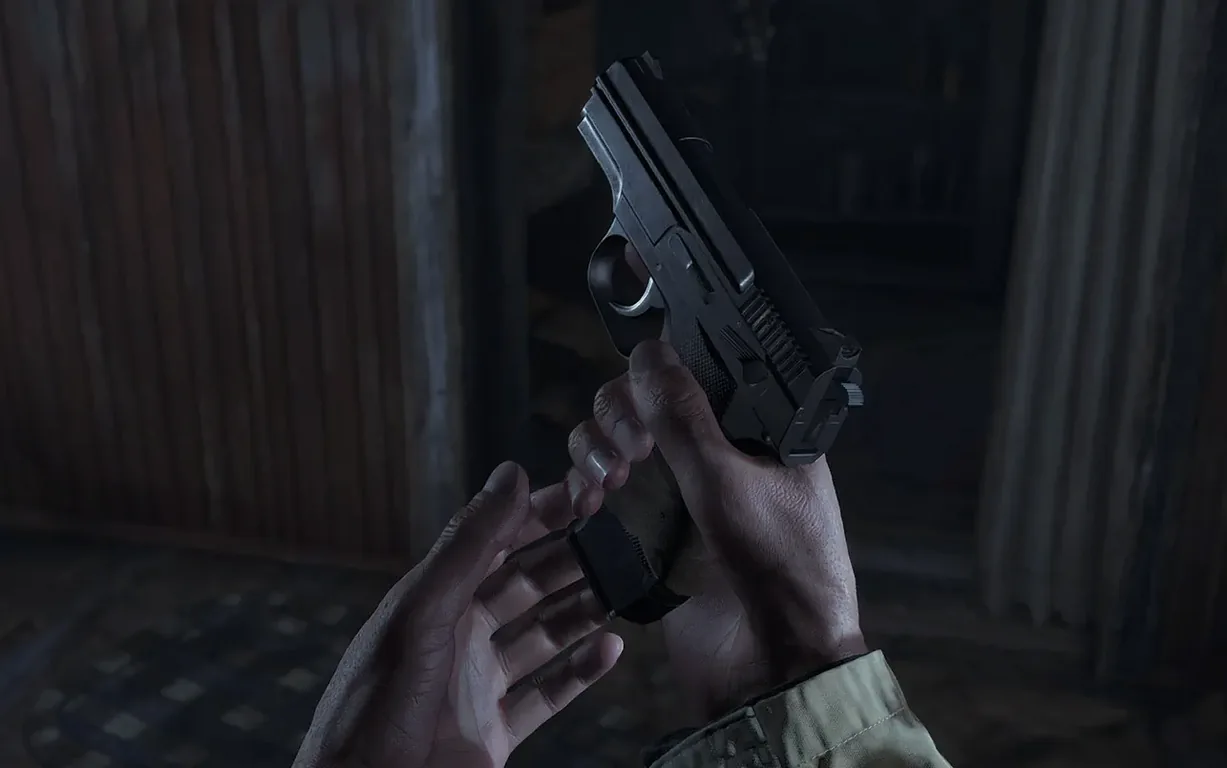
- Fight or run. Lycans lunge from the snow. Block with your arms, backpedal, fire a handgun. Bullets are scarce, so you weigh every shot.
- Visit the Duke. A rotund merchant with a knowing smile. You sell treasures, buy weapon upgrades and craft first-aid before the next push.
- Unravel the story. Cutscenes pull you deeper into Mother Miranda’s plans. Chris Redfield’s actions from the prologue hang over it all.
The first-person view keeps tension close. You never see the next threat until it’s in your face. The village hub links guarded paths, so you pick which nightmare to tackle next. The Shadows of Rose DLC shifts to a third-person tale that adds a few more hours of dread.
MetalFX upscaling keeps the courtyard fight smooth
The game leans on MetalFX Upscaling. On an M2 or later chip, you toggle it in the display settings to get a cleaner image without cratering the frame rate. It’s the difference between a choppy courtyard fight and one where you can actually track a lycan mid-leap.
Controller support works through Bluetooth with no fiddling. A DualSense or Xbox pad connects via the macOS Bluetooth menu, and Village picks it up straight away. The button prompts switch to match the controller. Haptic feedback comes through on a DualSense if the game recognises it — not every scene triggers it, but gunfire and heavy doors do.
Game Centre handles achievements. They pop as you hit milestones — clearing the castle, upgrading a weapon fully, finishing a Mercenaries stage. The notifications use the standard macOS banner style, so they don’t yank you out of a tense moment. You can silence them in System Settings if you prefer total immersion.
Spotlight won’t index your save files, which keeps your progress tucked away. If you move the app between Macs, the save data lives in ~/Library/Application Support and transfers cleanly with a Migration Assistant run or a manual copy.
A village run: one player’s evening
Imagine a graphic designer who grew up on Resident Evil 4. She’s on an M1 MacBook Pro, headphones on, trackpad ditched for a DualShock 4. She downloads the disk image, drags the app over, runs the Terminal fix once, and disables Wi‑Fi on the first launch to skip the black-screen hang. After that, it boots normally.
Her session starts in Castle Dimitrescu. She’s low on shotgun shells after the first daughter fight. The Duke’s room is two corridors away, but she hears heels clicking on marble — Lady Dimitrescu is patrolling. She crouches behind a wardrobe, waits for the footsteps to fade, then sprints to the merchant. She sells a crystal skull, buys four shells and a first-aid med, then saves. Real life intrudes: a Slack ping. She swipes to the next Space, answers it, swipes back. The game is paused exactly where she left it. Twenty minutes well spent.
Widen the field of view before you reach the village
Before you set foot in the village, open the options screen. A few tweaks make the game feel better on Mac hardware.
- Field of view. The default is narrow, which amplifies claustrophobia but can feel suffocating on a 13-inch screen. Push it to 80–85 for more peripheral awareness without making the image fisheye.
- Aim assist. On by default. If you’ve played shooters on a controller before, switch it to snap‑and‑release or turn it off entirely. You’ll find headshots more satisfying.
- Camera acceleration. Crank it down a notch. The default curve can make turning feel floaty, especially when a lycan circles you.
- Damage display. Set it to show numbers. Knowing whether your new shotgun is actually hitting harder than the old one helps when you’re budgeting Lei at the Duke’s shop.
- Audio mix. Switch from TV to Headphones if you’re using AirPods or wired cans. The spatial cues for enemy footsteps become much sharper, which is half of surviving the village at night.
The Mercenaries: Additional Orders mode is tucked in the extras menu. It’s an arcade-style time‑attack with its own characters. You unlock it after finishing the main story, but checking a resident evil village mac download with the DLC bundled means it’s waiting straight away once the credits roll.
Requirements
- macOS 12.0 or later
- Apple Silicon Mac
FAQ
Does Resident Evil Village run on Intel Macs?
No. The Mac version requires an Apple silicon Mac running macOS Monterey 12.0 or later.
Who do you play as in Resident Evil Village?
You control Ethan Winters, picking up his story after the events of Resident Evil 7 biohazard.
What DLC is included with the Mac version?
It includes the Shadows of Rose DLC, which plays from a third-person perspective.
Comments 0
Sign in or create an account to leave a comment.
No comments yet…
If you’ve installed it, say how it went. Mention your Mac and macOS version — it helps the next person more than you’d think.
More in Games
All in Games-
 RimWorld
1.6.4871.rev588
Apple Silicon
RimWorld
1.6.4871.rev588
Apple Silicon
-
 Rain World
1.11.7b
Apple Silicon
Rain World
1.11.7b
Apple Silicon
-
 Radiolight
0.9
Apple Silicon
Radiolight
0.9
Apple Silicon
-
 Sally Face
1.5.52
Apple Silicon
Sally Face
1.5.52
Apple Silicon
-
 Session: Skate Sim
Build 22539382
Apple Silicon
Session: Skate Sim
Build 22539382
Apple Silicon
-
 Shadow of the Tomb Raider
1.0.4
Shadow of the Tomb Raider
1.0.4
-
 Poppy Playtime - Chapter 5
Build 21976689
Apple Silicon
Poppy Playtime - Chapter 5
Build 21976689
Apple Silicon
-
 Poppy Playtime - Chapter 4
Build 58496
Apple Silicon
Poppy Playtime - Chapter 4
Build 58496
Apple Silicon