

Poppy Playtime - Chapter 5 for macOS





Description
It runs on Apple Silicon Macs with macOS Tahoe.
What is Poppy Playtime Chapter 5?
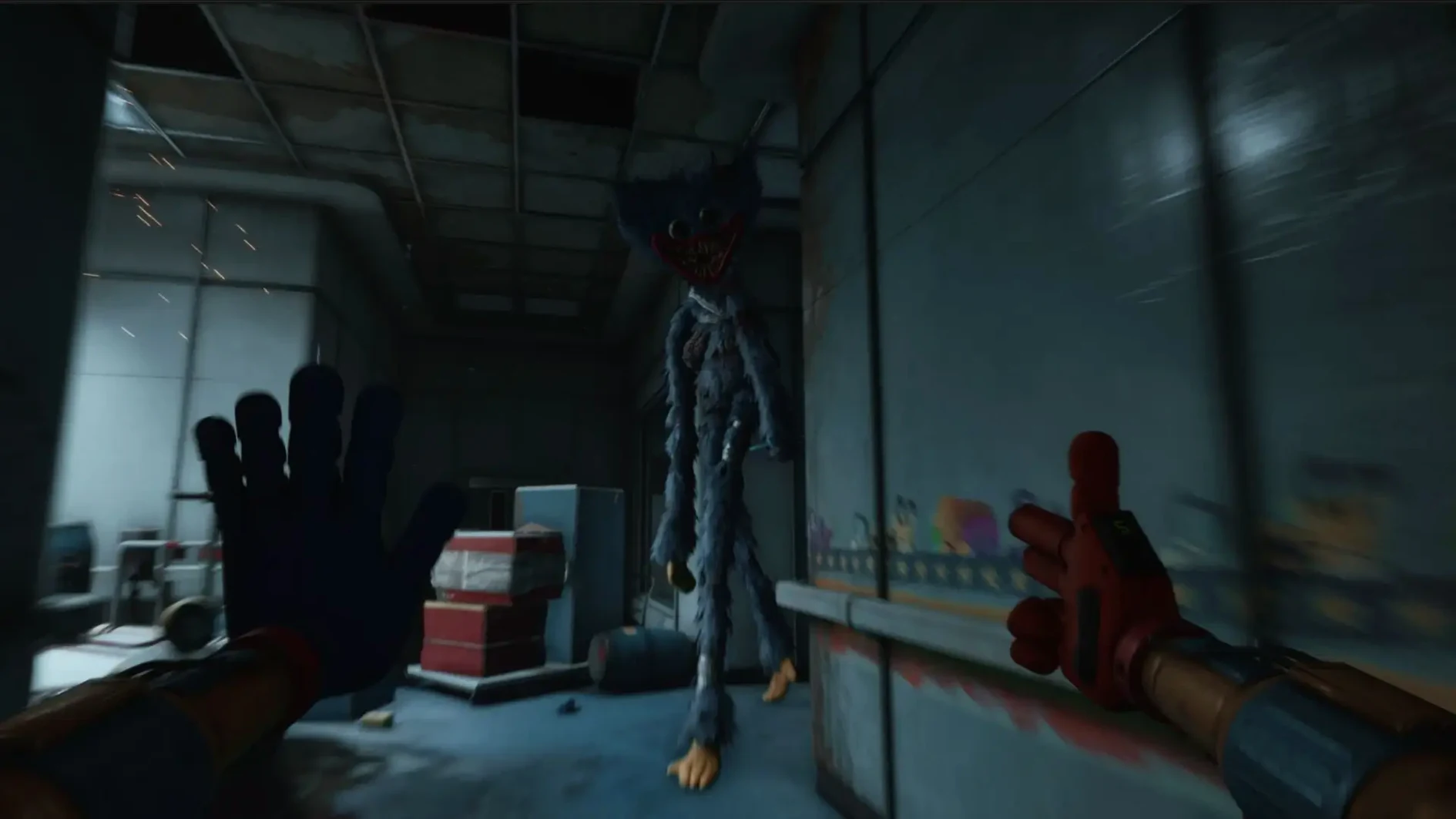
It is the fifth chapter in the Poppy Playtime series, taking you deeper inside the Playtime Co. factory. Huggy Wuggy is said to be pursuing you through the new factory section.
Solving puzzles while something stalks you from behind
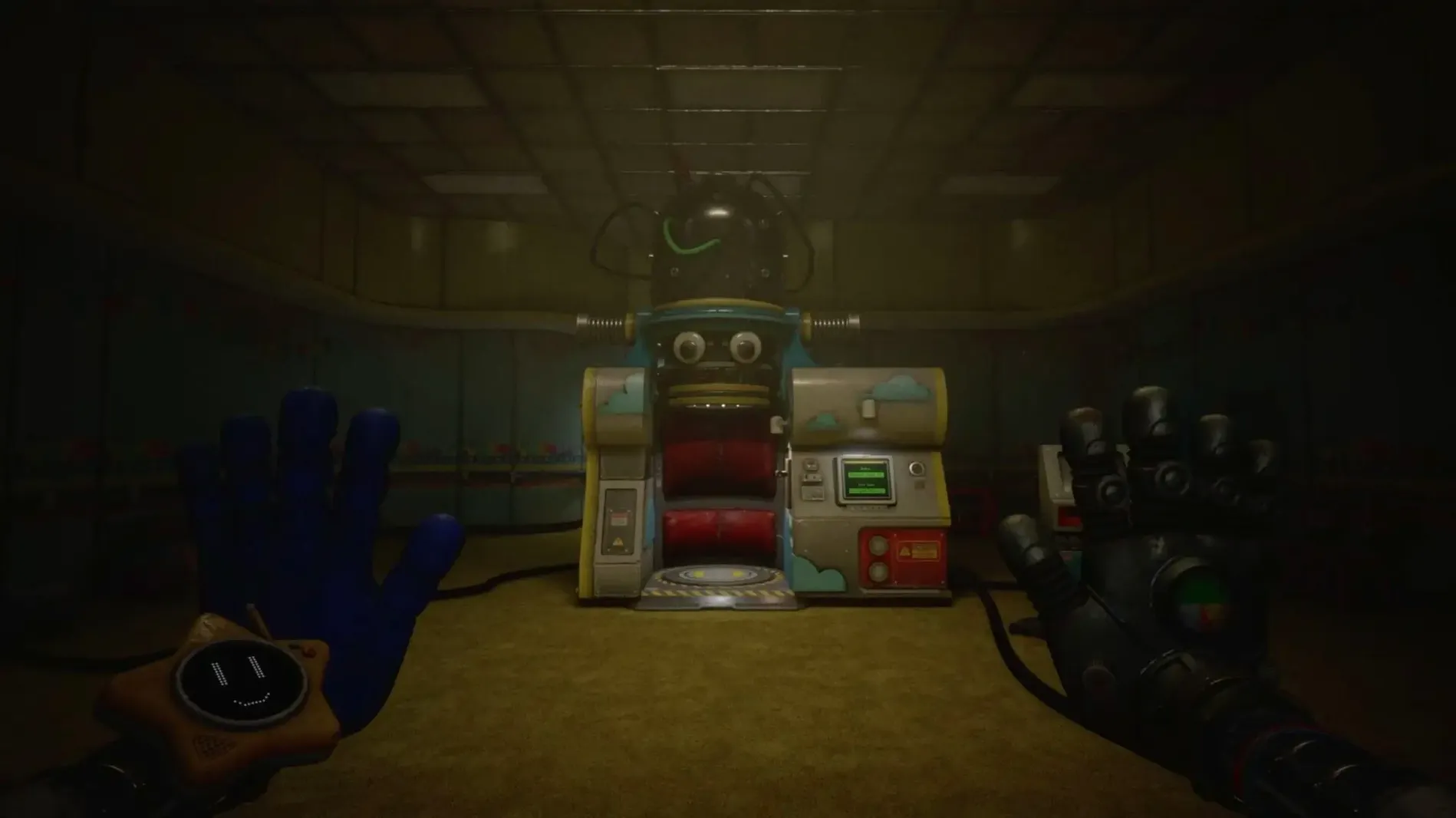
The moment-to-moment play is a mix of first-person exploration and puzzle solving. You use new GrabPack tools and functionality to clear obstacles and unlock routes forward while staying ahead of what is following you.
Any technical quirks to know?
The intro video may not play because of an Unreal Engine and Wine incompatibility. If you get a black screen after starting a new game, hold the skip button to get past it.
Steady frame rates, except a brief hitch when autosave kicks in
On an Apple Silicon Mac the frame rate stays steady enough that you won't think about it mid-chase. The Wineskin wrapper does its job without constant stuttering, though I noticed a half-second hitch when the game autosaves in larger rooms. Nothing that ruins a run.
Memory use sits around 2.8–3.4 GB during play. That leaves breathing room on 8 GB machines as long as you close the browser and Slack first. The fan on a MacBook Air will wake up after twenty minutes, but not in an obnoxious way. Load times between sections are under fifteen seconds on recent hardware.
Skip the intro black screen every time by holding a button
- Holding the skip button during the intro black screen works every time — it's the single most useful tip on the page.
- The language setting sticks between sessions. Switch it once in the game settings and you are done.
- Launchpad sometimes shows a generic icon after install. Dragging the app to the Dock once fixes it.
- The Fix file on the disk image is a one-click repair. If you ever see a launch error, run it before reinstalling.
A sound designer quit solving puzzles to study the ceiling noises
A sound designer I know spent three evenings with this chapter, headphones on, lights off. The audio layering in the deeper factory sections kept pulling her attention away from the puzzles — distant metal groans, something dragging above a ceiling panel, a child's voice that stops the moment you turn toward it. She found herself using the GrabPack not just to solve rooms but to create distance, pulling objects between herself and open doorways. On the second night she forgot to eat dinner. That is not a review, just a fact.
Whether you want the full horror experience or just want to see where the story goes, the chapter delivers without constant technical interruptions. If you have been waiting for a working way to download poppy playtime - chapter 5 for mac that actually launches and plays through, this build handles it.
What’s new
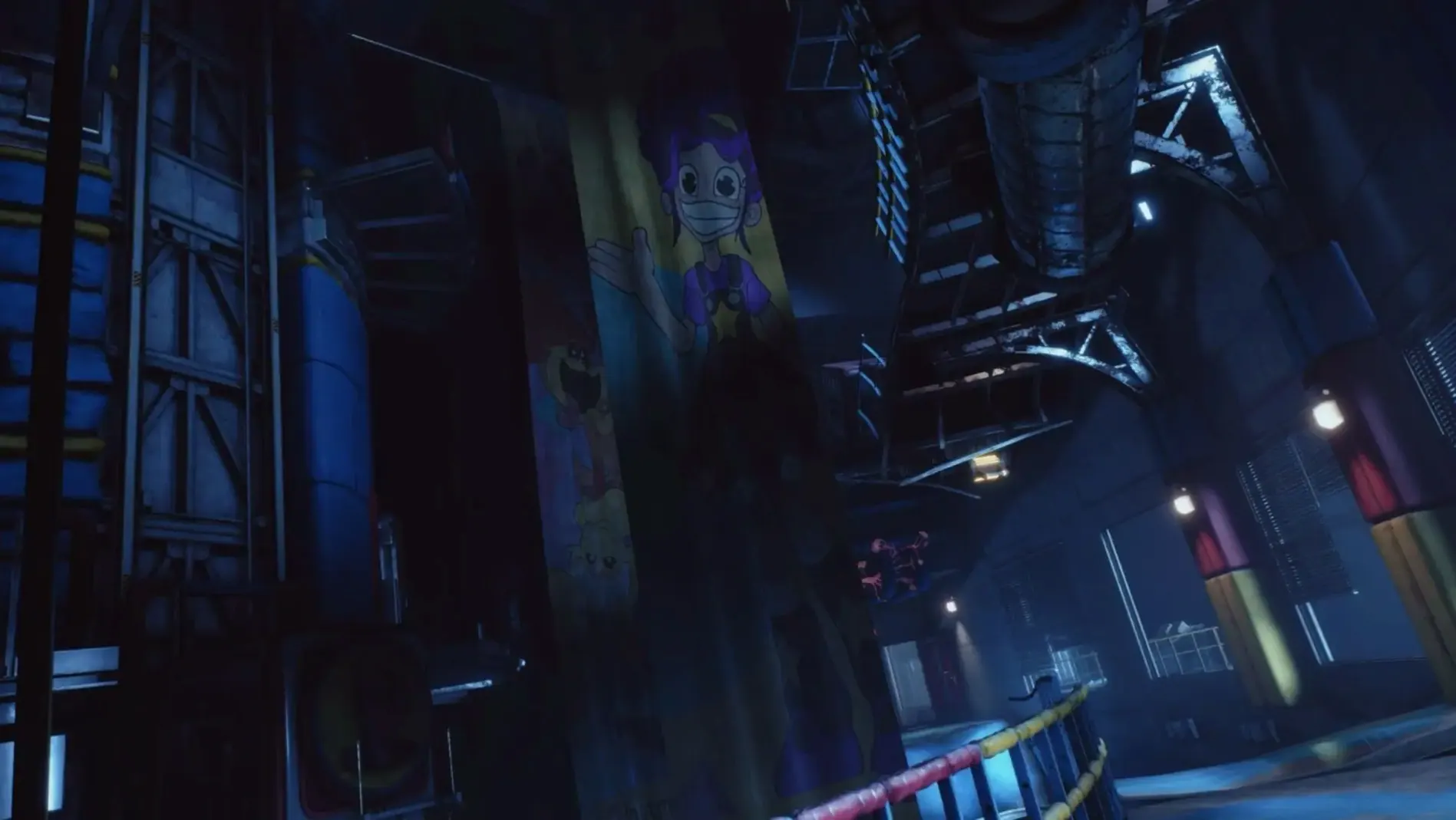
Adds a new factory section deeper inside the facility.
Requirements
- macOS Tahoe
- Apple Silicon
FAQ
What languages does Chapter 5 support?
The interface is available in English, Russian, German, Spanish, Italian, Simplified Chinese, Korean, Portuguese, French and Japanese.
Is this an Apple Silicon native app?
The architecture is ARM, but it runs through Wineskin so it is not a native macOS build.
What is new in this chapter?
The player descends deeper into the facility, with a new factory section to explore.
Comments 0
Sign in or create an account to leave a comment.
No comments yet…
If you’ve installed it, say how it went. Mention your Mac and macOS version — it helps the next person more than you’d think.
More in Games
All in Games-
 Poppy Playtime - Chapter 4
Build 58496
Apple Silicon
Poppy Playtime - Chapter 4
Build 58496
Apple Silicon
-
 Plants vs. Zombies: Replanted
Build 20486788
Apple Silicon
Plants vs. Zombies: Replanted
Build 20486788
Apple Silicon
-
 Plague Inc: Evolved
1.24.0.4 Native
Plague Inc: Evolved
1.24.0.4 Native
-
 Pizza Tower
1.1.271
Apple Silicon
Pizza Tower
1.1.271
Apple Silicon
-
 Radiolight
0.9
Apple Silicon
Radiolight
0.9
Apple Silicon
-
 Rain World
1.11.7b
Apple Silicon
Rain World
1.11.7b
Apple Silicon
-
 Resident Evil Village
1.1.2
Apple Silicon
Resident Evil Village
1.1.2
Apple Silicon
-
 RimWorld
1.6.4871.rev588
Apple Silicon
RimWorld
1.6.4871.rev588
Apple Silicon