

Plants vs. Zombies: Replanted for macOS
Description
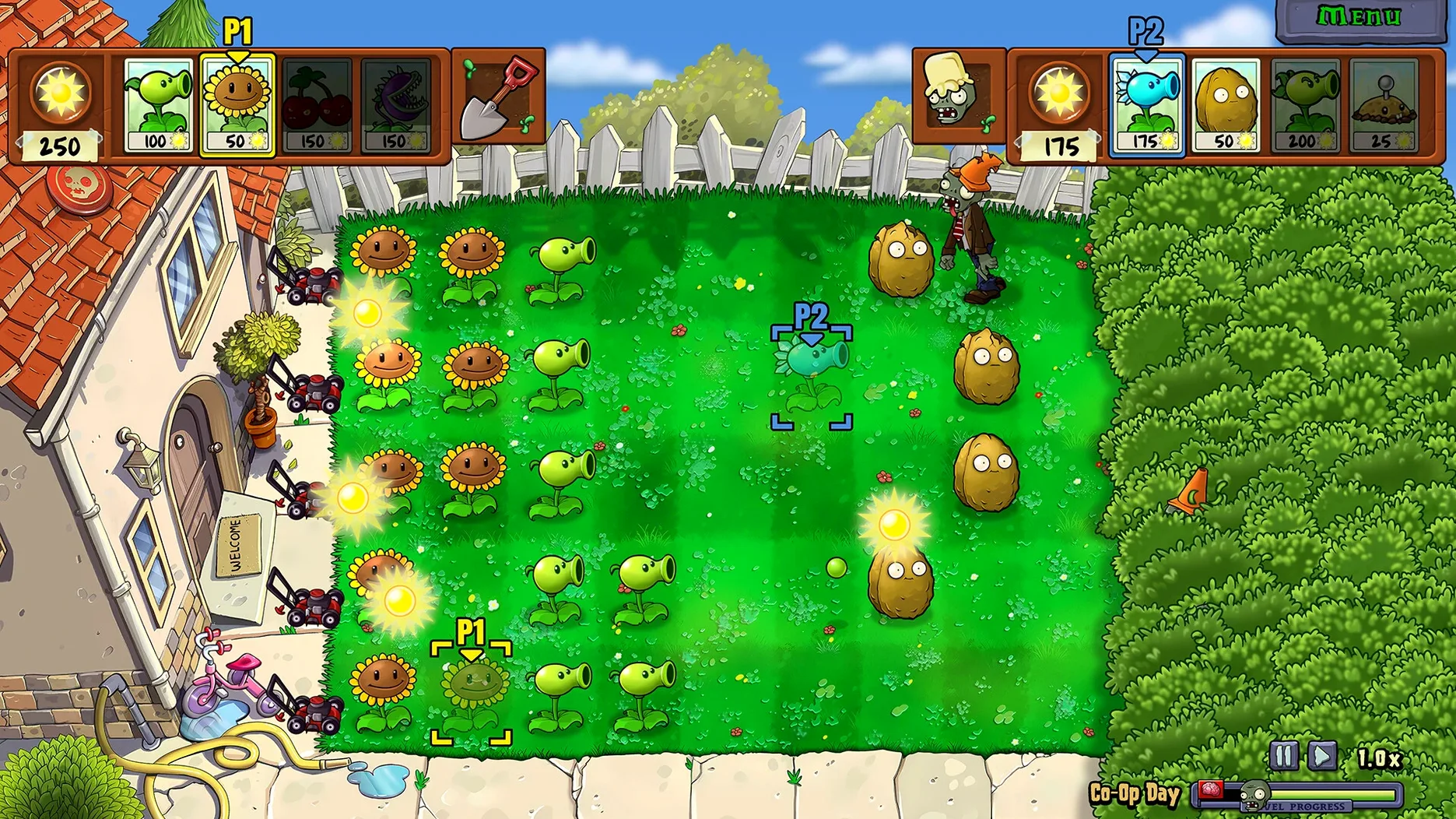
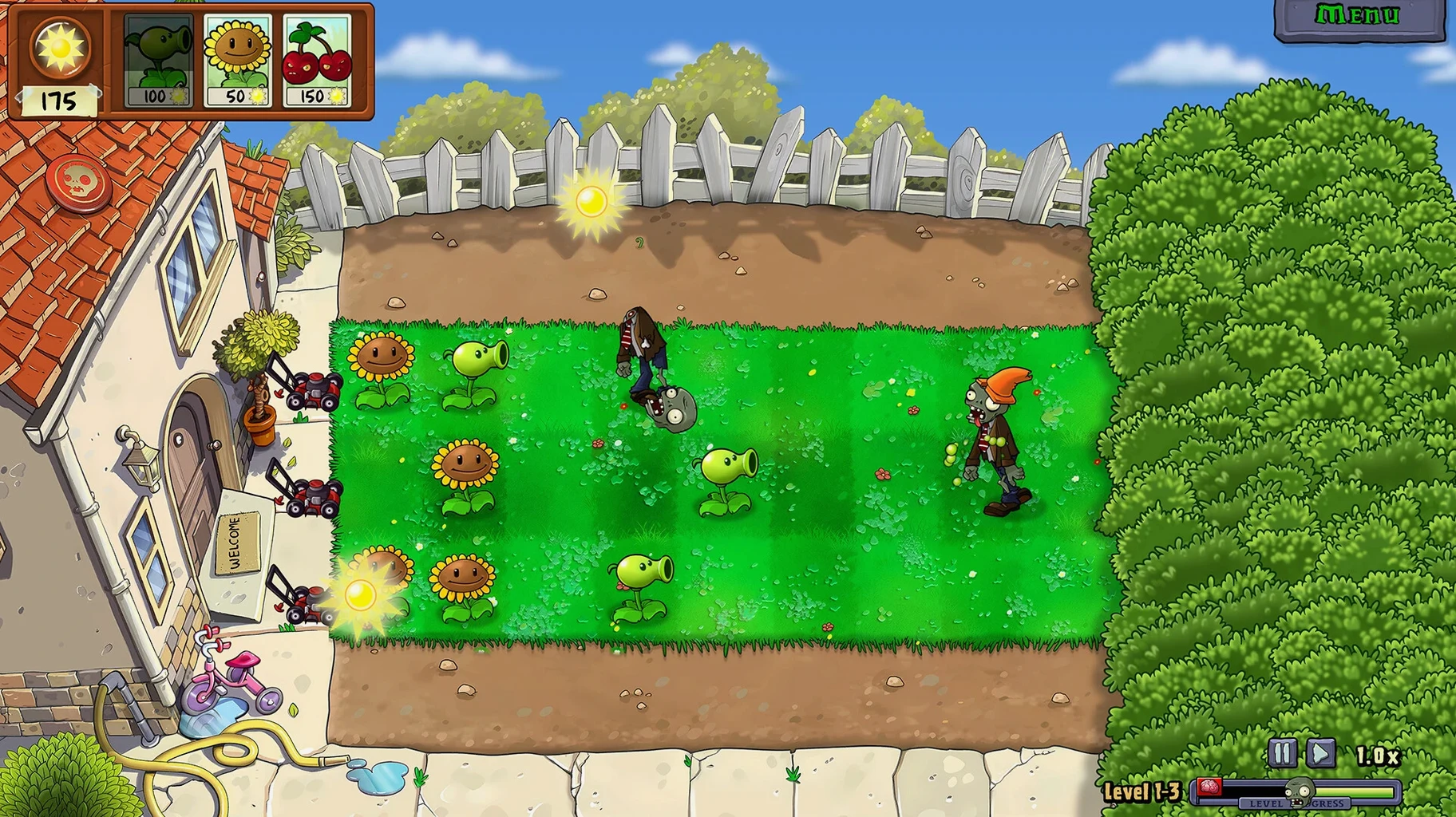
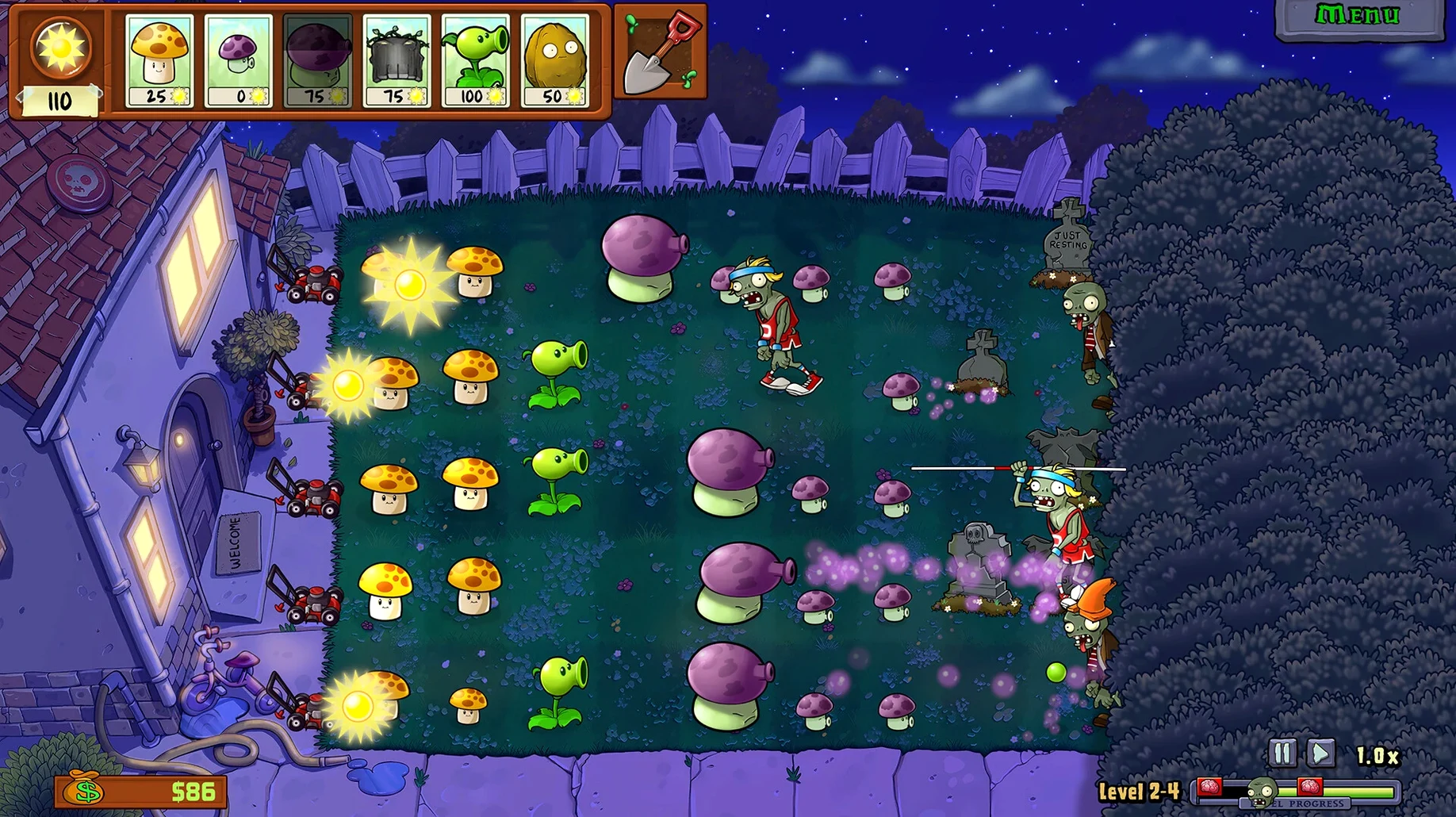
You drop a pea-shooter in the back row and wait for the first zombie to shamble into frame. It does, and you notice the grass looks sharper than you remember. That is the Replanted promise in a nutshell — the same grid-based panic, just drawn with more pixels and a few new tricks up its sleeve.
HD reliving of the iPod touch classic
- Anyone who last played the original on an iPod touch and wants HD visuals on a modern screen.
- Quick sessions where you defend a lawn for ten minutes and then get back to work.
- Working through new levels and story twists without the old sprite-smear of the 2009 version.
Silicon-only Wineskin wrap with no voice work
- Runs on Apple Silicon Macs only. Intel machines are not supported.
- Music is the only audio content — no voice acting or ambient chatter.
- It is a Wineskin wrap, so first launch can throw an error you fix with a helper file.
Offline play and fixing the first-launch error
Do I need to be online to play? No. Once the app is in your Applications folder and you have run the Fix helper if needed, the whole thing works offline. All levels and music sit on your drive.
Will it run on an Intel Mac? Not this build. It is ARM-only. If you are on an older Intel machine, the game simply will not open. Apple Silicon from M1 onward is the baseline.
Is this the same as the steam version? It is not the Steam release. This is a standalone Wineskin wrap of the remaster. Saves live inside the app bundle rather than in Steam Cloud, so back up your progress manually if you plan to move machines.
What is the Fix file for? On some systems the first launch shows a blank screen or an error. The Fix script tidies permissions and registry entries inside the wrapper. Run it once, and the problem usually does not come back.
60 fps on M4 until the screen fills with projectiles
On an M4 Mac mini the game loads in under four seconds and sits at a steady 60 frames per second during normal waves. Heavy levels — the ones where the screen fills with projectiles and a dozen zombies at once — dip briefly to the mid-fifties, then recover. You will not notice it unless you are watching a counter.
Memory use hovers around 400 MB. That is modest for a wrapped Windows title. The fan stays quiet even after an hour of back-to-back survival rounds. Battery draw on a MacBook Air is similarly tame; you get roughly the same runtime as you would streaming video.
The Wineskin layer adds a thin overhead. Occasionally the cursor flickers when the game hands off between fullscreen and windowed mode. Alt-tabbing out and back fixes it. No crashes during a dozen quick-restarts or mid-level saves, though I would still avoid suspending the Mac while a level runs — Wineskin does not always like waking up mid-wave.
In practice it feels like a native Mac game, just one that needed a minute of setup on day one. After that, it launches and plays without ceremony. The HD sprites scroll smoothly, and the remastered levels lean a little harder on the GPU than the old sprites ever did, which is why the Apple Silicon requirement is firm.
What’s new
- Adds remastered HD graphics.
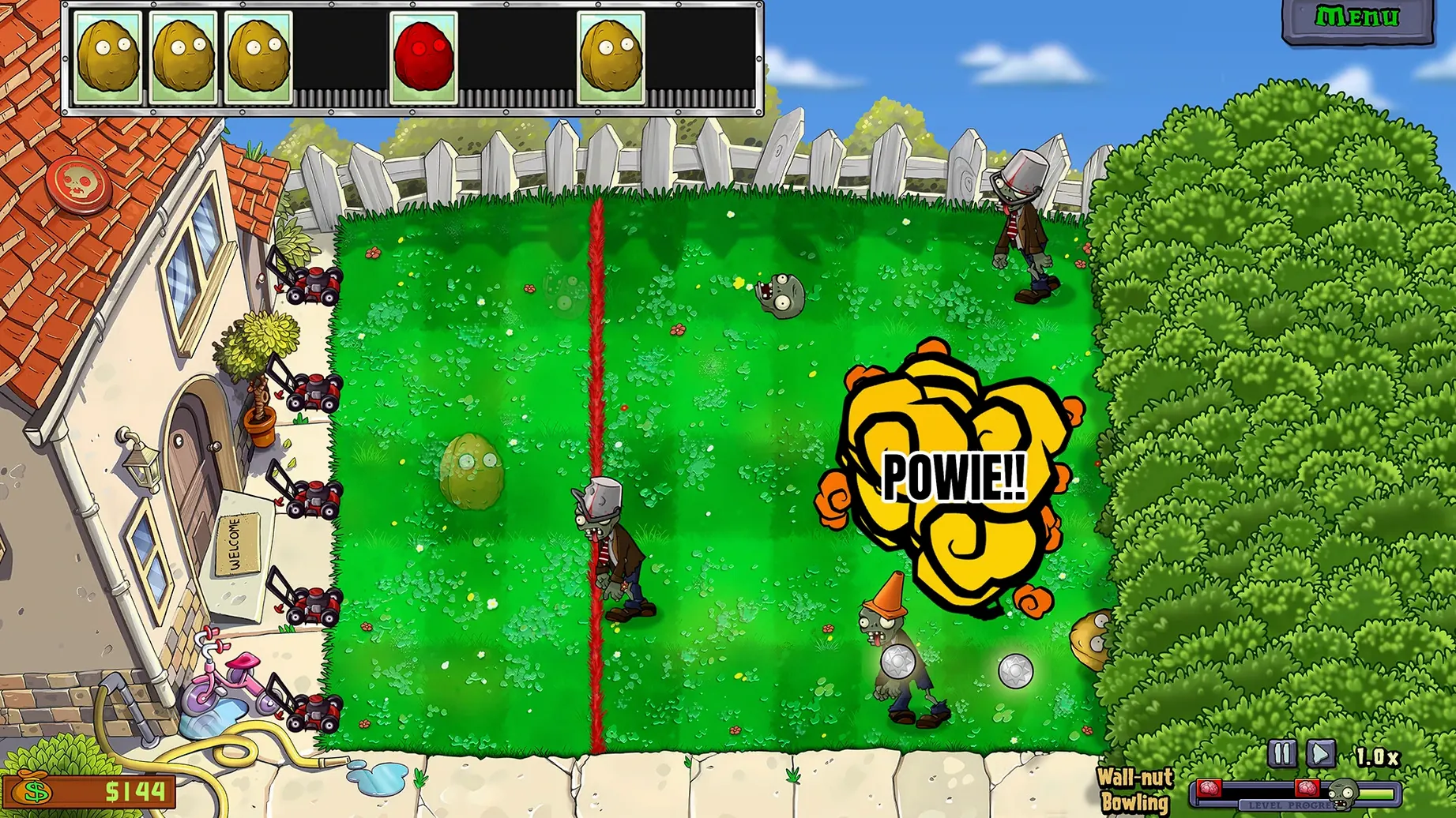
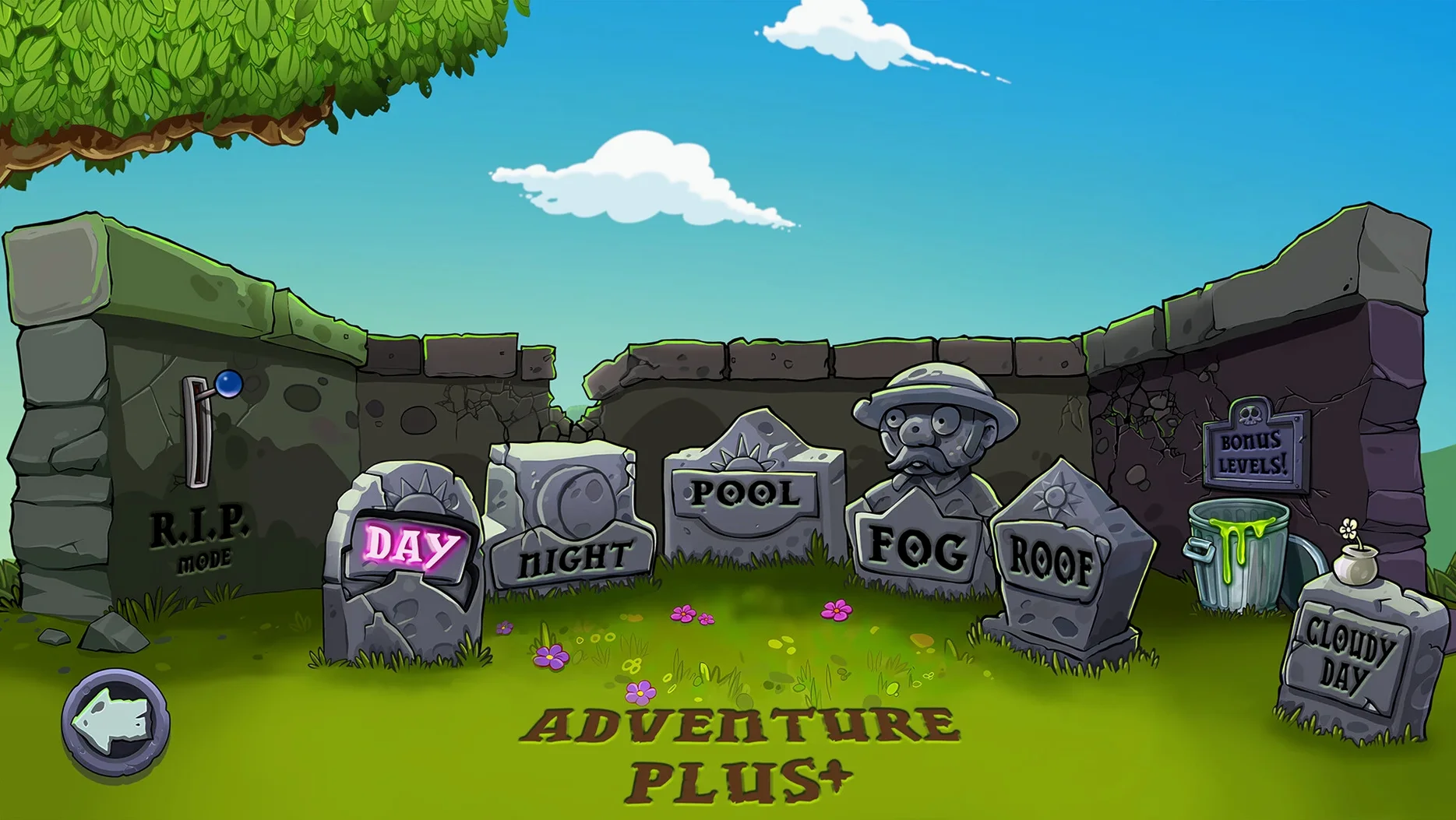
- Adds new levels.
- Adds new story twists.
Requirements
- Apple Silicon Mac (ARM)
- Languages: Russian, English, German, Spanish, French
Comments 0
Sign in or create an account to leave a comment.
No comments yet…
If you’ve installed it, say how it went. Mention your Mac and macOS version — it helps the next person more than you’d think.
More in Games
All in Games-
 Plague Inc: Evolved
1.24.0.4 Native
Plague Inc: Evolved
1.24.0.4 Native
-
 Pizza Tower
1.1.271
Apple Silicon
Pizza Tower
1.1.271
Apple Silicon
-
 Poppy Playtime - Chapter 4
Build 58496
Apple Silicon
Poppy Playtime - Chapter 4
Build 58496
Apple Silicon
-
 Poppy Playtime - Chapter 5
Build 21976689
Apple Silicon
Poppy Playtime - Chapter 5
Build 21976689
Apple Silicon
-
 Paralives
0.1.8b
Apple Silicon
Paralives
0.1.8b
Apple Silicon
-
 Palworld
1.0.5.102999
Apple Silicon
Palworld
1.0.5.102999
Apple Silicon
-
 Radiolight
0.9
Apple Silicon
Radiolight
0.9
Apple Silicon
-
 Oxygen Not Included
744825
Apple Silicon
Oxygen Not Included
744825
Apple Silicon