Old World for macOS
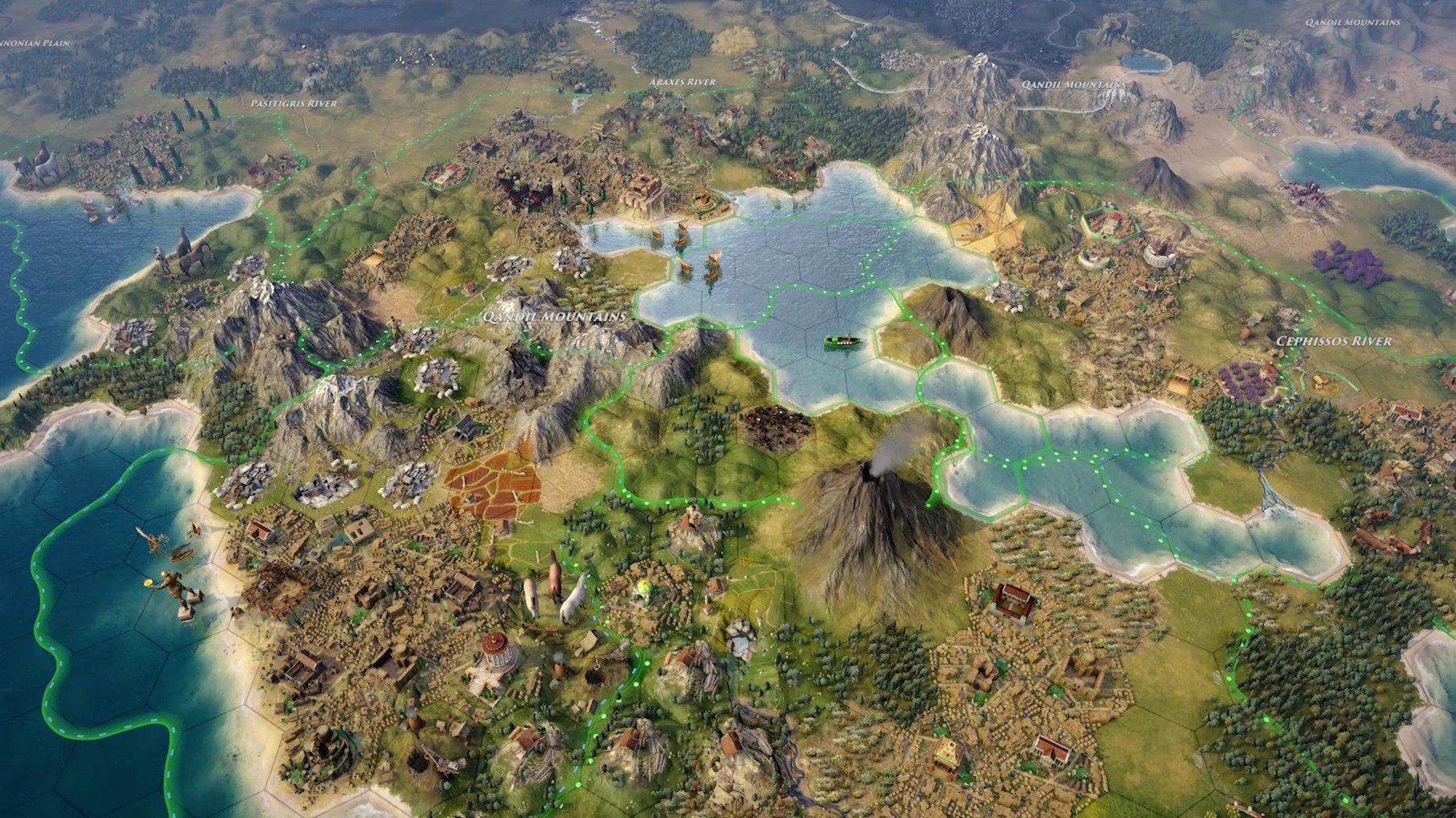
Description
Old World runs on both Apple Silicon and Intel Macs. The download is a universal binary, so it works natively on modern Macs without any emulation layer.
A 4X from the designer of Civilization IV, played in dynasties
A turn-based historical 4X strategy game from Mohawk Games, created by Soren Johnson — the lead designer of Civilization IV. You manage an empire across generations, making decisions that echo through your dynasty.
What content is included?
You get historical scenarios, weekly challenges, randomly generated maps, and hand-made maps. Full mod support means you can change or expand the game with community creations.
How do actions work?
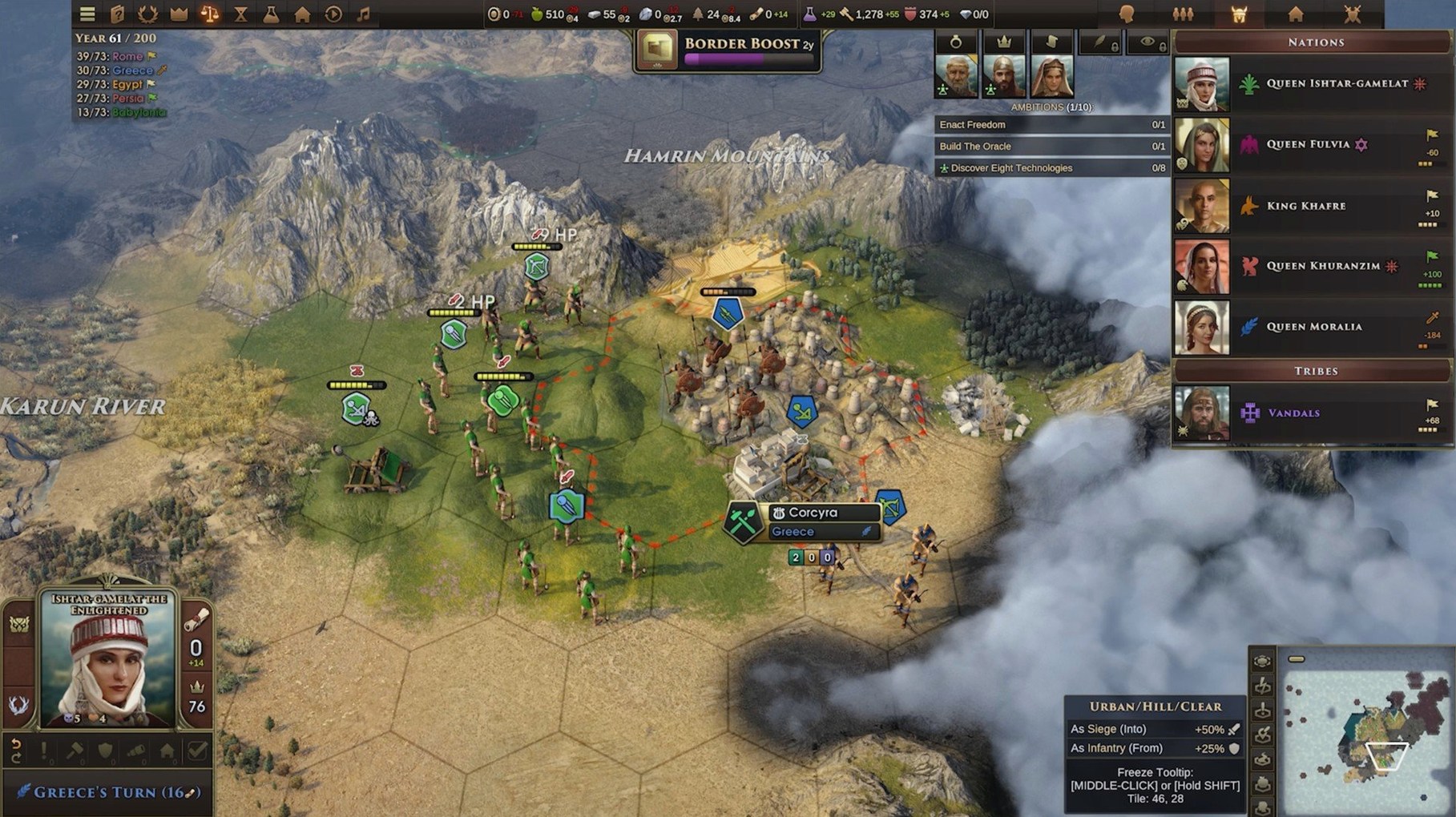
The game uses an Orders system as a core resource. Every unit movement and action costs Orders, so you cannot move everything at once. It forces harder choices each turn.
Can I play with other people?
The Orders system gets most of the attention, but a few smaller conveniences make the late game much easier to handle. Holding Shift while queuing unit moves lets you plot a path over multiple turns. The game shows the remaining Orders cost per step, so you do not accidentally strand a scout two tiles short of a ruin. Right-clicking a portrait in the family tree opens that character's full dossier without leaving the dynasty view.
Another overlooked one: the city build queue accepts partial entries. If you know you want a barracks after the current granary finishes, you can queue it while the granary still has three turns left. The game remembers the chain even if a random event interrupts the build. You can also drag a unit's portrait from the military panel directly onto the map to jump the camera there — faster than scrolling across a large empire.
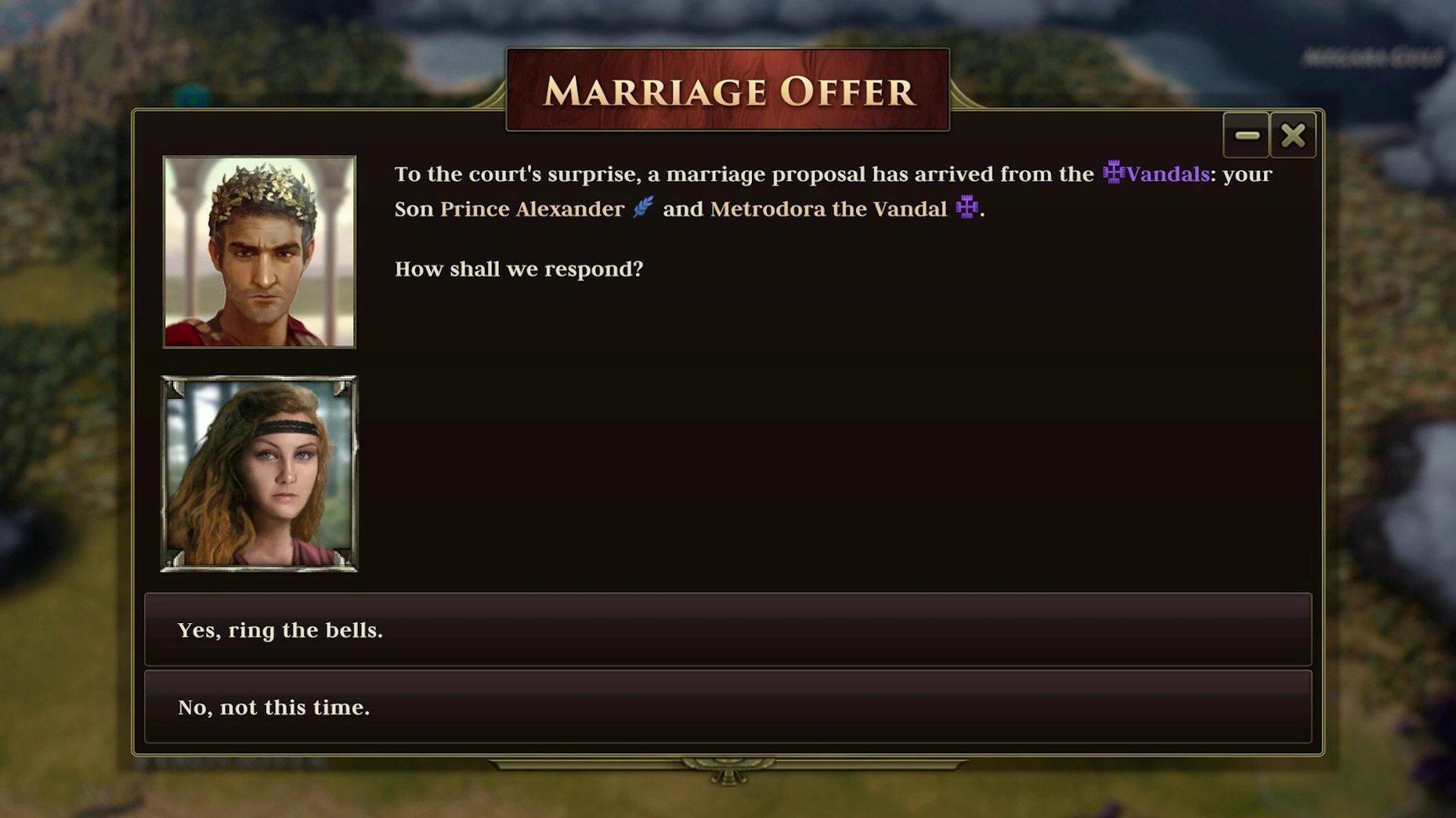
The event log, tucked behind a small icon in the corner, is worth a habitual click. It records births, deaths, war declarations and diplomatic snubs that the on-screen popups sometimes bury. Missed a marriage proposal because you dismissed a notification? It is in the log, with the original response options still available for one turn.
A typical early-game workflow
A new random map with the default settings. Turn one, the scout is already selected. The first decision is not where to explore, but how many Orders to spend on movement versus holding some back for a potential tribal encounter. Two tiles north reveals a hill; one more Order sends the scout up for the visibility bonus. The hill uncovers a wheat resource and a tribal village three tiles away.
Back in the capital, the worker starts a farm on the wheat. The build queue gets a settler — the city will grow while the settler trains. The leader is unmarried, so that is the third action: open the diplomacy screen, scan the neighbouring kingdom's eligible nobles, and send a marriage proposal. The proposal costs Orders too, so the warrior fortifies in place for this turn. Four decisions, all within the first sixty seconds, and the shape of the next twenty turns is already set.
By turn fifteen, the settler is out and the second city site is chosen: coastal, with access to iron and a river for trade. The worker follows, and the build queue shifts to a library to keep the science rate up. The Orders system means I cannot scout, build, marry and move troops all at once. Something waits. Usually, the scout sits idle for a turn while the more urgent things resolve.
Turns resolve in seconds, fan stays quiet on Apple Silicon
On Apple Silicon, the game loads a large random map in under ten seconds. Late-game turns, with dozens of units and multiple AI opponents, process in two to four seconds. The fan stays quiet even when the map is fully revealed and every city has a dozen buildings animating.
Memory use sits around 1.5 GB during normal play, climbing to 2 GB on the largest map sizes with all opponents active. I have not seen a crash during a single-player campaign, though the release notes mention debug logging added for Mac-specific issues — likely for edge cases with mods or very long sessions. The autosave runs every turn and keeps five rolling backups, so a rare crash costs you almost nothing.
The asynchronous multiplayer mode is particularly light on system resources. You take your turn, the game saves, and a notification goes out. The other player's machine does the same. No persistent server connection, no background CPU drain. It works well on older Intel Macs that might struggle with real-time strategy titles from the same era.
A note for mod users: the Steam Workshop integration loads mods at startup, and a dozen active mods adds about ten seconds to the initial load time. The game caches them after the first launch, so subsequent starts are faster. Disabling mods you are not using in the current campaign trims that back to normal.
Yes. Multiplayer modes include hotseat, asynchronous play, and cloud play. Languages available are Russian, English, German, Spanish, Traditional Chinese, Simplified Chinese, French, and Japanese.
What’s new
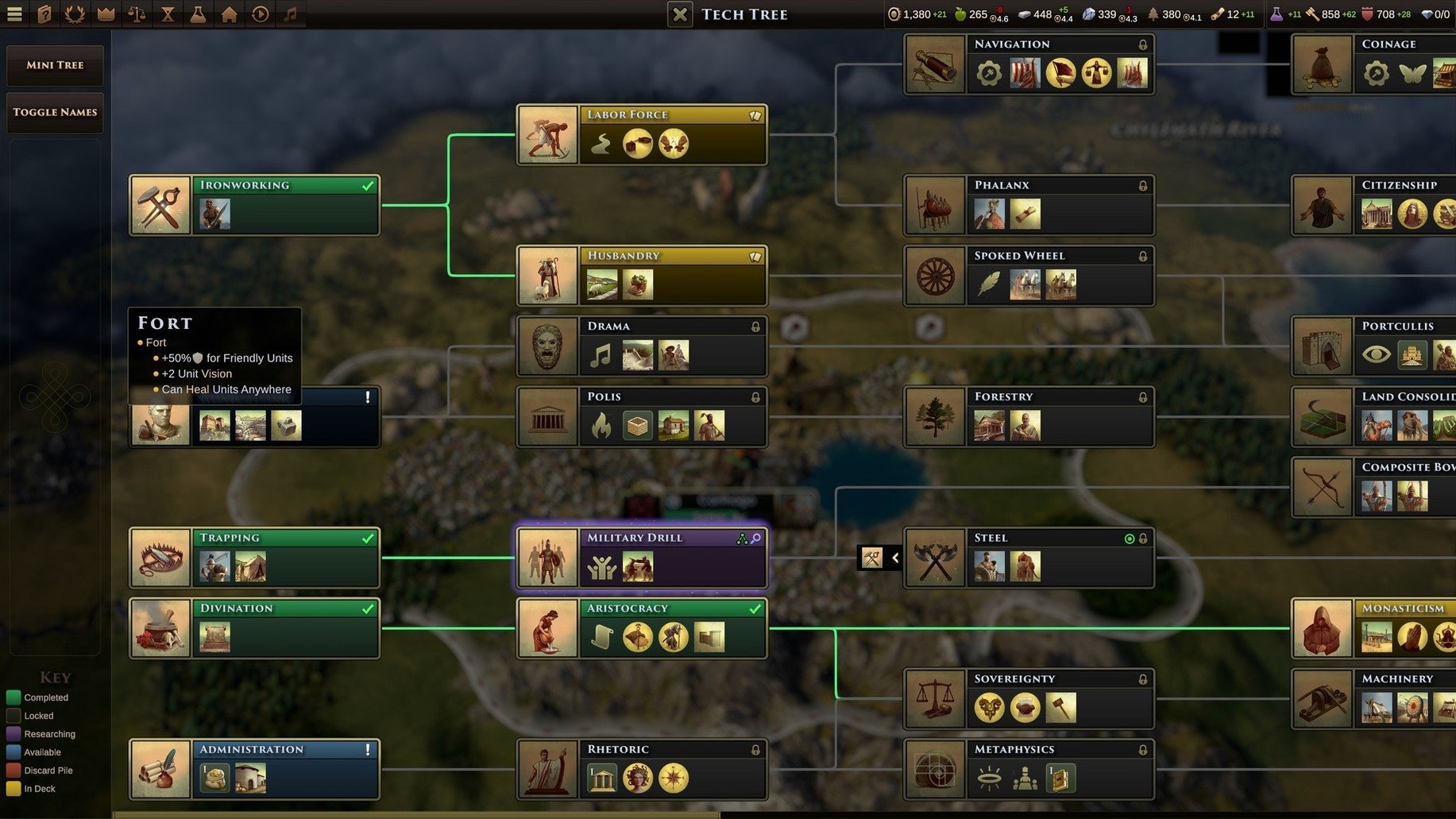
Adds +50% attack to Polybolos. Forts cannot be adjacent to other Forts. AI builds fewer Militia, Conscripts, and obsolete units. Adds Mac crash debugging.
Requirements
- macOS version: not specified by developer
- Architecture: Apple Silicon and Intel (universal binary)
FAQ
What changed in the latest update?
Polybolos gained a 50% attack boost, Forts can no longer be placed adjacent to each other, and the AI now builds fewer Militia, Conscripts and obsolete units. Some Mac-specific crash debugging was also added.
Comments 0
Sign in or create an account to leave a comment.
No comments yet…
If you’ve installed it, say how it went. Mention your Mac and macOS version — it helps the next person more than you’d think.