No Man’s Sky for macOS
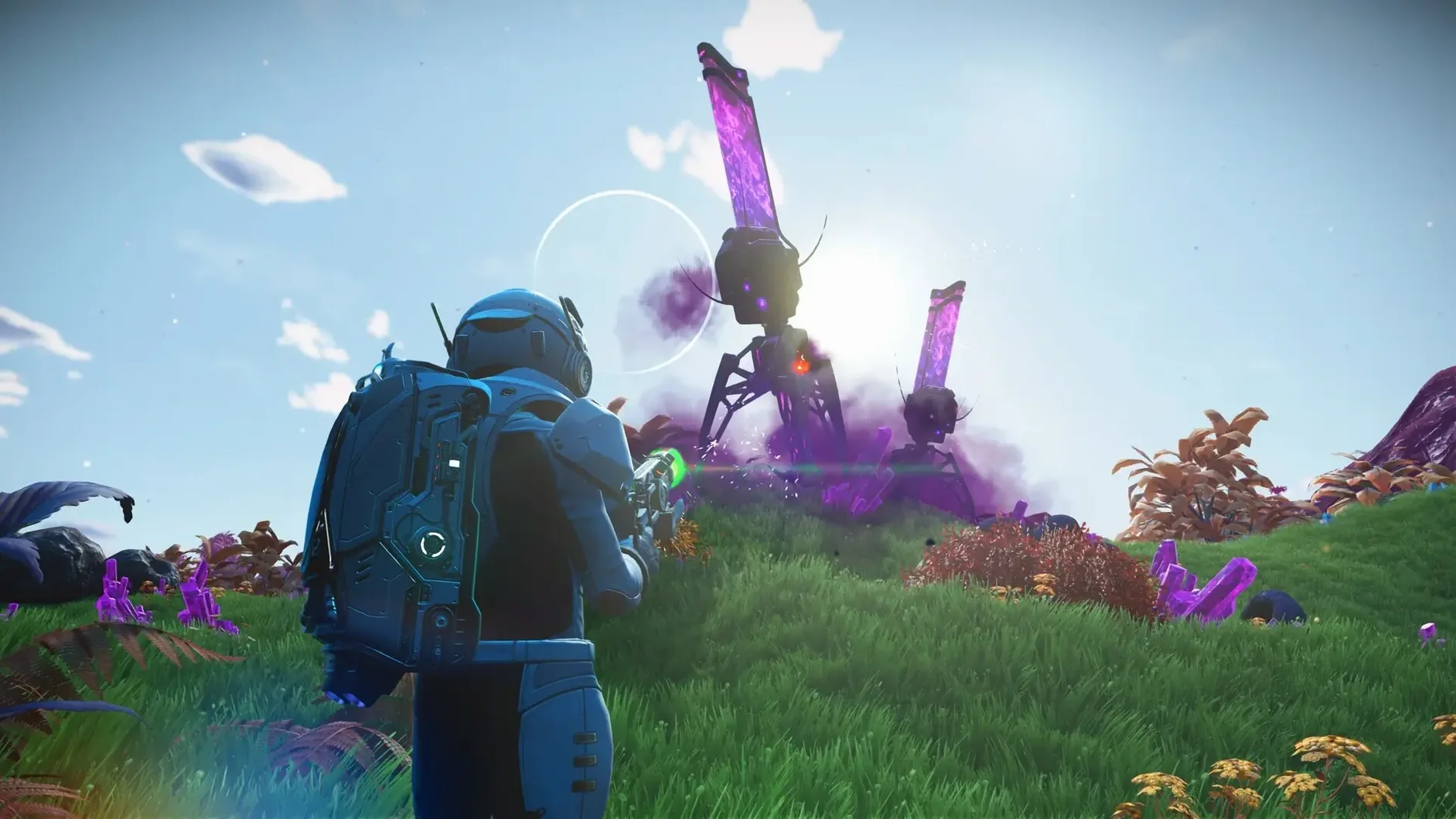
Description
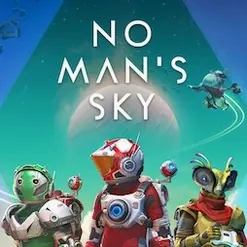
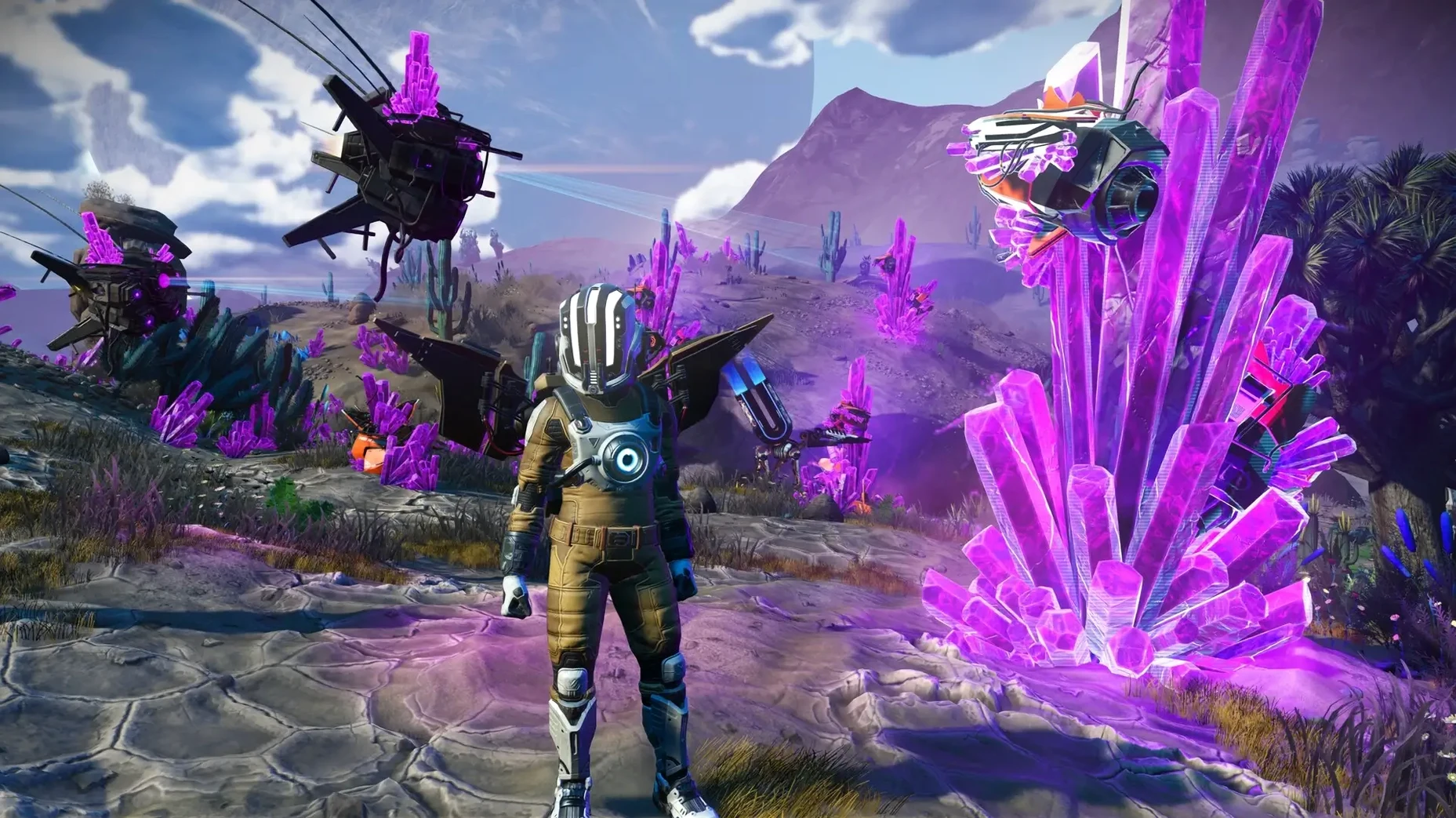
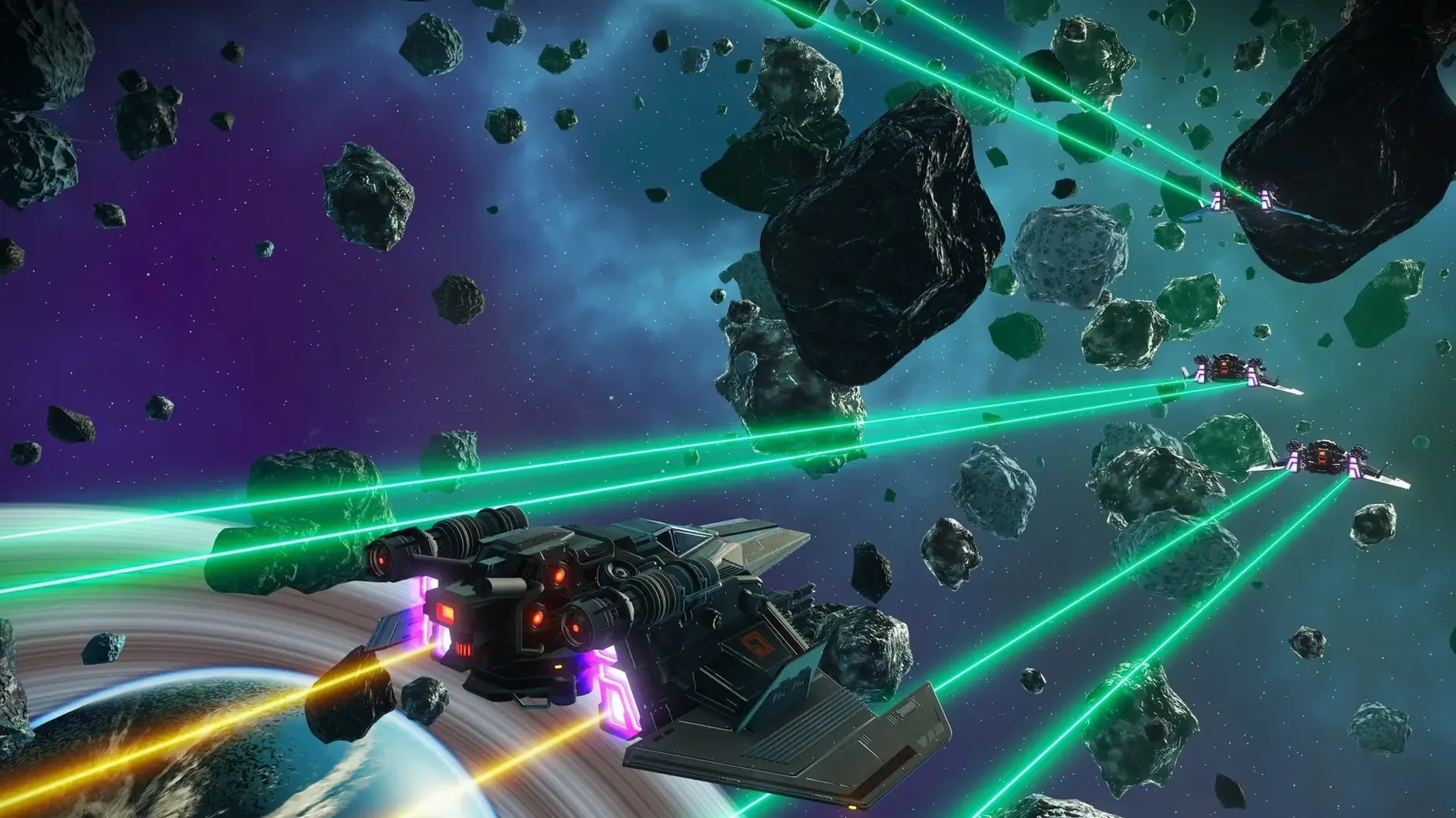
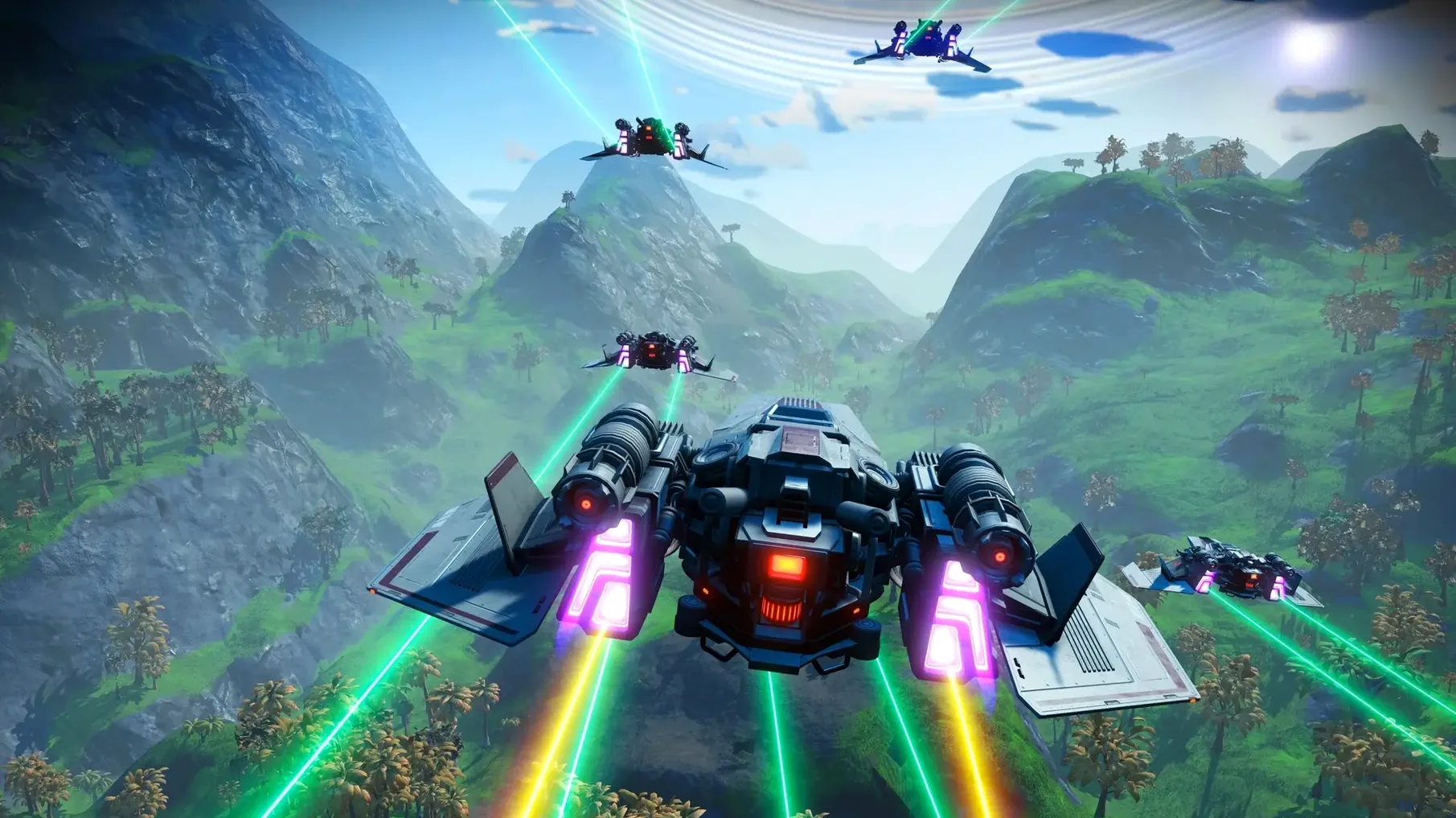
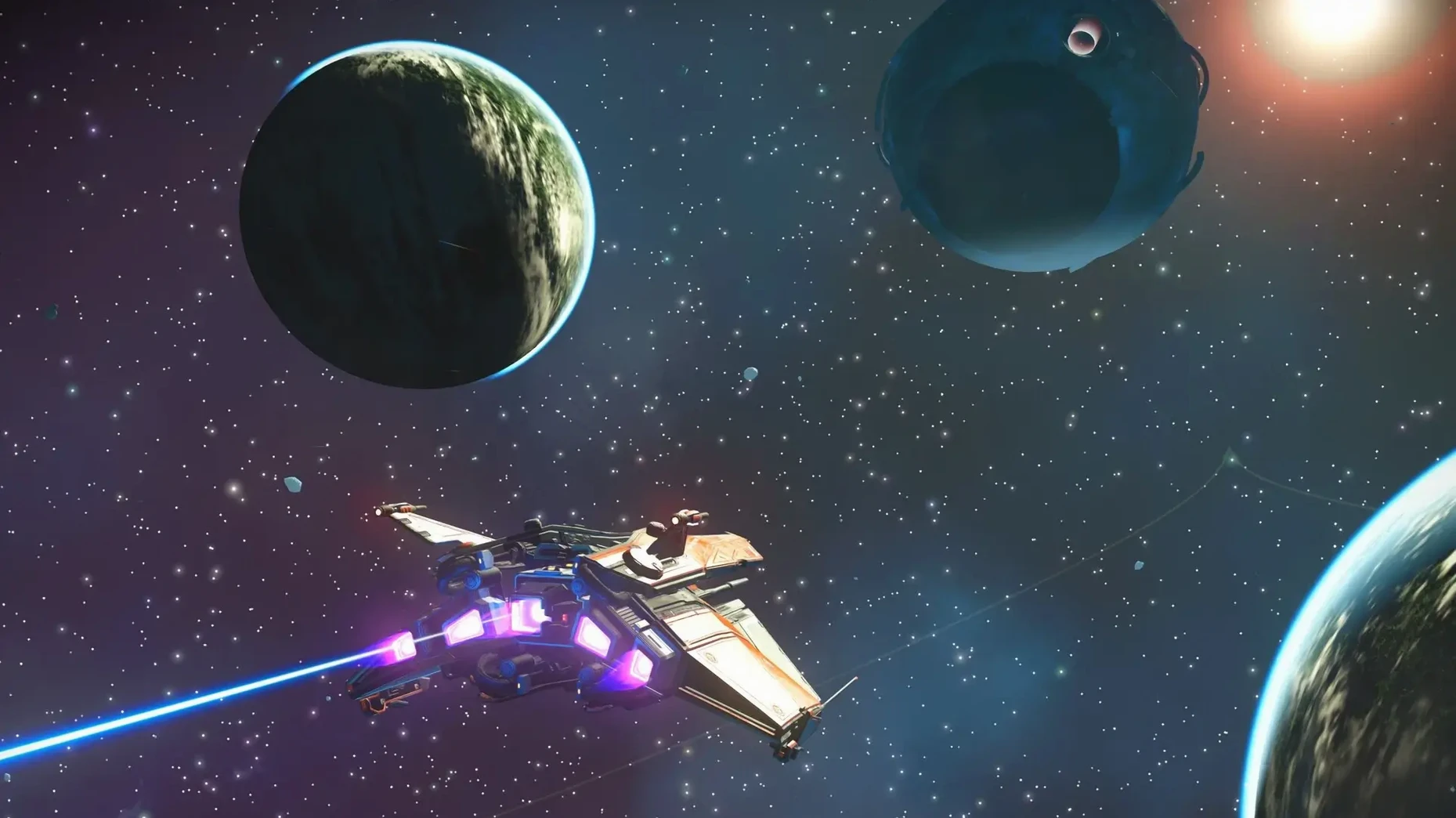
You push the throttle forward and the planet’s atmosphere gives way to the black of deep space. No cutscene, no loading bar. A freighter convoy drifts past, escorted by fighters. You could hail them, raid their cargo, or drop back into the clouds and scan for undiscovered fauna. That one-minute loop is the core of No Man’s Sky.
| Developer | Hello Games |
|---|---|
| Current version | 7.04 |
| Architecture | Apple Silicon & Intel |
| Cross-play | Yes |
This is a game for people who make their own fun. The galaxy is shared — every player sees the same 18 quintillion planets — and your discoveries appear on a communal map. If you need a scripted story, look elsewhere. If you want to chart a system nobody has visited, build a base on a toxic moon, or learn the vocabulary of a Gek trader one word at a time, you will lose weeks here. The Mac build is a full port, carrying every update from the last seven years, including the Cosmos update. It suits patient explorers and tinkerers. Players who crave tight combat mechanics or a directed campaign will find it aimless. The universe hands you a ship and a multi-tool. What you do with them is the whole point.
Shader stutter on first biome or storm warp
The Mac port generally runs well, but a few issues crop up regularly. Most have straightforward fixes.
Shader compilation stutter. The first time you enter a new biome or warp to a system with heavy weather effects, the frame rate can hitch for a few seconds. That is the Metal rendering pipeline building shader caches in the background. Let the game settle before you judge performance. The stutter diminishes after an hour of varied play and rarely returns unless you clear system caches or the game receives a major patch.
Multiplayer connection drops. If you cannot see other players in the Anomaly or your friend's session times out, check that your Mac's firewall is not blocking the game. Go to System Settings → Network → Firewall → Options and ensure No Man's Sky has incoming connections allowed. The game uses peer-to-peer networking, so a strict NAT on your router can also cause trouble. Wired ethernet is more reliable than Wi‑Fi for long co‑op sessions.
Save file won't load after an update. Hello Games have a good track record of backward compatibility, but occasionally a save from an older version refuses to load. Before you panic, hold the left mouse button (or trackpad equivalent) on the save slot — the game offers a "load previous version" option that rolls back to the last good autosave. If that fails, the experimental branch on Steam often includes hotfixes ahead of the public channel.
Graphics settings reverting. Some users report that resolution or quality presets reset after quitting. The game stores settings in ~/Library/Application Support/HelloGames/NMS/. If the file TKGRAPHICSSETTINGS.MXML has its permissions locked, the game cannot write changes. Right-click the file, choose Get Info, and check that your user account has read and write access.
Build a three‑jump trade route under an hour
Trade is the fastest way to build up units early on. Here is a repeatable route you can finish in under an hour, with no combat needed.
- Fit an economy scanner to your ship. Buy the blueprint from the Anomaly starship vendor for a handful of nanites. Install it in a free technology slot. Once fitted, the galaxy map shows each star system's economy type and buy/sell percentages.
- Warp to a high-supply system. Look for a three-star economy with a strong industry label — Mining, Manufacturing, or Technology. The economy scanner colour-codes stars, so aim for a rich system. Land at a trading post rather than the space station; trading posts typically offer better margins.
- Buy local speciality goods at a discount. Open the trade terminal. Items marked with a green percentage are below galactic average. Fill your exosuit and ship inventory with those items. Ignore anything with a white or red percentage.
- Jump to a system that demands what you are carrying. The item description tells you the target economy type. A mining system's goods sell well in manufacturing economies, and vice versa. Use the economy scanner to find a matching tier-three system one jump away.
- Sell at the space station, then repeat. Dock, sell everything, and check the station's terminal for its own discounted stock. Buy that, warp back to a system that needs it. Two more loops and you will have enough units for a better ship or a freighter.
Pirates sometimes scan you mid-jump, but you can outrun them by boosting away until the pulse drive re-engages. No need to fight.
Elite Dangerous, Subnautica, and Minecraft directions
No Man's Sky sits at an odd intersection of survival, exploration, and sandbox building. Three other Mac-native games scratch similar itches, but each pulls in a different direction.
Elite Dangerous shares the 1:1 galaxy simulation and the cockpit view, but it is a sim first and a game second. Flight physics demand practice. The economy is player-driven, and the learning curve is steep. No Man's Sky is the casual cousin — you can hop out of your ship anywhere, build a base in ten minutes, and the crafting never punishes you for experimenting. Elite Dangerous rewards patience and precision; No Man's Sky rewards curiosity and wandering.
Subnautica is the closest rival in terms of atmosphere and base-building, but it confines you to a single ocean planet. The survival loop is tighter: oxygen, hunger, and thirst pull you back constantly, whereas No Man's Sky treats survival meters as a gentle nudge rather than a countdown. Subnautica's handcrafted map delivers stronger narrative moments. No Man's Sky trades that for sheer variety — you will never see everything.
Astroneer leans harder into co‑op base construction and terrain deformation. Its art style is playful and low-gravity traversal feels floaty. Resource chains are simpler than No Man's Sky's multi-step crafting, and there is no combat
What’s new
Adds gameplay and stability fixes. Included in the Cosmos update.
Requirements
- Apple Silicon & Intel Macs
FAQ
Can I play with friends on other platforms?
Yes. The Mac version supports cross-play, so you share one galaxy with players on all other platforms.
Comments 0
Sign in or create an account to leave a comment.
No comments yet…
If you’ve installed it, say how it went. Mention your Mac and macOS version — it helps the next person more than you’d think.