No, I'm Not a Human for macOS
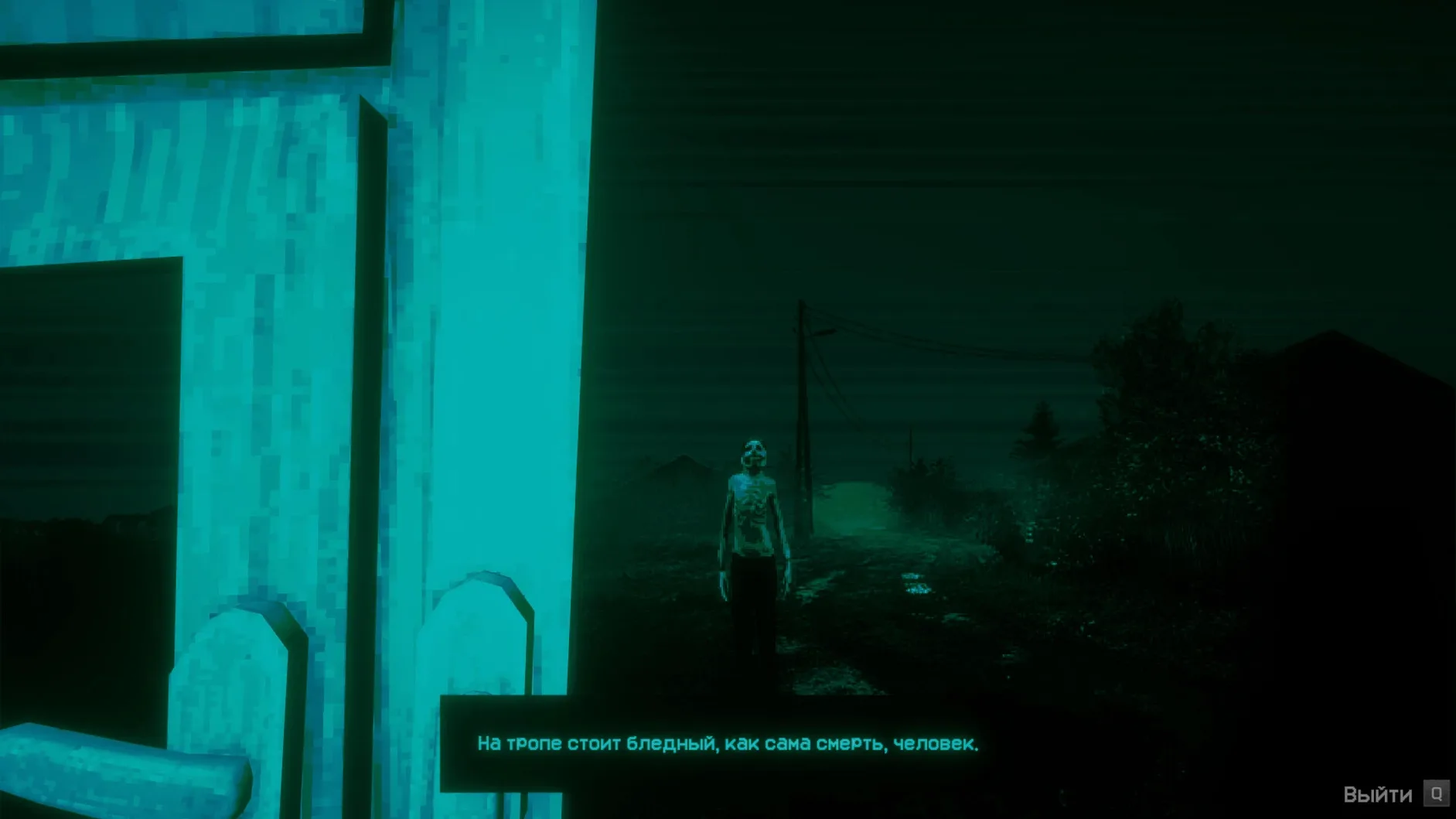
Description
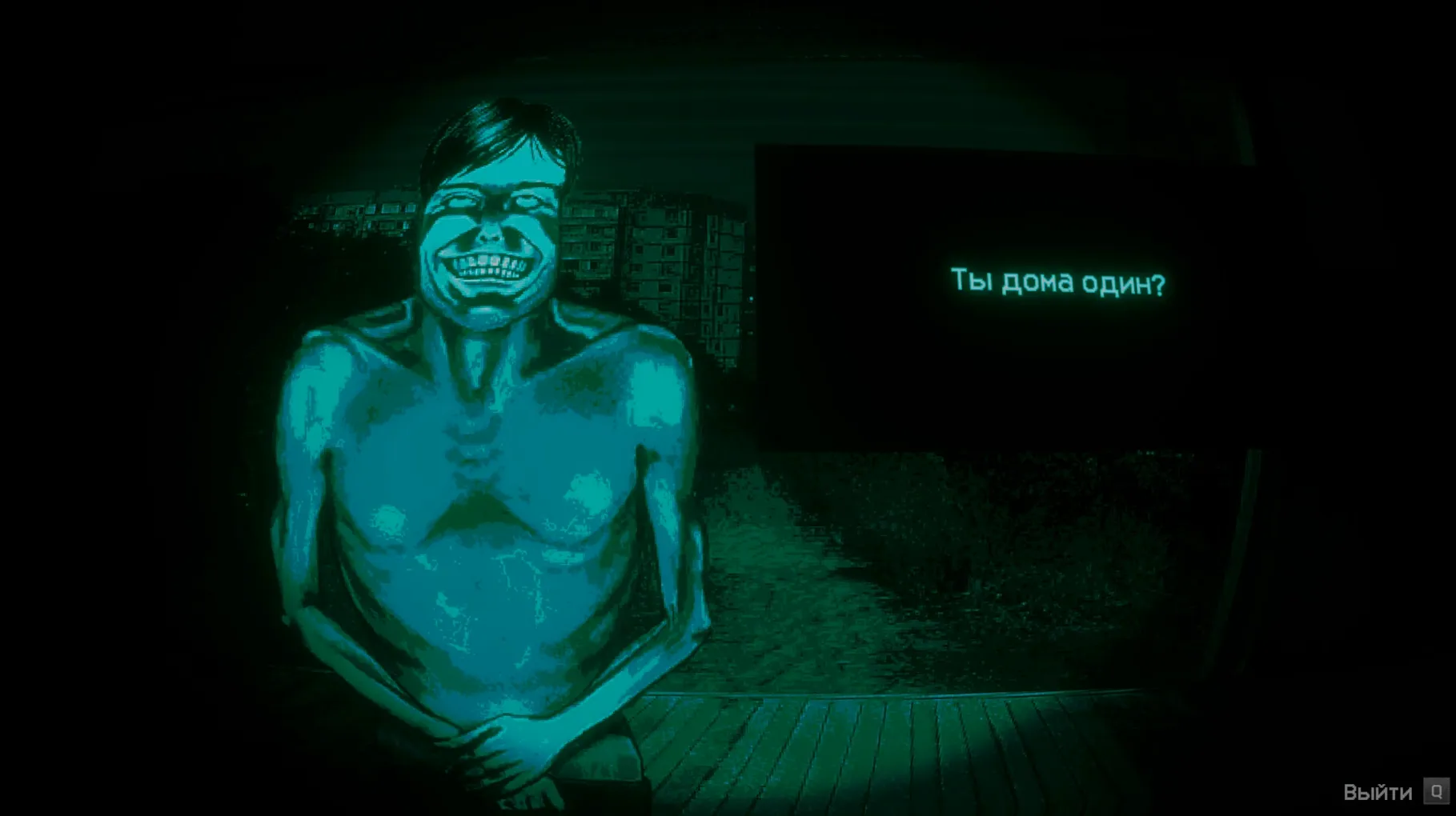
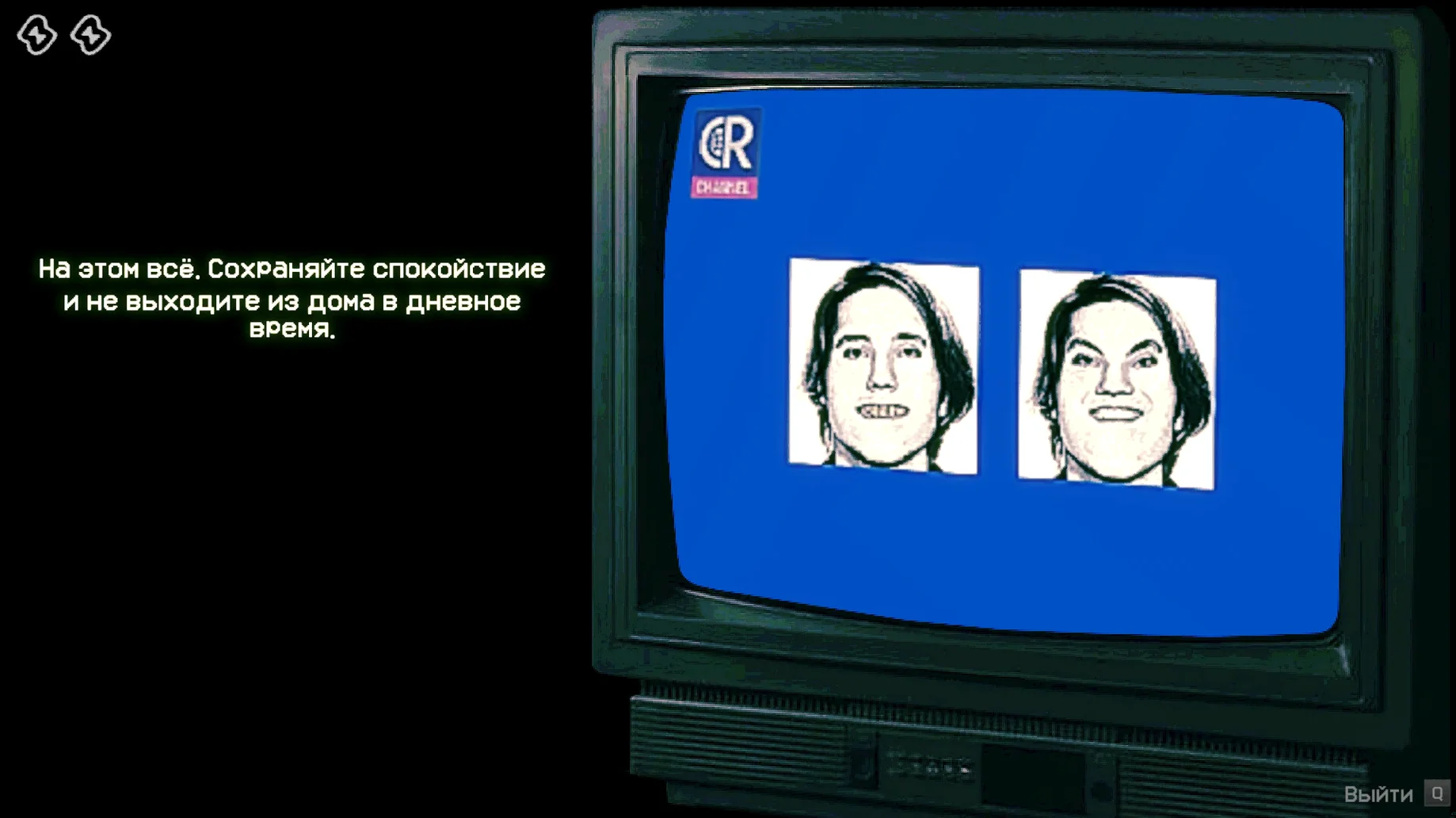
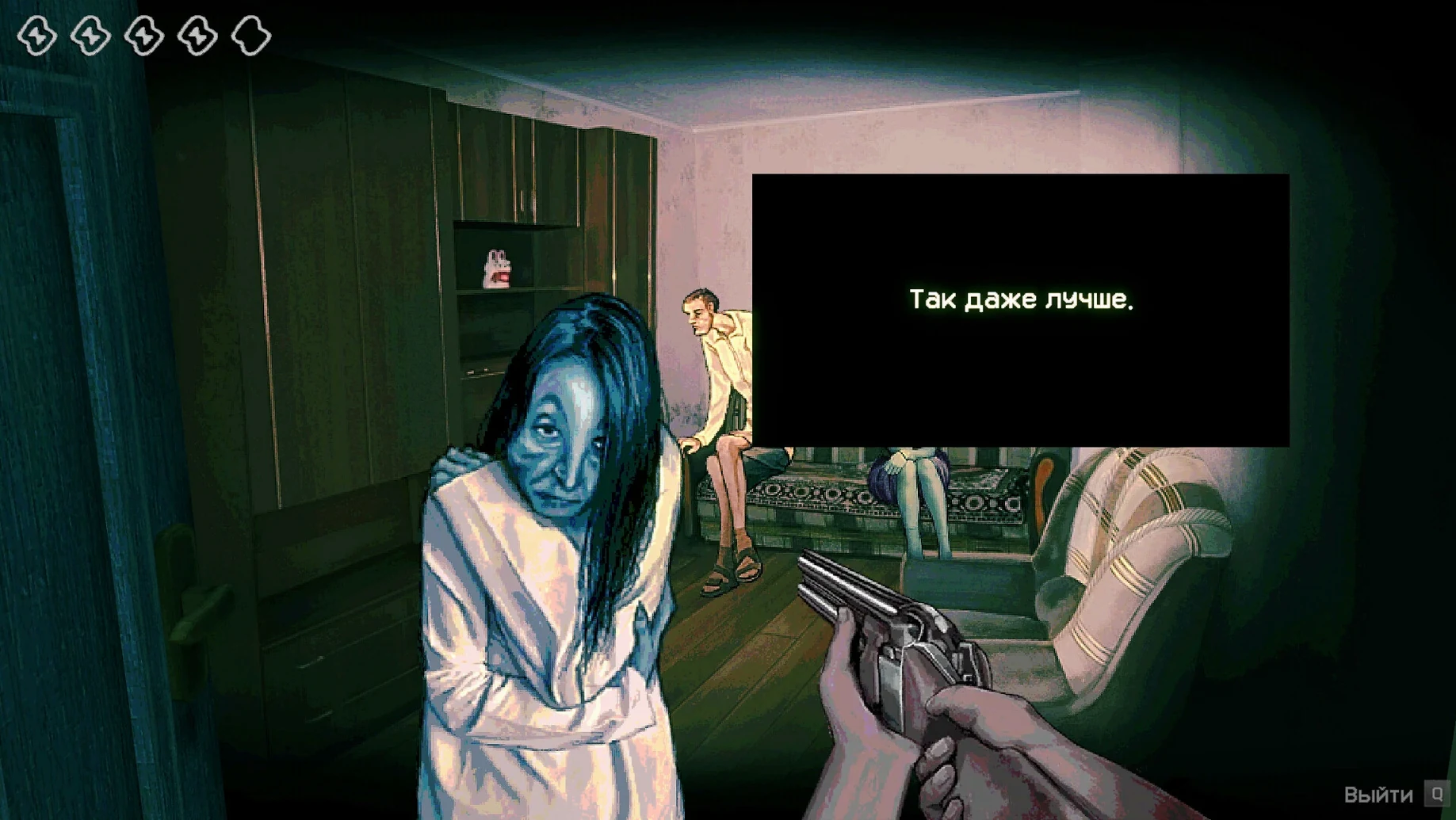
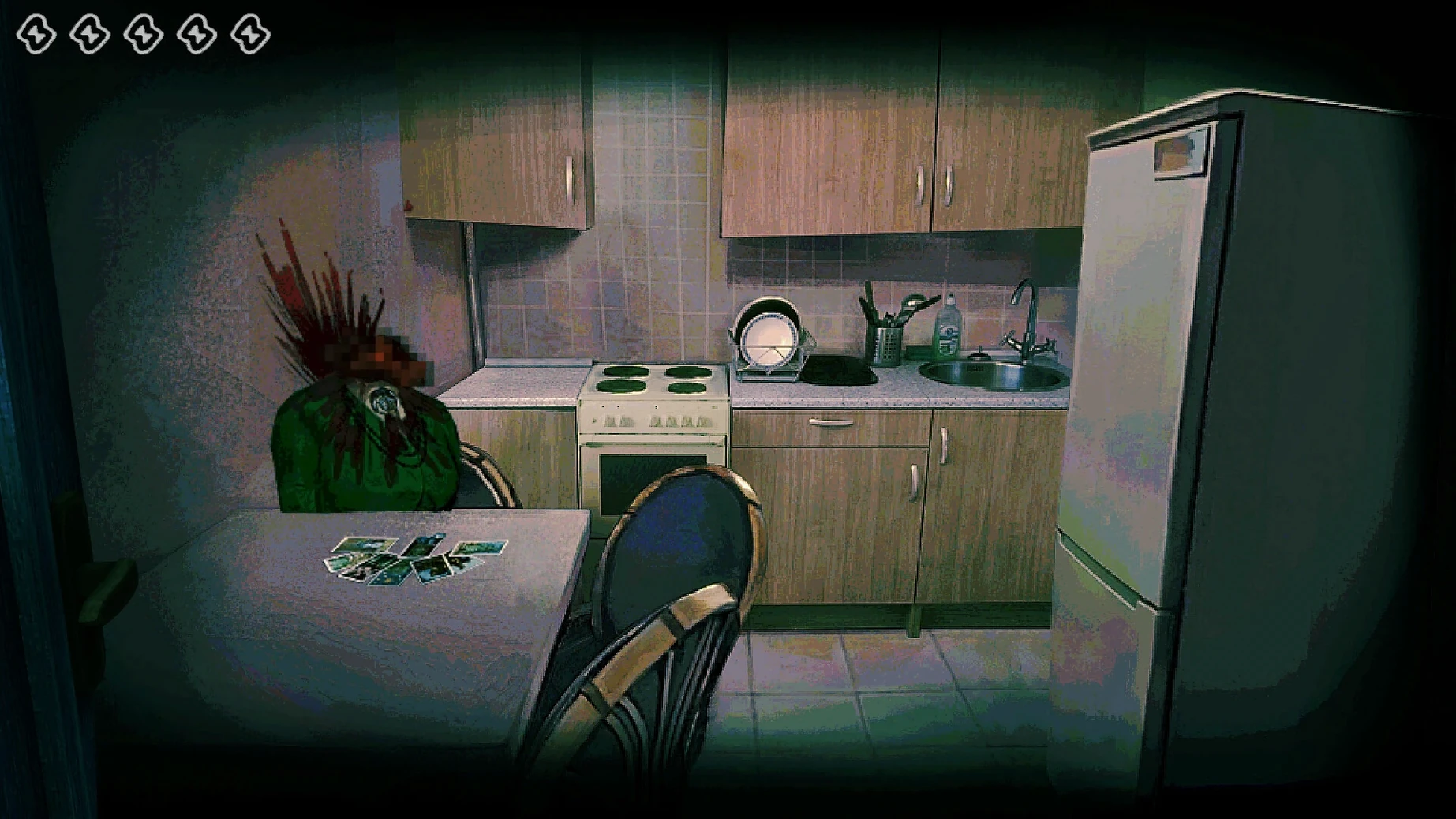
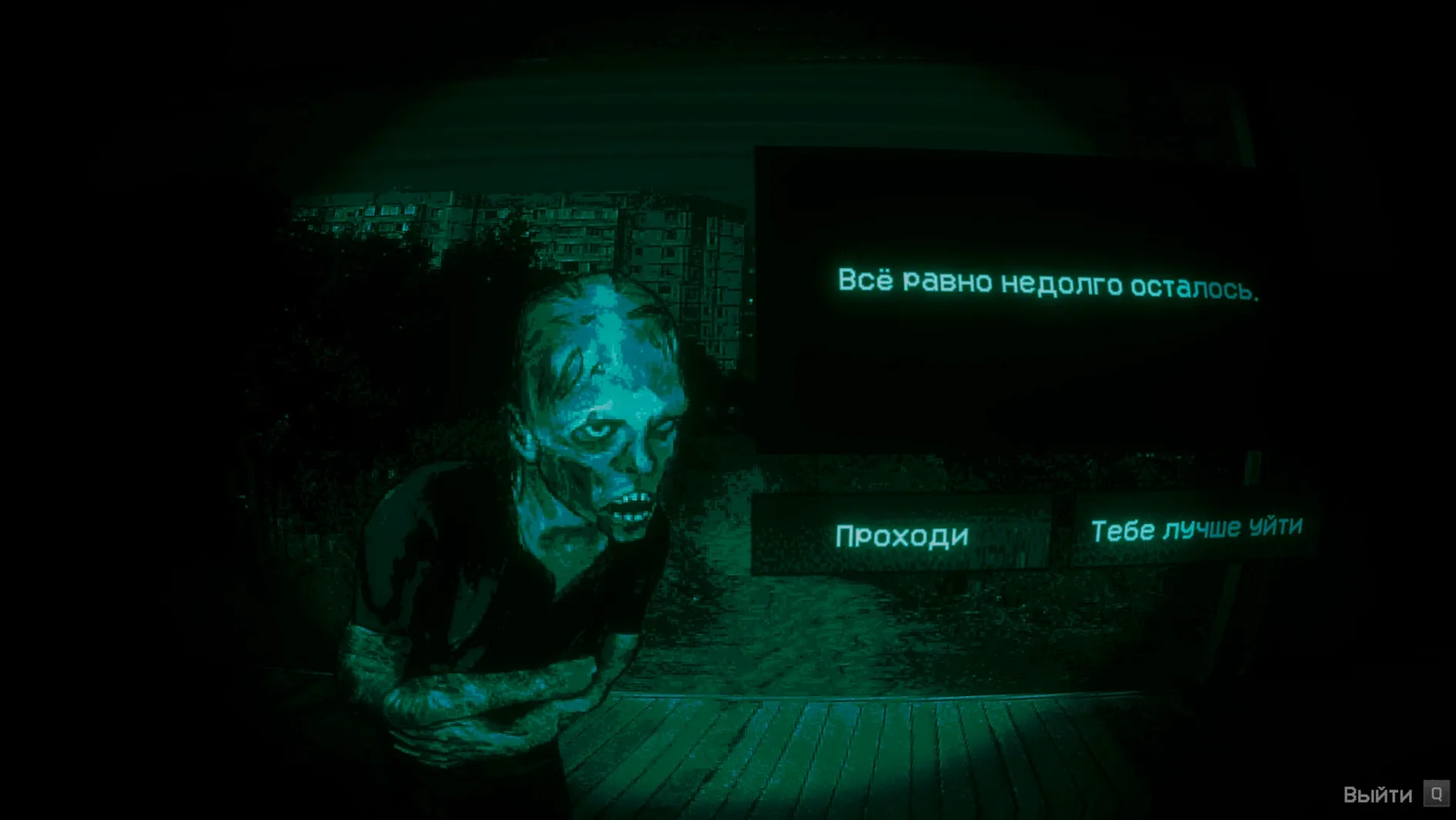
The radio crackles. Another group is at the gate. You scan their faces for something wrong—a twitch too mechanical, an eye that doesn't blink. The rules are simple: let the humans in, kill the rest. Get it wrong and you'll find out what happens when a Visitor gets inside.
No, I'm Not a Human turns that paranoid checklist into a full game. The world is ending, and your bunker is the last safe place. The problem is that intruders are arriving who look and sound almost like people. You work through each encounter, picking up on tiny tells before making a decision you can't take back.
The game comes with ten interface languages—Russian, English, German, Spanish, Traditional Chinese, Simplified Chinese, Korean, Portuguese, French, and Japanese. Audio is music only, so the tension comes from the screen, not a voiceover. One thing to know: launch it in English first, even if you plan to switch later. You can change the language in the settings once you're in.
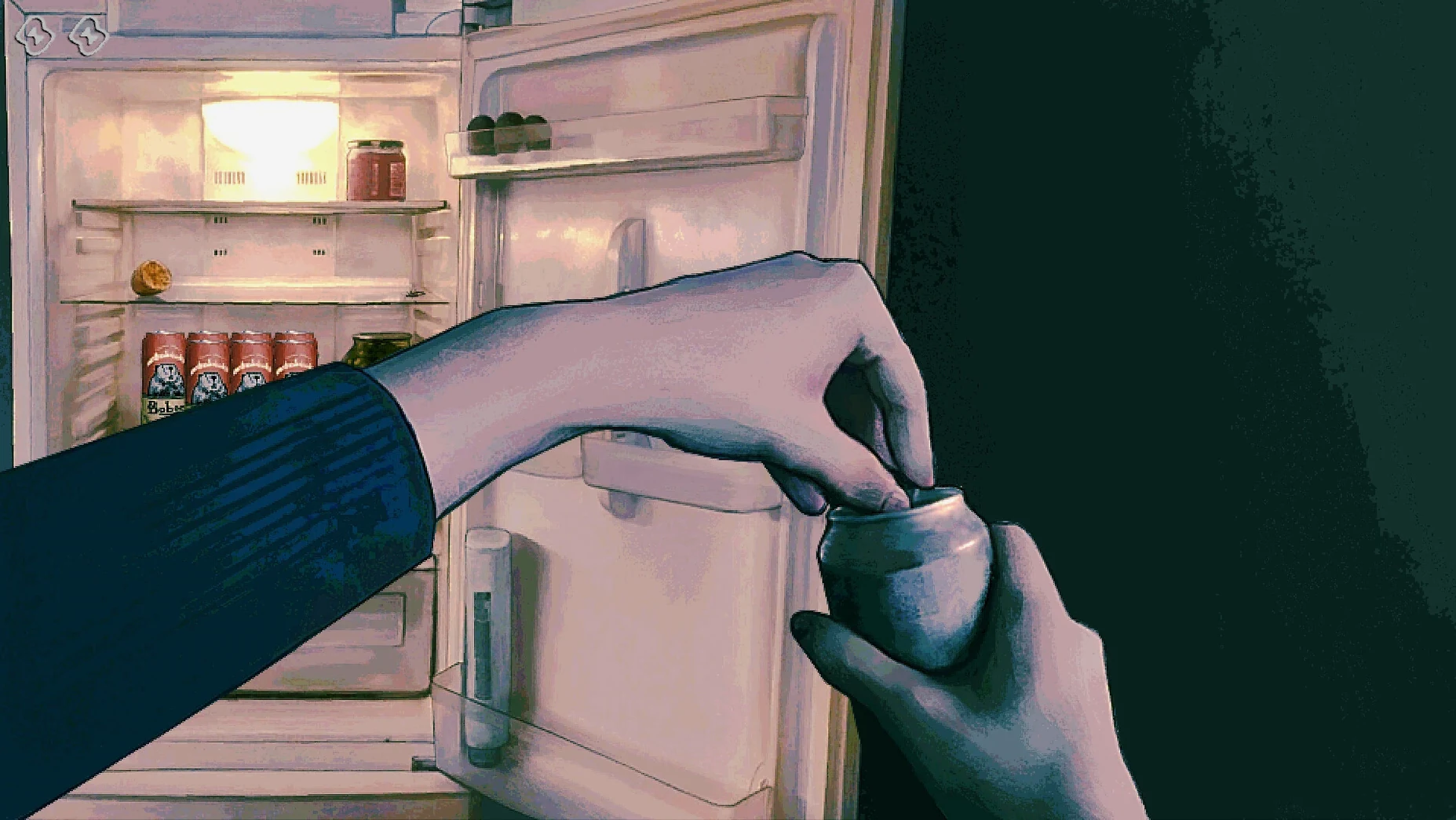
This is a short, focused horror game. No crafting, no inventory management. Just you, the gate, and the nagging thought that you probably let the wrong one through.
Tap Space to skip dialogue lines
Most players figure out the core loop in the first few minutes. What's easier to miss are the shortcuts that stop the game feeling like a menu-clicking exercise.
- Tap
Spaceto skip a line of dialogue during questioning. It saves time when you're replaying an encounter you already know. - Hover near the edge of the screen during a decision. The cursor changes slightly when you're about to confirm a kill—enough warning to catch a misclick before it's too late.
- Hold
Tabto highlight clickable areas. It's never explained in-game, but it helps on darker scenes where the interface blends into the shadows. - The game auto-saves after each visitor is processed. You can quit anytime without losing progress, which makes it a good fit for short sessions.
Another detail that's easy to overlook: the musical score isn't just background noise. It shifts subtly depending on how many Visitors you've let through. If the bass line starts feeling heavier than you remember, you might want to be more careful with the next knock at the door.
A playthrough from someone who's bad at horror
Consider a player who doesn't normally touch horror games. They heard about No, I'm Not a Human from a friend who called it "Papers, Please with jump scares," which is both accurate and unfair. They install it on their Mac, run the Fix file when the first launch throws an error, and start in English as advised.
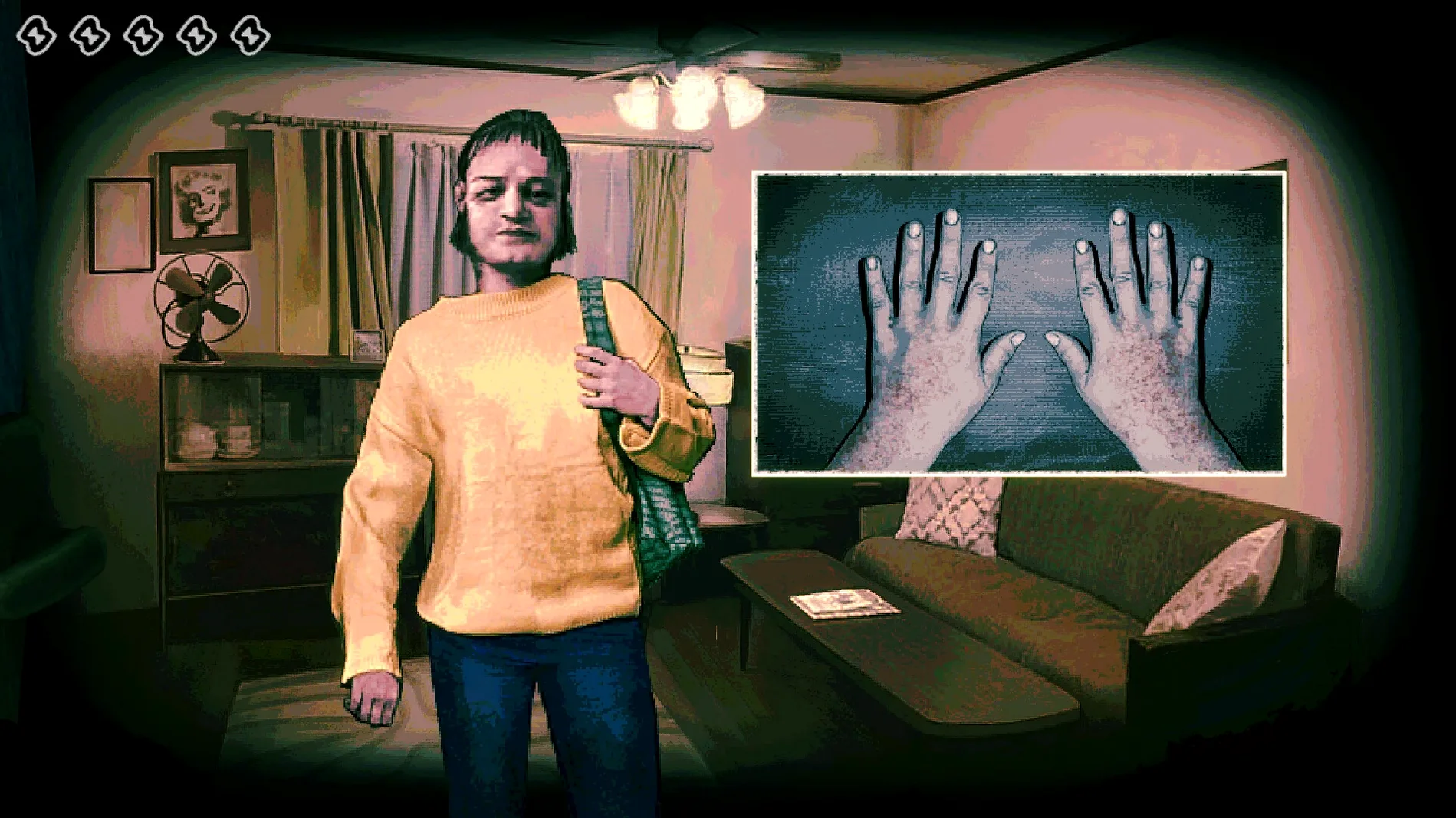
The first two visitors are straightforward. A nervous woman clutching a bag; an old man who answers questions a little too slowly. They let both in. By the fifth visitor they've settled into a rhythm—name, purpose, where they came from—and that's when the game changes the rules. A young man gives perfect answers, smiles at the right moments, blinks at a normal rate. But his eyes don't track the player's cursor. They stare at a fixed point slightly above the screen. The player hesitates, mouse hovering between "Admit" and "Kill," and realises the game has trained them to notice exactly this kind of wrongness.
That's where the horror lives: not in a monster lunging at the screen, but in the pause before a decision, when you're no longer sure what you saw. They finish the session unsettled and oddly satisfied, having played for forty minutes without a single combat mechanic.
ARM-native build tested on M4 Mac mini
Does it work on Apple Silicon Macs? Yes. The build is ARM-native and was tested on an M4 Mac mini running macOS Tahoe. No Rosetta translation layer needed. If you see an error on first launch, run the Fix file included in the disk image—it resolves a Wineskin path issue that affects some setups.
Is it a long game? A single playthrough takes most people under two hours. Replayability comes from the branching: different visitor combinations, tells that randomise between runs, and endings that depend on how many mistakes you made. Some players burn through it in one evening; others dip in for twenty-minute sessions over a week.
Can I switch languages mid-game? You need to launch in English first. After the title screen, open the settings and pick your preferred language from the list. The change applies immediately and stays set for future launches. Voice acting isn't a factor—the game uses music only, so language switching doesn't affect audio.
Where are the save files? They sit inside the app bundle under Steam/RUNE/427410/remote. If you ever need to back them up or move them to another Mac, that's the path. The game auto-saves, so there's no manual save option to worry about.
What’s new
Fixes Steam Cloud save recovery on Steam Deck. Minor Ukrainian localization fixes.Requirements
- macOS Tahoe or later
- Apple Silicon Mac (ARM build)
FAQ
What do I do if the game shows an error on launch?
Run the Fix file that's included in the disk image. It sorts out the most common first-run problems on Apple Silicon Macs.
How do I change the game language from English?
Start the game in English on the first launch. After that, open the in-game settings and pick your preferred language from the ten available.
Comments 0
Sign in or create an account to leave a comment.
No comments yet…
If you’ve installed it, say how it went. Mention your Mac and macOS version — it helps the next person more than you’d think.