Norland for macOS
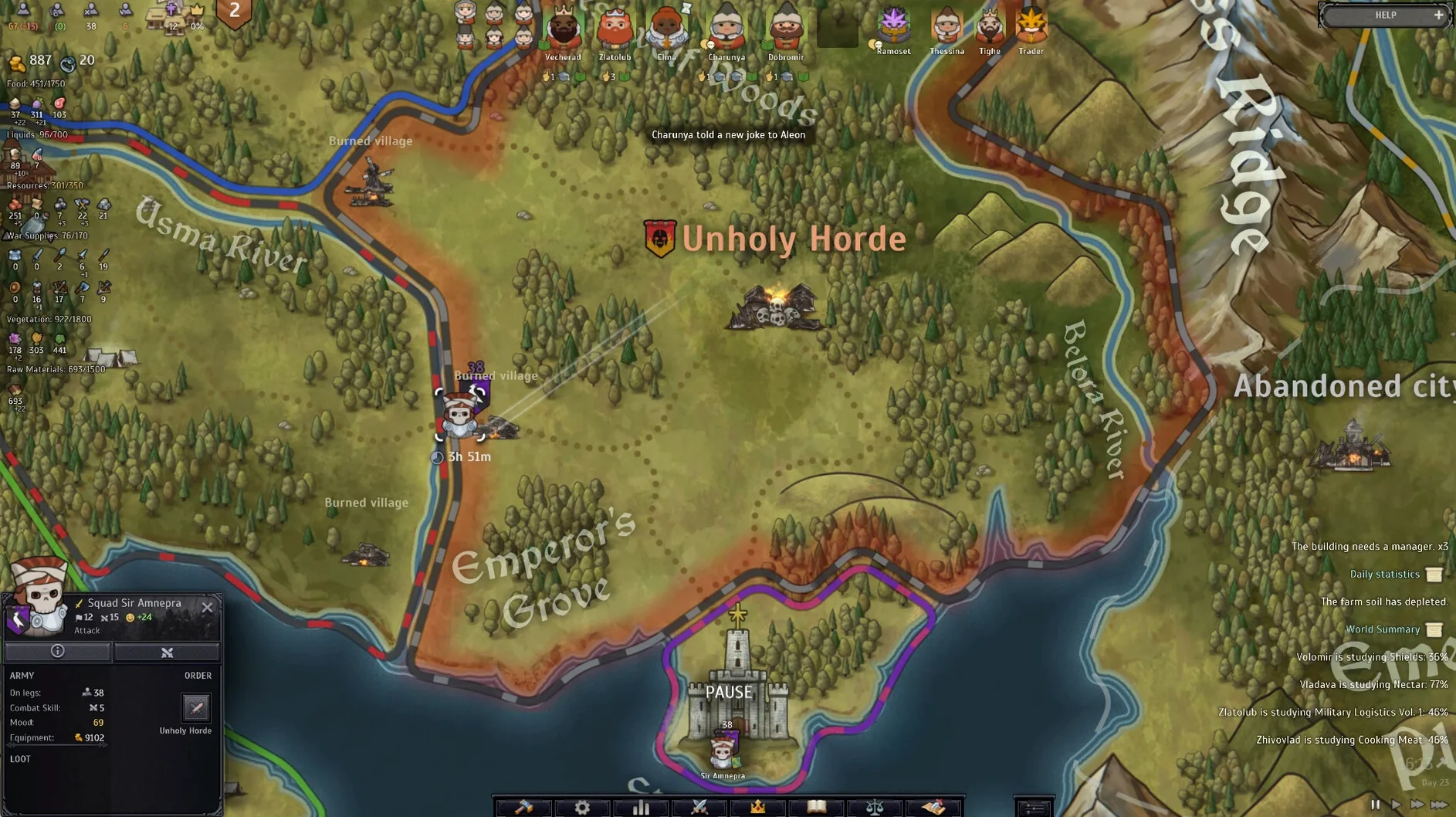
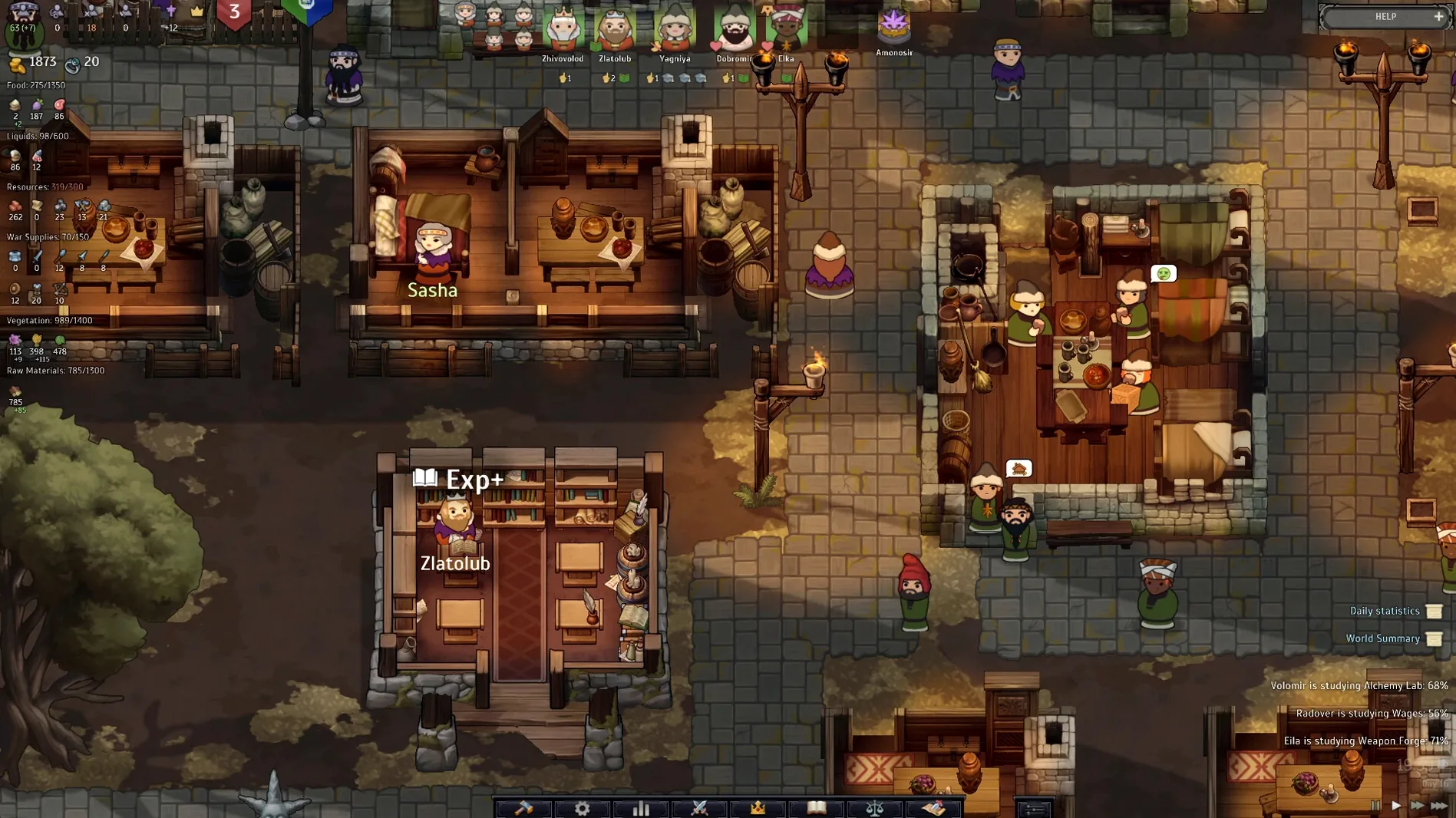
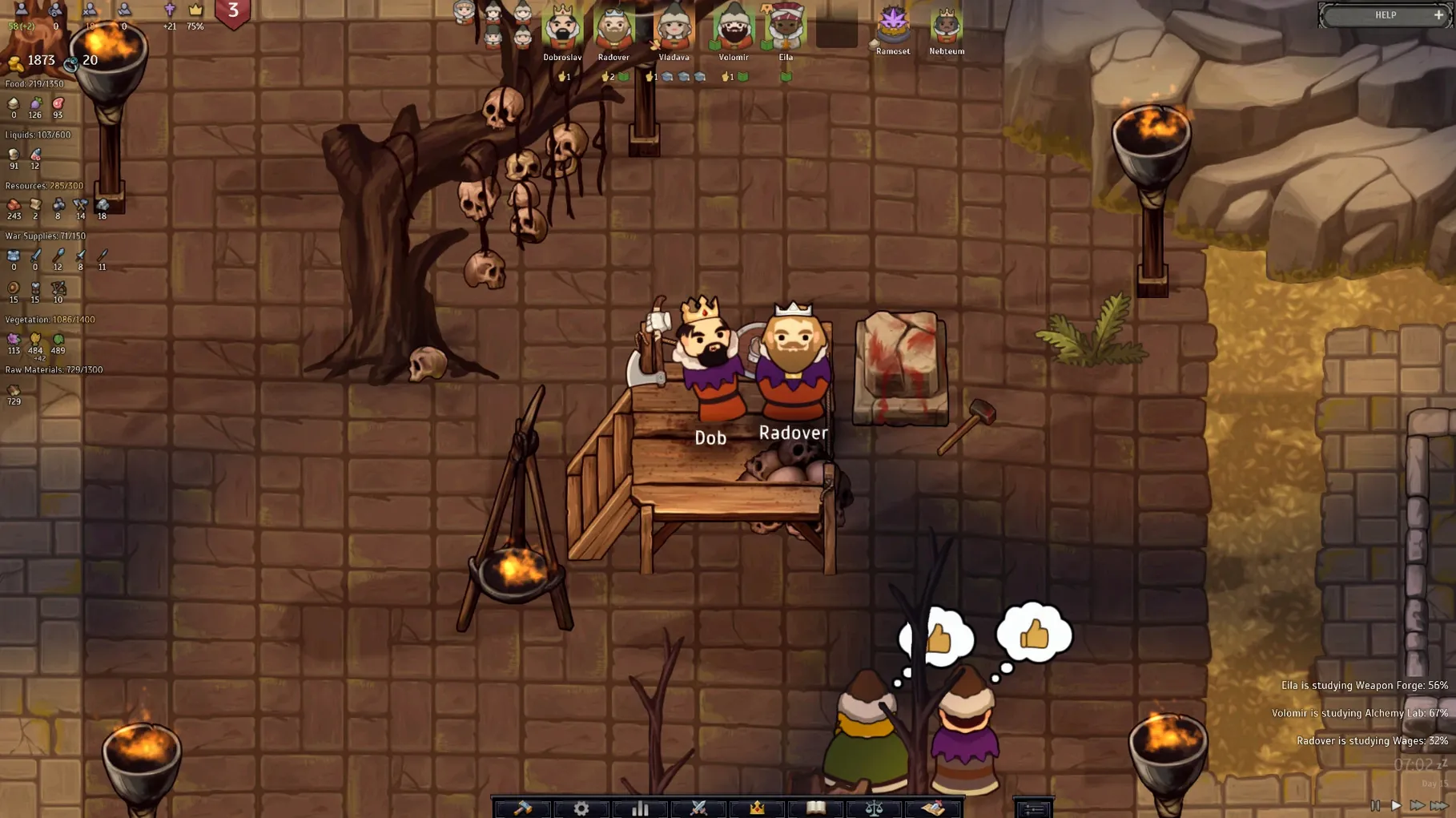
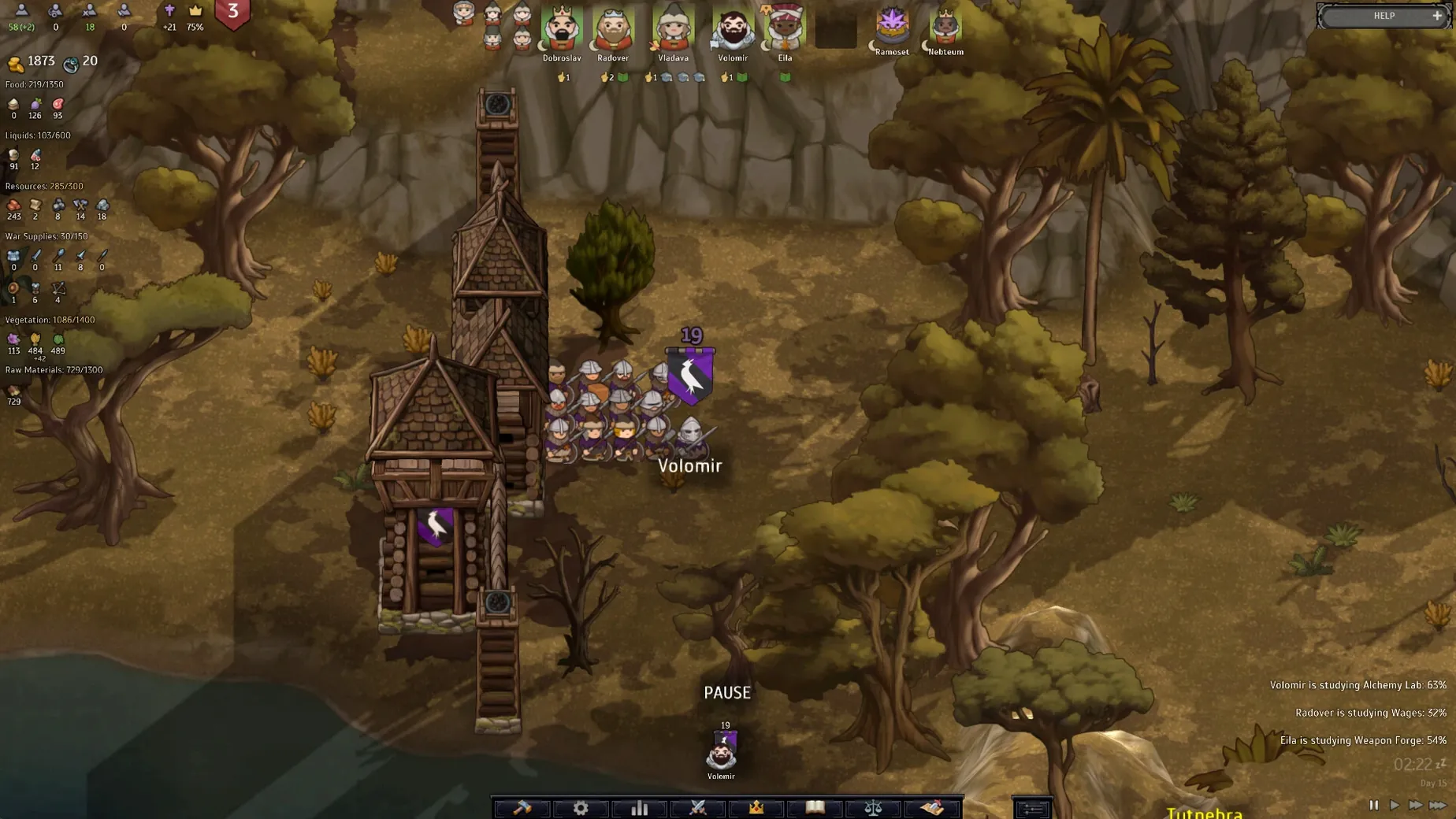
Description
Version 0.4927.8376.0 arrives as a self-contained Wineskin package, tested through to macOS Tahoe on Apple Silicon. It sits comfortably alongside your other non-native Mac apps without a separate wrapper to configure.
Keep your family alive through disasters
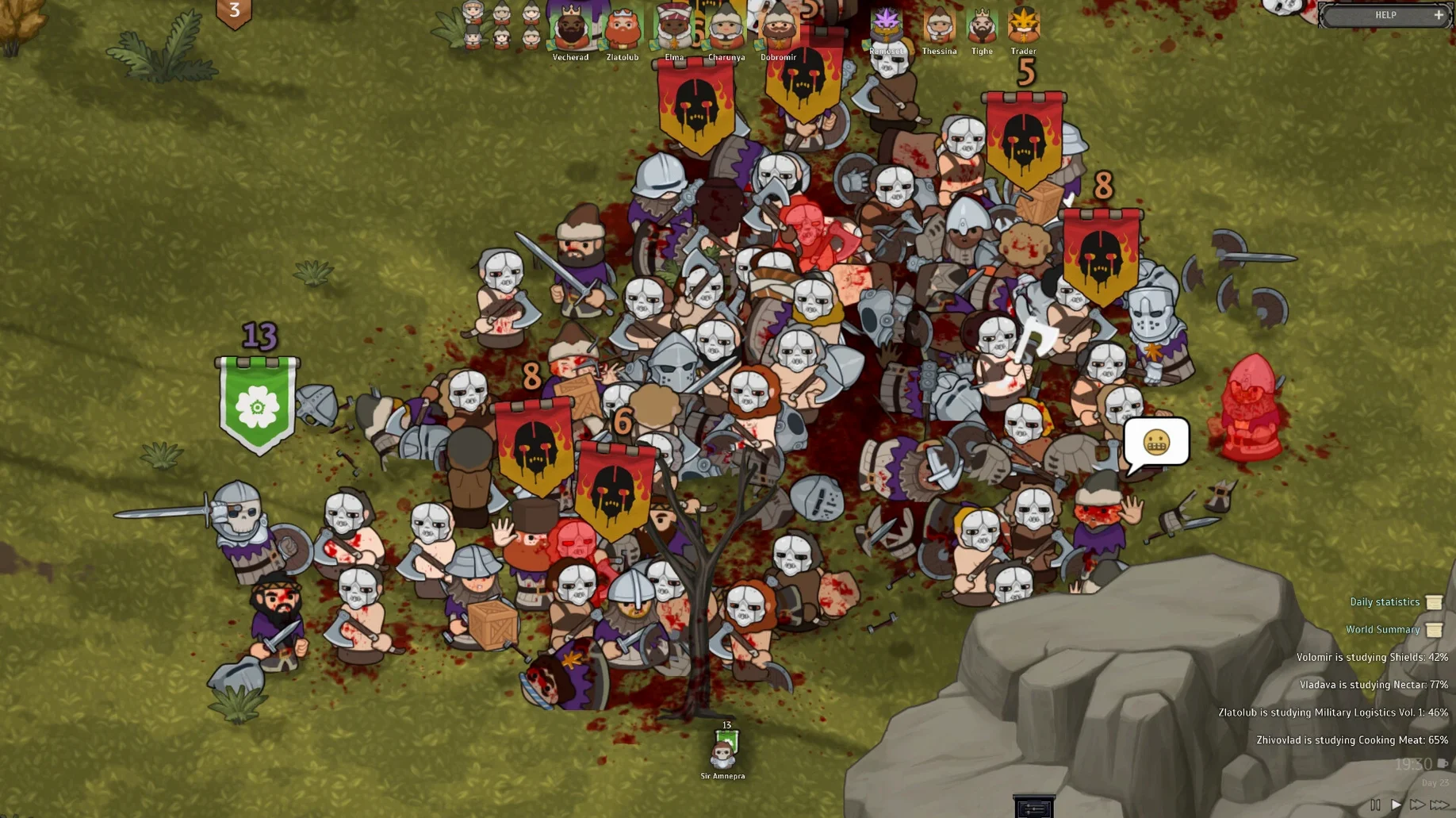
Morale and tactical decisions determine battle outcomes, so you cannot just throw numbers at a problem. Disasters, refugee arrivals and envoys from rival states land on your doorstep with the same messy timing you would expect from a fallen empire.
Switch languages without restarting
The settings panel lets you swap between sixteen interface languages—including Russian, Simplified Chinese, Korean and Polish—while English voice acting stays on in the background. That matches how a Mac user might flip between keyboard layouts for different projects.
Pull allies into your wars
Alliances and wars shift as kingdoms scramble for power, so a neighbour you ignored three sessions ago can suddenly become the key to your survival. The simulation tracks who owes whom, and the game does not forget a broken promise.
Who clicks with Norland fastest
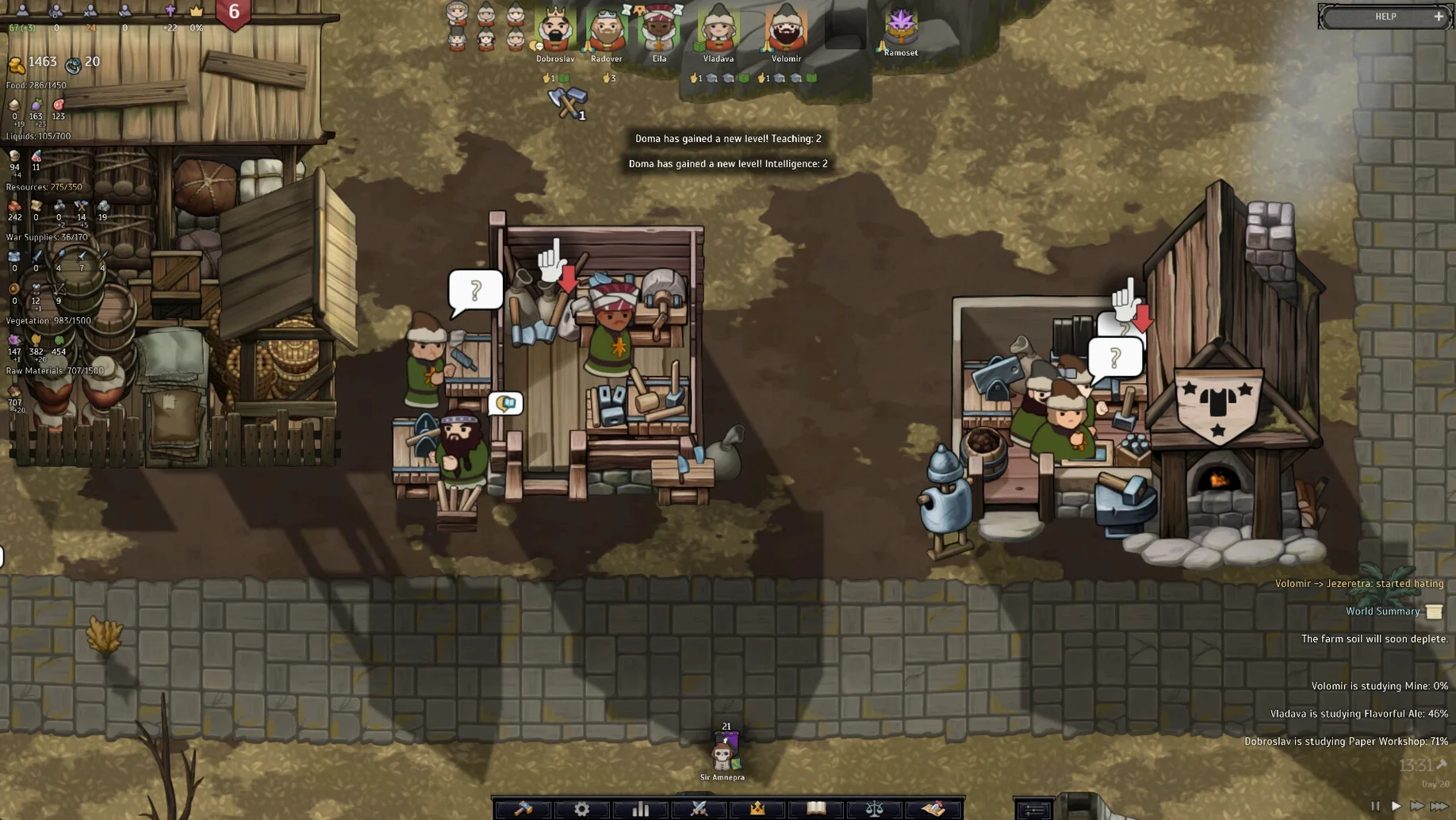
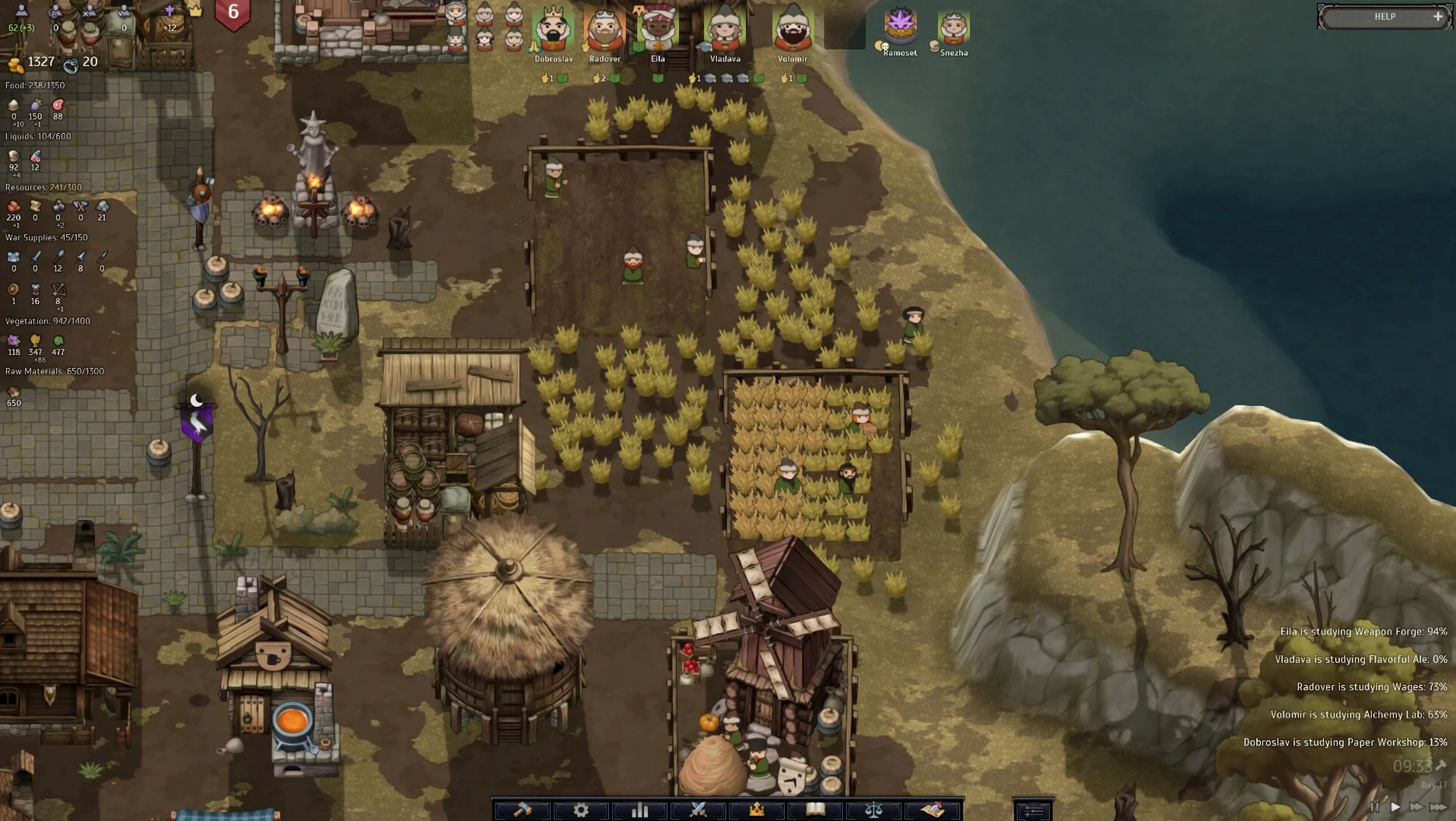
Colony-sim veterans who have lost weekends to RimWorld or Dwarf Fortress will recognise the rhythm immediately—assign jobs, watch relationships fray, scramble when the manure hits the windmill. The difference here is the dynasty layer. You are not managing interchangeable colonists. You are managing a family where the uncle who handles diplomacy also drinks too much and the heir you pinned everything on just fell in love with a peasant. That extra dramatic weight lands best with players who enjoy emergent storytelling more than spreadsheet-optimisation.
Total War players looking for the bit between battles get something meatier here. Norland makes the internal state feel like a kingdom, not a waiting room for the next skirmish. If you have ever wished the campaign map gave your generals more personality and your peasants more opinions, this is the itch it scratches.
Mac users running Apple Silicon who want a strategy game that does not demand Boot Camp or a separate Windows licence also win. The Wineskin build means you can download Norland for Mac and run it as a single app, no fiddling with prefixes or engine settings. That alone puts it ahead of plenty of early-access strategy titles that never leave Windows.
Mistakes that sink a run early
Treating every family member like a character in an RPG is the fastest route to a riot. Your scholarly son with zero combat skill does not belong on the front line just because he has a name and a portrait. Norland rewards specialisation. Let fighters fight, let thinkers think, and keep your diplomat out of the tavern brawl.
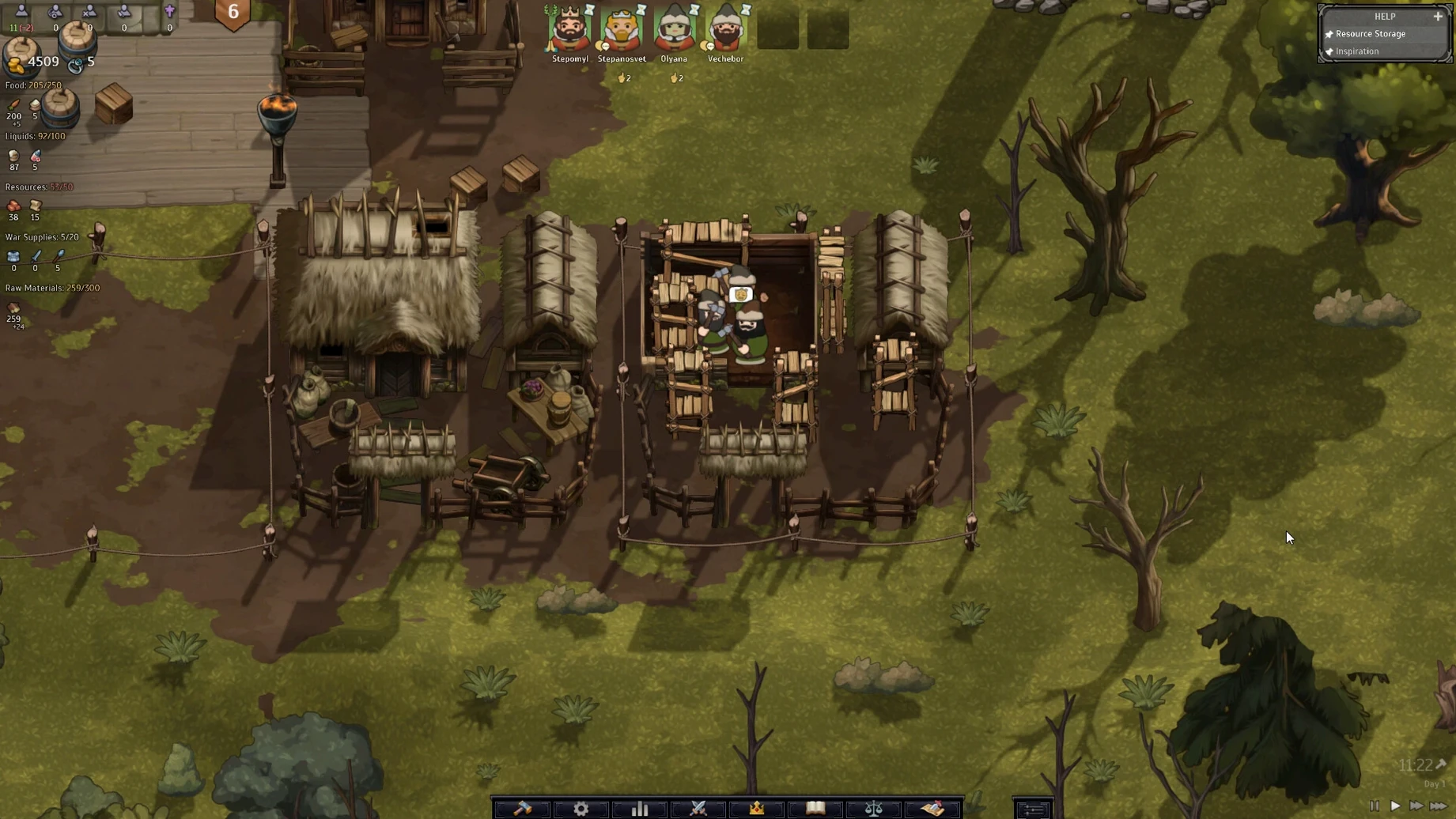
Ignoring peasant satisfaction because the economy looks fine on paper is another classic collapse. Income numbers can stay green while cultural tensions or a religious schism fester underneath. When the bar fills up and the torches come out, you cannot negotiate with a mob. Check satisfaction indicators before they turn red, not after.
Over-relying on one heir without a backup plan is a dynasty-ender. Characters die from bad luck, bad health, and bad decisions—often all three in the same evening. Train at least two capable successors and accept that one of them will probably disappoint you. The simulation does not pause to let you grieve.
Requirements
- Apple Silicon Mac.
- Tested on macOS Tahoe, Mac mini 2024 M4.
FAQ
Does this build run natively on Apple Silicon?
The game supports ARM architecture but arrives as a Wineskin package, so it runs through a translation layer rather than as a pure native app.
Can I change the interface language?
Yes. Sixteen languages are available in the settings, while English voice acting remains throughout.
Comments 0
Sign in or create an account to leave a comment.
No comments yet…
If you’ve installed it, say how it went. Mention your Mac and macOS version — it helps the next person more than you’d think.