
Little Nightmares Enhanced Edition for macOS
Description
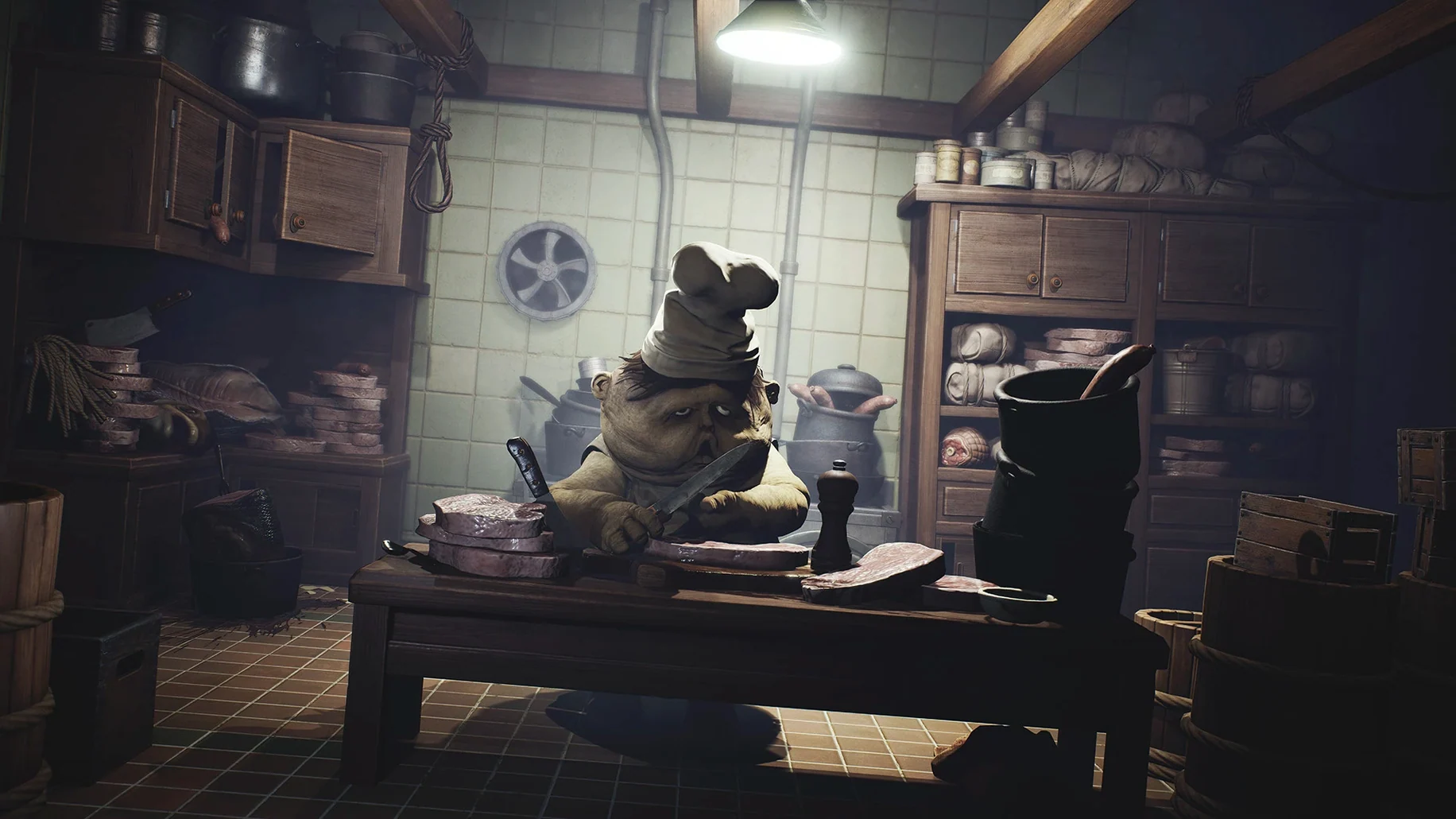
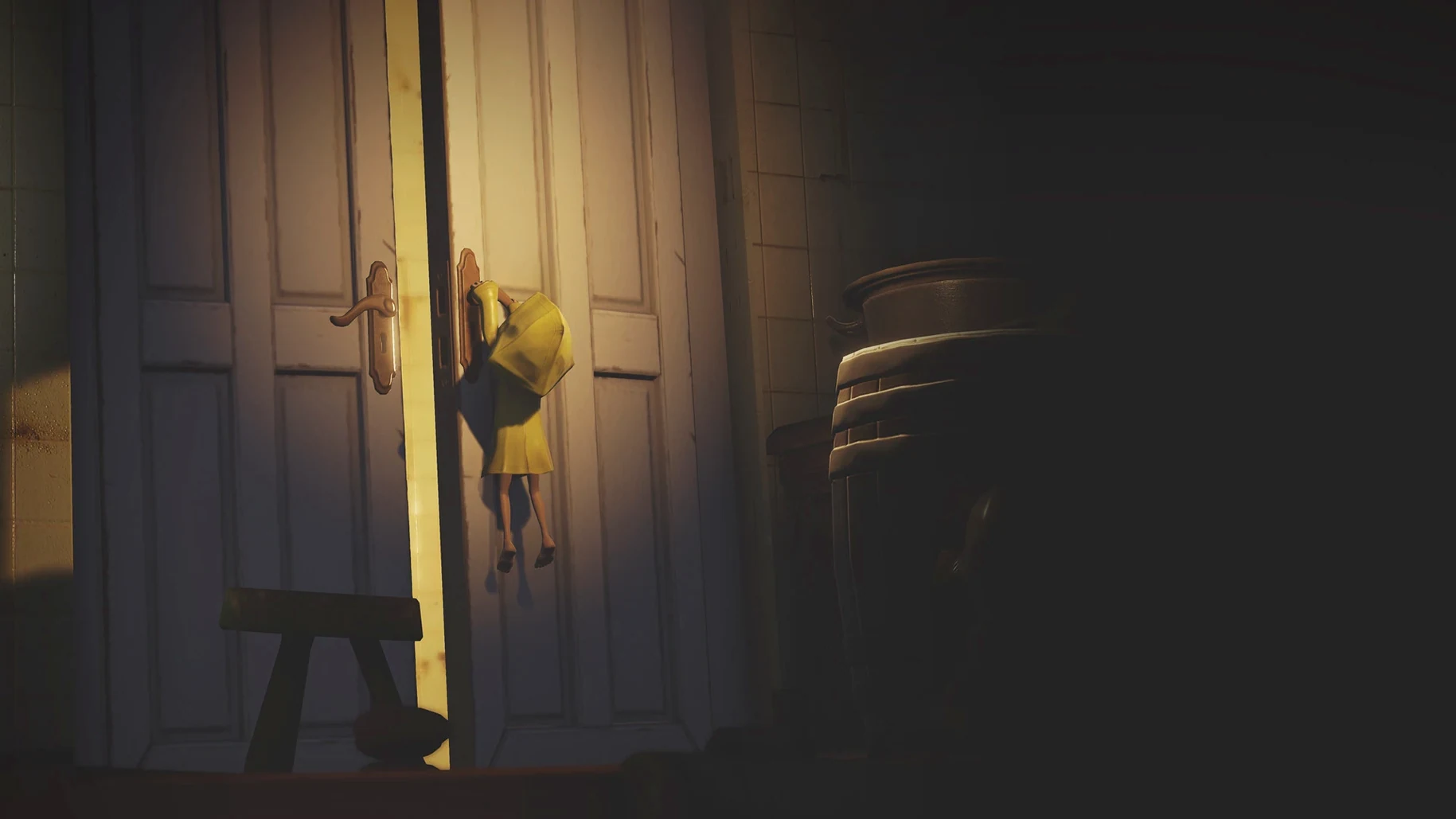
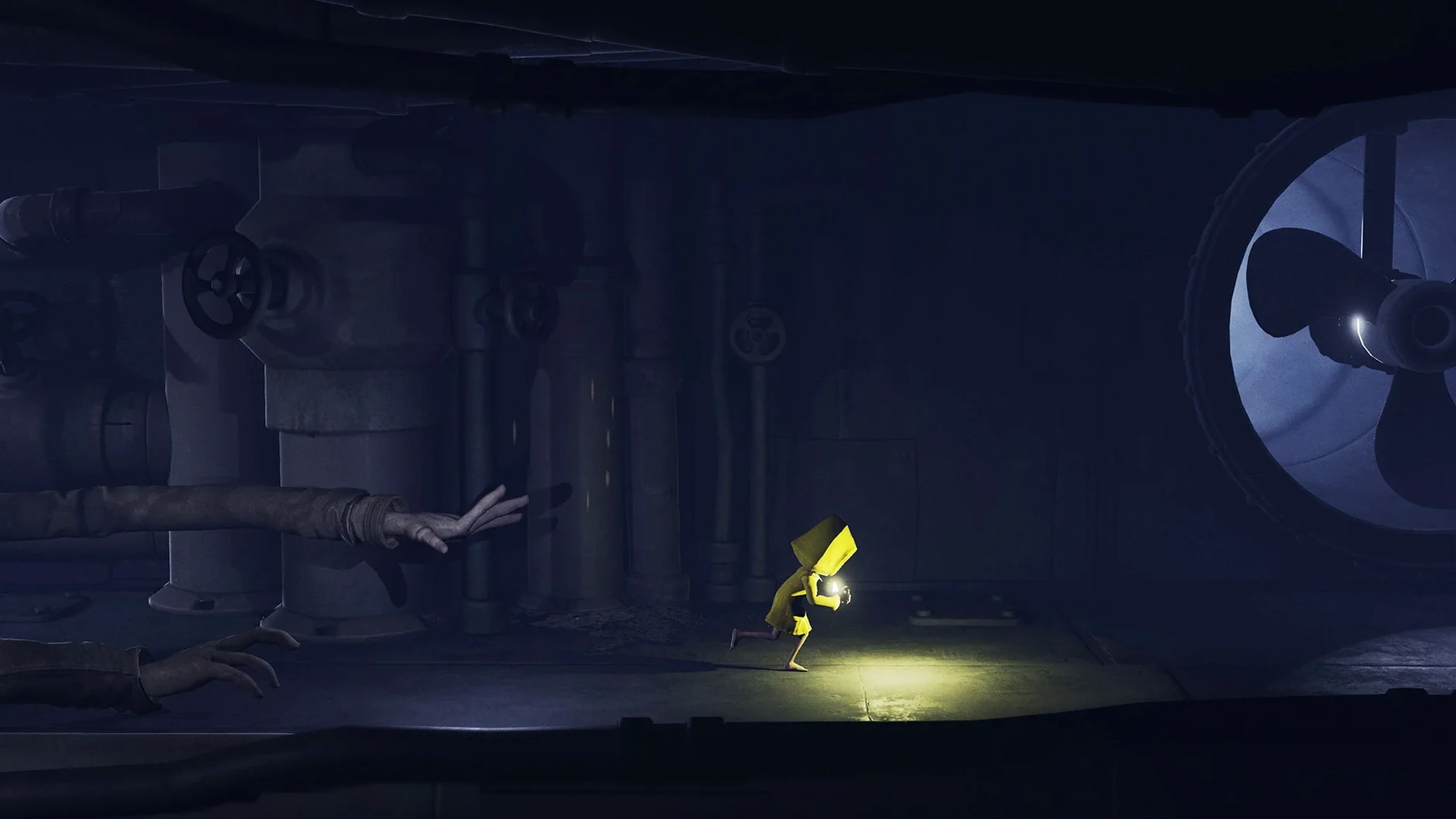
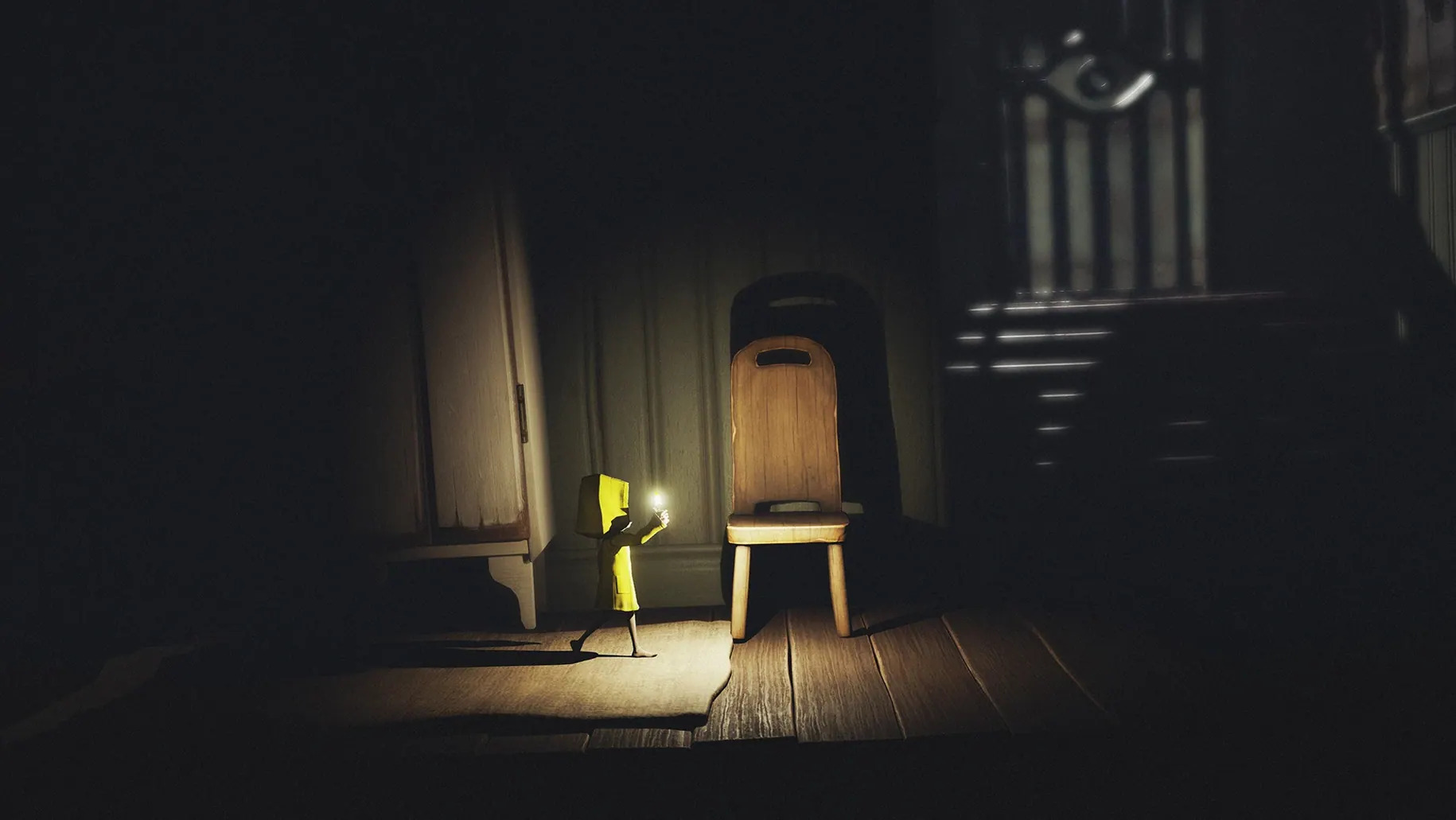
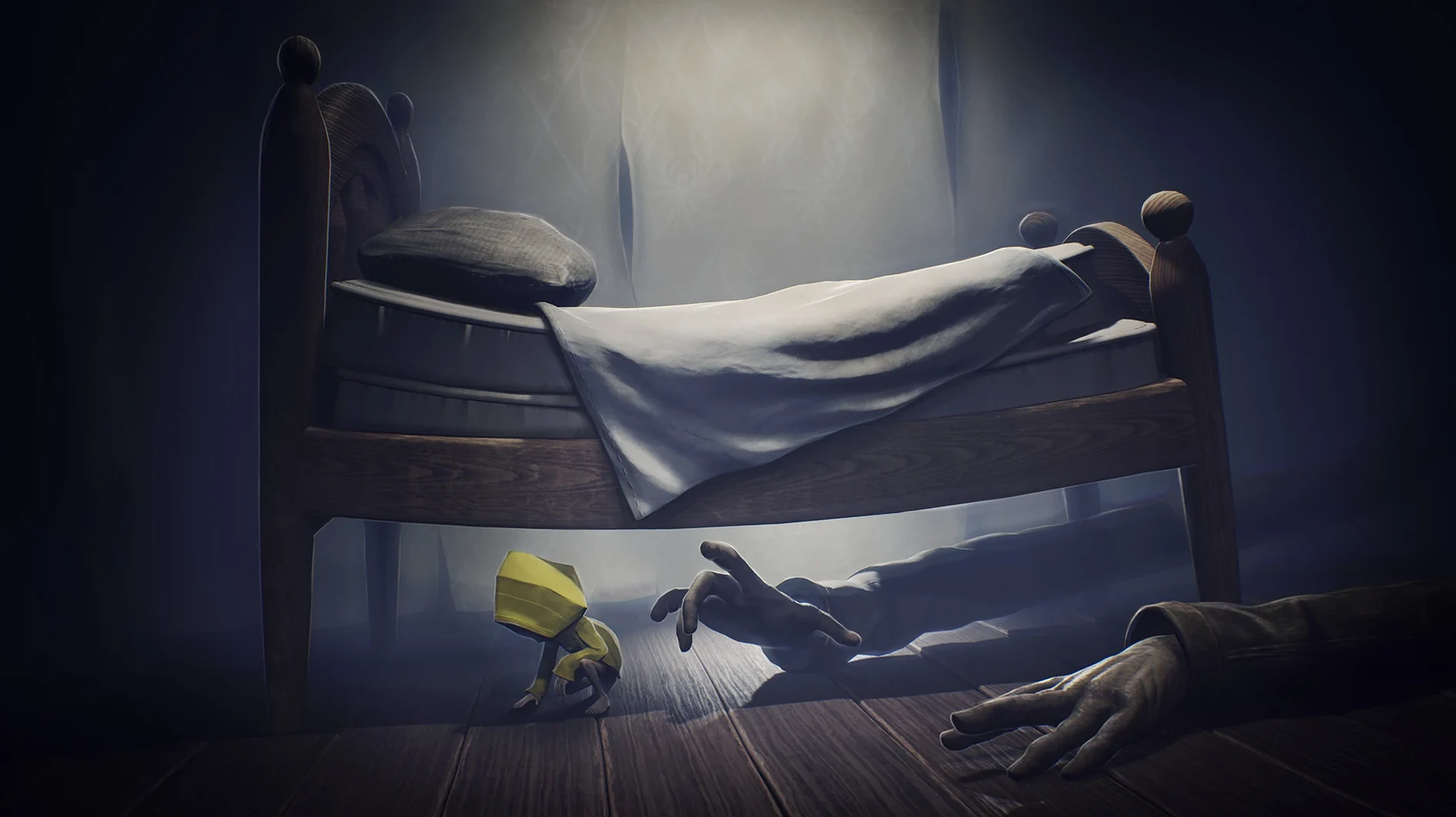
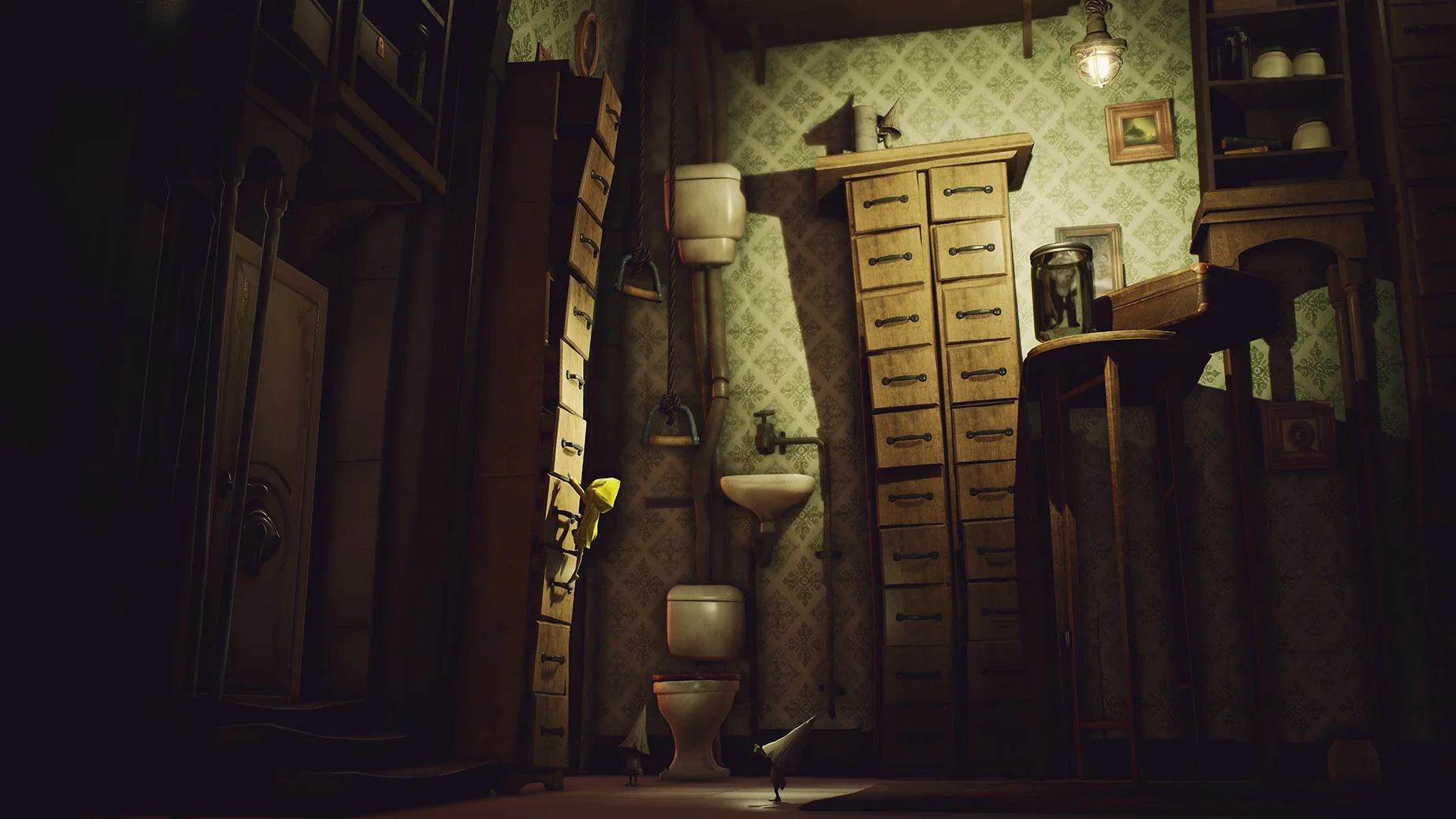
You’ve just dragged Six through a ventilation shaft and the lighting shifts, picking out dust motes you’d never have spotted in the original. That’s the Enhanced Edition doing its work — ray tracing and a pile of extra particles turn the Maw into something properly unsettling on a Mac screen.
- Runs natively on Apple Silicon, tested on an M4 Mac mini with macOS Tahoe.
- Delivers 4K resolution at 60 FPS where the hardware allows.
- Adds ray-traced reflections and improved water effects throughout the Maw.
- Includes all DLC; the current build squashes a known DLC loading bug.
- Controller and keyboard both work; remap in the pause menu if the defaults don’t suit.
- Interface supports fourteen languages including English, Japanese and Arabic.
Performance on a recent M-series chip is steady, though you’ll want to close other heavy apps before launching. The game is a straight copy into Applications from the disk image, with a one-off Fix script to run if it complains on first boot.
Steady 60 FPS and near-silent fans, even through fog and water
The 60 FPS target holds up well on an M4, even during scenes with volumetric fog pouring through grates. I noticed the fan stays quiet through most chapters — only the Guest areas with all that water and particle work give the machine something to think about. Memory sits around 2–3 GB, which is modest for what's on screen.
Quality Mode is where the ray tracing earns its keep, but you feel the frame pacing change. Performance Mode keeps things snappier. If you're on a MacBook running on battery, stick to Performance — the GPU scaling is aggressive enough to notice.
One crash in about twelve hours of play, and that was during an alt-tab while a cutscene loaded. Autosaves are frequent, so no real loss. The Wineskin wrapper this build uses adds a second or two to the initial boot, but level transitions are quick once you're in.
Controller pairing quirks and save file questions answered
Does a controller work out of the box? Yes. A DualSense connected via USB was recognised without fiddling. Bluetooth works too, though I'd pair before launching — the game doesn't always pick up a controller connected mid-session.
Will my save from the original Little Nightmares carry over? No. The save format changed, and the files sit inside the app bundle at AppData/Local/Little Nightmares Enhanced Edition/Saved/SaveGames. You start fresh.
What if the game throws an error at launch? That's the DLC registration hiccup this build fixes. Mount the disk image again, run the file called Fix, and the error disappears. It's a one-time thing.
Is there a Little Nightmares Enhanced Edition torrent Mac version that skips this step? The disk image you have includes the fix. Run it once and forget about it.
Watching patrol paths instead of relying on the run button
The biggest one is treating the run button like a sprint that outpaces everything. It doesn't. The distorted adults in the Maw have set patrol paths and you need to watch them for a beat before moving — Six is small, not fast. Crouch-running under tables works better than bolting for the next room.
Another common slip: ignoring the lighter. It's not just for atmosphere. In pitch-black sections, the tiny flame reveals grab points the screen otherwise hides. Players who conserve it too much walk past interactable objects and get stuck on what looks like a dead end.
Lastly, people forget the game autosaves at checkpoint doors and quit mid-chase. When they reload, the enemy is right on top of them. Let a chase sequence finish before you walk away — the checkpoint triggers after the danger passes, not during it.
What’s new
Fixes a DLC loading issue present in earlier Enhanced Edition builds.
Requirements
- Apple Silicon Mac.
- Tested on macOS Tahoe (M4 Mac mini).
FAQ
What do I do if the game shows an error on first launch?
Run the file called Fix from the mounted disk image. It corrects the launch path and the game should open normally afterwards.
Which languages are available in the interface?
English, Russian, German, Arabic, Spanish, Italian, Traditional Chinese, Simplified Chinese, Korean, Polish, Portuguese, French, Swedish and Japanese.
Comments 0
Sign in or create an account to leave a comment.
No comments yet…
If you’ve installed it, say how it went. Mention your Mac and macOS version — it helps the next person more than you’d think.
More in Games
All in Games-
 Life is Strange: Complete Season
1.0.3
Life is Strange: Complete Season
1.0.3
-
 Life is Strange: Before the Storm
2018.09.13
Life is Strange: Before the Storm
2018.09.13
-
 Life Is Strange 2: Complete Season
1.0.2
Apple Silicon
Life Is Strange 2: Complete Season
1.0.2
Apple Silicon
-
 Lies of P
1.13.1.0
Apple Silicon
Lies of P
1.13.1.0
Apple Silicon
-
 Machinarium Collector's Edition Fantasy Adventure
4041.a.v2
Machinarium Collector's Edition Fantasy Adventure
4041.a.v2
-
 Keep Driving
1.3.1.1d
Apple Silicon
Keep Driving
1.3.1.1d
Apple Silicon
-
 Mad Max
1.0
Mad Max
1.0
-
 Mafia III
1.0.0
Apple Silicon
Mafia III
1.0.0
Apple Silicon