

inZOI for macOS



Description
Apple Silicon only — no Intel Macs
inZOI is built for Apple Silicon. It was tested on macOS Tahoe with a 2024 M4 Mac mini. Don't expect it to launch on an Intel Mac.
Cities shape Zois, rumours spread like disease
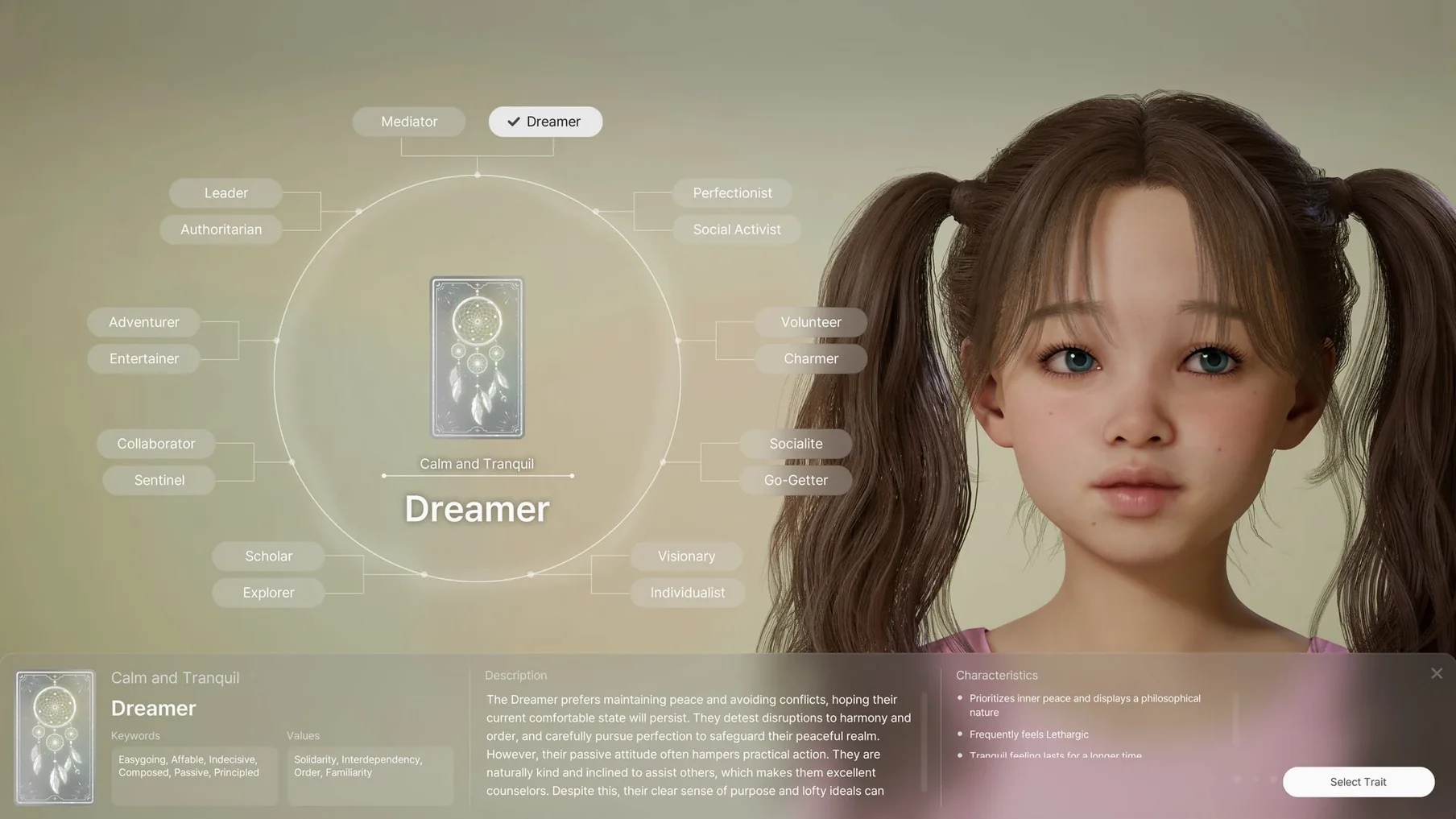
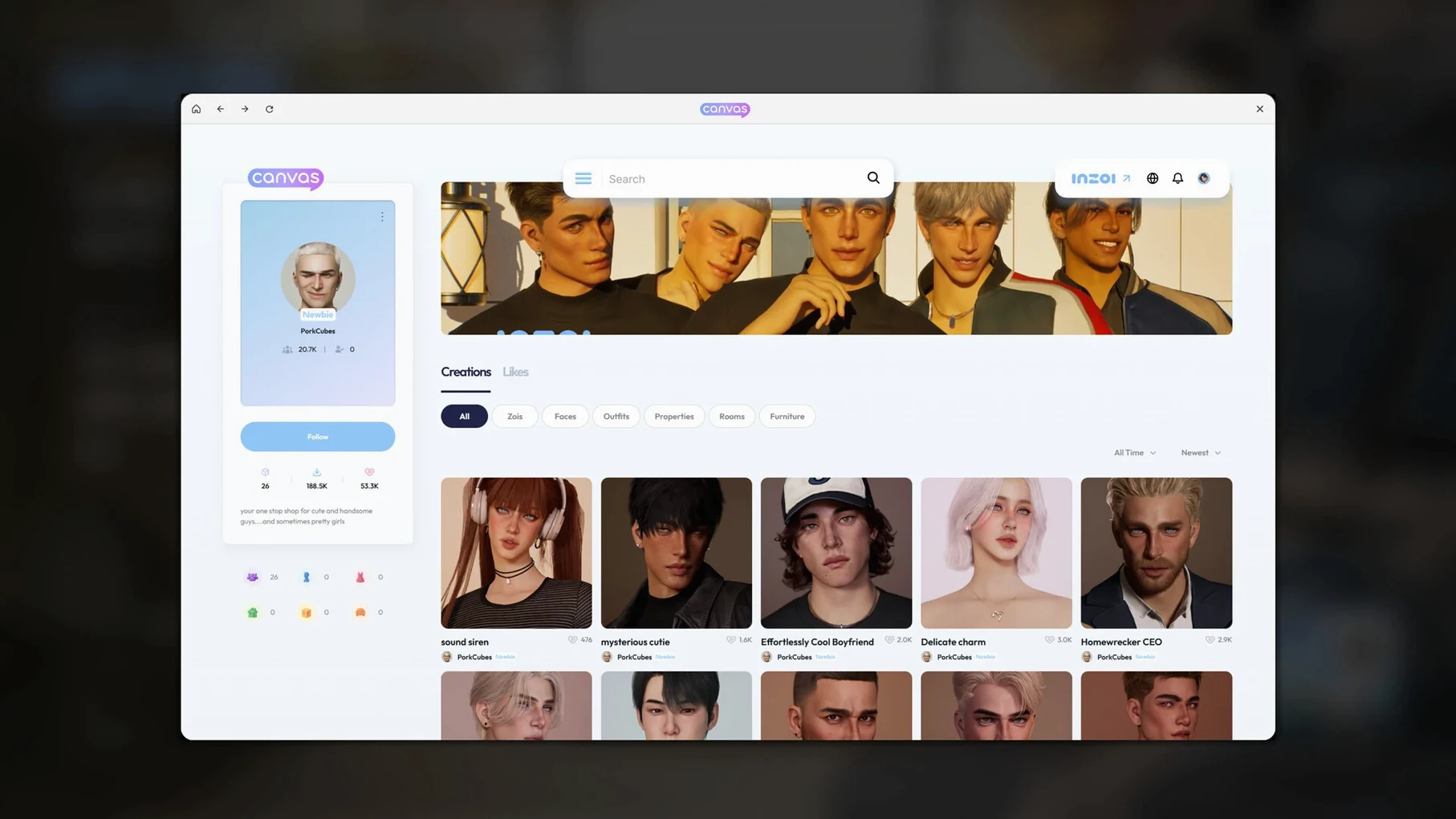
This is a life simulation where you shape a city and the people in it. Cities are modelled after real places. Your characters, called Zois, act on personality traits and life experience. Rumours, trends and diseases can spread from simulation events.
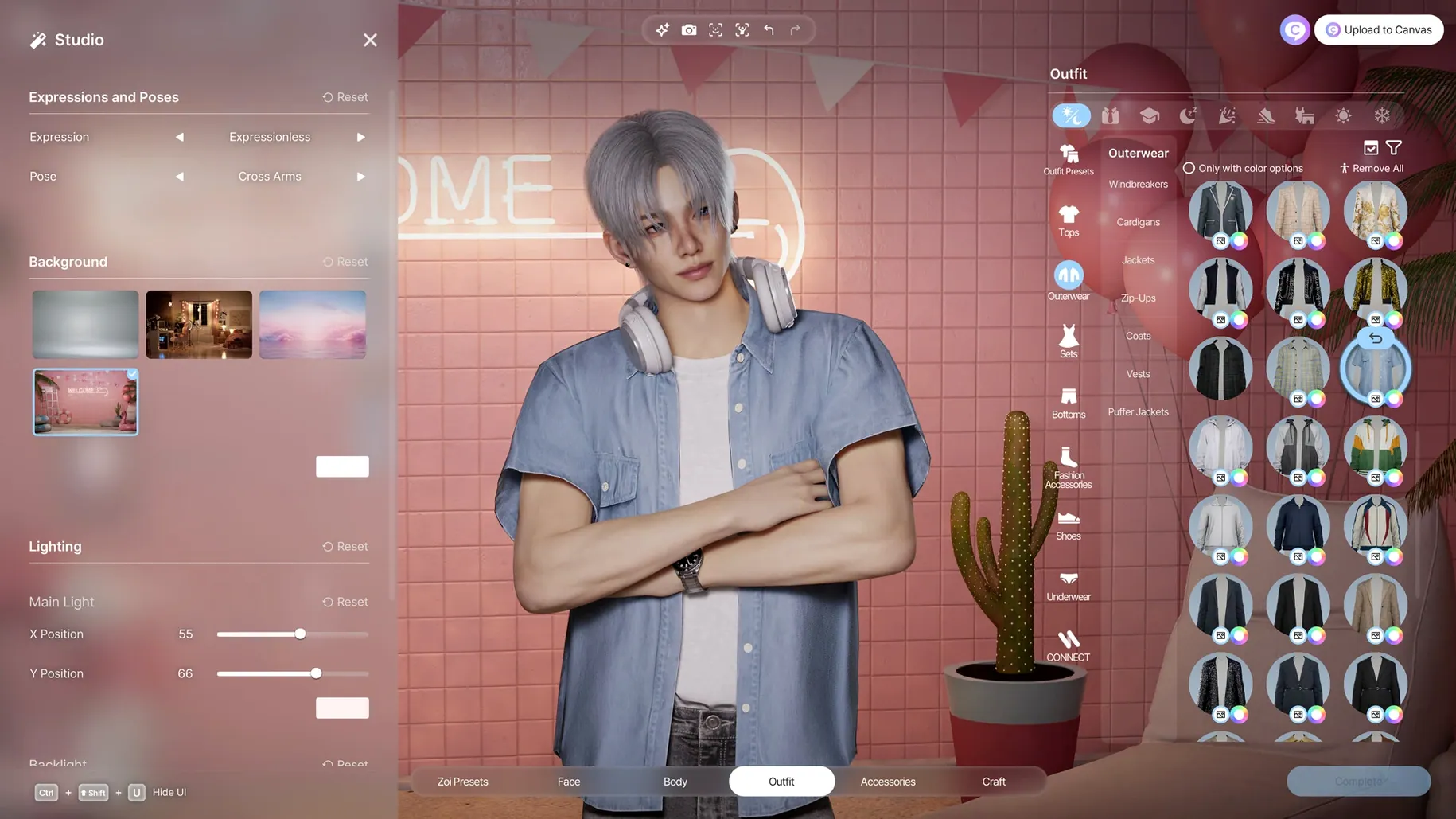
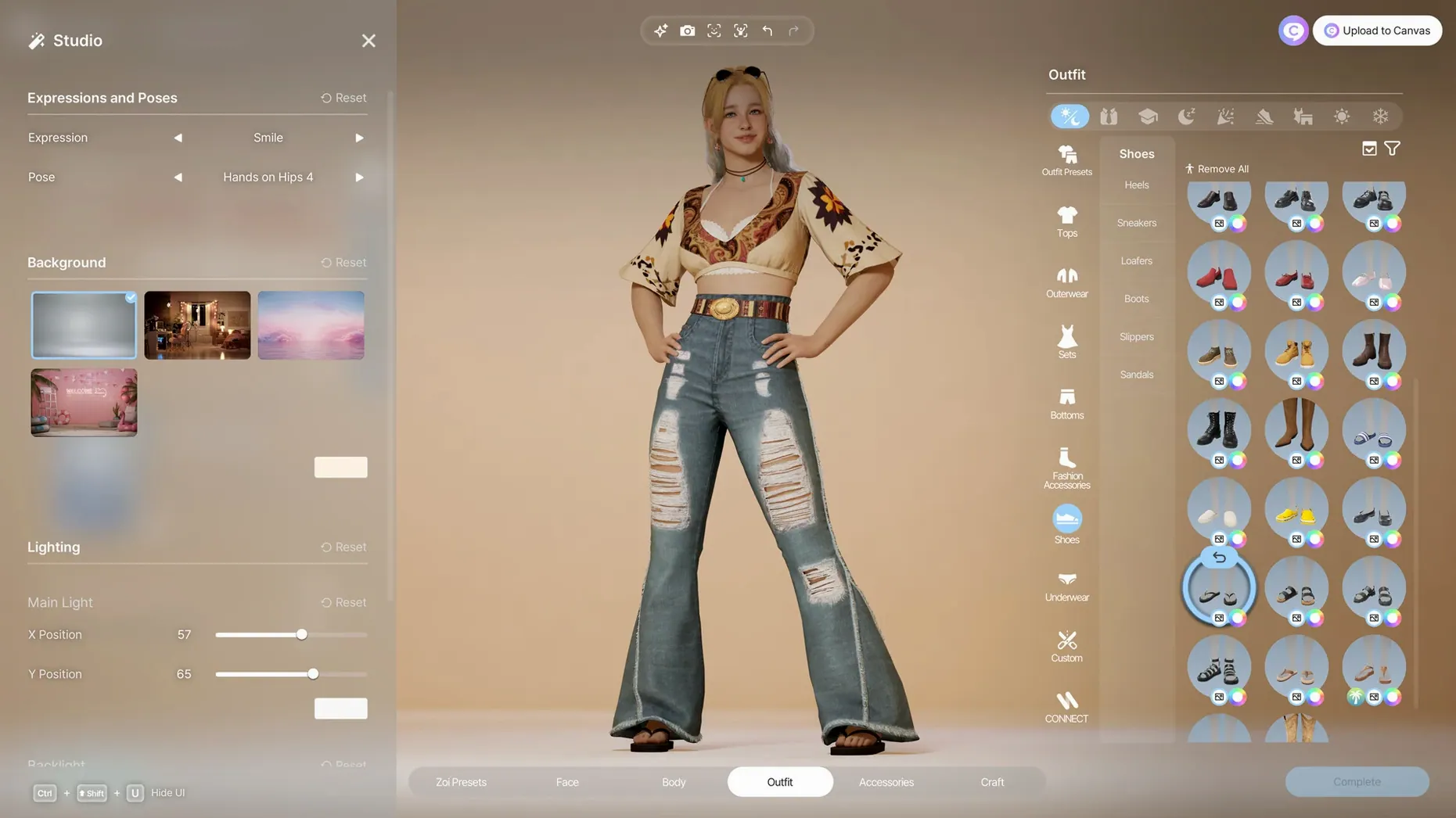
The tool set covers character creation, city management and building. Architectural pieces include walls, roofs, stairs, fences, platforms and gates. Text prompts generate patterns for clothing, decorations and furniture.
Controls and customisation
There are more than 250 character options. Facial capture and motion capture are supported if you have the kit. Playing with a keyboard and mouse is straightforward; the Mac build doesn't add any odd control quirks.
Simulation runs smooth on an M4 Mac mini
On an M4 Mac mini, it runs as you'd hope. The studio has put work into the Apple Silicon version. Don't expect a lightweight app — it's pushing a lot of simulation — but it holds up.
Let Zois run on autopilot in the first hour
The first hour trips people up in predictable ways. Here are the ones I saw most often during my help-desk years — applied to inZOI.
Ignoring the Zoi's autonomy. New players micromanage every interaction and then wonder why the neighbourhood feels dead. Zois need space to act on their traits. If you queue up six social commands, you're overriding the simulation that makes the game interesting. Give them one or two nudges, then watch.
Building without checking the lot slope. The terrain tools are flexible, but a wall placed on uneven ground without a platform underneath will leave gaps. You'll spot it when the rain comes through. Lay platforms first, then walls, then roofs. In that order.
Treating the AI texture generator like a search engine. You type "floral wallpaper" and get a blurry mess. The local model responds to descriptions of materials and repeat patterns, not product names. Try "small yellow flowers on cream linen, repeating grid" instead.
Letting one rumour spiral unchecked. A single negative rumour about a Zoi can cascade through the community faster than you'd think. Use the relationship panel to see who's talking, and give the affected Zoi a public positive interaction — volunteering, a street performance, anything visible. It won't kill the rumour instantly, but it gives the simulation something else to chew on.
Feed it video clips from QuickTime Player
inZOI doesn't have plugin support, but it plays well with a few things on your Mac if you know where to look.
The facial capture feature accepts video files. You can record a clip in QuickTime Player, trim it, and drop it in. The motion capture side works the same way — any video with clear body movement will do. Some players use their iPhone footage straight from the Photos app. Others prefer a clean recording from OBS. Either way, keep the background uncluttered; the capture doesn't like busy frames.
For the 2D-to-3D object conversion, any image editor that exports PNG or JPEG will work. Preview can crop and adjust contrast, but for removing backgrounds you'll want something like Acorn or Pixelmator Pro. Solid colour backgrounds give the cleanest results. The generator doesn't need transparency — it reads the silhouette.
On the music side, the game plays its own score and doesn't take a custom soundtrack folder. If you want your own background music, mute the in-game audio and play something from Music or Spotify in the background. Not elegant, but it works.
macOS window management handles inZOI well. It runs in full screen without fighting Stage Manager. If you're on a multi-monitor setup, put the game on one display and keep Notes or a reference image open on the other — helpful when you're recreating a real floor plan.
A builder's afternoon
Take someone who spends more time in the build mode than in live play. Let's call her Lena. She's been collecting reference photos of traditional Korean hanok houses for months.
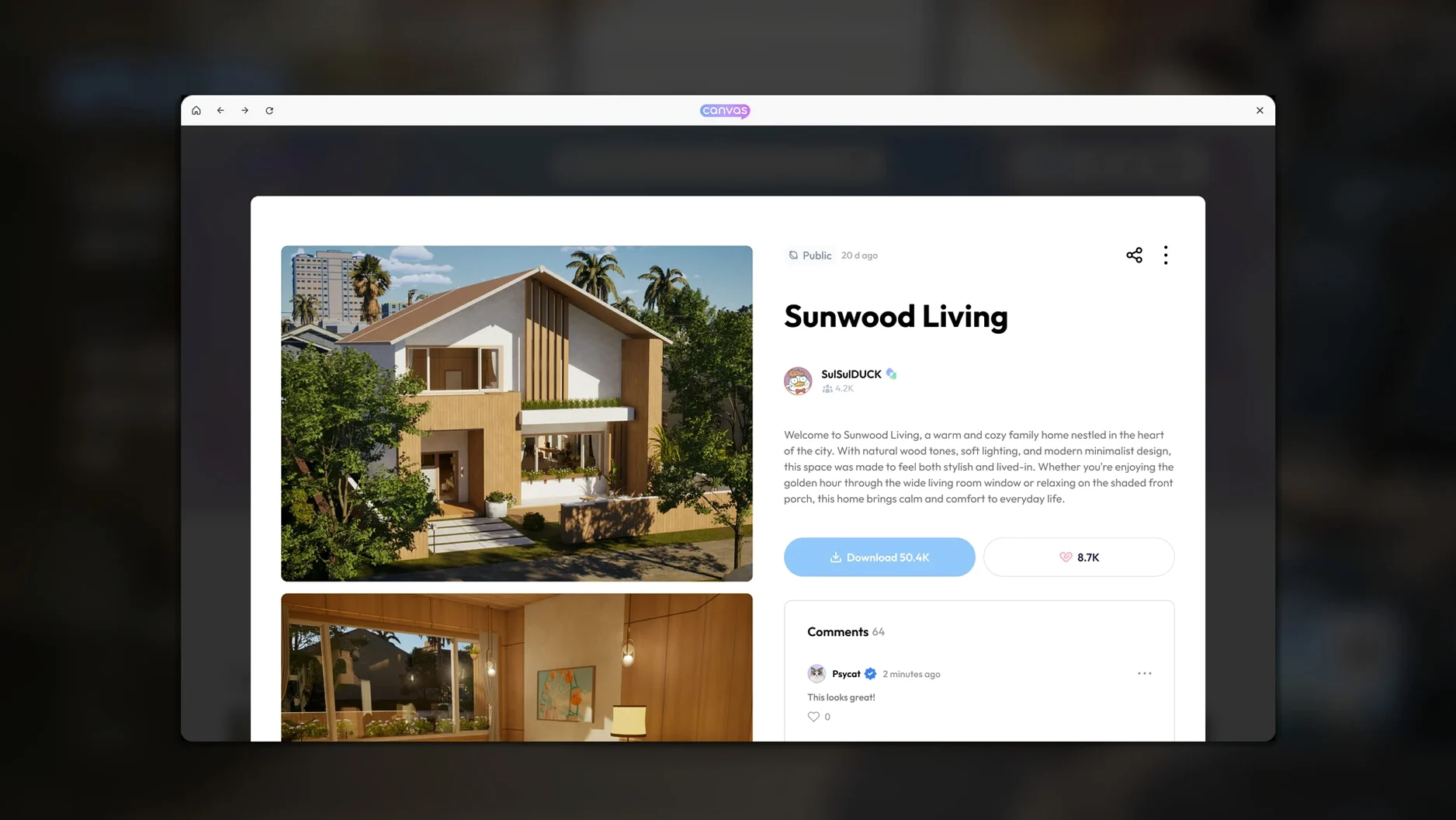
Lena launches inZOI and picks an empty lot in the city modelled after a coastal town. She doesn't touch a Zoi for the first two hours. She lays a stone platform, raises the wooden pillars using the fence tool set to post mode, and places a tiled roof with a gentle curve. The wall panels come next — she uses the texture generator for pale paper screens with a faint wood-grain trim, typing "off-white mulberry paper, vertical seams, subtle shadow lines." It takes three tries to get it right.
Inside, she places low furniture from the catalogue and uses the 2D-to-3D tool on a drawing of a floor cushion she sketched earlier. The object comes in a little blocky, but at the scale of a room it reads well. She adjusts the weather to a light drizzle so she can see how the roof overhang protects the wooden veranda. It does.
By the time she saves and exits, there's still no Zoi living there. That's not a mistake. The tools can absorb an entire session on their own, and the game doesn't punish you for ignoring the sims. For a builder, an inzoi free download mac means a standalone architecture playground with weather and light you can change whenever you like. The Zois can move in tomorrow.
Requirements
- macOS Tahoe
- Apple Silicon Mac
Comments 0
Sign in or create an account to leave a comment.
No comments yet…
If you’ve installed it, say how it went. Mention your Mac and macOS version — it helps the next person more than you’d think.
More in Games
All in Games-
 Invincible VS
Build 22844029 Rev 1
Apple Silicon
Invincible VS
Build 22844029 Rev 1
Apple Silicon
-
 Into the Dead: Our Darkest Days
0.17.1
Apple Silicon
Into the Dead: Our Darkest Days
0.17.1
Apple Silicon
-
 Hytale
2026.01.24-6E2D4FC36
Apple Silicon
Hytale
2026.01.24-6E2D4FC36
Apple Silicon
-
 Keep Driving
1.3.1.1d
Apple Silicon
Keep Driving
1.3.1.1d
Apple Silicon
-
 House Flipper
1.26252
Apple Silicon
House Flipper
1.26252
Apple Silicon
-
 House Flipper 2
1.12.4.0 Wine
Apple Silicon
House Flipper 2
1.12.4.0 Wine
Apple Silicon
-
 Hollow Knight
1.5.12620
Apple Silicon
Hollow Knight
1.5.12620
Apple Silicon
-
 Hollow Knight: Silksong
1.0.30000
Apple Silicon
Hollow Knight: Silksong
1.0.30000
Apple Silicon