
Invincible VS for macOS
Description
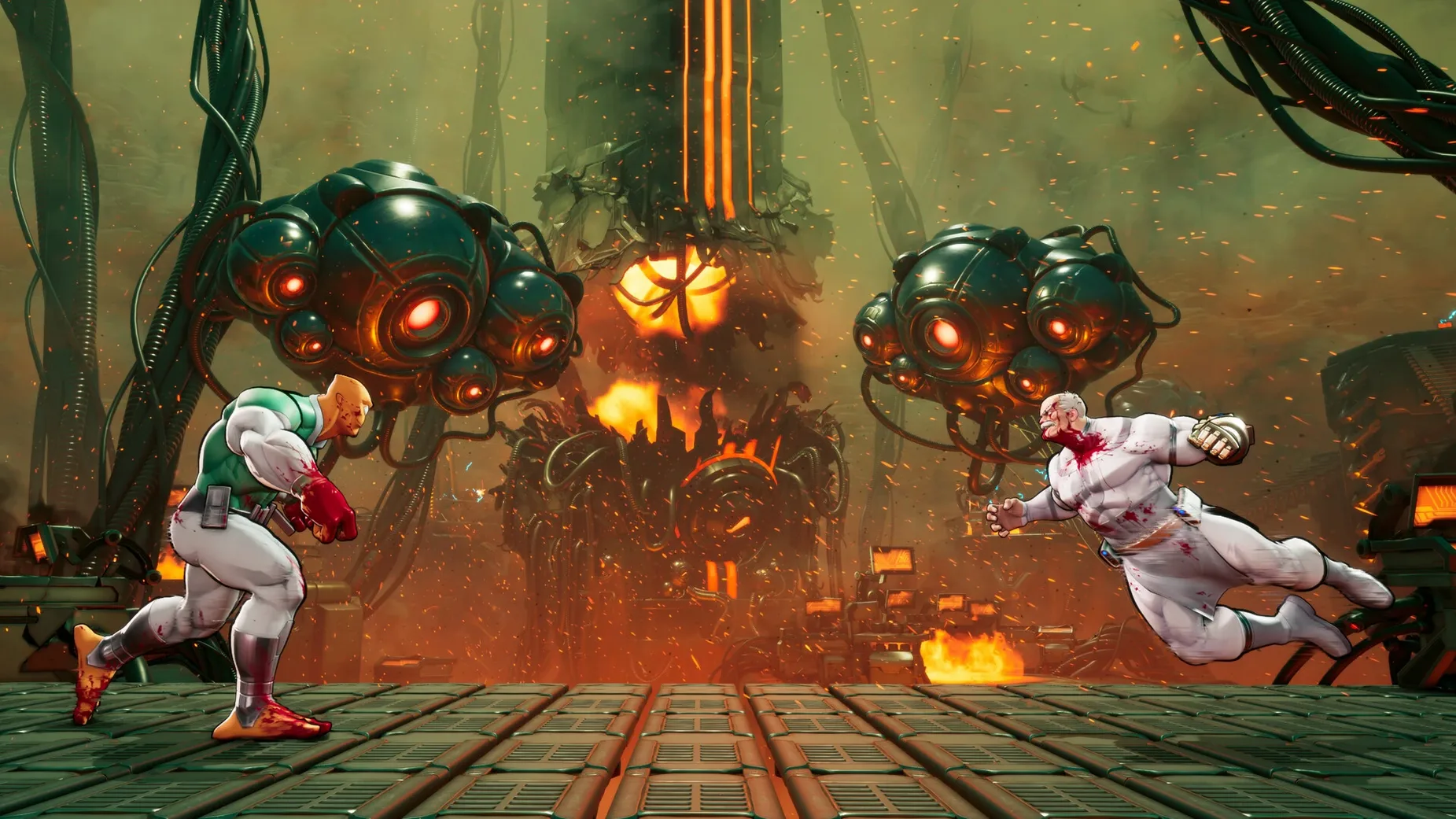
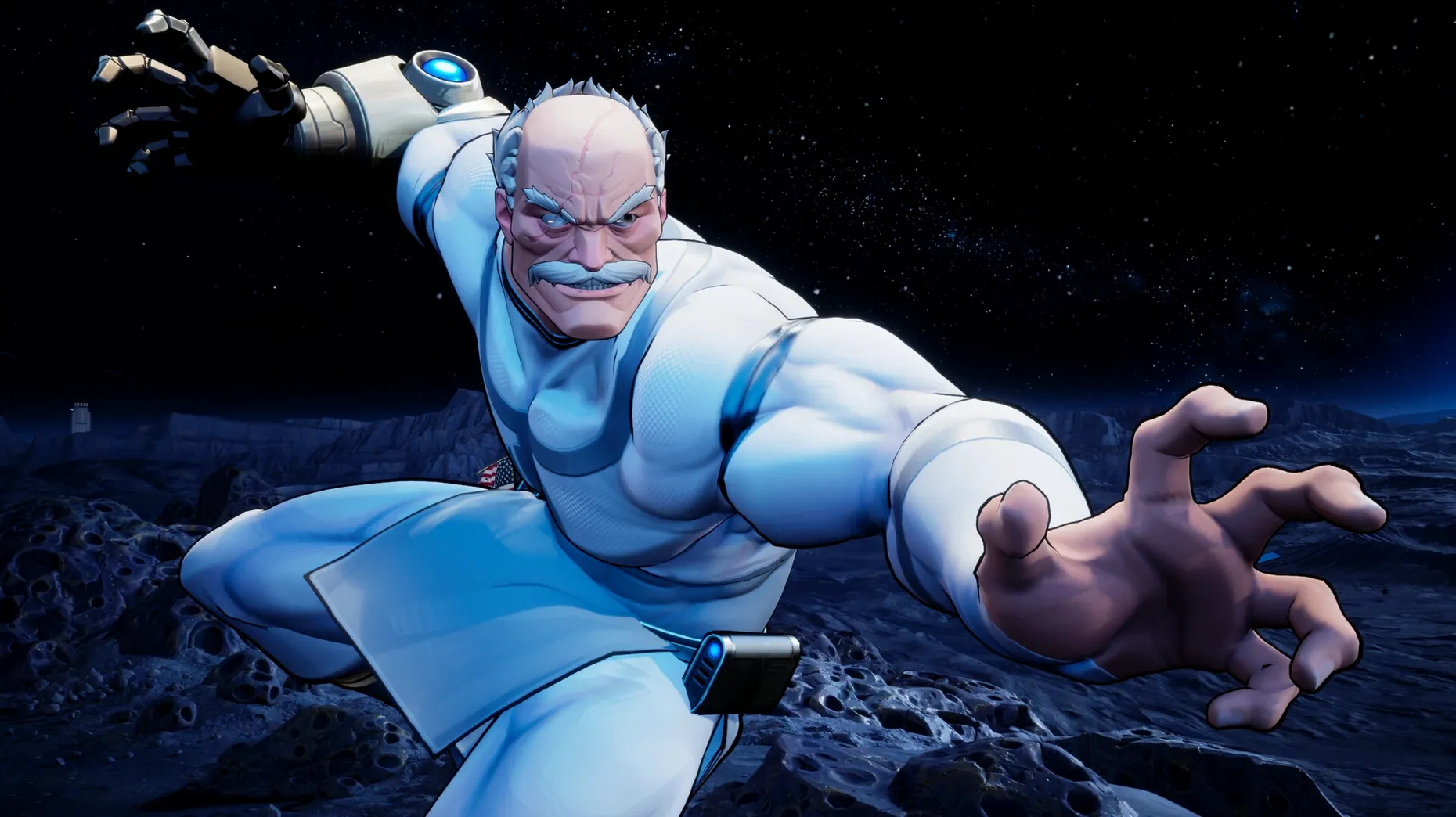
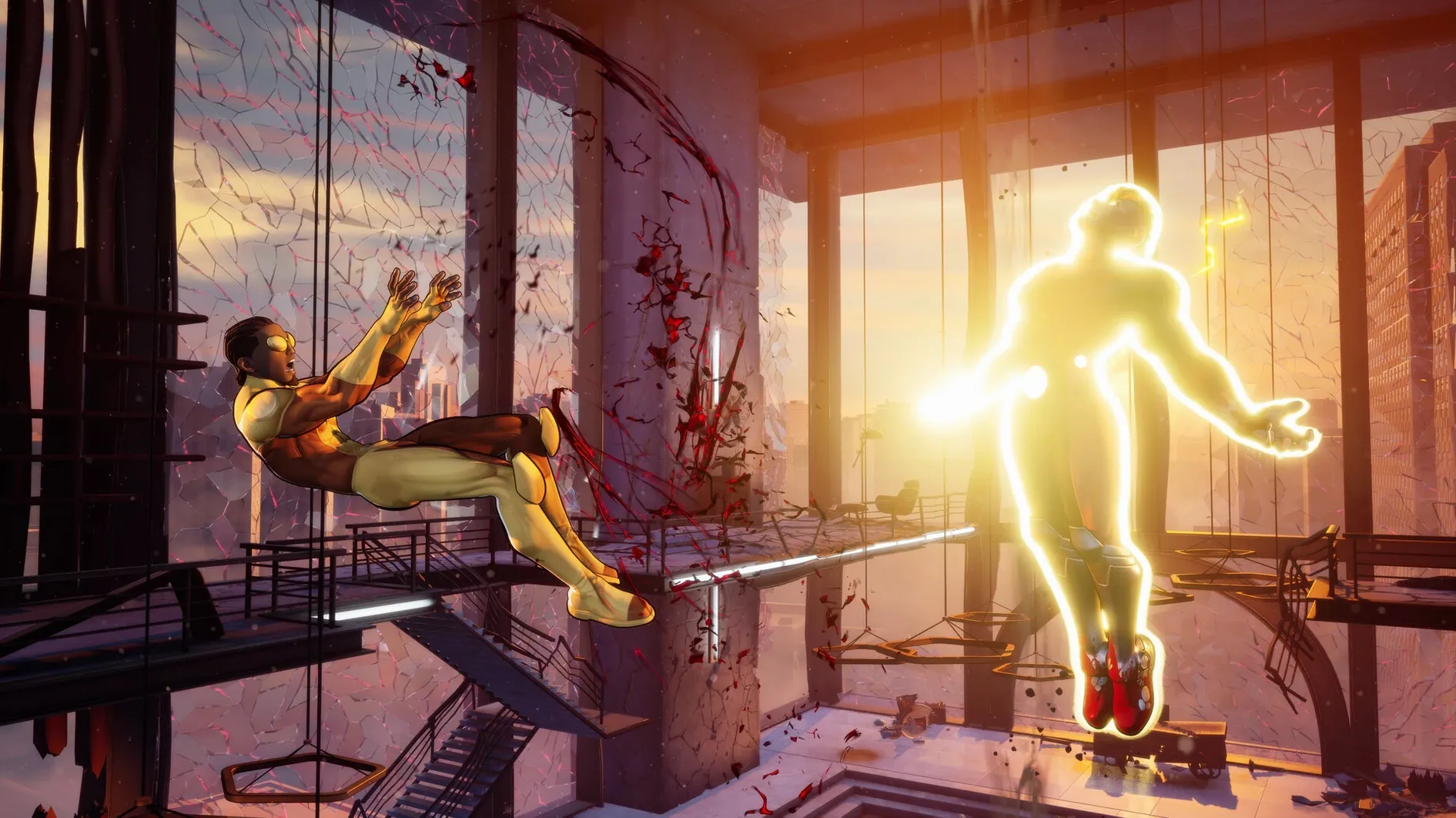
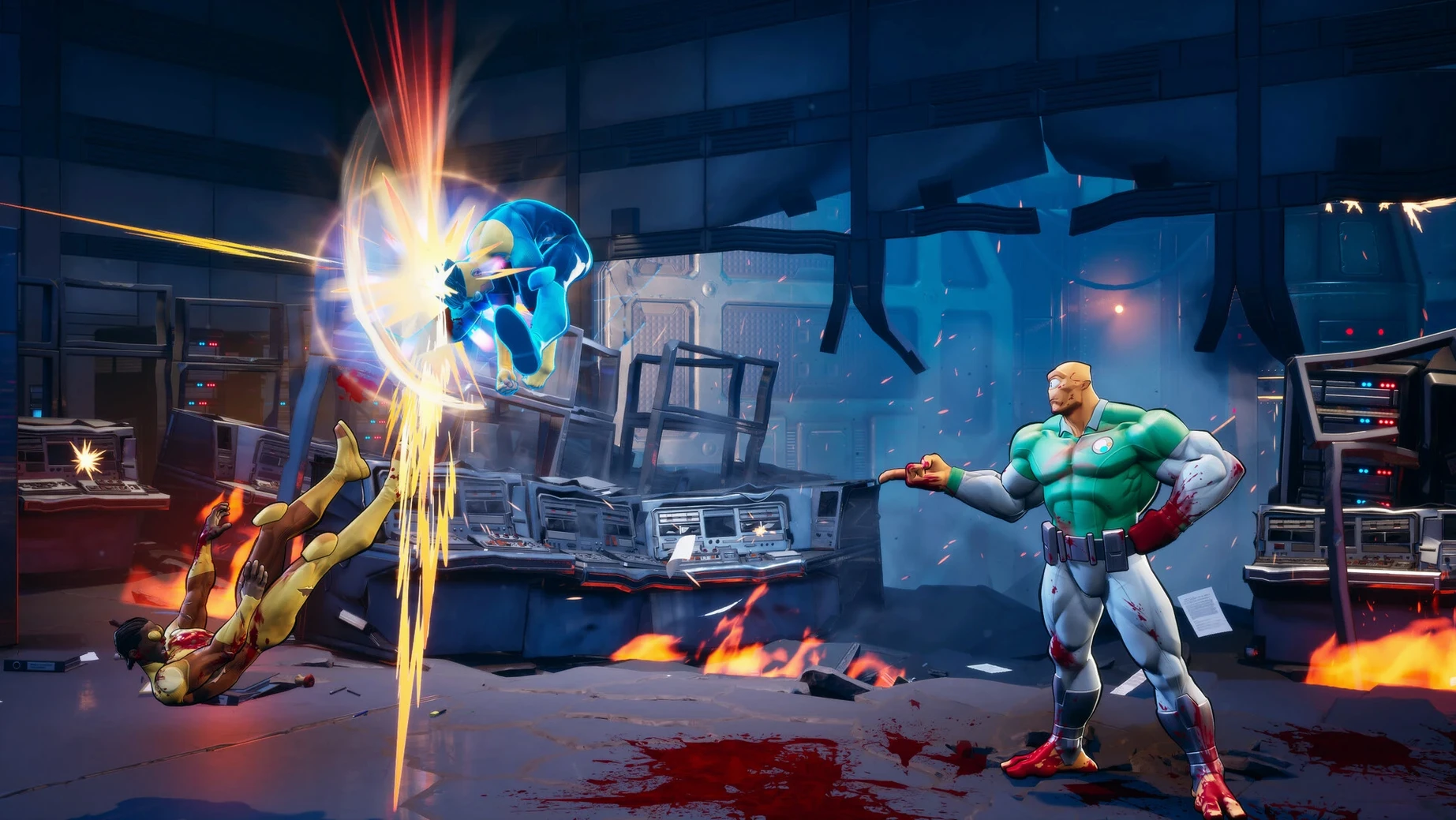
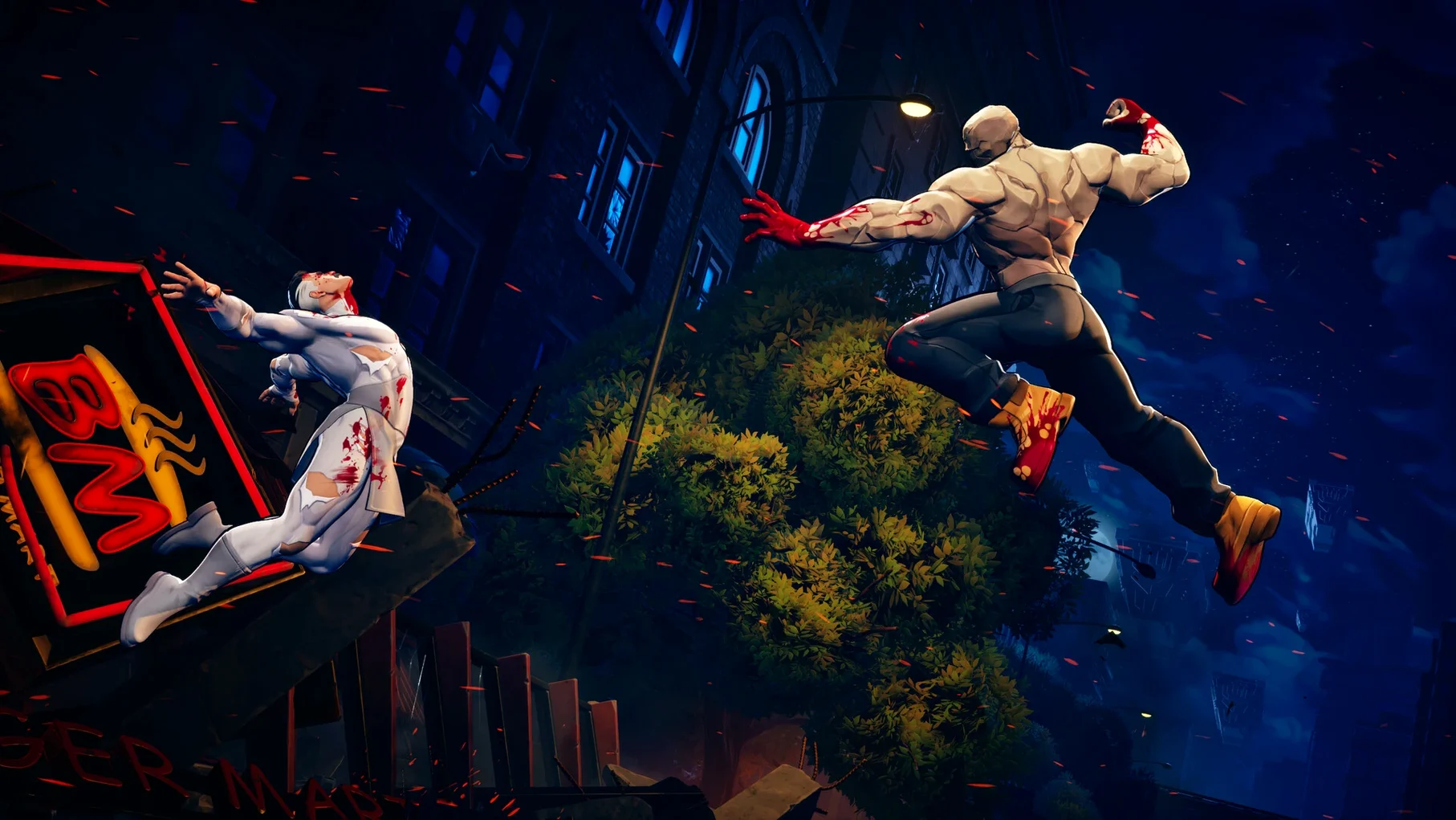
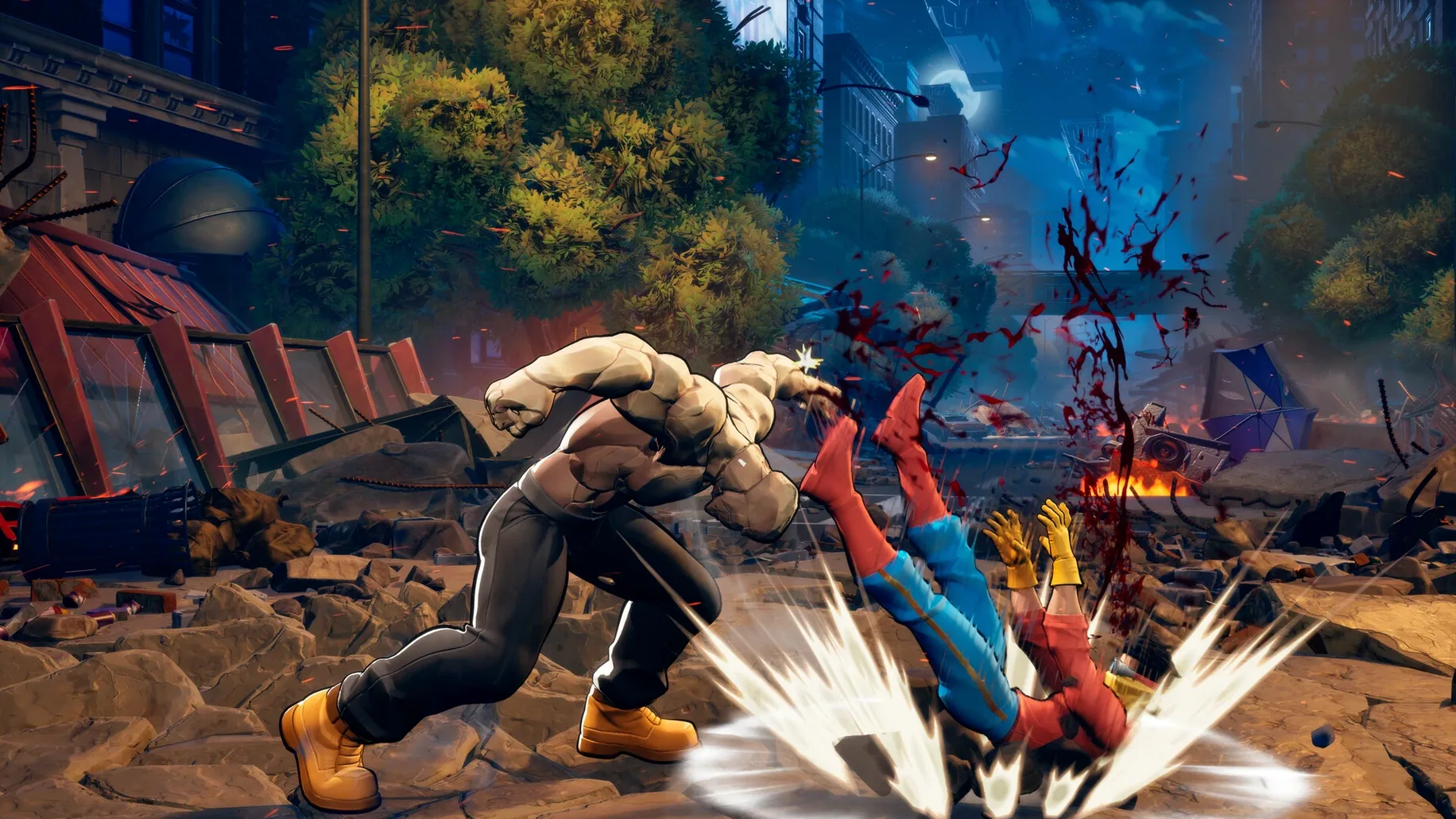
Invincible VS is a 3v3 tag fighter that drops you straight into the messy, bloody world of the Invincible comics.
Tag in mid-combo
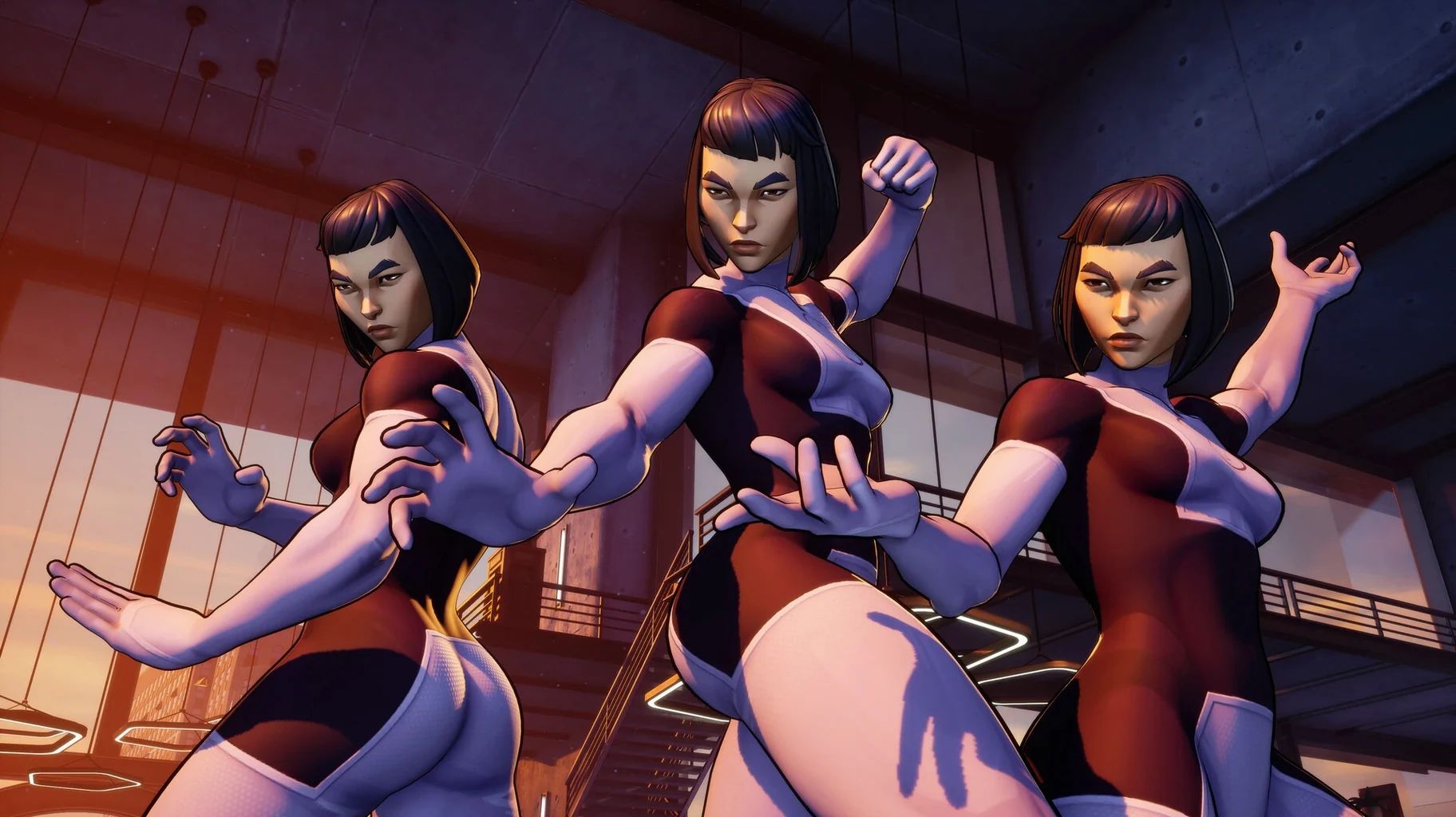
You pick a team of three and switch between them while a combo is still playing out. It keeps the pressure on and lets you chain moves that would be impossible solo.
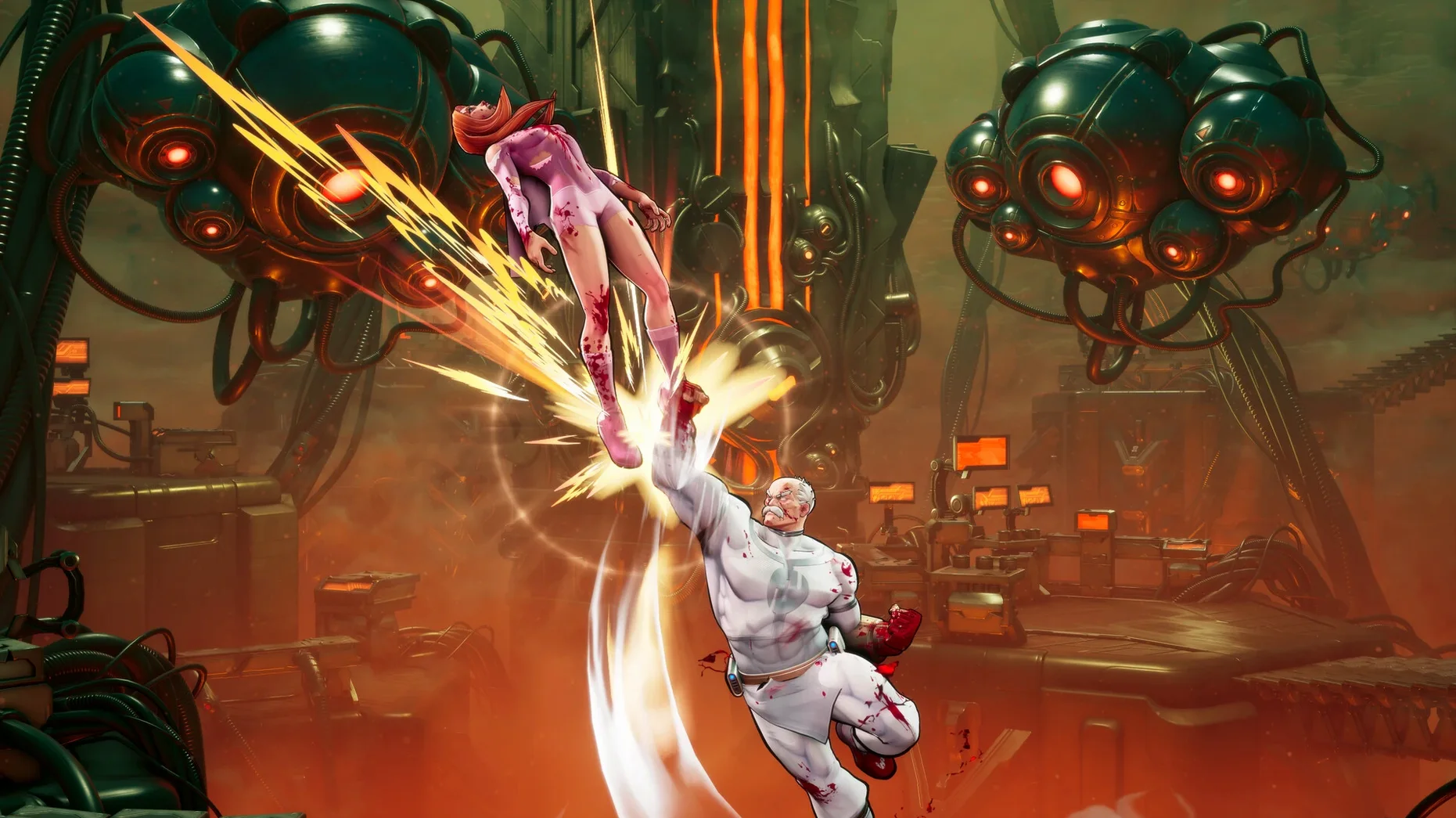
Finish with a cinematic
Every match builds towards a finisher. Land it and you get a short, blood-filled animation that feels ripped from the page — no punches pulled.
Work through the story
Build 22844 cuts character-select hang to under fifteen seconds
Build 22844029 tightened the Wineskin wrapper considerably. Loading times shortened — on Apple Silicon the character select screen now appears in under fifteen seconds where the previous build could hang for half a minute. The audio crackle that plagued Atom Eve's energy effects during local play has been fixed. No new characters or balance tweaks came with this revision; the developer focused purely on stability for the macOS port.
In everyday terms that means fewer restarts, cleaner sound, and a smoother launch on current hardware.
Black screen fix and controller reset steps
Three problems crop up often enough to mention.
- Black screen on launch — Almost always fixed by running the
Fixfile still sitting on the disk image. It resets the Wineskin prefix without touching your saves. - Controller not recognised — The game expects controllers to be paired before you open the app. If a pad drops mid-match, disconnect and reconnect it, then restart the game. Fight sticks tend to work more reliably than Bluetooth pads on this build.
- Save files gone missing — They live inside
SharedSupport/prefix/AppData/Local/TagFighter/Saved/SaveGames. If you move the app bundle after installing, the save path breaks. Keep the app where you dragged it.
Before you download
People usually ask a handful of things before they commit to a download. Here are the answers in plain prose.
Does this run on Intel Macs? It does not. The wrapper is built for Apple Silicon and there is no fallback. If you're on an Intel machine you will get a hard crash at launch, no workaround.
Can I play online? Only local play is supported on this port — two players on one screen. The Windows version's online matchmaking did not carry over. If you want to fight a friend you will need them in the room with a second controller.
Does the story mode spoil the comics or the show? The story is original, not an adaptation. It assumes you know the characters but it does not retread plotlines from the animated series. You can play it without worrying about spoilers for either medium.
If you just want a solid tag fighter that works on Apple Silicon and feels right in the Invincible universe, this build does the job. It is the same game as the Windows release, wrapped cleanly enough that you stop thinking about the wrapper after the first launch.
An original story mode gives you a reason to fight beyond bragging rights. It's short, direct, and doesn't pad itself with busywork.
Requirements
- Apple Silicon Mac
Comments 0
Sign in or create an account to leave a comment.
No comments yet…
If you’ve installed it, say how it went. Mention your Mac and macOS version — it helps the next person more than you’d think.
More in Games
All in Games-
 Into the Dead: Our Darkest Days
0.17.1
Apple Silicon
Into the Dead: Our Darkest Days
0.17.1
Apple Silicon
-
 inZOI
0.10.4
Apple Silicon
inZOI
0.10.4
Apple Silicon
-
 Hytale
2026.01.24-6E2D4FC36
Apple Silicon
Hytale
2026.01.24-6E2D4FC36
Apple Silicon
-
 House Flipper
1.26252
Apple Silicon
House Flipper
1.26252
Apple Silicon
-
 House Flipper 2
1.12.4.0 Wine
Apple Silicon
House Flipper 2
1.12.4.0 Wine
Apple Silicon
-
 Keep Driving
1.3.1.1d
Apple Silicon
Keep Driving
1.3.1.1d
Apple Silicon
-
 Hollow Knight
1.5.12620
Apple Silicon
Hollow Knight
1.5.12620
Apple Silicon
-
 Hollow Knight: Silksong
1.0.30000
Apple Silicon
Hollow Knight: Silksong
1.0.30000
Apple Silicon