
Hytale for macOS
Description
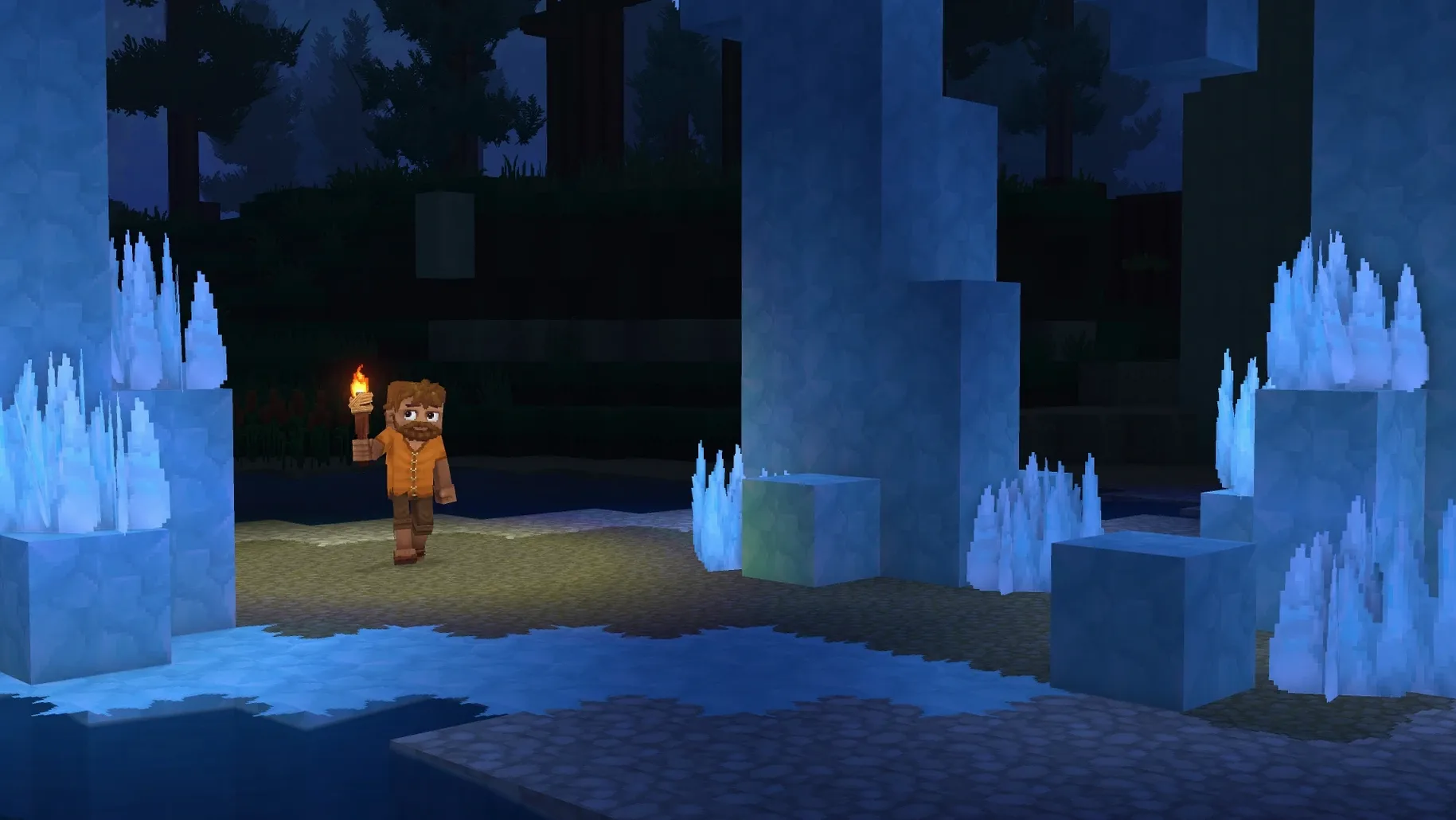
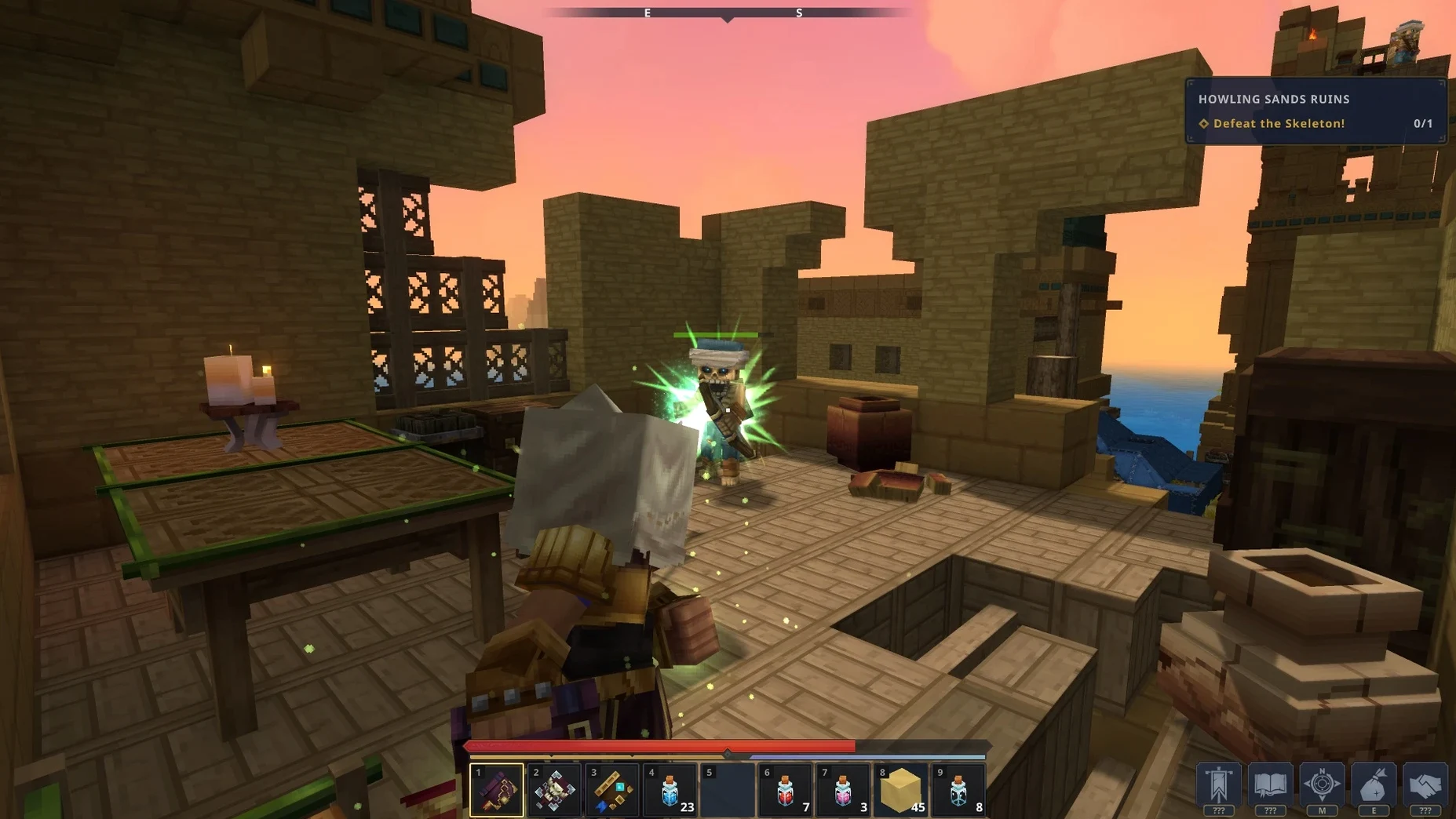
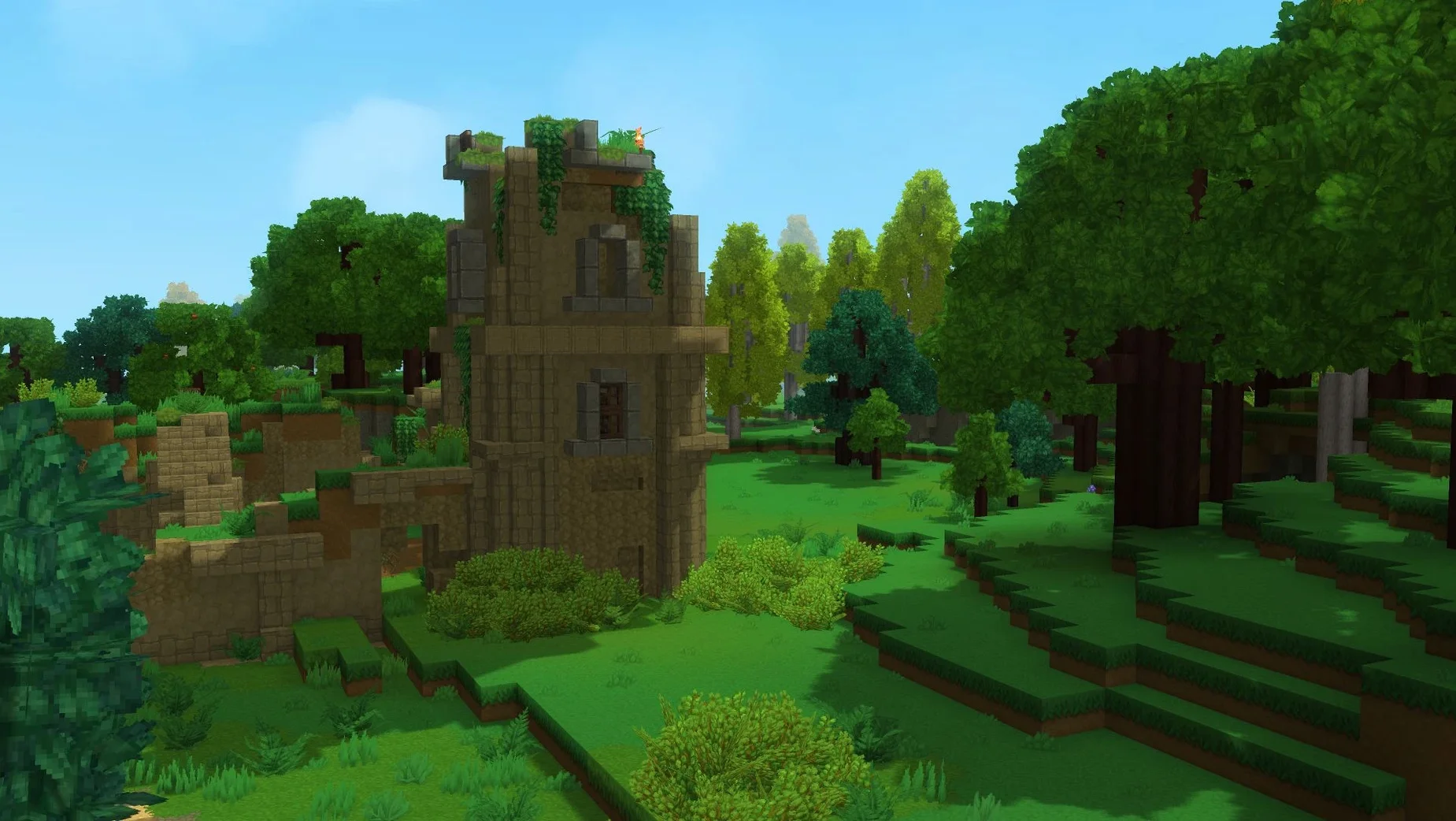
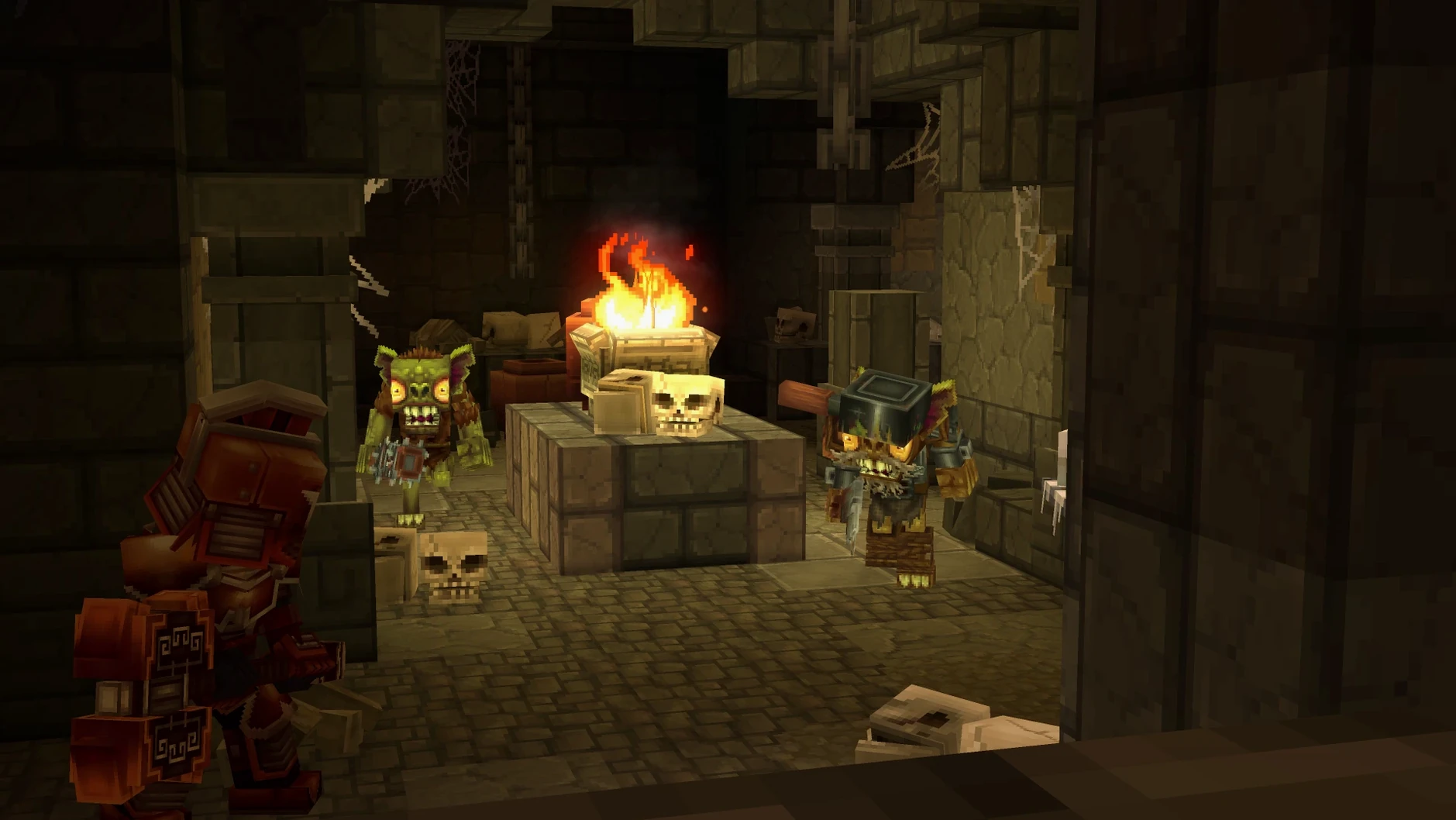
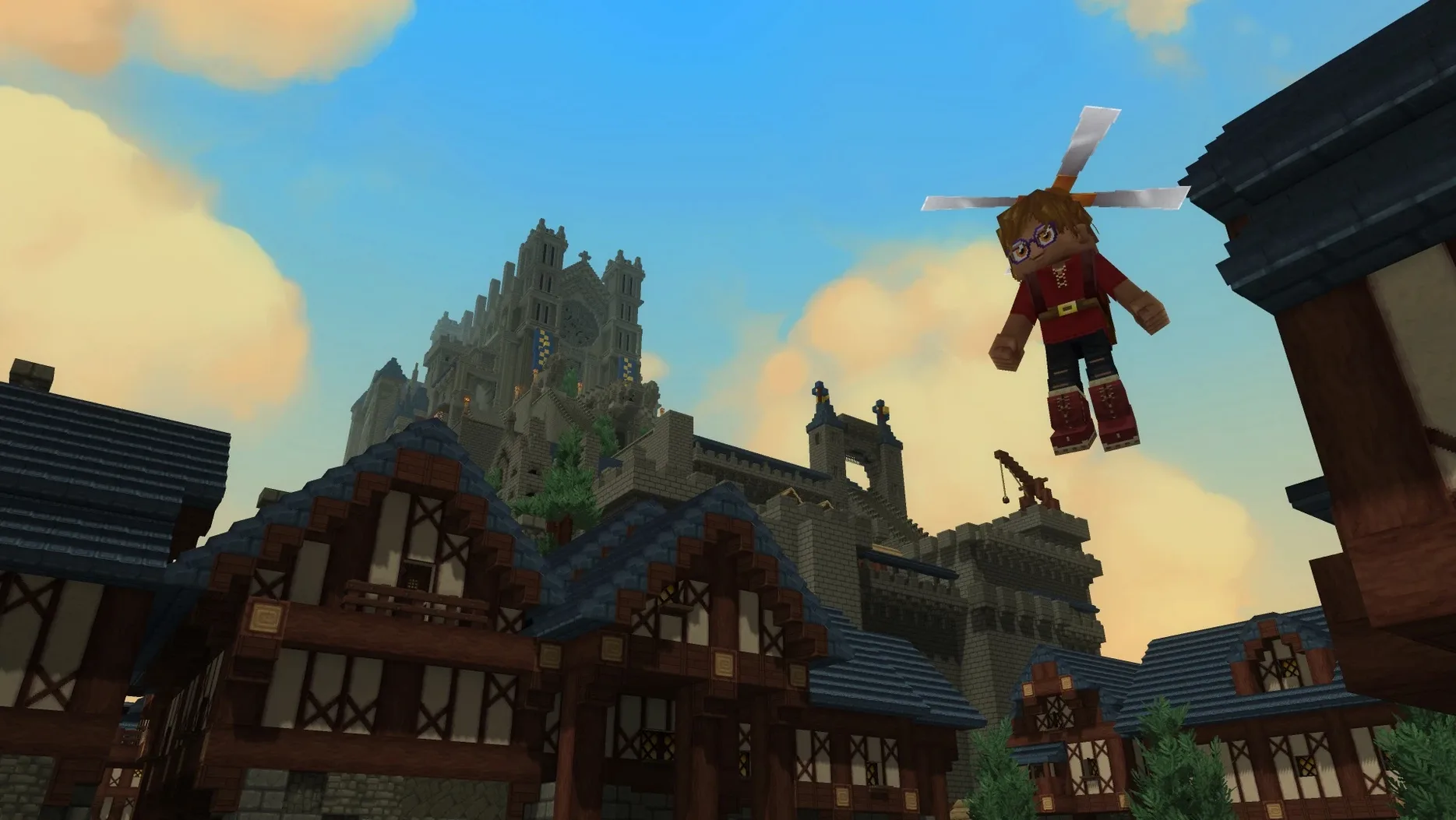
The block grid snaps into place with a familiar click, but it's the combat system that catches you off-guard. A skeleton archer flanks while you're still laying the last roof tile. Hytale doesn't wait for you to switch modes — danger walks right into the building site.
Who it clicks with
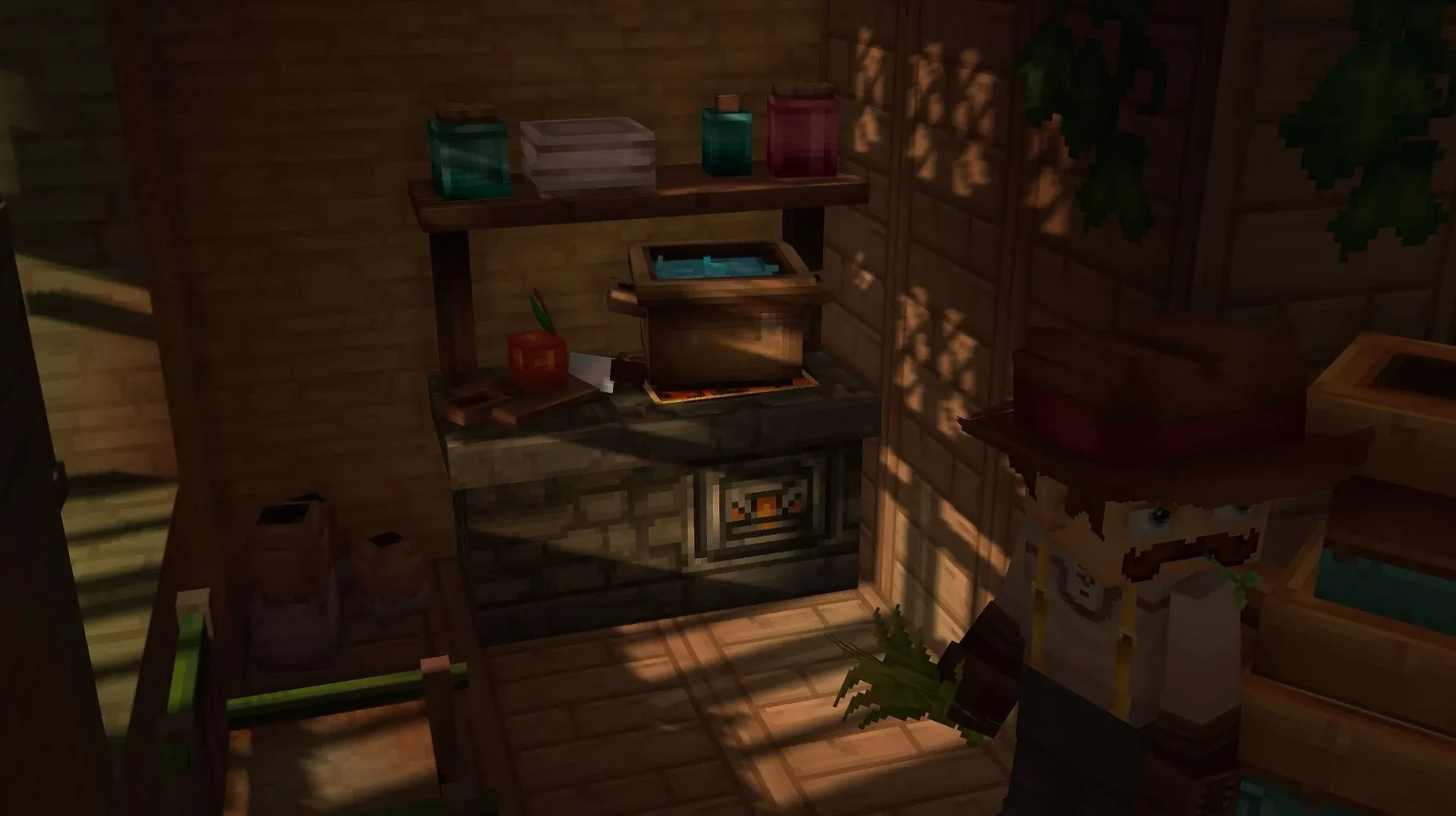
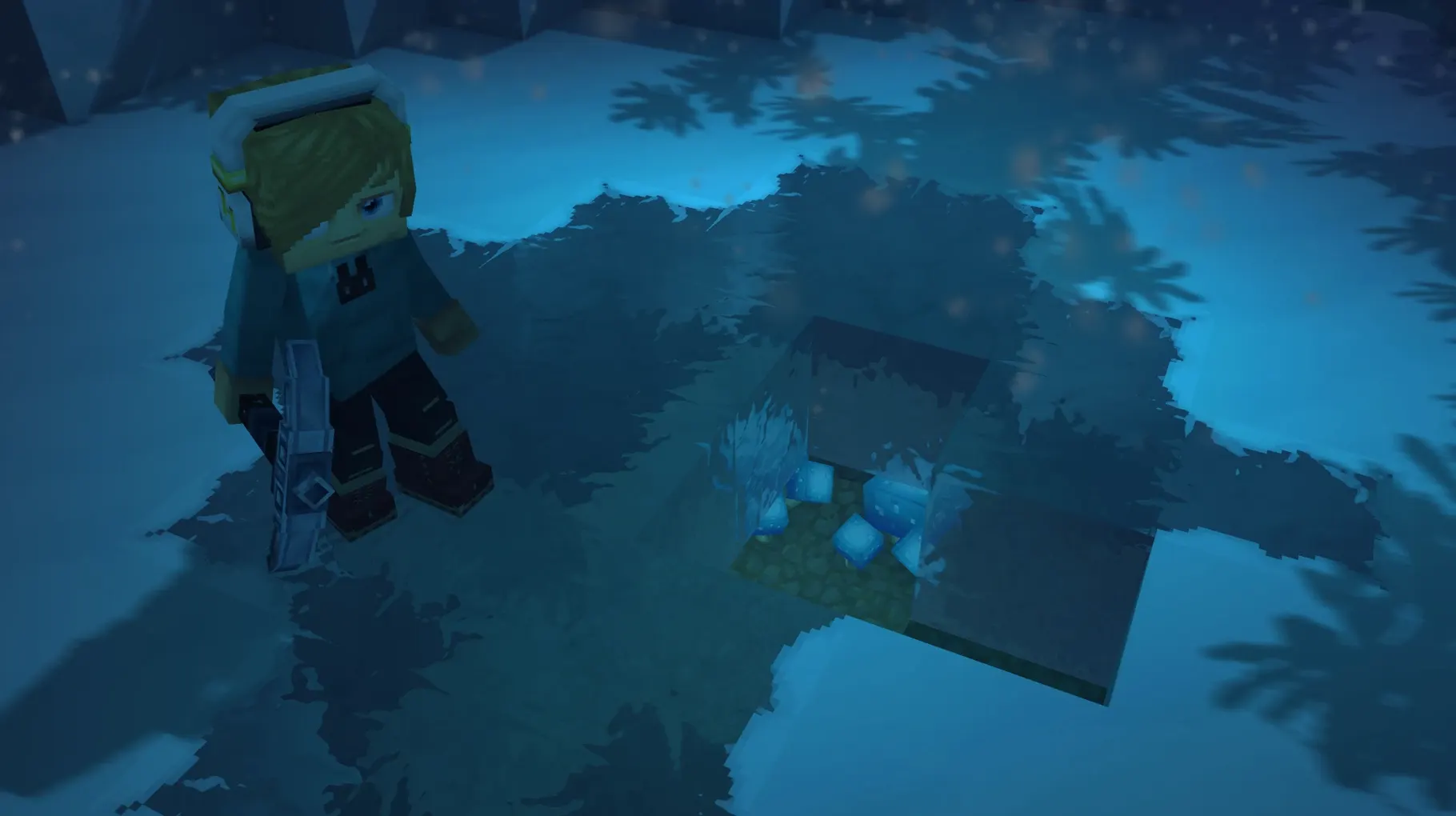
- Players who want a single world where building a town and fighting through a dungeon feel like the same game. Creative Mode gives you unlimited blocks and a blank canvas; Exploration Mode layers on RPG progression, generated biomes, and enemies that force you to think past your hotbar.
- Multiplayer groups who already run community servers. Every mode works online. If you have a few friends who build in the morning and go raiding at night, the rhythm here makes sense.
- Modding-curious players. The Early Access build already has modding support wired in, so the toolkit is there from day one.
Who might bounce off
This is an Early Access build — the 13 January 2026 release notes are upfront about it being incomplete. Core systems like combat, crafting, and camera were fixed in this version, which tells you things were rough before. If you want a finished, polished sandbox today, this isn't that. It's also Apple Silicon only, so anyone on an older Intel Mac is out of luck.
Where it sits among similar games
A few Mac sandbox games try to do what Hytale does, but each pulls in a different direction.
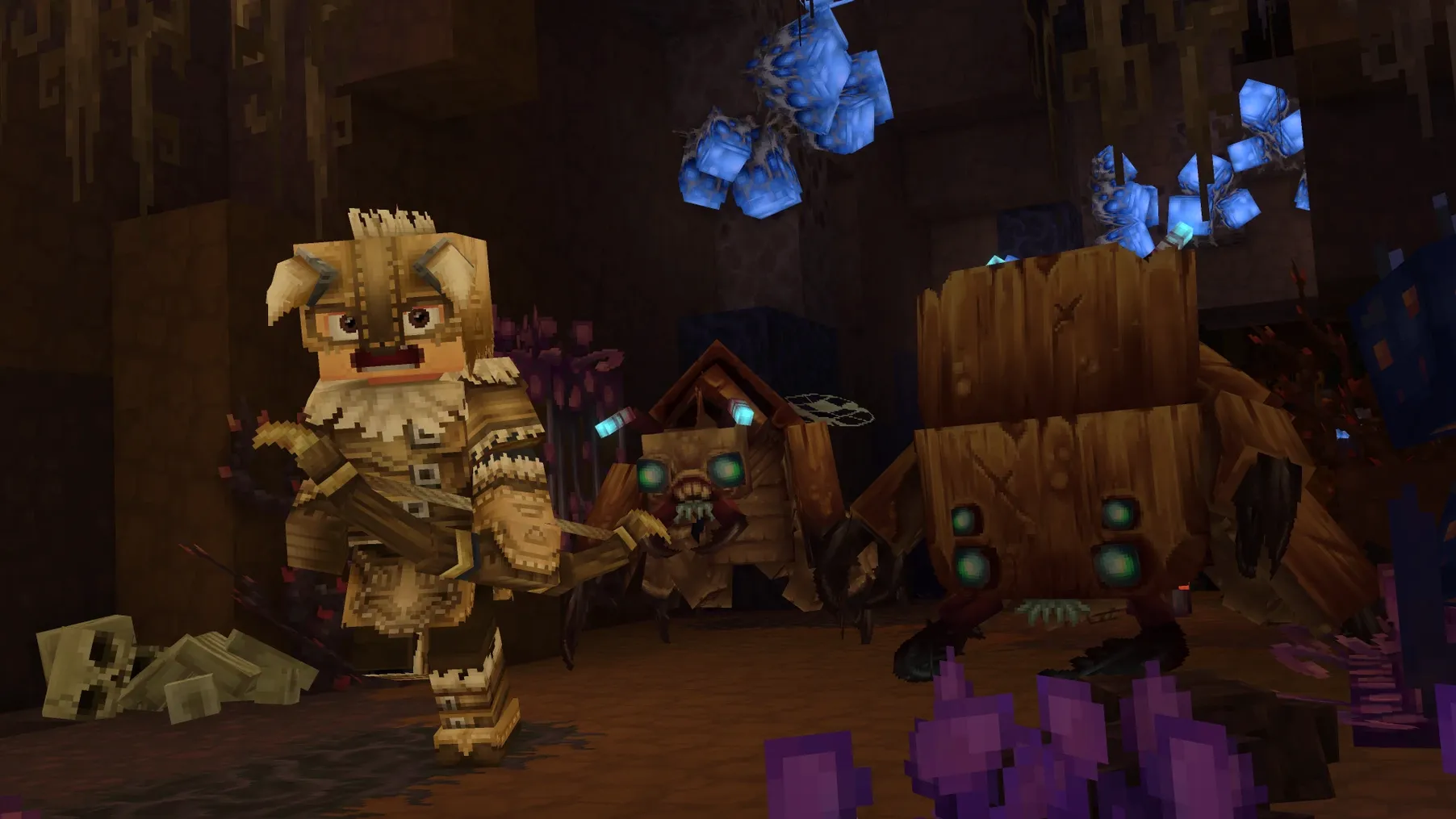
Minecraft — the obvious comparison. Minecraft's block-by-block building is nearly identical, and the survival loop will feel familiar. But Minecraft splits its creative and survival modes into separate saves, while Hytale keeps the same world running across modes. The RPG layer here is thicker: dungeons, generated ruins, and creatures with more tactical behaviour. Minecraft has a decade of polish; Hytale has a combat system that makes you sidestep mid-fight.
Terraria — 2D, not 3D, but the progression itch is the same. Terraria's boss ladder and loot depth run deeper than Hytale's current Early Access state. What Hytale gives you that Terraria can't is three-dimensional building and a first-person camera you can aim while an archer flanks you.
Blockbench — not a game, but relevant if you are modding. Blockbench is a 3D model editor for block games, and some of the modelling habits carry across. The difference: Hytale ships its own modding toolkit inside the client, so you stay in one place.
Three things beginners get wrong
- Ignoring the Fix file. When the game throws an error on first launch, people restart their Mac or re-download the disk image instead of running the Fix script sitting right there. It takes ten seconds.
- Running from the disk image. Dragging the app to Applications is not optional. Launching straight from the mounted image works once, then fails silently next time. If someone sends you a Hytale torrent Mac link with no install instructions, you'll want to move it over manually to avoid that.
- Treating combat like an afterthought. New players walk into a generated ruin with a full inventory of building blocks and zero weapon reach. The game does not pause while you craft a sword. Always check your hotbar before entering a structure.
What’s new
Adds Exploration Mode and Creative Mode with full multiplayer and modding support. Fixes core systems: camera, movement, combat, crafting, building, audio, and rendering.
Requirements
- macOS Tahoe or later
- Apple Silicon Mac (tested on Mac mini 2024 M4)
- Interface languages: Russian, English
FAQ
Does Hytale run on Intel Macs?
No. The current build is ARM architecture and requires an Apple Silicon Mac running macOS Tahoe or later.
Comments 0
Sign in or create an account to leave a comment.
No comments yet…
If you’ve installed it, say how it went. Mention your Mac and macOS version — it helps the next person more than you’d think.
More in Games
All in Games-
 House Flipper
1.26252
Apple Silicon
House Flipper
1.26252
Apple Silicon
-
 House Flipper 2
1.12.4.0 Wine
Apple Silicon
House Flipper 2
1.12.4.0 Wine
Apple Silicon
-
 Hollow Knight
1.5.12620
Apple Silicon
Hollow Knight
1.5.12620
Apple Silicon
-
 Hollow Knight: Silksong
1.0.30000
Apple Silicon
Hollow Knight: Silksong
1.0.30000
Apple Silicon
-
 HITMAN
1.13.2
Apple Silicon
HITMAN
1.13.2
Apple Silicon
-
 Into the Dead: Our Darkest Days
0.17.1
Apple Silicon
Into the Dead: Our Darkest Days
0.17.1
Apple Silicon
-
 HITMAN World of Assassination
3.280.0
Apple Silicon
HITMAN World of Assassination
3.280.0
Apple Silicon
-
 Invincible VS
Build 22844029 Rev 1
Apple Silicon
Invincible VS
Build 22844029 Rev 1
Apple Silicon