
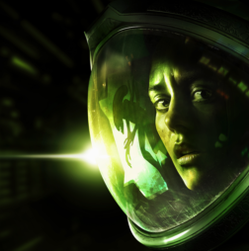
Alien: Isolation for macOS
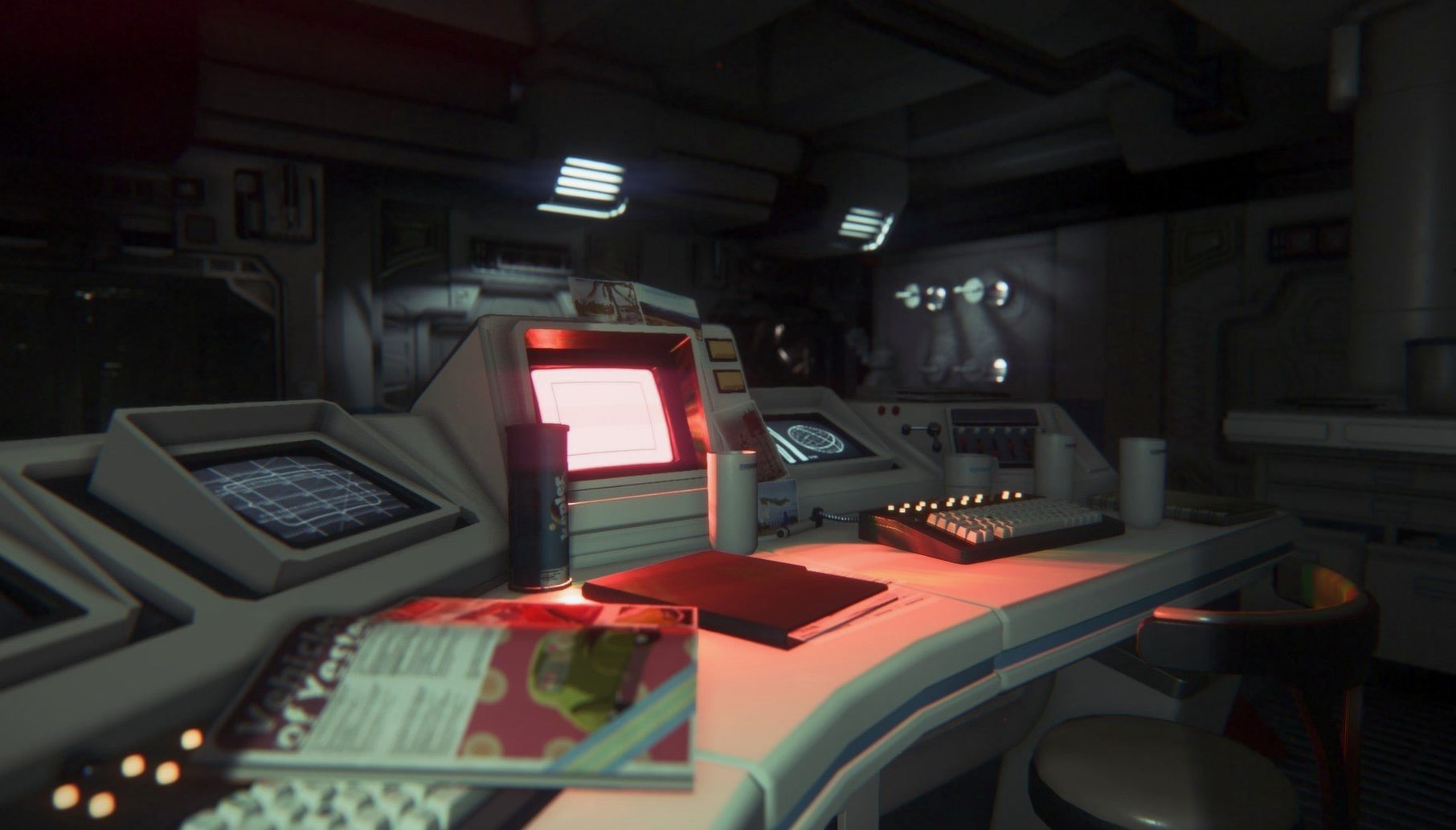
Description
What's new
Version 1.0.1 fix. No patch notes were published, so this is likely a small stability or rendering fix for the Mac port.
Intel Macs only, no Apple Silicon support
- Check your hardware. You need an Intel Mac with 4 GB RAM and 35 GB of free space. The game runs on macOS 10.10.4 and later. There is no native Apple Silicon support, so M1 and M2 Macs run it through Rosetta 2.
- Expect a controller to feel better. The game was built around a gamepad, and the tension works best when you are not fighting a keyboard and mouse. A DualShock or Xbox pad connects without fuss on recent macOS versions.
- Lock your framerate. Do not expect high settings on older Intel integrated graphics. Drop the resolution scaling and set shadows to low if the framerate stutters. Even on low, the lighting holds up.
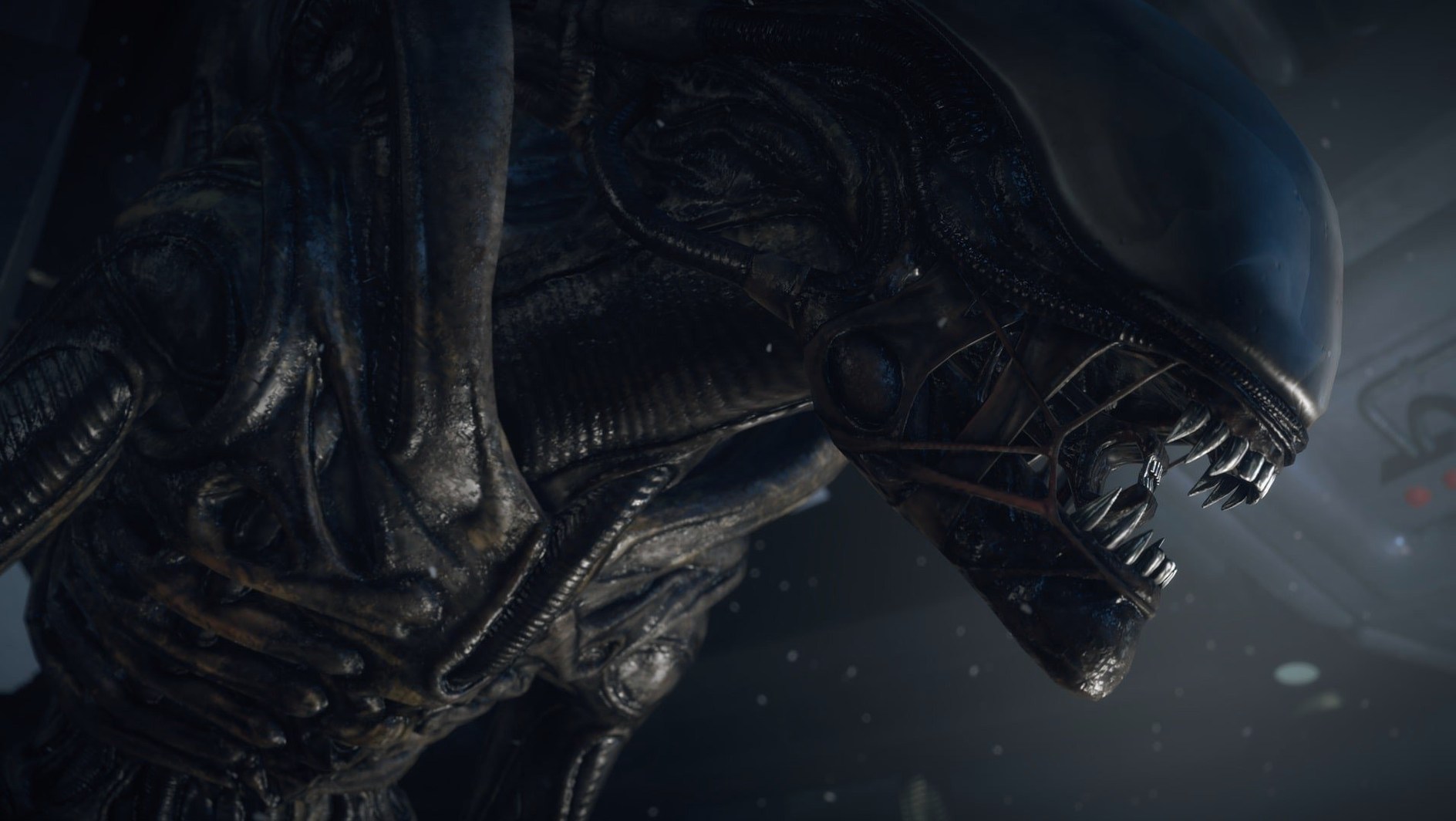
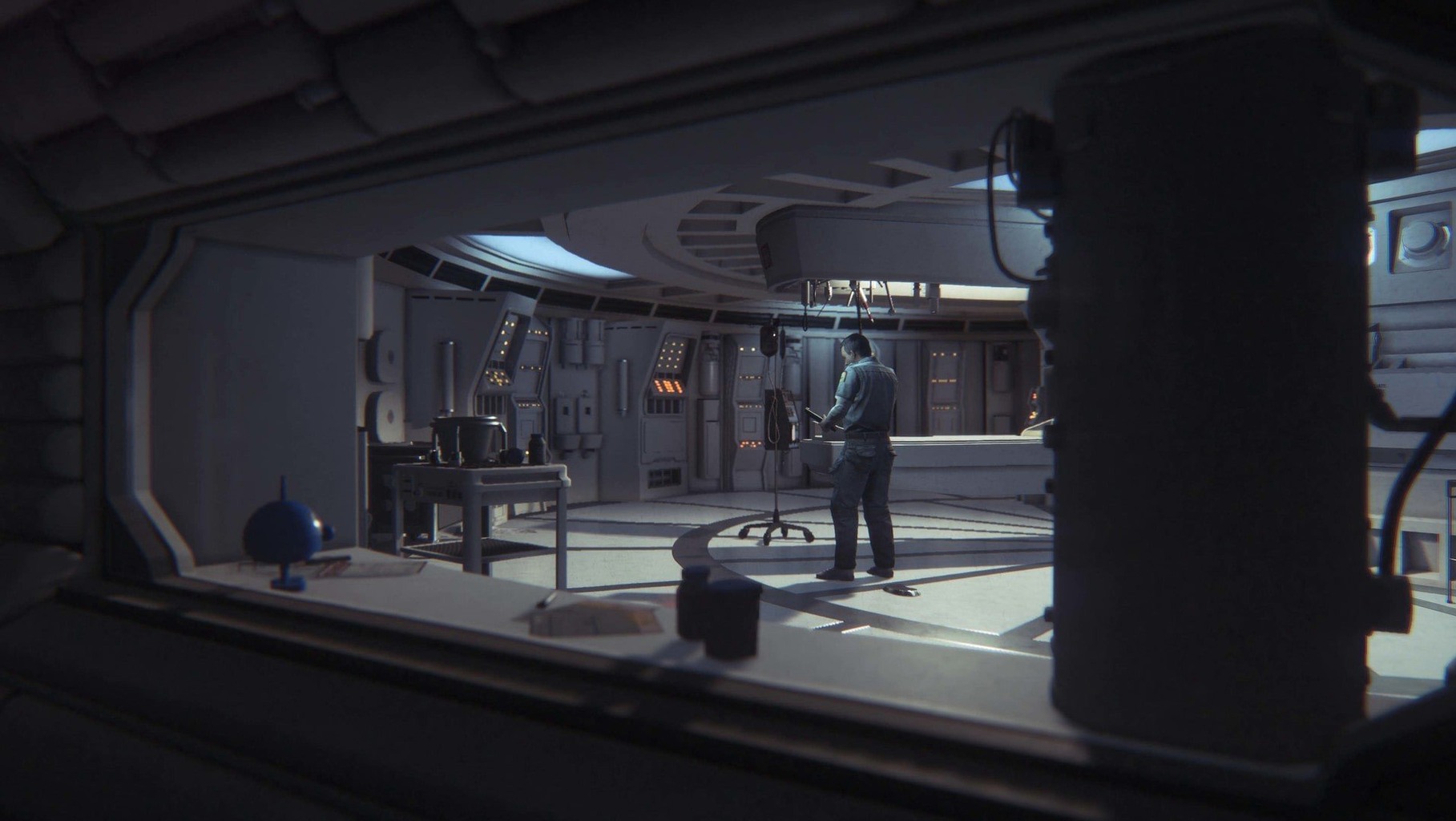
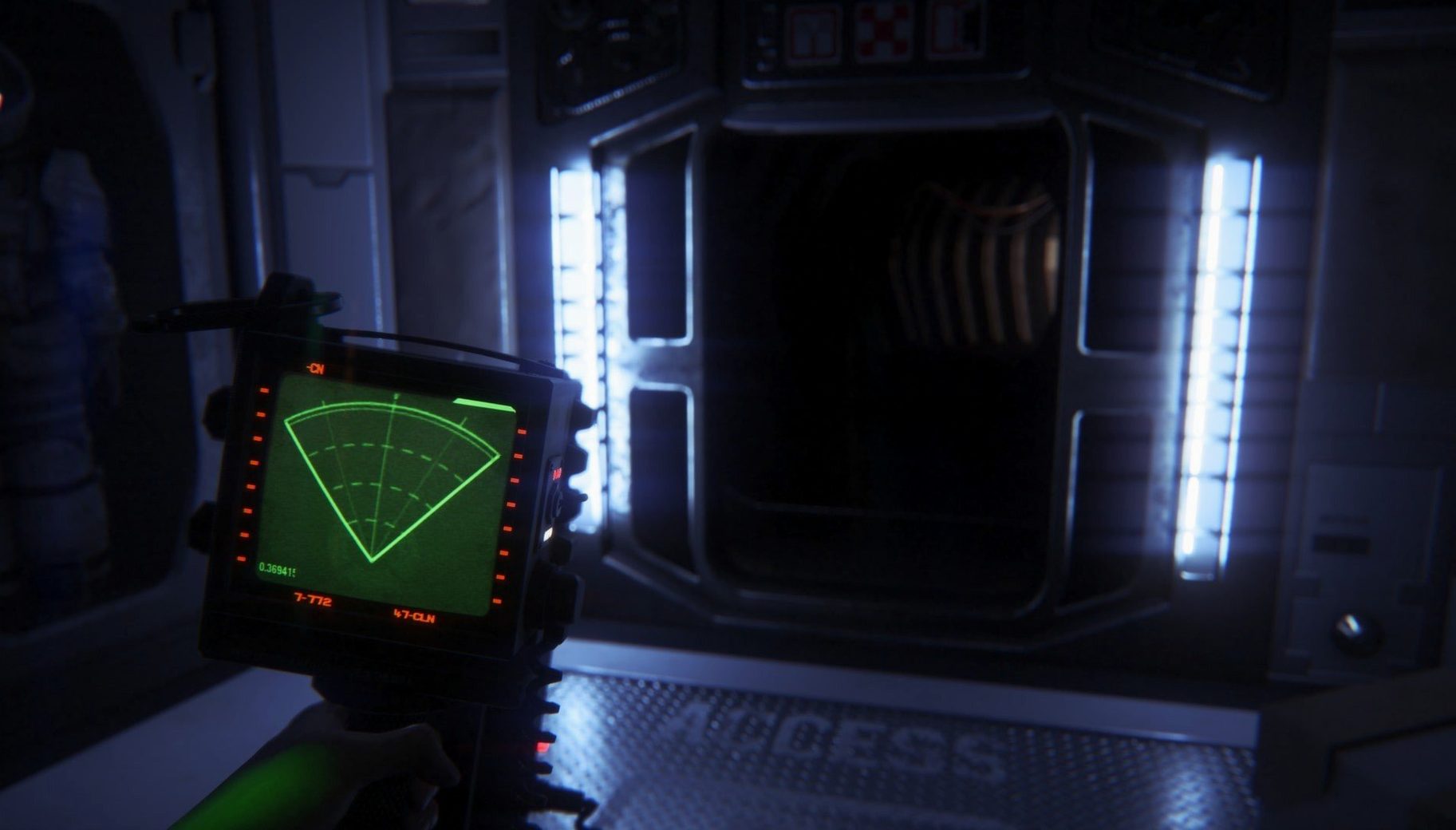
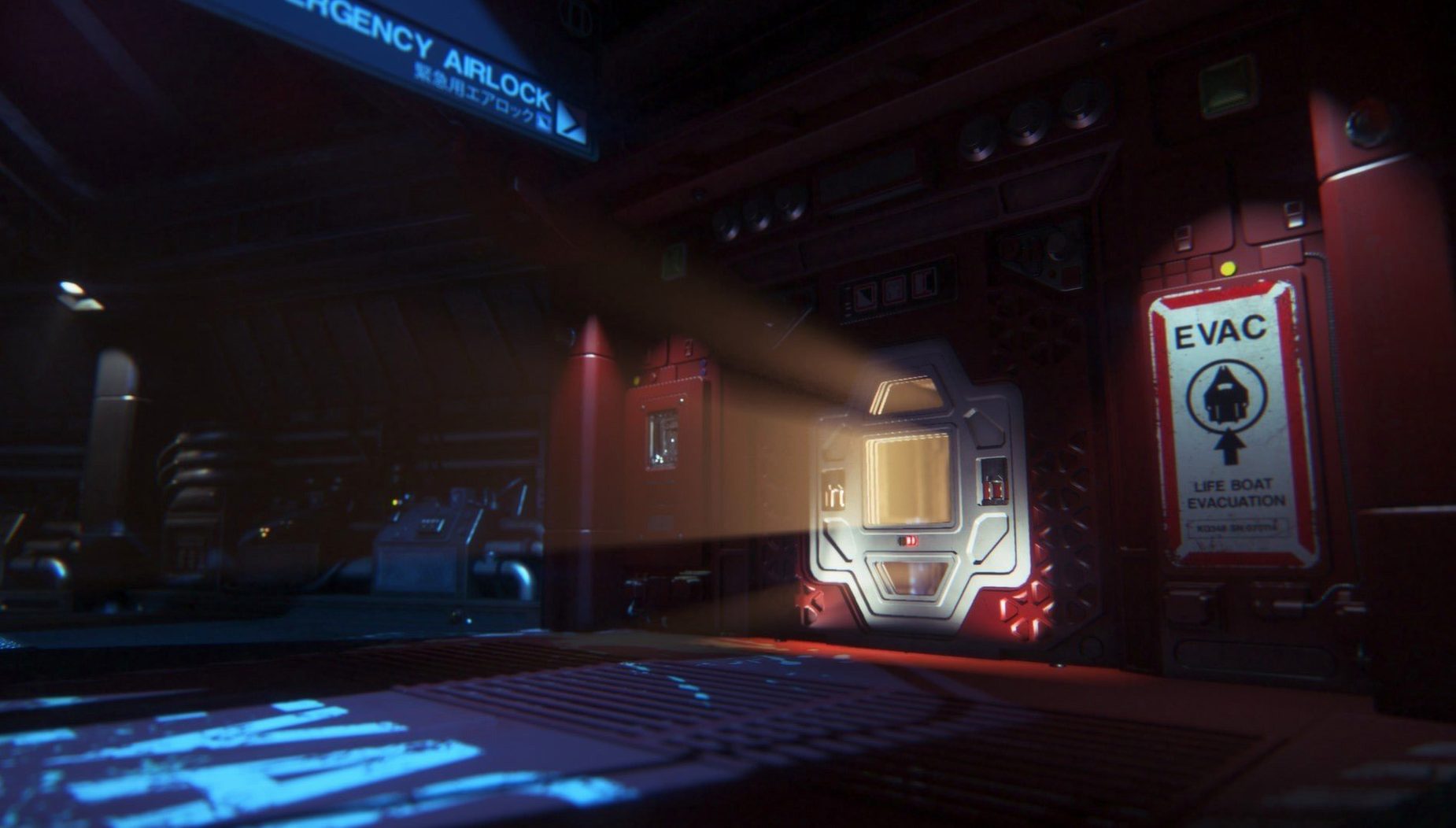
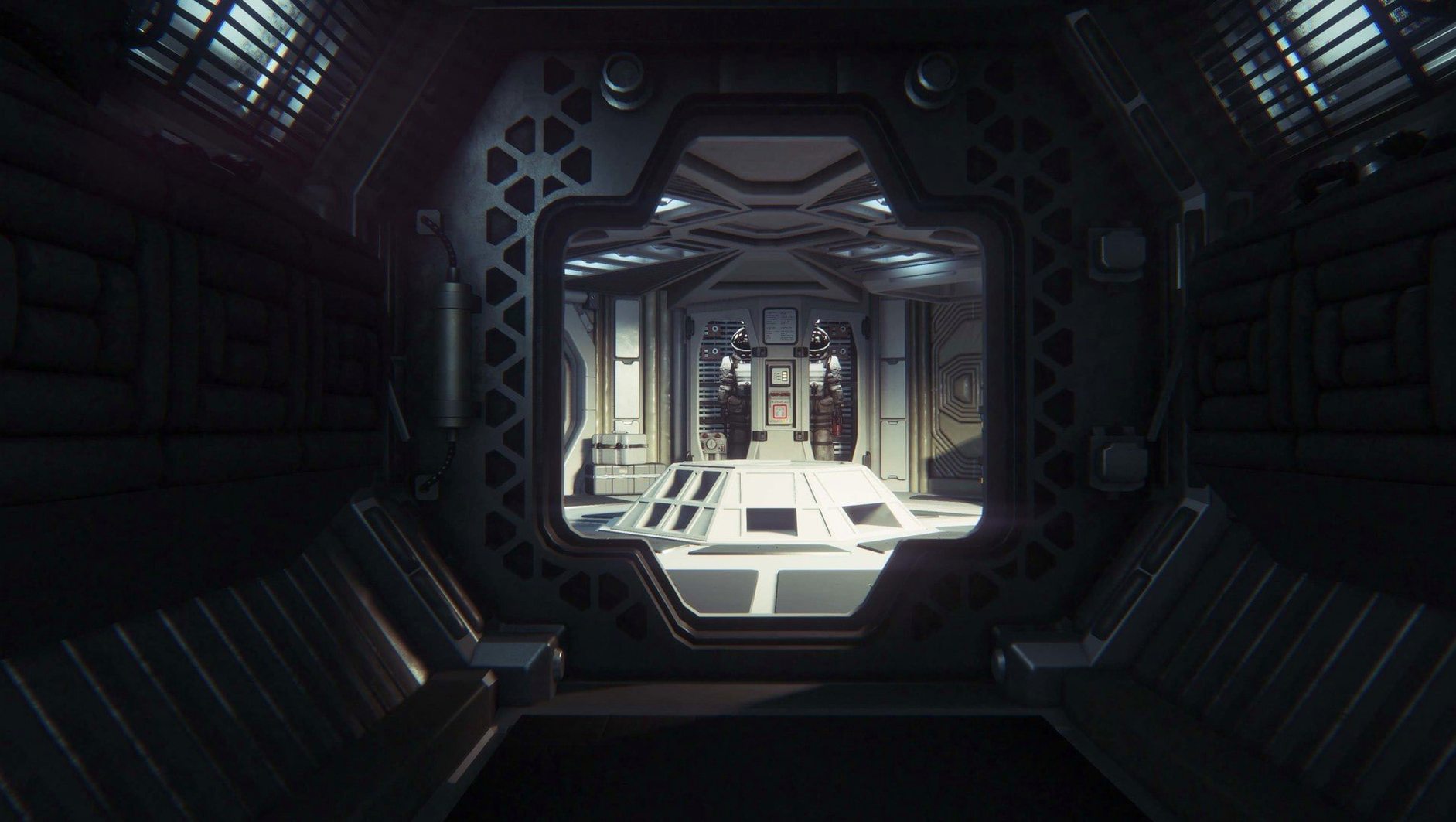
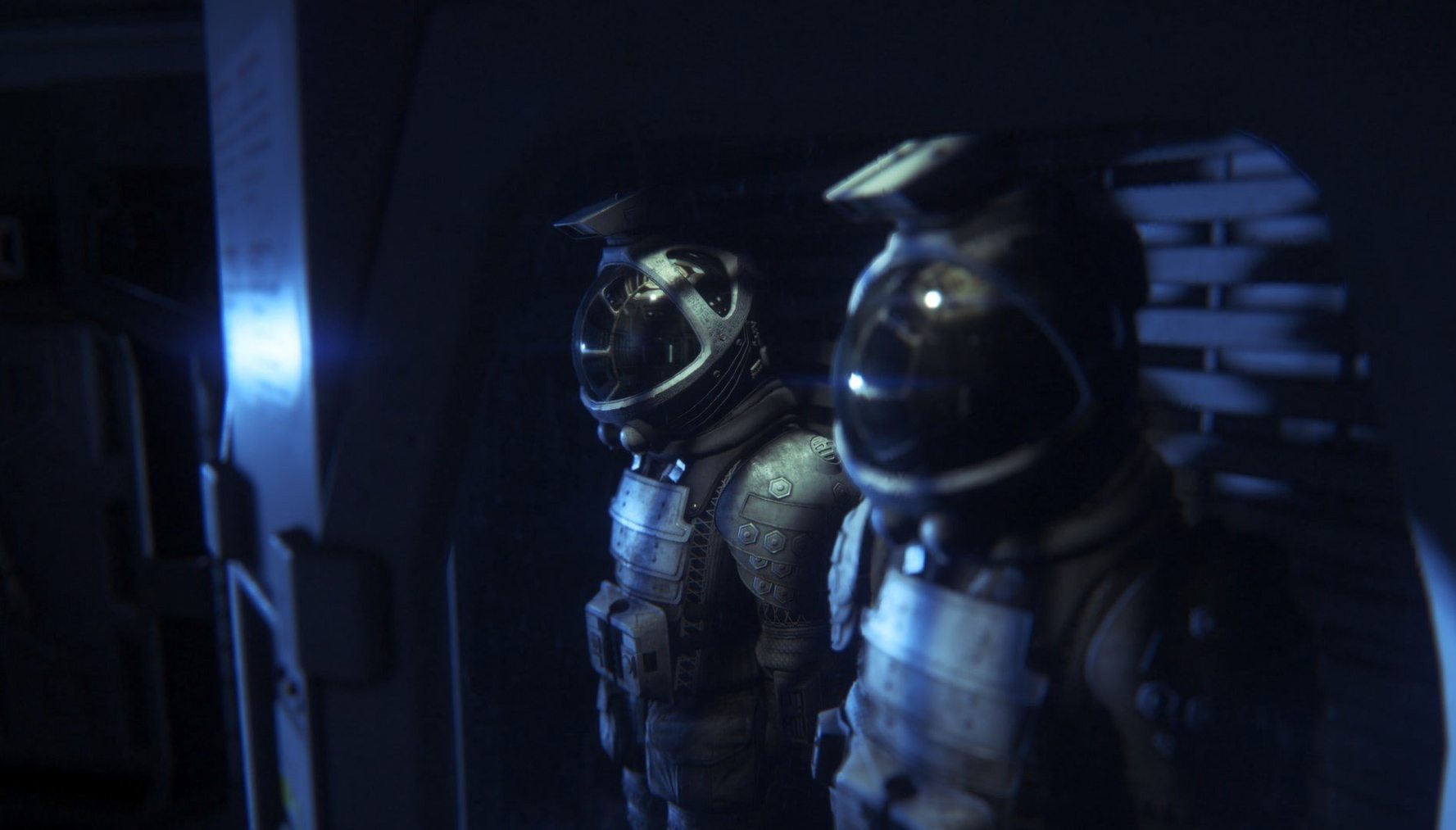
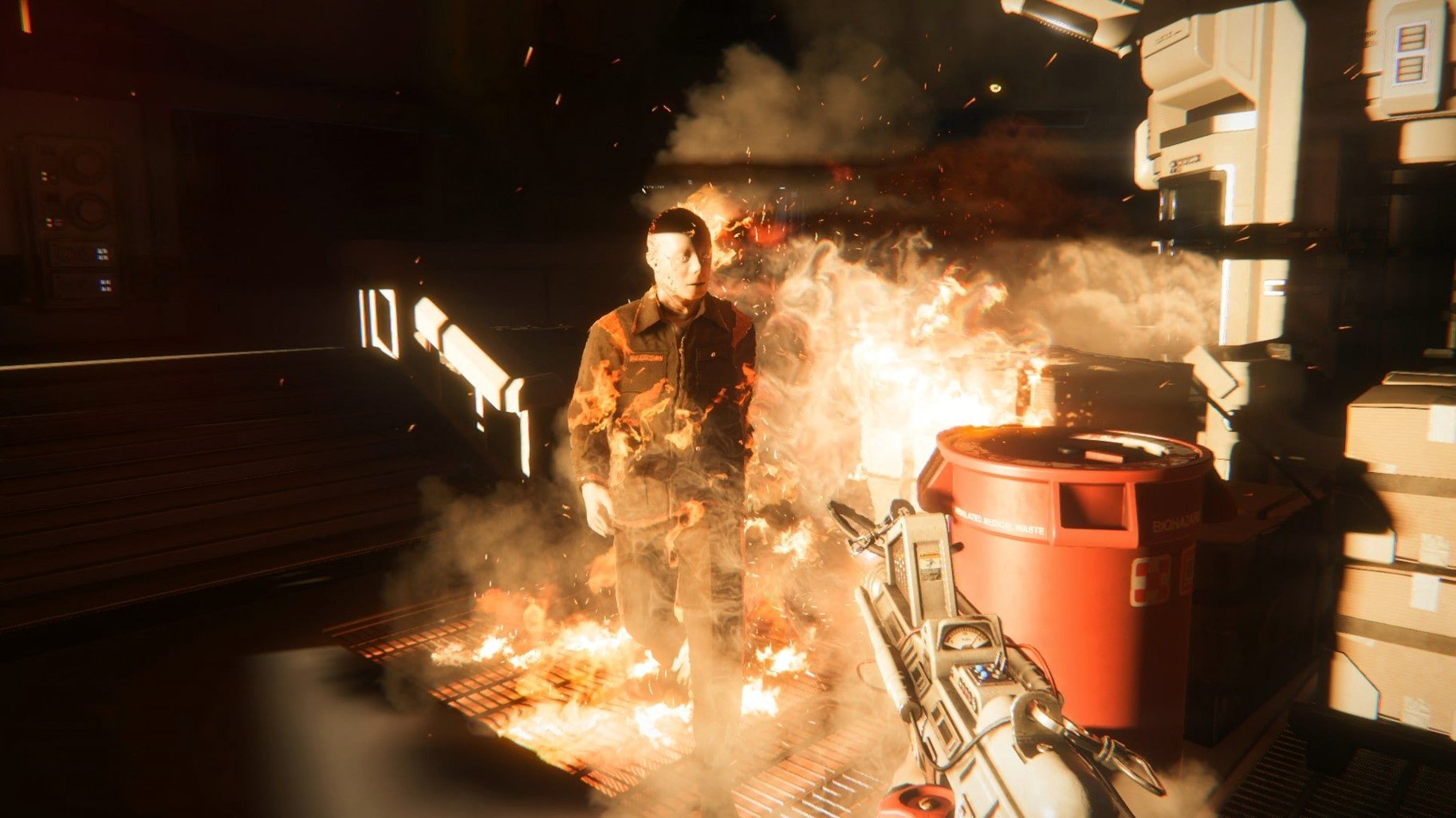
Feral Interactive handled the Mac port, and it is a solid one. The station feels cold, the motion tracker crackles, and the Xenomorph's AI still makes it unpredictable. Hostile survivors add a second layer of trouble, so walking past them is rarely an option.
Motion tracker versus camcorder horror
Next to Outlast, Alien: Isolation is slower and more methodical. Outlast gives you a camcorder and a sprint button; Alien: Isolation gives you a motion tracker that beeps louder the closer the Xenomorph gets. Both punish you for standing still, but only one makes hiding under a desk feel like a strategy.
Against Amnesia: The Dark Descent, the difference is clear. Amnesia leans on sanity mechanics and puzzle rooms. Alien: Isolation leans on persistence — the Xenomorph learns your hiding spots and starts checking lockers if you use them too often. That is what keeps alien isolation mac runs tense on a second playthrough.
SOMA sits somewhere between the two. SOMA trades stealth for atmosphere and story. Alien: Isolation asks you to craft noisemakers, manage a flamethrower's fuel, and decide whether that vent is worth the risk. If you want pure narrative, SOMA. If you want to be hunted, this is the one.
Turn off motion blur and dial back film grain
Before you launch, open the graphics menu and make two changes.
- Motion blur: turn it off. The station is already disorienting enough without smearing every turn.
- Film grain: reduce it. The default grain recreates the 1979 film look, but on a laptop screen it just makes distant vents harder to read.
Then check the audio. The dynamic range option matters more than most games. Set it to Headphones if you are playing on a MacBook. The Xenomorph's footsteps in the vents above you will come through far more clearly, and hearing it move is half the game.
If you are on an Apple Silicon Mac, do not expect miracles. alien isolation mac m1 runs through Rosetta 2, so drop volumetric lighting first if the frame rate dips. The game still looks right without it.
Requirements
- macOS 10.10.4 or later
- Intel processor (Apple Silicon Macs run the game via Rosetta 2)
- 4 GB RAM
- 35 GB available disk space
FAQ
Does Alien Isolation run on an M1 or M2 Mac?
Yes, but through Rosetta 2. Feral Interactive released the Mac version as an Intel binary, so Apple Silicon Macs translate the code on first launch.
What languages are included in the Mac version?
The interface supports Russian, English, German, Spanish, Italian, Polish, Portuguese, French and Czech. Voice acting is available in Russian, English, German, Spanish, Italian, Portuguese and French.
Comments 0
Sign in or create an account to leave a comment.
No comments yet…
If you’ve installed it, say how it went. Mention your Mac and macOS version — it helps the next person more than you’d think.
More in Games
All in Games-
 Angry Birds Reloaded
4.2
Apple Silicon
Angry Birds Reloaded
4.2
Apple Silicon
-
 Age of Empires II: Definitive Edition
1.2
Apple Silicon
Age of Empires II: Definitive Edition
1.2
Apple Silicon
-
 Arma 3
2026.09.03
Apple Silicon
Arma 3
2026.09.03
Apple Silicon
-
 Aerofly FS 4 Flight Simulator
4.8.4.1
Apple Silicon
Aerofly FS 4 Flight Simulator
4.8.4.1
Apple Silicon
-
 Assassin's Creed Shadows
1.0.35
Apple Silicon
Assassin's Creed Shadows
1.0.35
Apple Silicon
-
 Assassin’s Creed Brotherhood
1.03
Apple Silicon
Assassin’s Creed Brotherhood
1.03
Apple Silicon
-
 Batman: Arkham City - Game of the Year Edition
1.2.1
Batman: Arkham City - Game of the Year Edition
1.2.1
-
 7 Days To Die
3.2.0.B10
Apple Silicon
7 Days To Die
3.2.0.B10
Apple Silicon