
Angry Birds Reloaded for macOS
Description
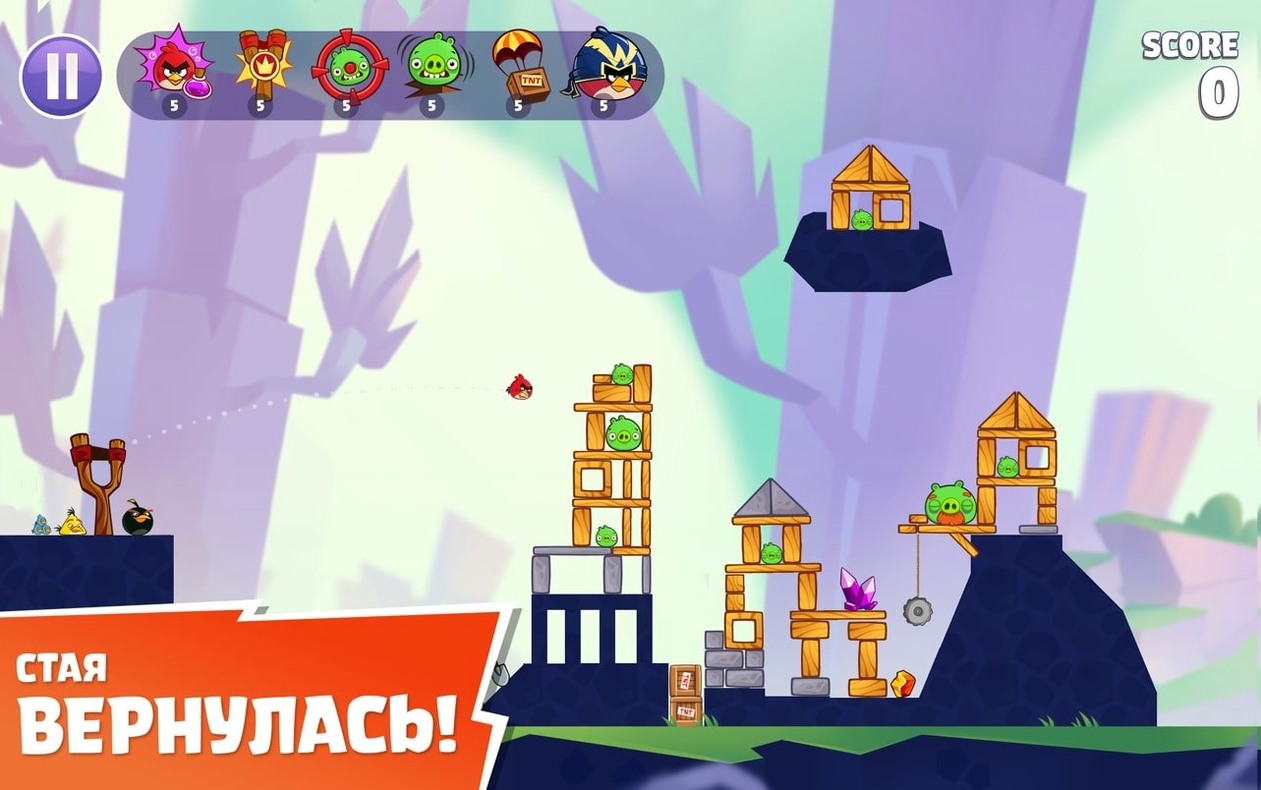
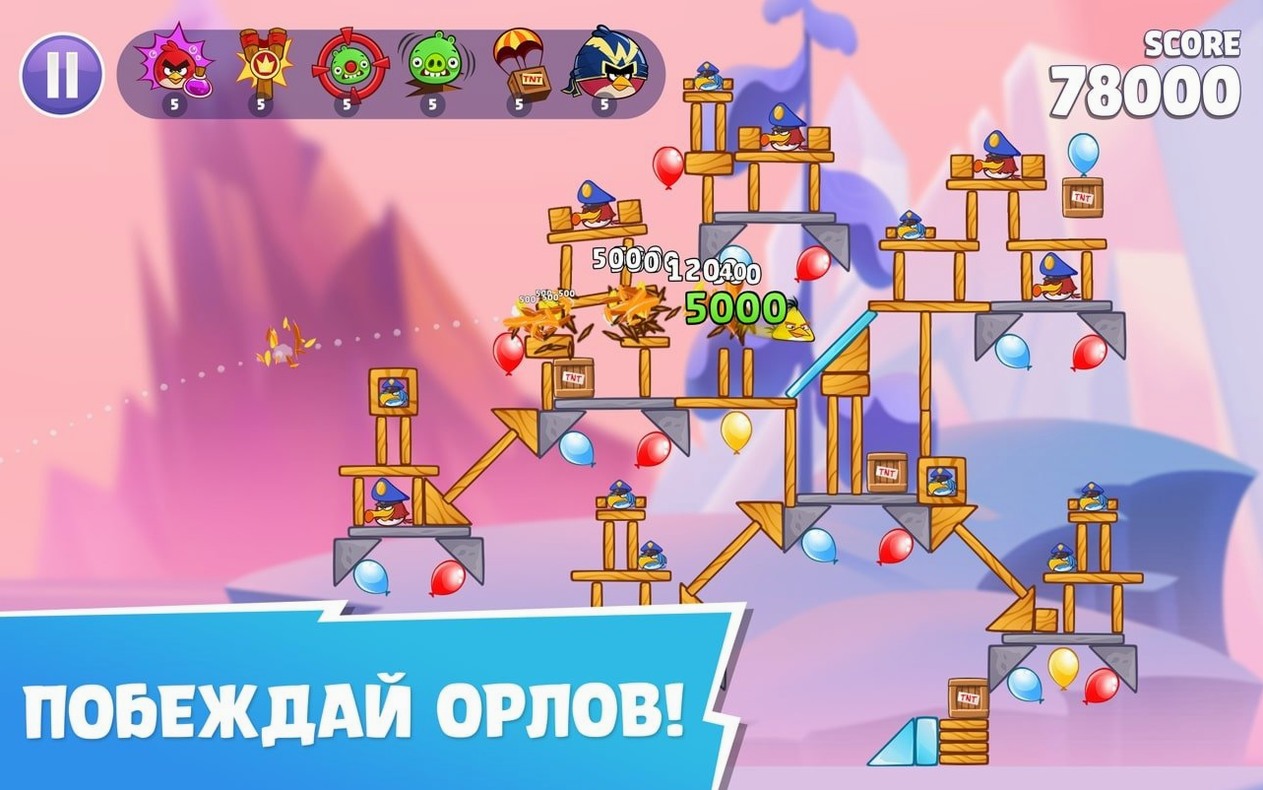
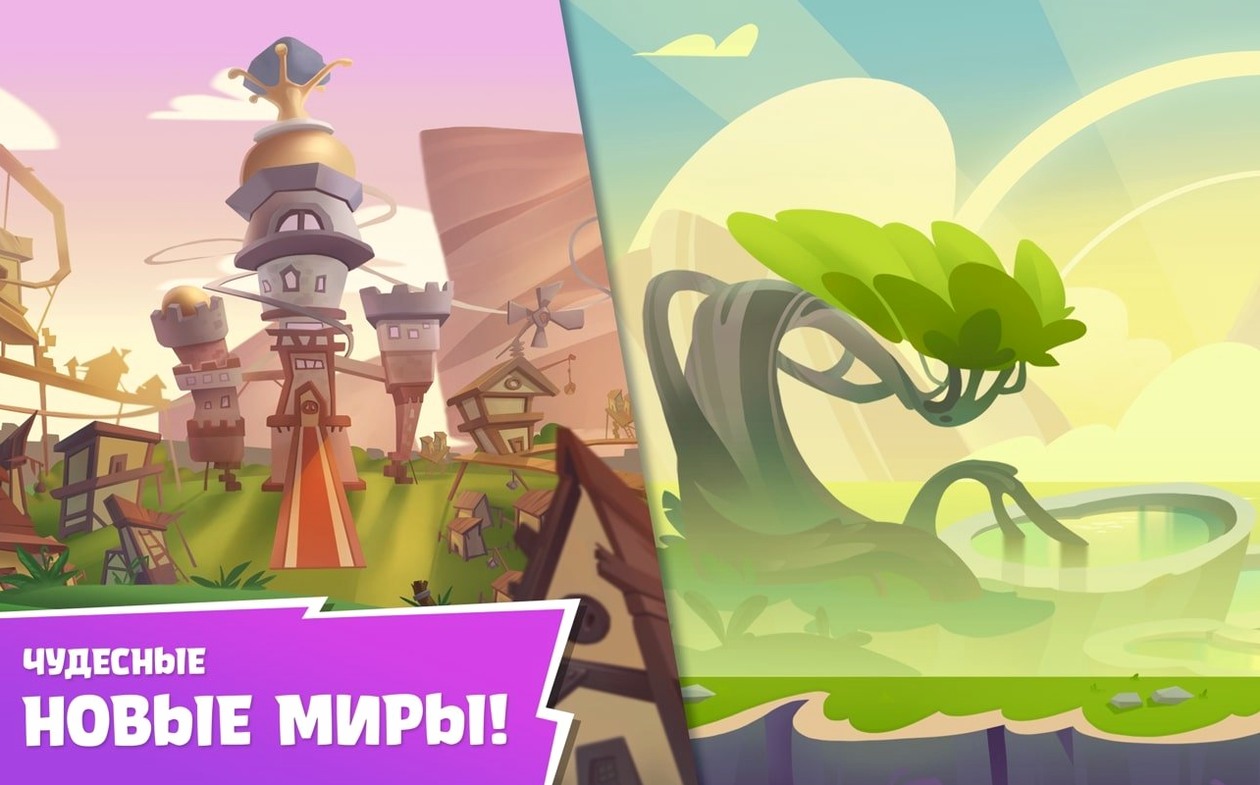
Version 4.2 keeps the focus on the slingshot basics, with new level sets that introduce eagles into the mix. The game arrived as a remastered follow-up to the original, with cleaner visuals and the same core physics.
Which birds are in the box?
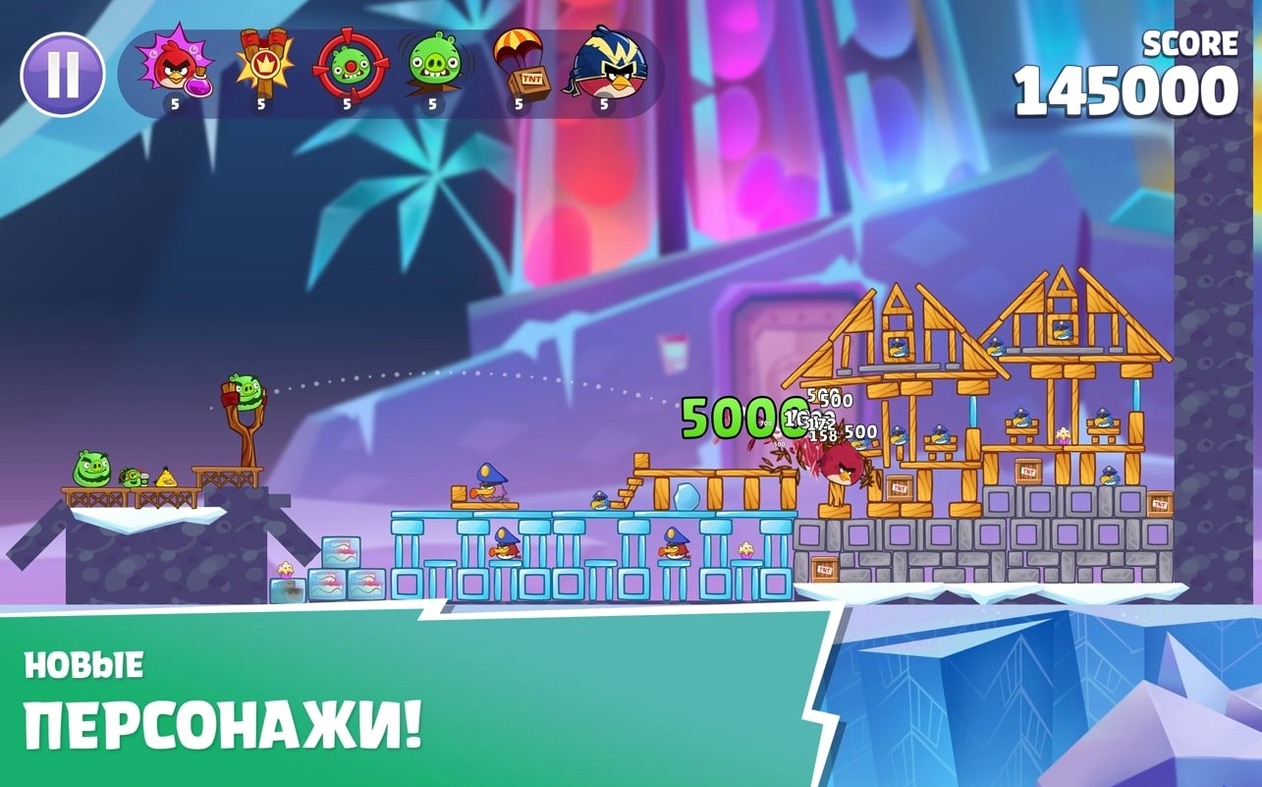
Red, Chuck, Bomb and Silver lead the flock, backed by other familiar members. Rovio pulled content from both the games and the films, so the line-up feels fuller than the first outing.
What modes and extras does it include?
You get the standard physics-based levels alongside power-ups that can soften the harder stages. New levels with eagles add a different flight pattern to plan around.
How does progress work?
Why a full slingshot pull leaves points behind
Most beginners treat every bird like a cannonball. They pull the slingshot to maximum stretch and release, hoping raw force solves everything. It does not. The best scores come from restraint. A half-pull on Chuck can split him into three birds that hit separate weak points, while a full-pull slams him uselessly into a single block.
Another common slip: ignoring the terrain. Wood, ice and stone each respond differently, and a shot that works on one world fails on the next. Tap a structure before you launch and look for the joints. A single pig wedged between two ice blocks will topple the whole tower if you hit the right seam.
New players also hoard birds. They finish a level with three unused flock members and a one-star score. The game rewards destruction, not conservation. Extra birds are bonus points in the bank. Chuck them at the rubble after the last pig falls and watch your score climb.
A typical session, level by level
You open the app from Launchpad. The main screen shows your current world and a row of level icons stretching ahead. A quick glance at the leaderboard tells you a friend beat your score on the stage you stalled at yesterday. Pride demands a rematch.
You tap the level. The camera pans across a fortress of ice blocks with three pigs tucked behind a central tower. Red sits in the slingshot. You drag back gently — about a third of the band — and aim for the base block on the left. The structure topples sideways, crushing two pigs. One left, hiding behind a stone slab. The first bird vanished, so Chuck loads next. You pull to half tension and aim high, triggering his speed boost mid-flight. He cuts through the slab and the pig pops. Two stars. Not enough.
You restart. Same opening shot, but this time you let Red fly a fraction higher to skim the top of the tower. The ice shatters differently, dropping a pig onto a lower platform where the collapse finishes it. Chuck still handles the stone slab, but now you have Silver left over. You flick her into the debris pile, triggering her loop mid-air. The extra destruction nudges the score bar into three-star territory. You exhale, close the level, and check the leaderboard again. Your name sits at the top.
Double-tap to skip a won flight
A double-tap on the screen during a bird's flight fast-forwards the action. Useful when a level is already won and you just want the score tally. The same double-tap works on the results screen to skip the star animation.
Pinch to zoom on the level preview before you launch. The default view crops tight on the slingshot, but zooming out reveals the full structure and any hidden pigs tucked behind foreground elements. Planning a three-bird clear is easier when you can see the whole board.
If you hold a finger on a bird in the queue at the top of the screen, the game shows a faint trajectory preview specific to that bird's ability. It is not a full aim line, but it reminds you how Silver's loop differs from Chuck's boost. New players miss this entirely and fire blindly with an unfamiliar bird.
The leaderboard swipe is also easy to overlook. From the world map, a single downward swipe on the trackpad shows your iCloud ranking for the current world, not just individual levels. It saves tapping into each stage to check where you stand.
Scores are tied to one iCloud account, which keeps your progress consistent across your Macs. No activation is required after installation.
What’s new
Adds the initial release build from July 2021 with the remastered level set and visual enhancements.
Requirements
- macOS 11.0 or later
- Runs on Intel and Apple Silicon
- Tested on macOS Tahoe on a Mac mini 2024 M4
Comments 0
Sign in or create an account to leave a comment.
No comments yet…
If you’ve installed it, say how it went. Mention your Mac and macOS version — it helps the next person more than you’d think.
More in Games
All in Games-
 Alien: Isolation
1.0.1
Alien: Isolation
1.0.1
-
 Arma 3
2026.09.03
Apple Silicon
Arma 3
2026.09.03
Apple Silicon
-
 Age of Empires II: Definitive Edition
1.2
Apple Silicon
Age of Empires II: Definitive Edition
1.2
Apple Silicon
-
 Assassin's Creed Shadows
1.0.35
Apple Silicon
Assassin's Creed Shadows
1.0.35
Apple Silicon
-
 Assassin’s Creed Brotherhood
1.03
Apple Silicon
Assassin’s Creed Brotherhood
1.03
Apple Silicon
-
 Aerofly FS 4 Flight Simulator
4.8.4.1
Apple Silicon
Aerofly FS 4 Flight Simulator
4.8.4.1
Apple Silicon
-
 Batman: Arkham City - Game of the Year Edition
1.2.1
Batman: Arkham City - Game of the Year Edition
1.2.1
-
 Big Ambitions
1.0.3682
Apple Silicon
Big Ambitions
1.0.3682
Apple Silicon