
macOS Tahoe for macOS

Description
You have a project file open in Photoshop and you are about to install a major system update. It is the sensible moment to check a few things.
Will my Mac run macOS Tahoe?
If you have a Mac with Apple silicon from 2020 or later, yes. It also supports the 16-inch MacBook Pro from 2019, the 13-inch 2020 MacBook Pro with four Thunderbolt 3 ports, Intel iMacs and Mac minis from 2020, the 2019 Mac Pro and the Mac Studio from 2022 onwards. Anything older is out.
What actually changes on the desktop?
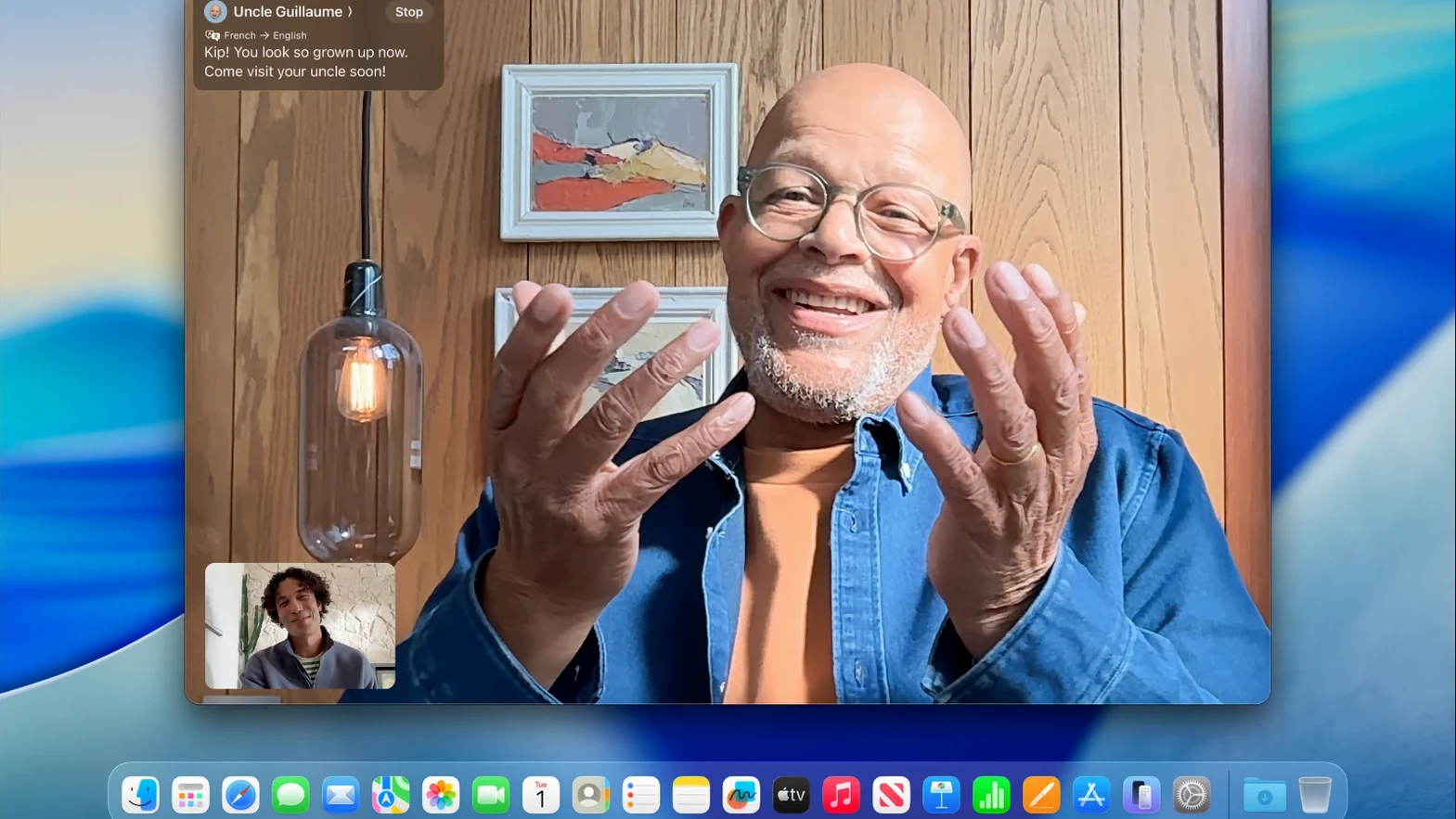
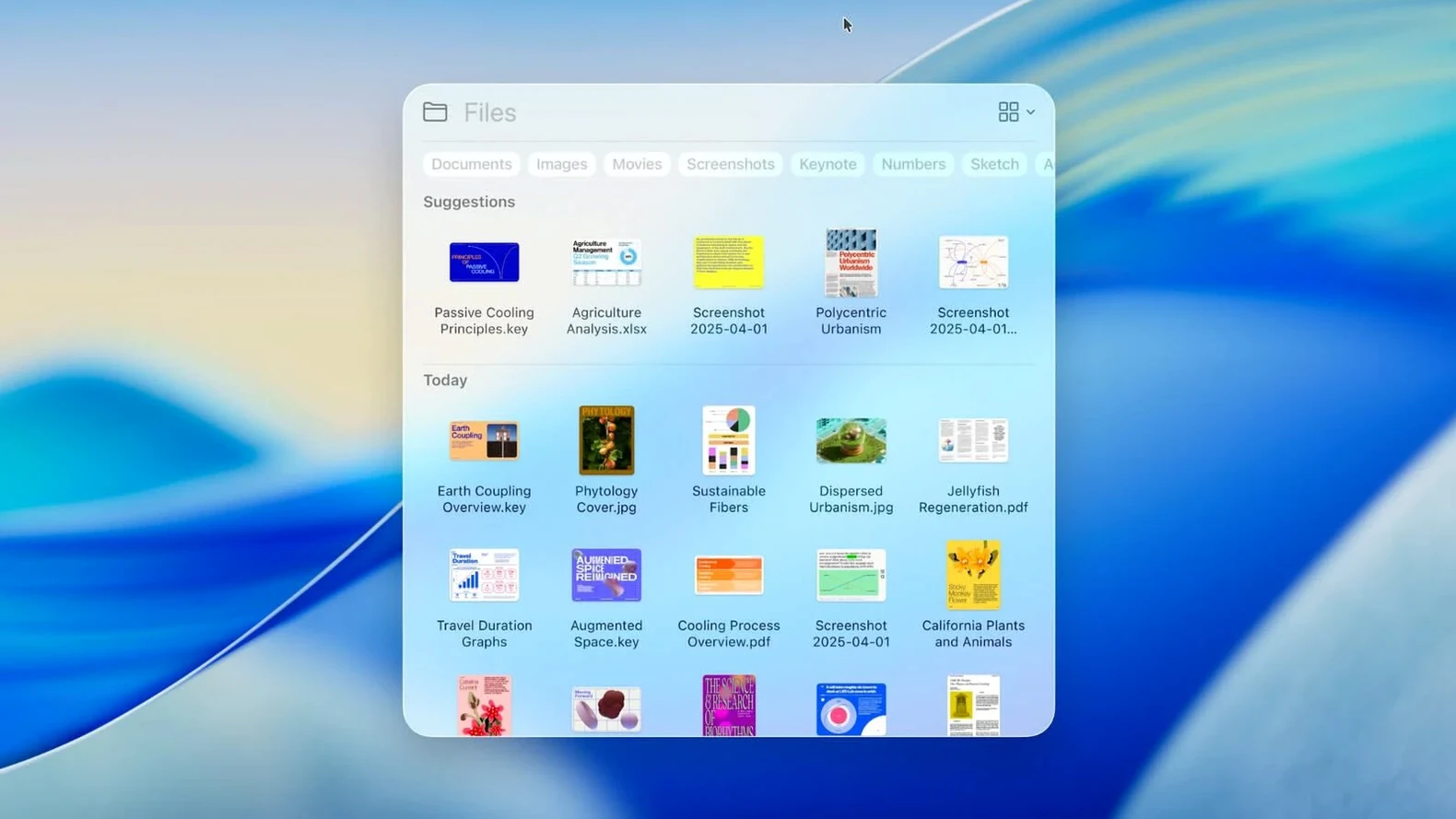
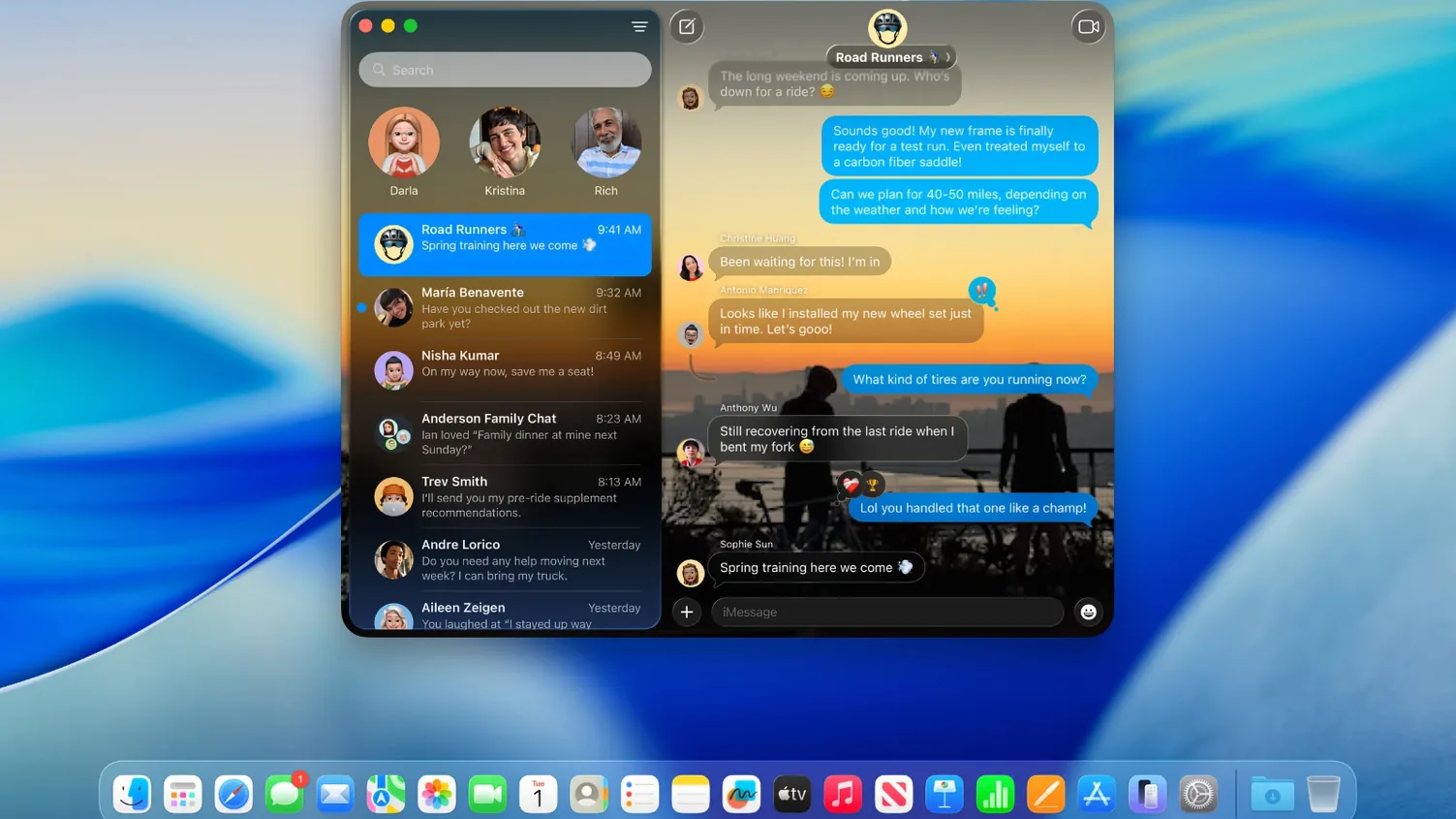
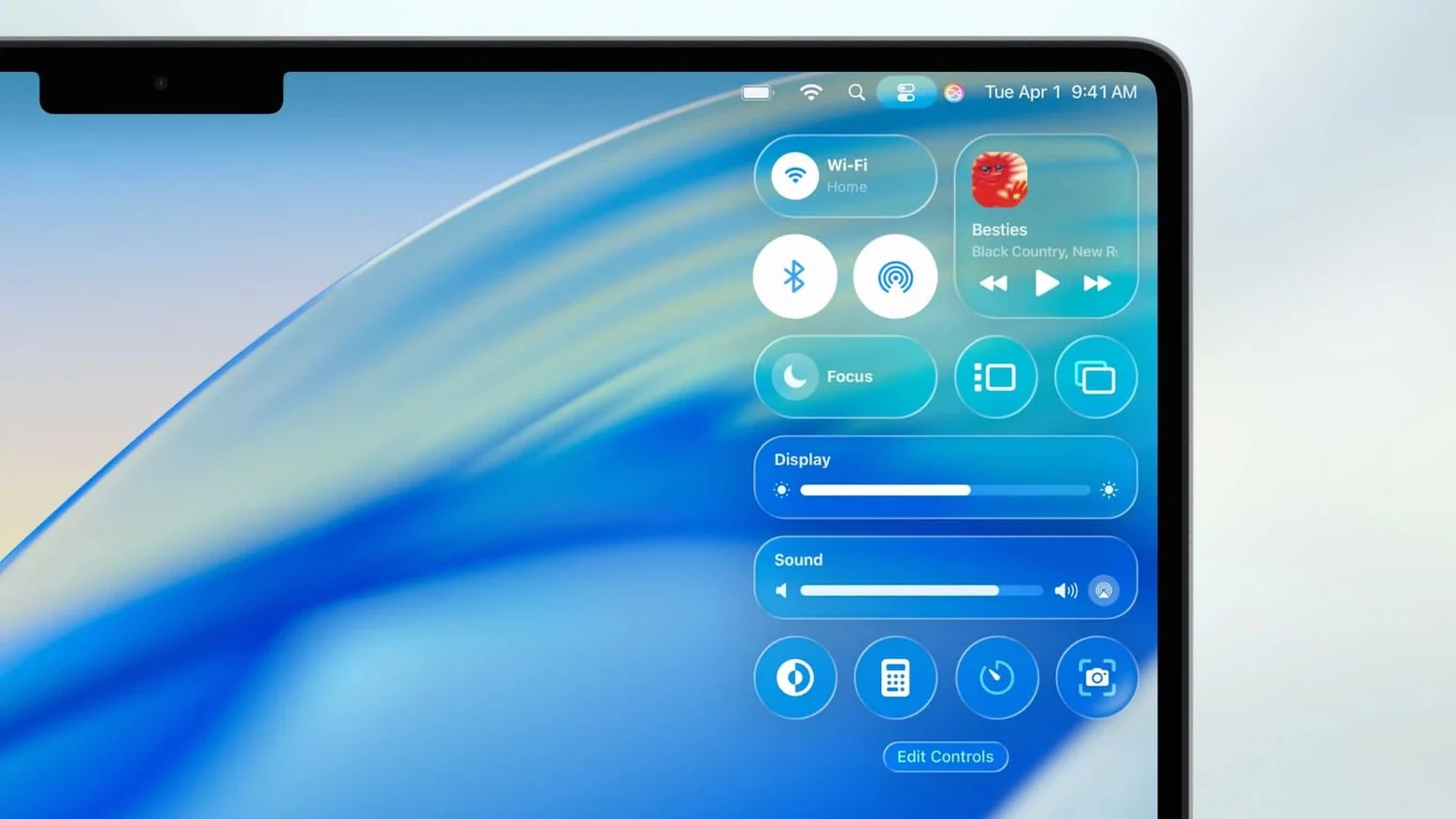
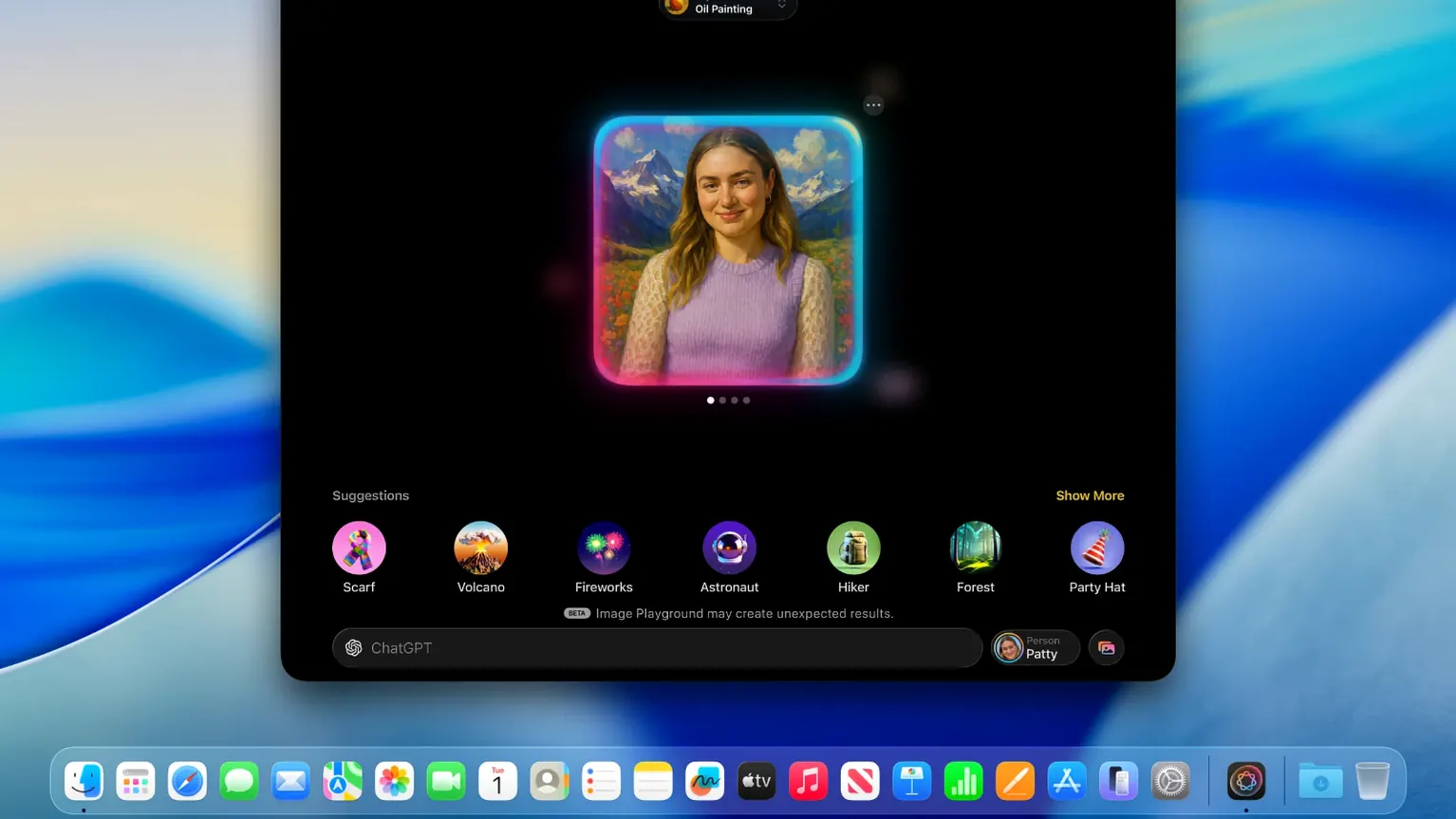
Launchpad is gone. Spotlight now includes an Apps view that does the same job without the extra gesture. The whole interface gets a new design, and the Phone app finally arrives on the Mac.
What about Photoshop on macOS Tahoe?
Before a major update, check that the Photoshop version you rely on lists Tahoe as supported. Older builds may still open, but save your project and keep a backup first.
Running a print shop from an iMac
A small print shop runs three iMacs purchased in 2021. The owner upgraded to macOS Tahoe largely for one reason: the Phone app. Customer calls now ring straight on the desk Mac, hands-free, while she lays out pages in InDesign. No more fumbling for an iPhone mid-task.
Live Activities from her phone show order notifications in the corner of the screen. She glances at them, dismisses what she does not need, and stays in the layout. The new Spotlight Apps view replaced her old habit of hunting through folders. Typing the first three letters of a utility name gets her there faster. It is not flashy, but it saves the ten minutes a day that used to vanish into dock clutter.
Her Macs run little snitch macos tahoe alongside the built-in firewall. After the 26.7.1 update, the network monitor needed no reconfiguration — connections stayed as she had set them. That kind of predictability matters when a machine is earning its keep.
What the point releases actually fixed
Version 26.7.1 is a maintenance update. No new features. Two things changed:
- Apple patched a security hole where a maliciously crafted file could allow arbitrary code execution. The kind of bug that never announces itself until someone exploits it.
- General stability fixes that reduce the chance of a Finder freeze when Spotlight re-indexes a large external drive.
Earlier Tahoe releases brought the heavier changes: the Phone app, the redesigned interface, the Games app for Apple Arcade titles and the Journal app moving from iPhone to Mac. If you installed Tahoe at launch, 26.7.1 just tightens the bolts. No new icons, no relocated preference panes, no surprises.
Workflow: clean install with a bootable USB
Sometimes an in-place upgrade leaves strange permissions errors or a sluggish login process. A clean install sorts that. Here is one way to do it using the PKG file and Terminal:
- Download the PKG file and mount it. Do not run the installer yet.
- Open Terminal and use the
createinstallmediacommand inside the package. Point it at a USB drive of at least 16GB. The command wipes the drive and copies the installer, so back up anything on it first. - Shut down the Mac. Plug in the USB drive, hold the power button on Apple silicon or Option on Intel, and select the installer volume.
- Open Disk Utility from the recovery menu. Erase the internal drive as APFS. Give it a name and quit Disk Utility.
- Choose Install macOS Tahoe and select the freshly erased drive. Walk away for 30-40 minutes.
- On first boot, the setup assistant runs. When it asks about transferring data, you can point it at a Time Machine backup or set up as new.
If macOS blocks the installer with a security warning, head to System Settings > Privacy & Security and allow it. On managed Macs, you may need the IPSW file and Apple Configurator instead. That route also works for rolling back a machine that has developed serious system faults.
The same USB drive can double as an emergency boot disk. Keep it in a drawer with a label. On a day when cleanshot x macos tahoe stops launching because of a botched system file, that stick is worth more than a dozen software fixes.
What’s new
Fixes a security vulnerability that could allow arbitrary code execution from a maliciously crafted file. Includes routine bug fixes.
Requirements
- MacBook Air with Apple silicon (2020 or later)
- MacBook Pro with Apple silicon (2020 or later)
- MacBook Pro (13-inch, 2020, Four Thunderbolt 3 ports)
- MacBook Pro (16-inch, 2019)
- iMac (2020 or later)
- Mac mini (2020 or later)
- Mac Studio (2022 or later)
- Mac Pro (2019 or later)
FAQ
Is macOS Tahoe a safe update right now?
The 26.7.1 release fixes a security issue where a maliciously crafted file could run arbitrary code. It is recommended for all users already on Tahoe.
Can I do a clean install instead of upgrading?
Yes. Use the PKG to make a bootable USB in Terminal, or use the IPSW with Apple Configurator to restore a Mac from scratch.
Comments 0
Sign in or create an account to leave a comment.
No comments yet…
If you’ve installed it, say how it went. Mention your Mac and macOS version — it helps the next person more than you’d think.