macOS High Sierra for macOS
Description
Version 10.13.6 (build 17G66) arrived as a stability and security update. It fixed a bug where Photos wouldn’t recognise AVCHD media from some cameras, sorted out a Gmail message-moving problem in Mail, and added AirPlay 2 multi-room audio to iTunes.
What does the APFS file system do for me?
It speeds up common tasks on solid-state drives. Copying a file or sizing up a folder happens instantly, and the system handles snapshots with less overhead.
What’s Metal 2 good for?
It gives the graphics hardware a direct line to apps that need it. You get smoother rendering in games and enough grunt for virtual reality content creation.
How did Safari change?
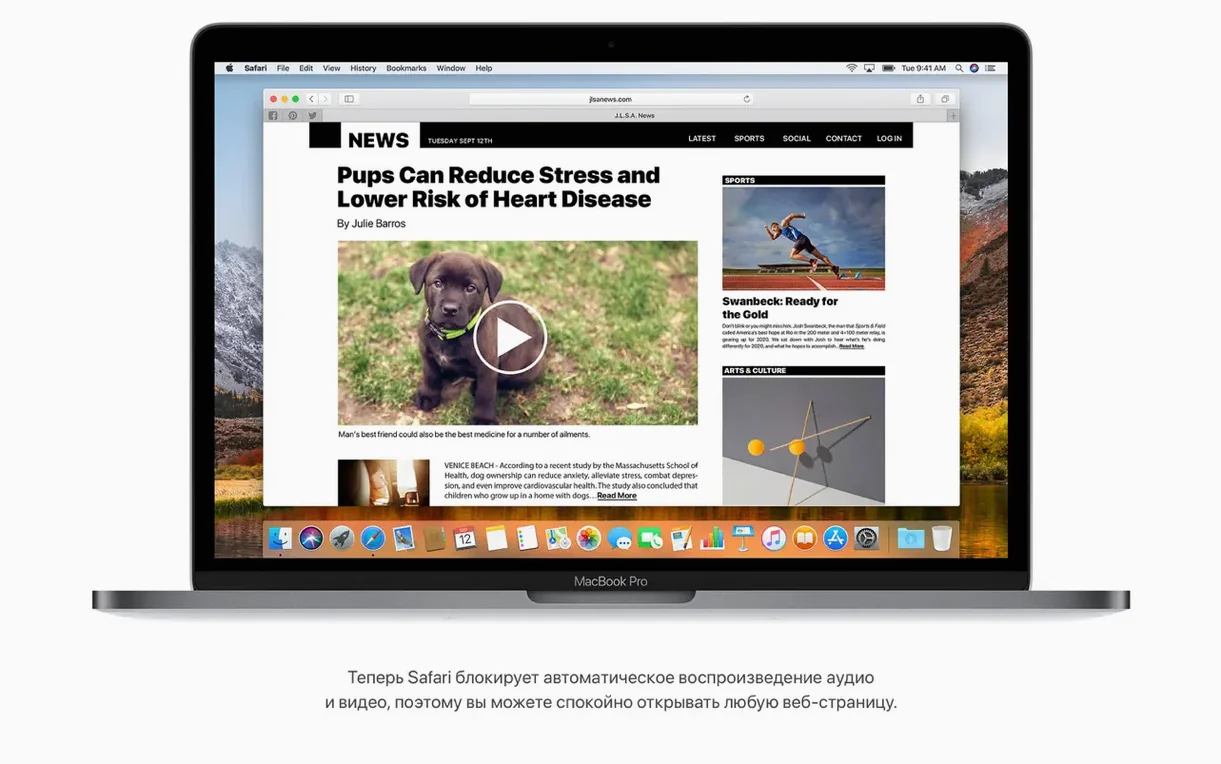
It got quieter. Autoplay sound in web pages is blocked by default, and Reader mode can kick in automatically on articles that support it, so you just read without reaching for a button.
What about Mail and Spotlight?
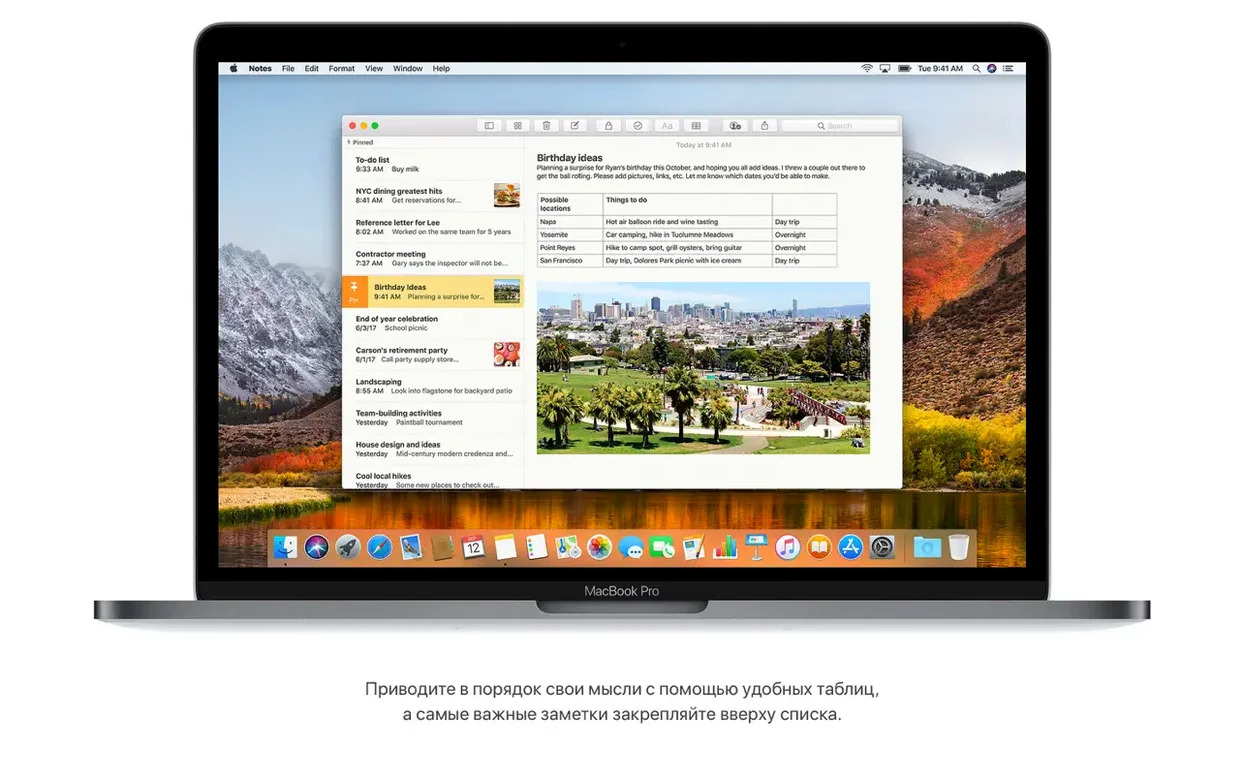
Mail search learned a Top Hits list that surfaces the messages you likely want. Spotlight can now show live flight details—arrival time, gate, a small flight map—right in the results pane.
Don't upgrade without a separate backup first
Jumping straight into an upgrade without a backup is the big one. High Sierra converts your drive to APFS during installation. That conversion is safe, but nothing beats having a separate copy of your data on an external drive before you start.
Another common slip: ignoring the 14.3GB of free space the installer asks for. People try to squeeze by with less and end up watching a progress bar stall halfway through. Clear out old iPhone backups in iTunes and purge large attachments in Mail before you run the installer.
Some users grab a High Sierra torrent or a macOS High Sierra DMG torrent and mount the disk image, then run the installer directly from the mounted volume. That can work, but it sometimes leads to permissions errors later. Always copy the installer app to the Applications folder first, then launch it from there.
Your 32-bit apps still run here
Will my 32-bit apps still run? Yes. High Sierra is the last macOS release that runs 32-bit software without complaint. If you rely on older versions of Adobe apps or niche utilities, this is important.
Does APFS work on my old spinning hard drive? It does, but you won't see the same speed jump you get on an SSD. The system converts internal SSDs automatically during installation. Fusion Drives and mechanical disks got APFS support in a later point update, so 10.13.6 handles them fine.
Can I stay on HFS+ if I want to? You can, but you'd need to tweak the installer or clone your drive back afterwards. For most people, letting the conversion happen is simpler and carries no practical downside at this build.
What if I grabbed a torrent mac os high sierra or a torrent mac high sierra and the installer won't open? Right-click the installer and choose Open. If macOS still blocks it, head to System Preferences > Security & Privacy and click "Open Anyway." Same drill as any app from outside the Mac App Store.
Let Spotlight rebuild its index overnight
Let Spotlight re-index overnight. The drive is rebuilding its search database after the file system switch, and performance will feel sluggish if you start hammering searches straight away. Plug in the power, leave the Mac awake, and check back in the morning.
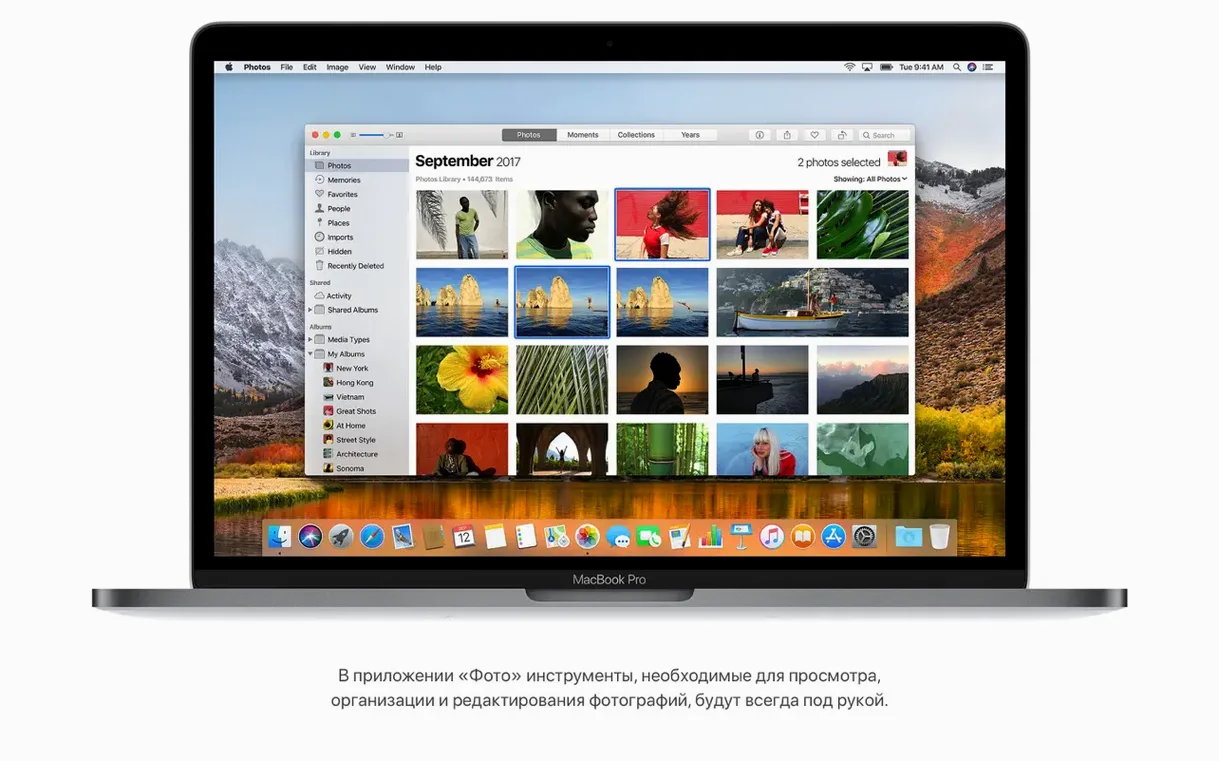
Open Photos once and wait. The library needs to update its internal structure, and on a large library that can take an hour. Don't force-quit it because the progress bar isn't moving—it is working, just quietly.
Check your Mail accounts. The Gmail fix in this build helps, but some account passwords need re-entering after the upgrade. If a mailbox shows a warning triangle, delete it and add it again rather than spending an afternoon tweaking settings.
Finally, test a video file with HEVC encoding. High Sierra added hardware-accelerated playback for that format, and on supported Macs it's noticeably lighter on the CPU. If you work with video, you'll want that working from day one.
What’s new
Adds AirPlay 2 multi-room audio support for iTunes. Improves overall stability and security. Fixes an issue that could stop Photos recognising AVCHD media from some cameras. Fixes an issue that could prevent Mail users from moving a message from Gmail to another account.
Requirements
- macOS 10.13.5 or later
- Intel processor
- 2GB memory
- 14.3GB available storage for the upgrade
FAQ
Does a High Sierra torrent include all system languages?
Yes, the installer carries 33 languages, from Arabic and Hebrew to German, Hungarian, Vietnamese, and both Simplified and Traditional Chinese.
Comments 0
Sign in or create an account to leave a comment.
No comments yet…
If you’ve installed it, say how it went. Mention your Mac and macOS version — it helps the next person more than you’d think.