
Total War: WARHAMMER for macOS
Description
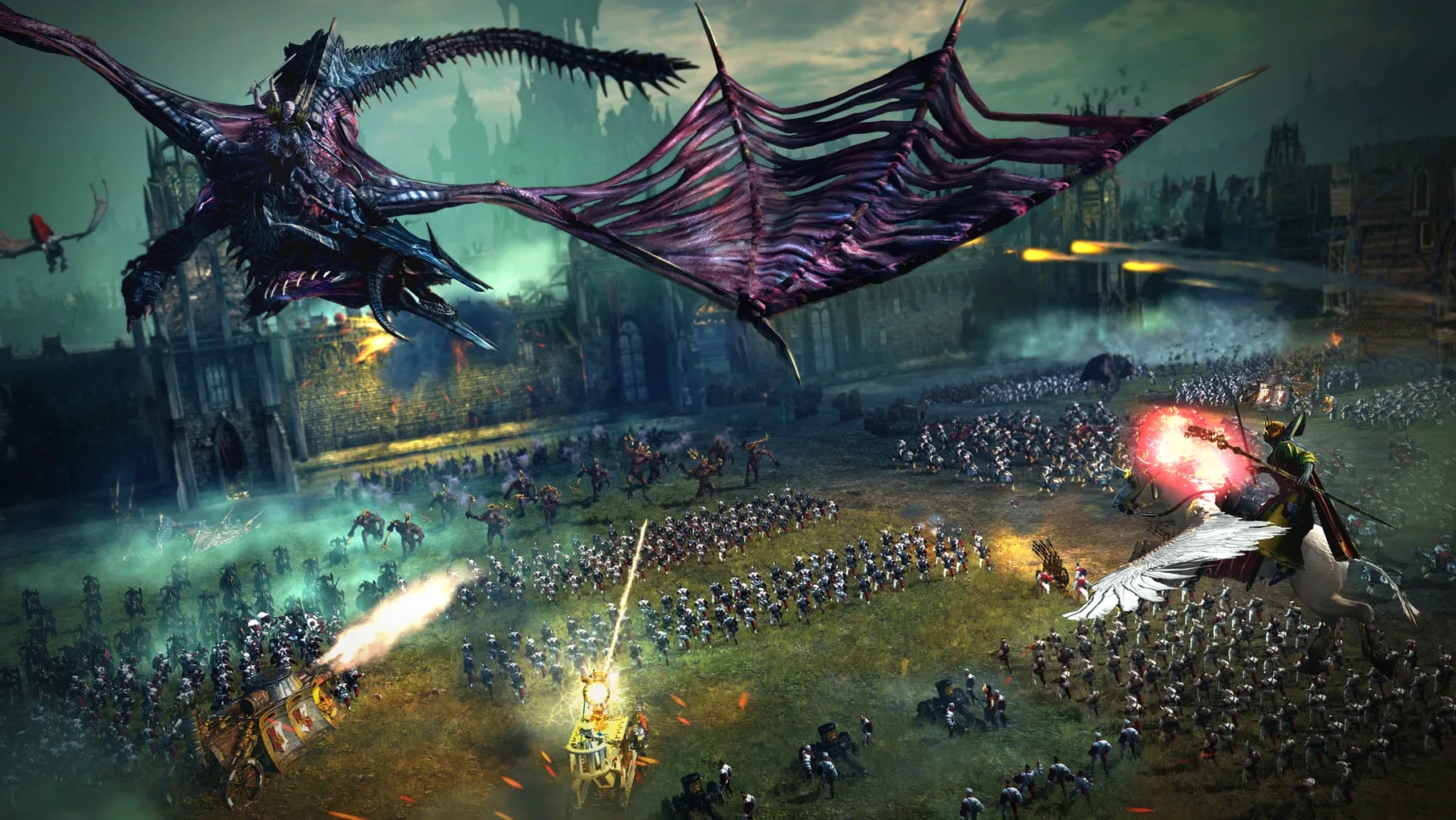
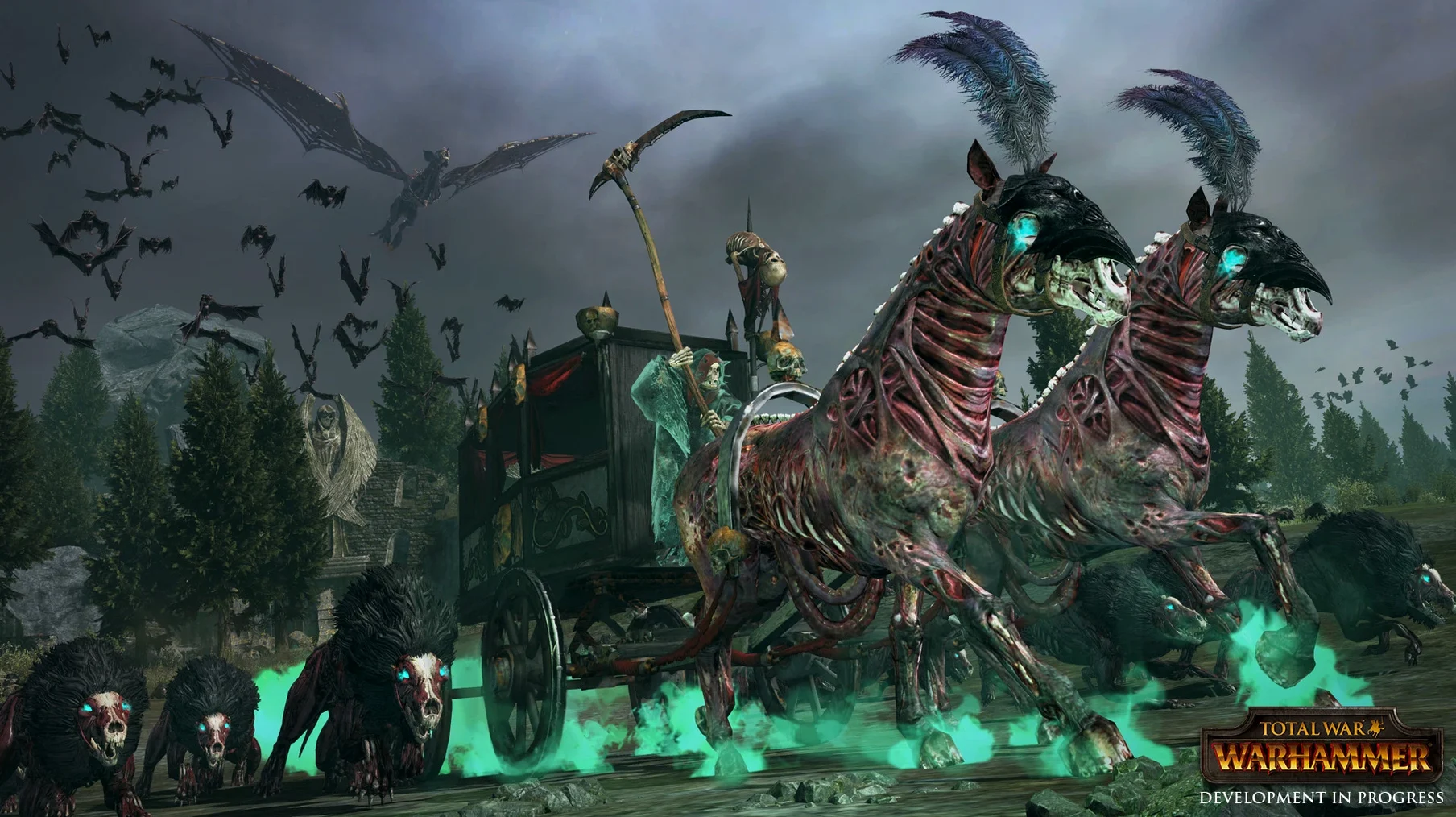
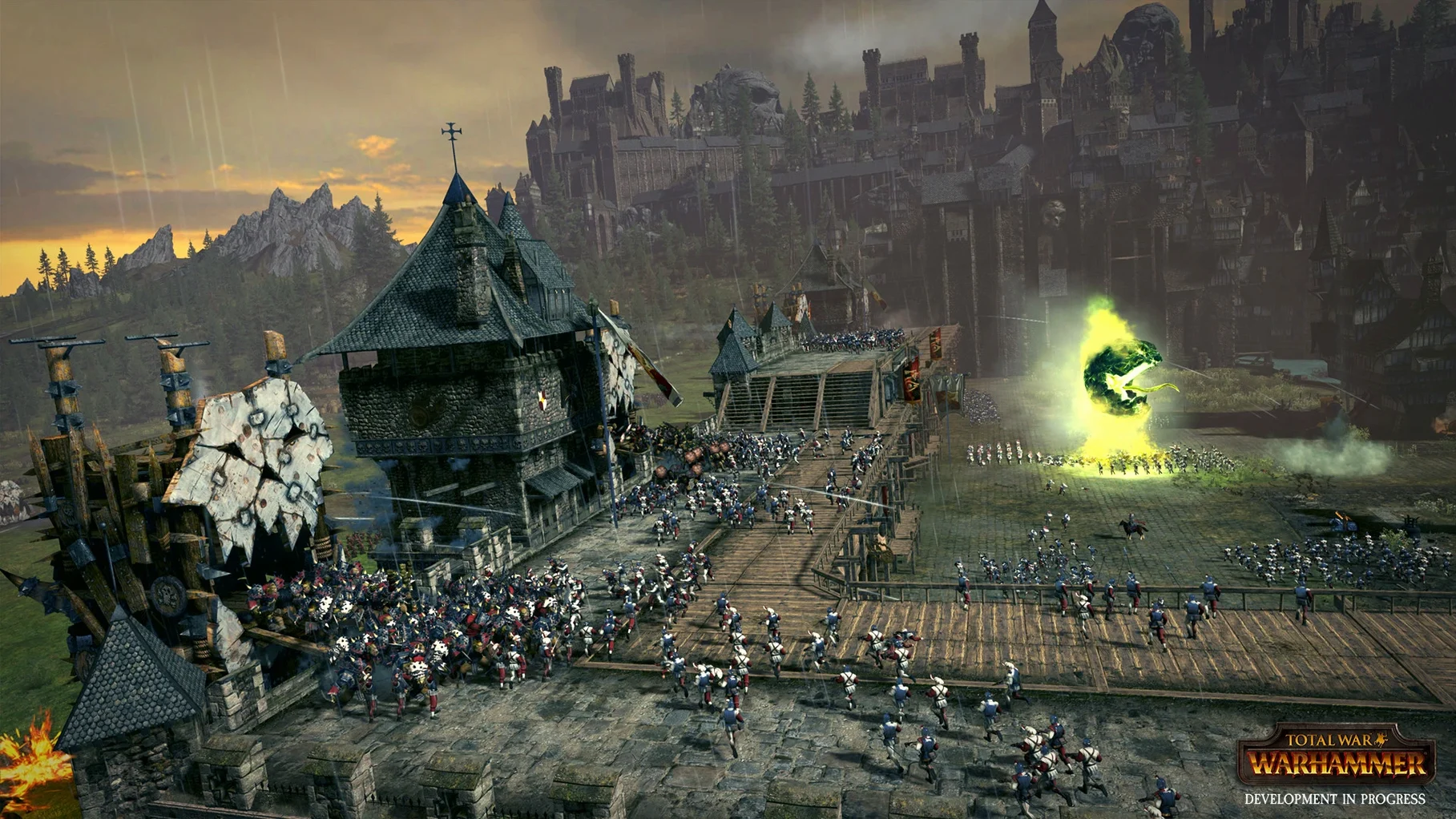
You spend a morning moving armies across the Old World on the campaign map, then commit to a siege that plays out in real time with hundreds of soldiers and winged horrors filling the screen. That rhythm is what Total War: WARHAMMER runs on.
What's in the box:
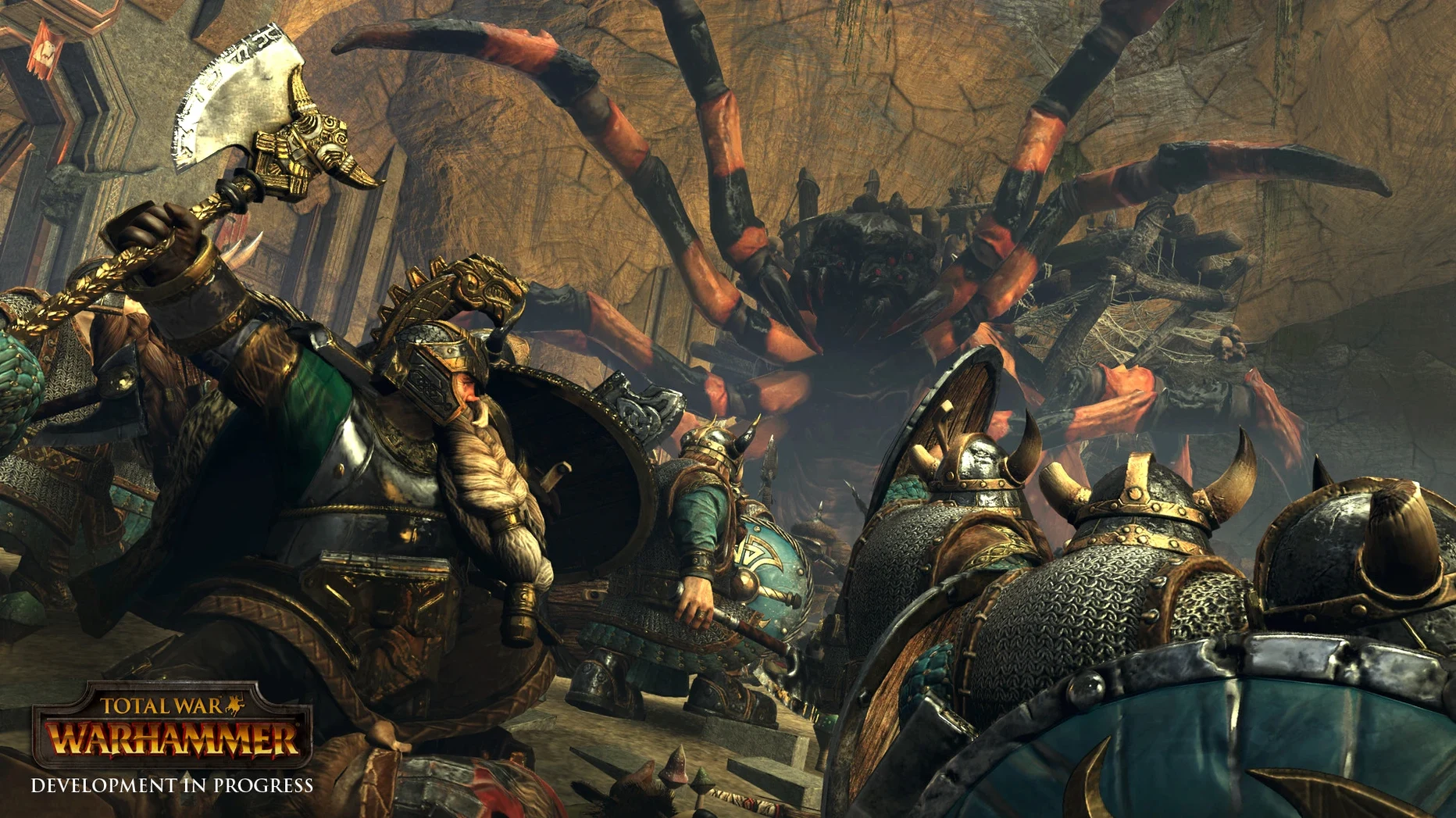
- Five playable races — Bretonnia, the Empire, Dwarfs, Greenskins, and Vampire Counts — each with its own units, characters, and campaign mechanics.
- Twelve legendary lords to command, each with a personal quest chain.
- Quest rewards including weapons, armour, and combat spells.
- Real-time battles that bring flying units, monsters, and magic to the field.
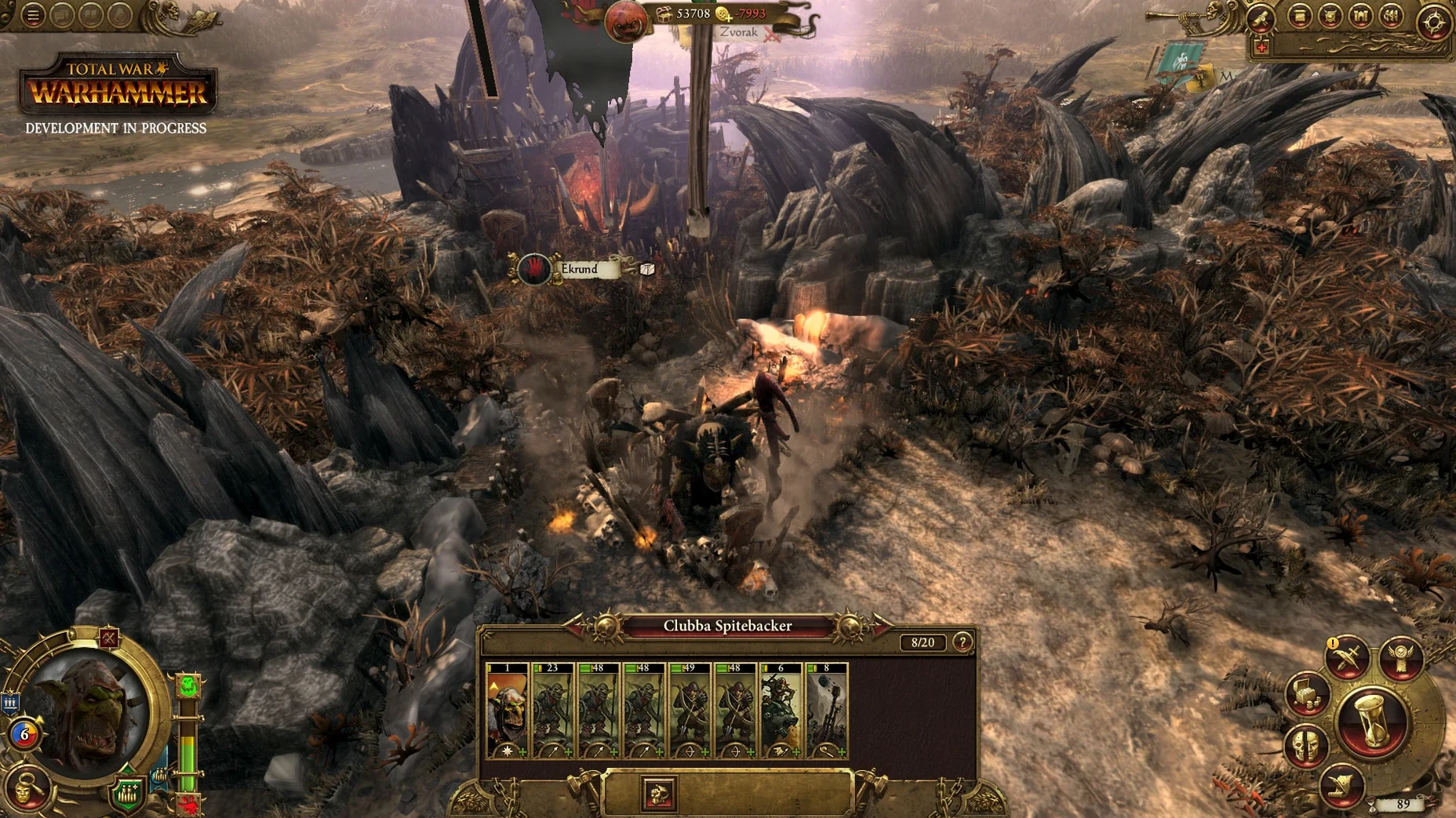
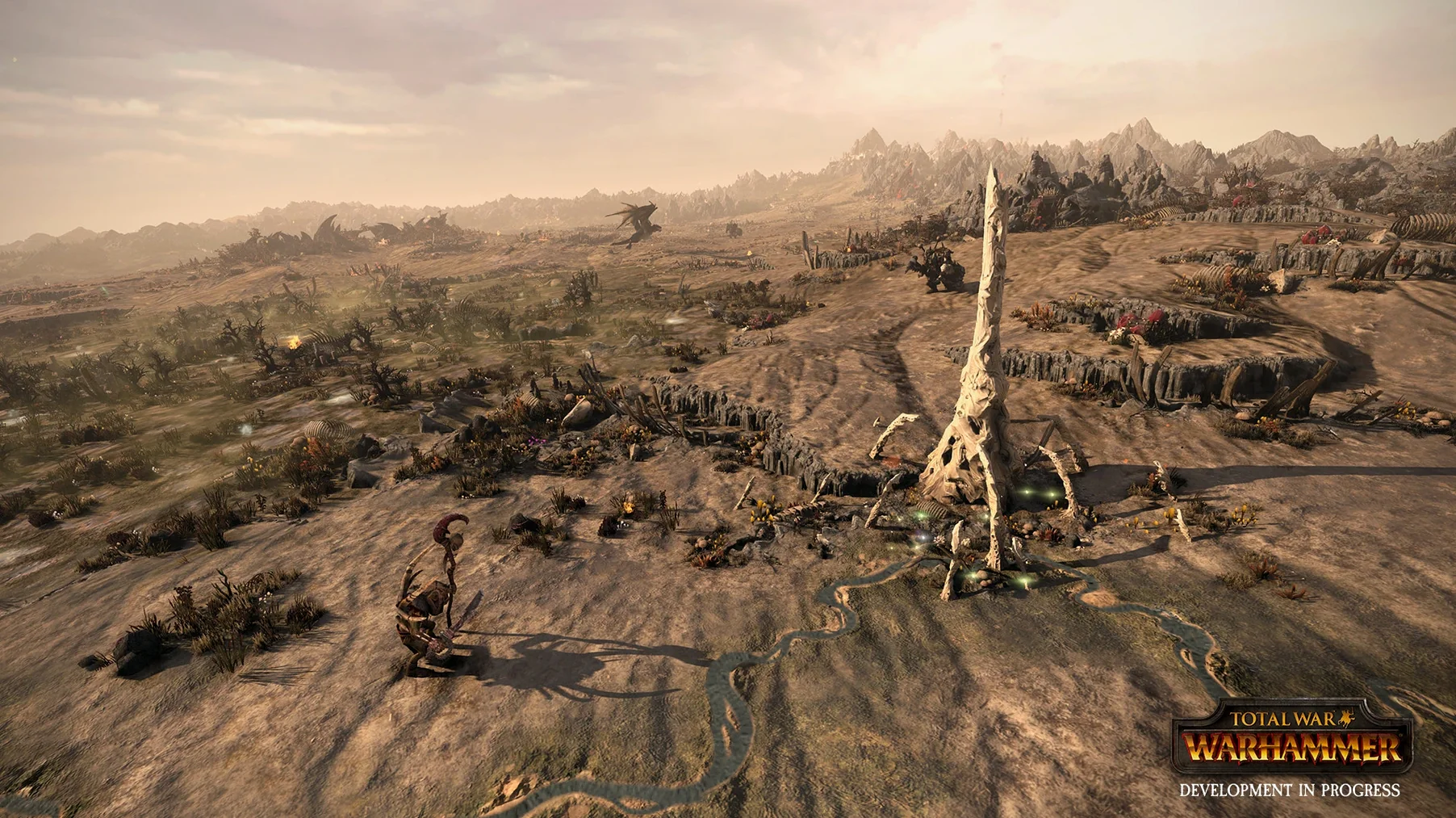
- A turn-based campaign layer where you manage settlements, diplomacy, and army movement.
Frame rate holds in multi-stack battles with flying and spells
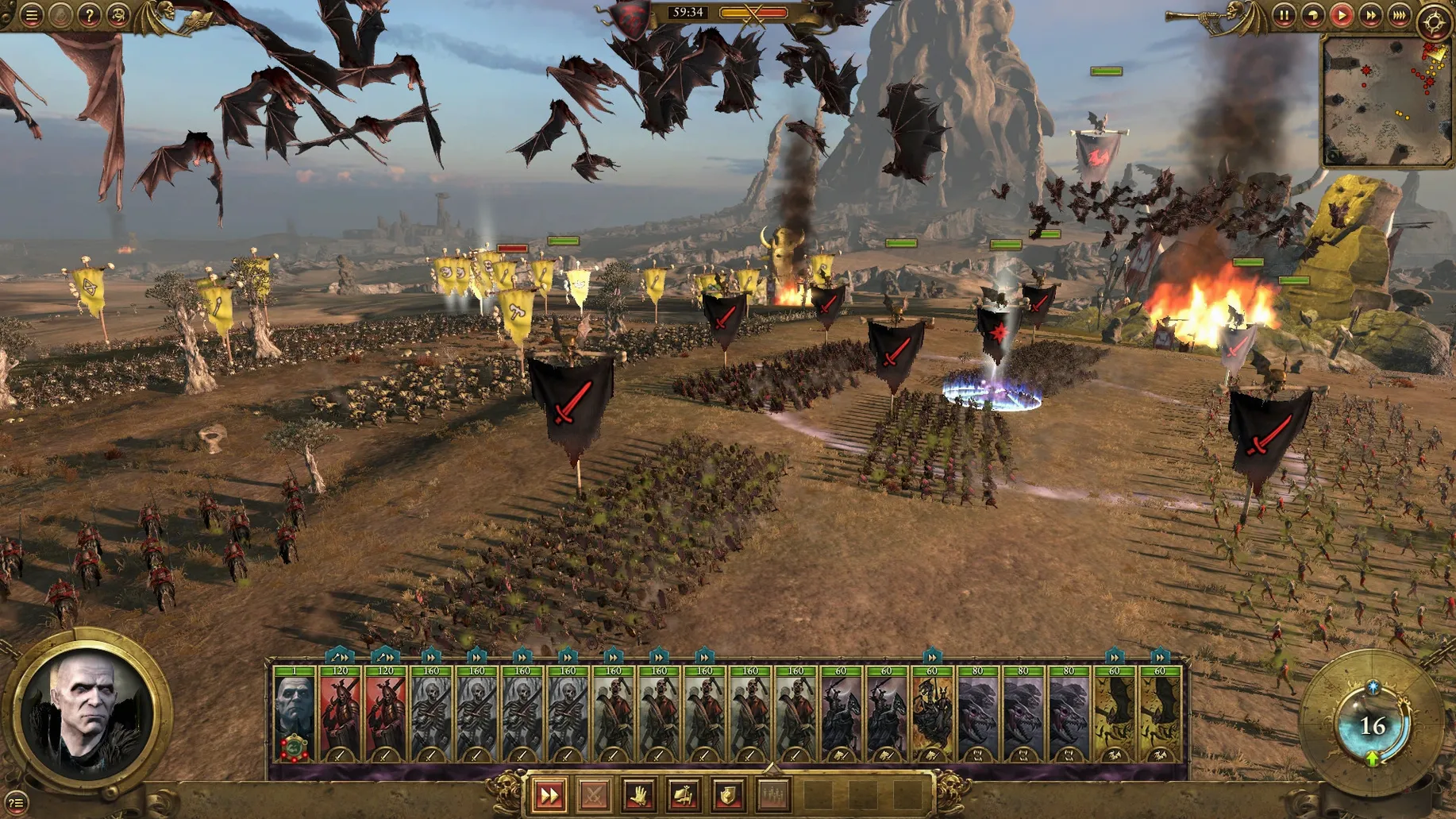
Version 1.1.5 fix landed as a stability patch. The main change you will actually notice is that large battles with multiple stacks now hold their frame rate better when spell effects and flying units are on screen at the same time. Before the patch, a late-game siege with a dozen units of bats and a magic storm going off could turn into a slideshow. That cleared up.
Loading times between the campaign map and battles also tightened slightly. Not dramatic — you are not suddenly getting instant transitions — but the wait after clicking "fight battle" is shorter by enough that you stop checking your phone.
One quiet fix worth knowing about: the game used to crash occasionally when alt-tabbing on certain Intel Macs with integrated graphics. That stopped. If you had shelved the game over that annoyance, the patch resolved it.
Switch battle camera to classic so you can zoom out
Two tweaks make the early hours less irritating.
Camera type. The default battle camera is set to "Total War," which locks the view at a cinematic angle that fights you when you try to zoom out. Switch it to "Classic" in the battle settings. You get full vertical control and can actually see your flank when cavalry comes around it.
Unit size. The default is "Medium," which gives you serviceable troop counts but undersells the spectacle. Bump it to "Large" if your Mac meets the recommended spec. An Empire swordsman unit jumps from 60 to 90 men, and a Greenskin horde looks properly threatening. The performance hit is modest on any Mac with a dedicated GPU.
Advice skip. The advisor pop-ups are relentless for the first ten turns. In the campaign settings, set advice frequency to "Low" or "Minimal." You still get notifications for quests and dilemmas, but the tutorial commentary stops interrupting.
The Mac version was developed and published by Feral Interactive and delivers the same two-tier structure as the original. No skirmish-only compromise.
Requirements
- macOS 10.12.4 or later
- Intel Core i5, 2.0 GHz
- 8 GB RAM
- 2 GB Nvidia 680MX, 2 GB AMD R9 M290, or 1.5 GB Intel Iris Graphics 540 or better
Comments 0
Sign in or create an account to leave a comment.
No comments yet…
If you’ve installed it, say how it went. Mention your Mac and macOS version — it helps the next person more than you’d think.
More in Games
All in Games-
 Total War: THREE KINGDOMS
1.7.1
Apple Silicon
Total War: THREE KINGDOMS
1.7.1
Apple Silicon
-
 Total War: ROME REMASTERED
2.0.5
Apple Silicon
Total War: ROME REMASTERED
2.0.5
Apple Silicon
-
 Transport Fever 2
35924.0
Transport Fever 2
35924.0
-
 Total War: ROME II - Emperor Edition
2.4.1
Apple Silicon
Total War: ROME II - Emperor Edition
2.4.1
Apple Silicon
-
 Tropico
t6 1290
Tropico
t6 1290
-
 Total War: PHARAOH DYNASTIES
2.0.2
Apple Silicon
Total War: PHARAOH DYNASTIES
2.0.2
Apple Silicon
-
 Total War: ATTILA
1.6.1
Apple Silicon
Total War: ATTILA
1.6.1
Apple Silicon
-
 Two Point Museum
12.0.244870 Native
Apple Silicon
Two Point Museum
12.0.244870 Native
Apple Silicon