

Teardown for macOS
Description
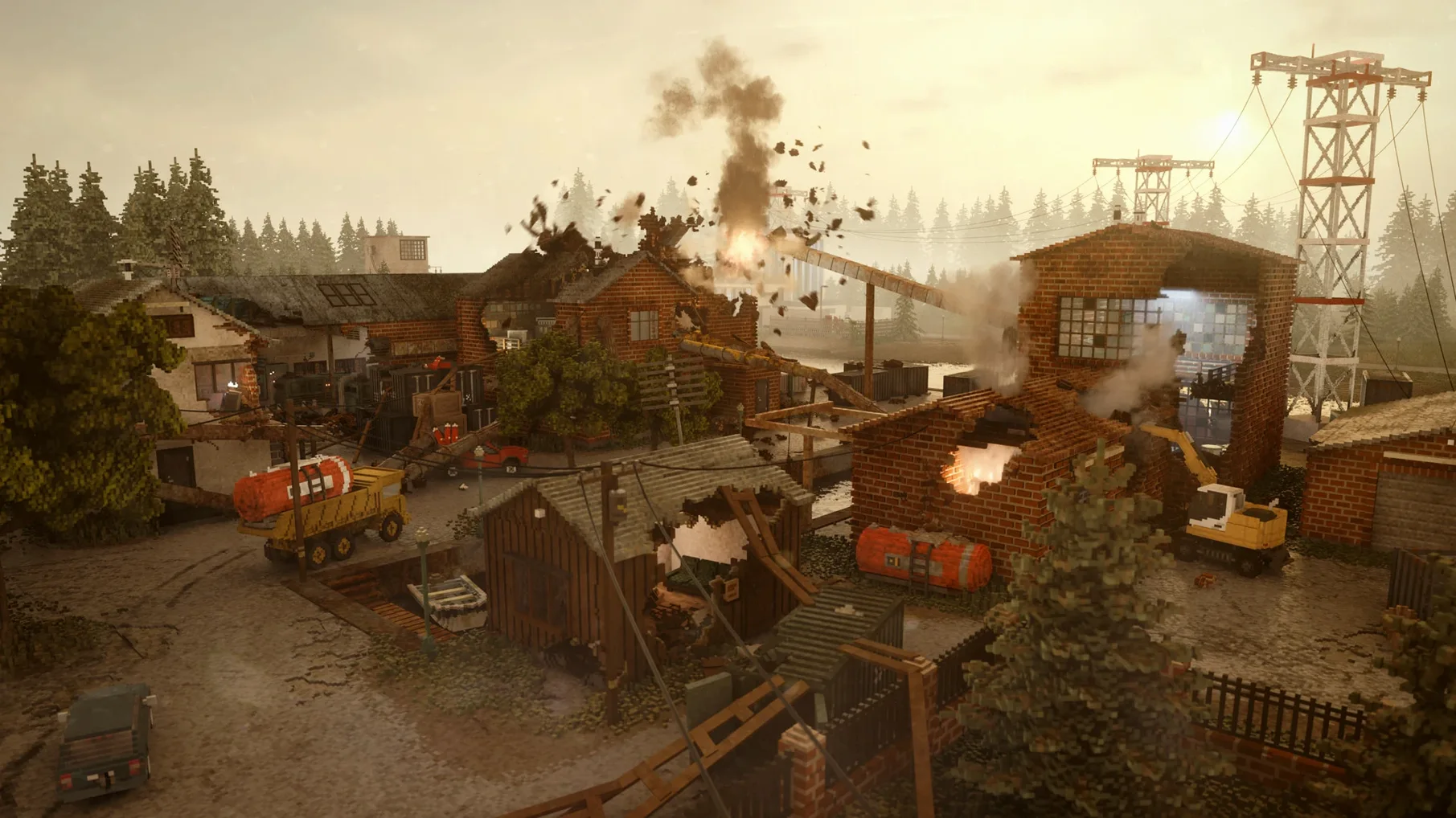
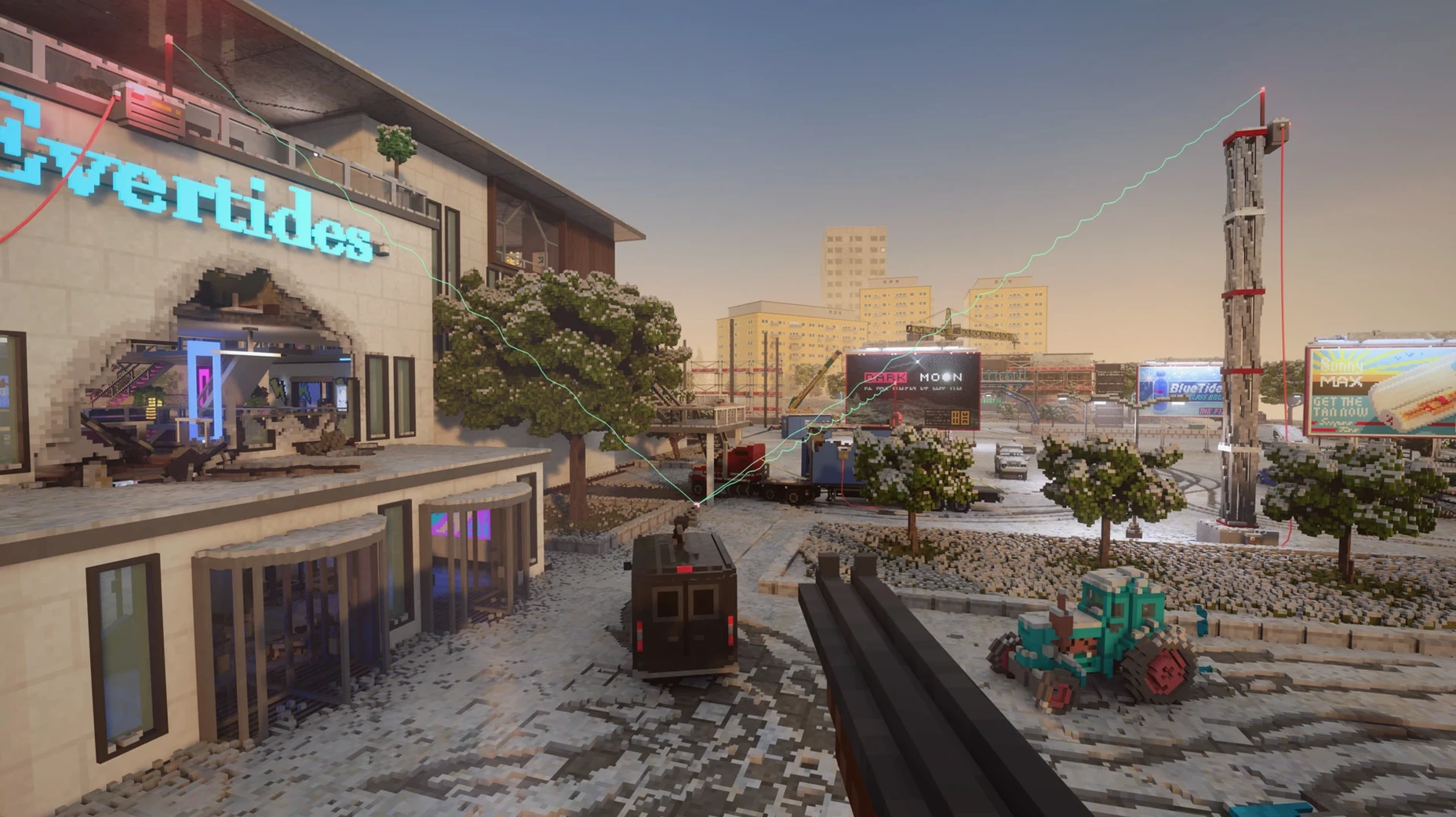
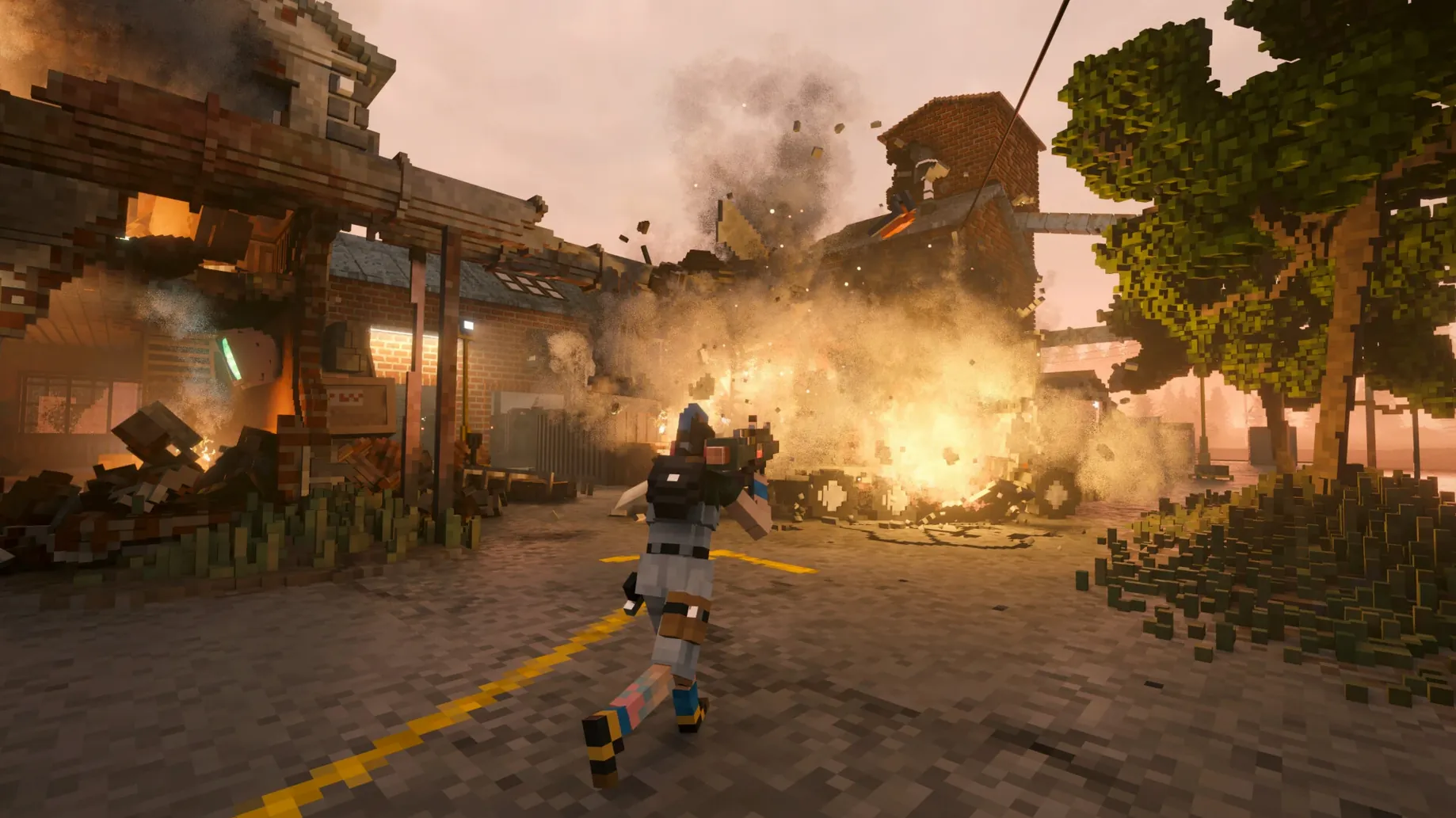
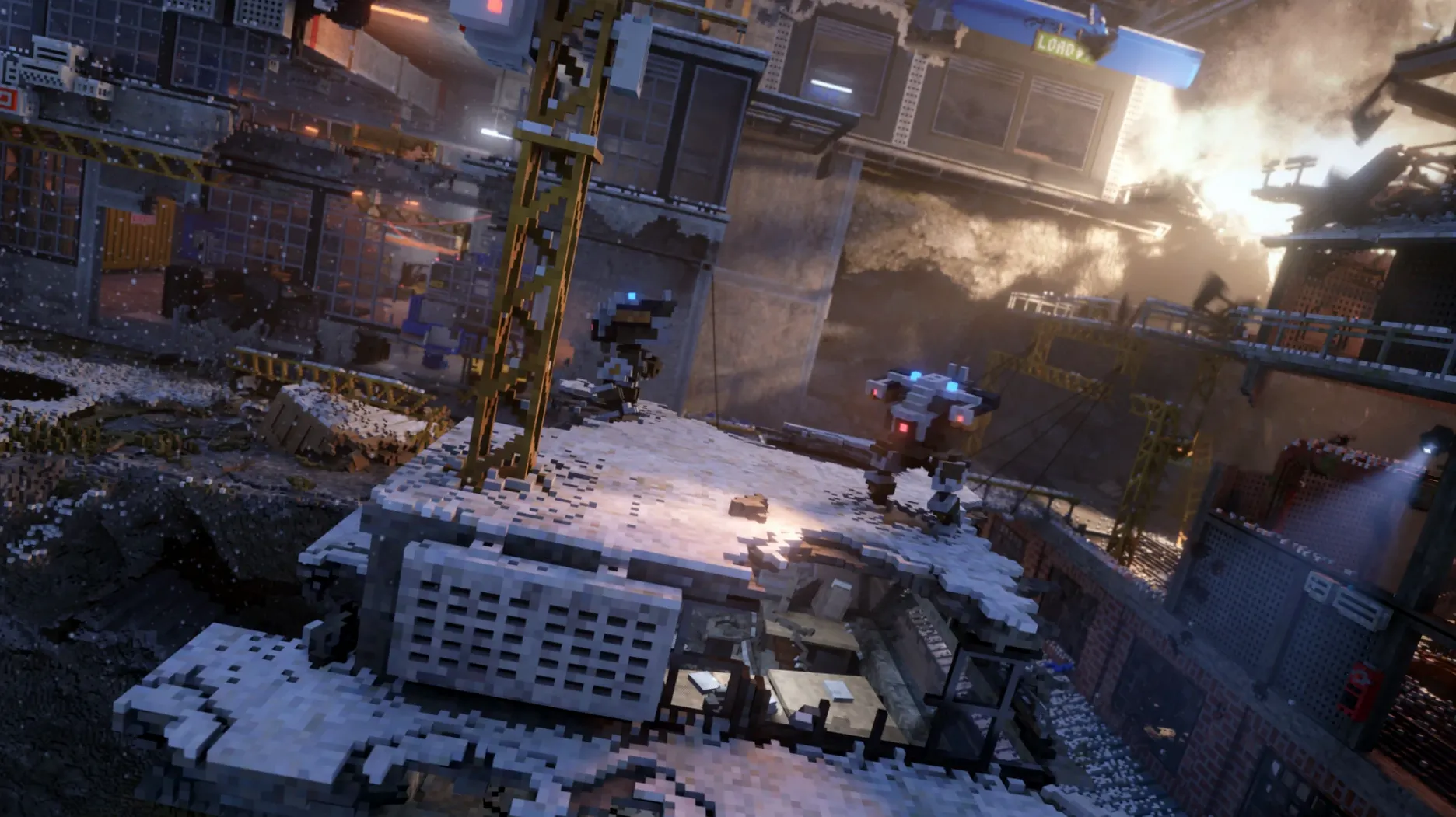
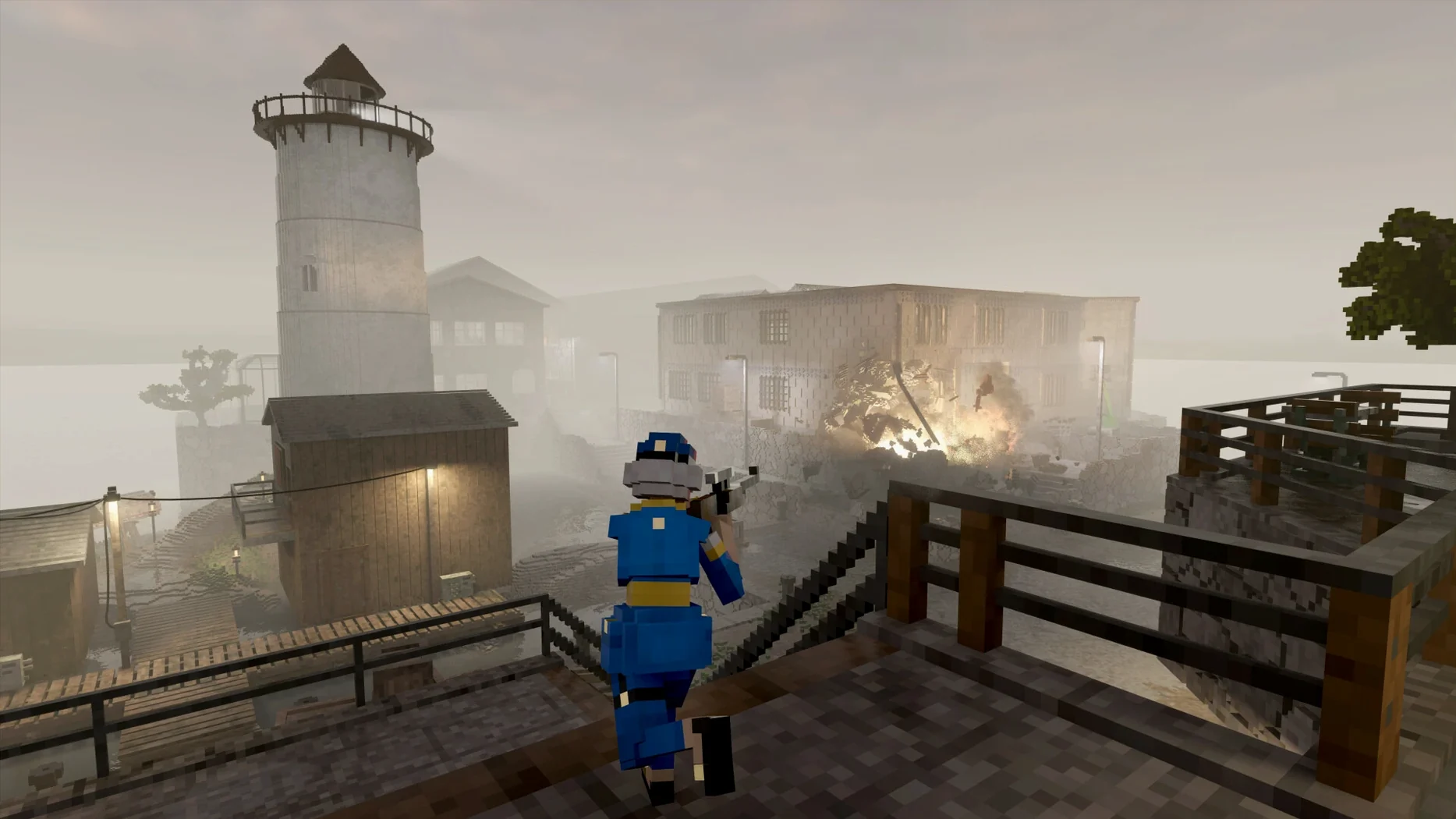
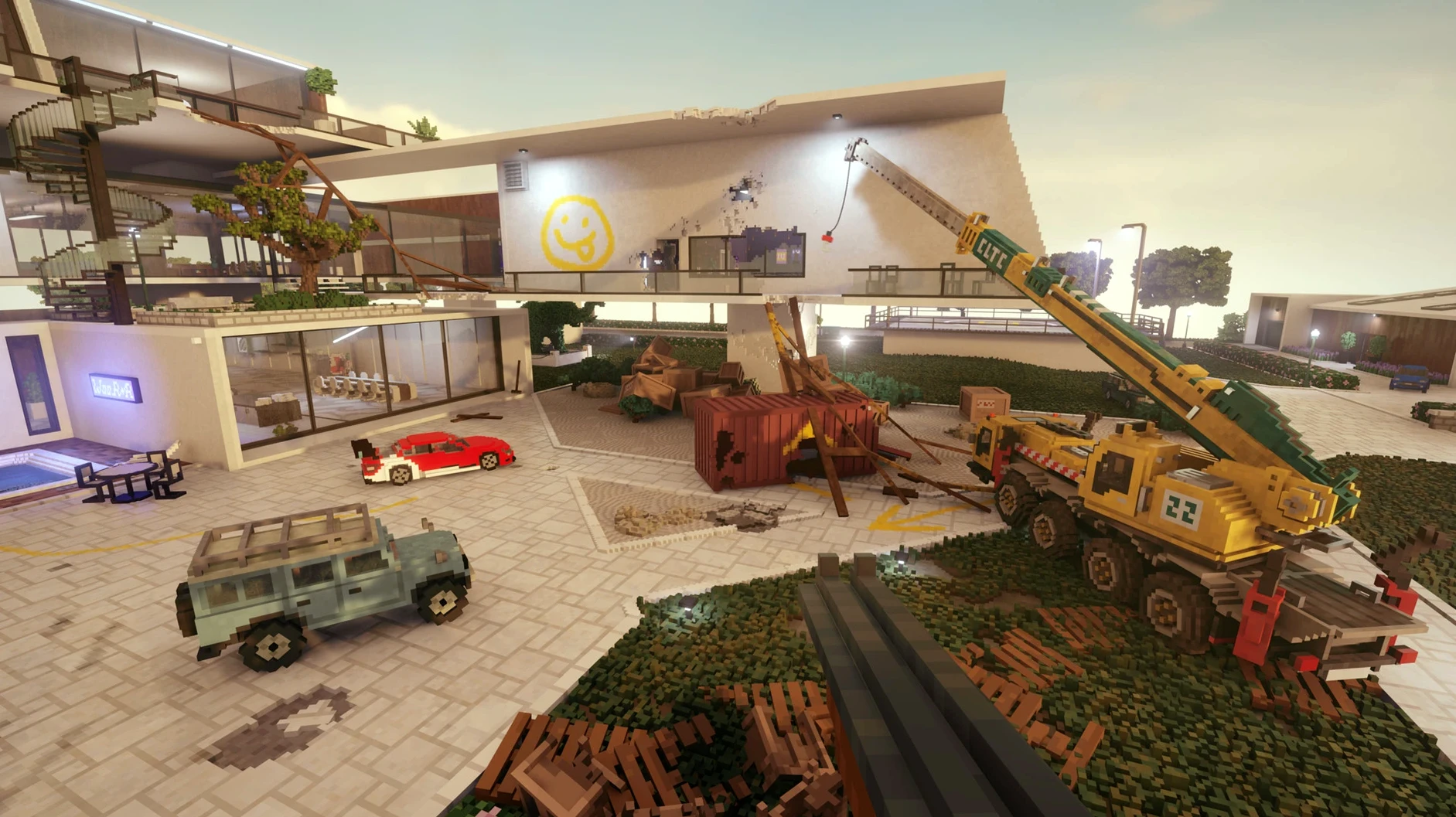
You reverse the lorry through the brick wall of the warehouse, grab the safe with the crane, and drop it onto a waiting boat. The alarm is screaming, but you have carved your own exit route. That is a typical two minutes in Teardown.
Sledgehammers and shotguns that leave real marks
- People who want their tools to reshape the world. Sledgehammers, shotguns, and construction vehicles all leave realistic marks.
- Planners who enjoy scouting a target, setting up vehicles and explosives, then executing a tight escape route.
- Tinkerers. The sandbox and creative modes let you stack objects, build voxel structures, or just level the map for fun.
- Players who treat physics as a toy. Floating objects and ramming shortcuts through buildings are part of the strategy.
Timed heists punish slow, stealthy approaches
- The campaign is built around timed heists. You must work fast once the alarm starts, which can frustrate someone wanting a slow, stealthy pace.
- Destruction is the whole point. If you prefer story-driven dialogue or RPG progression, this will feel thin.
- Challenge modes unlock as you progress, but the core loop of planning and chaos stays the same throughout.
Physics toy for demolition experts and heist planners
Sandbox tinkerers and amateur demolition experts get the best return here. If you enjoy games where the world is a physics toy rather than a backdrop, Teardown lands squarely in your territory.
Speedrunners and heist planners also thrive. The campaign's timed escapes reward you for knowing the map, pre-positioning vehicles, and carving shortcuts before the alarm triggers. It rewards preparation more than twitch reflexes.
Players who want a narrative or character progression will bounce off. The debt-collector setup is a thin excuse to wreck things. Creative mode appeals to the voxel-building crowd, but it is secondary to the destruction engine.
Disable one graphics setting for a playable framerate
On an M3 Pro MacBook Pro, the Wineskin wrapper adds a small translation overhead, but the game stays playable once you tweak one setting. Disable Barrel Distortion in the graphics options and you will see frame rates climb past that 20 fps floor. The visual difference is negligible; the performance gain is not.
Load times are quick for maps of this complexity. The voxel engine streams assets without stutter during normal play. You may notice a brief hitch when a large structure collapses into hundreds of chunks, but the physics calculation is doing genuine work there. Memory usage sits comfortably for a modern Apple Silicon machine. No background leaks or creeping slowdown over long sessions.
The Wineskin layer means the occasional rough edge. The first launch may need the bundled Fix script. After that, it behaves like a native app in daily use. Mods drop into a predictable folder path — Teardown.app/Contents/SharedSupport/prefix/drive_c/users/Sikarugir/Documents/Teardown/mods — and the game picks them up without fuss.
Scout the compound, punch a fence exit, then bolt
You open a campaign job: steal two sports cars from a guarded compound. First pass is reconnaissance. You walk the perimeter, note the concrete barriers, and spot a weak wooden fence behind the garage. That fence is your exit.
Second pass is preparation. You drag a flatbed truck next to the fence and park a loader with forks raised by the showroom window. You spray-paint a route marker on the tarmac so you do not get lost when the alarm screams.
You trigger the heist. The first car goes through the showroom window with a plank ramp you placed earlier. You drive it onto the flatbed and sprint back for the second. A security bot rounds the corner. You blast a hole through the compound wall with the shotgun, creating a shortcut that saves four seconds. Both cars reach the drop-off with a second to spare.
Later, you open the sandbox, spawn a Teardown Mac torrent’s worth of explosives and a crane, and spend twenty minutes reducing the entire map to rubble. No timers. No bots. Just physics doing what physics does.
Requirements
- Tested on macOS Sequoia
- Apple Silicon Mac (tested on MacBook Pro with M3 Pro, 2023)
FAQ
How do I change the game language?
Open the Options menu, click Game, then select your language from the list. Russian, English, German, Spanish, Italian, Chinese (Simplified), Polish, French, and Japanese are included.
Comments 0
Sign in or create an account to leave a comment.
No comments yet…
If you’ve installed it, say how it went. Mention your Mac and macOS version — it helps the next person more than you’d think.
More in Games
All in Games-
 Syberia: The World Before
1.2.40404-56798
Apple Silicon
Syberia: The World Before
1.2.40404-56798
Apple Silicon
-
 Terraria
1.4.5.8
Apple Silicon
Terraria
1.4.5.8
Apple Silicon
-
 The Binding of Isaac Rebirth+
1.9.7.15 Beta
Apple Silicon
The Binding of Isaac Rebirth+
1.9.7.15 Beta
Apple Silicon
-
 The Elder Scrolls III: Morrowind
1.6.18.20
Apple Silicon
The Elder Scrolls III: Morrowind
1.6.18.20
Apple Silicon
-
 Supermarket Simulator
1.7.0 Native
Apple Silicon
Supermarket Simulator
1.7.0 Native
Apple Silicon
-
 The Long Dark
2.55
Apple Silicon
The Long Dark
2.55
Apple Silicon
-
 The Sims 4
1.127.41.1030
Apple Silicon
The Sims 4
1.127.41.1030
Apple Silicon
-
 Thief: Master Thief Edition
1.1
Thief: Master Thief Edition
1.1