Easy Red 2 for macOS
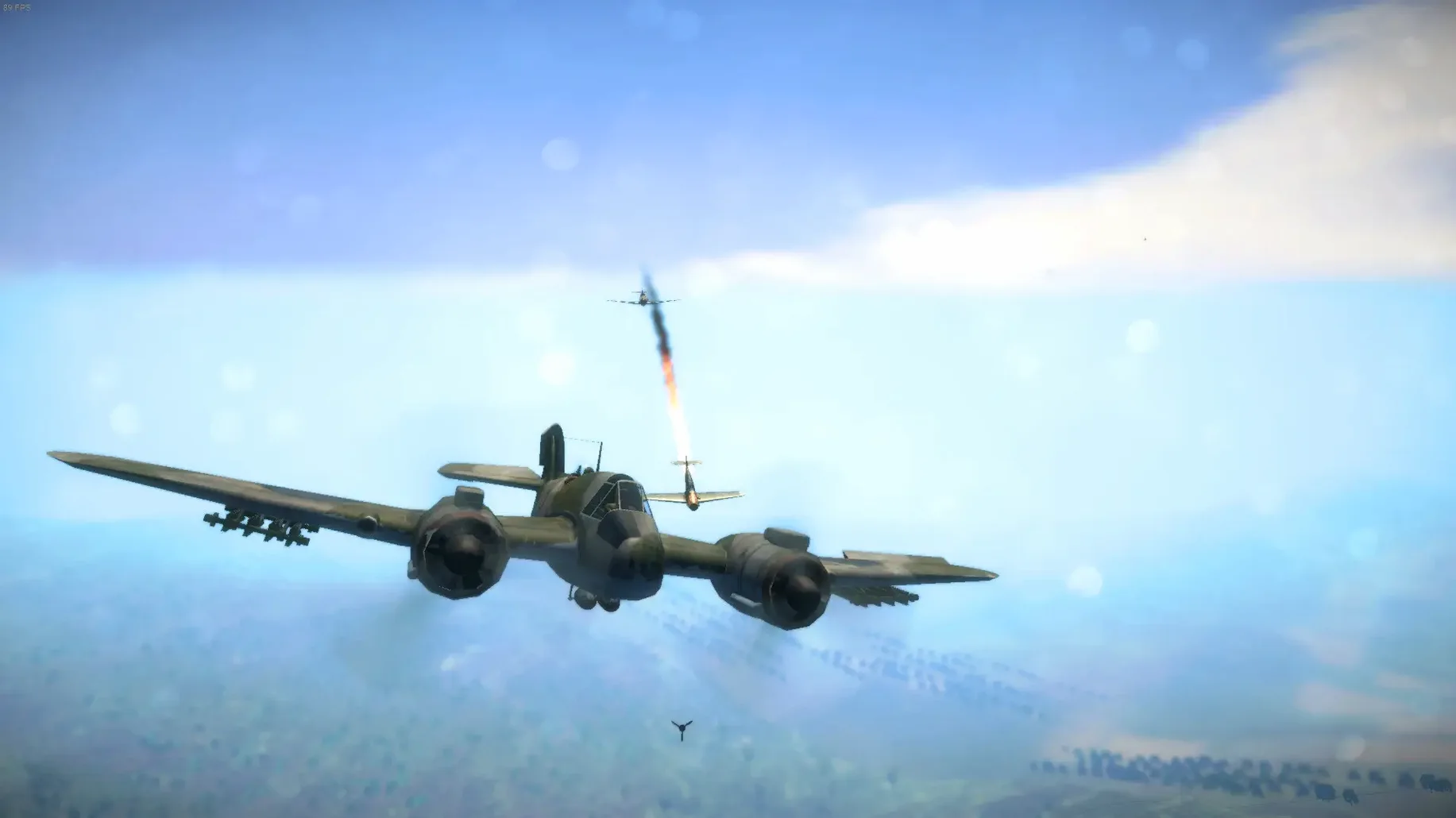
Description
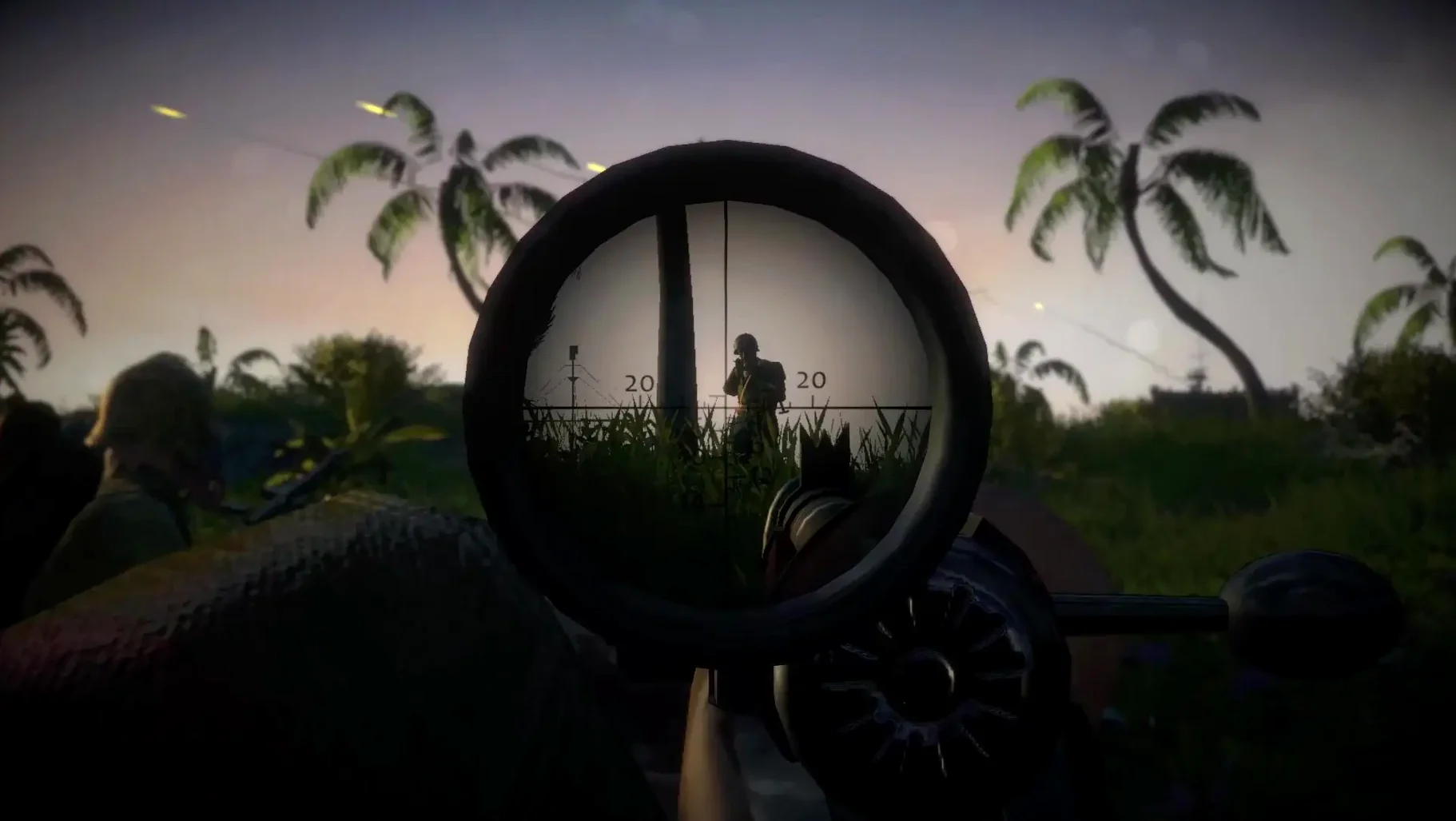
Getting a tactical World War II shooter with proper squad mechanics running smoothly on a Mac used to mean choosing between thin compromises and software that simply never launched. Easy Red 2 lands as a native build that skips the usual porting drama.
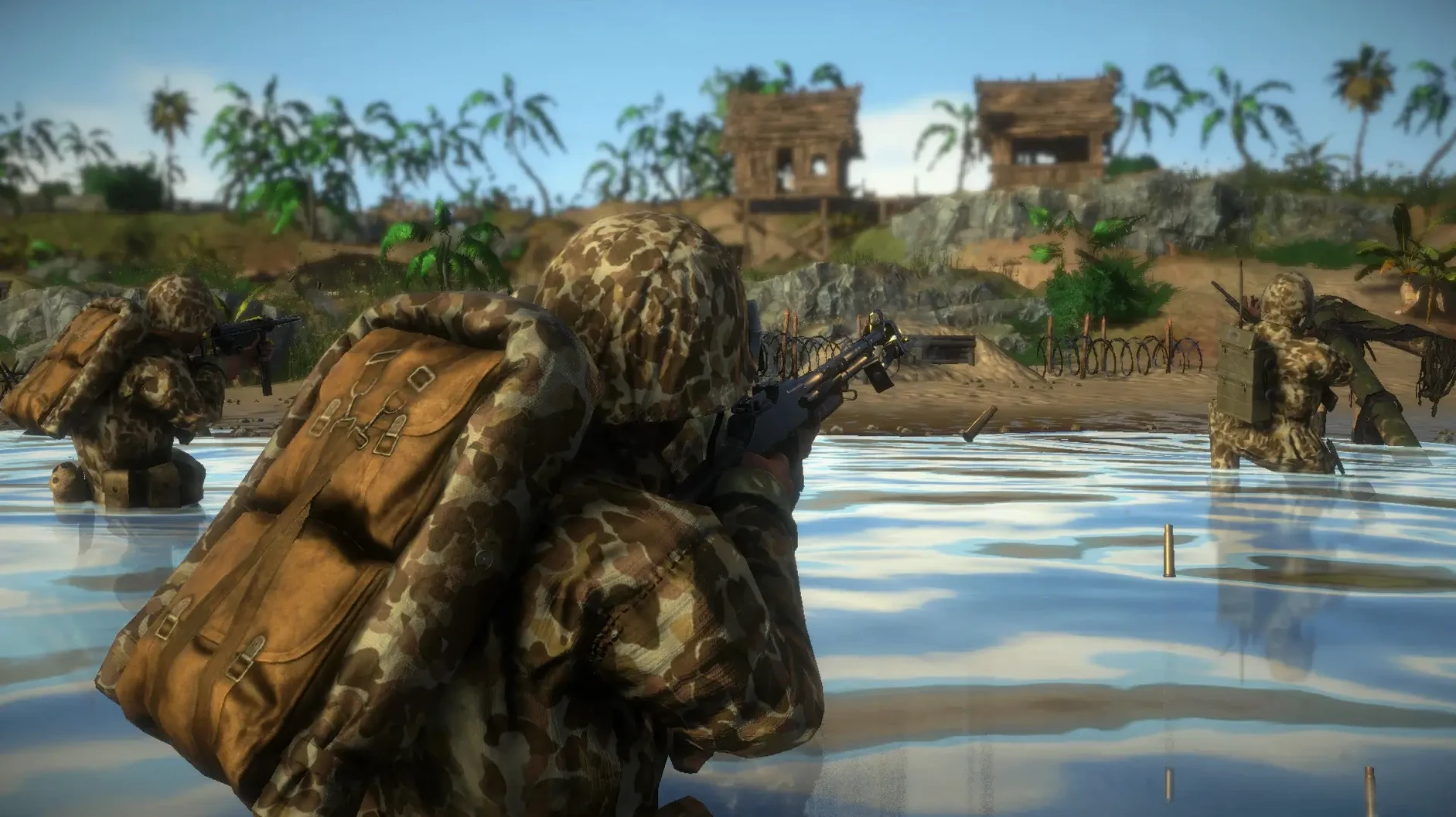
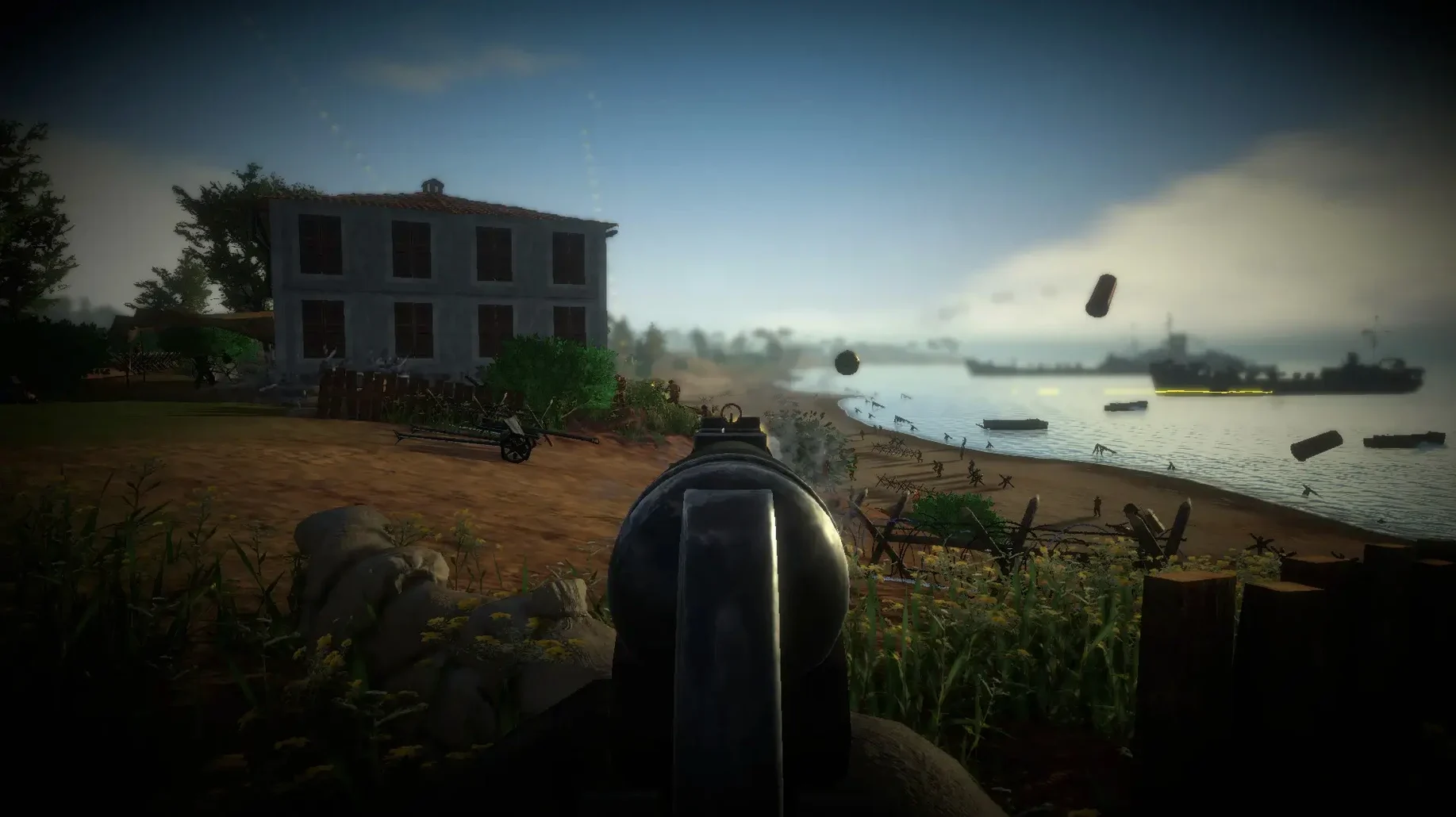
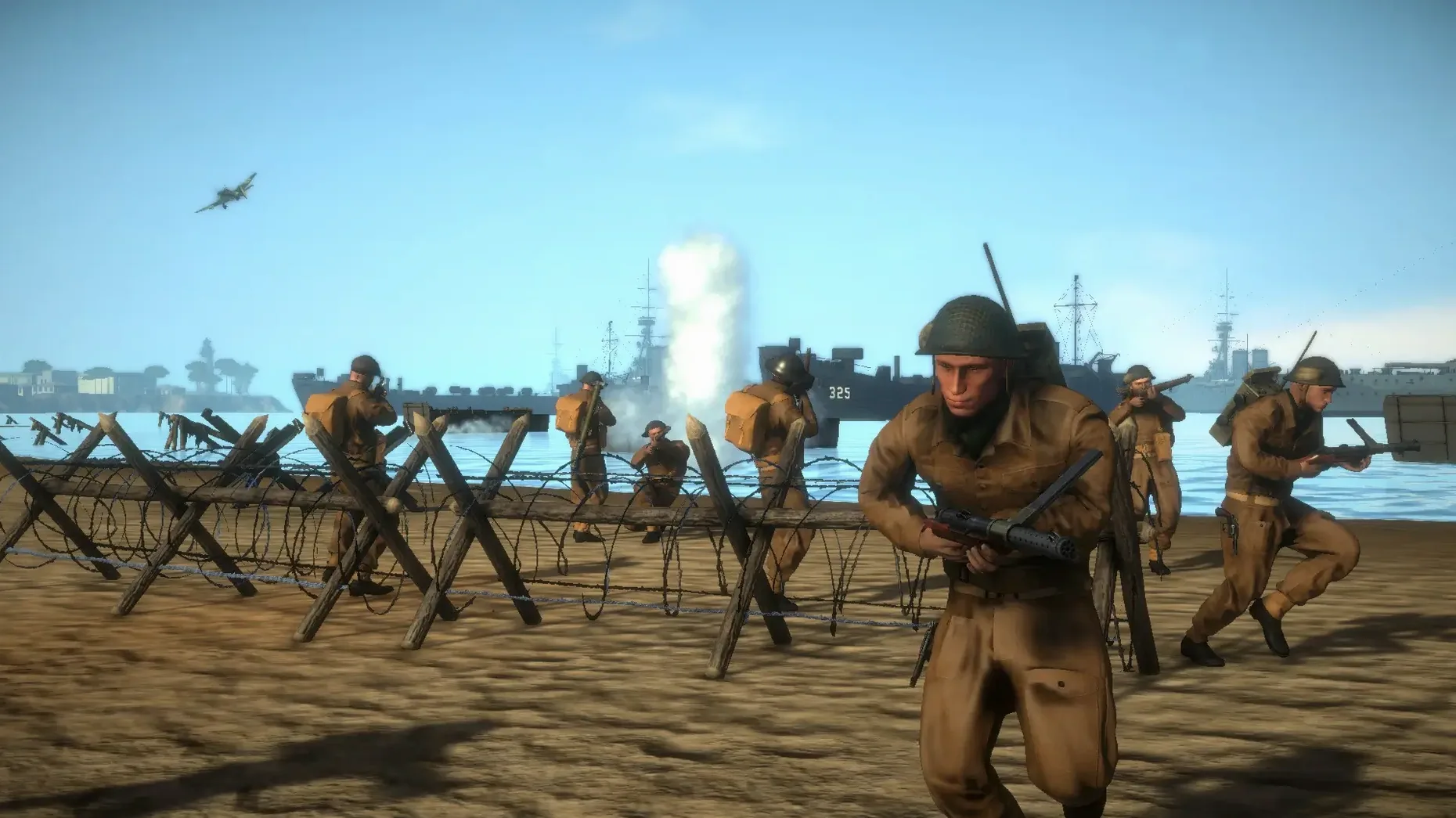
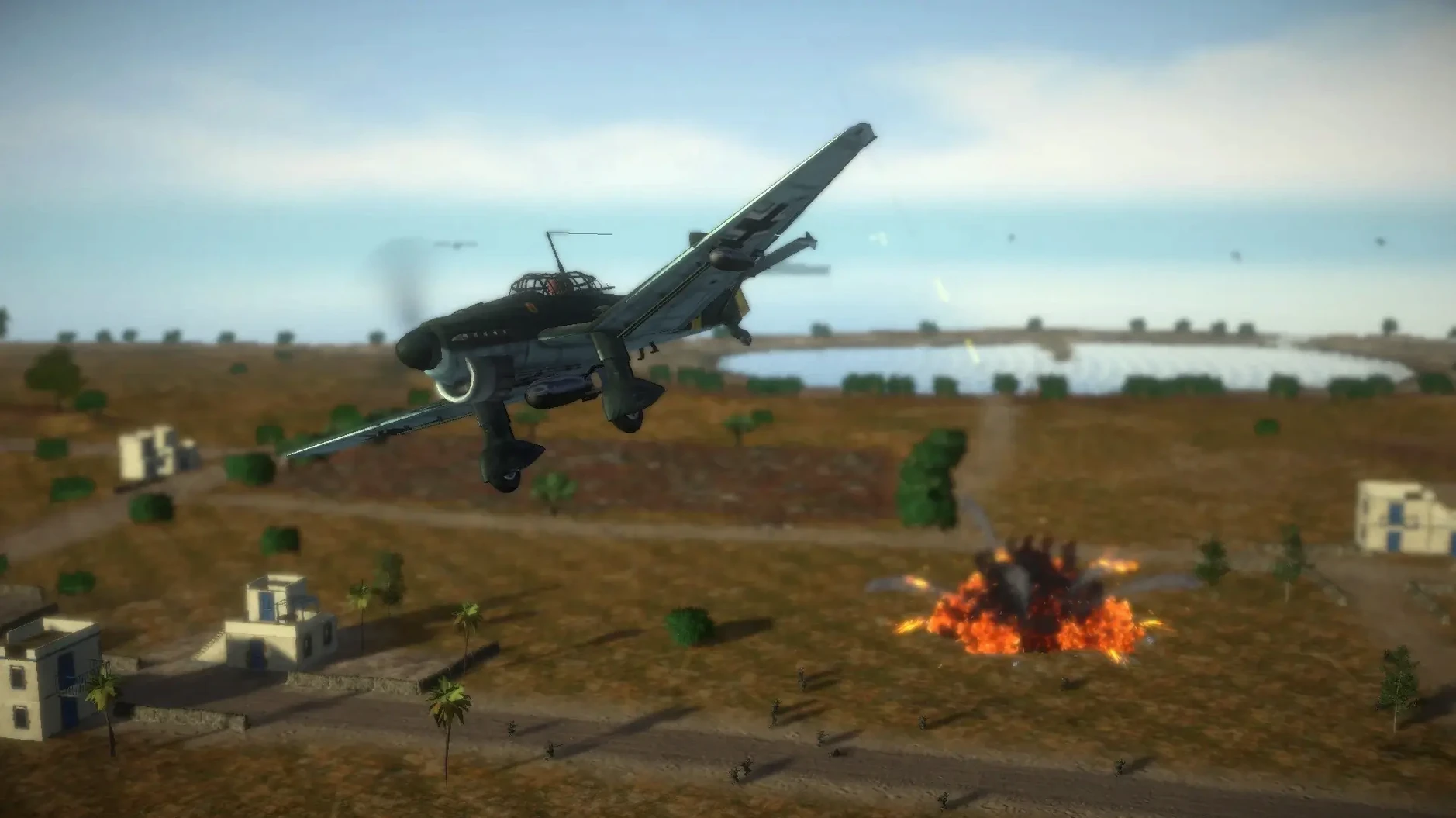
Combat scope — Large open-world maps host battles with infantry squads and armoured vehicles. You aren't watching a scripted sequence; you're moving through a live firefight.
Squad roles — Squad leader, medic, or radio operator. Each one changes how the battle plays out around you. Give orders, patch up the wounded, or call in support.
Vehicle crews — In a tank, each crew seat operates a different weapon. You switch roles inside the vehicle while the fight continues outside.
Suppression and realism — Incoming fire pins your squad down. Movement and weapon handling lean toward simulation. It's not an arcade dash; it's a steady, messy advance through historical locations.
Tested on a Mac mini 2024 M4 running macOS Tahoe, the build is optimised for a high, stable frame rate. It includes both ARM and 64-bit x86 versions. Expect a game that respects the hardware without demanding a graphics card that belongs in a render farm.
Hold Q, don’t tap it
The squad command wheel opens by holding Q. Most people tap it, which gives you a flash of the radial menu and nothing else. Hold it down, pick your order, release. The same rule applies to the vehicle position menu under E.
When you play as a medic, the bandage icon only appears over a wounded soldier if you are close enough. Crouch-running cuts the approach time without the noise penalty of a full sprint. On maps with long sightlines, that habit keeps you alive between cover.
Sandbags, walls, fences and cars all react to explosions — but so do the crates near ammo dumps. A stray grenade can wipe out your resupply point for the rest of the engagement. Move your squad a few metres clear before you start throwing anything with a fuse.
Native Apple Silicon and Intel builds in one disk image
Does the Mac version run natively on Apple Silicon?
Yes. The disk image includes ARM and 64-bit x86 builds, so you get a native experience whether you are on an M-series chip or an older Intel Mac.
Can I play offline?
Single-player campaigns and skirmish mode work without a network connection. No activation step, no always-online requirement.
Are the vehicle interiors fully modelled?
Each crew position has its own view and weapon controls. You switch seats inside the tank while the battle carries on outside. It is not a static turret view — you are moving through a working vehicle.
Will it hold a steady frame rate?
The build was tested on a Mac mini M4 and tuned to keep things smooth even when the map fills with infantry and armour. The engine favours stability over decorative effects.
What’s new
Adds Russian language support. Adds English voice support. Includes ARM and 64-bit x86 builds.
Requirements
- macOS Tahoe (tested on Mac mini 2024 M4)
- Apple Silicon (native ARM build) or Intel (64-bit x86 build)
- No activation required
FAQ
Does Easy Red 2 run natively on Apple Silicon Macs?
Yes. The build includes a native ARM version and was tested on a Mac mini 2024 M4 running macOS Tahoe.
What languages are supported in the interface?
Russian, English, German, Arabic, Spanish, Italian, Simplified Chinese, Polish, Portuguese, Turkish, French, and Japanese are all listed.
Comments 0
Sign in or create an account to leave a comment.
No comments yet…
If you’ve installed it, say how it went. Mention your Mac and macOS version — it helps the next person more than you’d think.