
Baldur's Gate 3 for macOS
Description
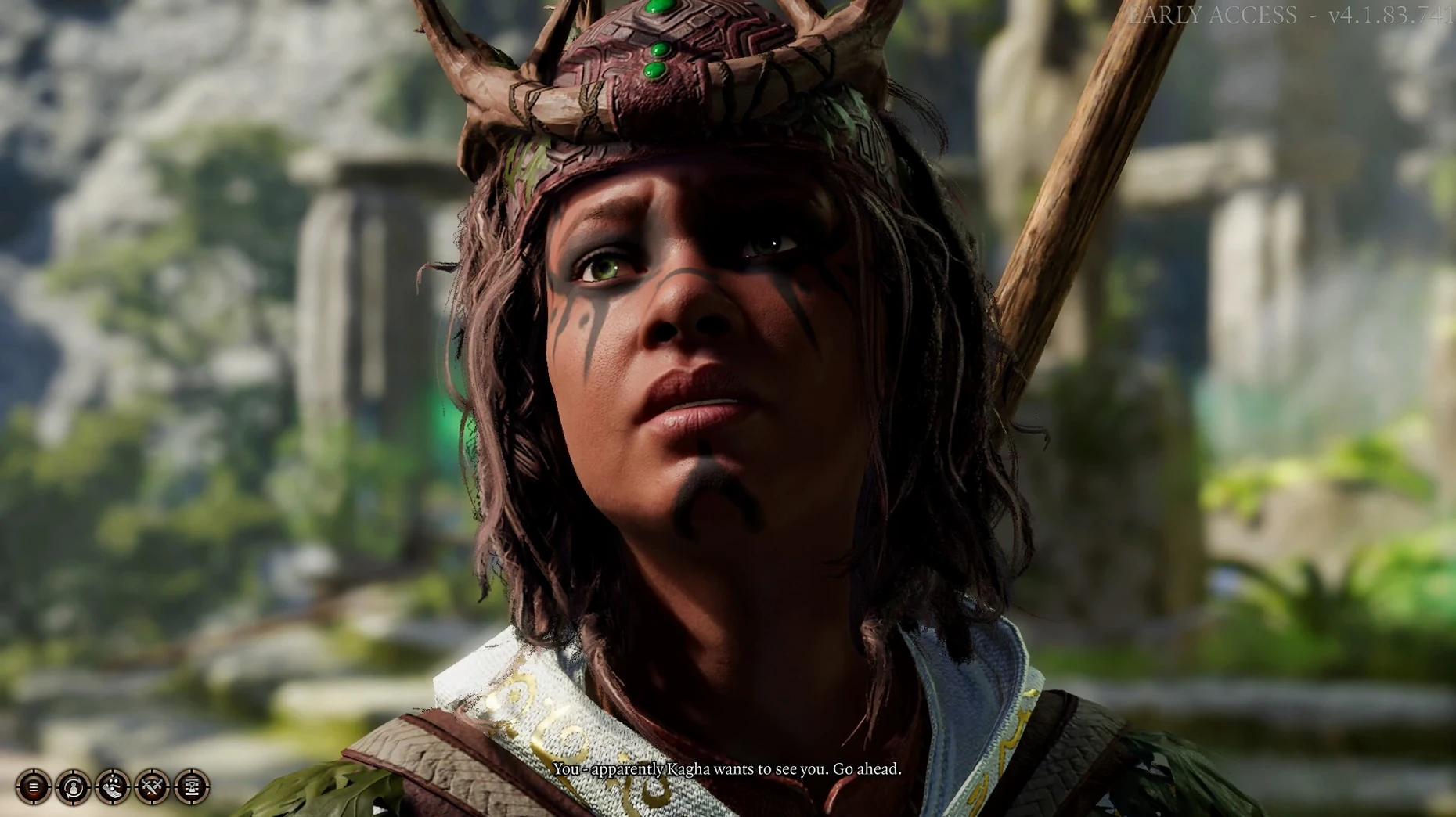
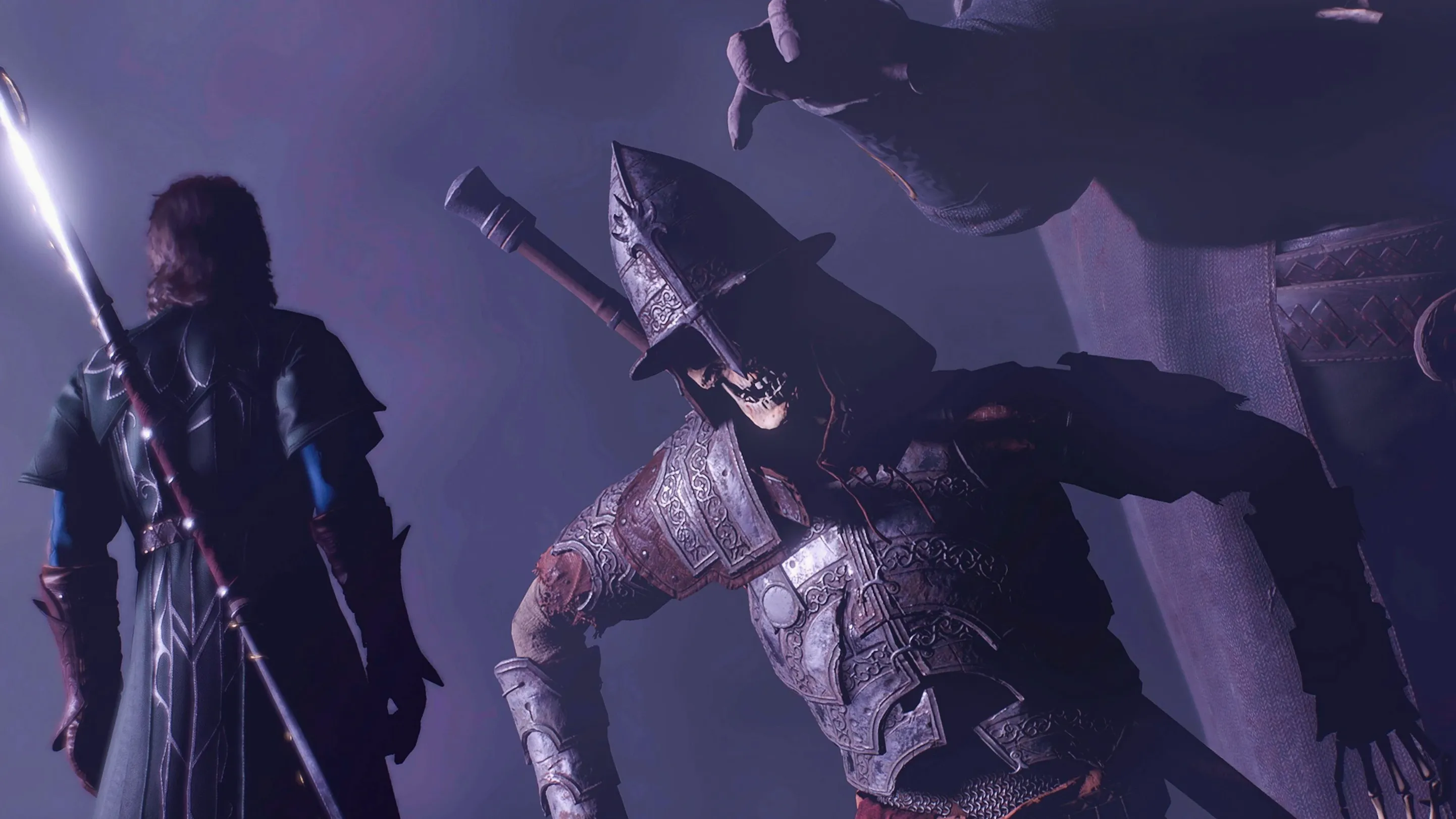
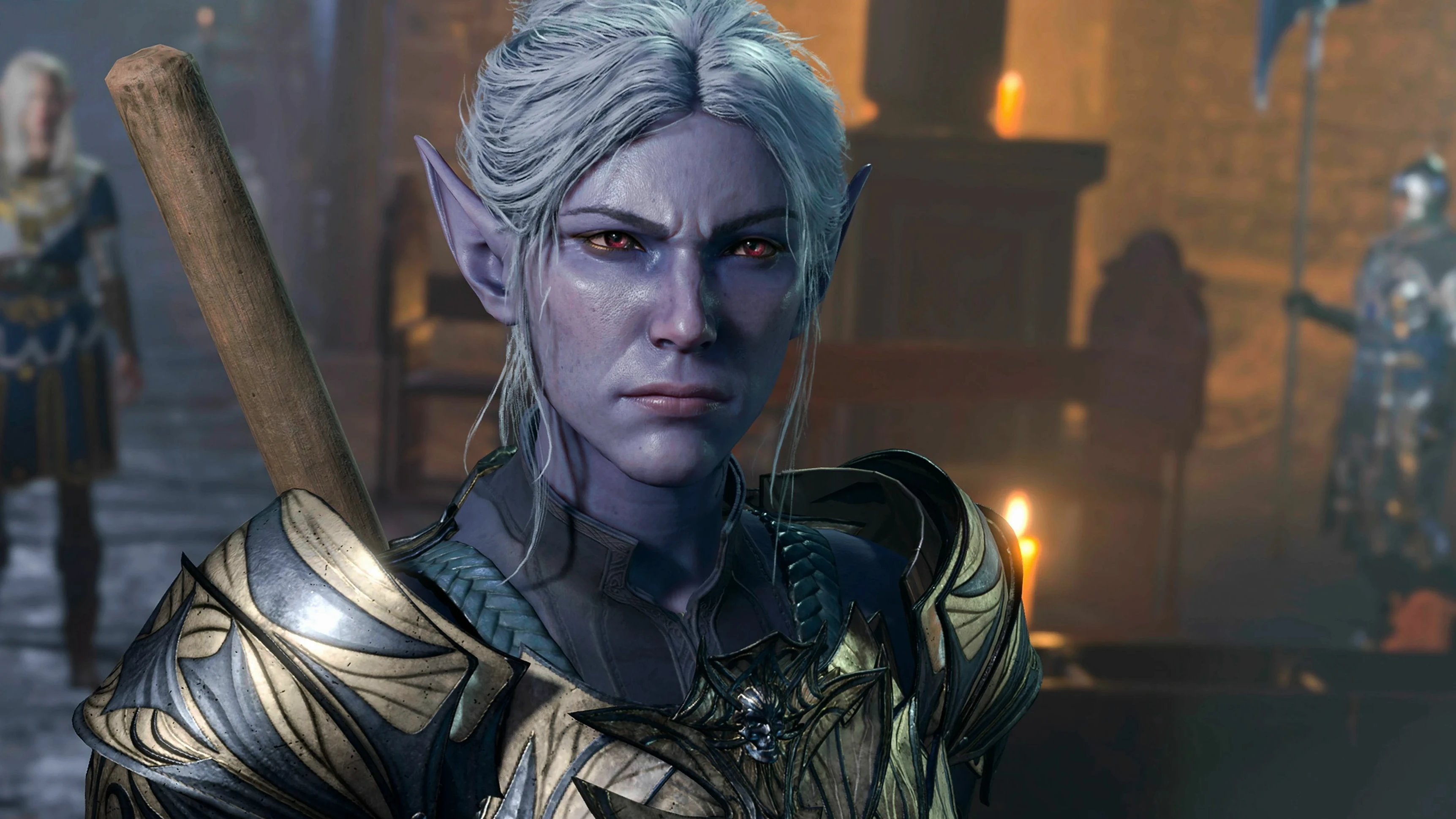
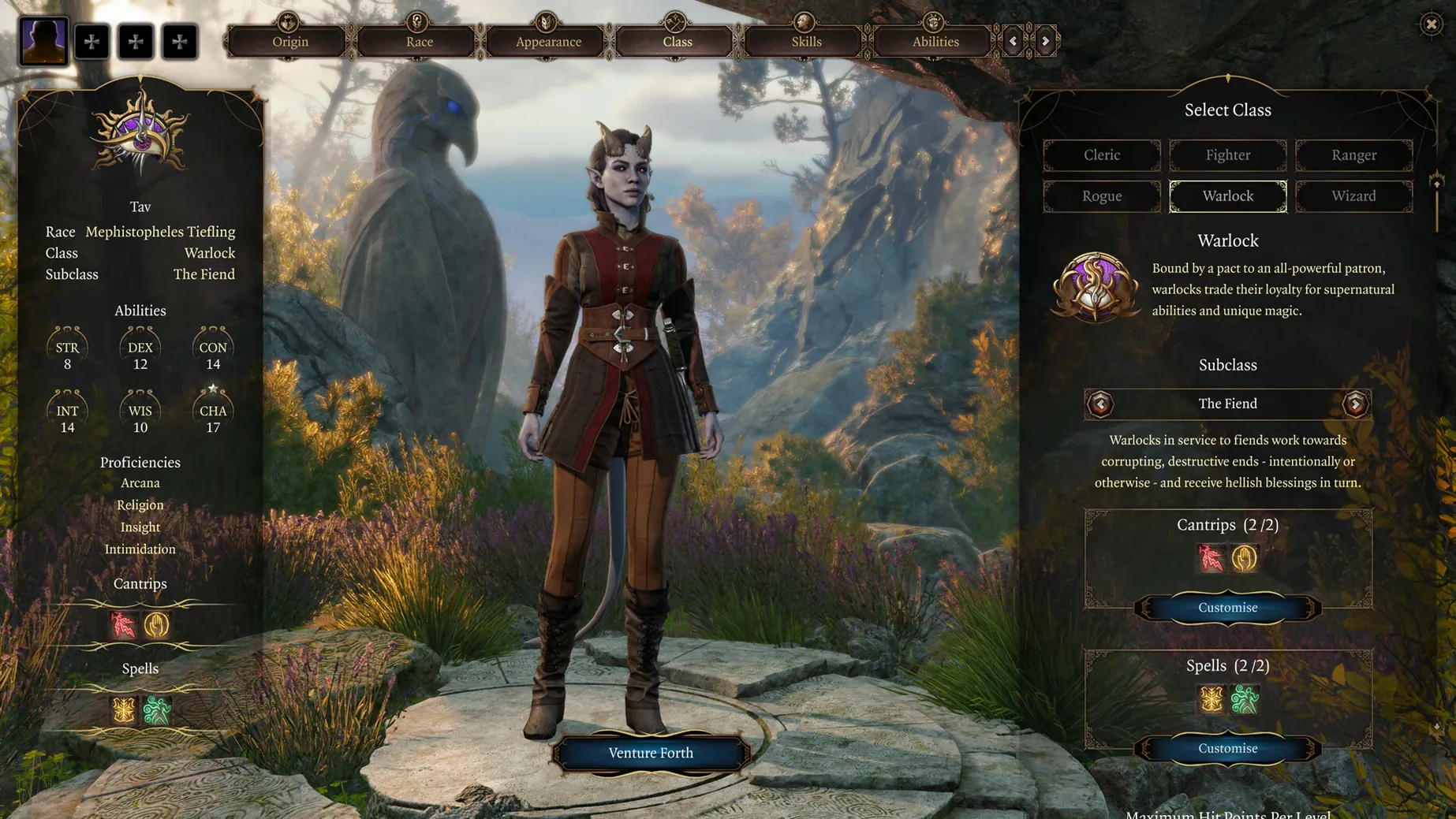
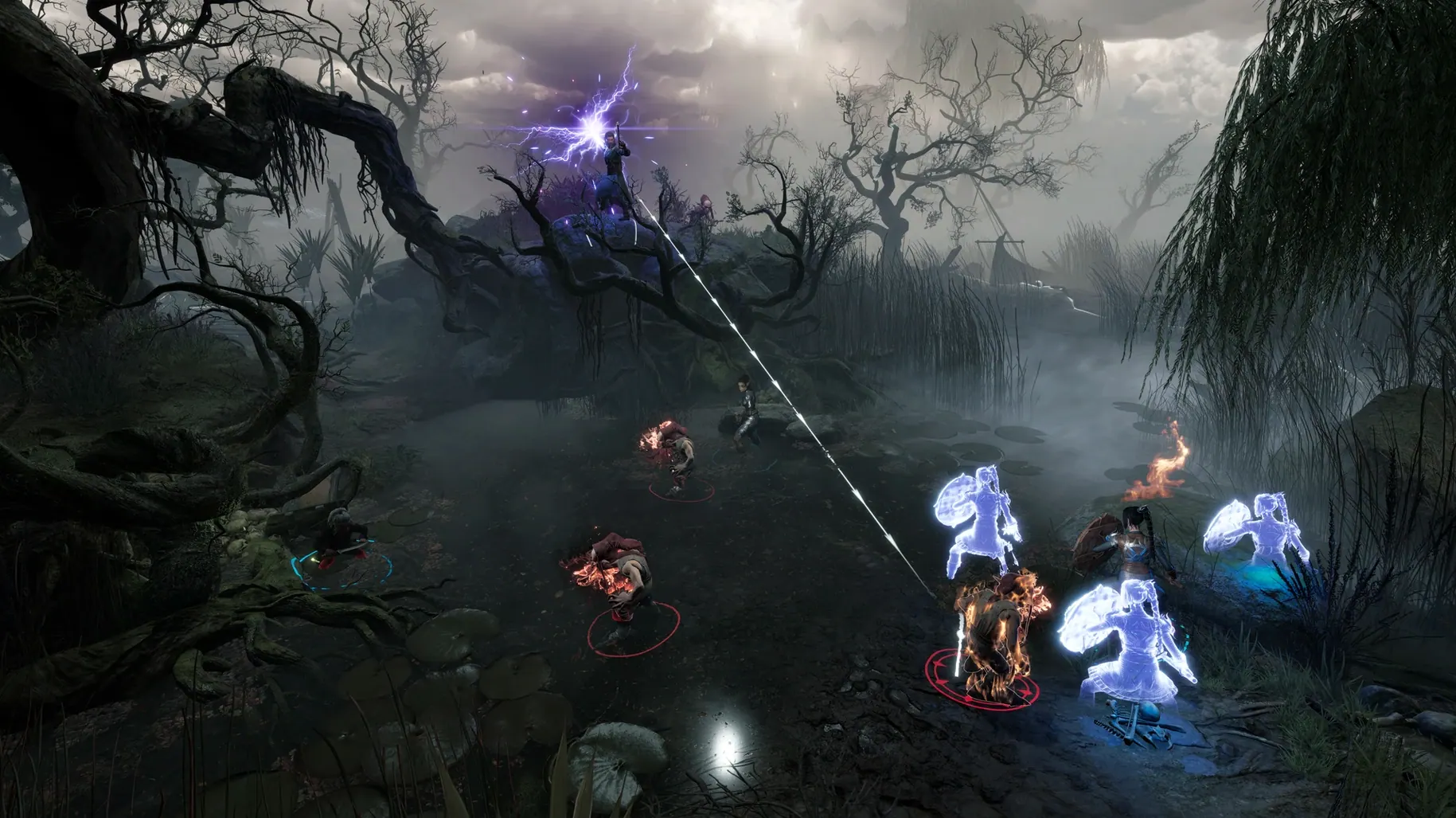
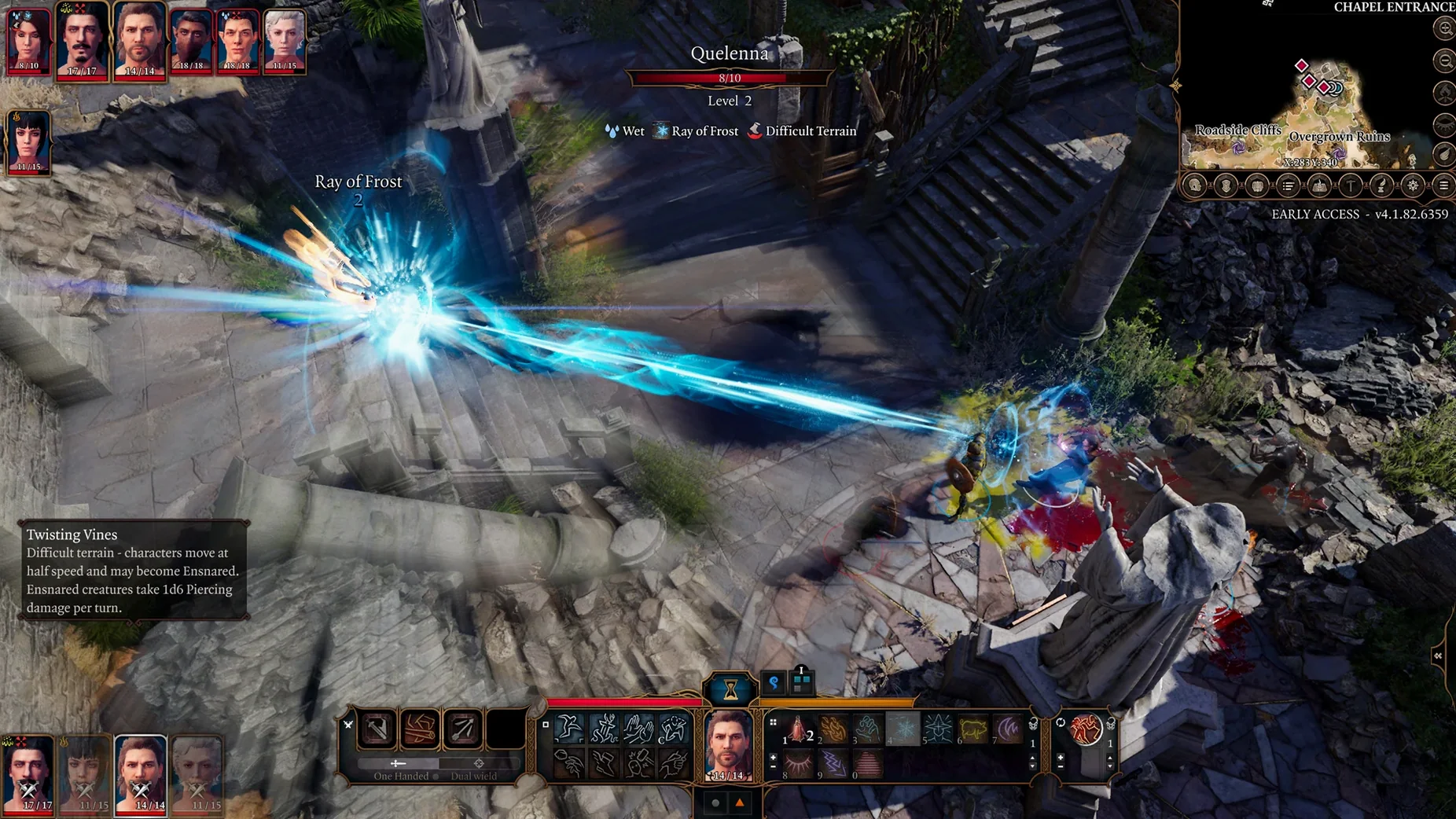
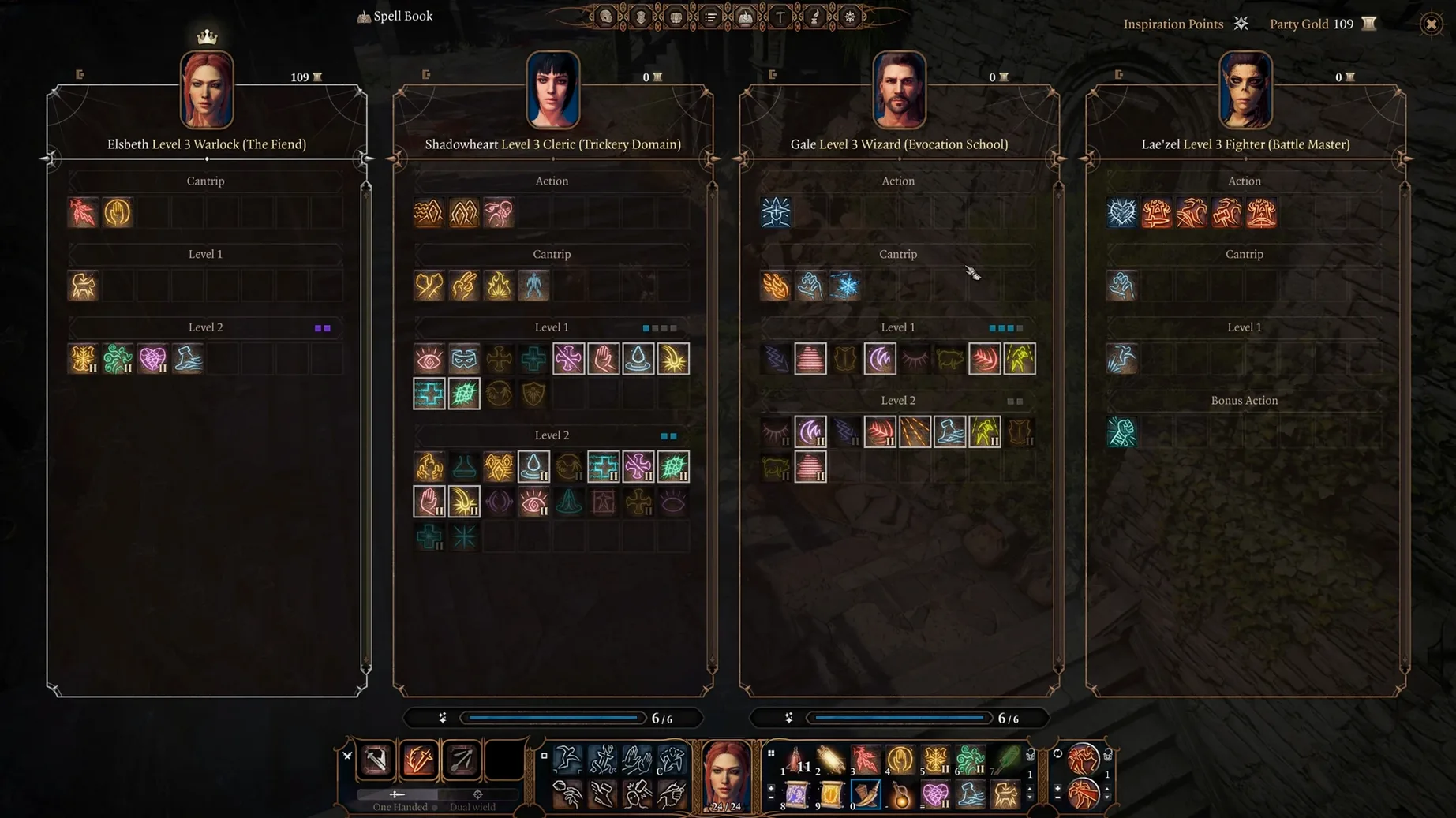
Baldur's Gate 3 is a turn-based role-playing game built on the bones of Dungeons & Dragons 5th edition. You pick or create a character, assemble a four-person party, and push through a story that reacts to your choices. Combat is methodical. You move, you act, you watch the dice rolls decide if your poison-tipped arrow actually hits. You can just as easily stack crates to reach a ledge or shove a goblin into a chasm as you can swing a sword.
Outside a fight, you can freeze the world with a pause to line up a stealth approach. Sneaking past a pack of gnolls is a valid plan. The pre-made origin characters come with their own tangled histories if you would rather not start from scratch. Whichever route you take, the game gives you the tools to get creative with fire, grease, water, and anything else lying around a dungeon.
The macOS version runs on Metal, and it supports an eGPU if your machine needs the extra grunt. You will need a 64-bit system on at least 10.15.6 Catalina, with Metal 2.2 features available. The interface ships in Russian, English, German, Spanish, Simplified Chinese, Polish, and French.
Hold Alt to spot loot hidden in crates
A few things are easy to miss on a first run. Holding Alt highlights every object you can interact with — including loot hidden in barrels and crates you would otherwise walk straight past. The Tab key swaps between party members without clicking portraits, which sounds trivial until you are mid-argument with a mind flayer. You can also right-click almost anything to send it to camp, a habit that saves a lot of inventory juggling.
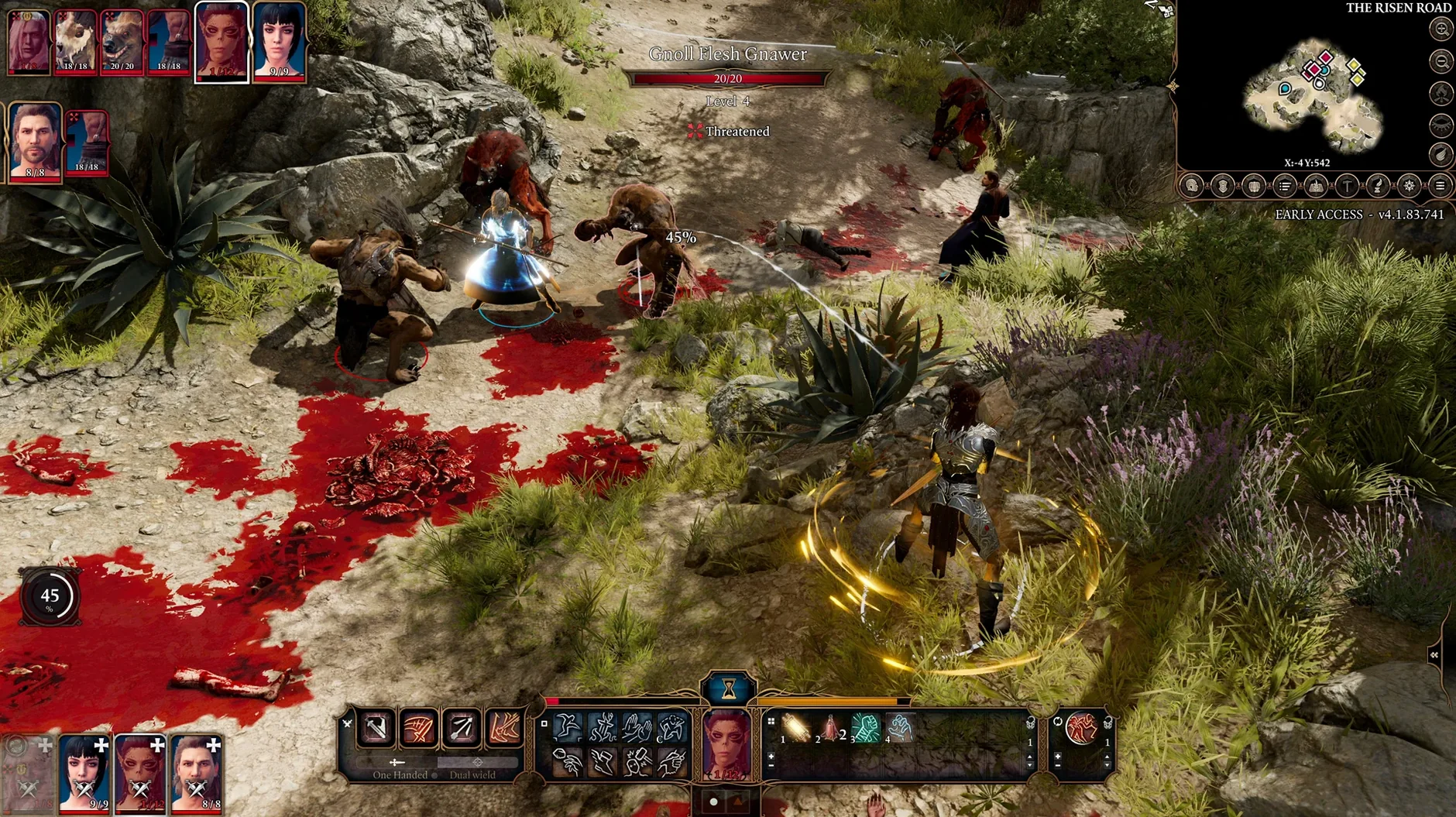
In combat, hovering over an enemy shows your chance to hit before you commit. It does not make the dice any kinder, but at least the disappointment is scheduled.
Long sessions rarely crash on the Metal build
The native Metal build holds up well in daily play. Load times between areas are tolerable rather than snappy, and the fan will spin up during larger encounters — expected on most Macs. What impresses is stability: long sessions rarely stutter or crash, even with the camera swinging across a busy goblin camp. The game pauses cleanly when you switch to another app, which helps if you like to check a build guide mid-dungeon.
Memory use is substantial. Close your browser before launching unless you enjoy watching the system swap. On Apple Silicon it settles into a steady rhythm after the first area; on Intel machines, expect the eGPU to earn its keep. It is heavy software, but it behaves.
Requirements
- macOS 10.15.6 or later
- 64-bit processor and operating system
- Metal 2.2 compatible graphics
- eGPU supported
Comments 0
Sign in or create an account to leave a comment.
No comments yet…
If you’ve installed it, say how it went. Mention your Mac and macOS version — it helps the next person more than you’d think.
More in Games
All in Games-
 Batman: Arkham City - Game of the Year Edition
1.2.1
Batman: Arkham City - Game of the Year Edition
1.2.1
-
 Assassin’s Creed Brotherhood
1.03
Apple Silicon
Assassin’s Creed Brotherhood
1.03
Apple Silicon
-
 Assassin's Creed Shadows
1.0.35
Apple Silicon
Assassin's Creed Shadows
1.0.35
Apple Silicon
-
 Big Ambitions
1.0.3682
Apple Silicon
Big Ambitions
1.0.3682
Apple Silicon
-
 BioShock Remastered
1.0
BioShock Remastered
1.0
-
 Black Mesa
1.5.3.7336708
Apple Silicon
Black Mesa
1.5.3.7336708
Apple Silicon
-
 Bloons TD 6
56.3
Apple Silicon
Bloons TD 6
56.3
Apple Silicon
-
 Arma 3
2026.09.03
Apple Silicon
Arma 3
2026.09.03
Apple Silicon