Mortal Kombat: Legacy Kollection for macOS
Description
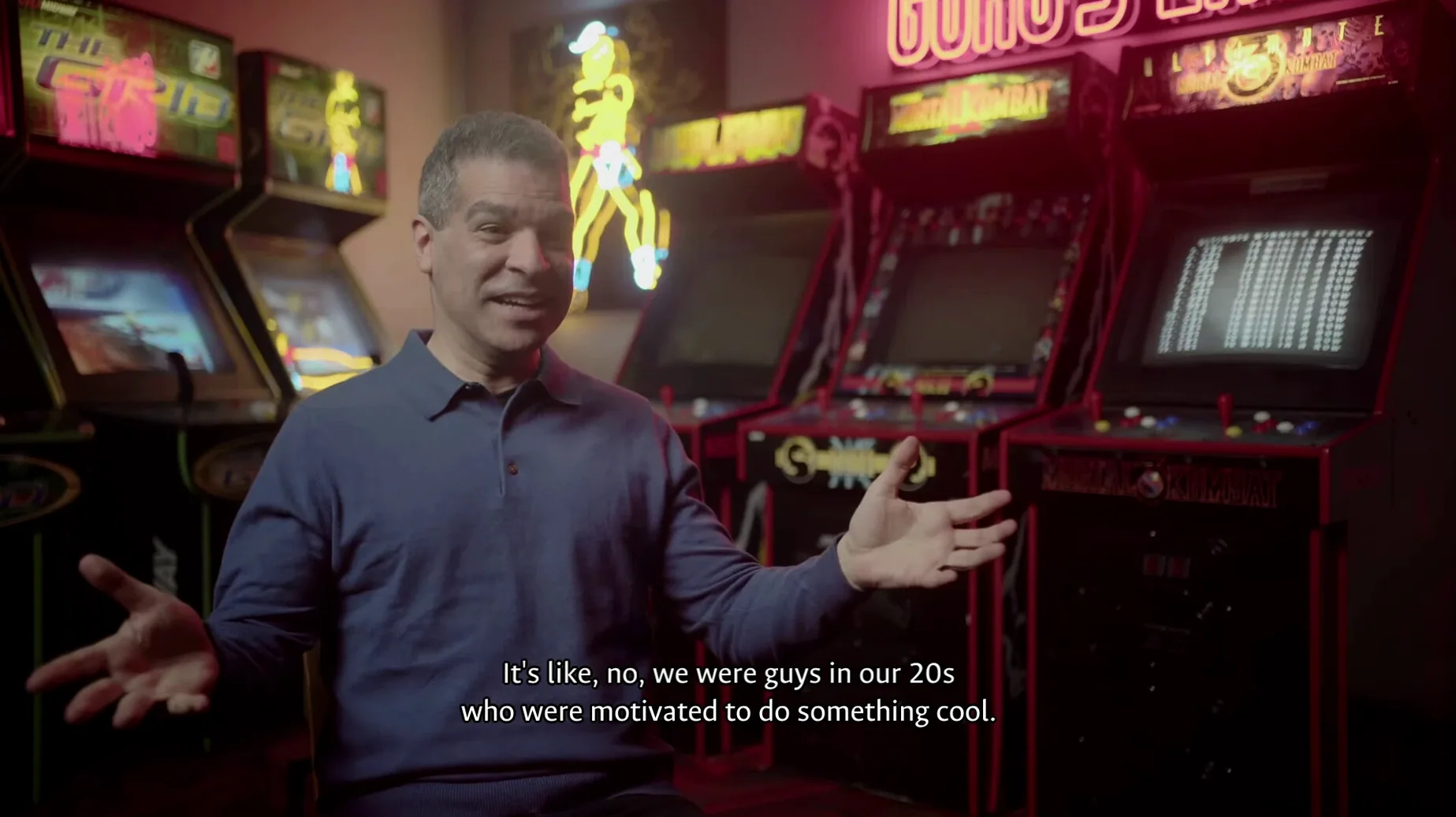
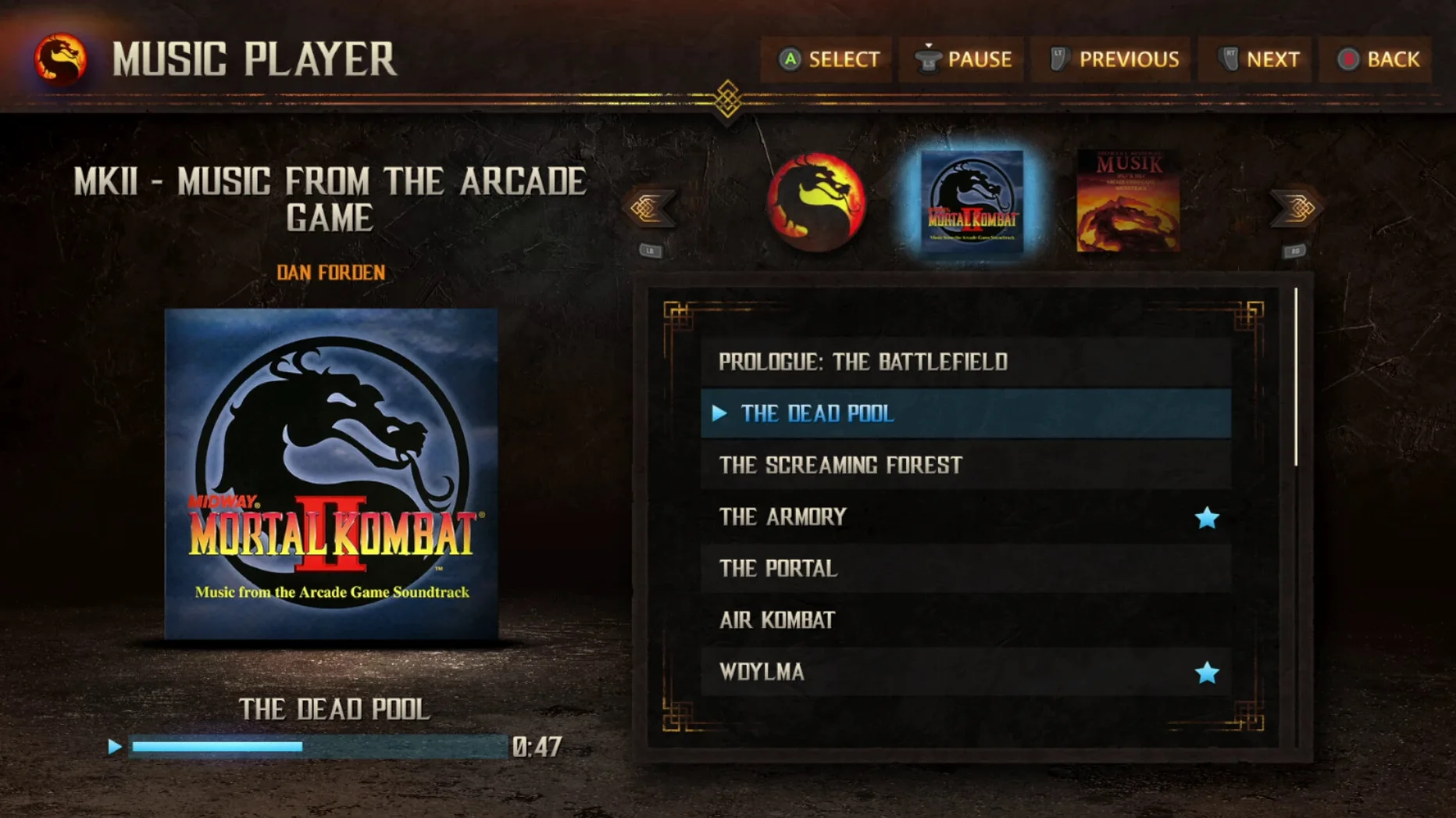
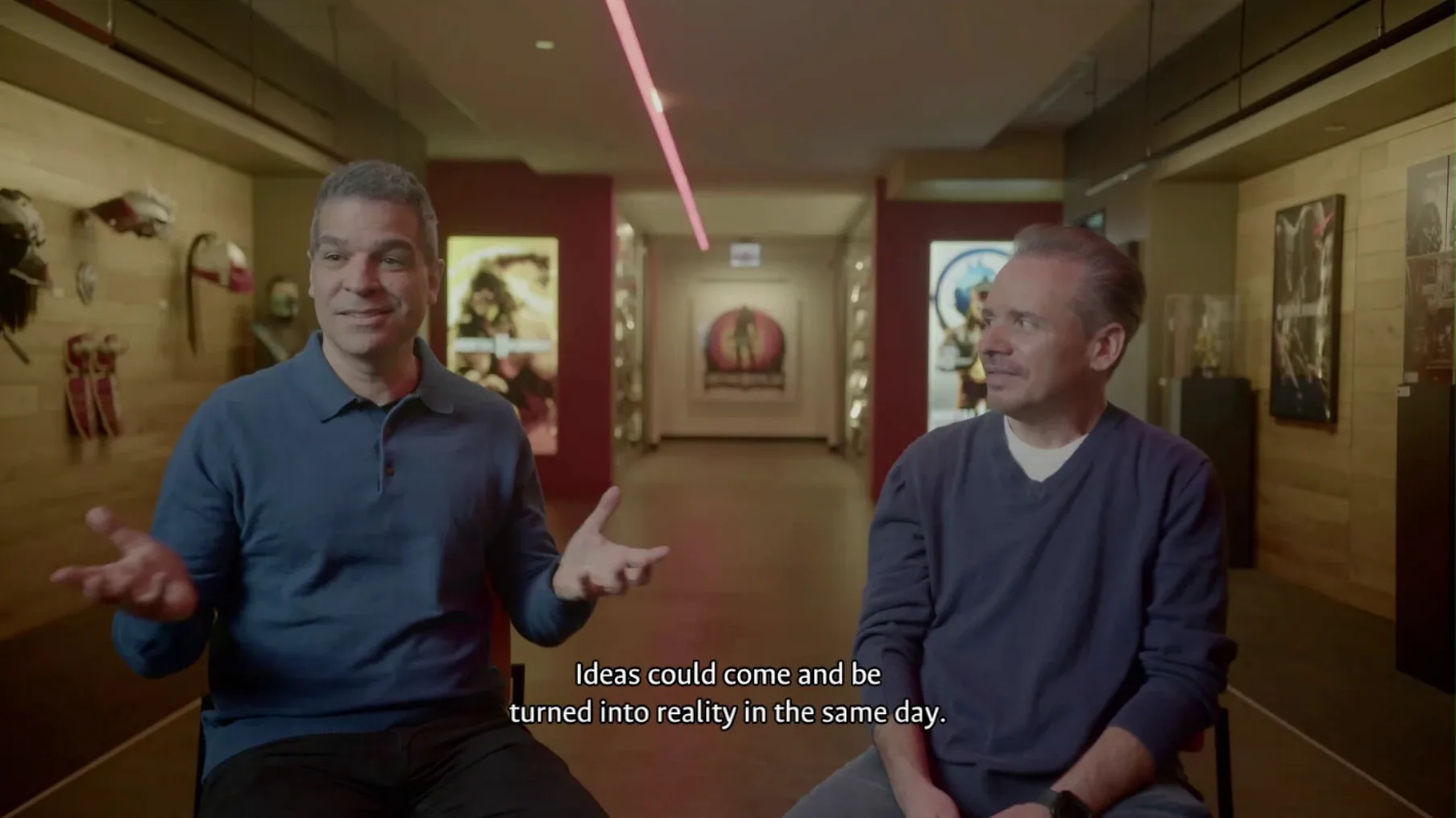
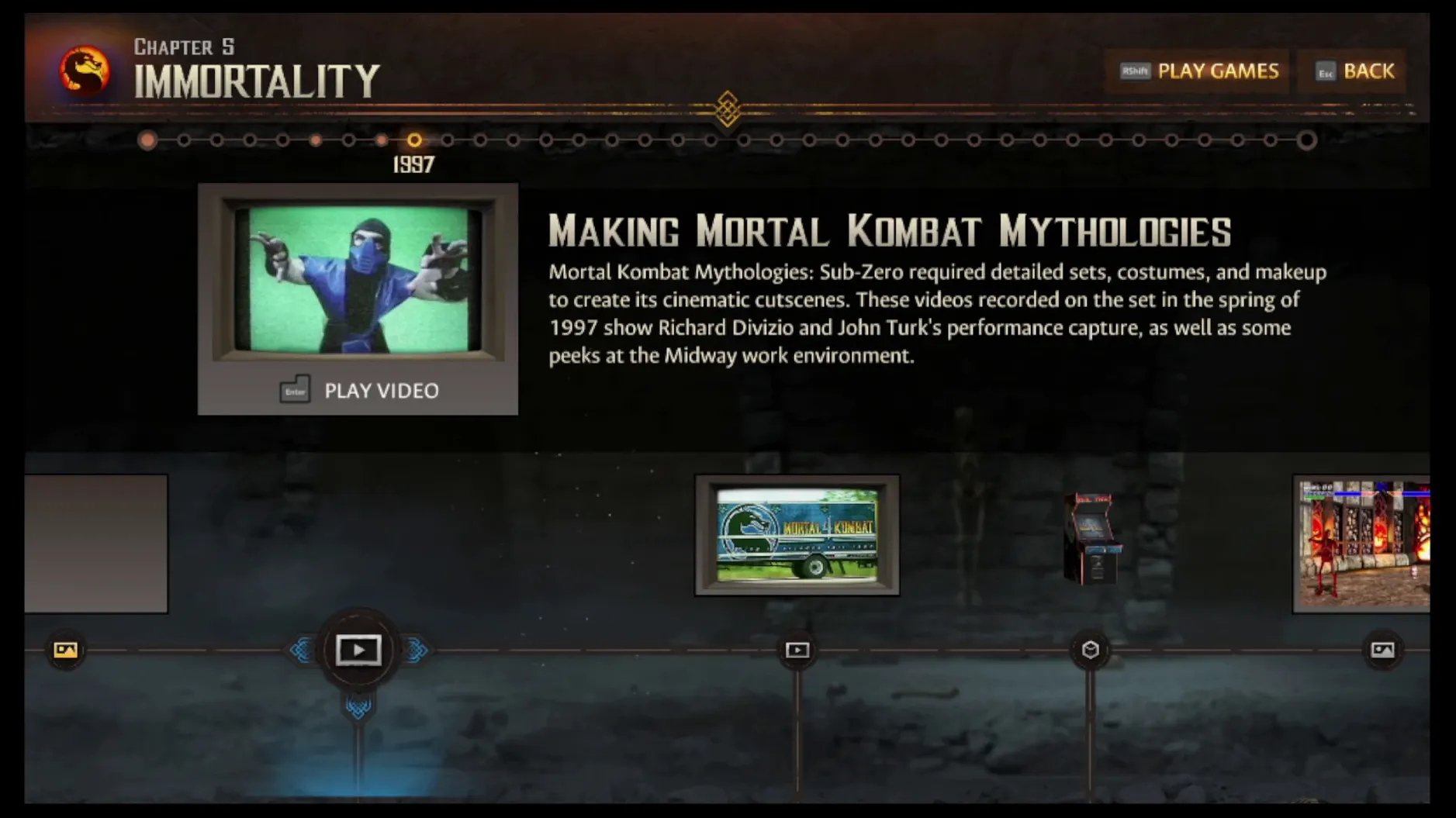
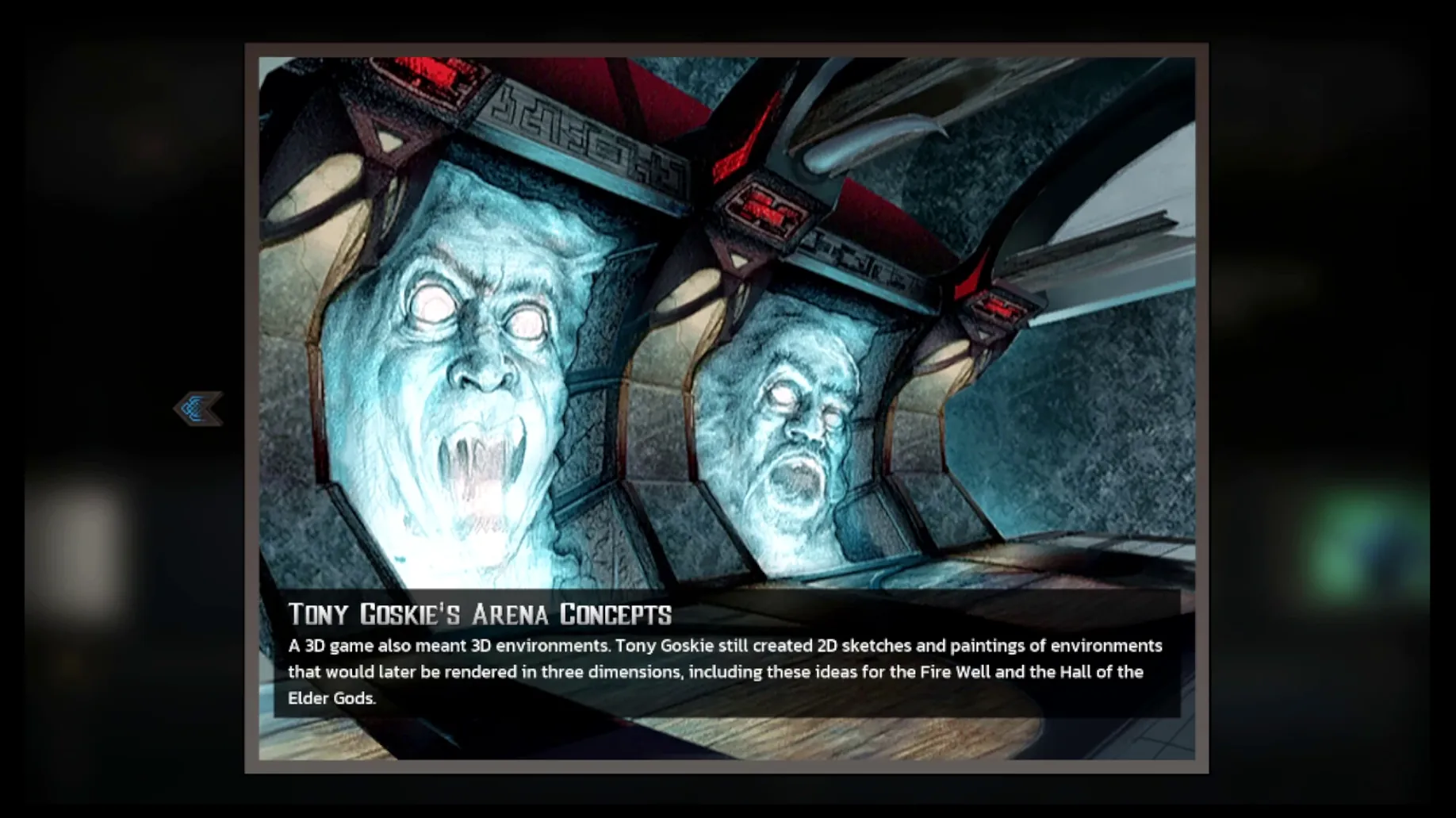
Three main games form the spine of this collection, pulled from the series' earliest, most chaotic period. You also get a documentary layer of interviews with Ed Boon, John Tobias, John Vogel and Dan Forden, character histories, and a stash of old marketing materials and concept art.
Pick a fighter, learn specials, and climb a 2D ladder
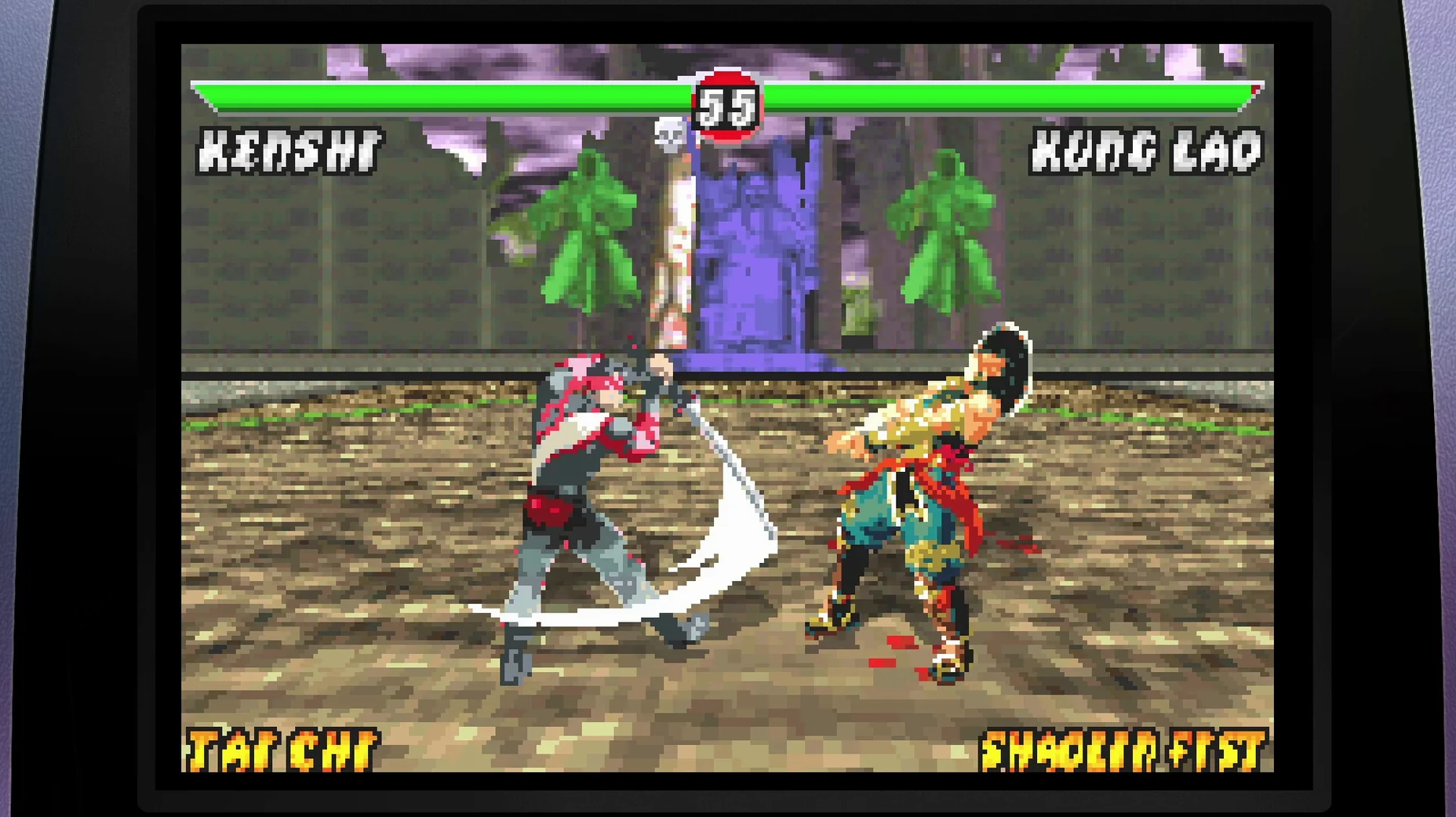
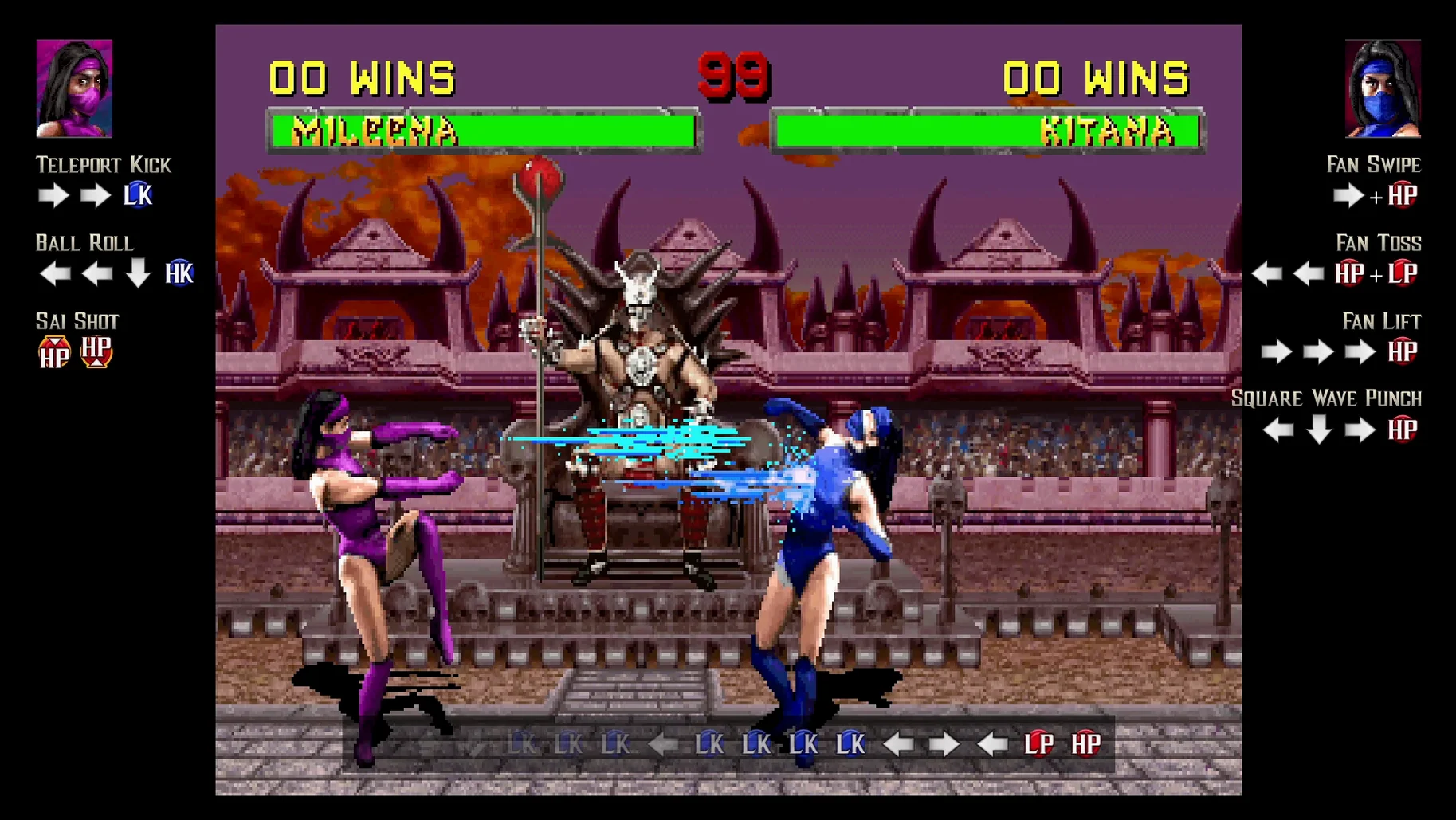
Pick a fighter, learn their specials, and work through a ladder of opponents. Movement is strictly 2D, with high and low punches and kicks, a block button, and limb-specific damage that shows on the character sprites. The flow is a mix of poking, baiting a whiffed move, and punishing with a dial-a-combo or a fatality input.
What's in the documentary section?
It's less a timeline and more a scrapbook. You can watch raw interview reels with the original team, flip through early character sketches, and read short notes on how each fighter's story changed between revisions. The marketing vault is exactly what it sounds like: old print ads and behind-the-scenes video clips.
Progress lives in a local Wineskin folder; iCloud won’t sync it
Progress writes to a folder inside the app's SharedSupport prefix, under AppData/Roaming/Mortal Kombat Legacy Kollection. It's a standard Wineskin arrangement, so don't count on iCloud syncing — it stays local to your Mac.
What's the performance like?
Tested on macOS Tahoe and a 2024 Mac mini M4, the games run at full speed. Input timing feels correct for the era, with no added frame delay that gets in the way of command inputs.
Playing through the original arcade ladder
Start with Mortal Kombat (1992). Pick Scorpion or Sub-Zero if you want a straightforward moveset while you settle in. The CPU reacts to your distance, so walk forward until you're just outside sweep range, then tap high punch. If they block, take a step back and throw a spear or freeze ball.
The Endurance matches at fights 4 and 5 will trip you up. Two opponents tag in and out with a shared health bar. Let the first one walk into a jump kick, then throw them away — don't let them corner you. By the time you reach Goro, you'll have a feel for when the AI drops its guard after a whiffed uppercut. Punish that window with your best combo string. Shang Tsung morphs through several fighters; just treat each form like its own character and stay patient.
It opened in Russian—switch the language before you play
Wrong input language on first launch. The game defaults to Russian on some installs. Head into Settings from the main menu, find the language option, and switch to English before you do anything else.
Sticky diagonal inputs. If quarter-circle specials keep turning into crouching punches, your keyboard or pad might be sending d-pad signals too fast. Turn off controller hotplug support in the game's menu if you're on a fight stick, or remap specials to button combinations.
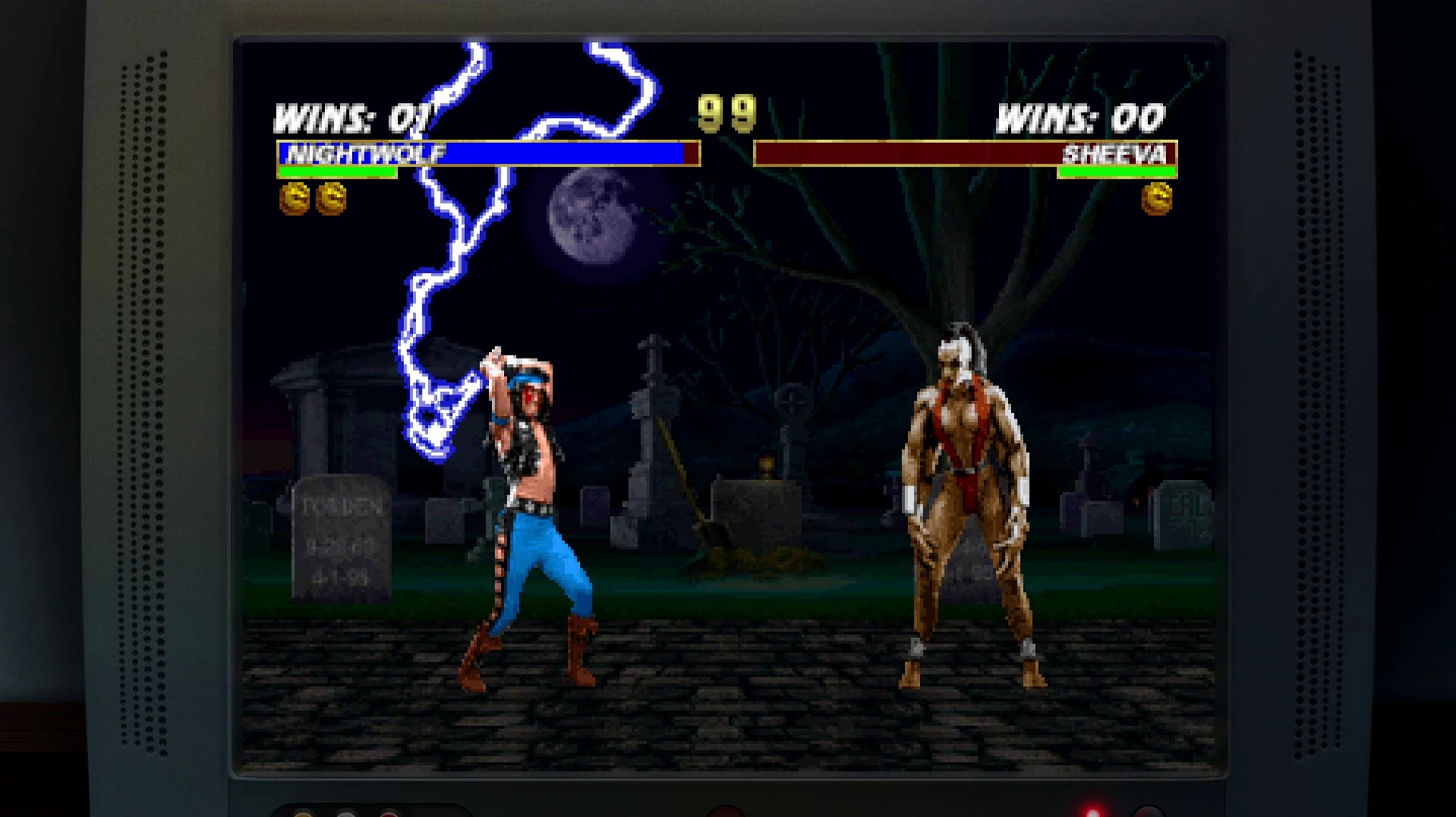
Hidden characters not showing up. Reptile's fight conditions in the first game are famously fiddly. You need a double flawless victory and a fatality on the Pit stage, with a silhouette flying past the moon — and sometimes the Wineskin wrapper skips that background flash. If it feels bugged, try lowering the resolution in the wrapper's Screen Options before restarting the match.
Audio crackle in documentary clips. A few interview reels stutter on first playback. Pause the video, wait three seconds, then resume — the Wineskin audio buffer usually catches up.
Requirements
- Apple Silicon Mac
- macOS Tahoe (tested)
- Languages: English, German, Spanish, Italian, Portuguese, French
FAQ
Which platforms did this collection originally release on?
The official FAQ lists a digital release on 2025-10-30 for Nintendo Switch, Switch 2, PlayStation 4, PlayStation 5, Xbox One, and Xbox Series X|S.
Comments 0
Sign in or create an account to leave a comment.
No comments yet…
If you’ve installed it, say how it went. Mention your Mac and macOS version — it helps the next person more than you’d think.