Metro 2033 Redux for macOS
Description
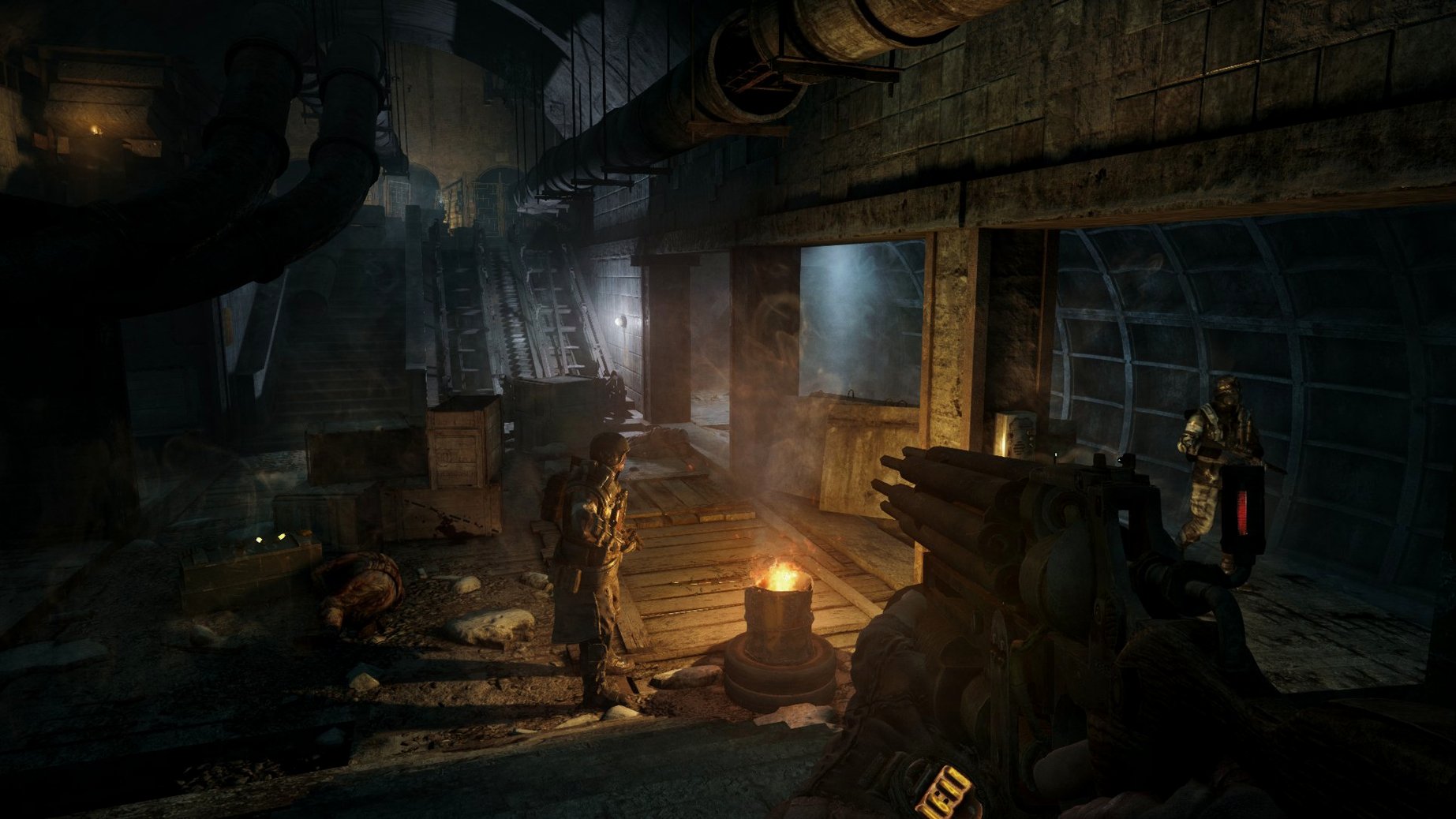
You step off a railcart into a dark tunnel, rifle raised, listening for skittering claws beyond the lamp light. That moment of quiet before a nosalis charges is what Metro 2033 Redux delivers from start to finish.
| Fact | Detail |
|---|---|
| Developer | 4A Games |
| Build | 1.0 fix (64-bit x86) |
| Story | Artyom's journey through metro and surface Moscow |
| Text languages | Russian, English, German, Spanish, Italian, Dutch, Polish, Ukrainian, French, Czech |
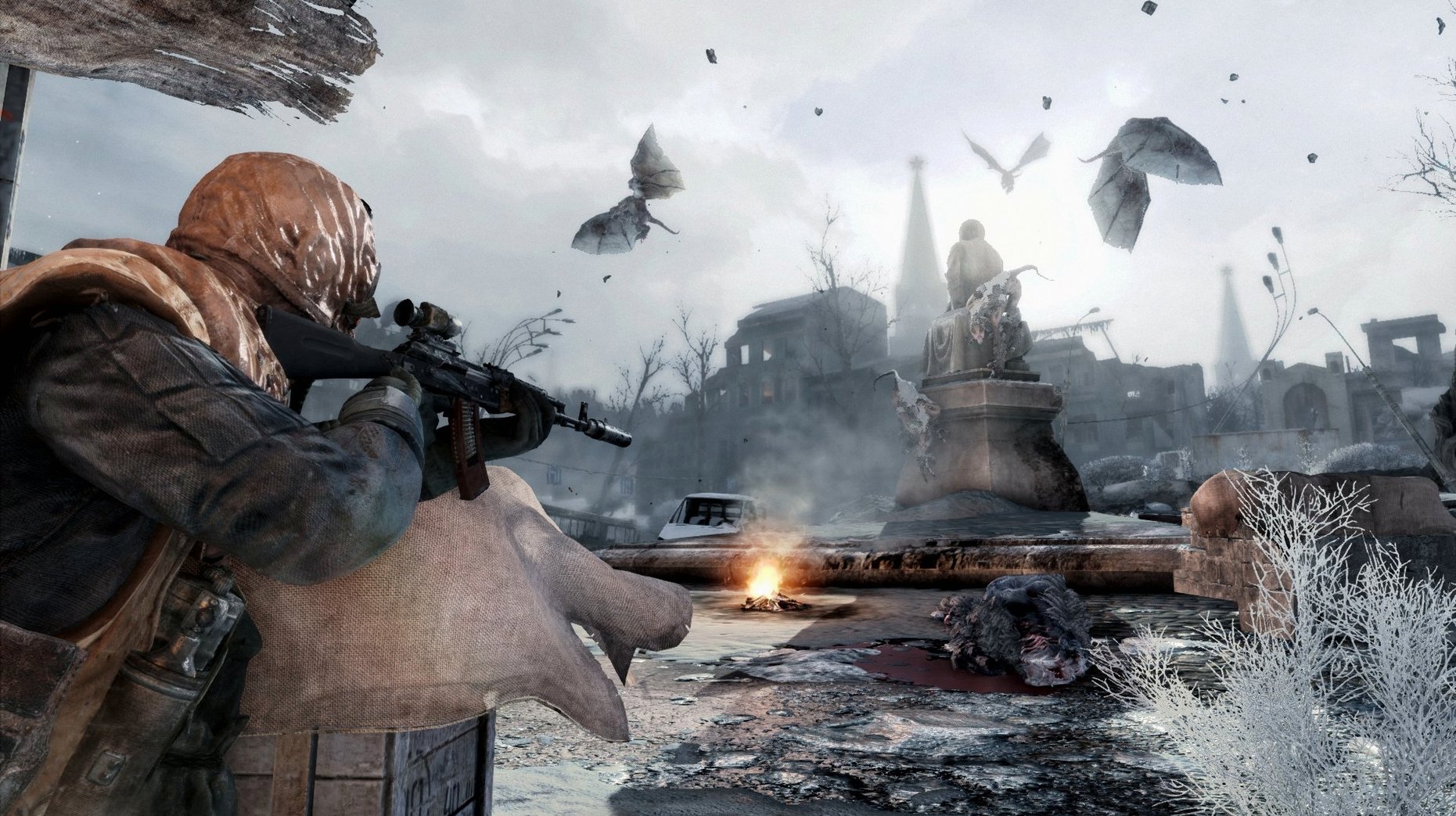
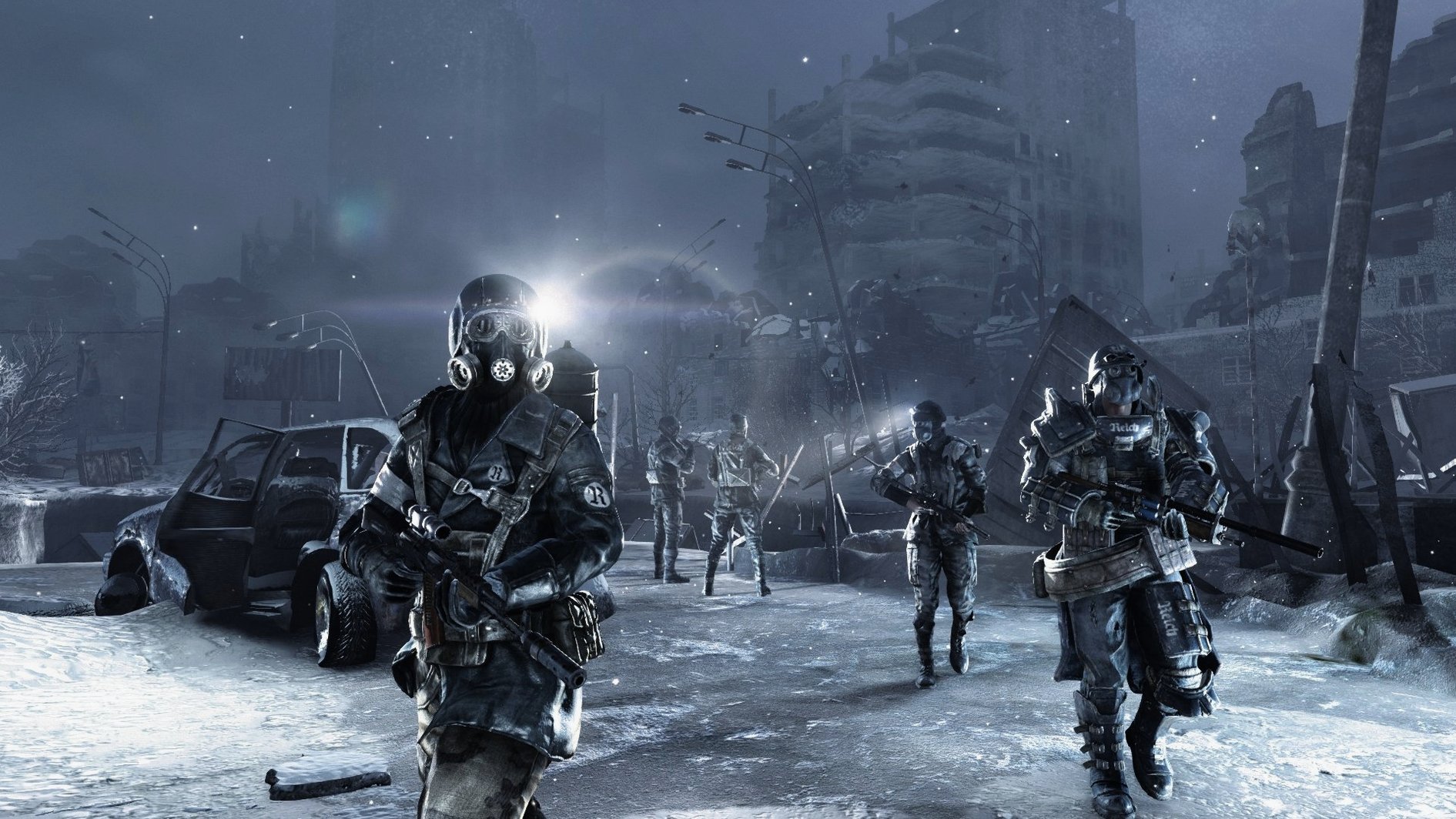
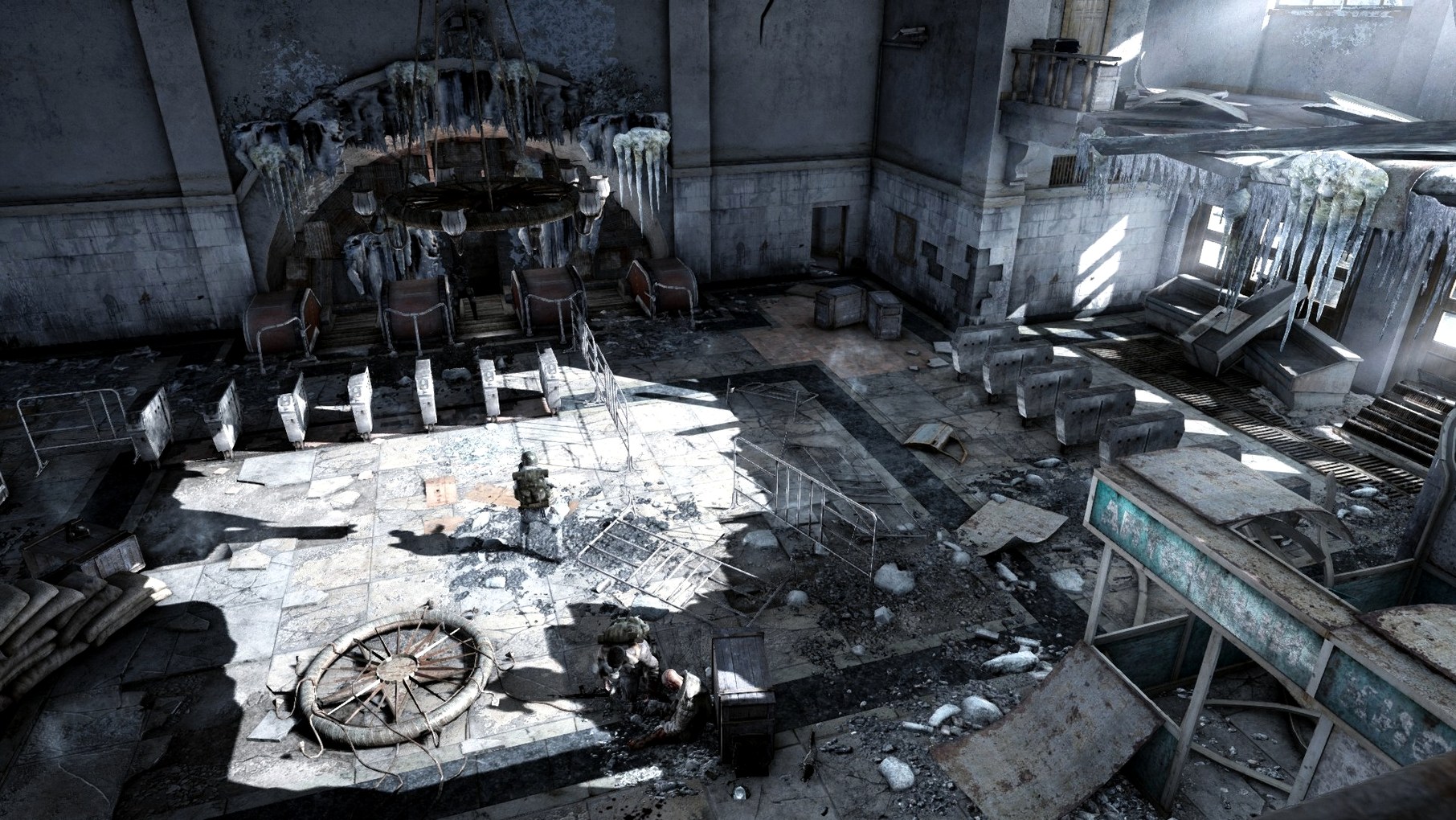
This redux rebuilds the original on the 4A Engine, pulling in gameplay improvements from Metro: Last Light. Expect tighter weapon handling, smarter AI, cleaner interfaces, and reworked animation. The atmosphere is the star — flickering torchlight, dripping tunnels, and sudden weather shifts on the frozen surface. Between firefights you scavenge for filters, manage ammunition, and decide whether to shoot or slip past. It mixes survival-horror, exploration, tactical shooting, and patient stealth in equal measure.
Black screen on launch? Turn off Steam Overlay
The Redux port runs well on Apple Silicon via Rosetta 2, but a few things trip people up. If the game launches to a black screen, force-quit and disable Steam Overlay in the in-game options — the overlay and some macOS graphics stacks don't get along. On M1 and M2 Macs, the fans rarely spin up, but if you get stutter in the Dead City surface sections, drop shadow quality to Medium. That one setting accounts for most frame-time spikes.
A less obvious one: the game sometimes ignores your display's native resolution after the first launch. Hold the Option key while clicking Play in Steam, then pick a resolution manually from the launcher window — that sticks. If mouse input feels sluggish, turn off VSync in the graphics menu and enable it in macOS Display settings instead. The built-in VSync adds noticeable input lag on some panels.
One more. The gas mask filter timer can confuse new players. Artyom doesn't change filters automatically — you swap them manually with a button prompt when the watch beeps. Running out of filters mid-surface is a death sentence, so scavenge every corpse and corner on the surface maps before heading to the next objective.
Subtitles off by default, FOV buried in Game Options
- Subtitles — off by default. Turn them on unless you speak Russian fluently. The English VO is solid, but the Russian track fits the setting better, and subs bridge the gap.
- FOV slider — tucked in Game Options. Bump it to 65–70. The default feels claustrophobic, and not in the atmospheric way the developers intended.
- Difficulty — start on Normal. Ranger modes sound tempting (no HUD, scarce ammo) but they hide button prompts you'll need while learning the gas-mask and weapon-charging systems.
- Motion blur — disable it. It softens the lighting work the 4A Engine does best, and in dark tunnels it just makes shapes harder to read.
- Mouse smoothing — off. The raw input feels snappier, especially when a lurker is scrambling across the ceiling pipes.
Sunday evening on Frontline: one hour on the kitchen table
Sunday evening. You've got an hour before dinner and a save file halfway through the Frontline level. The MacBook Air is on the kitchen table, mouse plugged in.
- Launch the game from Launchpad. Rosetta 2 does its thing — two seconds of black, then the 4A Games logo.
- The main menu loads. You click Continue. Artyom crouches behind a sandbag barrier, Reds patrolling ahead. The dynamic music hasn't kicked in yet — just the hum of a generator and distant radio chatter.
- You check your gear: six shotgun shells, a throwing knife, half a filter. The watch shows twelve minutes of clean air — enough if you don't dawdle. You unscrew the suppressor from your revolver.
- Two guards ahead. You wait for the patrol loop to split, knife the one by the oil drum, then headshot the second before he can shout. The stealth in this engine rewards patience; the AI won't instantly know where you are if you stay in shadow.
- You move through a side tunnel, loot a dead soldier for military-grade rounds, and swap your shotgun for a Kalash. The interface is quick — hold Tab, drag the weapon into a slot, done.
- A surface hatch. You crank the wheel. The screen whites out as Artyom climbs into frozen Moscow. The gas mask fogs at the edges. The watch beeps — six minutes left. You swap to a fresh filter and push toward the ruined library.
- Forty minutes in, you reach a safe-haven station. You quit to the main menu — the game auto-saves — and shut the lid. Dinner's ready, and the tunnels will still be there tomorrow.
What’s new
Rebuilt on the 4A Engine. Adds updated graphics, lighting, physics and weather. Incorporates gameplay improvements from Metro: Last Light — AI, interface, animation and weapon handling changes.
Requirements
- macOS 10.9.5 Mavericks or newer
- 3.2 GHz Intel Core i5 processor (minimum)
- 8 GB memory (minimum)
- Radeon HD7950 3 GB or NVIDIA GeForce GTX 750m 1 GB graphics (minimum)
FAQ
What gameplay styles does Metro 2033 Redux support?
The game blends survival-horror, exploration, tactical combat, and stealth. You can often choose between a direct fight or sneaking past enemies.
Is this the same story as the original Metro 2033?
Yes, it follows Artyom's journey through the Moscow metro and up to the ruined surface, now running on the improved 4A Engine.
Comments 0
Sign in or create an account to leave a comment.
No comments yet…
If you’ve installed it, say how it went. Mention your Mac and macOS version — it helps the next person more than you’d think.