

Adobe Lightroom CC for macOS
Description
If you know Lightroom Classic, think of this as its thinner, always-connected sibling. Where Classic builds a local catalogue on your drive, CC pushes everything — originals, edits, keywords — to the cloud. That means you pick up the same library on an iPad at a shoot or a phone on the train without shuffling memory cards.
Burn adjustments into zones with the brush and filters
- Selective editing that goes beyond sliders. The brush, gradient and radial filter tools let you burn adjustments into specific zones without touching the rest of the frame.
- Stitching panoramas and merging HDR stacks. Both happen automatically, keeping the raw flexibility after the merge.
- Finding old shots fast. Auto-tagging recognises landscapes, portraits and animals; combine that with your own keywords and the search feels like a private stock library.
You need a steady connection for full sync
- It lives in a browser-shaped world. Integration with Adobe Portfolio is handy, but you need a steady connection for the full sync. Offline work is limited to what you mark as local.
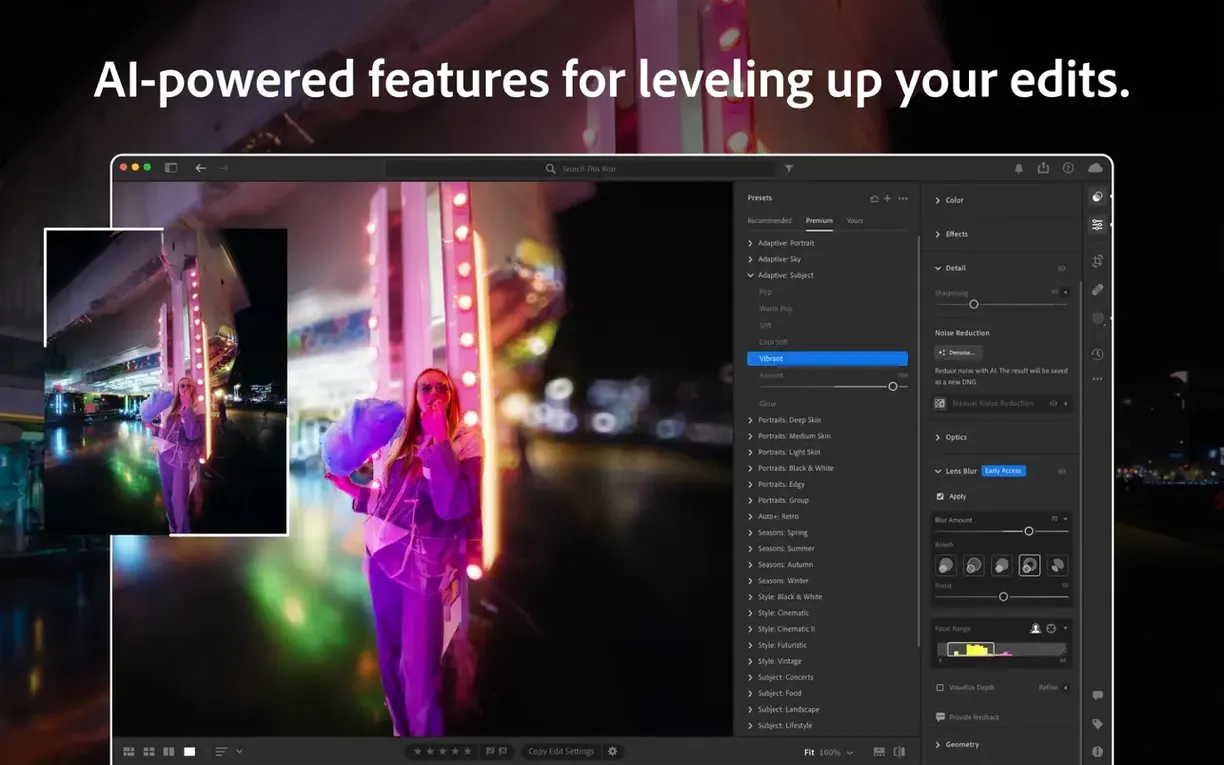
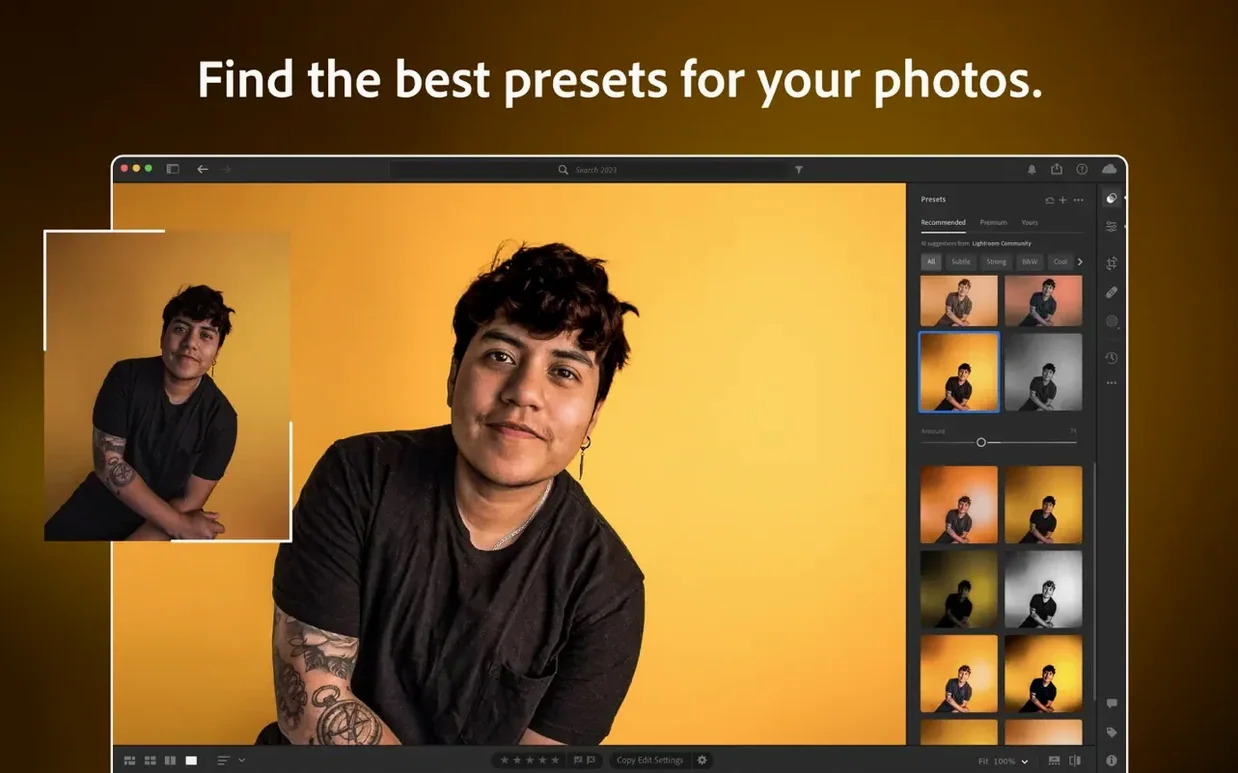
- Presets are plenty and custom ones work well, but a multicore Intel or Apple silicon chip is non-negotiable — this isn't a lightweight app for an old machine.
This is not the same Lightroom from ten years ago
Is this the same as the Lightroom I used ten years ago? No. That one is now called Lightroom Classic. CC is a different animal — same raw engine under the hood, but built around cloud sync rather than a local catalogue. If you want folders on your hard drive you can browse in Finder, Classic is the one. CC assumes you want your library available everywhere, which is great until you hit a patchy Wi-Fi connection.
Does it eat my raw files? Only the originals you choose to upload. It stores full-resolution copies in the cloud, but you can mark a collection as local if you need offline access. The desktop app keeps smart previews by default, which are small enough that a 256 GB Mac won't break a sweat.
Can I still open a shot in Photoshop? Yes. The integration is a right-click away — "Edit in Photoshop" sends a TIFF or PSD across, and the round-tripped version lands back in your CC library. Just don't expect the two apps to share the same undo history.
A preset is a starting point, not a finish
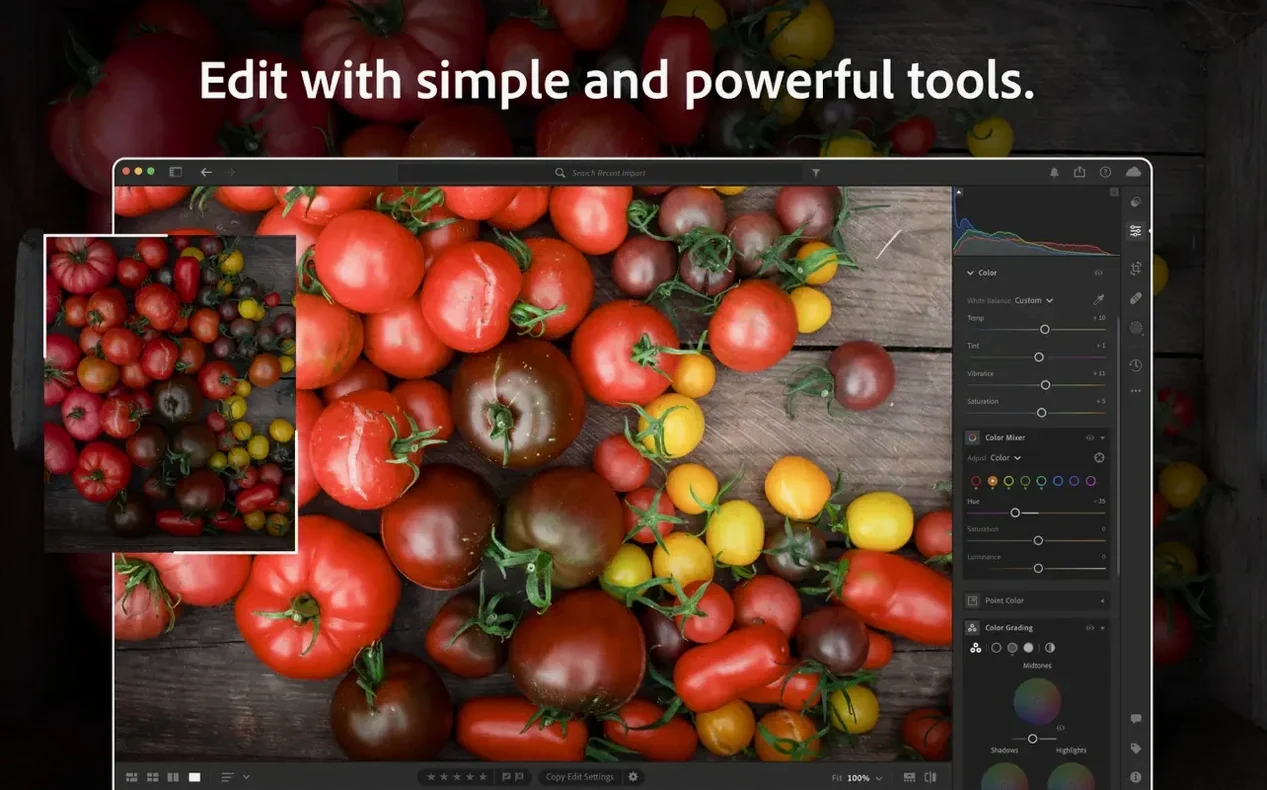
- Applying a preset and walking away. A preset is a starting point, not a finish. The tone curve and HSL panel are there because every photo's light is different. Sliding a preset's exposure back by half a stop often fixes what the preset broke.
- Ignoring the feather and edge controls in masking. Version 9.5 added proper feathering to masks, so a radial filter no longer cuts off like a spotlight on a stage. Beginners tend to leave the edge too hard, which makes local adjustments look pasted on.
- Syncing everything over a mobile hotspot. The app will happily try. Mark large shoots as local-only before you leave the studio, or you'll be watching a progress bar in a café while your battery drains.
What’s new
- Adds Generative Expand for extending image edges.
- Adds Feather and Edge controls to masking.
- Adds support for newer GoPro bodies and lenses from GoPro, Laowa, and SIGMA.
Requirements
- macOS 14 Sonoma or later
- Multicore Intel with 64-bit support, or Apple silicon
- 8 GB RAM
- 10 GB available hard disk space
- Internet connection for activation and cloud services
Comments 0
Sign in or create an account to leave a comment.
No comments yet…
If you’ve installed it, say how it went. Mention your Mac and macOS version — it helps the next person more than you’d think.
More in Mac Apps
All in Mac Apps-
 Adobe InDesign
21.6.0
Apple Silicon
Adobe InDesign
21.6.0
Apple Silicon
-
 Adobe Lightroom Classic
15.6.0
Apple Silicon
Adobe Lightroom Classic
15.6.0
Apple Silicon
-
 Adobe Illustrator
30.8.2
Apple Silicon
Adobe Illustrator
30.8.2
Apple Silicon
-
 Adobe Media Encoder
26.5.0
Apple Silicon
Adobe Media Encoder
26.5.0
Apple Silicon
-
 Adobe Dreamweaver
21.8.0
Apple Silicon
Adobe Dreamweaver
21.8.0
Apple Silicon
-
 Adobe Photoshop
27.11
Apple Silicon
Adobe Photoshop
27.11
Apple Silicon
-
 Adobe Premiere Pro
26.5.2
Apple Silicon
Adobe Premiere Pro
26.5.2
Apple Silicon
-
 Adobe Bridge
16.0.8
Apple Silicon
Adobe Bridge
16.0.8
Apple Silicon