

Adobe InDesign for macOS


Description
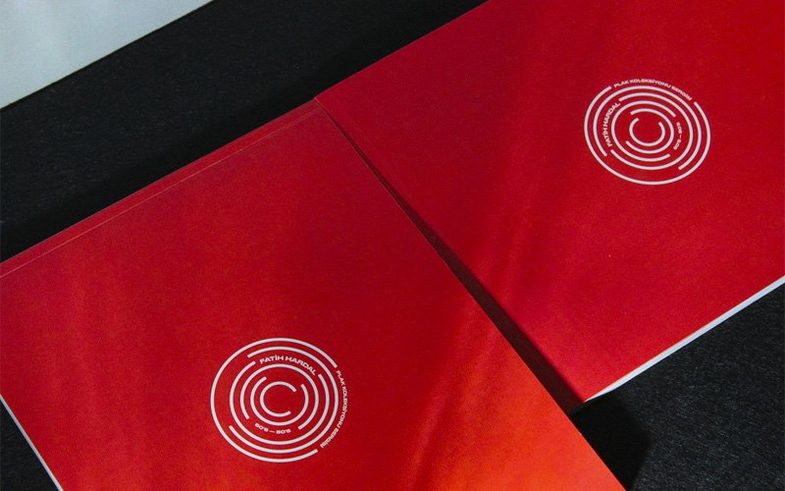
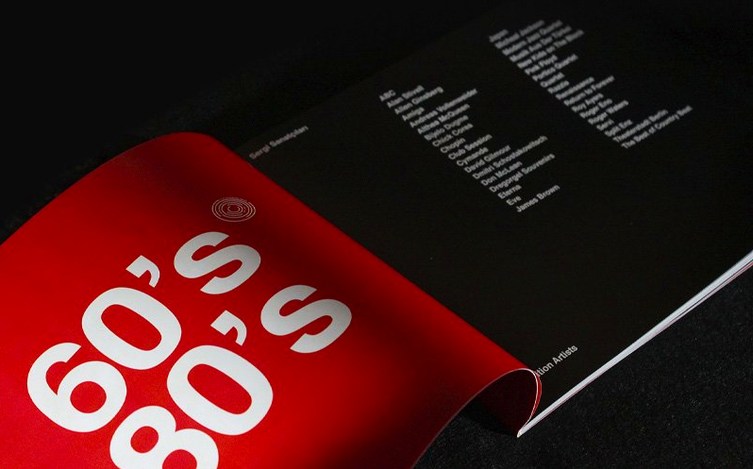
If you know Photoshop for images and Illustrator for vectors, InDesign is where you assemble the lot into pages. It is the frame that holds the graphics, the text, and the white space — ready for a print run, a PDF, or a tablet edition.
macOS Ventura and Apple silicon required
InDesign 21.5.1 needs macOS 13 Ventura or later. It runs natively on Apple silicon and Intel 64-bit Macs. Set aside 4.5 GB of disk space for the install and have at least 8 GB of RAM. The GPU side wants Metal support for reasonable redraw speed, but it will open without it.
What people actually use it for
Multi-page documents that cannot fall apart when they hit the printer. Brochures, annual reports, magazines, and book interiors. You work with master pages, threaded text frames, and paragraph styles that stay consistent across 300 pages. The same file can adapt to a web layout or a tablet app view. Collaboration is built in — you share a document, colleagues leave comments, and you resolve them without email ping-pong. The latest release also lets you add local files as cloud documents, so working across two machines is less of a chore.
Fix pink-highlighted missing fonts
Most trouble starts with missing fonts. You open a file someone else built and every heading is pink-highlighted. Open Type > Find/Replace Font, see what is called for, then activate the font or pick a stand-in. Do not just click through — the layout will shift.
Linked images going blank is next. If you moved the source file or renamed the folder, InDesign loses the thread. Open the Links panel, spot any red question mark, and relink it. A habit worth forming: package the job (File > Package) before you archive it or send it to a printer. That one step gathers all images and fonts into a single folder.
Slow performance on a large book file usually means Display Performance is set to High Quality. Switch it to Typical Display in the View menu. You still export at full resolution, but the screen redraw stops fighting you on every scroll. Also check that you are not running live Preflight on a 400-page document while editing — pause it until you are ready to check.
PDF export failing with obscure errors often traces back to a single corrupt image or a font with restrictive embedding permissions. Export a few pages at a time to isolate the culprit. If a font refuses to embed, outline it on a duplicate copy of the file, never on the working source.
One style tweak ripples through every chapter
People who wrestle with long, structured documents. Book designers, typesetters, and production artists live here because paragraph styles, character styles, and master pages do the heavy lifting. One style tweak ripples through every chapter heading in seconds. If your work involves more than sixteen pages that need to look consistent, InDesign is your tool. Illustrator can fake a few pages. It cannot fake a book.
Magazine and newspaper layout folk lean on the threaded text frames and the gap tool. Dragging a gap between two frames resizes both in one motion — a small thing that saves hundreds of micro-adjustments per issue. Editors who review layouts rather than build them benefit from the commenting tools; they can mark up a spread without touching a single frame.
Designers who produce EPUB or accessible PDF output gain from the recent table accessibility improvements and the bulk Alt Text generation. Tagging a 200-image catalogue by hand was a slow Tuesday. Now you select the lot and let the machine have a first pass. You still review the results, but the grunt work is cut down.
Swap generic units for your print workflow
The defaults are built for a generic user who does not exist. Change these straight away.
- Units & Increments (Preferences > Units). Set horizontal and vertical to millimetres or points depending on your print workflow. Nobody laying out a book thinks in inches.
- Baseline Grid (Preferences > Grids). Set the increment to match your body text leading. If the grid does not align, you will fight it on every page.
- Display Performance (View menu). Default is High Quality. Drop it to Typical. Your fans will spin less.
- Type > Smart Text Reflow. Turn it on if you add or cut copy often. It adds or removes pages automatically so text does not vanish into overset.
- Keyboard Shortcuts. 21.5.1 added a search box in the Shortcuts dialog. Use it. Find the command you keep menu-diving for and give it a key you will remember.
Stop drawing text frames on every page
Drawing text frames on every single page instead of using master pages. If a page number, header, or background repeats, it belongs on a master. Applying a master to thirty pages takes one drag. Fixing thirty individual frames takes thirty corrections.
Ignoring paragraph styles. Formatting text by highlighting and picking a font, size, and leading over and over is a recipe for drift. Set up a style once, apply it everywhere, and when the art director changes the body font on a Thursday afternoon you update one definition instead of three hundred text blocks.
Placing images by dragging them from the Finder. This embeds a copy at full resolution and bloats the file. Use File > Place (Cmd+D). The image stays linked, the file stays lean, and you can update the source without re-placing.
Working in RGB for a print job. A brochure that looks vivid on screen prints muddy if you do not set the document to CMYK and assign the correct profile early. Changing it at export is a gamble. Set it in File > Document Setup before you place a single image.
What’s new
InDesign 21.6.0 lands with another batch of stability fixes so your spreads behave across long working sessions.
Requirements
- macOS 13 or later
- Apple Silicon or Intel 64-bit Mac
Comments 0
Sign in or create an account to leave a comment.
No comments yet…
If you’ve installed it, say how it went. Mention your Mac and macOS version — it helps the next person more than you’d think.
More in Mac Apps
All in Mac Apps-
 Adobe Illustrator
30.8.2
Apple Silicon
Adobe Illustrator
30.8.2
Apple Silicon
-
 Adobe Lightroom CC
9.5
Apple Silicon
Adobe Lightroom CC
9.5
Apple Silicon
-
 Adobe Dreamweaver
21.8.0
Apple Silicon
Adobe Dreamweaver
21.8.0
Apple Silicon
-
 Adobe Lightroom Classic
15.6.0
Apple Silicon
Adobe Lightroom Classic
15.6.0
Apple Silicon
-
 Adobe Media Encoder
26.5.0
Apple Silicon
Adobe Media Encoder
26.5.0
Apple Silicon
-
 Adobe Bridge
16.0.8
Apple Silicon
Adobe Bridge
16.0.8
Apple Silicon
-
 Adobe Photoshop
27.11
Apple Silicon
Adobe Photoshop
27.11
Apple Silicon
-
 Adobe Audition
26.5.0
Apple Silicon
Adobe Audition
26.5.0
Apple Silicon